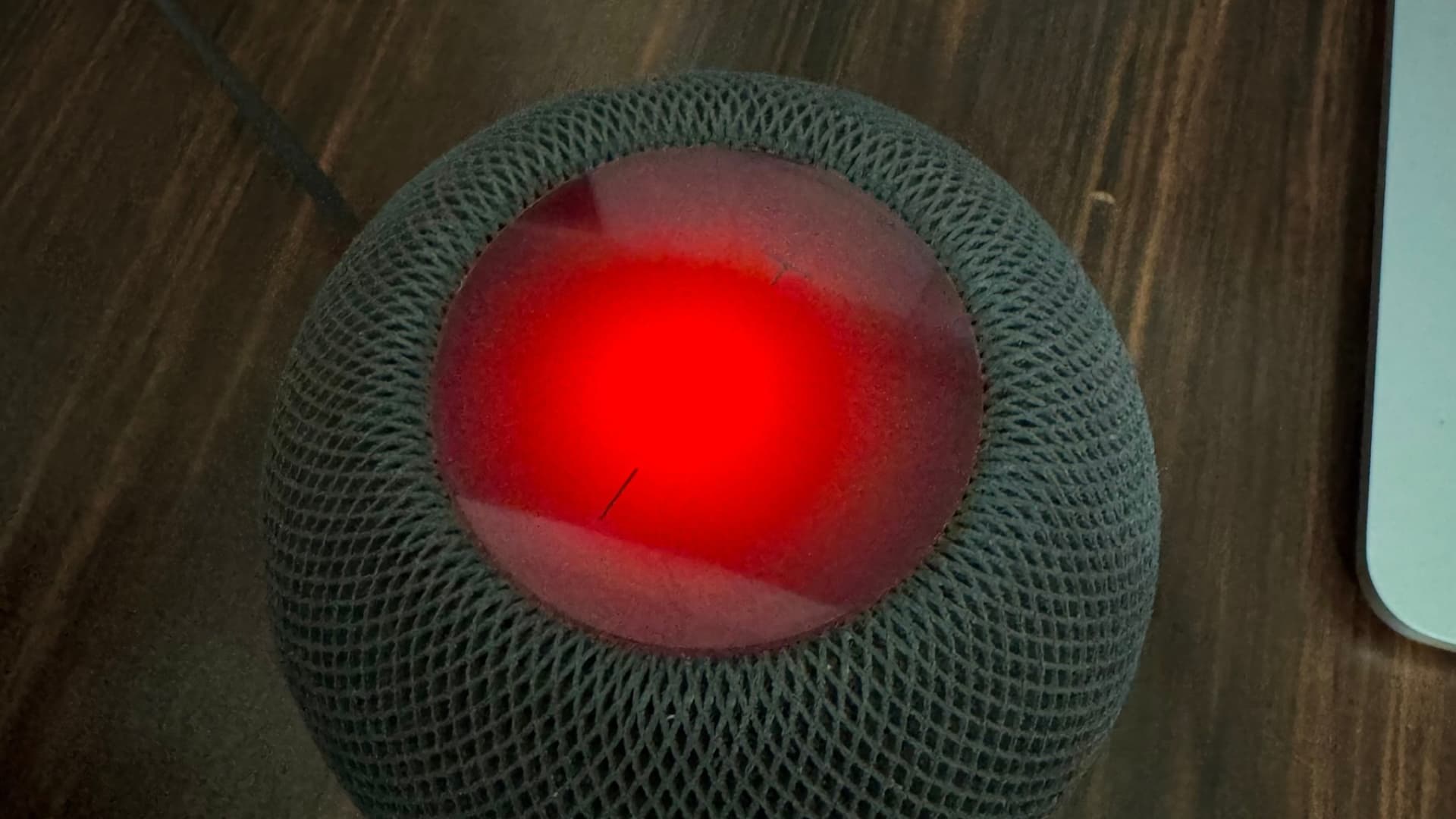
iDownloadBlog.com How to disable all touch controls on your HomePod in 27.2 作者 Ankur Thakur 2026年10月23日 00:30 Learn how to use the new Lock Controls feature on your HomePod running software 27.2 or later to stop the display from responding to touches.
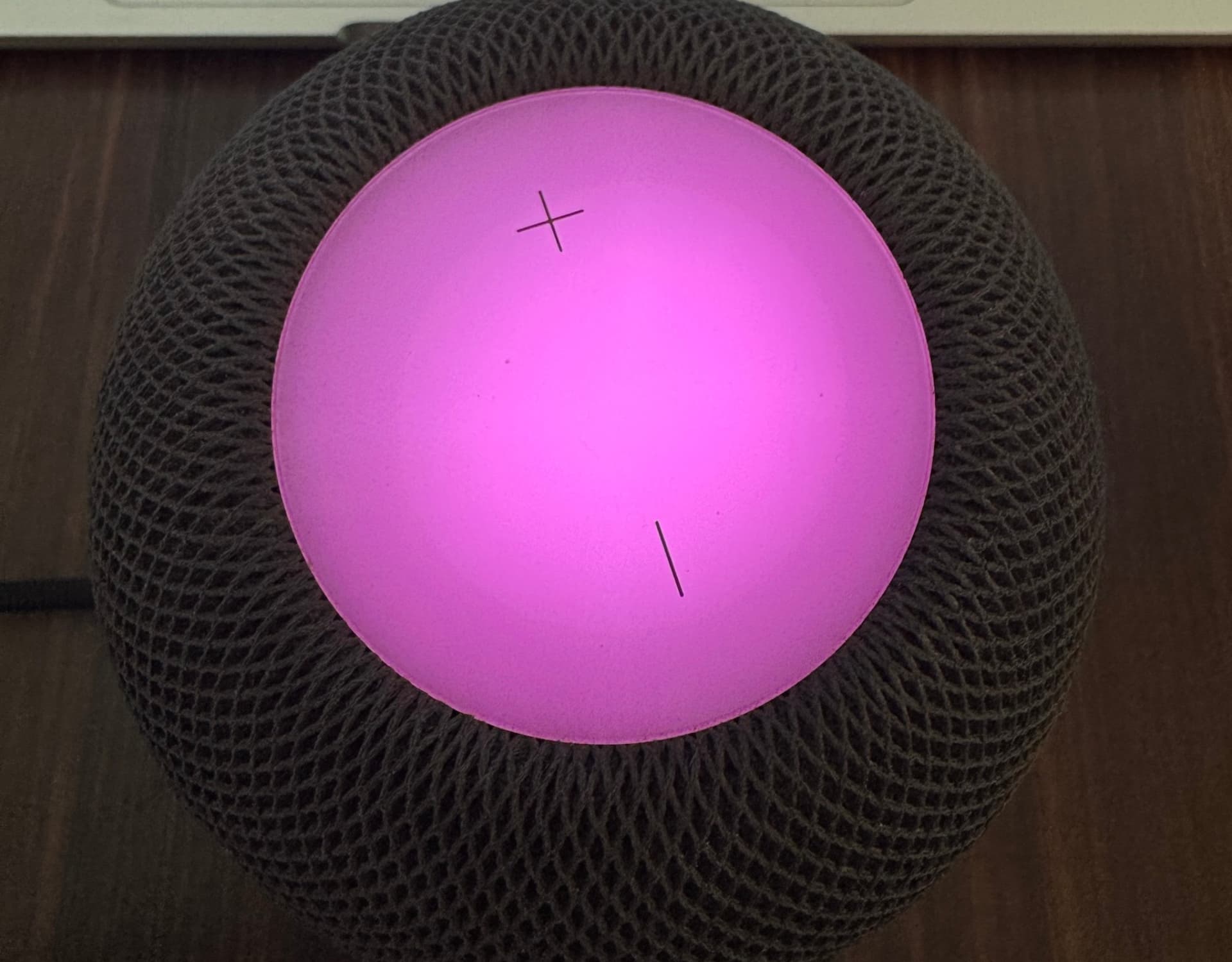
iDownloadBlog.com How to turn on the new Sound Glow feature on HomePod 作者 Ankur Thakur 2026年10月22日 00:30 In this brief tutorial, we tell you about the new Sound Glow feature added to HomePod and HomePod mini running software version 27.2.
iDownloadBlog.com Full list of devices that support Apple’s new OS 27 作者 Ankur Thakur 2026年6月11日 00:30 Find out if your iPhone, iPad, Mac, Apple Watch, and Apple TV are compatible with iOS 27, iPadOS 27, macOS 27 Golden Gate, watchOS 27, etc.
iDownloadBlog.com Apple has released the public betas of iOS 26 and its other “26” operating systems 作者 Christian Zibreg 2025年7月25日 01:16 Apple just released the public betas of iOS 26, iPadOS 26, macOS Tahoe 26, tvOS 26, HomePod software 26, watchOS 26 and AirPods firmware. These public beta versions correspond with the latest developer betas in terms of the features and...
iDownloadBlog.com Apple’s smart home hub reportedly delayed into 2026 as intelligent voice control features aren’t yet ready 作者 Anthony Bouchard 2025年7月14日 00:51 Apple's Smart Home Hub is reportedly delayed until 2026 due to several factors, including Apple Intelligence shortcomings.
iDownloadBlog.com The next Apple TV and HomePod mini should run Apple’s all-new “Proxima” chip 作者 Christian Zibreg 2025年7月8日 23:10 The next Apple TV and HomePod mini models could serve as a launchpad for Apple Proximity, an in-house designed Wi-Fi and Bluetooth combo chip.
iDownloadBlog.com iOS 26 finally brings a proper Wi-Fi network selector for the HomePod 作者 Christian Zibreg 2025年6月27日 03:30 Apple's iOS 26 software finally enables HomePod owners to select a Wi-Fi network independently of their iPhone, which wasn't possible before.
iDownloadBlog.com How to crossfade Apple Music songs on your HomePod 作者 Christian Zibreg 2025年6月26日 03:12 Learn how to turn on a crossfade option on your HomePod speaker for seamless transitions between Apple Music songs with no gaps or silence in between.
iDownloadBlog.com Apple will let anyone test AirPods beta firmware for the first time, the original HomePod joining the public beta program 作者 Christian Zibreg 2025年6月16日 19:39 The general public can test AirPods and HomePod beta firmware for the first time through the Apple Beta Software Program starting in July.
iDownloadBlog.com tvOS 26 adds Thread 1.4 for better smart home support on your Apple TV 作者 Christian Zibreg 2025年6月13日 21:40 The new tvOS 26 operating system supports the Thread 1.4 protocol on the Apple TV and HomePod for unified mesh networking in your smart home.
iDownloadBlog.com The latest HomePod and Apple TV updates bring performance and stability fixes 作者 Christian Zibreg 2025年1月29日 03:19 The tvOS 18.3 update for the Apple TV media player and the HomePod smart speaker brings performance and stability fixes but no new features.
iDownloadBlog.com Apple unleashes more AI and other new features with iOS 18.2, iPadOS 18.2, macOS Sequoia 15.2 and other software updates 作者 Christian Zibreg 2024年12月12日 02:10 Apple has brought new features with the iOS 18.2, iPadOS 18.2, macOS Sequoia 15.2, watchOS 11.2, tvOS 18.2 and HomePod software 11.2 updates.
iDownloadBlog.com How to select a preferred home hub in the Apple Home app 作者 Ankur Thakur 2024年9月28日 01:00 Learn how to set your desired Apple TV, HomePod, or HomePod mini as your preferred hub in the Home app on your iPhone, iPad, or Mac.
iDownloadBlog.com Apple releases HomePod Software 18 with with shared music control 作者 Christian Zibreg 2024年9月17日 03:15 On September 16, Apple released the new HomePod Software 18 with SharePlay-based music control, a great feature for house parties.
iDownloadBlog.com 24 tips and tricks every HomePod user should know 作者 Ankur Thakur 2024年8月24日 05:38 Check out 24 useful tips to uncover the hidden capabilities of your HomePod and make the most of your Siri smart speaker.
iDownloadBlog.com How to connect your HomePod to a different Wi-Fi network 作者 Ankur Thakur 2024年8月9日 02:30 Learn how to change the Wi-Fi for your HomePod or HomePod mini and connect it to a different Wi-Fi network or Personal Hotspot.
iDownloadBlog.com iOS 18 allows your friends to control Apple Music playback on your HomePod or Apple TV with permission, even remotely 作者 Christian Zibreg 2024年7月16日 03:15 Apple's SharePlay feature in iOS 18 enables other people to control music playback on your HomePod or Apple TV from their iPhone or iPad.
iDownloadBlog.com HomePod mini in Midnight looks virtually identical to the previous Space Gray color, so why the change? 作者 Christian Zibreg 2024年7月15日 23:15 Apple is now offering its Siri-powered HomePod mini speaker in a new color option dubbed Midnight, bringing consistency to the lineup.
iDownloadBlog.com The hidden touchscreen interface in tvOS 18 hints at a future HomePod with a screen 作者 Christian Zibreg 2024年7月10日 02:15 A hidden touchscreen interface called PlasterBoard, likely for a future HomePod with a built-in screen, has been found in the tvOS 18 code.
 登录