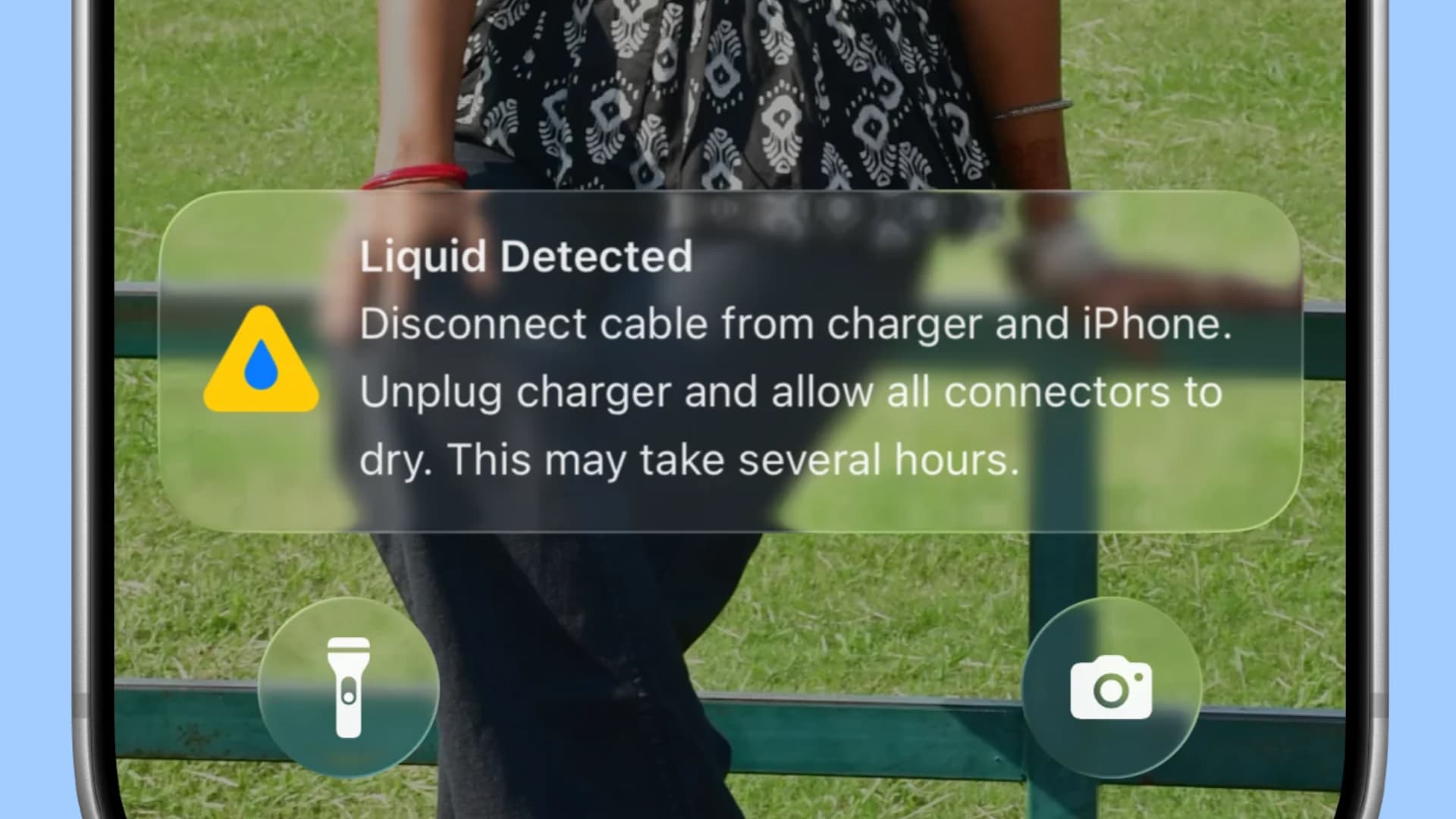
iDownloadBlog.com Fix Liquid Detected in iPhone charge port issue 作者 Ankur Thakur 2026年10月31日 00:30 Learn what to do if you plug your iPhone into the charger but get a “Liquid Detected” alert on the screen and the device doesn’t charge.
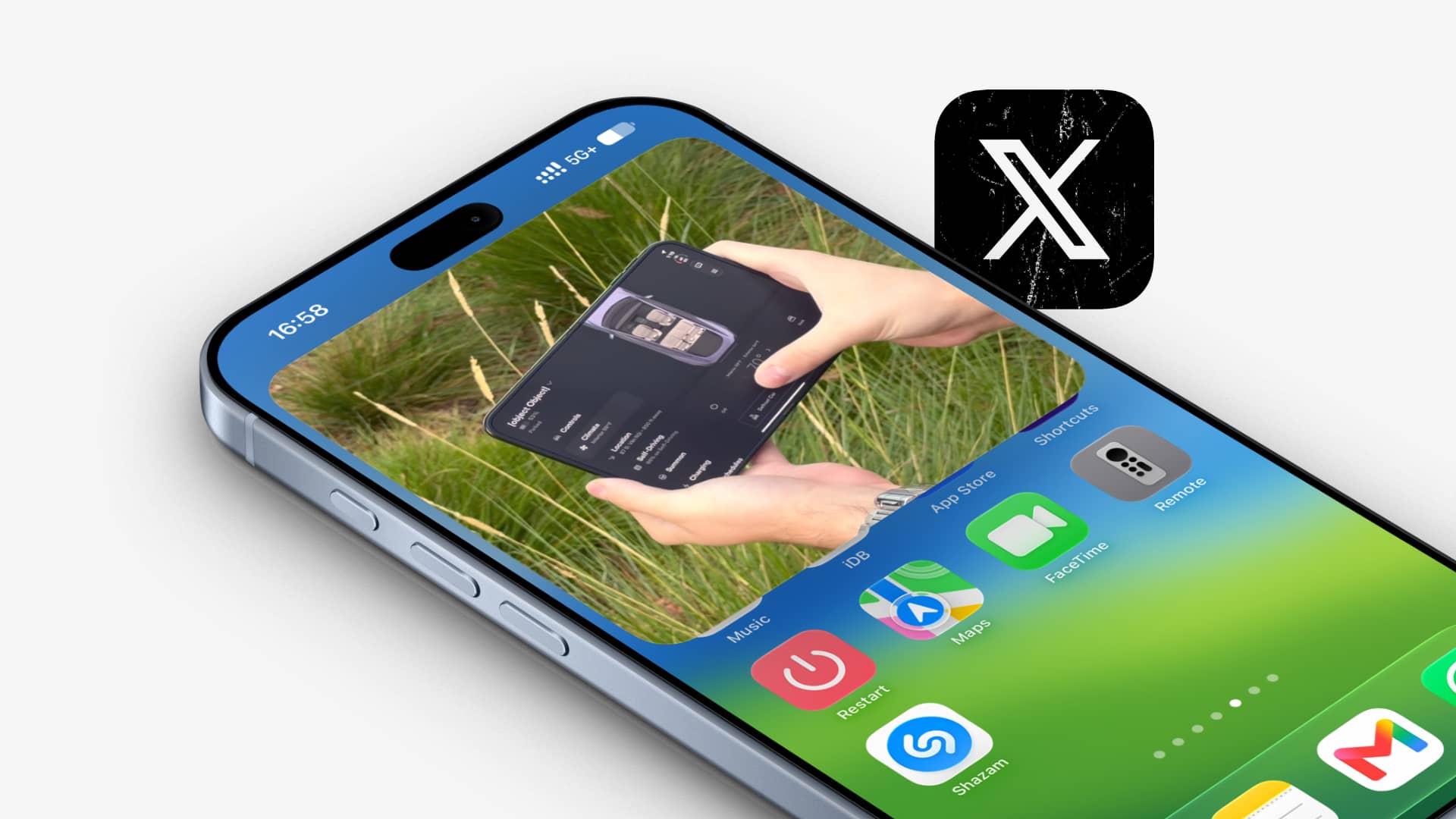
iDownloadBlog.com How to stop X app videos from playing in background on iPhone 作者 Ankur Thakur 2026年10月30日 00:30 Learn when the X app (formerly Twitter) starts playing videos in Picture in Picture on your iPhone and how you can stop that from happening.
iDownloadBlog.com How to shuffle all Apple TV screen savers in tvOS 27.2 作者 Ankur Thakur 2026年10月29日 00:30 Learn how to set your Apple TV to automatically shuffle through different screensavers in tvOS 27.2 instead of rotating through the same kind.
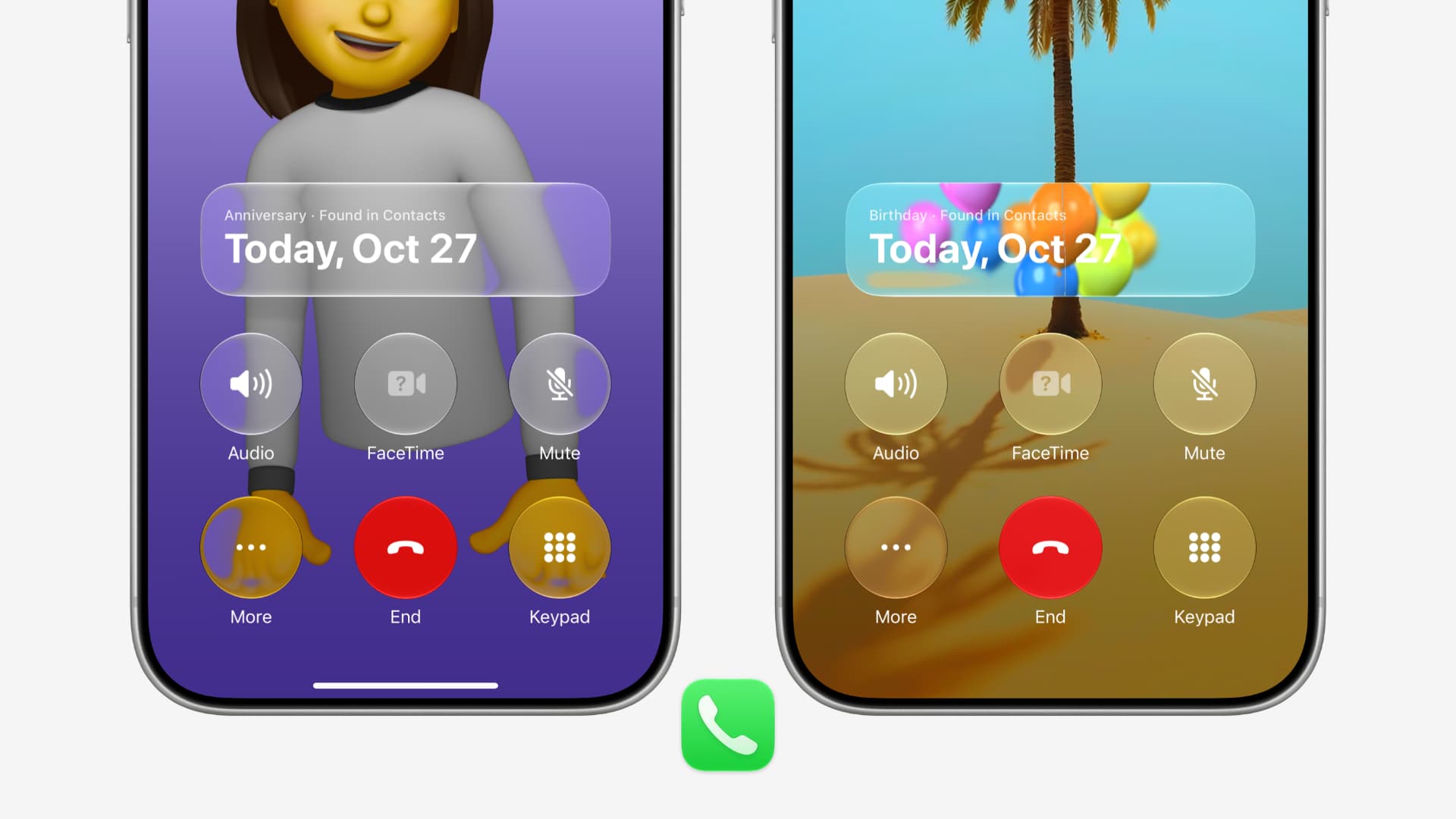
iDownloadBlog.com How to get birthday and anniversary reminder when on call in iOS 27 作者 Ankur Thakur 2026年10月28日 00:30 Use the new Call Context feature on iPhone in iOS 27 that reminds you of the birthday or anniversary of the person you are talking to.
iDownloadBlog.com How to enable sign language support for Apple TV 作者 Ankur Thakur 2026年10月24日 00:30 Learn how to enable American Sign Language (ASL) or British Sign Language (BSL) support for shows and movies in the Apple TV app.
iDownloadBlog.com How to disable all touch controls on your HomePod in 27.2 作者 Ankur Thakur 2026年10月23日 00:30 Learn how to use the new Lock Controls feature on your HomePod running software 27.2 or later to stop the display from responding to touches.
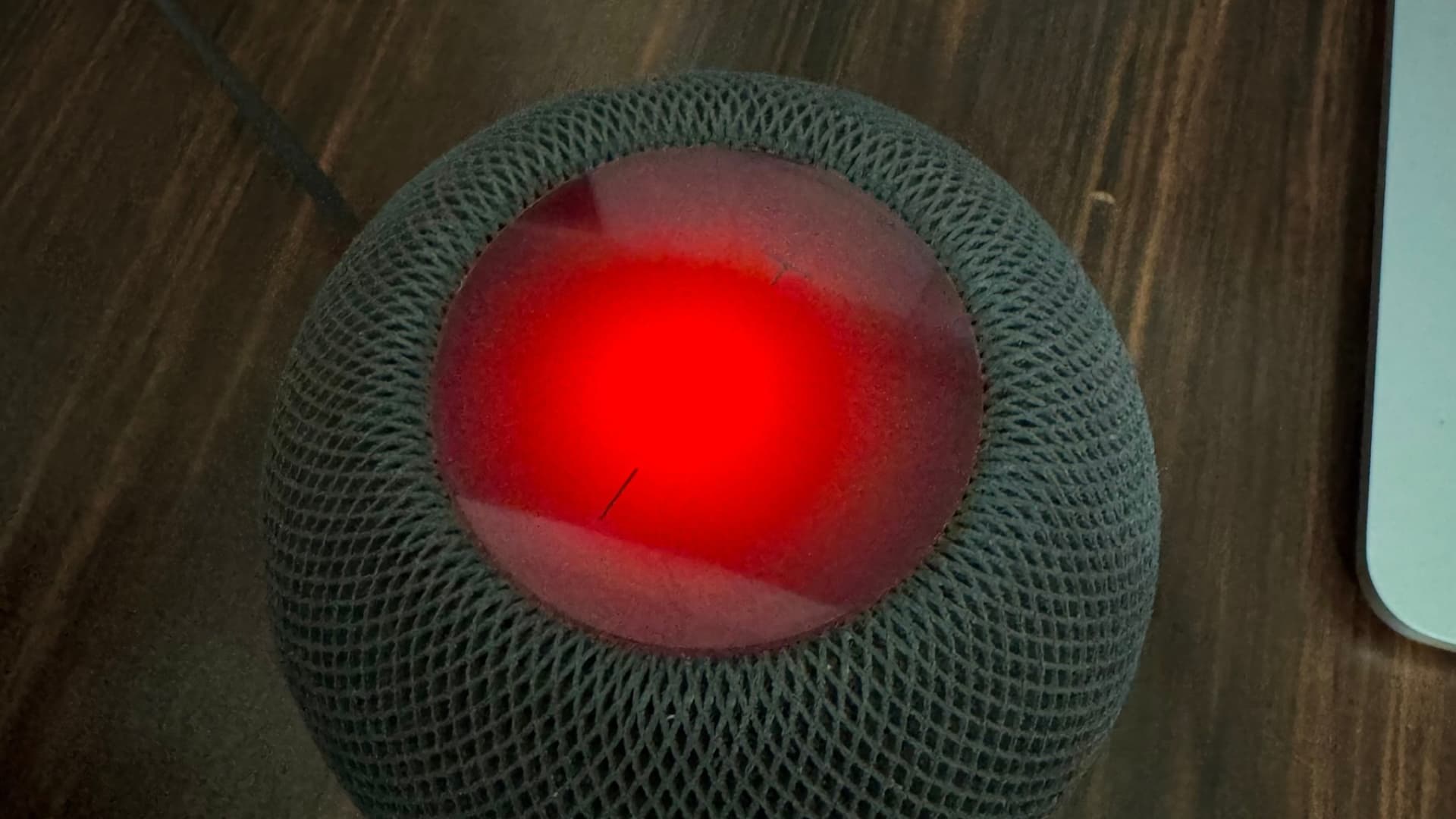
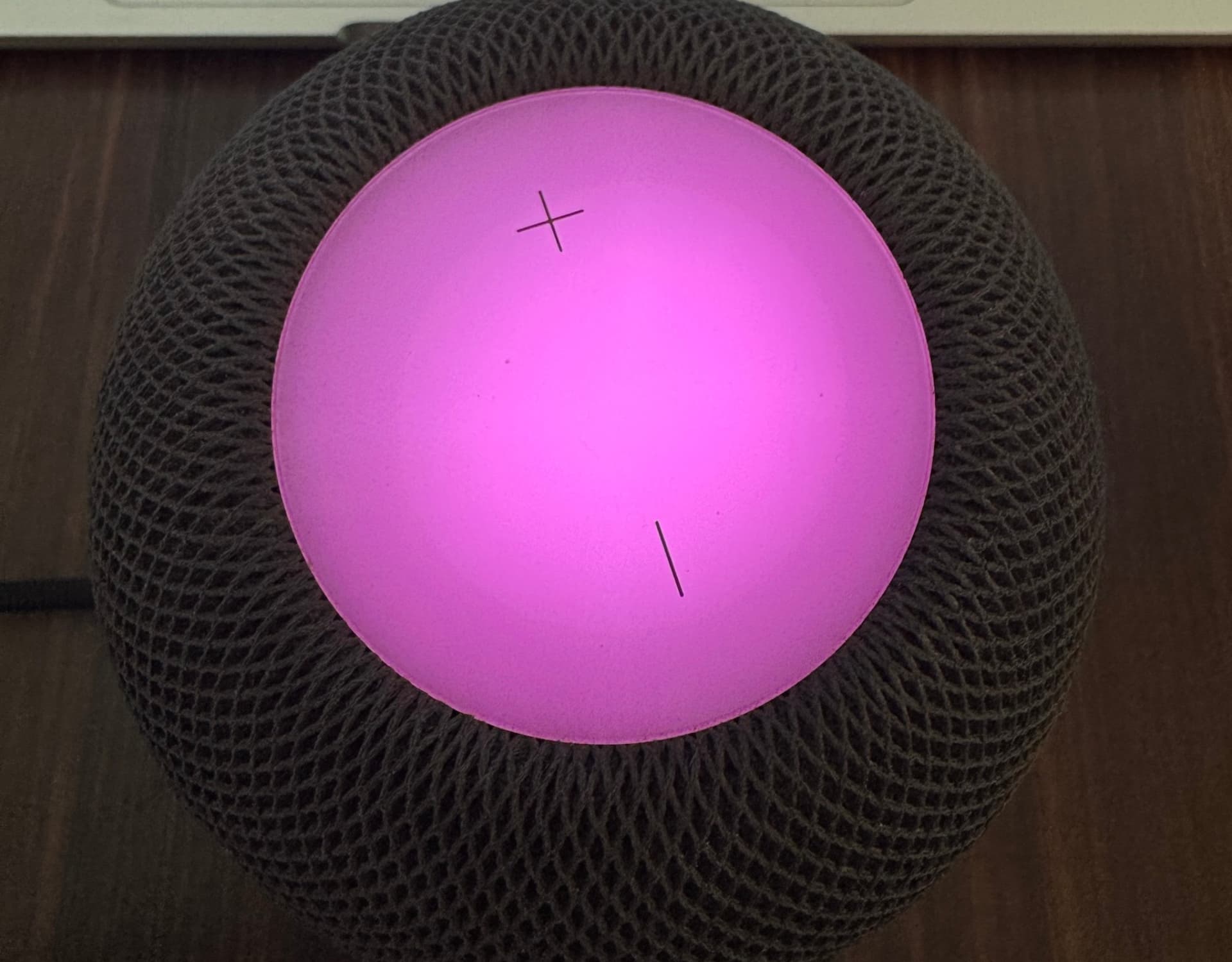
iDownloadBlog.com How to turn on the new Sound Glow feature on HomePod 作者 Ankur Thakur 2026年10月22日 00:30 In this brief tutorial, we tell you about the new Sound Glow feature added to HomePod and HomePod mini running software version 27.2.
iDownloadBlog.com How to stop WhatsApp from saving files to Mac Downloads folder 作者 Ankur Thakur 2026年10月17日 00:30 Learn how to stop WhatsApp on your MacBook from automatically saving photos, videos, and files to the Downloads folder and cluttering it.
iDownloadBlog.com How to stop your iPhone reminders from syncing to Mac or iPad 作者 Ankur Thakur 2026年10月16日 00:30 Learn how to prevent your iPhone reminders from syncing to your other devices and sending duplicate alerts everywhere.
iDownloadBlog.com iPhone Photos app features to quickly filter and find items 作者 Ankur Thakur 2026年10月14日 01:30 Learn about features that make it easier to quickly find the right photo or video on your iPhone or iPad. Most of these also work on Mac.
iDownloadBlog.com How to quickly insert emojis in macOS 27 with this colon trick 作者 Ankur Thakur 2026年10月13日 00:30 Enable a Terminal command on your Mac running macOS Golden Gate to quickly insert emojis by typing a colon (:) followed by the emoji’s name.
iDownloadBlog.com How to search episodes within shows in Podcasts in iOS 27 作者 Ankur Thakur 2026年10月10日 00:30 Learn how to use the new episode search feature in Apple Podcasts app on iPhone, iPad, and Mac running iOS 27, iPadOS 27, and macOS Golden Gate.
iDownloadBlog.com How to add keywords to photos & videos on iPhone in iOS 27 作者 Ankur Thakur 2026年10月9日 00:30 Learn how to add keywords to photos and videos on iPhone and iPad in iOS 27 so you can easily search using keywords to find them quickly.
iDownloadBlog.com How to add divider lines in notes on iOS and macOS 27 作者 Ankur Thakur 2026年10月8日 00:30 Learn how to add divider lines to your notes on iPhone, iPad, and Mac to clearly separate text, drawings, and media for an organized layout.
iDownloadBlog.com How to hide Recently Viewed in Safari on iOS and macOS 27 作者 Ankur Thakur 2026年10月7日 00:30 Learn why a new ‘Recently Viewed’ heading appears on your Safari Start Page and how to stop seeing a particular topic or the entire section.
iDownloadBlog.com How to create a custom pass in Wallet app on iOS 27 作者 Ankur Thakur 2026年10月2日 00:30 Learn how to create custom passes for gift cards, event tickets, loyalty cards, etc., to keep them digitally on your iPhone and Apple Watch.
iDownloadBlog.com How to see when your Mac was manufactured in macOS 27 作者 Ankur Thakur 2026年10月1日 00:30 Learn about a quick, built-in way to see the month and year when your Mac was manufactured, as long as it’s running macOS 27 Golden Gate.
iDownloadBlog.com How to use new expressive Siri voice in iOS and macOS 27 作者 Ankur Thakur 2026年9月30日 00:30 Learn how to adjust the pace and expressiveness of the Siri voice on iPhone, iPad, and Mac running iOS 27, iPadOS 27, and macOS Golden Gate.
iDownloadBlog.com How to create profiles in the Apple TV app for your child or family 作者 Ankur Thakur 2026年9月26日 00:30 Learn how to create separate viewing profiles for your child and other family members in the Apple TV app on your iPhone and iPad.
iDownloadBlog.com How to add borders around system elements on iPhone, iPad, Mac 作者 Ankur Thakur 2026年9月25日 00:30 Learn how to add a border around interface elements like buttons, app toolbar, arrows, etc., or make them easier to see on iOS and macOS.

 登录