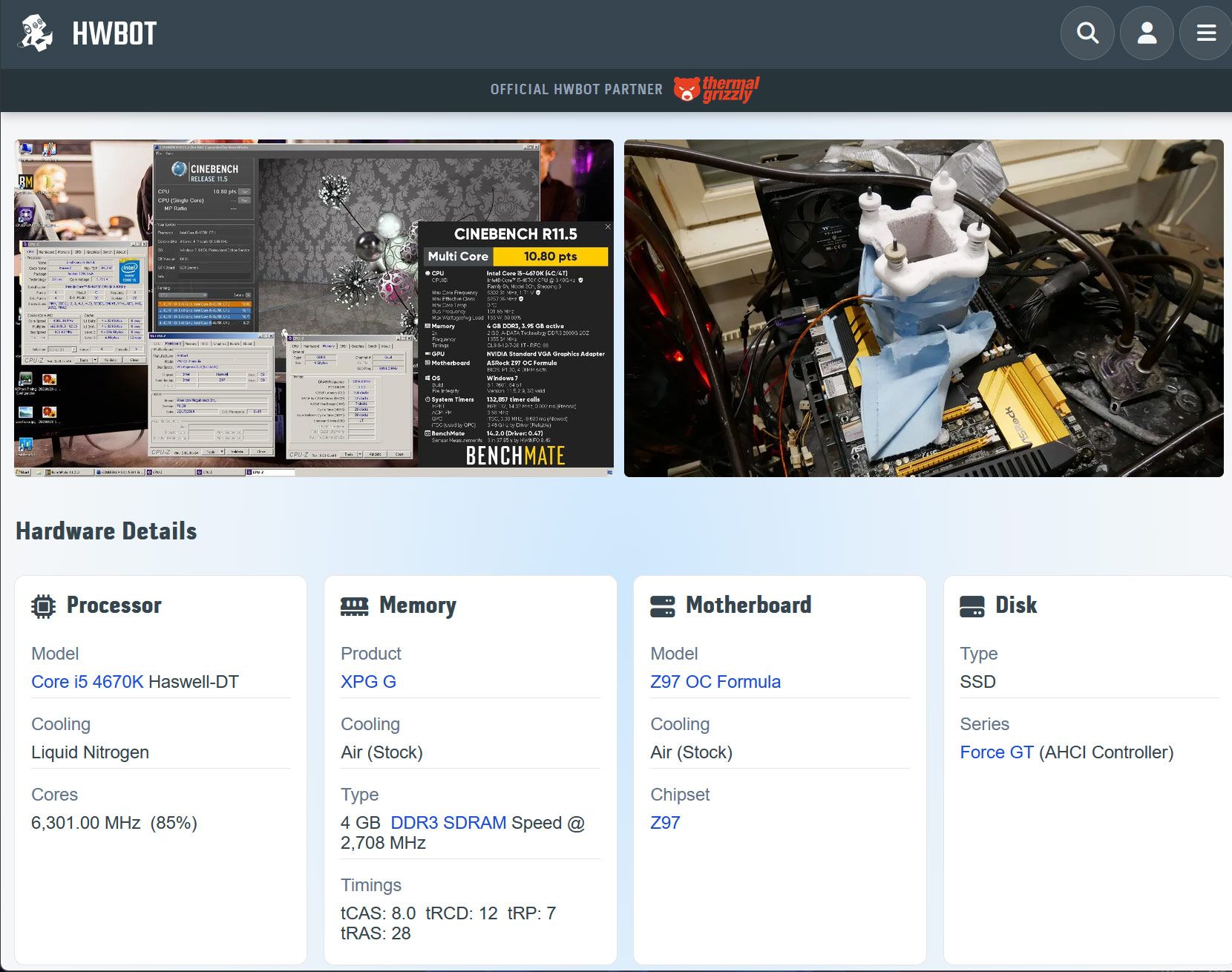
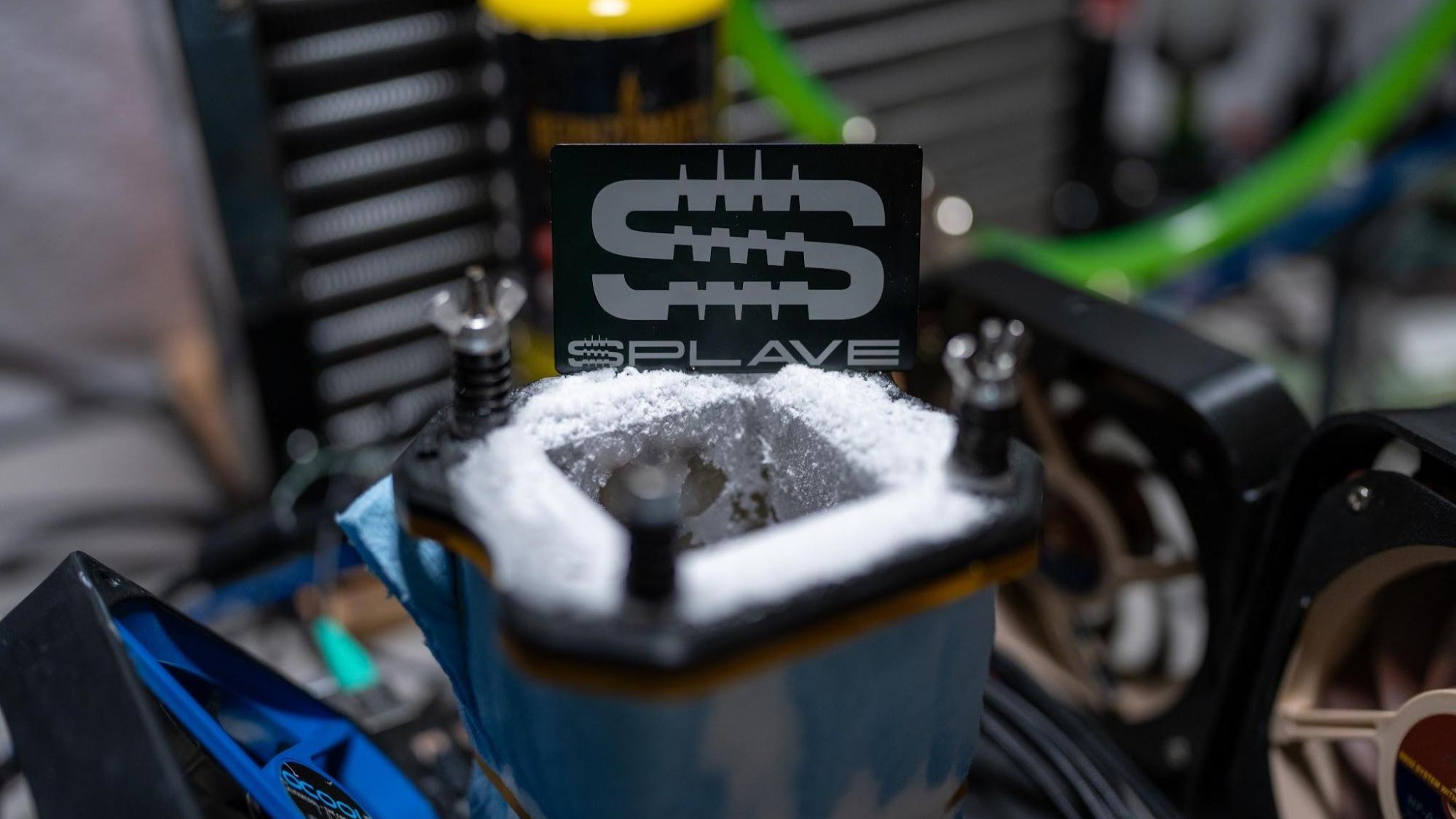
You don’t need the latest and greatest PC hardware to have fun or even break overclocking world records. OC expert Luumi has demonstrated this very capably by achieving a new HWBot world record using an ancient Intel Core i5 4670K, a modest amount of DDR3, and (inevitably) a flask or two of LN2. Overclocker Luumi recently knocked the four-cores Intel Core i5 4670K Cinebench R11.5 record holder off their perch after 12 years, achieving a multicore score of 10.8 cb.
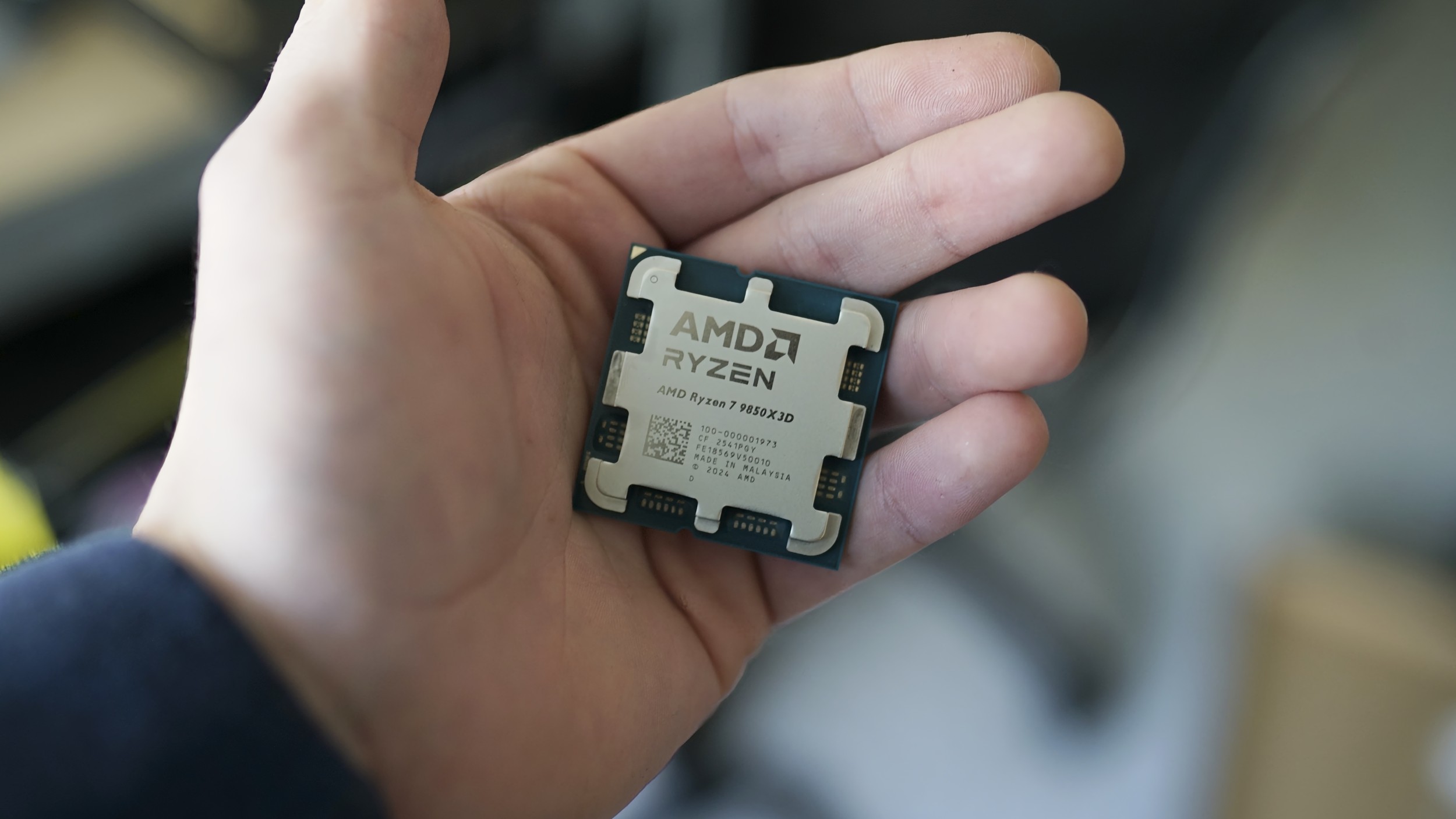
The HWBot-crowned system is built around Haswell-era Intel silicon, the Core i5 4670K to be precise. This is an unlocked 4C/4T CPU with a stock base/boost of 3.4 / 3.8 GHz, 84W TDP, with a 6MB cache and HD 4600 graphics, built on Intel’s 22nm process. You had to buy an i7 chip back in this era to get 4C/8T.
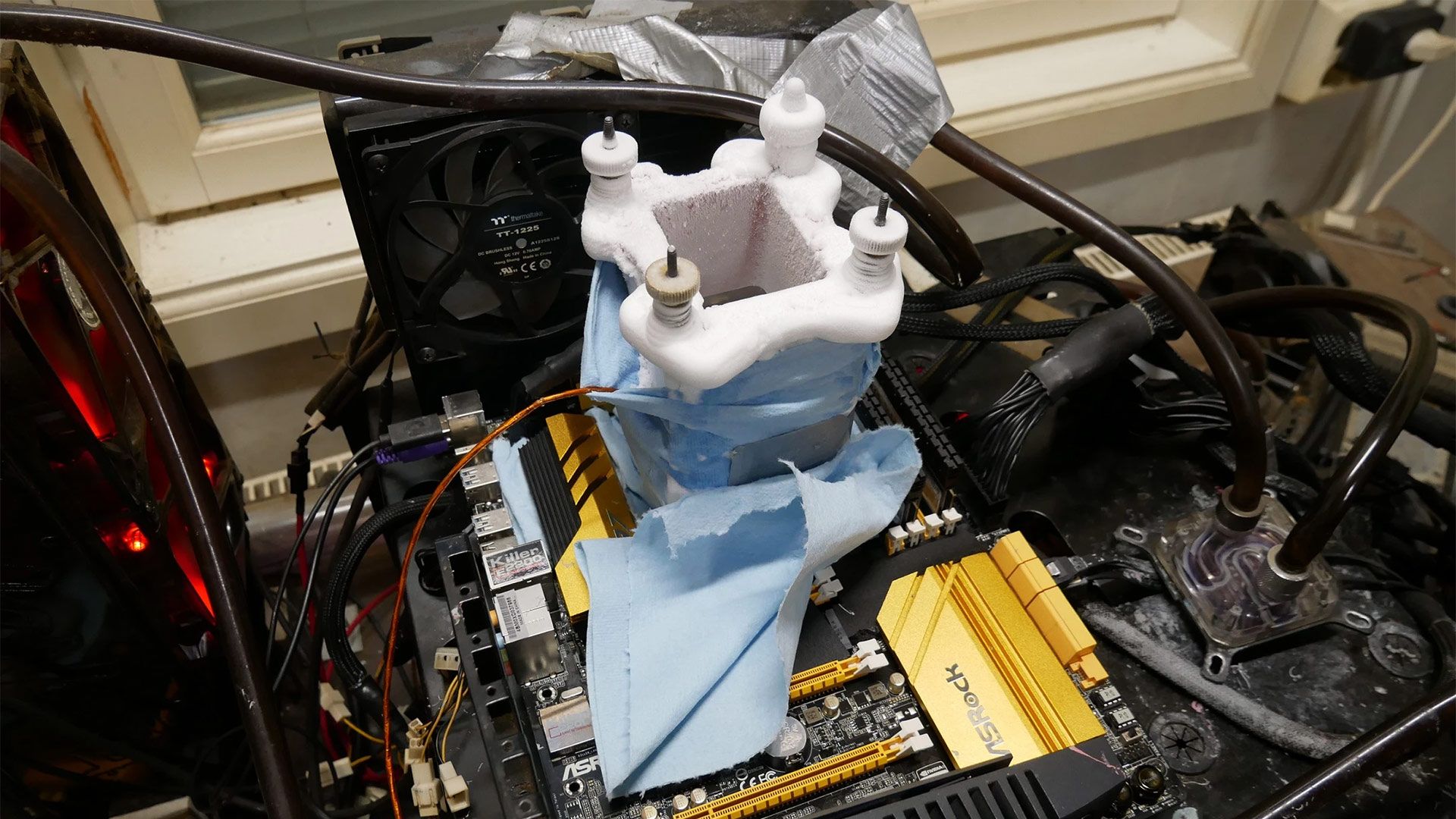
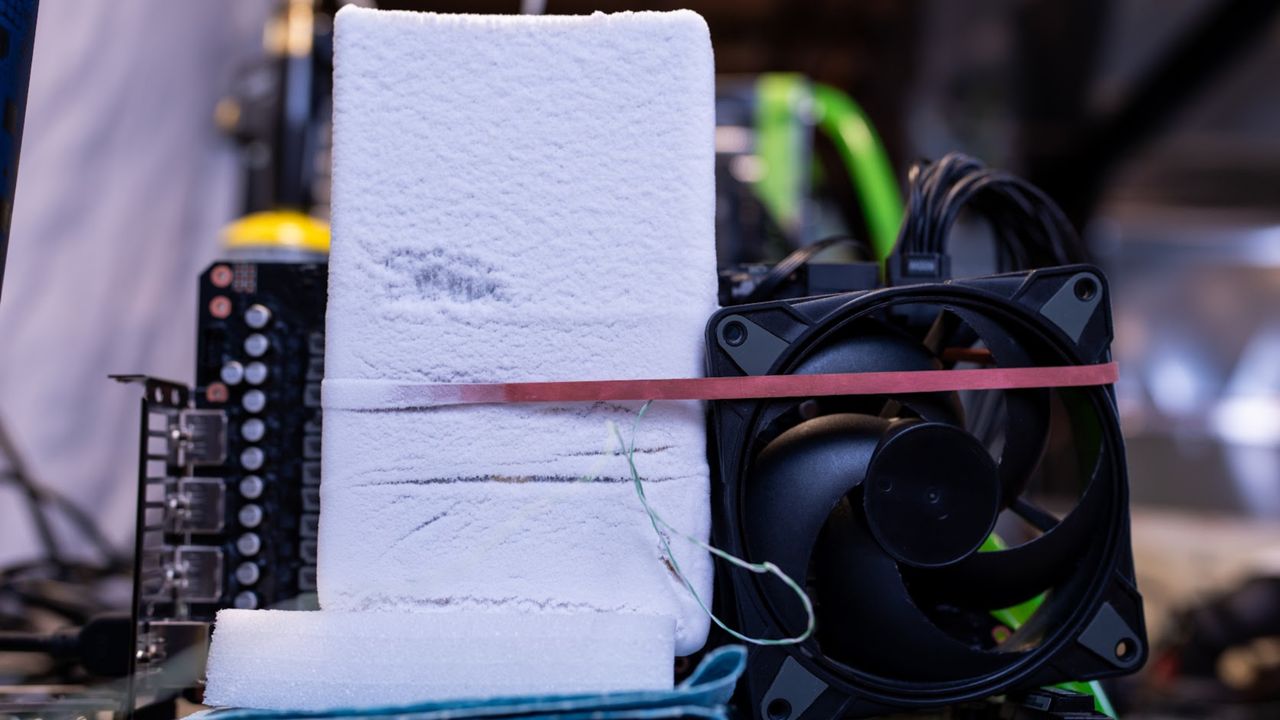
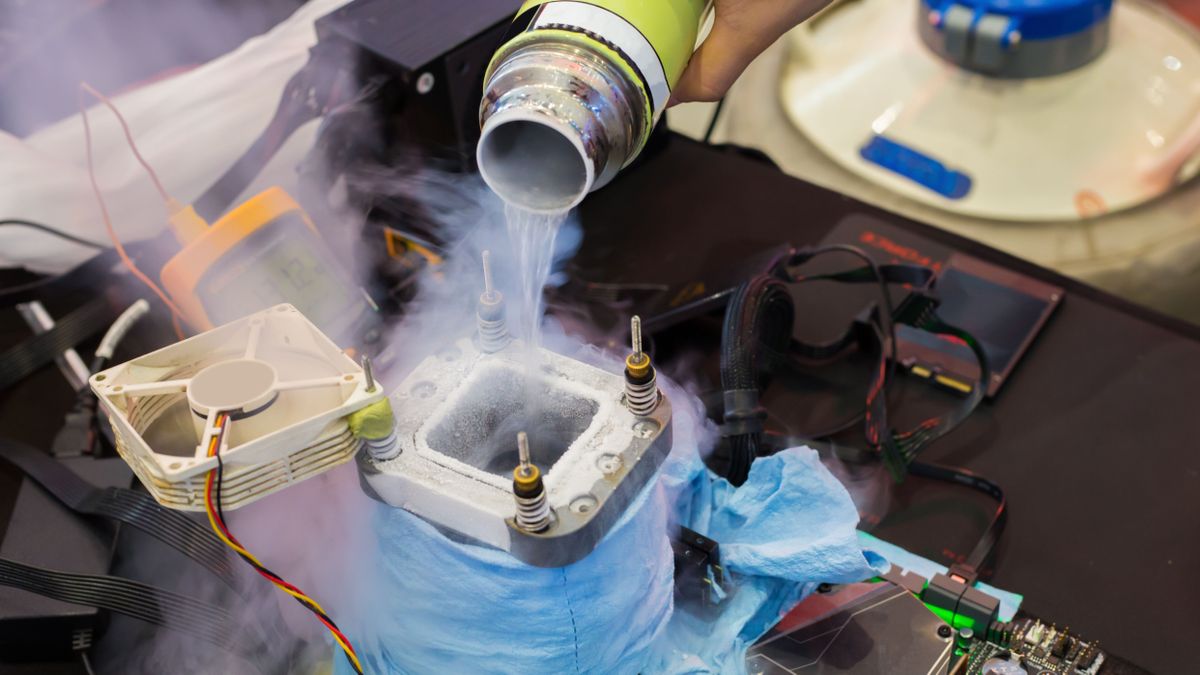
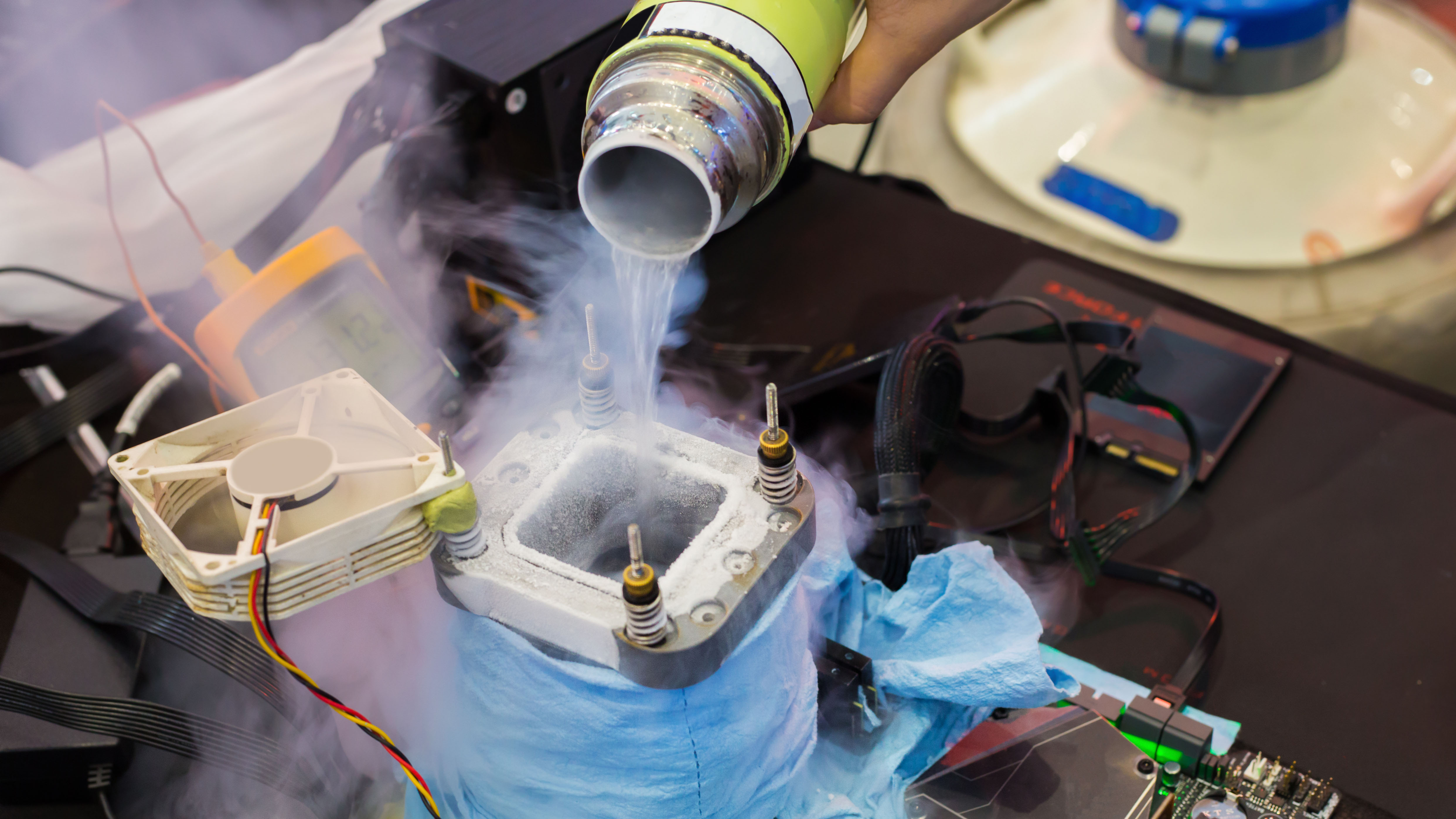
Luumi’s system hosted the CPU on an ASRock Z97 OC Formula motherboard, which was fitted with 4GB of DDR3 RAM from XPG, and fed ample power via a Corsair AXi 1600. To achieve the Cinebench R11.5 benchmark record liquid nitrogen was used to cool the 4670K, and the validation files show the CPU ran at a blistering 6,301.00 MHz.
Again, we’ll comment that this isn’t a world record Cinebench R11.5 score for any / all quad-core processors. It's just in the Core i5 4670K category. Nevertheless, it is great to see retro hardware achievements like this, 12 years later. As one other HWBot community member commented, it is brilliant to see an OC result on the HWBot homepage that involves neither an X3D CPU or RTX 5090 GPU. You don’t need the latest, greatest, most expensive, nor unobtainuim components to get featured on the online home of competitive overclocking.
Out of curiosity I decided to give ye olde Cinebench R11.5 a spin on the laptop I’m currently working on. With its 12C/24T CPU, it trounced the old-but-record-breaking Haswell desktop, of course. Even though the laptop is running in cool/quiet mode I achieved 4x the 4670K score.
Mostly I was happy that this older version of Cinebench still works on modern hardware and Windows 11 without any fuss. Some apps which were popular benchmarking staples, like 3DMark tests from DX10 and earlier eras, have issues on modern computers making the results you can wheedle out of them invalid for HWBot rankings. Luumi used Windows 7 64-bit Pro for their Haswell CPU Cinebench R11.5 testing.
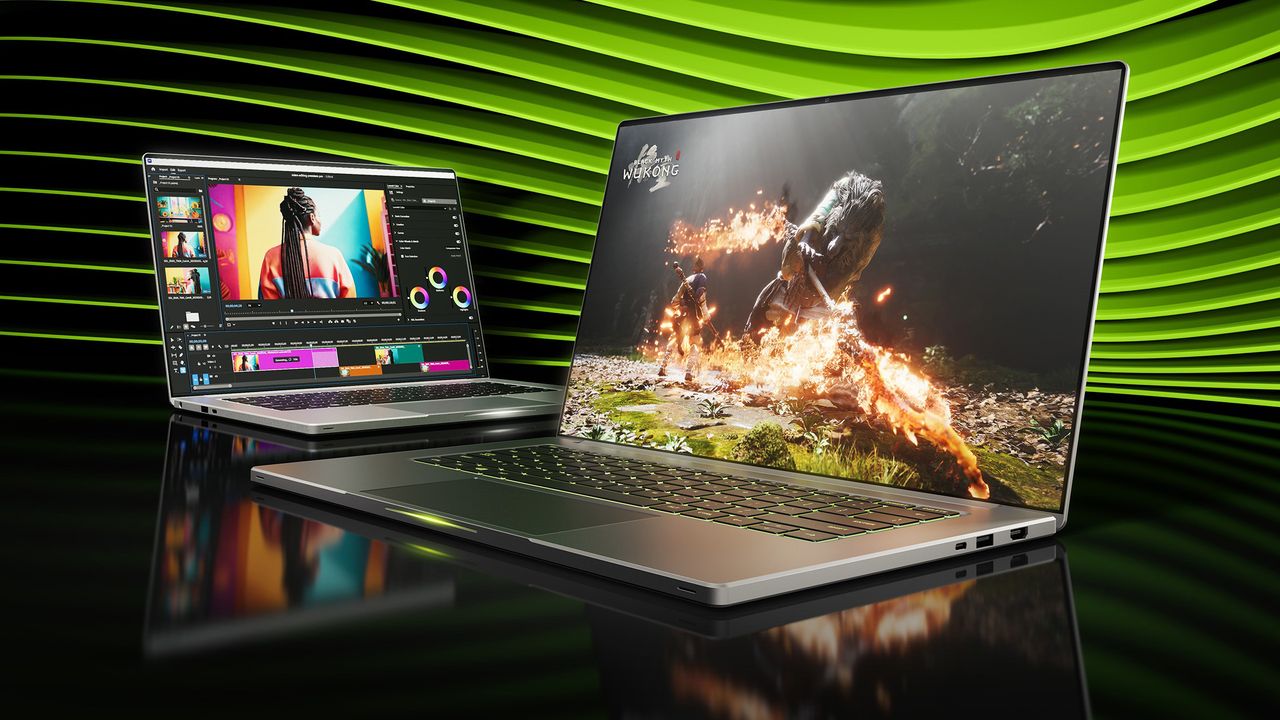
Folks with Nvidia-based gaming laptops can now use a new tool called NvpwrControl to unlock additional performance from their assuredly power-limited mobile GPU, as long as they're willing to accept the risks of cranking their GPU power limit by as much as 40 watts. The tool, spotted by VideoCardz, is available for download on GitHub, and it is labeled as 'experimental', so you'll want to be very sure you're willing to damage the reliability, if not the lifespan, of your fancy discrete GPU gaming laptop before using it.
NVIDIA GeForce RTX 50 Series Laptop GPU Power Limits
GPU Name
GPU Power (varies per laptop)
Dynamic Boost Max
Mod Max (Experimental)
GeForce RTX 5050 Laptop
35 - 100W
15W
140W
GeForce RTX 5060 Laptop
45 - 100W
15W
140W
GeForce RTX 5070 Laptop
50 - 100W
15W
140W
GeForce RTX 5070 Ti Laptop
60 - 115W
25W
180W
GeForce RTX 5080 Laptop
80 - 150W
25W
225W
GeForce RTX 5090 Laptop
95 - 150W
25W
225W
In Nvidia's case, the GPU models (aside from the RTX 30 Series) don't match at all between laptop and desktop, but even with the smaller size of the laptop GPUs, the chips are still sharply limited in performance by their stringent power limits. These limits top out at 150W, with an extra jolt, usually 25W, available from Dynamic Boost if the CPU isn't heavily loaded. This is, frankly put, not enough power for even the mobile GeForce RTX 5070 Ti to stretch its legs, to say nothing of the GeForce RTX 5080 Laptop or GeForce RTX 5090 Laptop. In high-intensity gaming situations, these GPUs can score pretty similarly due to having the same power limit.
That's what makes this tool attractive. By cranking the power limit, you can give these power-limited GPUs a performance boost. The developer doesn't provide any benchmarks, but I can say from experience that testing power limit adjustments on a power-limited GPU can give nearly linear performance gains, meaning that increasing the power limit from a stock 140W all the way up to 180W could potentially give a GPU performance uplift in the neighborhood of 25% or more, although it is impossible to verify this without testing.
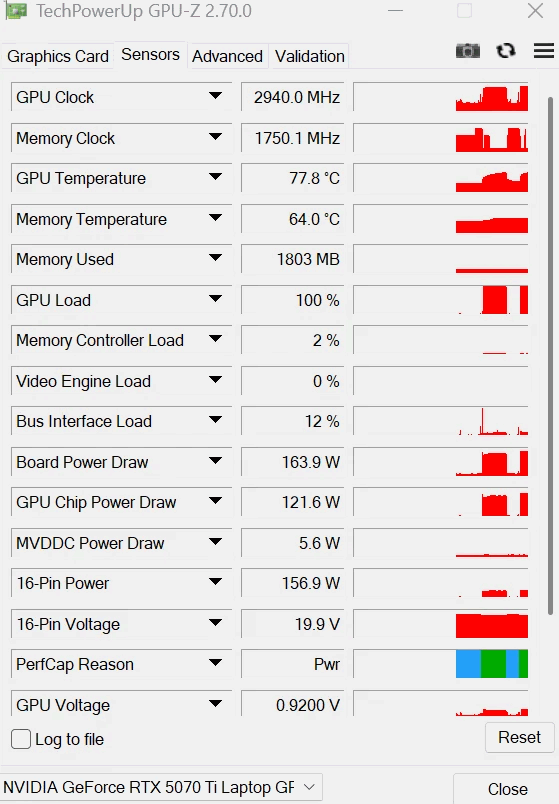
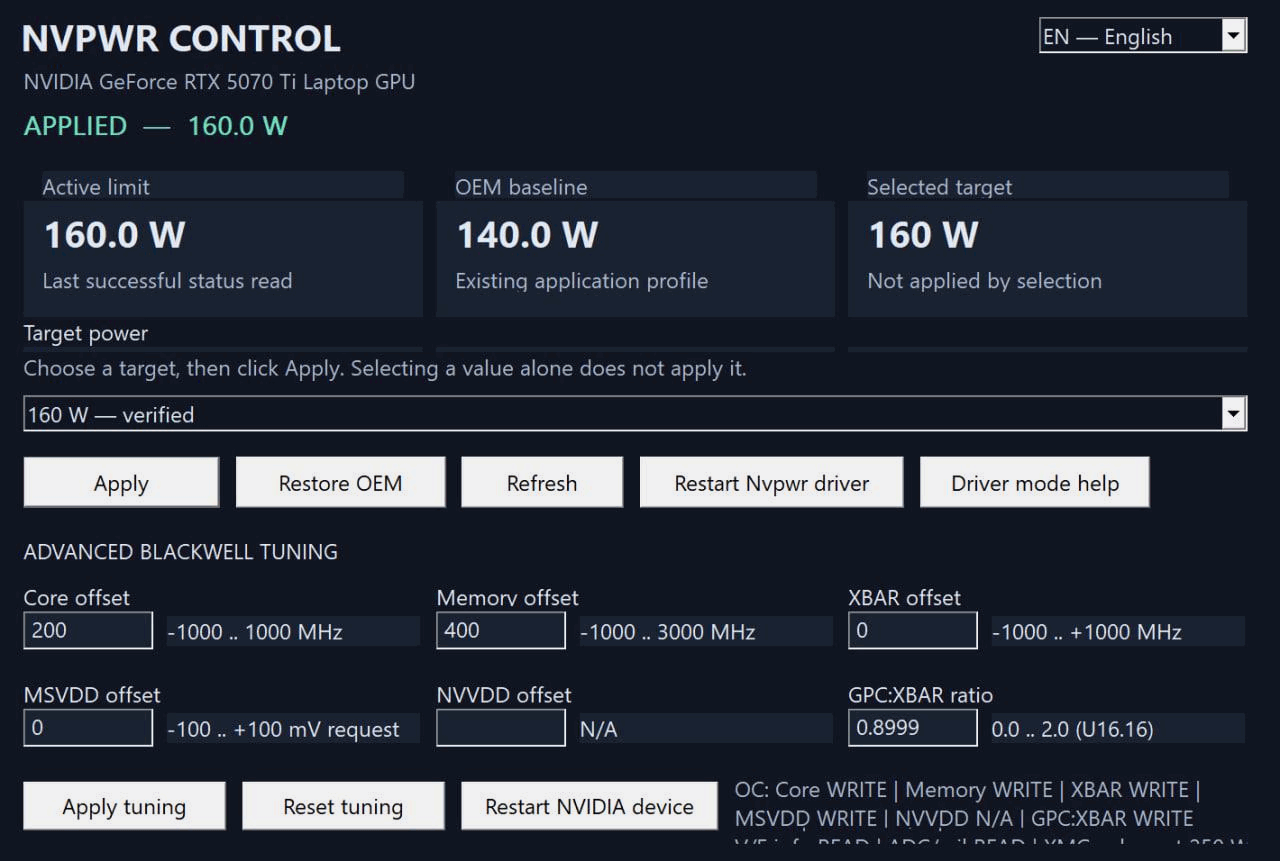
There are quite a few caveats to this utility, though. For one thing, even the author describes it as 'experimental ', and for another thing, it's clearly AI-generated in the largest part. The developer is called "LevinAI", after all, and there are the hallmarks of generative AI all over the GitHub repository. Still, there are a few reports on both GitHub and Reddit suggesting that users have been testing it, and the developer claims that it works on his GeForce RTX 5070 Ti laptop, posting the proof below.
The developer's screenshot of GPU-Z, showing a board power draw of 163.9 watts on a GeForce RTX 5070 TI Laptop, well above the stock 140W cap. (Image credit: /u/Ecstatic_Hamster2208 on Reddit)
Other notable qualifiers include that it only supports Blackwell GPUs for now, and it only enables power controls when it can recognize the power policy layout and OEM baseline. If your GPU already ships with a wacky power configuration, this tool may not work for you. It's also not verified to work on every brand of laptop nor every model of GeForce RTX 50-series GPU, so we absolutely wouldn't try this unless you're willing to replace your Blackwell-based laptop.
The partially AI-generated project description (likely chosen as the author's native language appears to be Russian) explains that the developer investigated numerous layers of the software stack on top of the GPU to see where the power limit could be modified. The controls that NVIDIA exposes generally won't let the user raise the power limit above the value set by the OEM for fear of potentially damaging the hardware, since the power delivery and cooling mechanisms were likely not designed with the higher power draw and thermal output in mind.
The solution he found was apparently to modify a low-level NVIDIA power policy that isn't normally exposed to end-users. He says, "One of the important findings was that the power-management chain contains internal policy values that are not exposed through the normal consumer power-limit controls. This is the path that eventually led to a working experimental implementation." However, due to the method employed, the tool does require the user to disable Windows driver signature verification, which is yet another 'gotcha' of the mod.
As amusing as it is to see that the developer left his AI assistant's instructions for constructing his GitHub repository (which he didn't follow), it's a reminder both of the reliability concerns around "vibe"-coded software in production as well as of the incredible potential of AI software development. Since we spotted the story on this utility, the developer has already bumped the version from 1.5.0 to 1.8.0 with a new release on GitHub, suggesting that the pace of improvements is extremely rapid.
A few users on Reddit, where the author posted the above screenshot, lambasted the developer for taking ownership of what they claim is "100% AI generated work" and also for not structuring his code repository correctly (since all of the source is packed in a ZIP file, not properly viewable on GitHub). However, the majority of other users seem enthusiastic about his work, and several have already posted proof that it seems to work, with huge gains in 3DMark and other benchmarks.
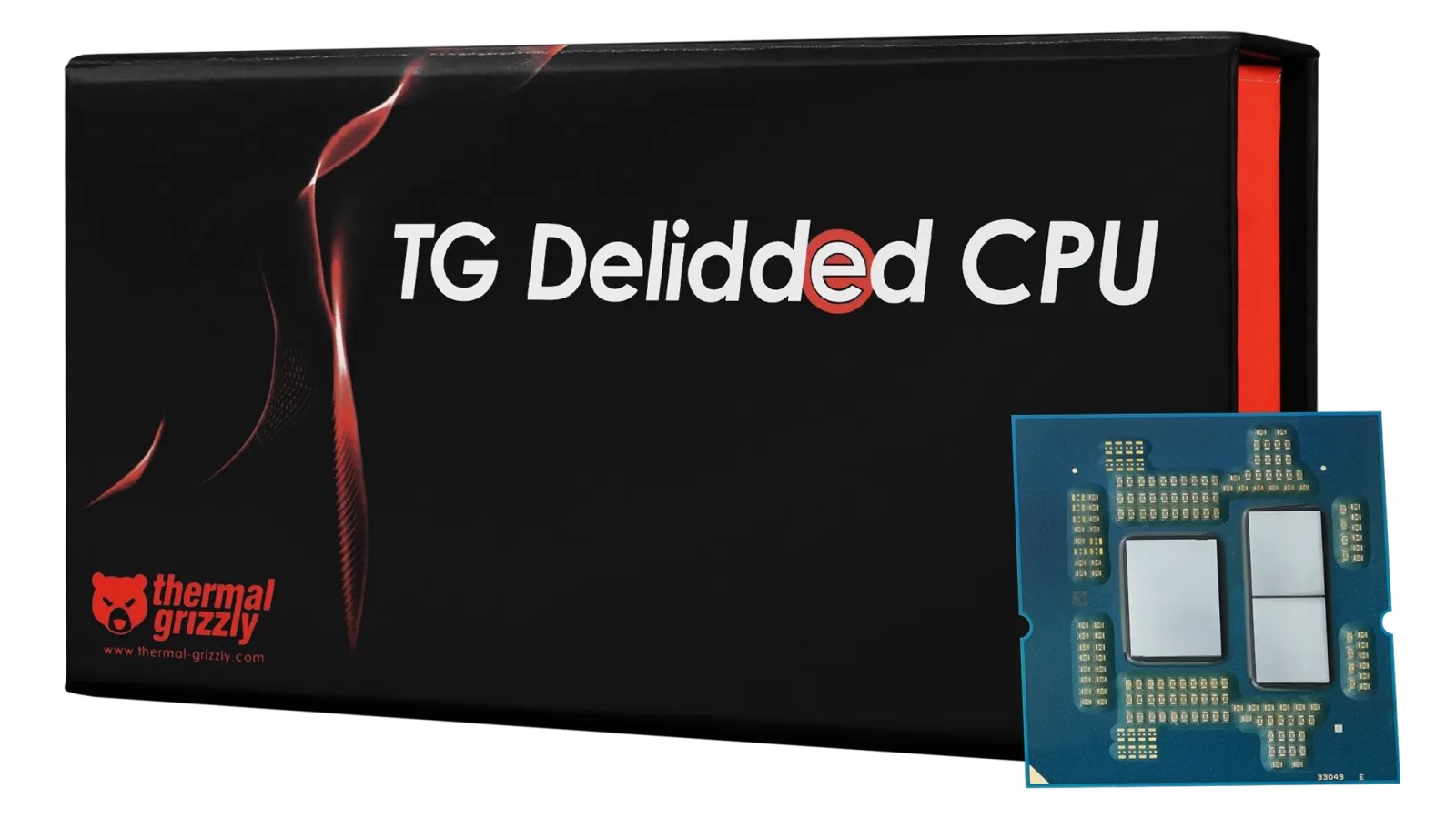
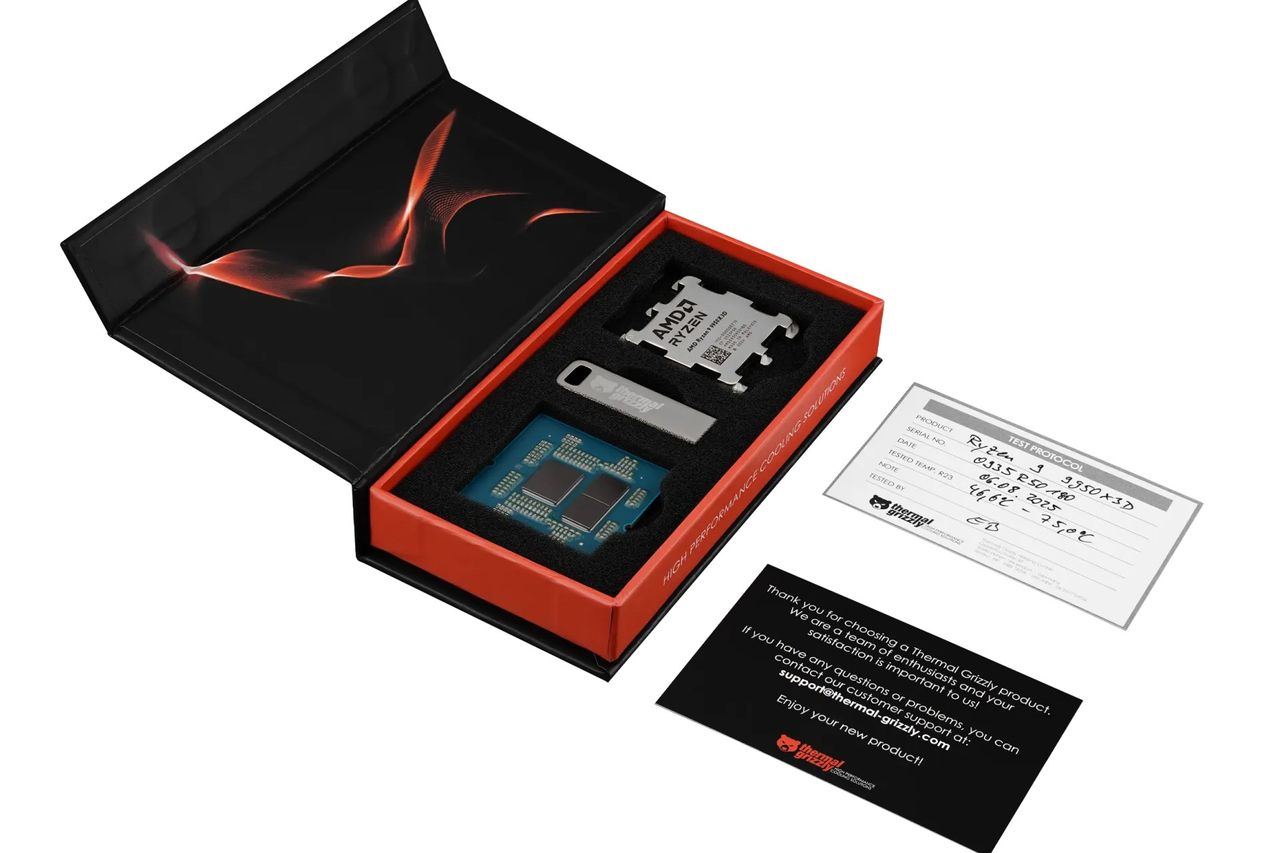
Thermal Grizzly has started selling its delidded version of AMD's already-excessive Ryzen 9 9950X3D2 Dual Edition, and here's the hard part up front: it will set you back a cool $1,402.83. That price is, obviously, rather difficult to justify on the face of it, but Thermal Grizzly does at least provide considerably more than a CPU with the heatspreader yanked off.
The company thoroughly cleans and tests each processor after delidding, records its measured operating temperature, and includes a USB stick containing the test results and a microscope image of the exposed processor. More importantly, Thermal Grizzly provides a 24-month worldwide warranty; that's welcome in light of the fact that delidding the processor naturally voids AMD's own warranty.
The firm even goes a step further than you might expect on the warranty front. Under German law, the burden of proof normally shifts after the first 12 months of a purchase, but the company's warranty explicitly states that this reversal does not apply to its TG Delid CPUs. In other words, Thermal Grizzly continues to take responsibility for the product throughout the full 24-month warranty period rather than automatically putting the burden on the customer after the first year. That's a meaningful bit of insurance when you've just spent more than $1,400 on a processor that AMD won't touch with a ten-foot pole.
Paying more than $500 over MSRP could never really make any sense on a lower-end processor, and indeed we've reported on the high price of Thermal Grizzly's delidded CPUs before. But the Ryzen 9 9950X3D2 Dual Edition is AMD's halo desktop processor, with 16 Zen 5 cores, 32 threads, and a whopping 192MB of L3 cache thanks to its unusual dual-CCD 3D V-Cache configuration. It also carries a 200W TDP and can consume considerably more power under heavy workloads; AMD itself recommends liquid cooling for optimal performance.
(Image credit: Thermal Grizzly)
For someone who insists on having the biggest, baddest AM5 processor possible, a factory-tested direct-die version with a warranty is certainly a more attractive proposition than buying a retail chip and breaking out the delidding tools yourself. Delidding a CPU and cooling the silicon directly can reduce the thermal resistance between the processor and cooler, which is all but guaranteed to help the CPU sustain its normal boost behavior with less aggressive fan speeds, making an extremely powerful system somewhat quieter. What it won't help with (at least, not much) is performance.
That's because Thermal Grizzly's warranty is surprisingly restrictive about what you're actually allowed to do with all that newfound thermal headroom. The warranty covers normal operation as well as "overclocking according to manufacturer specifications," but excludes operation outside AMD's specified values. Thermal Grizzly specifically warns that CPU and memory clock speeds beyond those specifications aren't covered. So, in practical terms, you're probably looking at AMD-sanctioned tuning such as PBO and EXPO rather than taking your naked Ryzen 9 9950X3D2 and seeing how far you can push it before the magic blue smoke comes out.
Which is a little ironic given that overclocking is one of the main reasons an enthusiast might be interested in going to the trouble of delidding a processor in the first place. What Thermal Grizzly is essentially selling you is a much better thermal envelope while telling you that the warranty doesn't cover you if you use that envelope to operate the CPU outside AMD's specifications. As we've just explained, it's not completely pointless, but if you're looking to do some serious overclocking, DIY might be a more attractive route (warranty details notwithstanding).
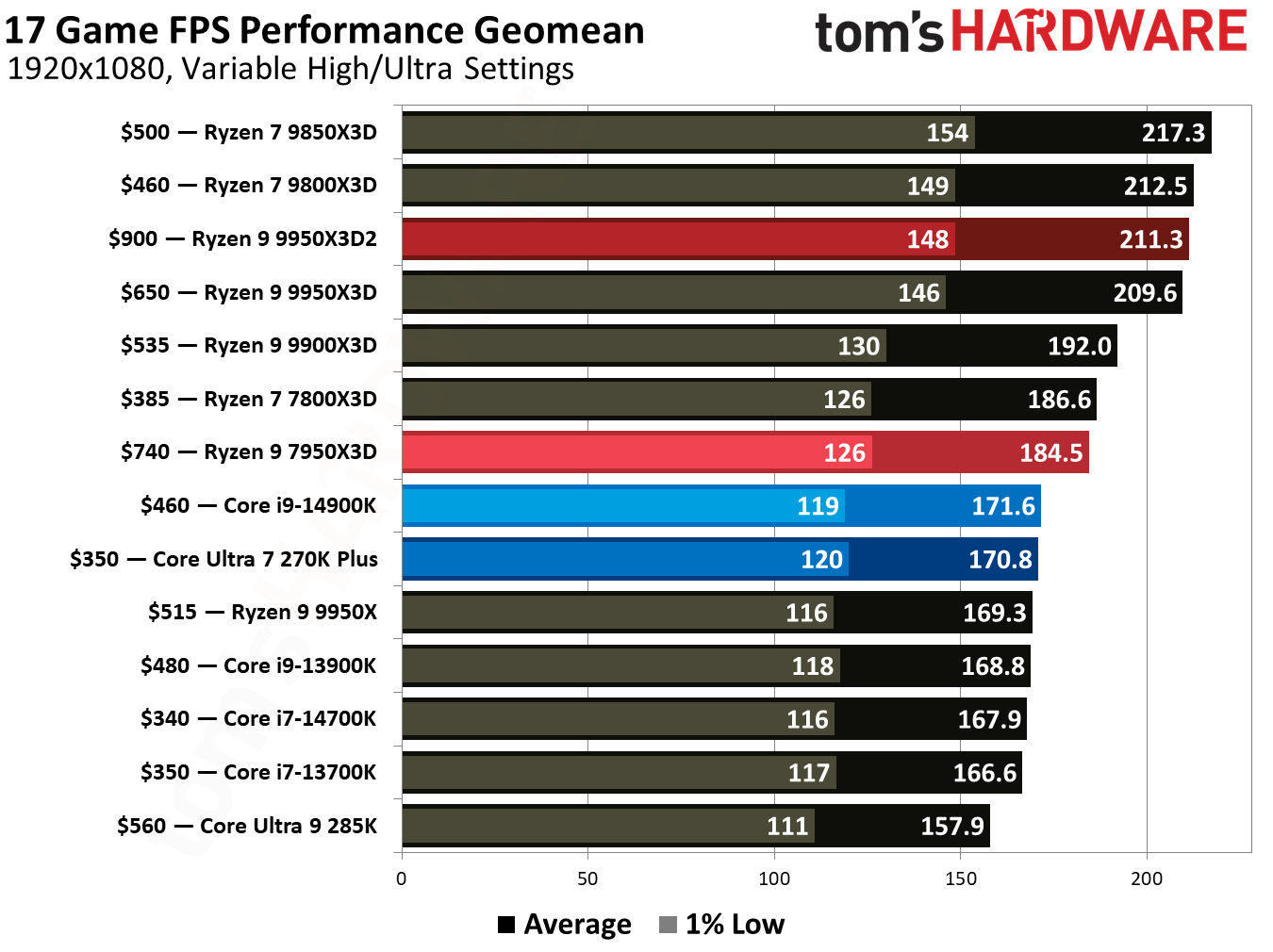
This benchmark chart from our review of the Ryzen 9 9950X3D2 tells the story: don't buy this to play games on it. Or do, I'm not your mom. (Image credit: Tom's Hardware)
Of course, before you decide if the extra $500 over MSRP for a delidded Dual Edition is worth it, you need to figure out why you'd want a Ryzen 9 9950X3D2 in the first place. Our own coverage of AMD's dual-CCD X3D processor found that it is by and large a halo product. The extra 3D V-Cache can provide meaningful benefits in certain workloads that can take advantage of the enormous amount of cache across both CCDs, but the gains aren't remotely proportional to the price premium over a Ryzen 9 9950X3D. Gaming performance, in particular, is generally exactly in line with the cheaper chip, and both typically run behind the Ryzen 9 9850X3D.
That's not to say the 9950X3D2 is a bad processor. Quite the opposite; rather, it's an extremely impressive stack of silicon, and AMD's decision to put 3D V-Cache on both CCDs makes it arguably the most exotic desktop processor the company has ever produced. It's just also very much a "because we can" product for people who want the best and don't particularly care what it costs. If you're one of the relatively small number of people whose workload genuinely benefits from having that much cache across 16 cores, there's a good chance you're doing that work on a workstation or EPYC system rather than spending your days trying to justify a $1,400 delidded AM5 CPU.
Still, if you've got the money to build a machine around the Ryzen 9 9950X3D2 Dual Edition, the extra $500 might not be a deal-breaker. For the price, you get a cooler-running, quieter system, and as long as you don't go ham on the overclocking, Thermal Grizzly has your back for 2 years. Just make sure you also buy your cooling equipment from Thermal Grizzly, because regular Socket AM5 cooling hardware may not mount up correctly to a delidded CPU.
 登录
登录