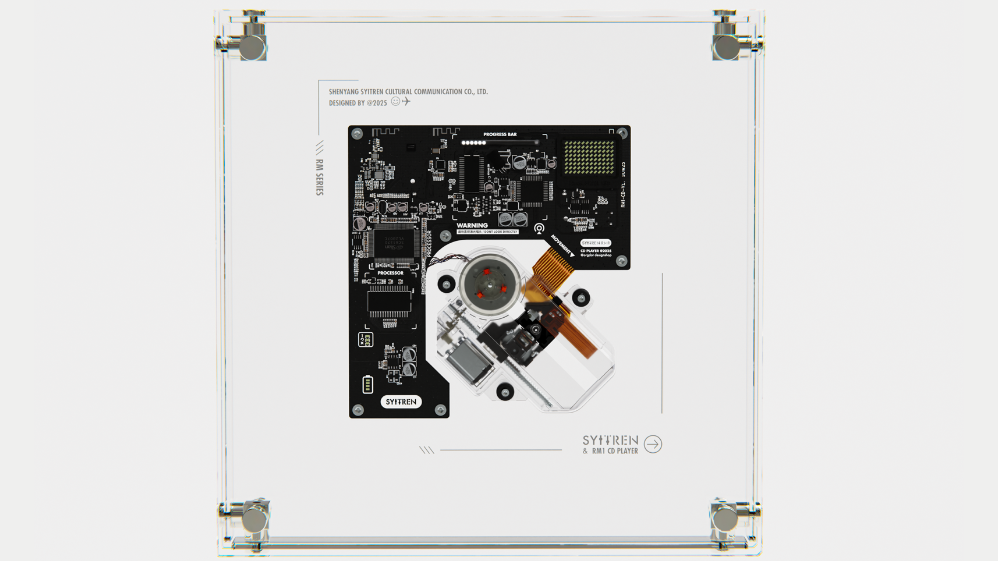
With subscription services on the rise, it's probably not surprising that many people are seeking reassurance in the physicality and immutability of tangible media such as game cartridges, vinyl records, and CD players. So the Syitren RM1 CD player frame should fit right in. A lot of people seem to agree, as the $109 player has already collected over $540,000 on its Kickstarter — well beyond the initial goal of $3,000.
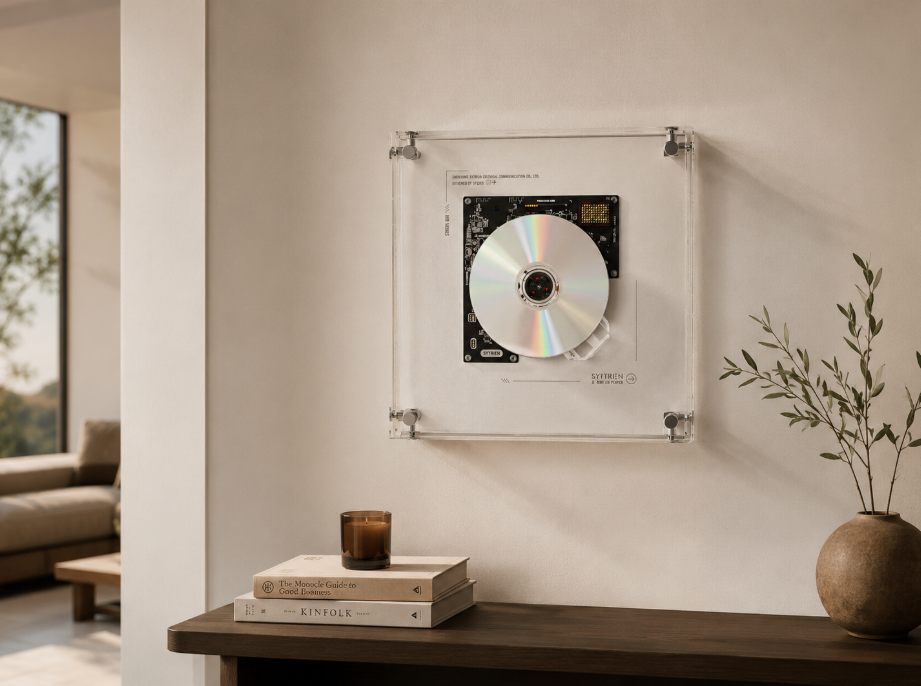
The RM1 is a compact disc reader fully encased in a transparent "borderless" acrylic frame, ready for hanging on a wall or sitting on a shelf. The components and mechanical parts are all fully visible, and the transparency extends to the read head assembly, battery compartment, and onboard buttons. There even appears to be a backlight LED under the moving harness for added visual appeal.
To fully avoid pesky cables, the unit is capable of Bluetooth audio output and uses a rechargeable 2000 mAh battery in an 18650 size that should be good for six to eight hours of playback and charges in one to two hours via a USB-C port. The unit is capable of reading standard CDs as well as data discs with MP3 files, just like in the good old days before subscriptions. There's also a 3.5-mm output jack if you want to wire the audio out to a separate unit.
(Image credit: Syitren)
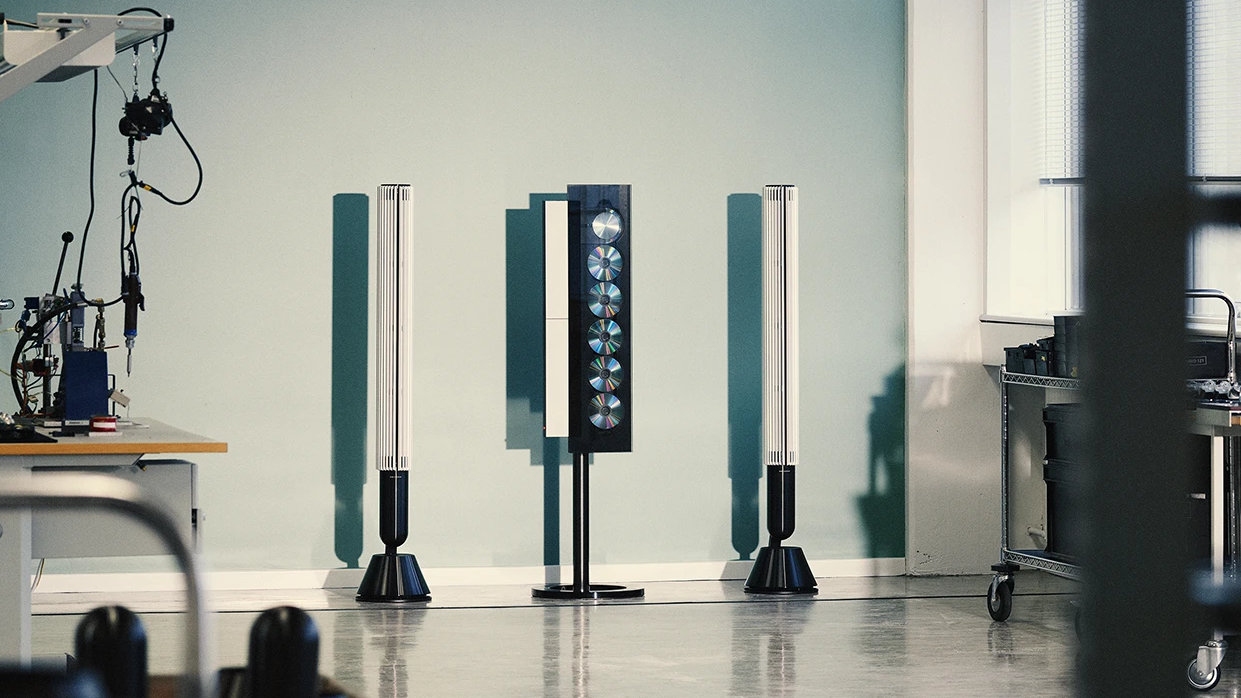
Those who lived through the 90s and 2000s will notice design cues taken from the iconic Bang & Olufsen Beosound 9000 tower CD player/changer, which was always visible in movies and shows where the set director said: "We need a futuristic-looking piece of audio gear."
Syitren's offering isn't the only one of its type, with its main competitors being the Coolgeek M1, the Clearframe CD Player, and the Moondrop Discream 2. All share the same root concept of making the CD and mechanical parts visible, though in my personal opinion the RM1 has the best execution. It does seem to be aimed at nostalgia and industrial design lovers rather than audiophiles, and for its affordable price, that's a perfectly fine bar to clear — especially considering the convenient, cable-free nature.
The Bang & Olufsen 9000c, an annoyingly ubiquitous presence in every futuristic living room across movies and shows. (Image credit: Bang & Olufsen)
The claims of "hi-fi" audio output merit some inspection, though, as digital mediums live and die by how they're turned into physical signals. Over Bluetooth, the unit only supports SBC (baseline) and AAC codecs, with modern protocols or lossless transport notably absent. The wired output specs say "over 70 dB" of dynamic range, THD (distortion) "under" 0.1%; these figures are lower than even early desktop CD players.
These days, even an affordable audio interface such as my Audient Evo 4 is orders of magnitude better, with a dynamic range of 113 dB (remember, decibels are logarithmic) and THD under 0.0015%. That said, the RM1 should be fine for use with compact Bluetooth speakers — just don't expect a grandiose experience when hooked up to bigger amplification.

You can preorder a Syitren RM1 at Kickstarter for $109 just for the main unit, or $139 with the firm's N200 Bluetooth speaker that's dressed in Braun-inspired design cues. $169 gets you two RM1s ($84.5 a piece), and you can get a four-pack for $319 ($79.75 each). If you just want the N200 retro speaker, you can purchase those separately for $59, in beige or black colorways.
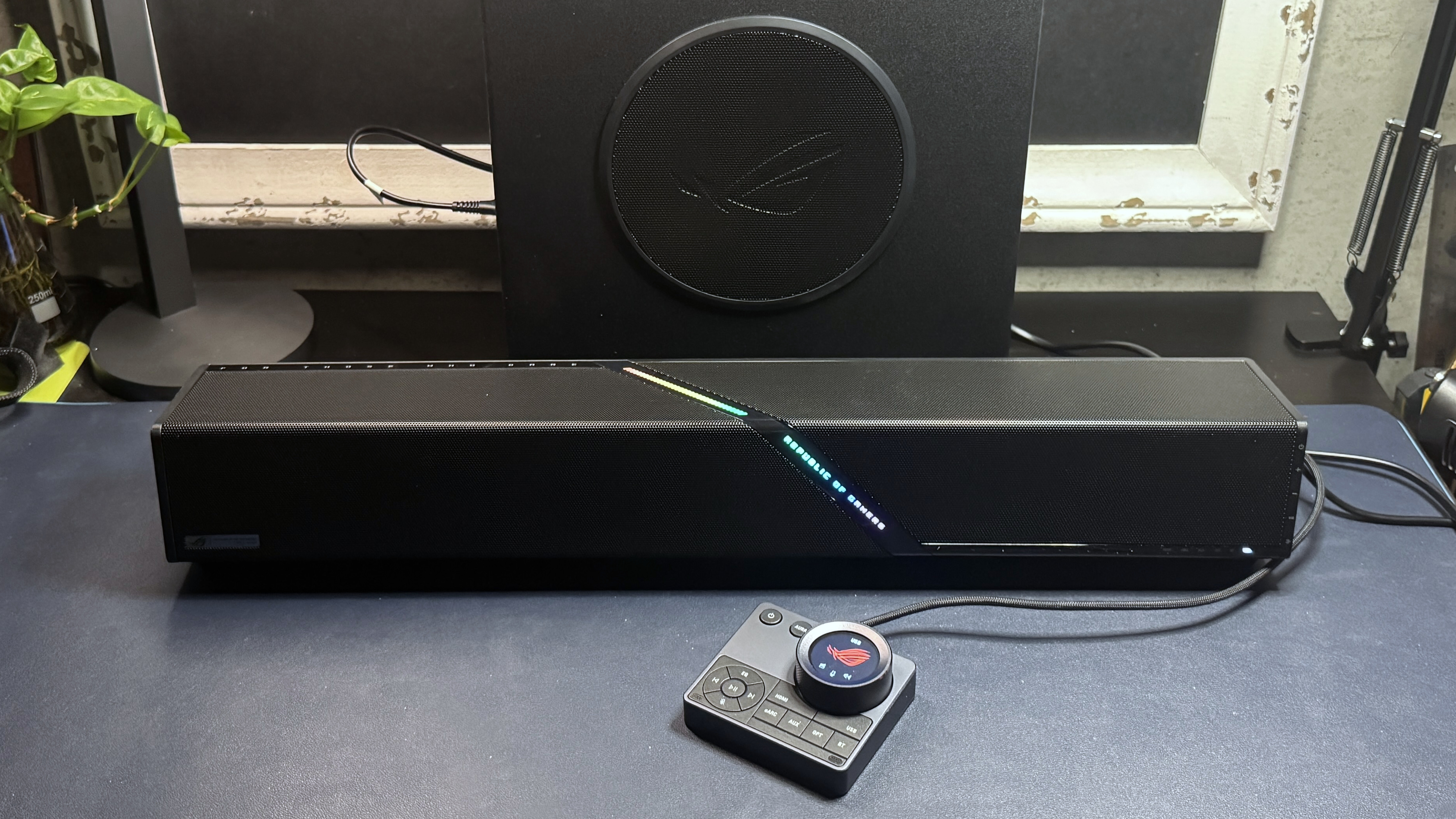
Asus' ROG gaming lineup has just launched its very first soundbar — a 2.1.2 system with a wireless 65W 6.5-inch subwoofer and a fancy audio control hub with built-in beam-forming mics. Because the best PC speakers need to do more than just play sound to be worth considering, I guess. Or, at least, they do when they're priced at $600, which is what the Asus ROG Gjallar retails for.
Design
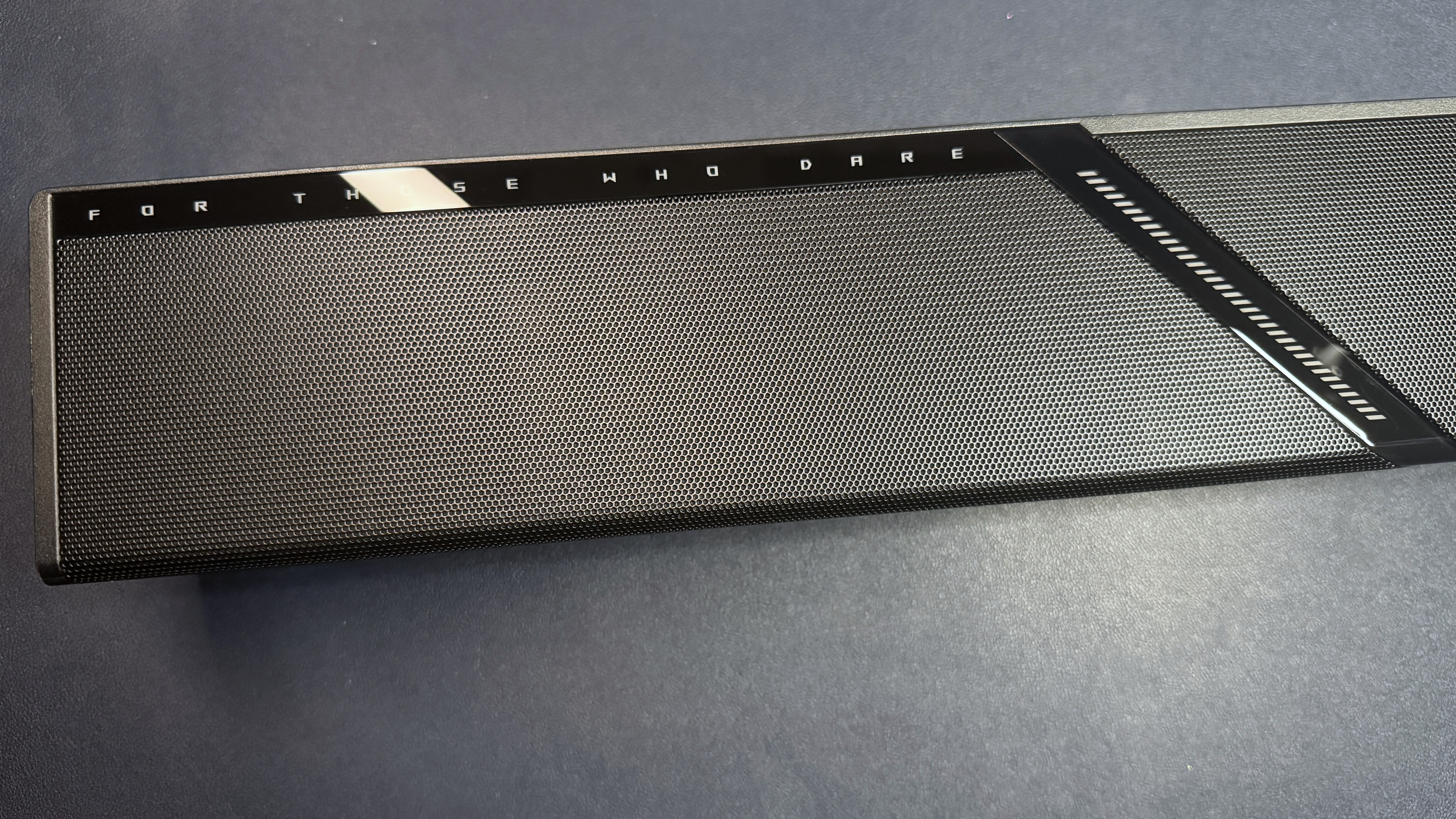
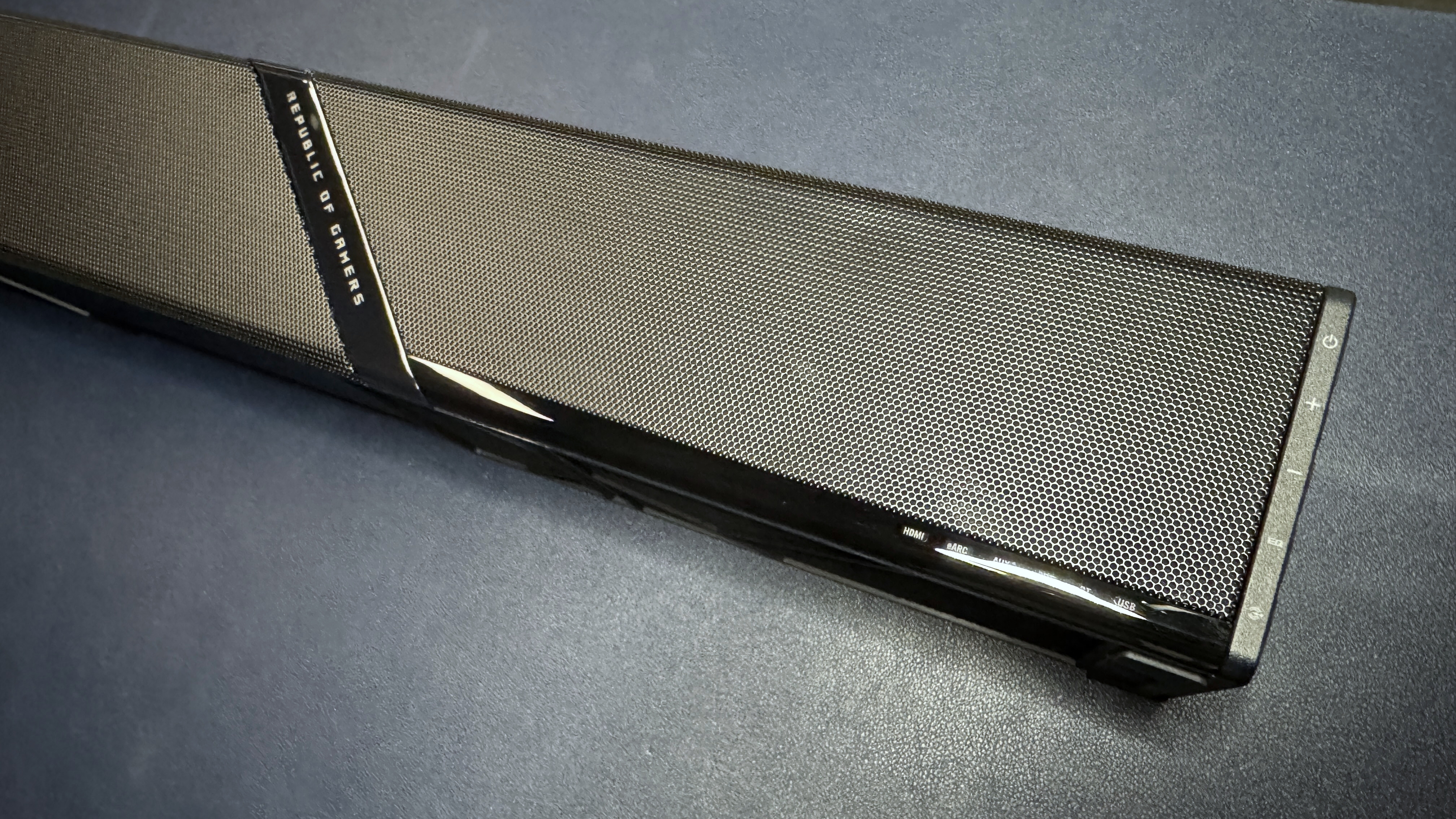
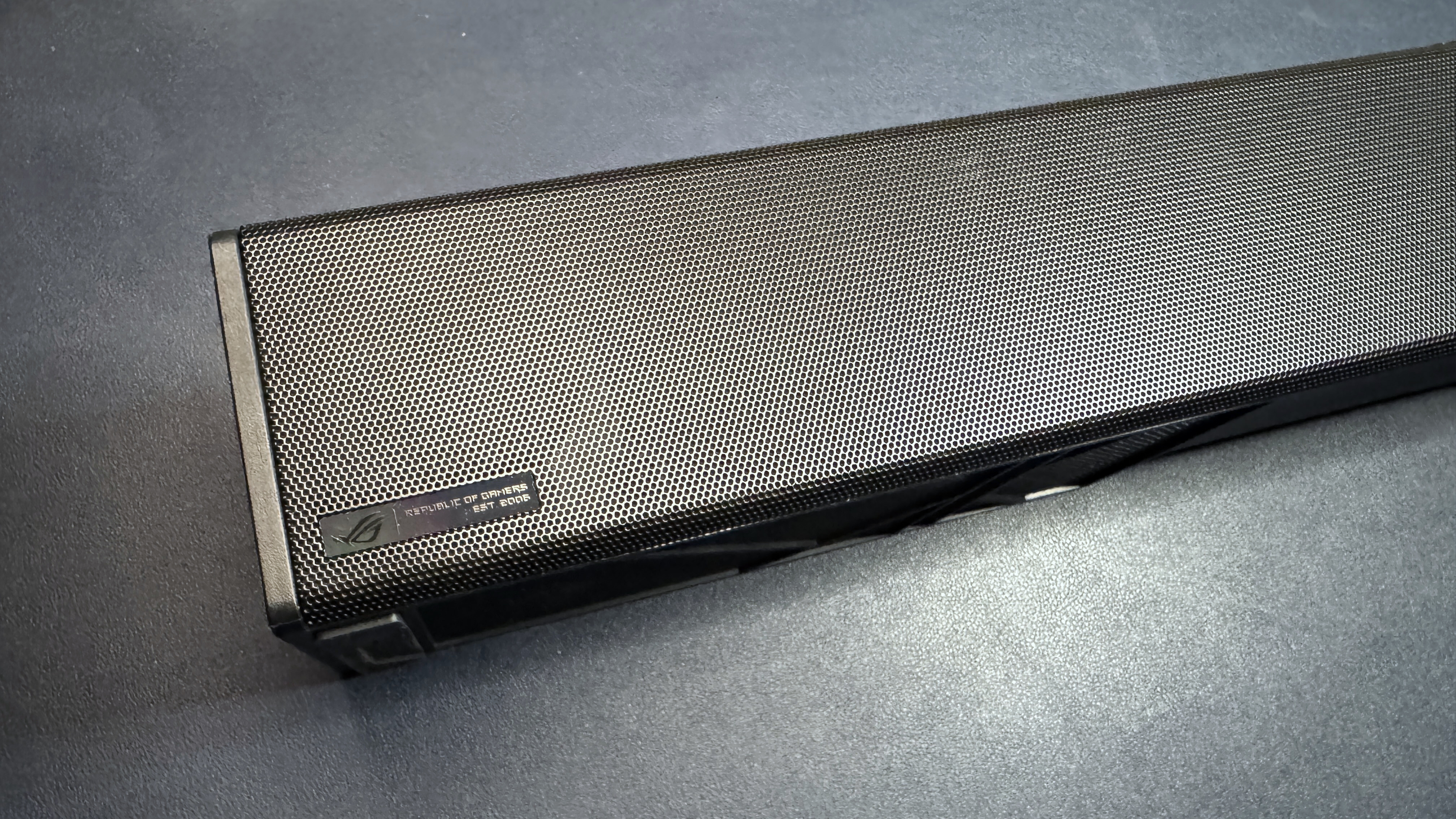
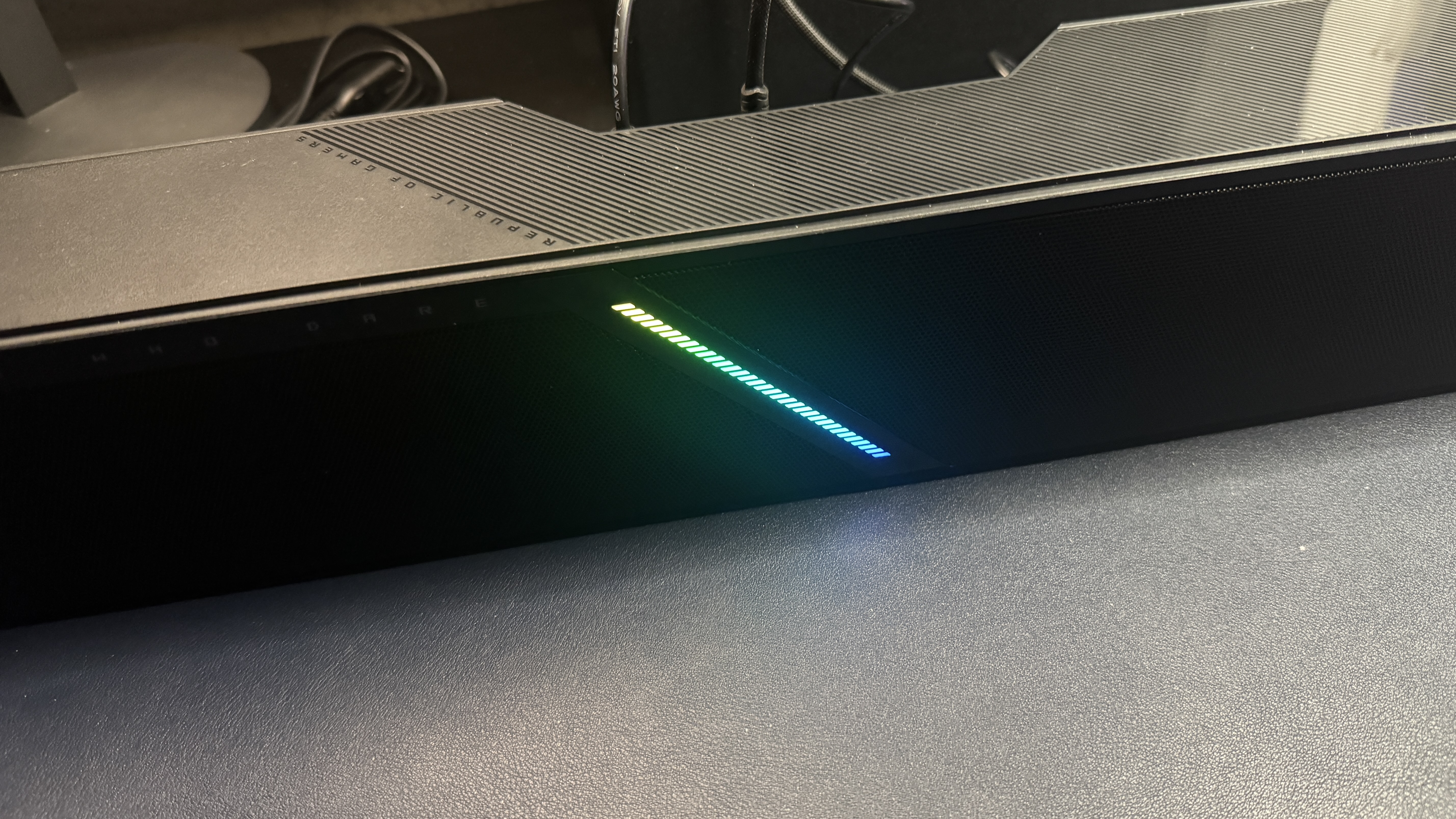
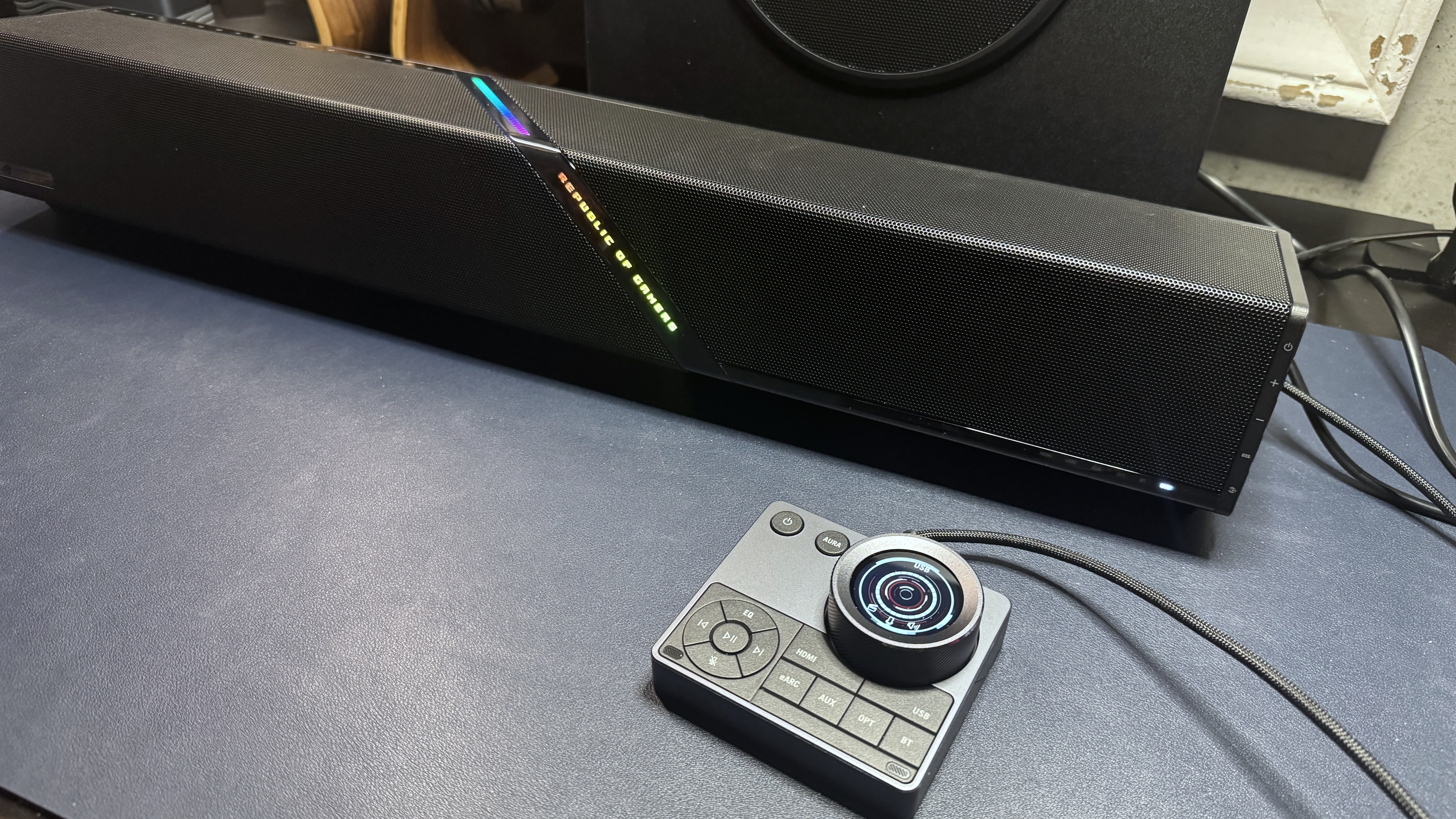
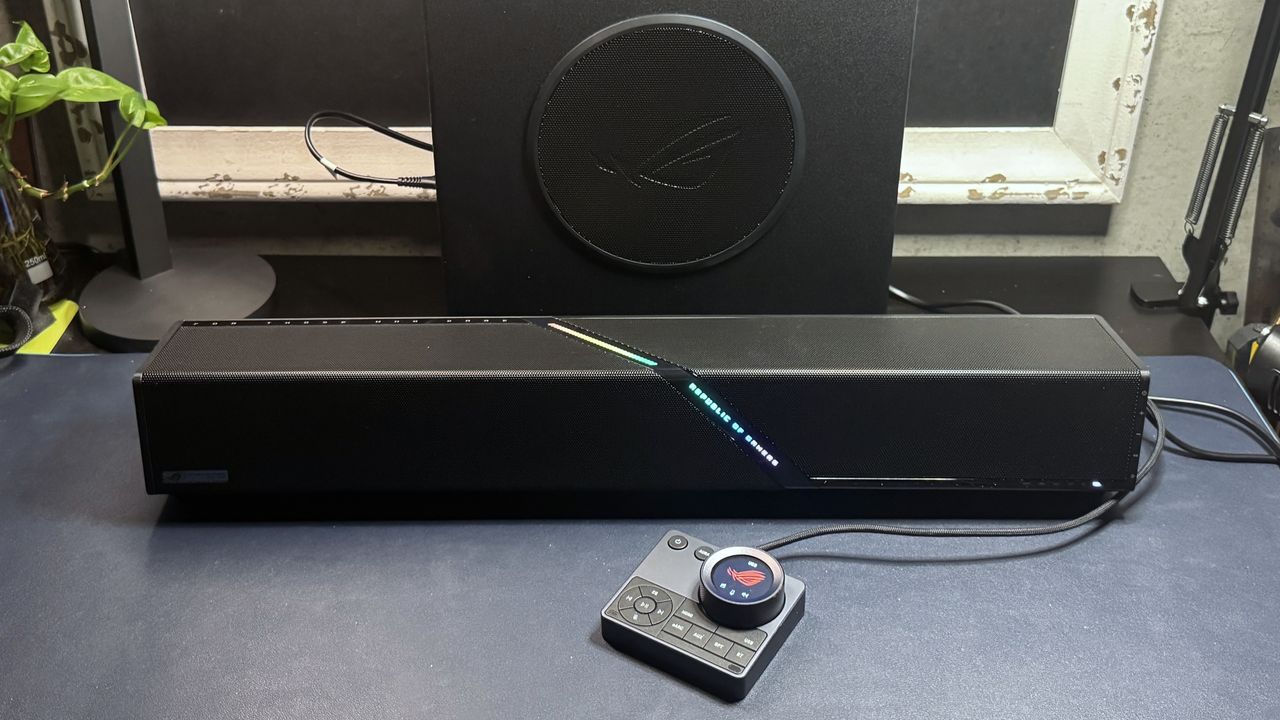
The ROG Gjallar is a compact under-monitor soundbar with a fairly boxy design. It comes in all black, with a black metal grille on the top and front and a slim lightbar featuring Asus' ROG logo running diagonally through the center. Like most of Asus' ROG products, it's still pretty ostensibly branded, though the branding is somewhat subtle compared to other ROG products. There's a small, iridescent ROG logo plate on the front in the bottom left corner, and of course the lightbar says "Republic of Gamers" right on the front.
(Image credit: Tom's Hardware)
This isn't the most attractive under-monitor gaming soundbar on the market. In fact, it's pretty boring, design-wise — it's just a block, basically. Sure, it's got the slightly artistic lightbar running through the center, but even that is only attractive if you happen to love the words "Republic of Gamers" (I'm sure some people do; not me, particularly).
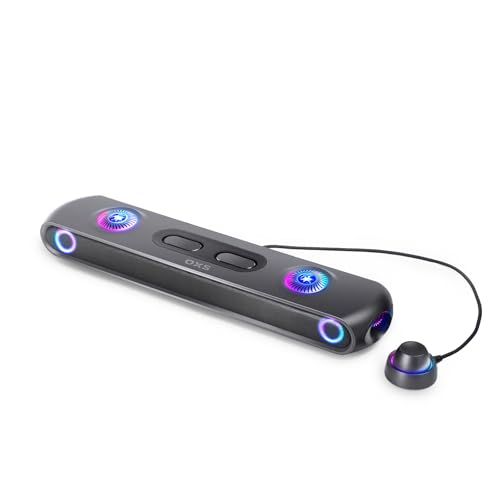
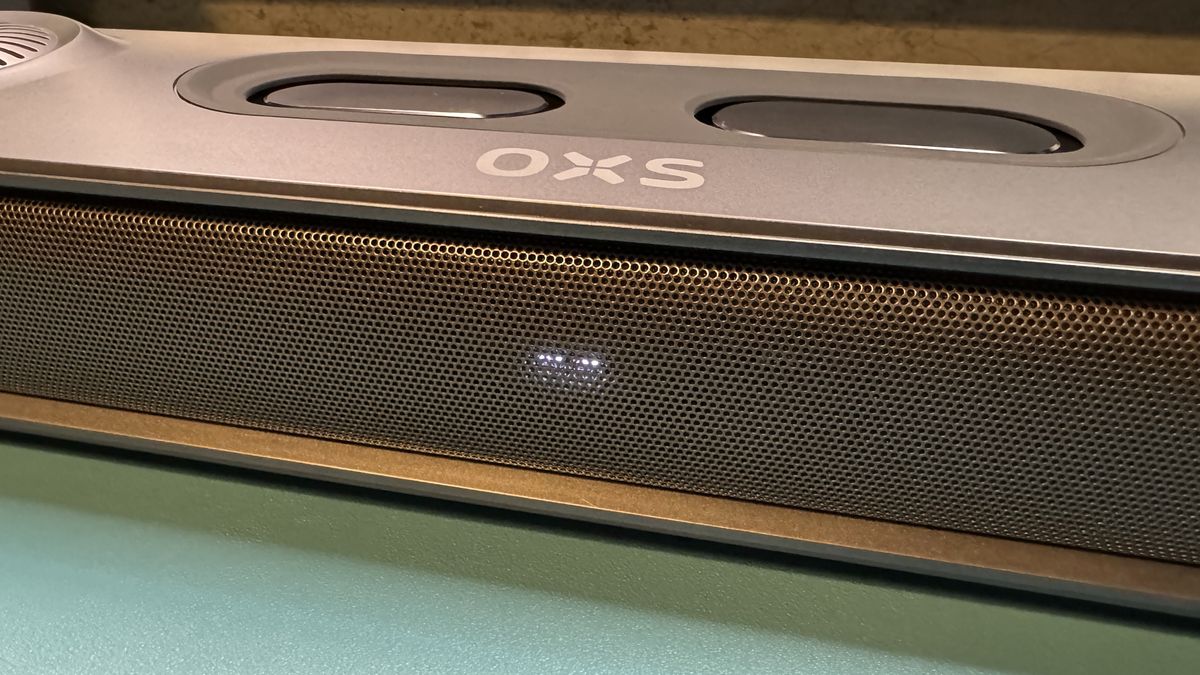
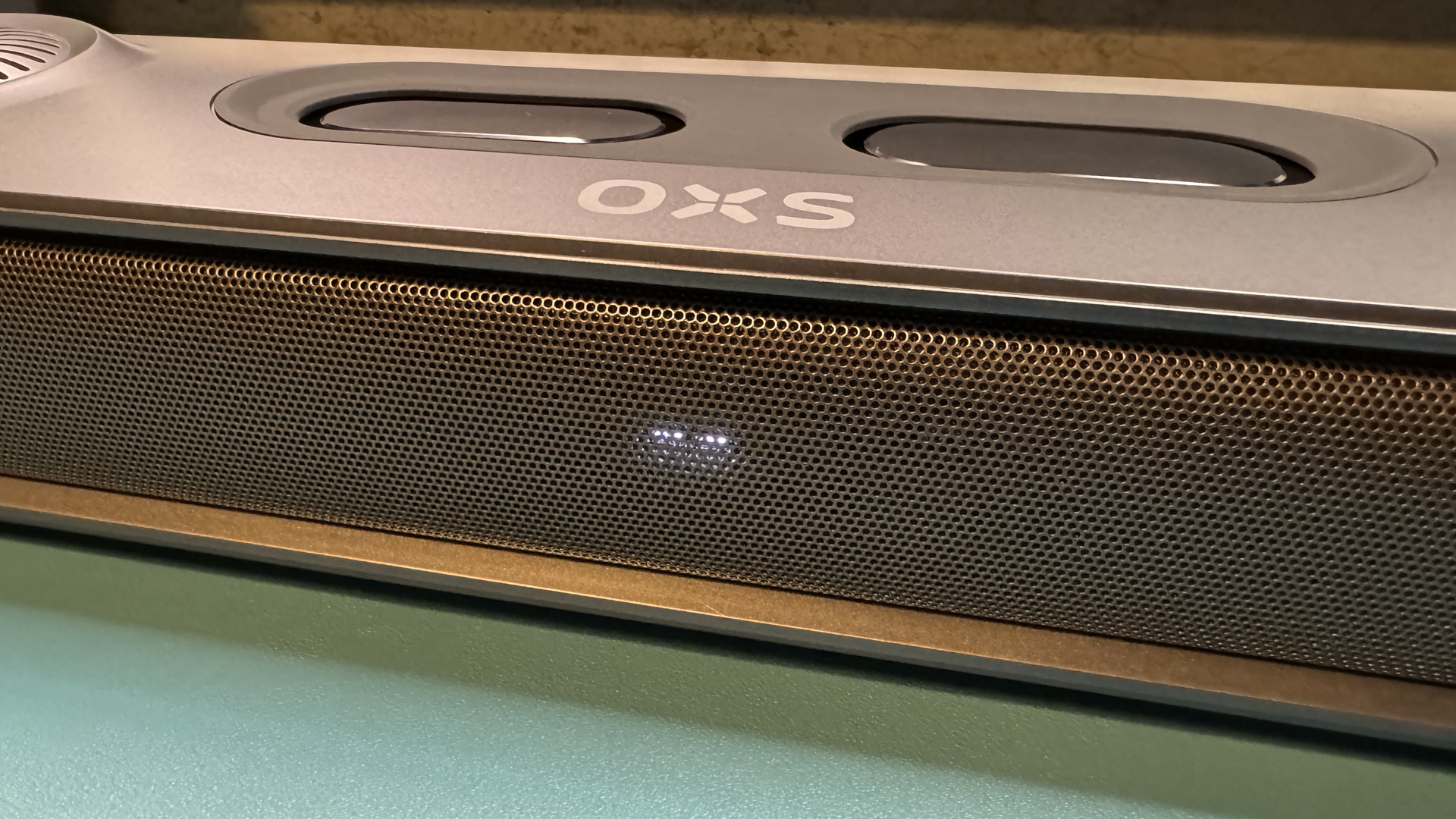
The soundbar is relatively compact compared to non-gaming soundbars, measuring 23.9 inches (607mm) wide by 3.62 inches (92mm) deep. It's approximately 3.23 inches (82mm) tall, though the front will sit just under 4 inches (99mm) high if you opt to use the included stands, which angle the soundbar up slightly. This is a bit taller than some of the other gaming soundbars we've tested. While it should still be easy enough to fit underneath your monitor, it definitely gives less clearance than the OXS Thunder Pro+ (23.9 x 4.8 x 3 inches / 608 x 122 x 78mm).
Tom's HardwareTom's HardwareTom's Hardware
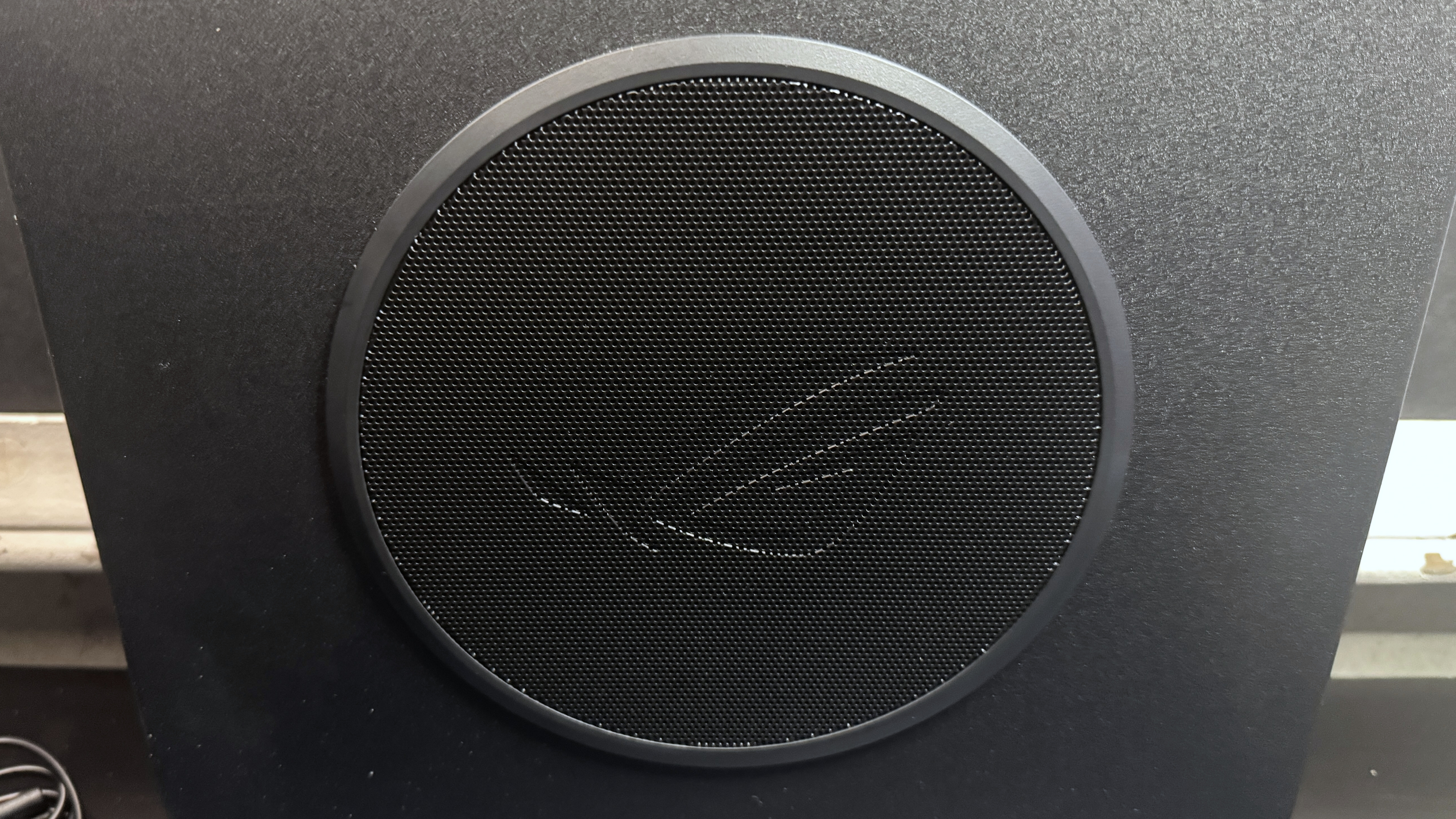
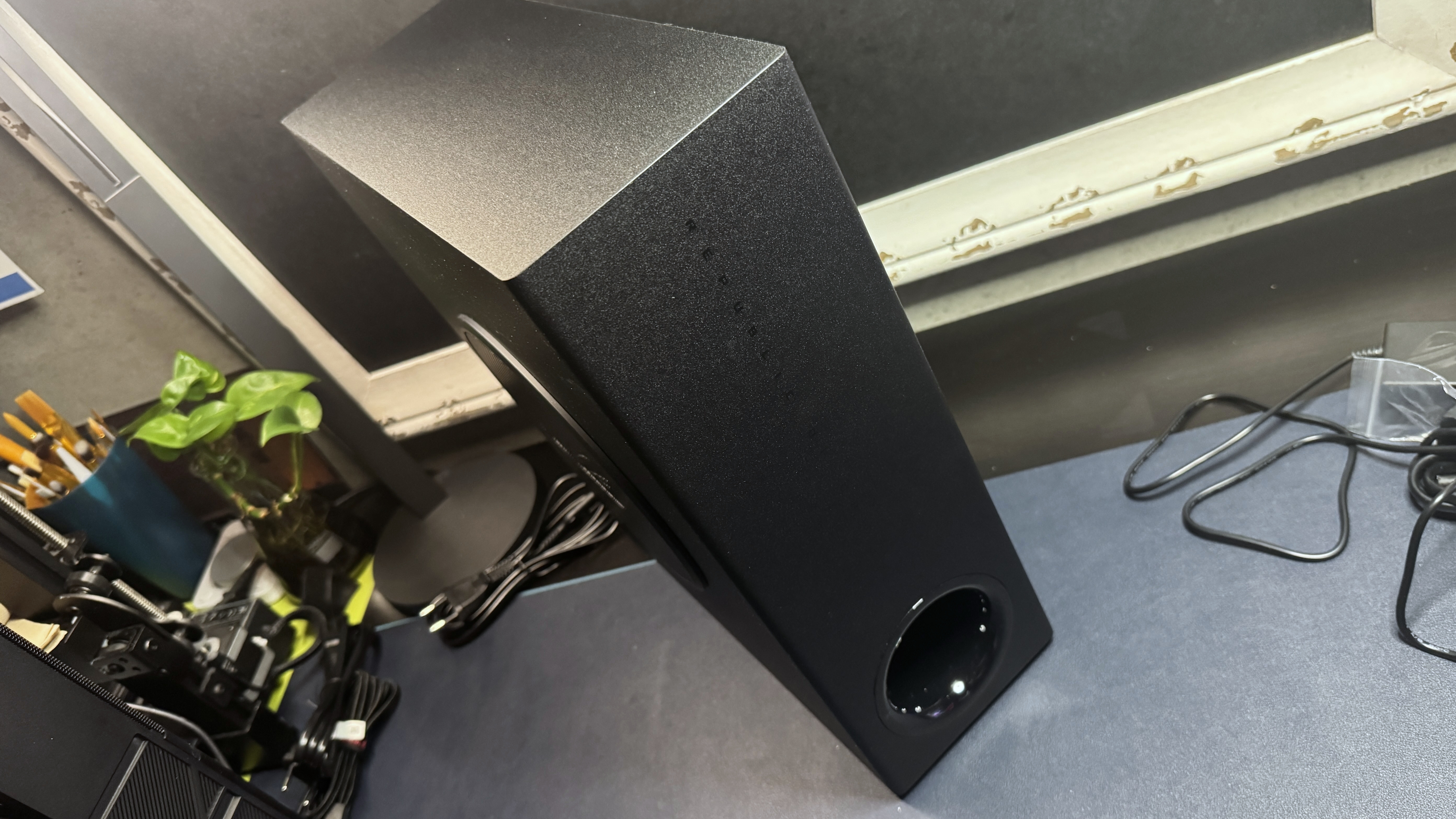
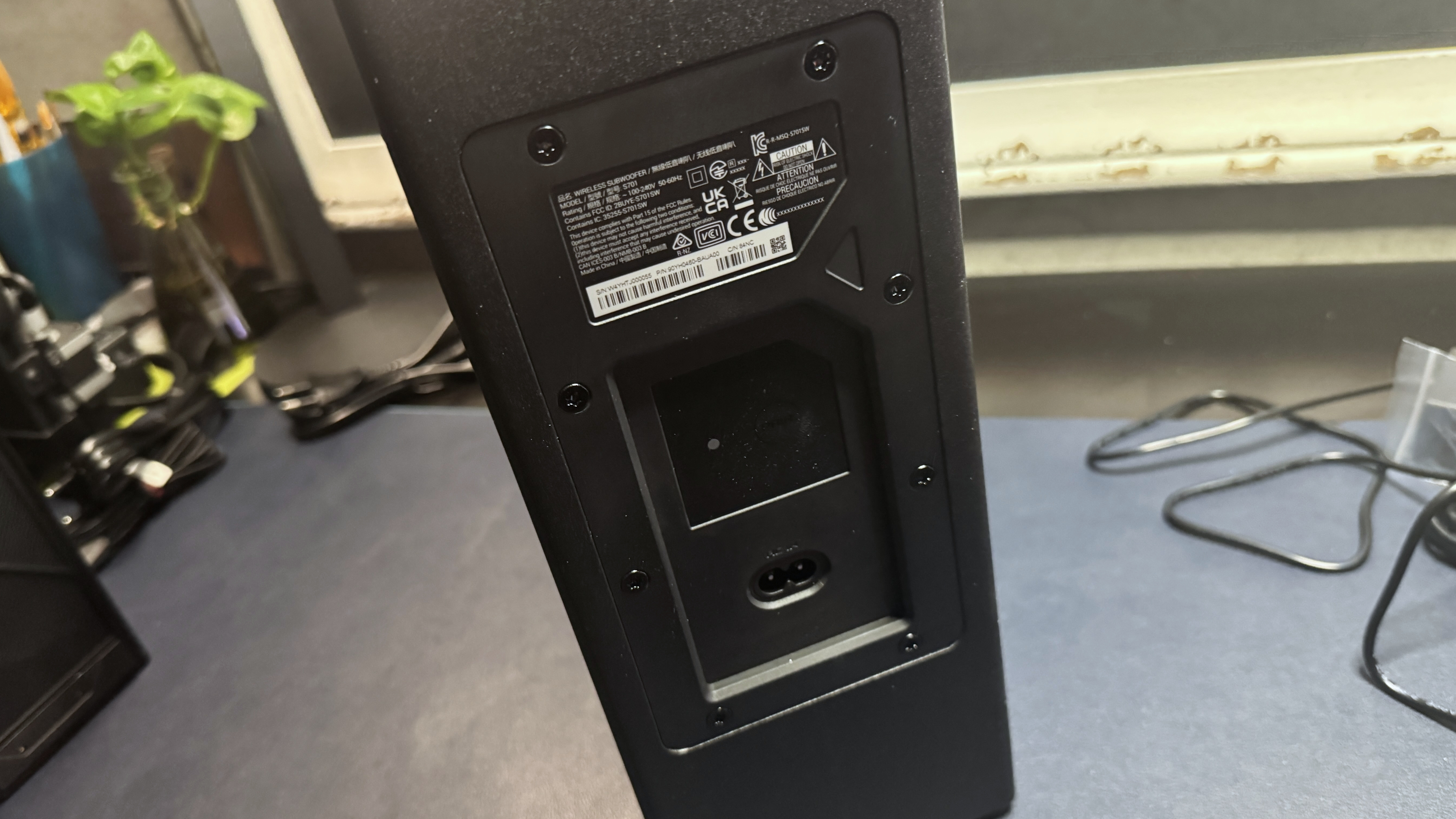
The soundbar comes with a slim, wireless 65W 6.5-inch side-firing subwoofer that features ROG's infamous angry eye logo debossed into its metal grille. The subwoofer measures 14.02 inches (356mm) tall and 12.04 inches (315mm) wide, but it's only 4.92 inches (125mm) deep. It has no ports aside from its A/C port and has just one control — a button for pairing it with the soundbar, should it somehow become unpaired.
Tom's HardwareTom's Hardware
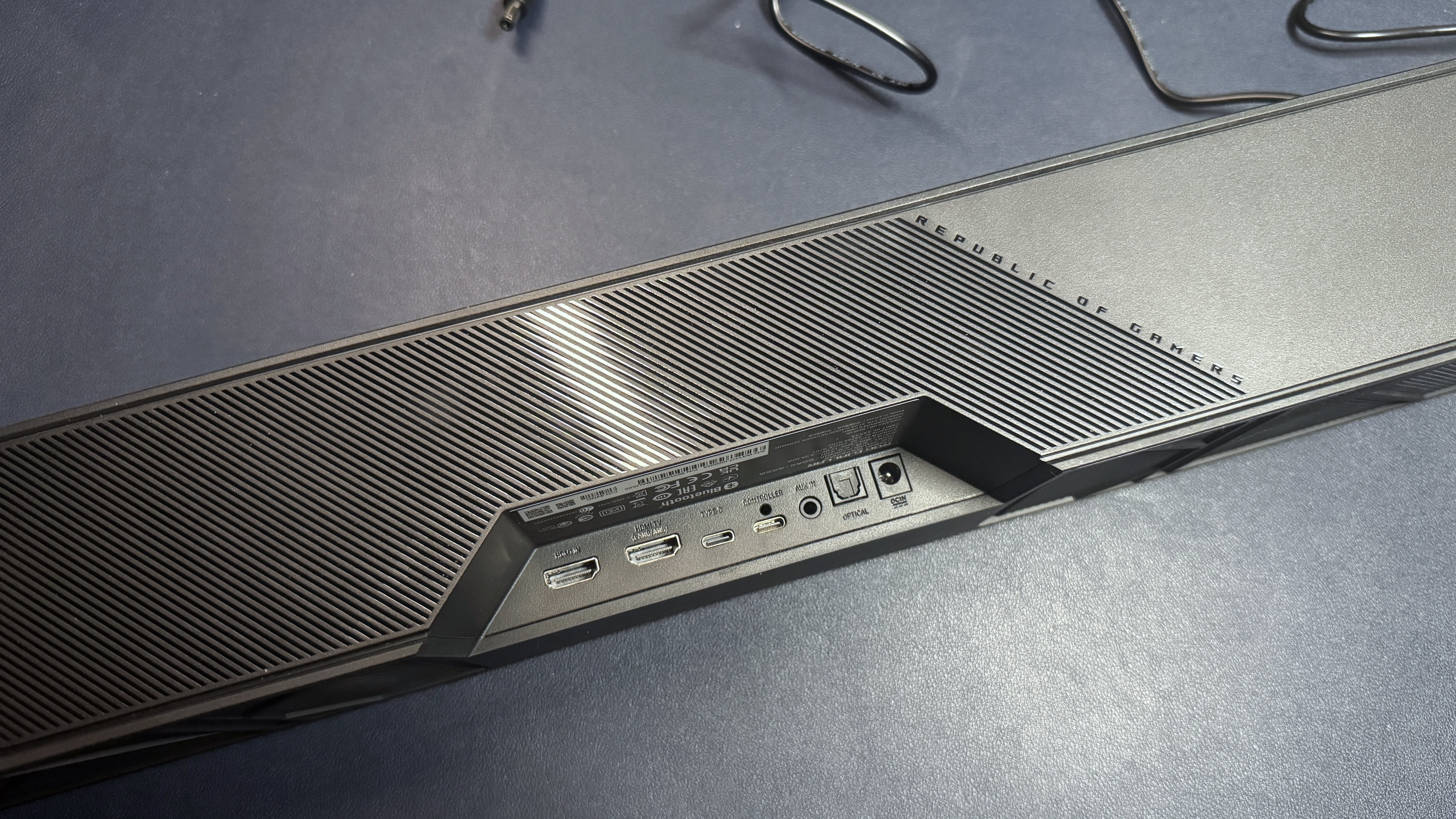
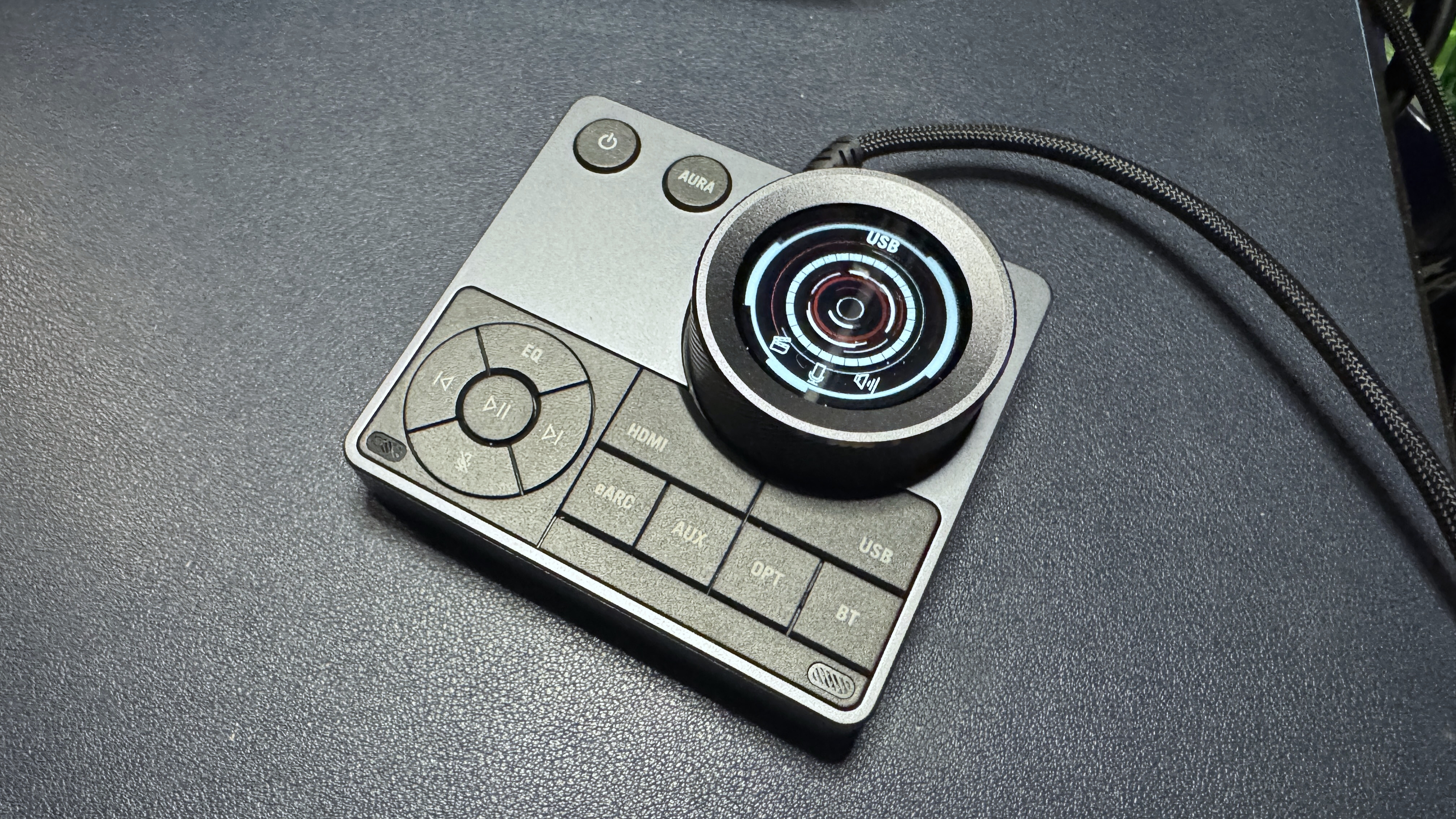
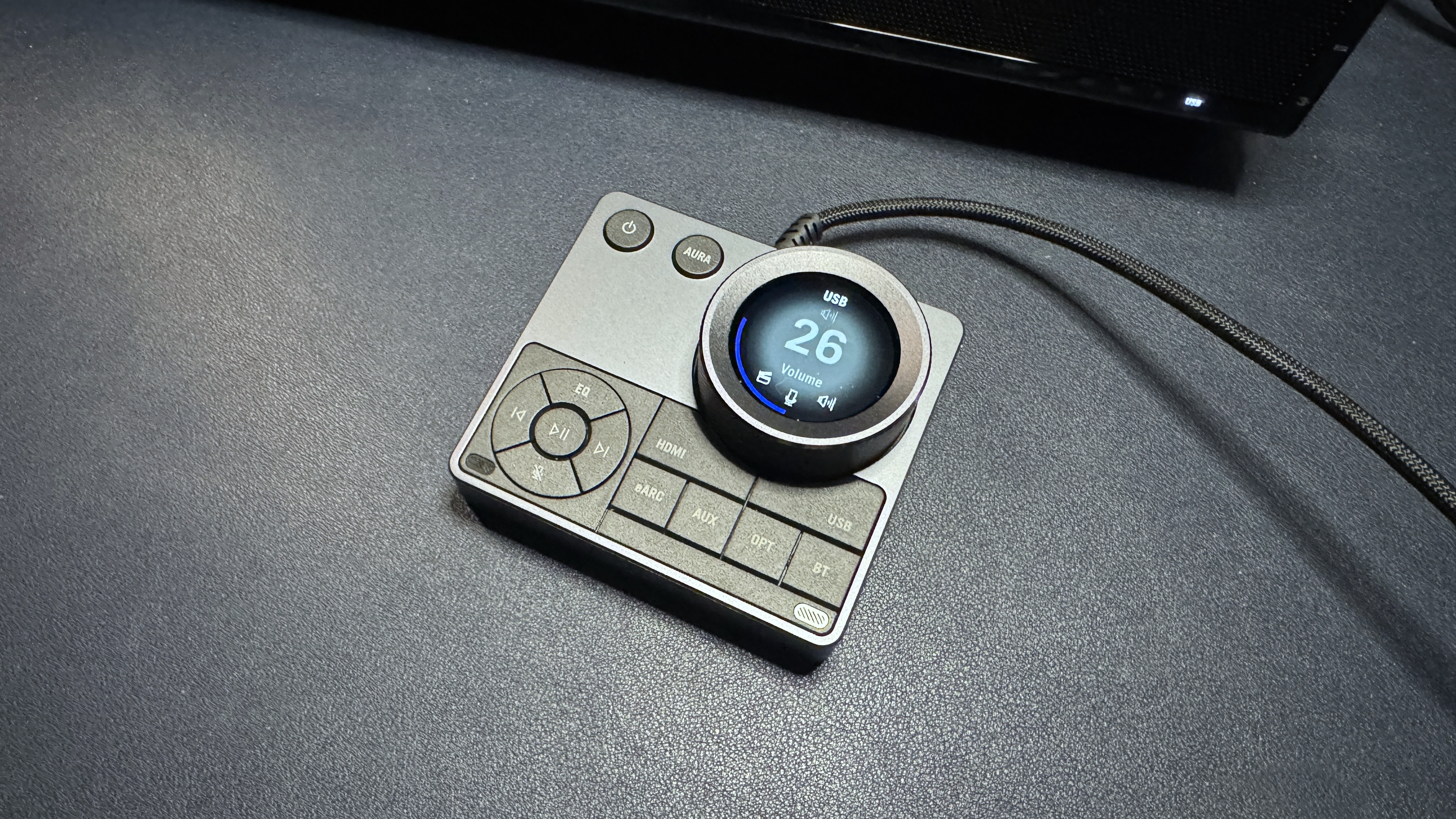
The Gjallar is well-connected, offering USB-C, HDMI 2.1 with eARC, optical-in, 3.5mm AUX-in, and Bluetooth 5.3 connectivity — you should be able to easily connect it to your PC, phone, and console(s) without having to swap cables around. It comes with an "all-in-one" audio control hub that connects to the soundbar via a dedicated USB-C port. The control hub features a large volume knob with an LCD display in the center, as well as a power button, media controls, and buttons for RGB effects, EQ, and connection switching. It also features built-in beamforming mics with "advanced acoustic echo cancellation" to filter out sounds coming from the speaker and focus on your voice.
Tom's HardwareTom's HardwareTom's Hardware
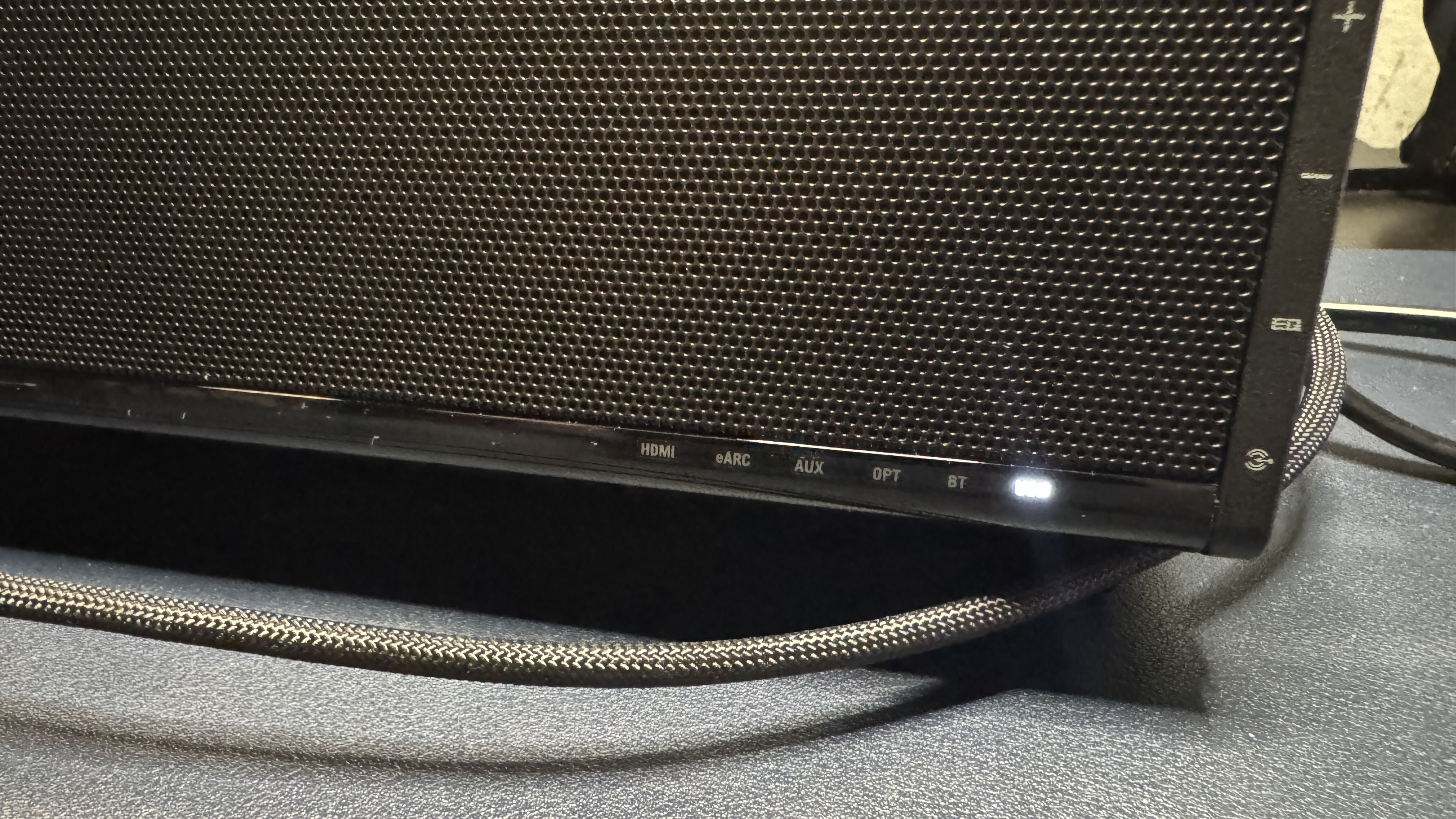
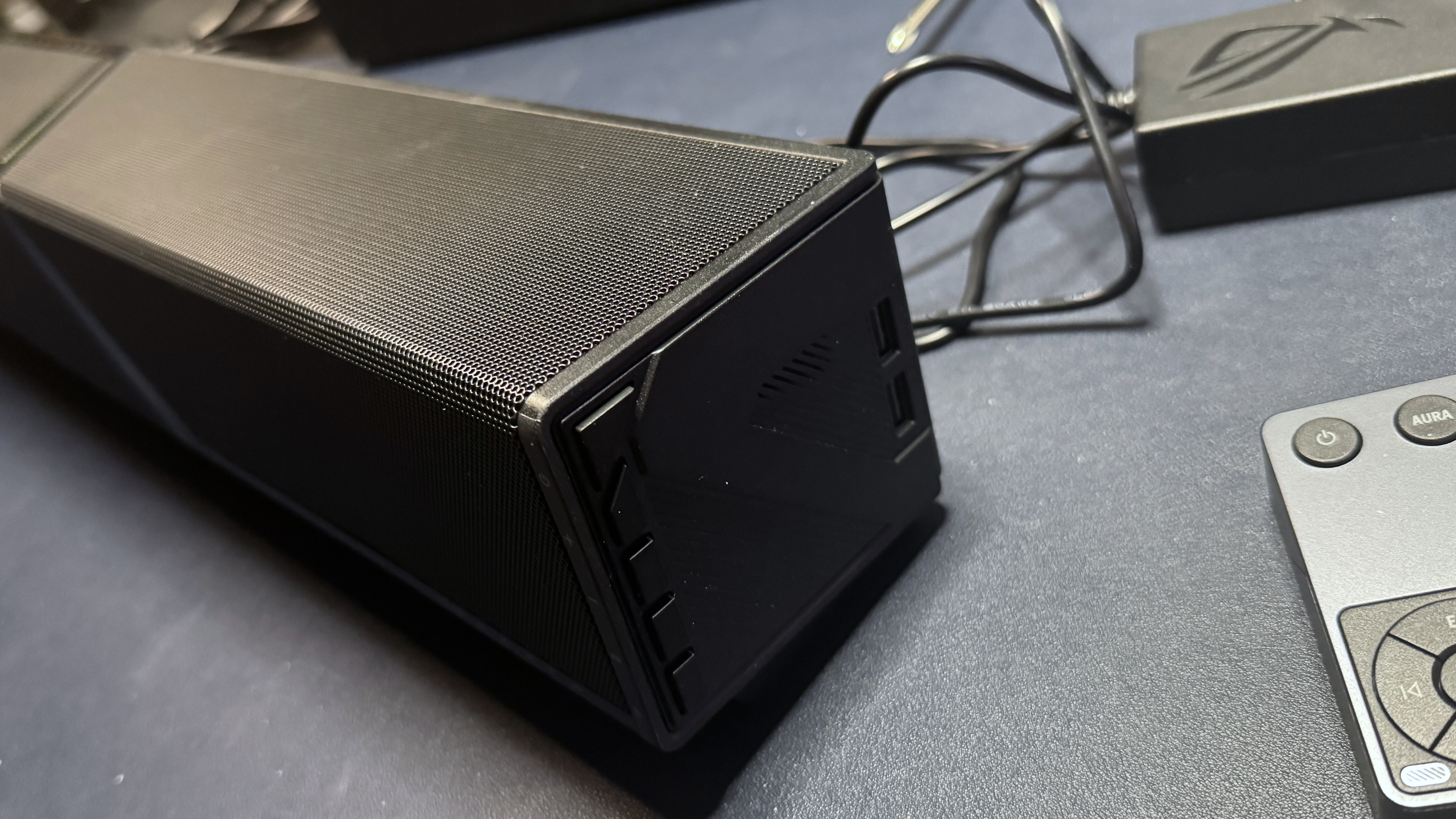
In addition to the control hub, the sound bar also has five physical buttons along its right side — power, volume up / down, EQ, and input. There are also two USB-A pass-through ports on the left side, which you can use to plug in other peripherals.
(Image credit: Tom's Hardware)
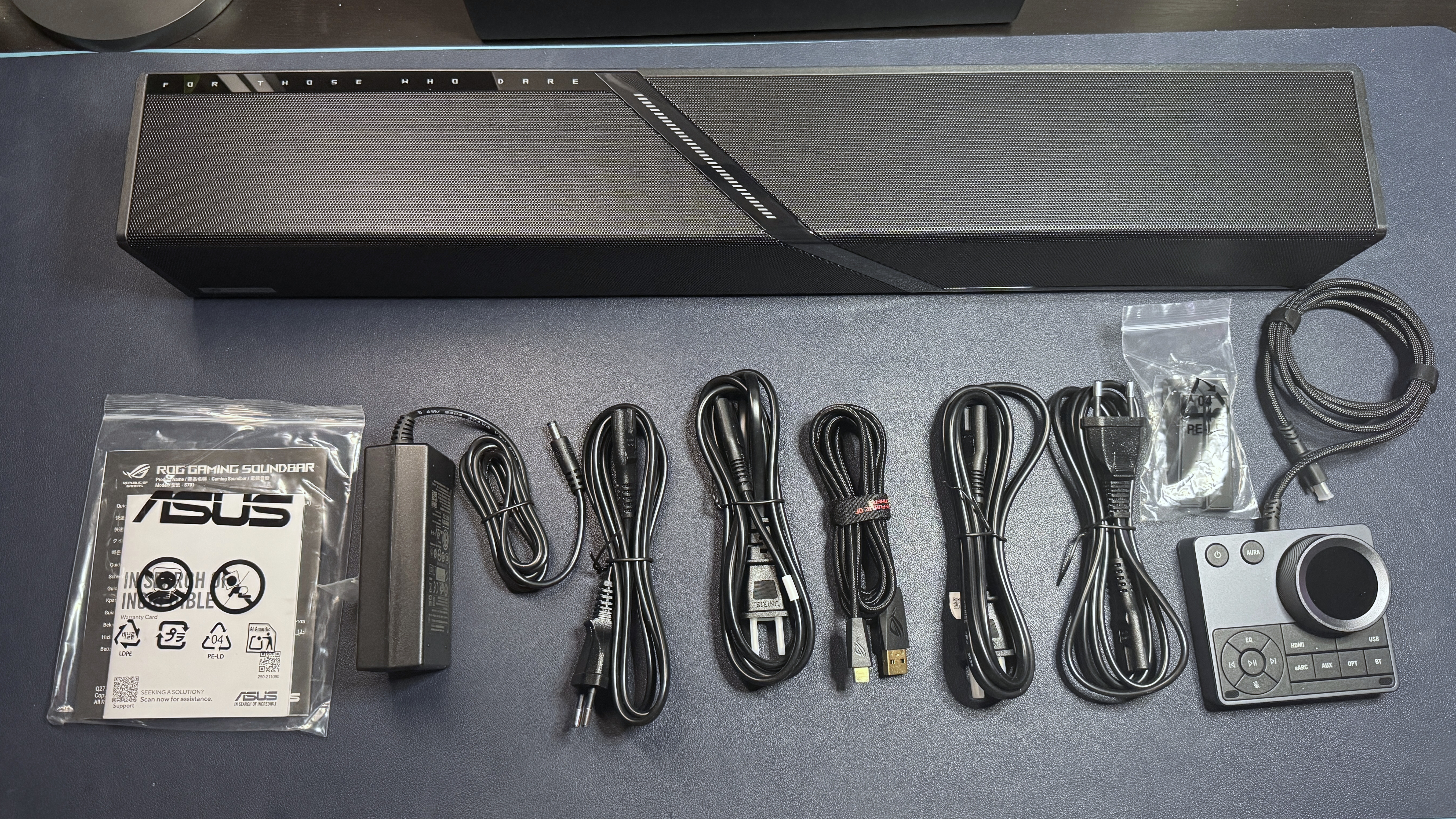
In the box, the ROG Gjallar comes with several accessories: the wireless subwoofer and the wired audio control hub (with a 3-foot/1m non-detachable USB-C cable), as well as a 6-foot (1.8m) USB-C to USB-A cable, two sets of two 5-foot (1.5m) A/C power cables (U.S./Type B and European/Type C), and a power adapter for the soundbar. It also comes with two removable "feet" that screw on (via four included screws) and angle the soundbar up slightly, since it will be sitting on your desktop.
Bluetooth 5.3, HDMI eARC, HDMI IN, Optical-in, AUX-in, USB-C
Cables
6ft. / 1.8m USB-C to USB-A 5ft. / 1.5m A/C cables (2x Type B, 2x Type C)
Size
23.9 x 3.62 x 3.23 inches / 607 x 92 x 82mm 4.92 x 12.4 x 14.02 inches / 125 x 315 x 356mm (subwoofer)
Weight
2.4kg (soundbar) 5.7kg (subwoofer)
Lighting
Yes
Software
Gear Link
Features
Audio Control Hub (wired), built-in beamforming mics
MSRP / Price at Time of Review
$599.99
Release Date
Aug. 24, 2026
Performance
The ROG Gjallar is a 2.1.2 system — the two primary speakers (each consists of a full-range driver and a tweeter) and two up-firing speakers in the soundbar, plus a 6.5-inch subwoofer. The two main speakers face forward, while the up-firing speakers are angled upward to create the illusion of more multi-dimensional sound.
(Image credit: Tom's Hardware)
Audio on the ROG Gjallar sounds pretty good for a soundbar — though it's not significantly better (or different) than the audio performance we've heard on other premium-priced gaming sound bars. While the opening bass in Lorde's Royals had at least some detail and depth (thanks, in part, to the subwoofer), and the breathiness in Britney's voice in Toxic was fairly clear, the overall soundstage in songs like Beyonce's Single Ladies and K-391's Lonely World was still pretty limited.
Games sounded pretty good on the Gjallar, especially with some EQ tweaking. While the soundstage still didn't sound huge in games like Baldur's Gate 3 and God of War: Ragnarok, most of the layered details in the audio still managed to come through. Directional sound on the Gjallar was also about as good as you can expect from a soundbar, thanks to Dolby Atmos.
(Image credit: Tom's Hardware)
The Gjallar's built-in Acoustic Echo Cancellation microphones have a dedicated DSP and are designed to intelligently filter out sound coming from the speakers to pick up your voice better. Unfortunately, this works better on paper than it does in practice. While the mics did a decent job of filtering out noise from the soundbar — including music, games, other people's voices, and my 110th rewatch of Pirates of the Caribbean at 80% volume — that was about all they were good at.
The people I spoke to over voice chats couldn't hear what I was listening to in the background, and they could hear me — but they couldn't really understand me very well. My voice not only sounded fuzzy, but my words were frequently cut off, likely from an overly aggressive noise-reduction algorithm. Turning the echo cancellation and noise reduction to its lowest setting didn't seem to make much of a difference, and turning it off completely resulted in nobody being able to hear me at all (and I'm pretty loud). The quick-start guide that came with the Gjallar does point out that for the best results you should have the control hub located directly in front of you, but that didn't do much for me (and also wasn't exactly convenient). I guess the mics on the Gjallar are okay if you have absolutely nothing else with a built-in mic, but I think I'd rather have the option to simply plug in a microphone or a headset via the control hub.
Features and Software
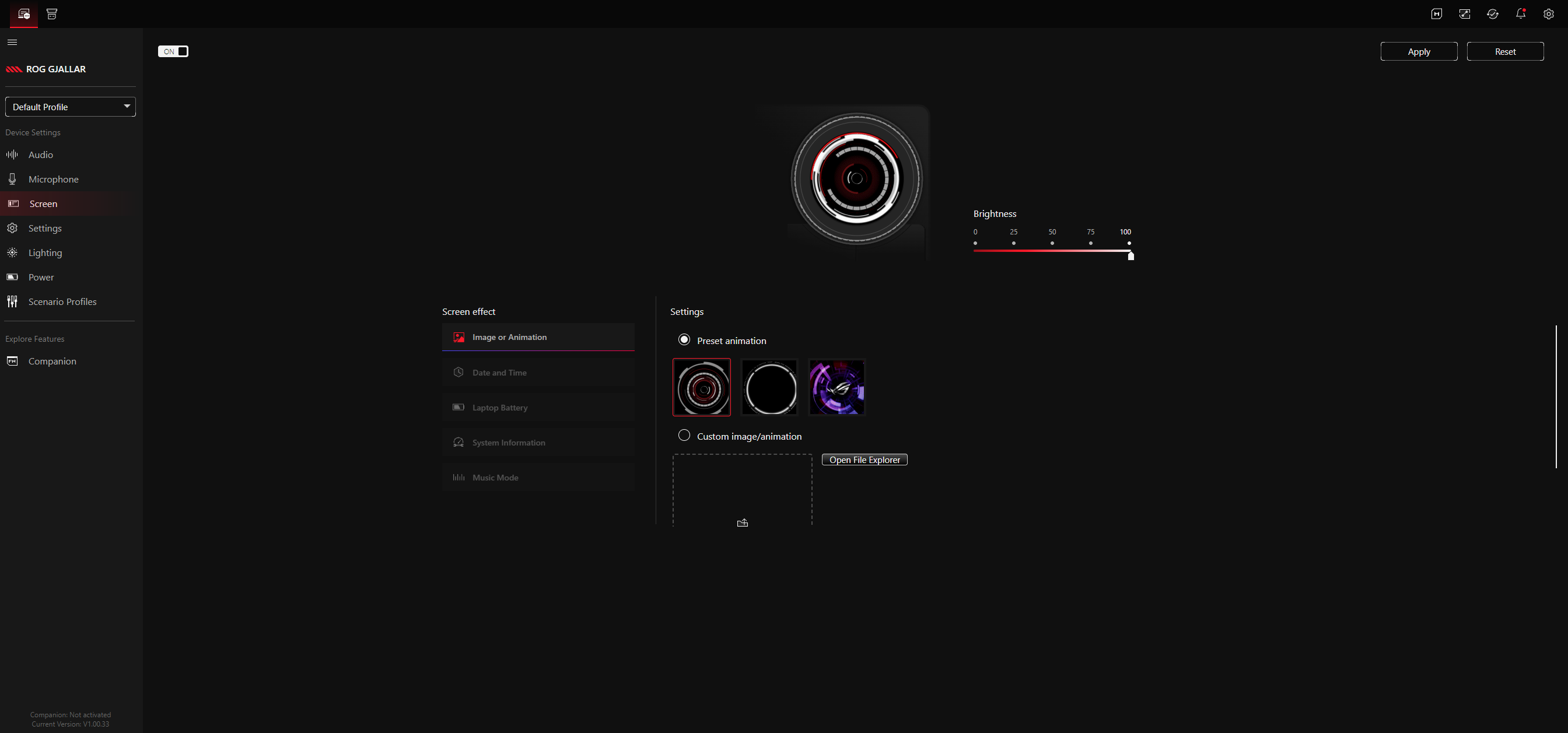
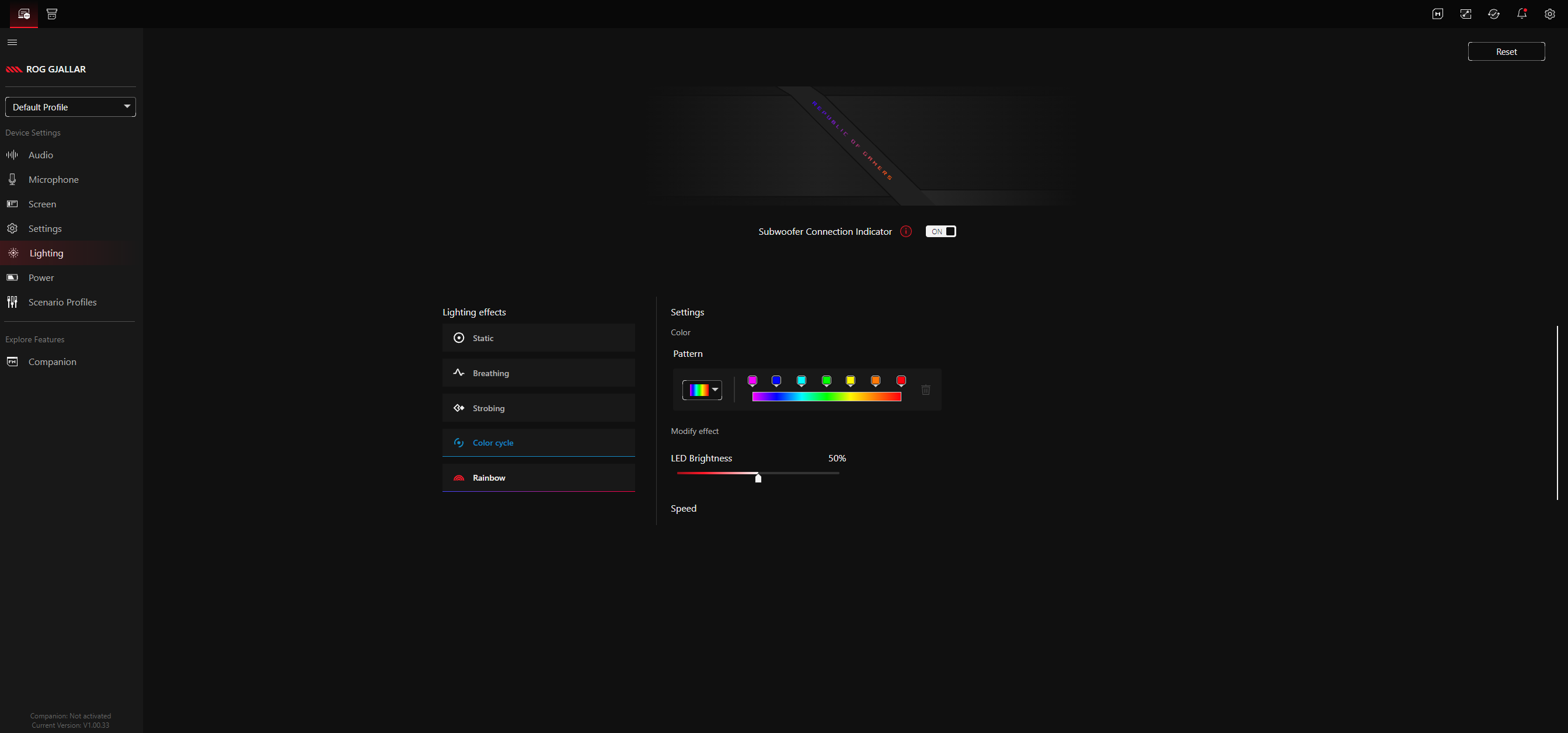
The ROG Gjallar comes with its dedicated audio control hub, so you can do some customization through that — such as switching between EQ and RGB lighting presets. For real customization, such as setting up your own EQ and lighting presets, you'll need to connect to Asus' web-based Gear Link software.
On one hand, Gear Link is relatively easy to navigate and works fairly well. Just connect via the pop-up in your browser, switch up your settings, and hit "apply," and they save directly to the device. On the other hand, it does seem a little unnecessary to require an internet connection just to do something like turn down the subwoofer level (there are no physical controls on the subwoofer — you must use Gear Link to adjust the level). You also can't really customize the audio control hub aside from switching out the graphic displayed on the LCD screen. You can't remap the volume wheel or any of the buttons, which is a little disappointing.
What you can do with Asus Gear Link: adjust the EQ and set up your own presets, change the subwoofer level, turn off the soundbar's height channel upmix, adjust the mic's noise reduction level, and adjust power settings (i.e., idle time before the soundbar goes into sleep mode). You can also customize the lightbar, but you will need to use Asus' Armoury Crate software to use Aura Sync (for the lighting to sync with your games and other Asus peripherals).
Bottom Line
The Asus ROG Gjallar sounds good for music, movies, and games — and sounding good is, of course, the most important part of a soundbar. But it doesn't sound that good. It has a limited soundstage and the mid-range often sounds a little strained — and it just feels like Asus could have made its first premium gaming soundbar a little more... premium. The audio control hub is a nice idea, but I'd like it to be more customizable. The most you can really do with it is have it display the time, or a picture of your cat. And I don't know why Asus even bothered to include the mics.
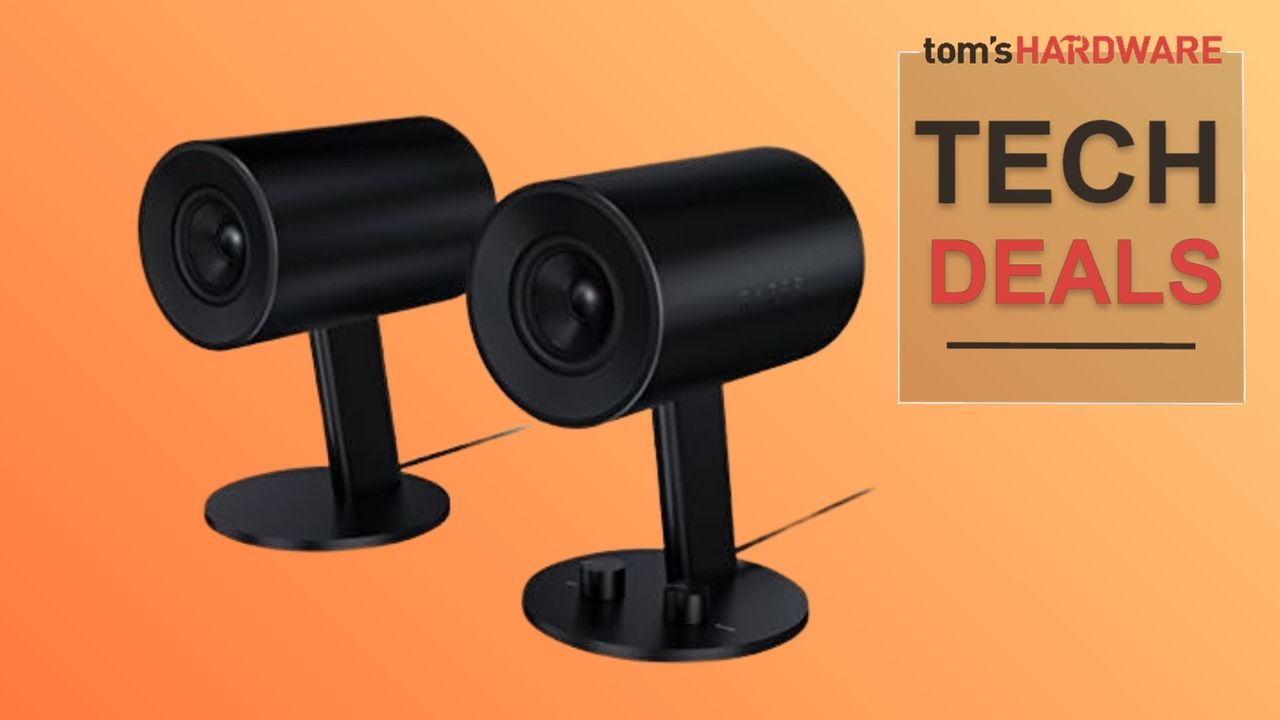
While $600 certainly isn't unheard of for a premium gaming soundbar (the OXS Thunder Pro+ costs $700 and doesn't come with a subwoofer, though it does come with a wireless neck pillow/speaker), it's still more than twice the price of most 2.1 gaming PC speaker systems. Even Razer's Nommo V2 Pro costs about $150 less, and it also features a wireless subwoofer and a wireless control hub.
Now this is a great-sounding deal to jump on today. For just $23.99, you can kit yourself out with a nice shiny new set of Drop BMR1 V2 speakers in a limited-time Woot deal. That's an unbelievable price for a set of monitor speakers that until recently commanded a price tag of $130. I have seen them cheaper than $130 at various retailers, including just $99 currently at Amazon, but nothing in the realm of $23. This is a limited opportunity to impulse-buy a decent desktop speaker experience at a snip of the original price.
The BMR1 V2 speakers are the new and improved version of the older BMR1. We haven't had the opportunity to review these more recent speakers, but we did review the original Drop BMR1 nearfield monitor speakers back in 2023. Originally, we were suitably impressed with the looks and styling of the BMR1, and found the soundstage to be rather large, with a good neutral sound for such a thin set of speakers, but we did find issues with the short Aux cable, a lack of included speaker grills, and the right speaker (containing the electronics) getting rather warm after prolonged use.
Some of our previous cons with the Drop BMR1 speakers have been addressed with the Drop BMR1 V2; the right speaker now runs 25% cooler, with improvements to overall speaker performance.
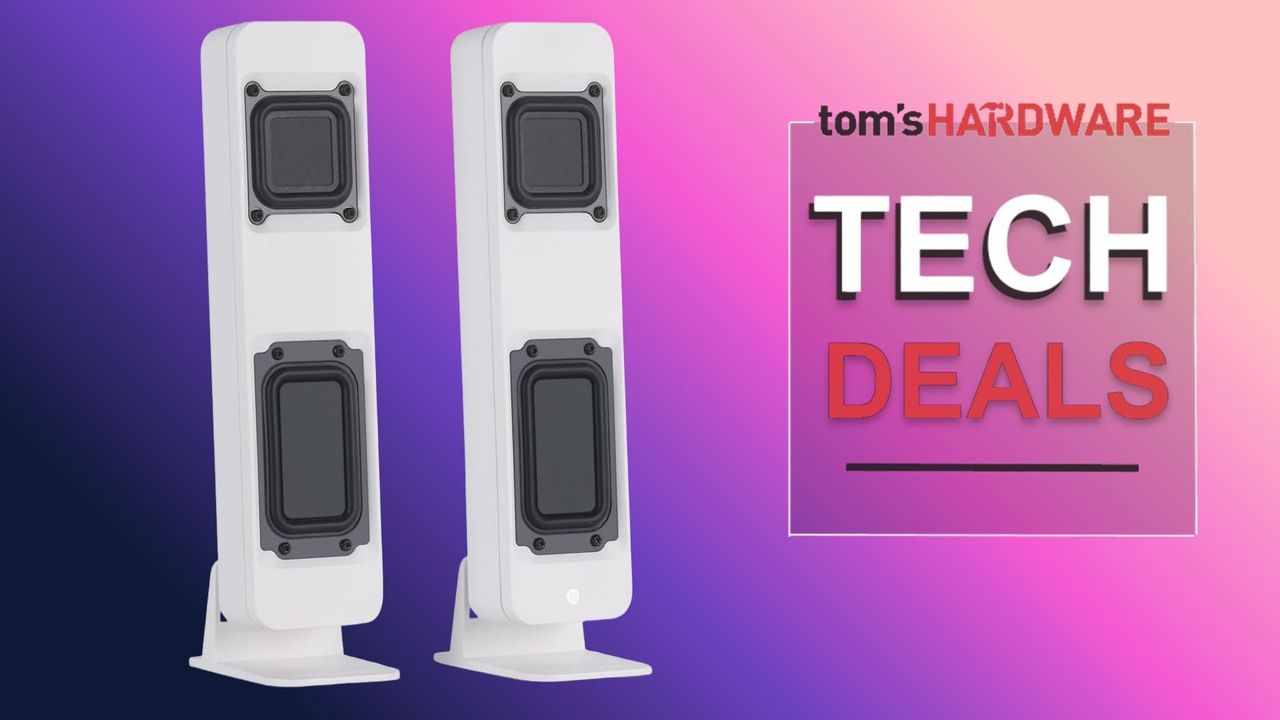
Powerful desktop speakers with a small footprint for maximising desk space. This improved V2 version of the popular BMR1 speakers improves performance and operational cooling. Choose to position your speakers horizontally or vertically thanks to a switchable orientation mechanism. View Deal
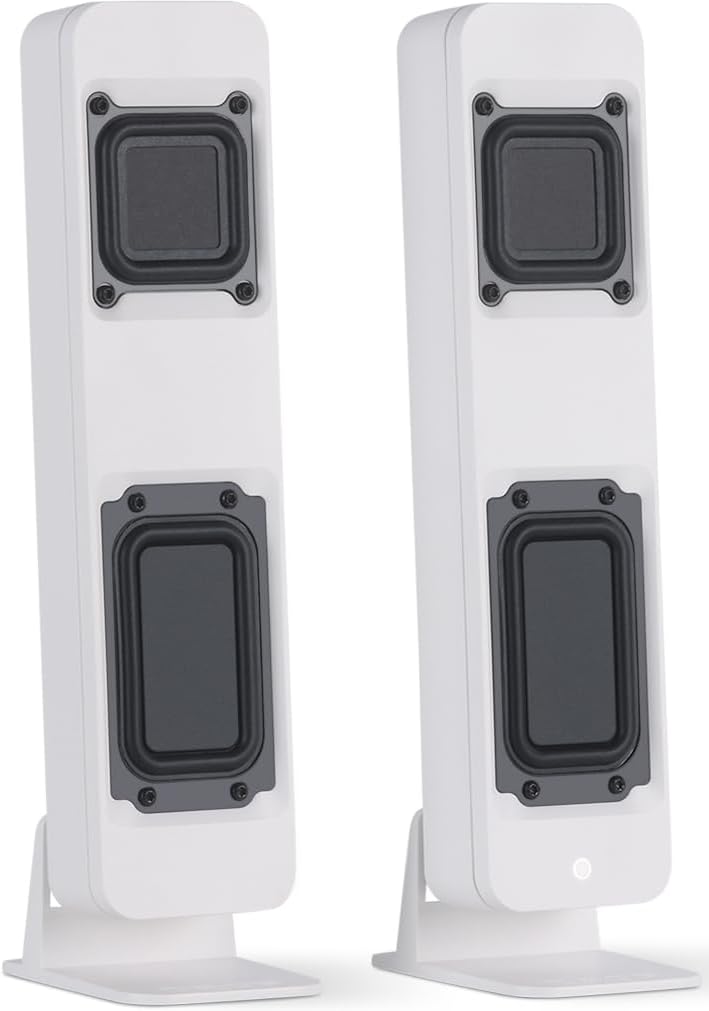
What makes the Drop BMR1 V2 nearfield monitor speakers stand out at first glance is the thin vertical orientation of the speakers with a very minimal desktop footprint. You can also switch the speakers to a horizontal position on their stand and easily place them under almost any standard PC monitor for another compact way of installing the speakers.
The Drop BMR1 V2 speakers use Balanced Mode Radiator drivers from Tectonic Audio Labs and can connect via Bluetooth or a 3.5mm Aux cable. There's also an aux-out port that lets you plug in an optional subwoofer. My only concern is that Drop no longer manufactures these speakers, as far as I can tell. Drop was bought up by Corsair and no longer has the original peripheral listings or shop, focusing more on collaborations with game IPs. So replacing these speakers could be an issue if there is a fault. But for only $23, it's not a huge issue.
With the cost of building a PC continuing to go up, you start to look elsewhere for ways to upgrade your setup. One of the best ways you can do that is with a high-quality pair of the best PC speakers, and some of our favorite options are on sale with deep discounts for Prime Day.
Regardless of whether you want to finally stop using your monitor's junky built-in speakers or an open-space alternative to headphones, a solid pair of speakers can elevate your setup, for games, movies, and of course, music. We have a handful of options here that are on sale for Prime Day, ranging from budget 2.0 setups to 7.1 surround sound systems.
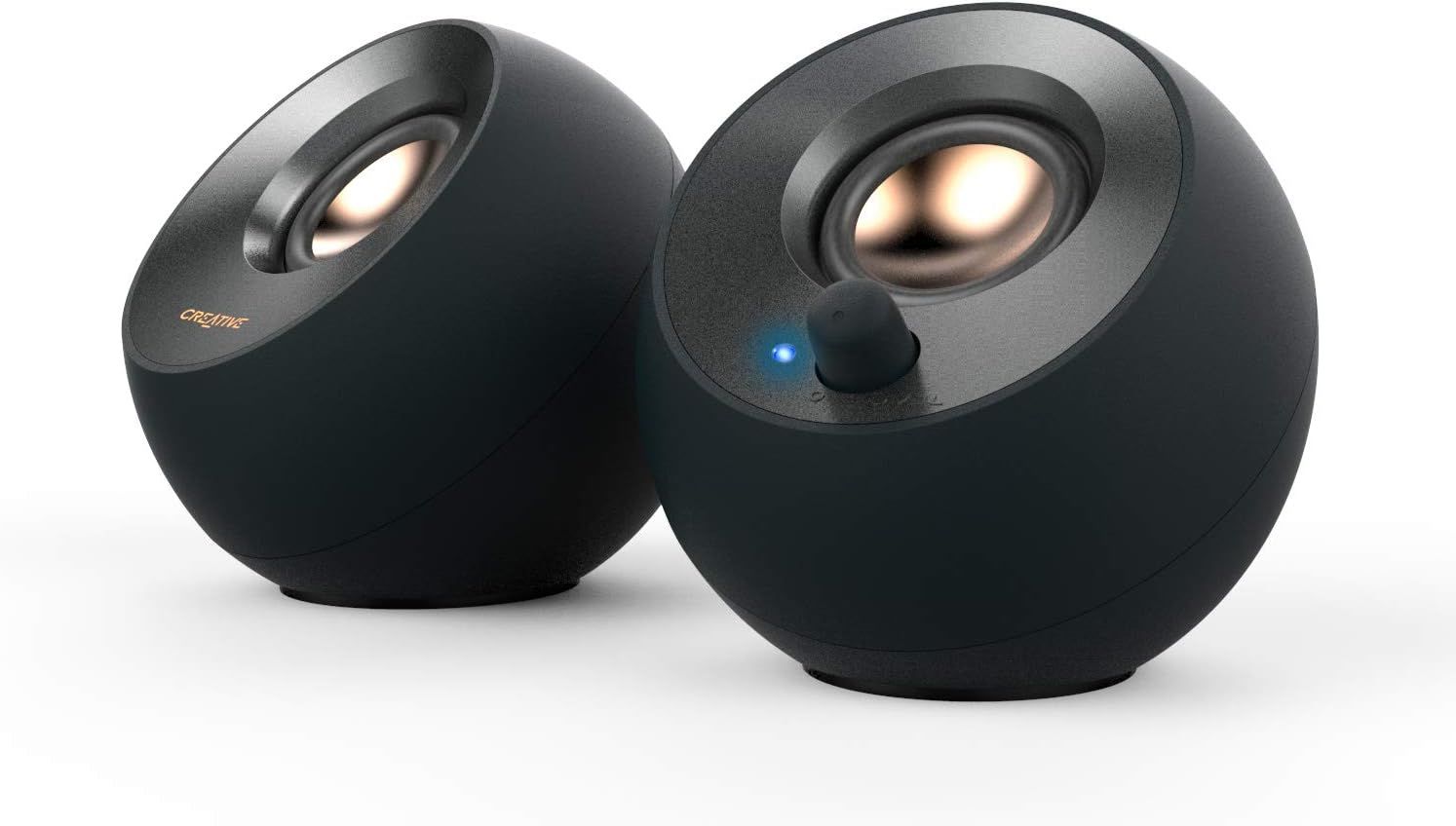
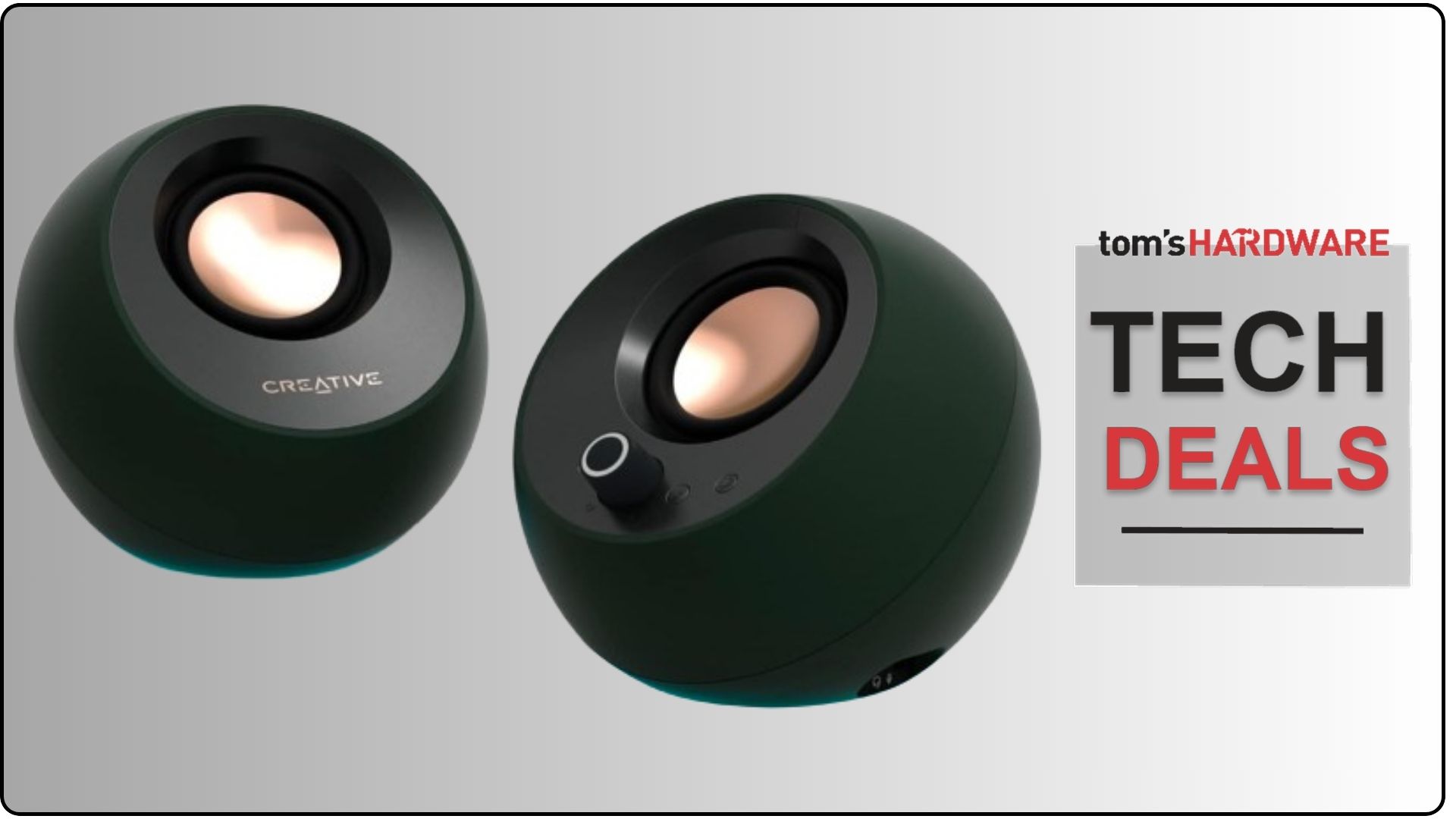
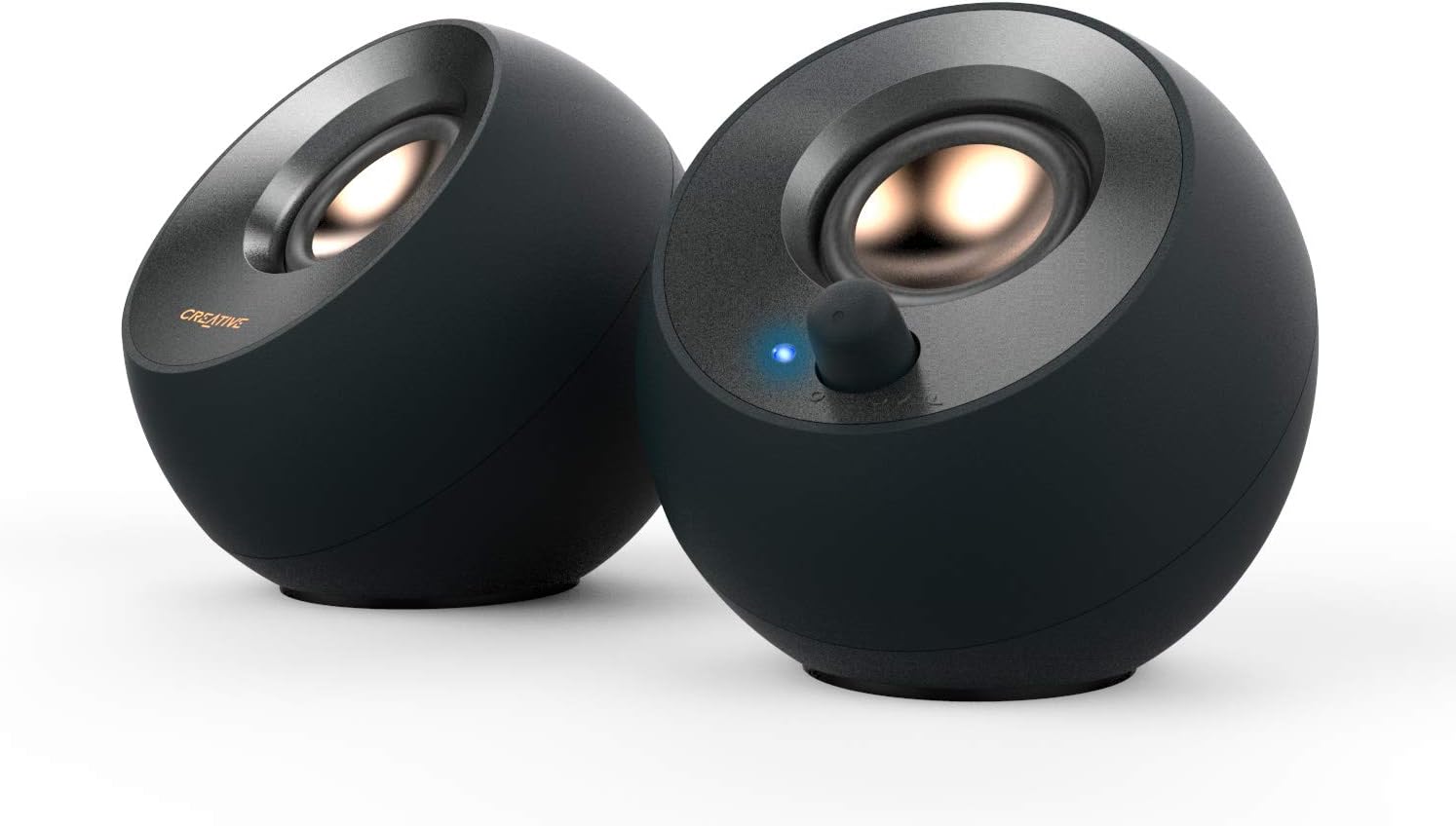
The Creative Labs Pebble V2 is a set of stereo speakers that connect to your PC via USB and feature a minimalist design. View Deal
Starting on the budget end, the Creative Pebble V2 speakers are just $26 for Prime Day. We've looked at the higher-powered Pebble Pro set, which also features some modern trimmings like Bluetooth at a much higher price of $60. The Pebble V2 speakers feature an older driver, but they're the same size.
Sound quality isn't the best, but it's far better than what you get out of monitor speakers, which is the most you can ask for out of a $26 pair of speakers.
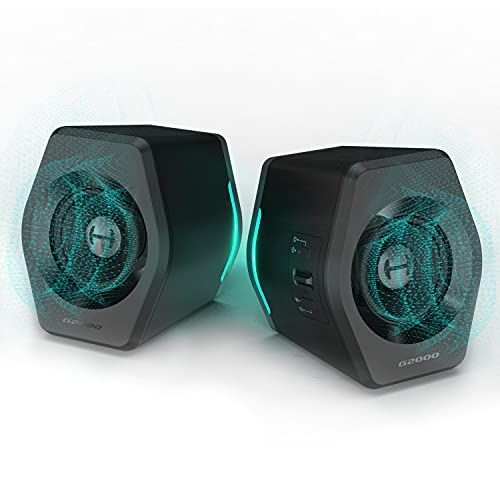
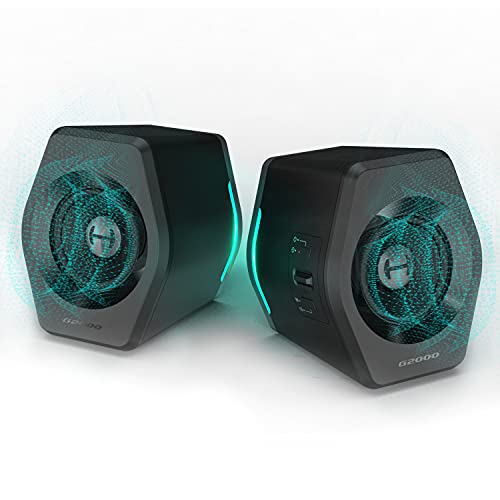
The G2000 speakers from Edifier come with a peak power raing of 32W and a frequency response of 98 Hz up to 22 kHz, along with analog and Bluetooth connections. View Deal
Stepping up in price and quality, we have the Edifier G2000 speakers, which currently rank as our best 2.0 speaker set for gaming. You get just the two satellite speakers, but they include a connection for a subwoofer to fill out the low-end down the line.
The speakers are mainly tuned for gaming, emphasizing the lows and deprioritizing the mids, so they aren't the best for listening to music. Still, Edifier offers a lot to like with the G2000, especially below $100, including 3.5mm and Bluetooth connections, along with a generous 32W peak power rating.
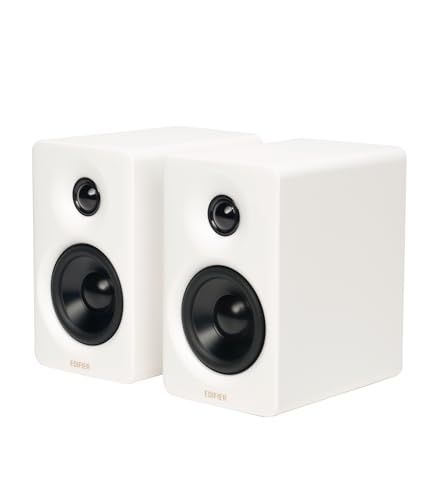
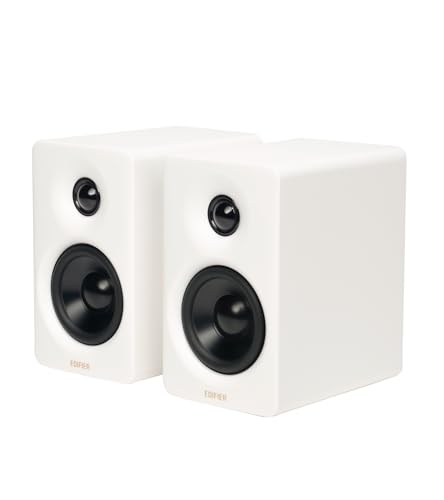
The Edifier M60 speakers feature a 3-inch woofer and 1-inch tweeter, as well as 66W of total output across the four drivers. View Deal
Edifier's M60 speakers turn everything up compared to the G2000, sporting a larger 3-inch driver along with a 1-inch tweeter to round out the high-end. Combined with a higher 66W power rating, the M60s are a more well-rounded set of speakers, with tuning that works better for movies and music.
The speakers also feature 3.5mm and Bluetooth connectivity, along with USB-C. We've linked the white color above, but the black and oak finishes are on sale for Prime Day, as well.
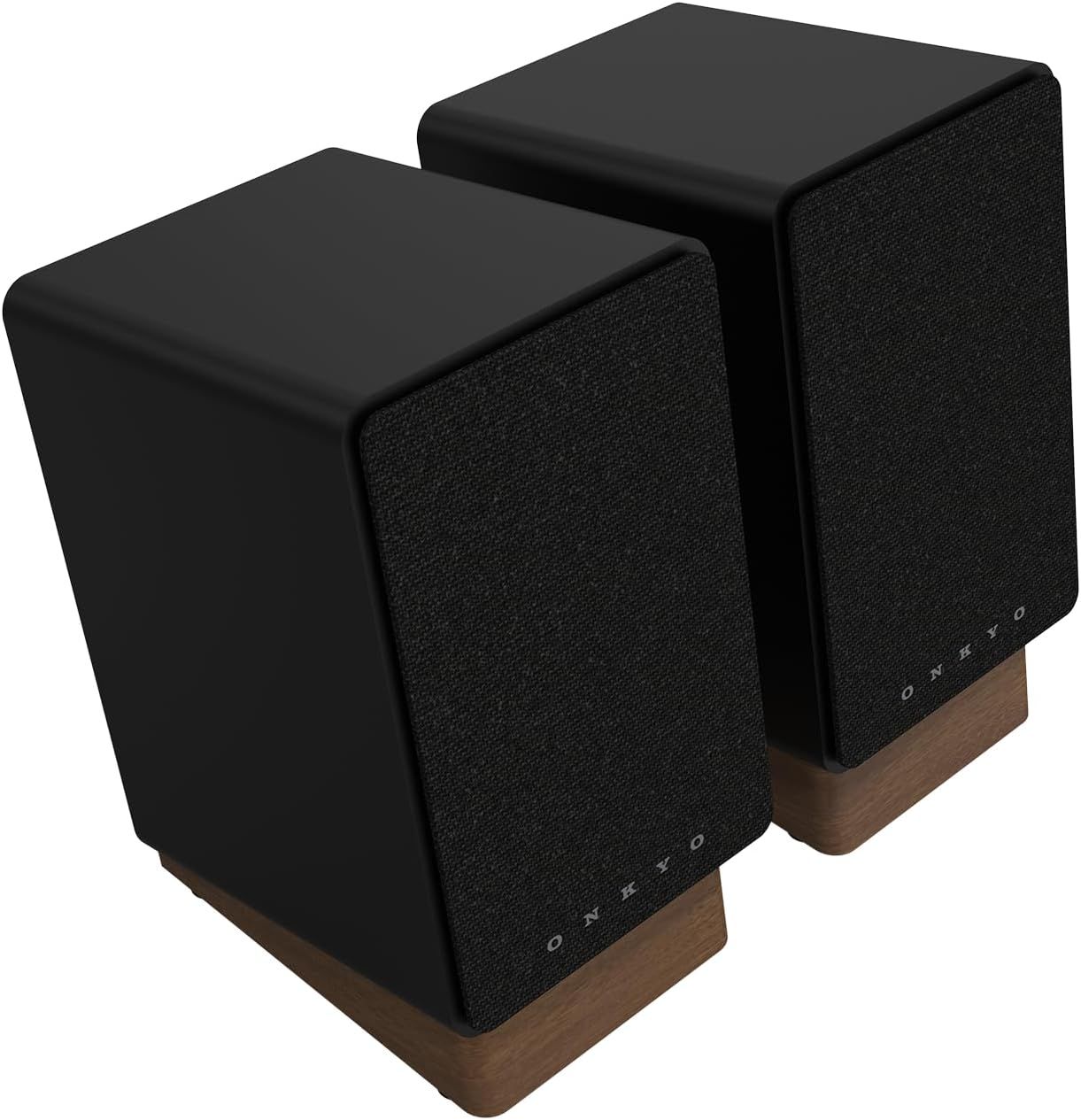
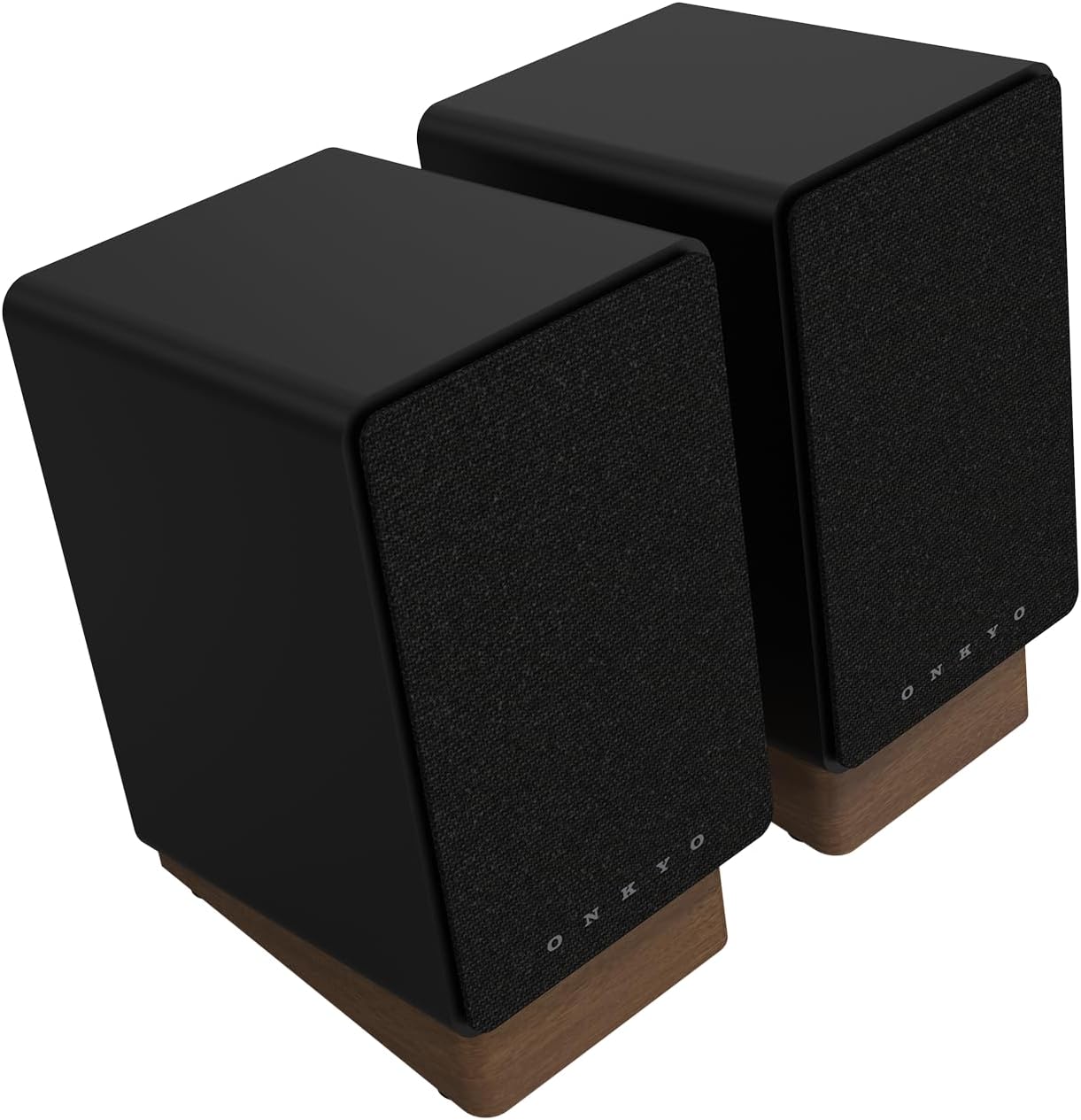
These 4-inch 50-watt speakers look great and come with angled desktop stands, and can connect to your PC and just about everything else. Features include Bluetooth as well as 3.5mm AUX, HDMI ARC, USB-C, line/phono, and optical connections. View Deal
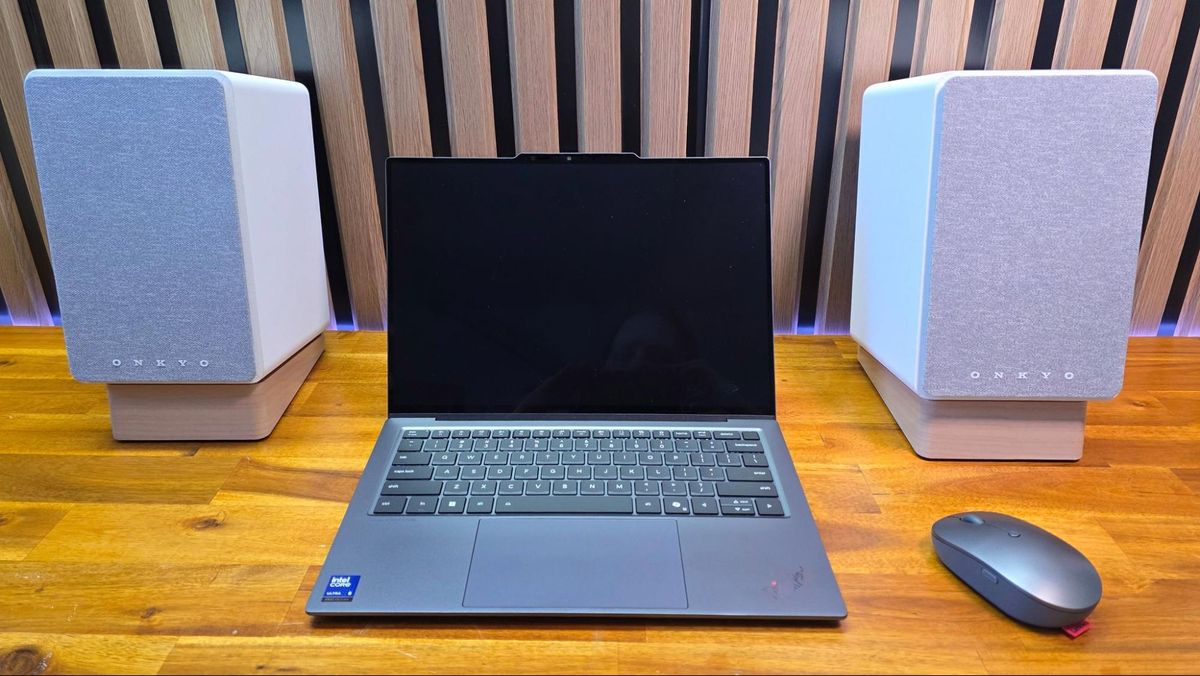
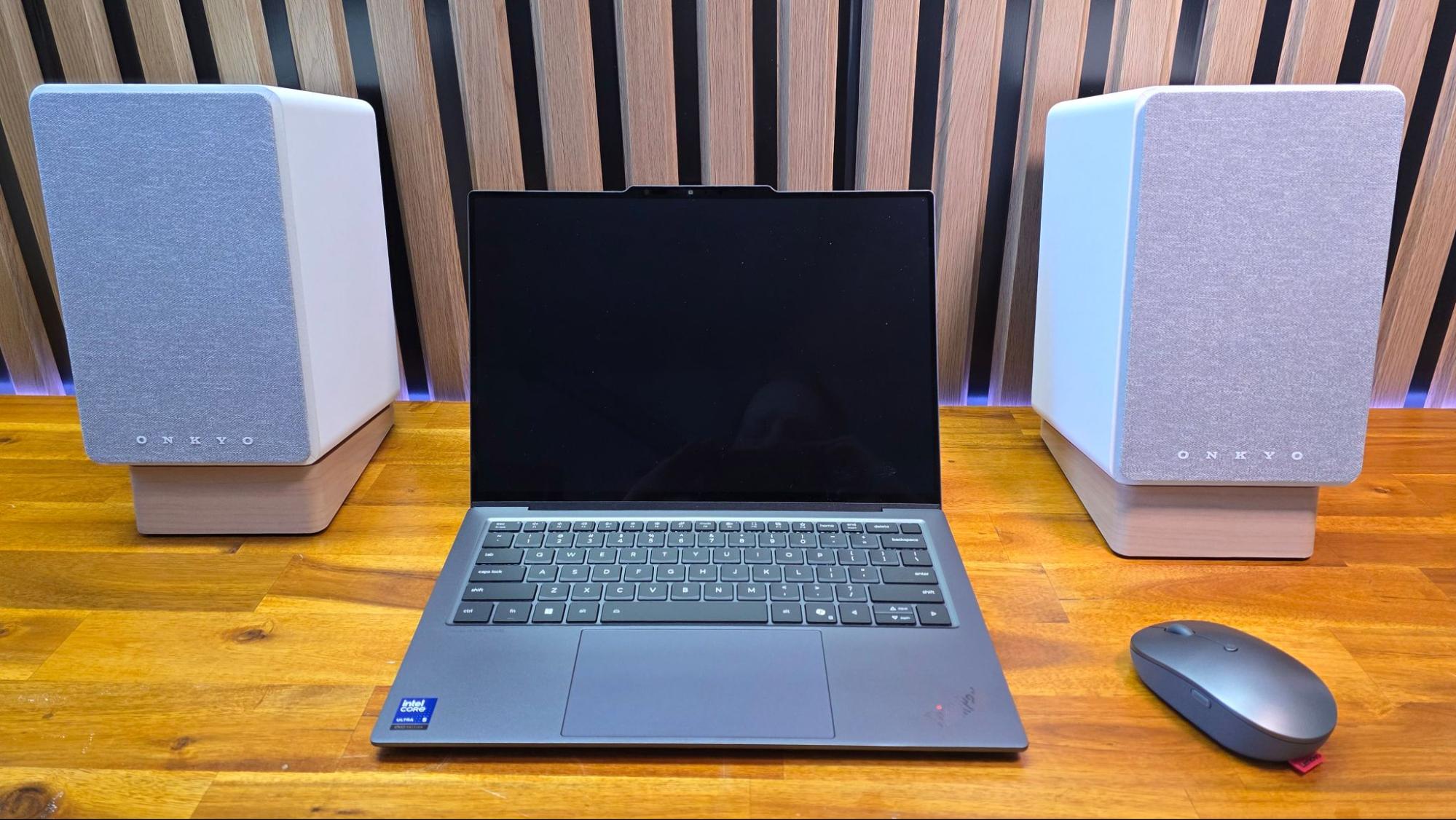
For a slightly higher-end sound all around, you can go with the Onkyo GX-30ARC speakers, which feature larger 4-inch woofers. We gave the speakers high marks in our Onkyo GX-30ARC review on the back of excellent sound quality for the price, not to mention plentiful connection options.
In addition to USB-C, Bluetooth, and 3.5mm analog connections, the speakers support optical, RCA, and even HDMI connection with ARC. Onkyo includes some plastic stands in the box, as well, angling the speakers up toward your ears for the most direct sound.
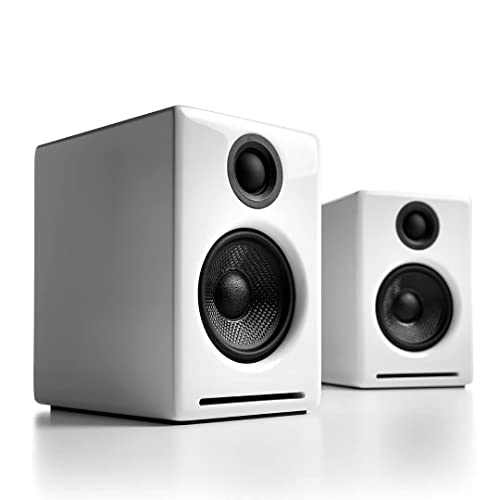
The Audioengine A2+ speakers feature real wooden cabinets, a 24-bit DAC, and connections for Bluetooth, USB-C, RCA, and 3.5mm analog. View Deal
The edifier M60s are a clone of the Audioengine A2+ speakers. If you want the real thing, you're in luck because the white color is on sale for $223, while the red version is down to just $209.
Audioengine comes out ahead with more premium build quality, including real wood cabinets and a 24-bit DAC (digital-to-analog converter) built into the speakers. You get plenty of connection options, as well, including Bluetooth, RCA, 3.5mm, and USB-C, along with a subwoofer expansion port.
These booming speakers bring 5.1 surround to your PC in a big way. They have wireless connectivity for the rear speakers, a lifesaver, and built-in lighting that spruces up your room. This 280W (peak) system also has a full-featured software suite to tailor it to your needs. View Deal
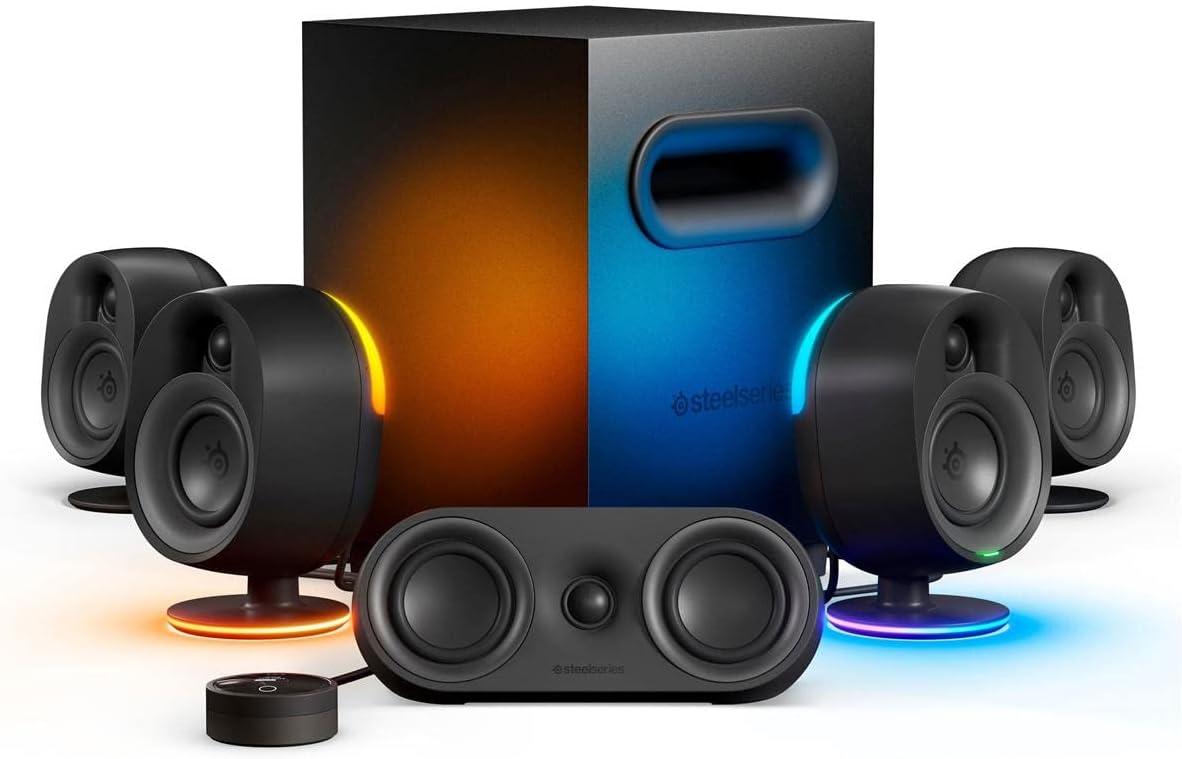
If you want to go all-out, you can save on the SteelSeries Area 9 surround kit. The set currently ranks as our best 5.1 surround speakers, combining a center channel with four satellite speakers and a 6.5-inch down-firing subwoofer. The subwoofer helps fill out the sound a lot, especially compared to the cheaper options above.
This is a true surround sound system, so it naturally pairs best with true surround sound sources. A lot of games only feature stereo sound, but thankfully, the Arena 9s can convert stereo audio into faux surround sound.
Passengers on United Airlines flight UA236 on Saturday were subjected to deplaning, TSA rescreening, and over 10 hours of delays thanks to a teen foolishly naming their Bluetooth speaker 'BOMB.'
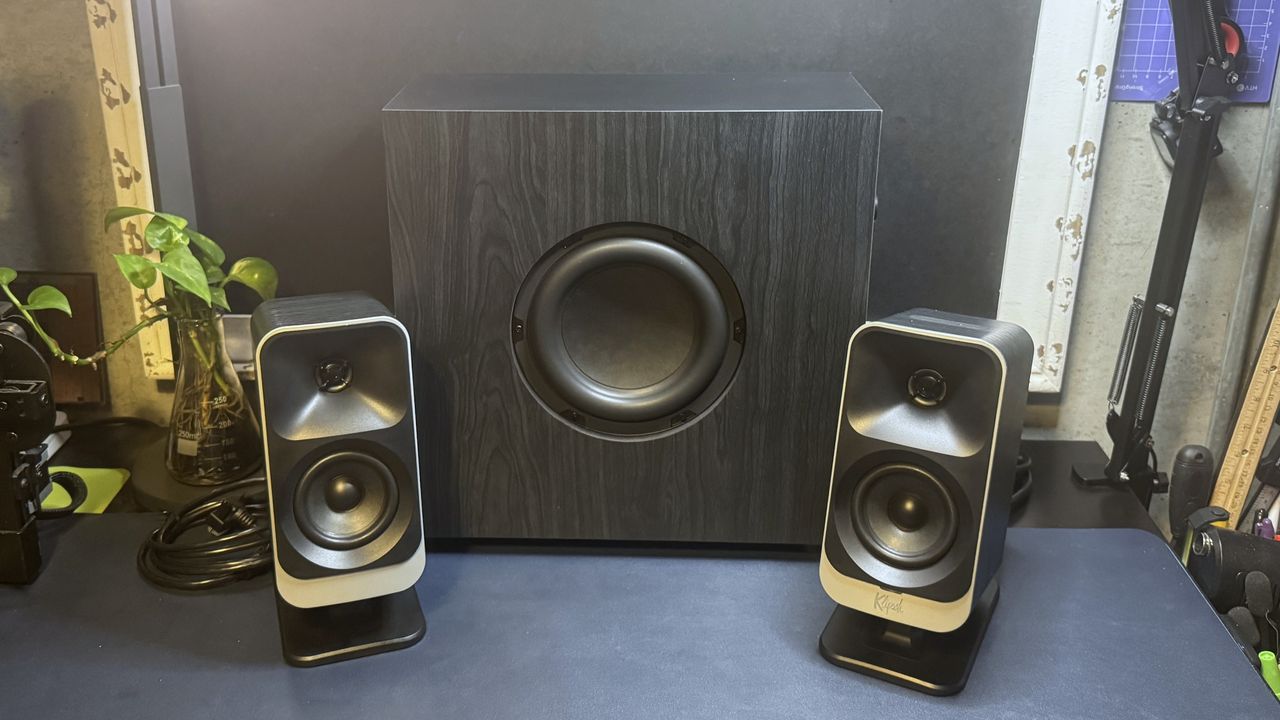
Klipsch's new ProMedia Lumina brings customizable LED backlighting to the company's iconic PC speaker lineup and redesigns both the speakers and the subwoofer.
Every hardware component you need to build a top-tier gaming PC, all in one Newegg combo bundle. It also helps that it saves you a whopping $1,385 and includes a powerful RTX 5080 and 9850X3D.
Onkyo's Creator Series speakers deliver capable audio in a mostly premium-looking package, with nearly every connectivity option you can think of, plus a built-in phono preamp, included (plastic) speaker stands, and ARC (HDMI) support on the GX-30ARC.
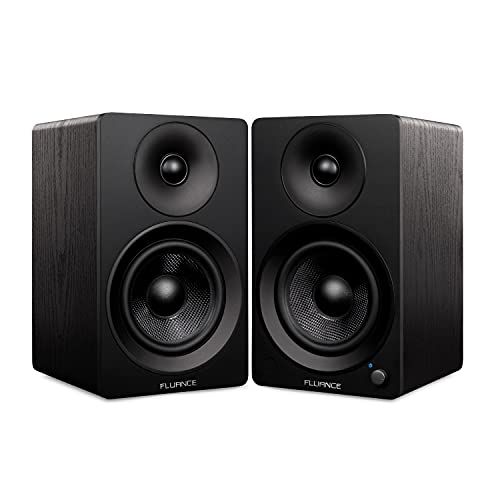
The Fluance Ai41 Powered 5-inch Stereo Bookshelf Speakers don't break new ground, but they're an attractive, good-sounding value, with a remote that's more versatile than most.