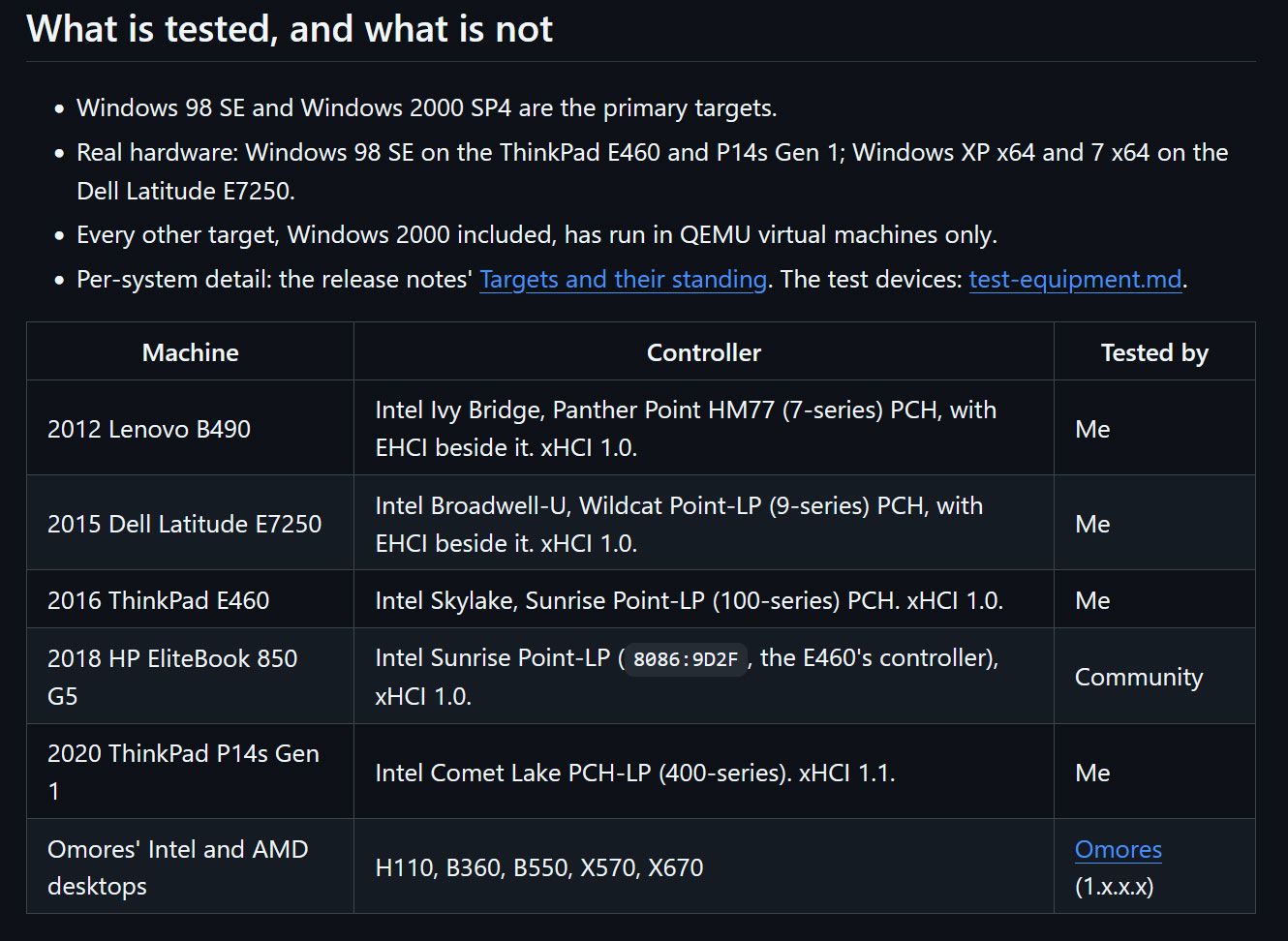
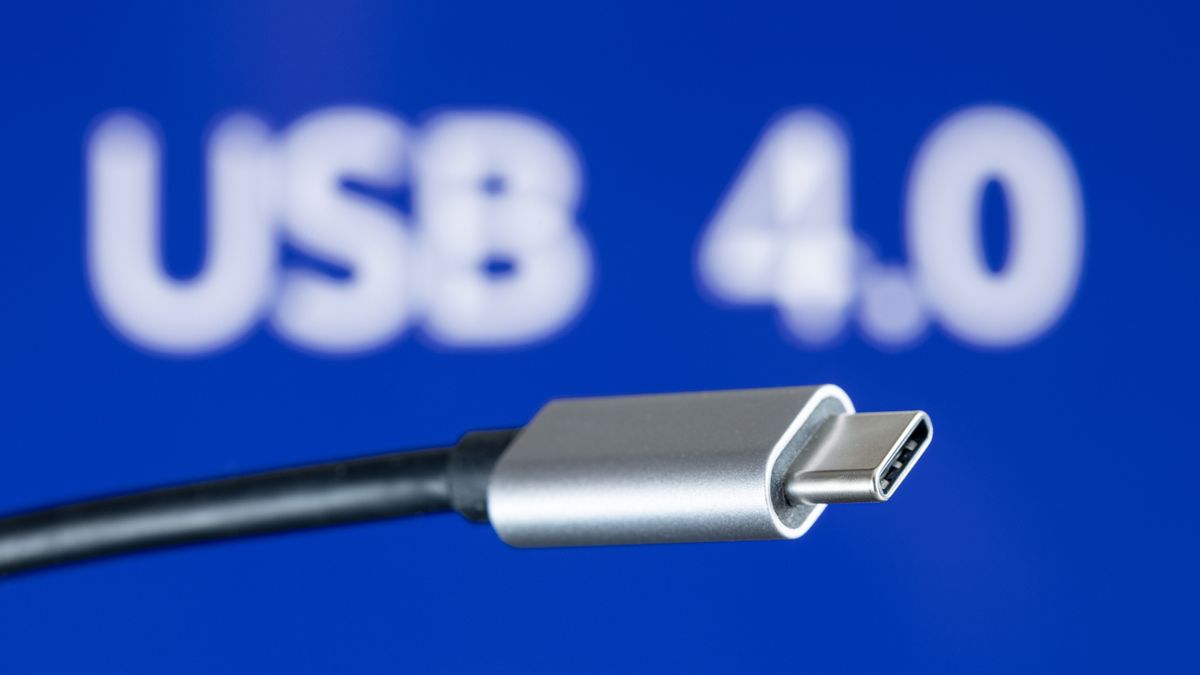
Windows 98 SE devotees can now enjoy (experimental) support for USB4 and Thunderbolt 3/4. Developer and maker Yeo Kheng Meng, who also enjoys retrocomputing, recently released the vibe-coded xHCI98 v3.0.0.0, enabling the practical use of generic USB 3.x, USB4, and Thunderbolt 3/4 host controllers on systems running Windows 98 SE, ME, 2000, XP, Vista, and 7. An extensive blog post by the dev provides further reading about the driver, compatibility, its creation, and usage.
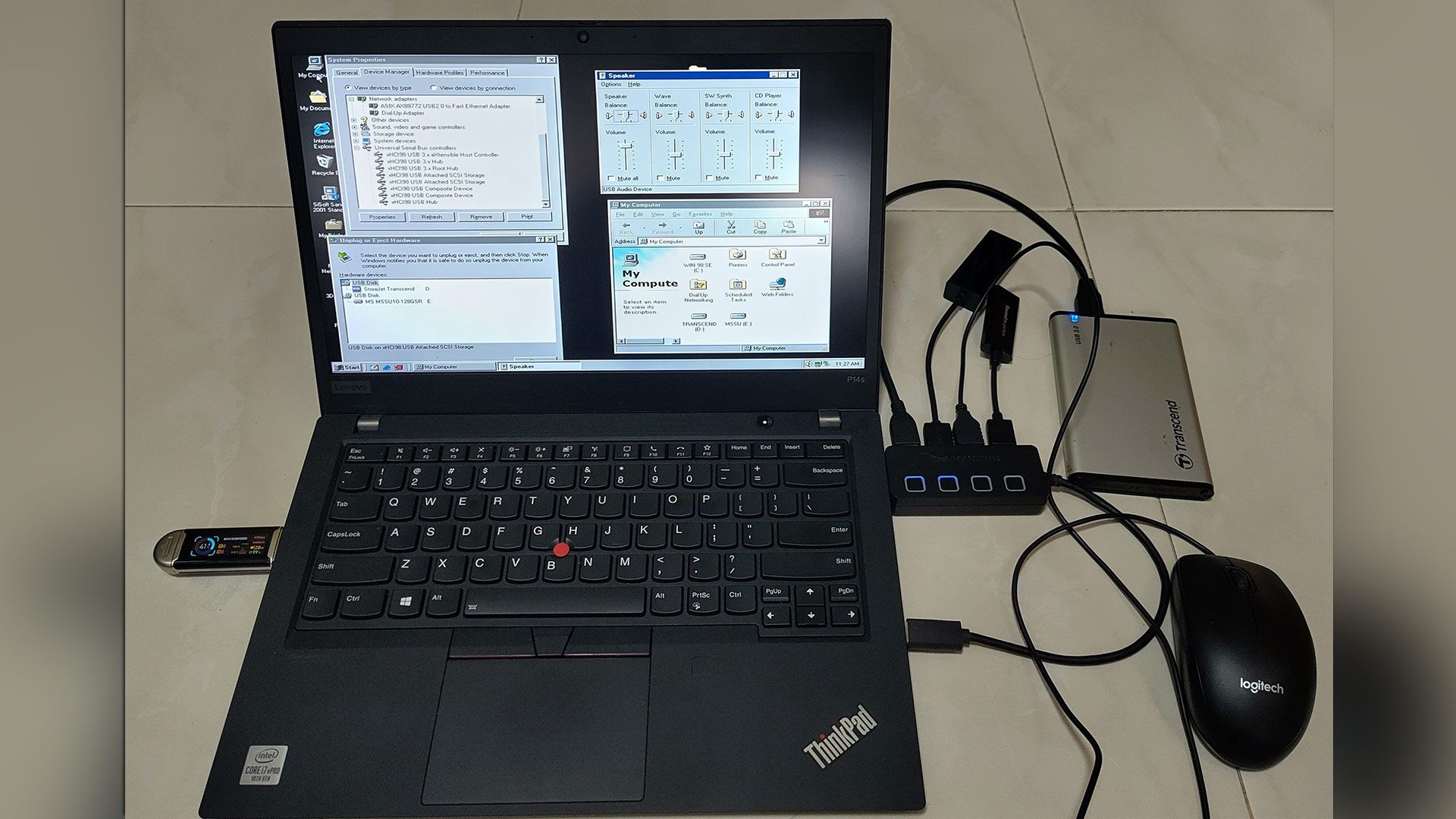
Demo video “shows many different USB devices being hotplugged to a modern 2020 ThinkPad P14s Gen 1 with only xHCI controller.”
Some of you will be wondering why a project to bring USB4 (Thunderbolt 3 and 4) to PCs running Windows 98 SE exists. Retro computing fan Meng explains on his GitHub that this project should appeal directly to users of PCs from the mid-2010s that have xHCI-only (USB 3.x) chipsets and no legacy EHCI controller. However, older OSes don’t have xHCI drivers, and that’s where xHCI98 steps in. “Without xHCI support, even keyboards, mice, and flash drives need the BIOS's legacy support, cannot be hotplugged, and devices such as Ethernet and audio do not work at all,” explains Meng, revealing his motivation. “This project fills that gap.”
Impressively, xHCI98 drives a lot more than USB storage. It replaces Windows’ own USB port and hub drivers to facilitate the connection and use of USB 1.1 and 2.0 and SuperSpeed (USB 3.x) devices and hubs, UAS (USB Attached SCSI) storage through a second driver (xhciuas.sys), and Thunderbolt 3 and USB4 docks and NVMe enclosures through a third driver (xhcicm.sys).
Meng has developed and tested xHCI98 mostly on Intel hardware, as that is what he owns. Candidly, he admits “this is a solo human's project with AI assistance, so bugs are not unexpected,” even if you do have the same hardware as the dev - a 2020 ThinkPad P14s Gen 1 (Comet Lake xHCI, no EHCI). It stands up pretty well during the plug/unplug video demo above, though the test rig used is not quite the USB cart of death.
As a solo developer, Meng isn't shy to admit he leaned heavily on AI assistance to prepare the xHCI98 release. His vibe coding adventure was supported by Claude Fable 5.1 for planning, Claude Opus 5.5 for coding, and Codex GPT 6 Astra as an adversarial reviewer.
In addition to a few bug warnings, there are some other things to know about using this driver with the various older versions of Windows it supports, standby and hibernation, and more. The dev helpfully sketches out a process for checking your hardware, outlines various install methods, discusses updating, and talks about tuning the driver for those who will be jumping in at the deep end with this project.
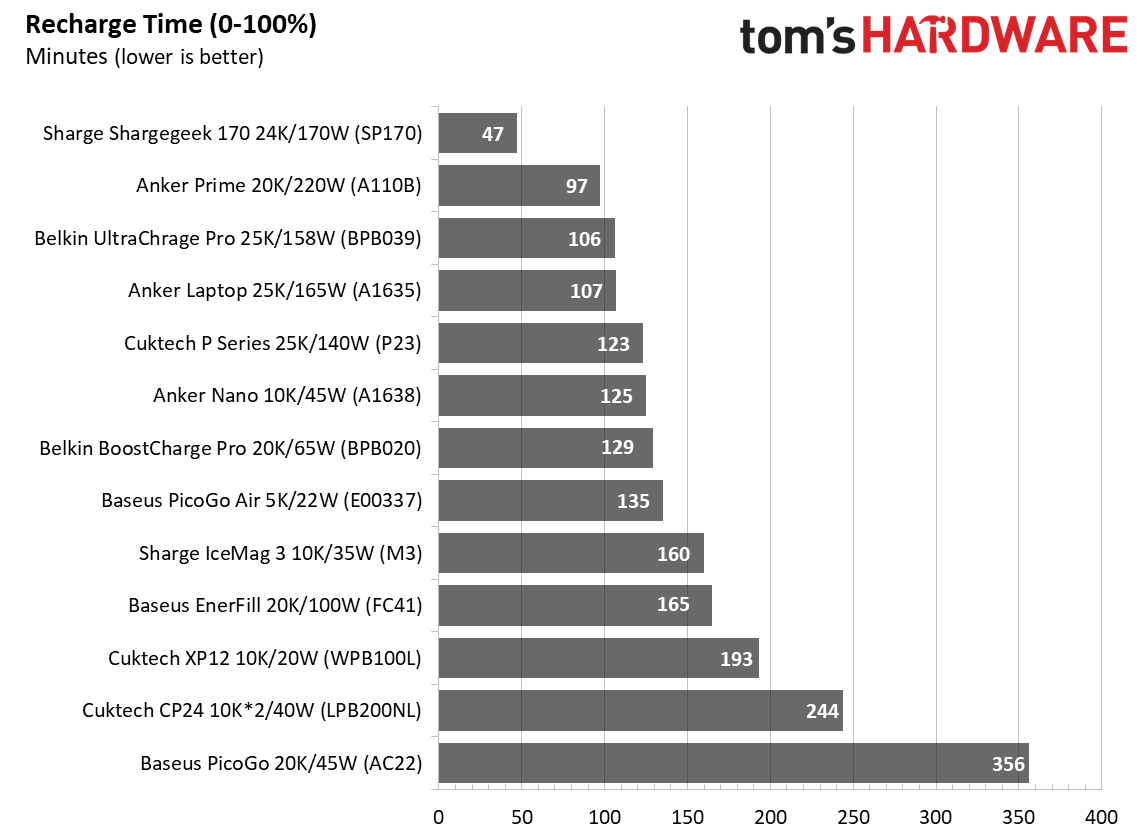
For many of us, the tech we carry to keep our other devices powered while on the go doesn’t get much consideration. Buy a power bank with enough ports, capacity, and output, and you’re good to go, right? And generally, that is right, though a few small things can make a big difference. Of the dozen-plus chargers we've tested so far, a couple take four to six hours to charge, which may be fine for some, but could be a deal breaker for anyone who needs a quicker turnaround on a fully charged power bank.
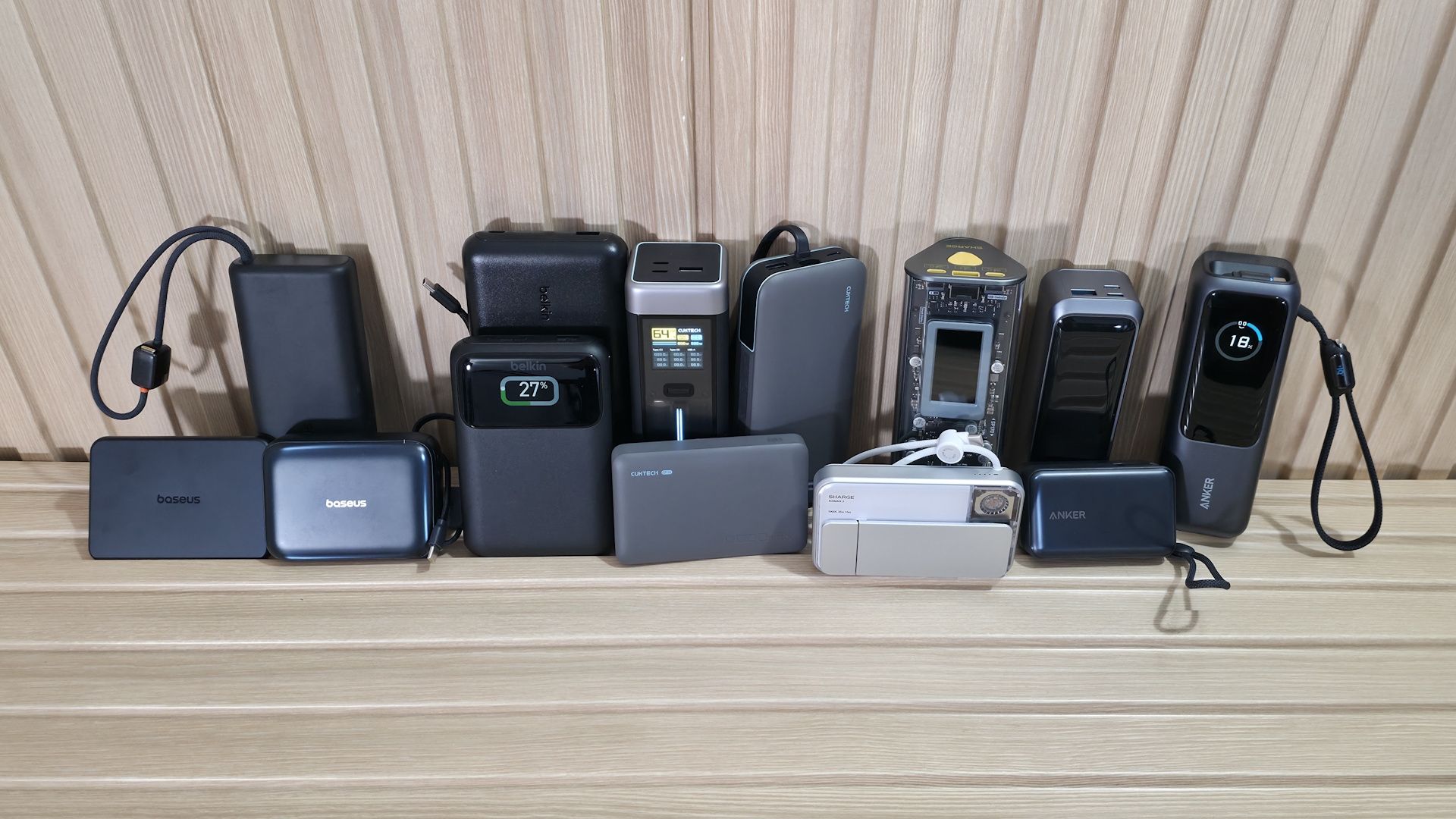
We’ve compiled 13 power banks, ranging from slim, single-port 5,000 mAh units outputting 22W to monster multi-port 25,000 mAh bricks capable of delivering 220W across multiple ports. Prices range from around $24.99 for the Cuktech CP12 (10K/20W) to $129.99 for the most powerful unit we’re testing, the high-end Anker Prime (A110B) 20K/220W. Some include integrated USB-C cables; some include a removable USB-C cable; and some include nothing else in the box.
Others have fancy displays that show charging and temperature information, while some use simple LEDs that flash or change color to show charging status. Looks and size matter, too. The designs of the banks we tested range from simple grey boxes barely thicker than a deck of playing cards to larger stand-up units, and even see-through chassis.
What’s right for you depends on your needs, budget, and to some degree taste. In general, the higher the output and capacity, the more the device costs. How many ports do you want or need? Do you need to fly with it? Capacity and output are, of course, key deciding factors. But price, size, and safety features also matter. So there’s a lot to consider if you want the best power bank for you, and there are plenty of feature, design, and performance differences between our tested devices that we’ll share below to help with your buying decision.
What makes a power bank good or bad?
What makes a power bank good or bad?
The answer depends on who's buying the device and how they plan to use it. For example, if you need more than one charging port or an integrated cable, certain models just won’t work for you. Make sure it supports modern charging standards like USB-PD (Power Delivery) and/or Qualcomm Quick Charge so it can fast-charge your device (all tested devices below have PD3.0 or above).
Having the proper output to fast-charge your device is another important consideration. Buying a 10K, 25W charger for your Asus Zenbook Duo, for example, isn’t the best idea, since the device can use around 90W (@ 20V) to fast-charge and run. For that, you’d want something with more listed capacity and more wattage output. If you’re only buying a bank for your phone, that same 10K/25W charger can easily give your phone or a small tablet lots of extra run time away from a wall charger.
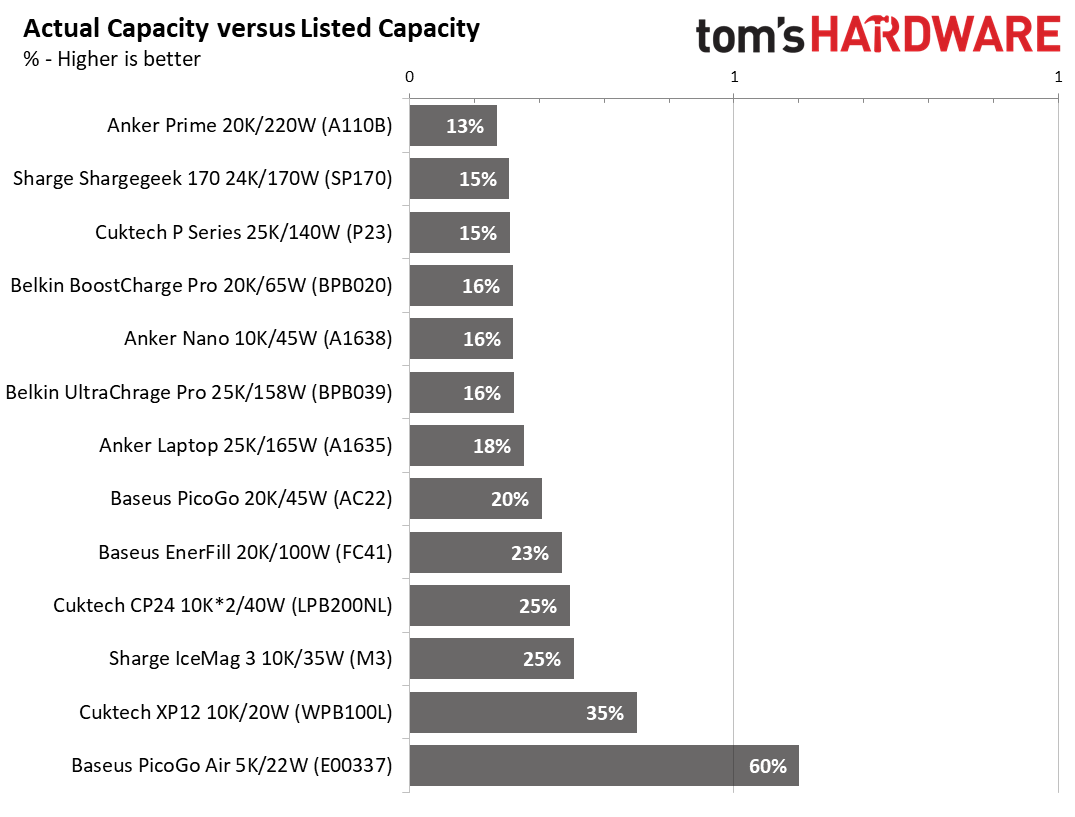
Rated capacity versus actual capacity is another issue, but marketing materials don’t clearly state it. The main thing to know is that the rating you see on the box is based on the battery's 3.7V rating. So the actual capacity varies depending on the voltage your device needs. The higher the voltage and output used for charging, the lower the actual capacity is. With 20V laptop charging, usable capacity can drop to around 20% of listed capacity, whereas with simple 5V charging it’s closer to 60% or more.
(Image credit: Future)
Another worthwhile feature for power banks is pass-through charging, or the ability to charge the bank and output power to your device(s) at the same time. Most do support this feature, though we couldn’t find anything concrete on the Cuktech CP12 or Baseus PicoGo Air (though every current Baseus PicoGo series does support it). Belkin’s Ultracharge limits output to 15W while charging, however.
Name-brand devices from Anker, Sharge, Cuktech, Belkin, and Baseus, like the ones we’re covering here, typically have multiple safety features, including protection against overcharging, over-current/voltage, over-temperature, and more, to prevent premature device failure (or worse). You’ll get an assortment of these features from popular brands, but be careful with off-brand ones, as they may not support some (or any) of them, and could therefore be a hazard. If you see a no-name power bank, make sure it is at least UL/CE (or CCC if in China) certified and has some or all of these safety features before buying.
Test Equipment and Setup
Test Equipment and Setup
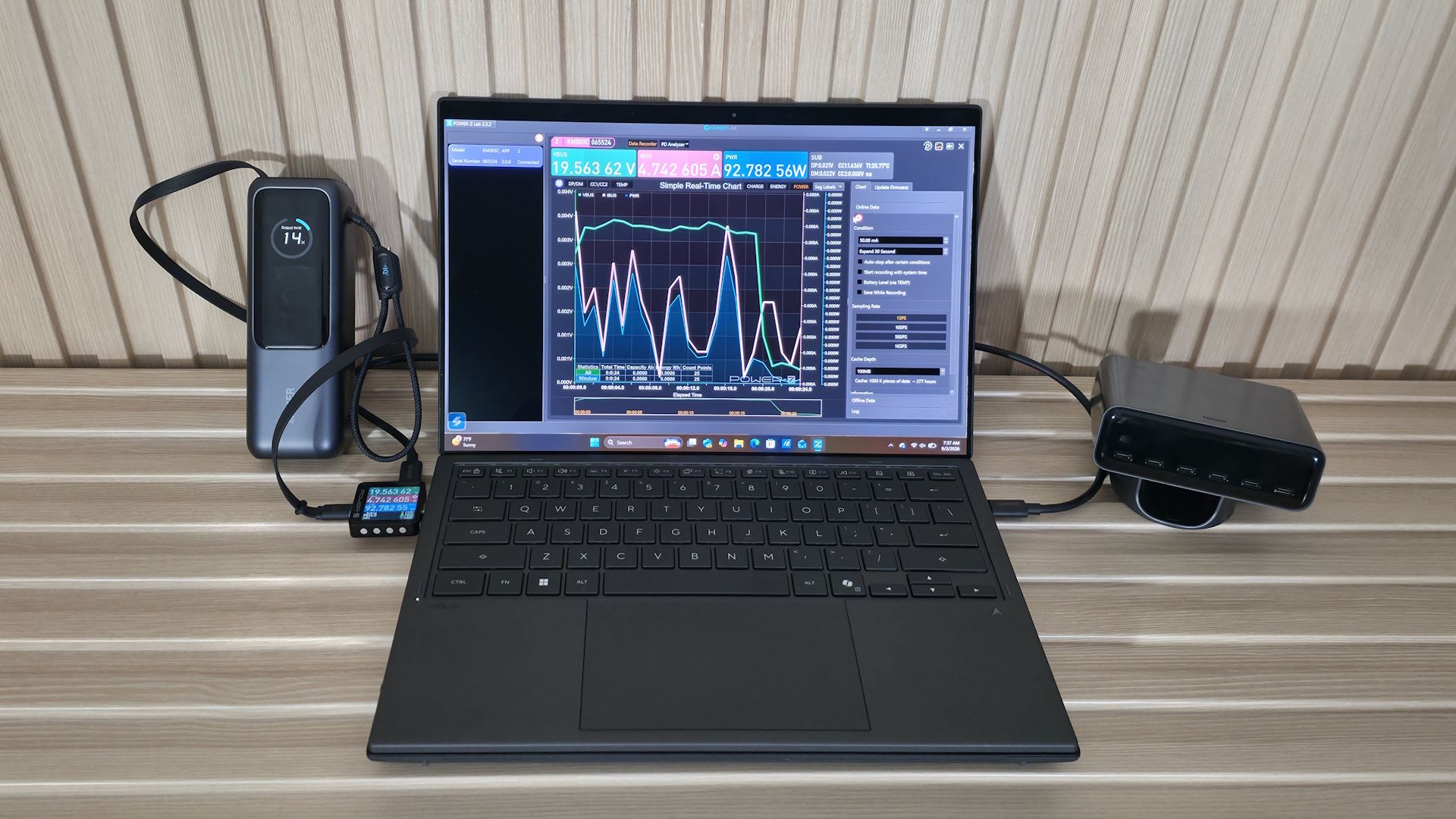
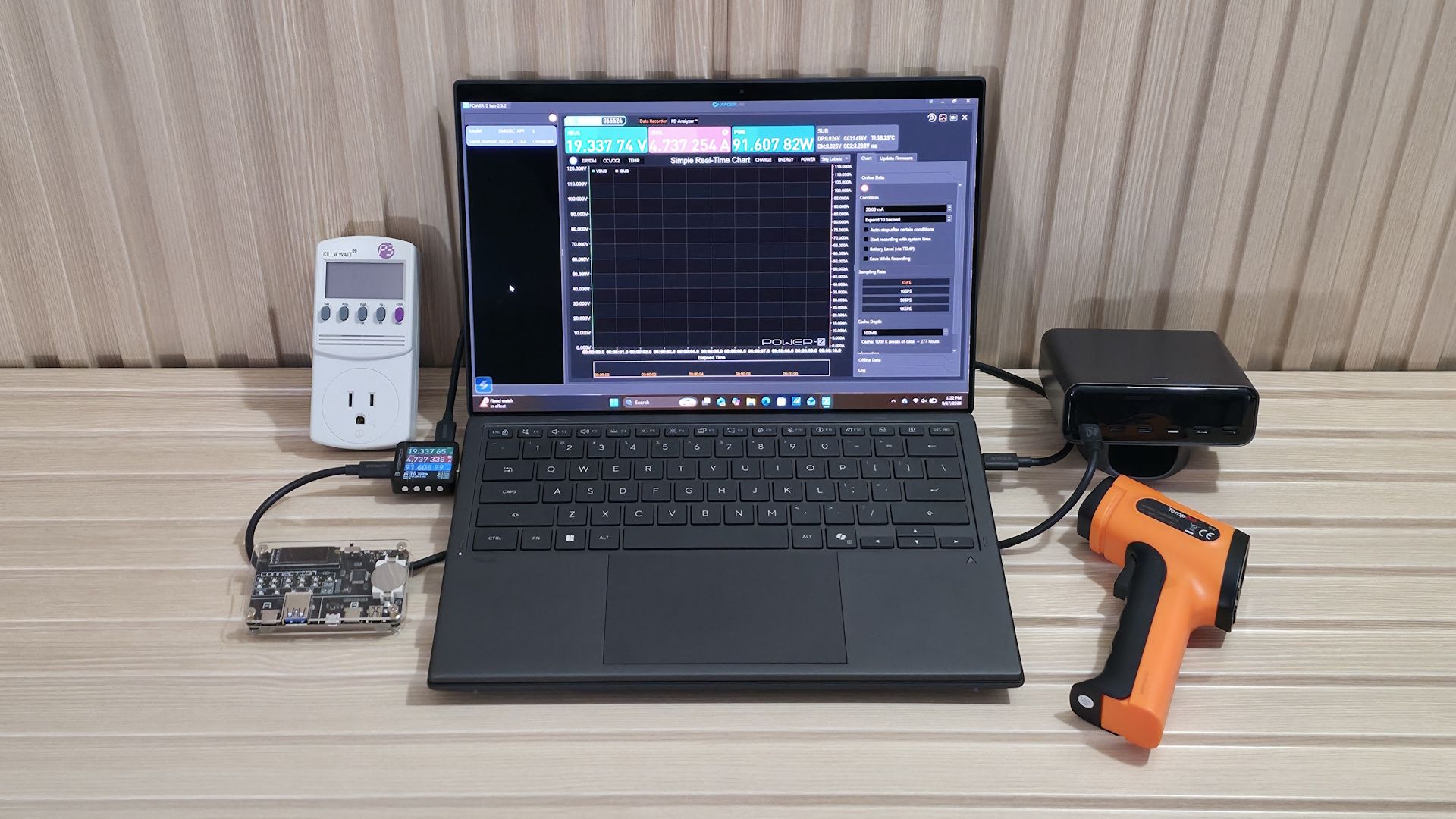
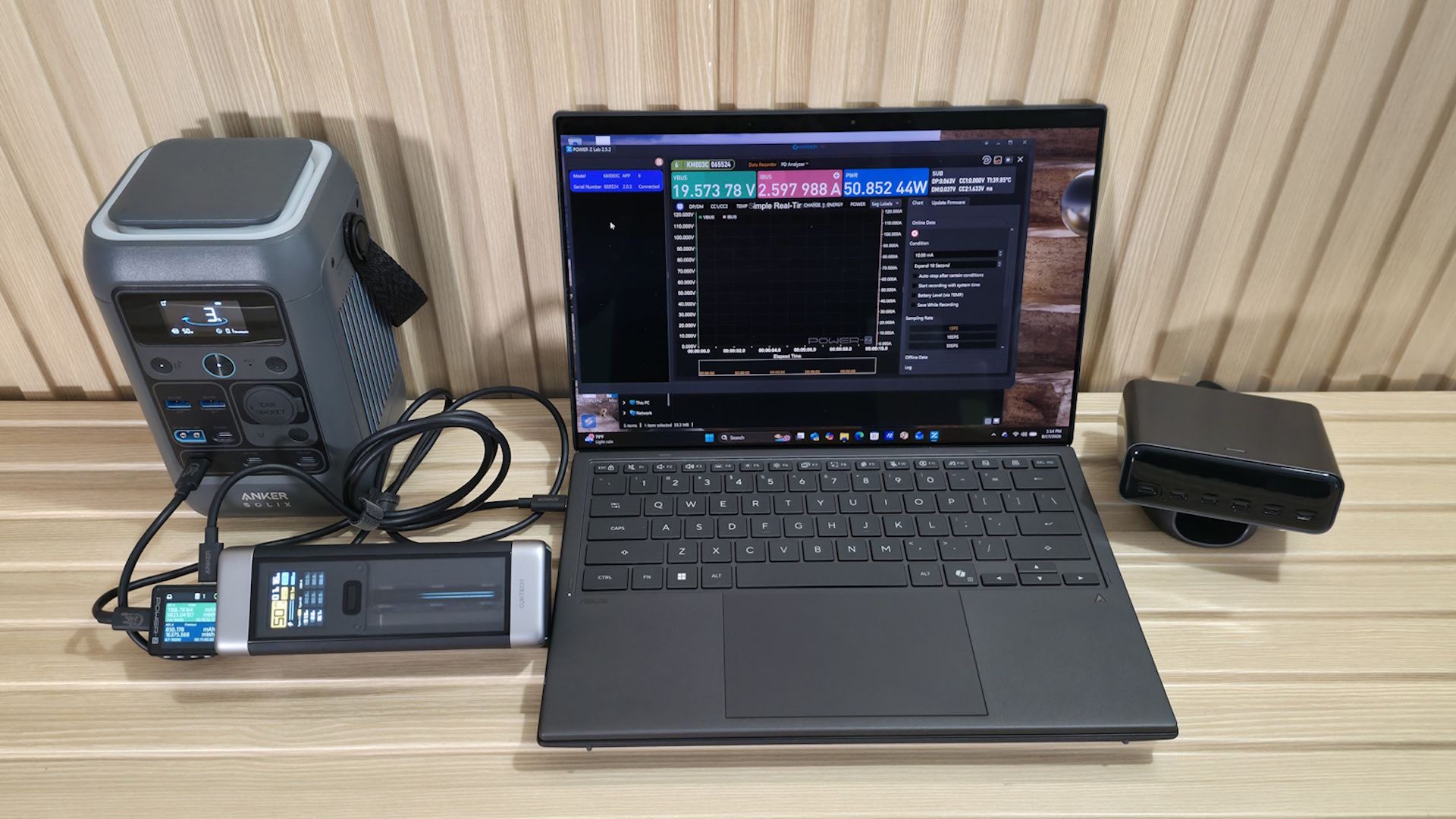
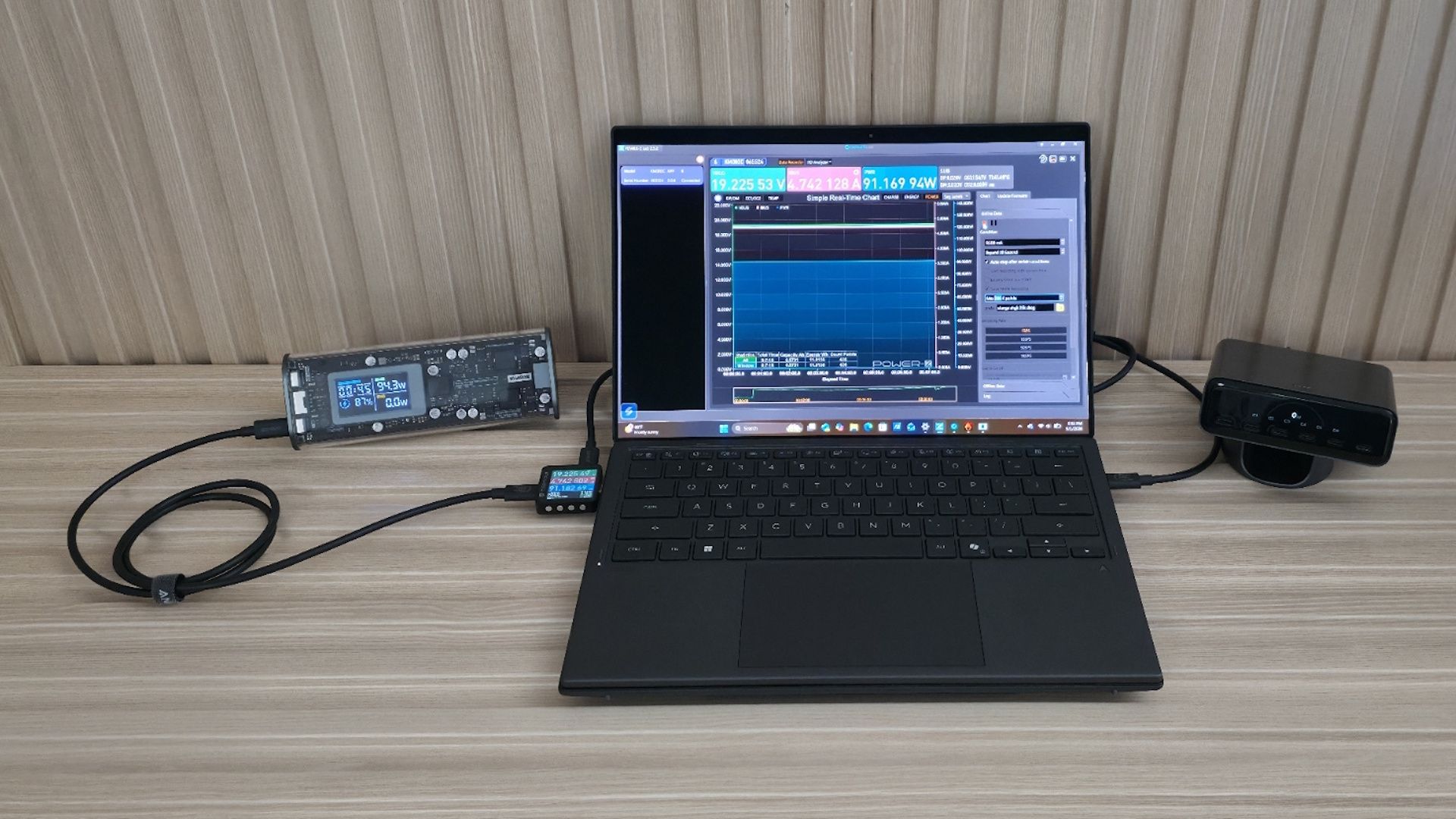
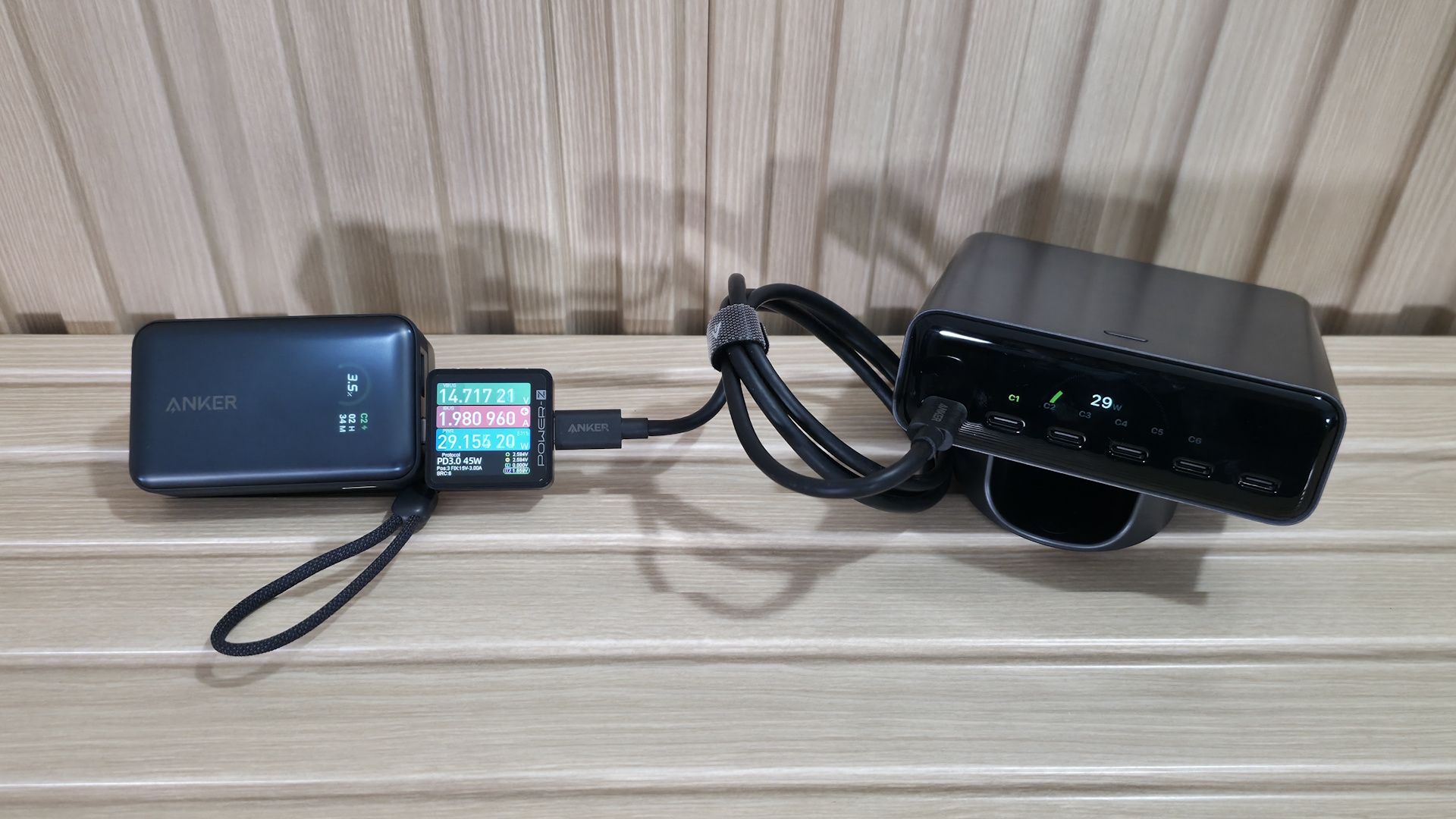
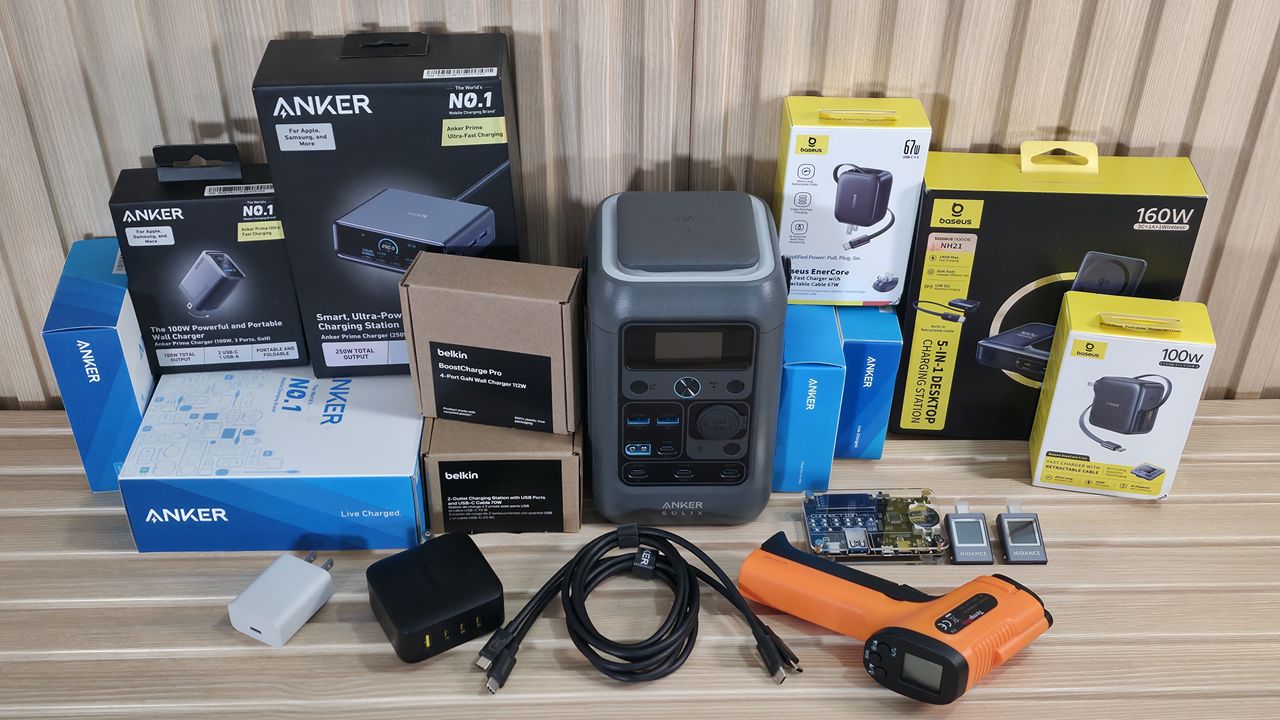
To gather our power bank testing data, we need several items to ensure we’re getting the right information. Our test setup includes a wall charger to charge the empty power bank, an Asus Zenbook Duo and an Anker portable power station to charge and get output from, a USB tester that shows the output voltage, amperage, and watts, along with the charging protocol, mAh, and Wh, and an IR thermometer to record the device's surface temperature. We also need a high-quality cable that won’t limit the output (we chose one rated at 240W). To test the cable, we used a USB Cable Checker2 to verify its capability. Below is a list of all the parts we use in power bank testing.
Before we plug the device in, we inspect build quality (does it feel like cheap plastic or metal), size, weight, and port count/type. We also look at capacity and output ratings, fast-charging capabilities (think PD, etc.), and any certifications (UL/CE) or safety features. From this information, we can get a good idea of the pros and cons, including cost/mAh, actual versus listed capacity, port count, temperature, protections, and more.
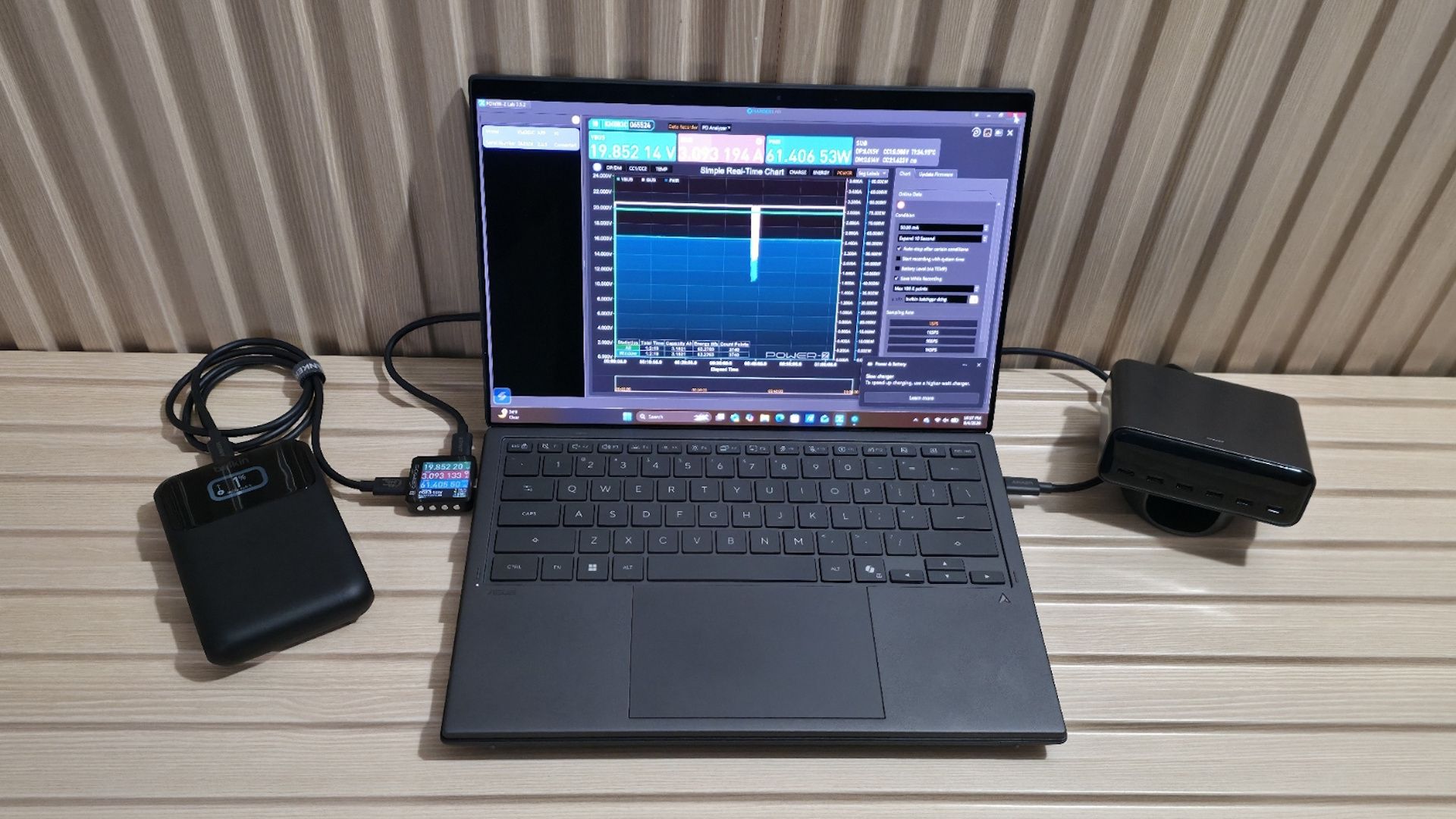
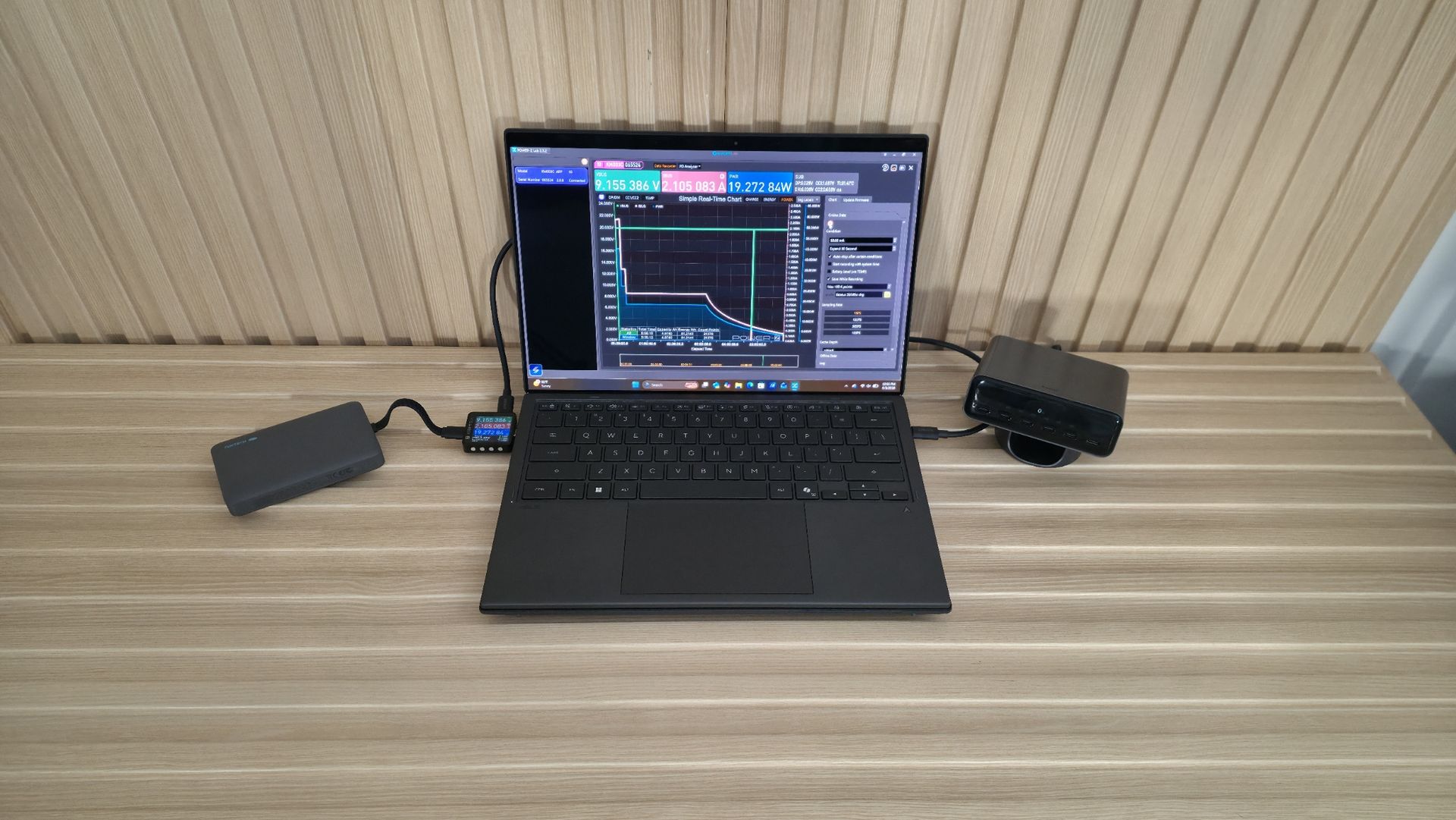
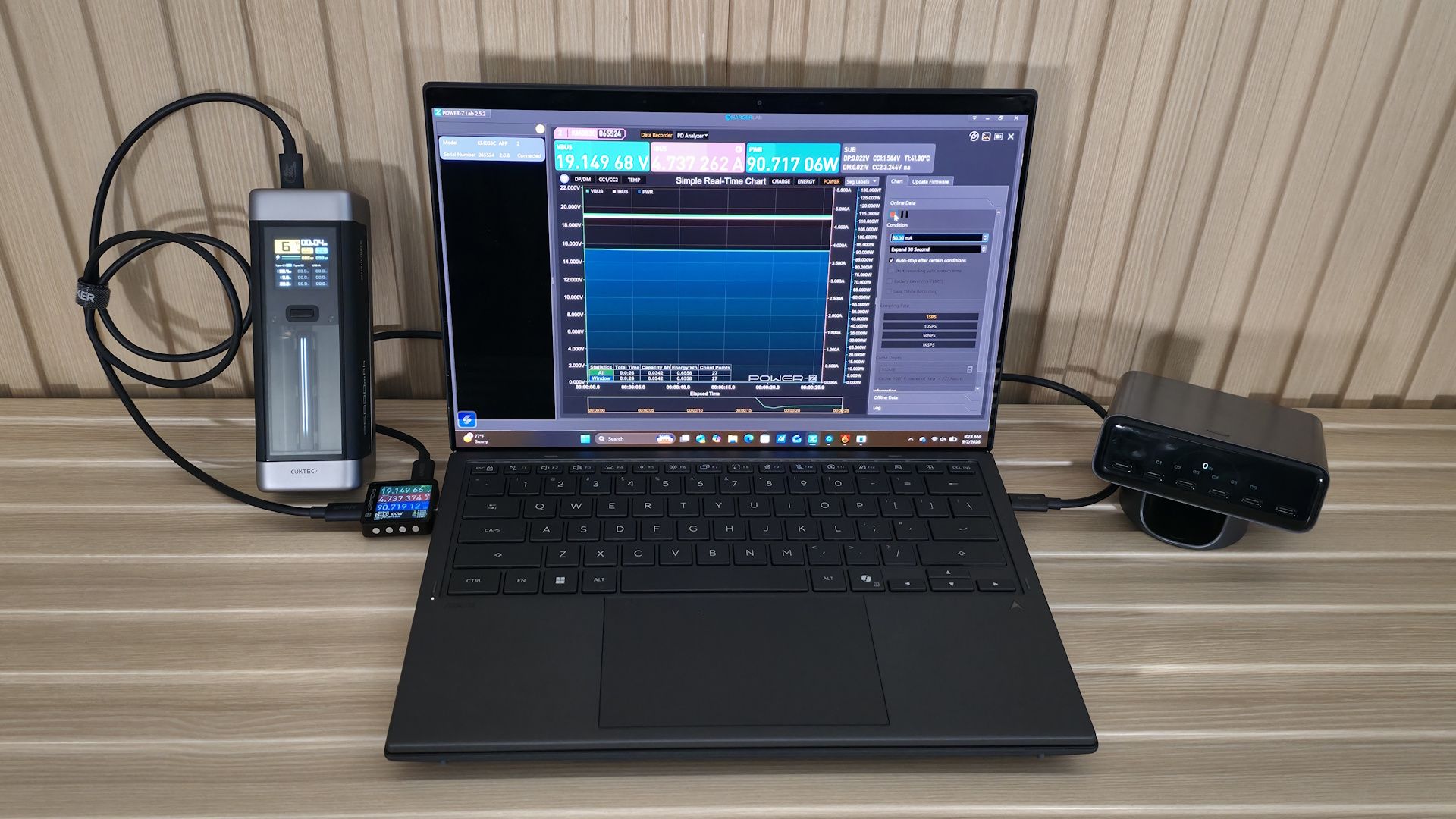
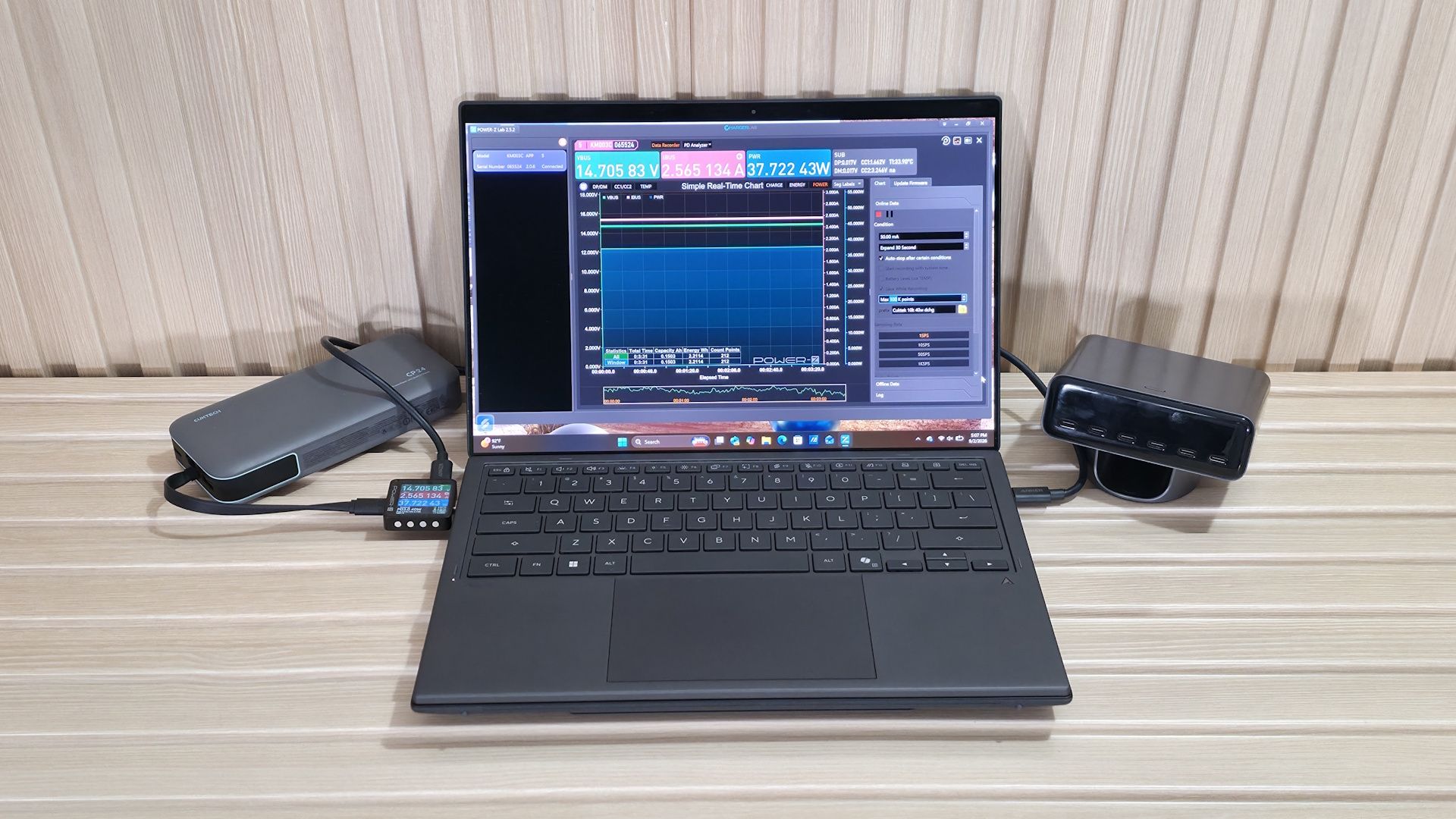
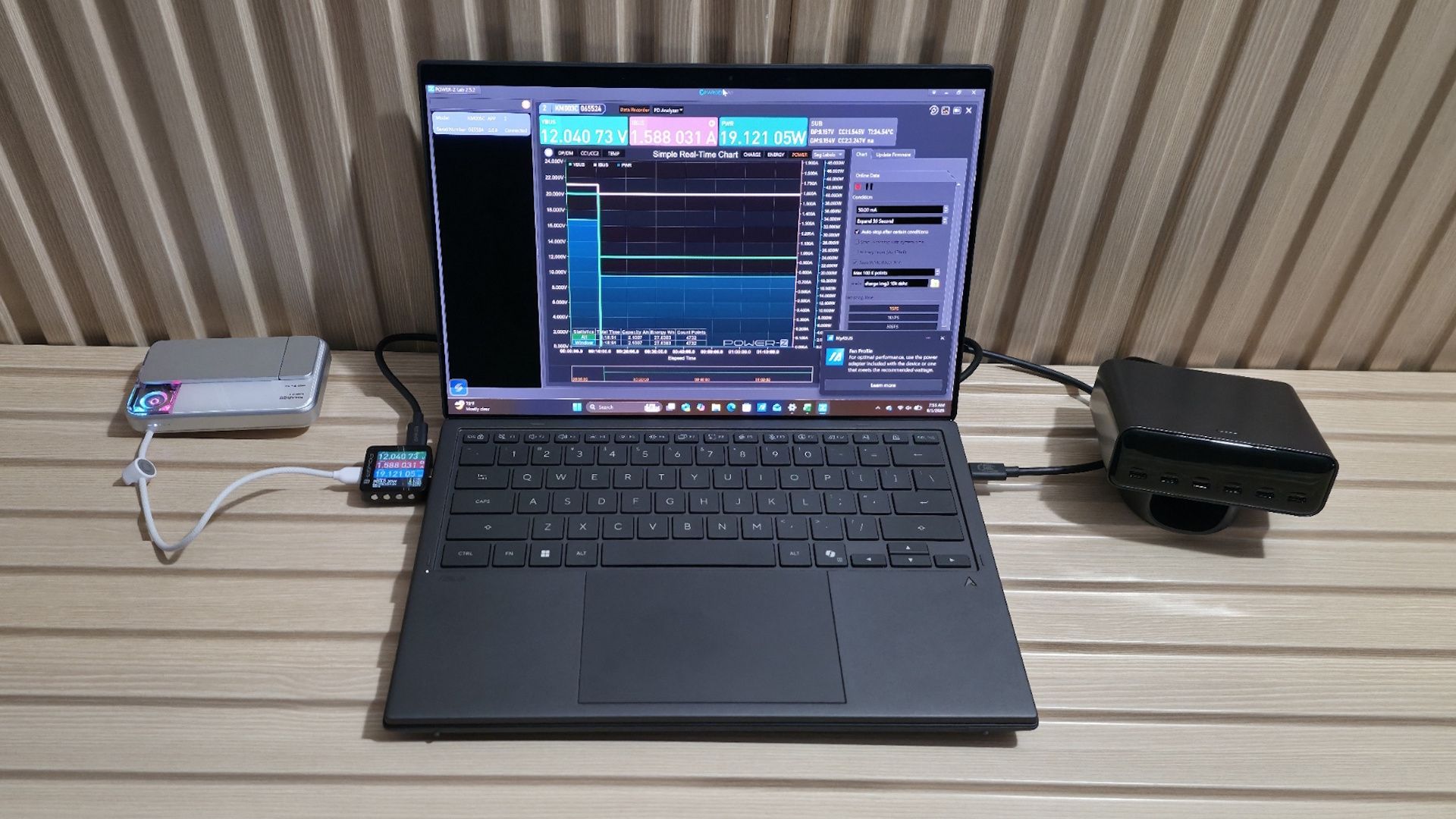
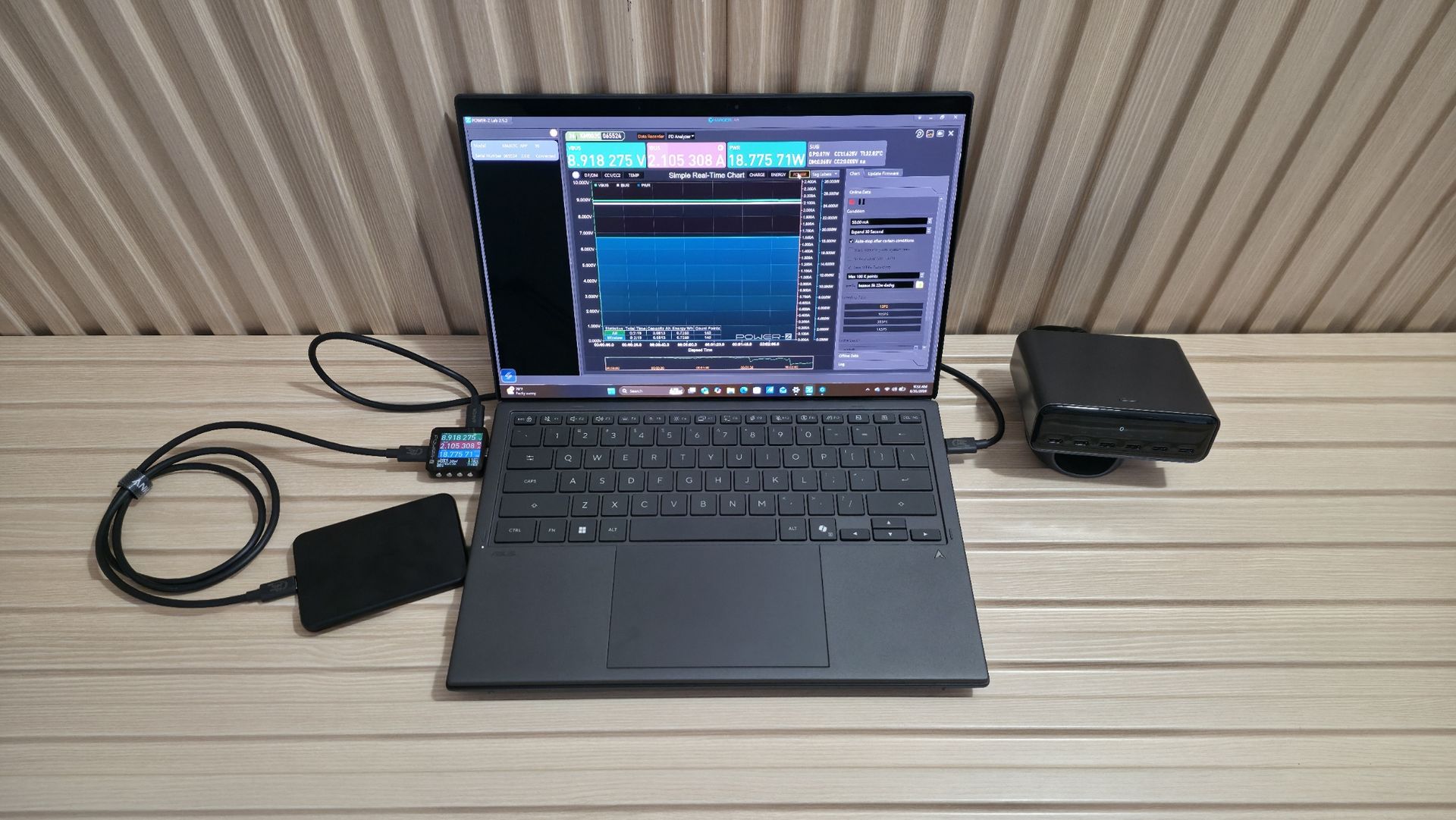
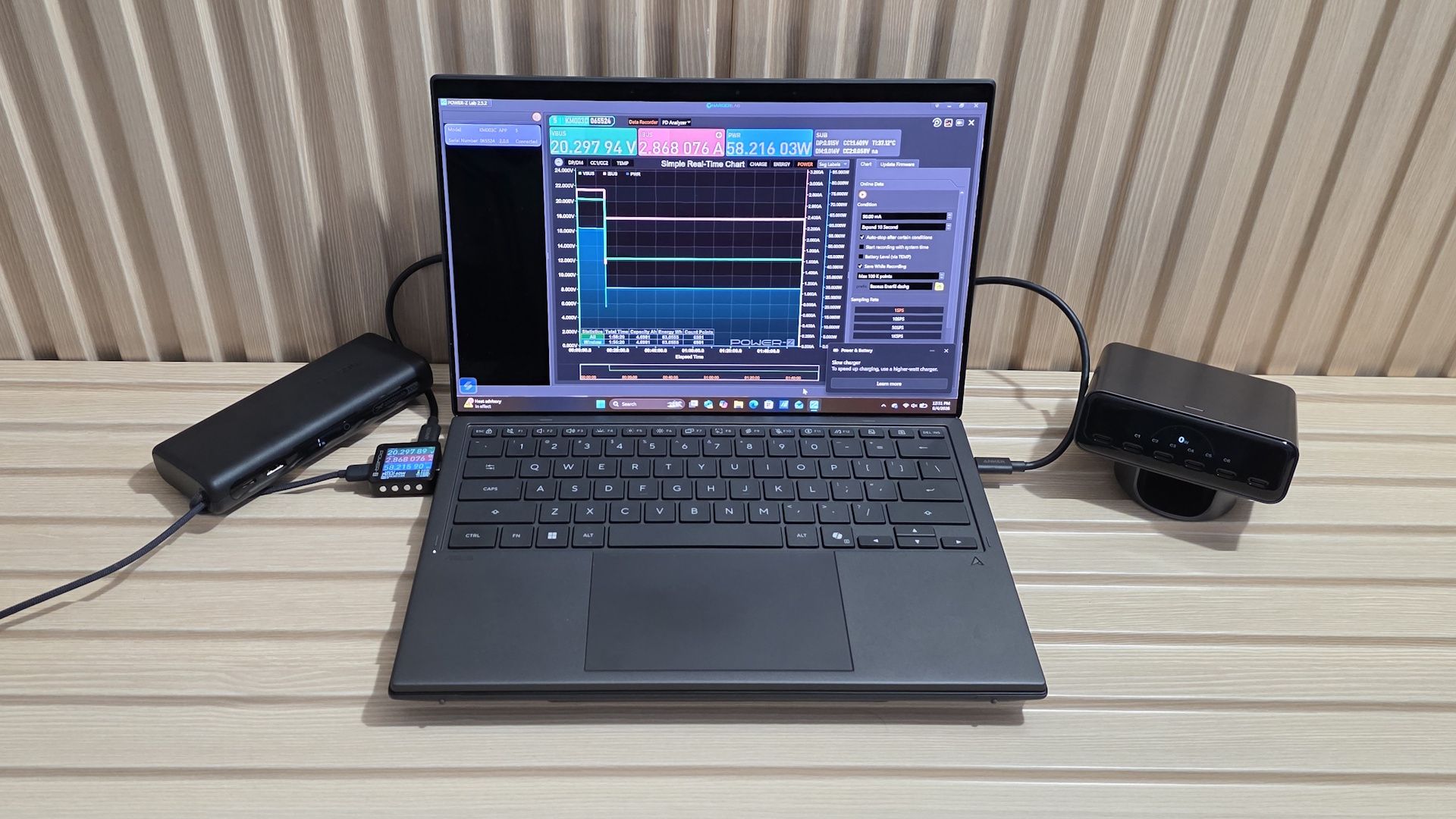
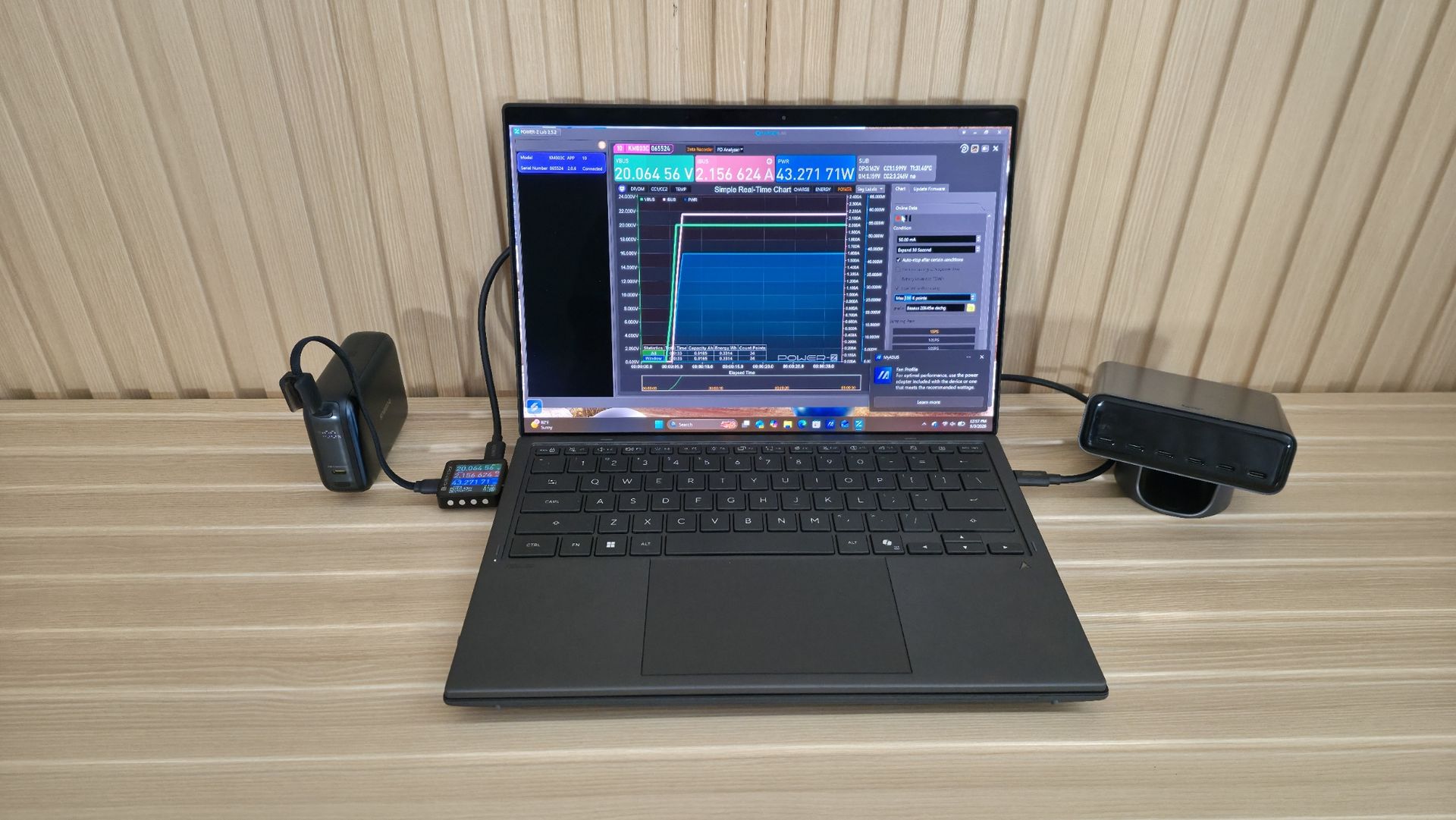
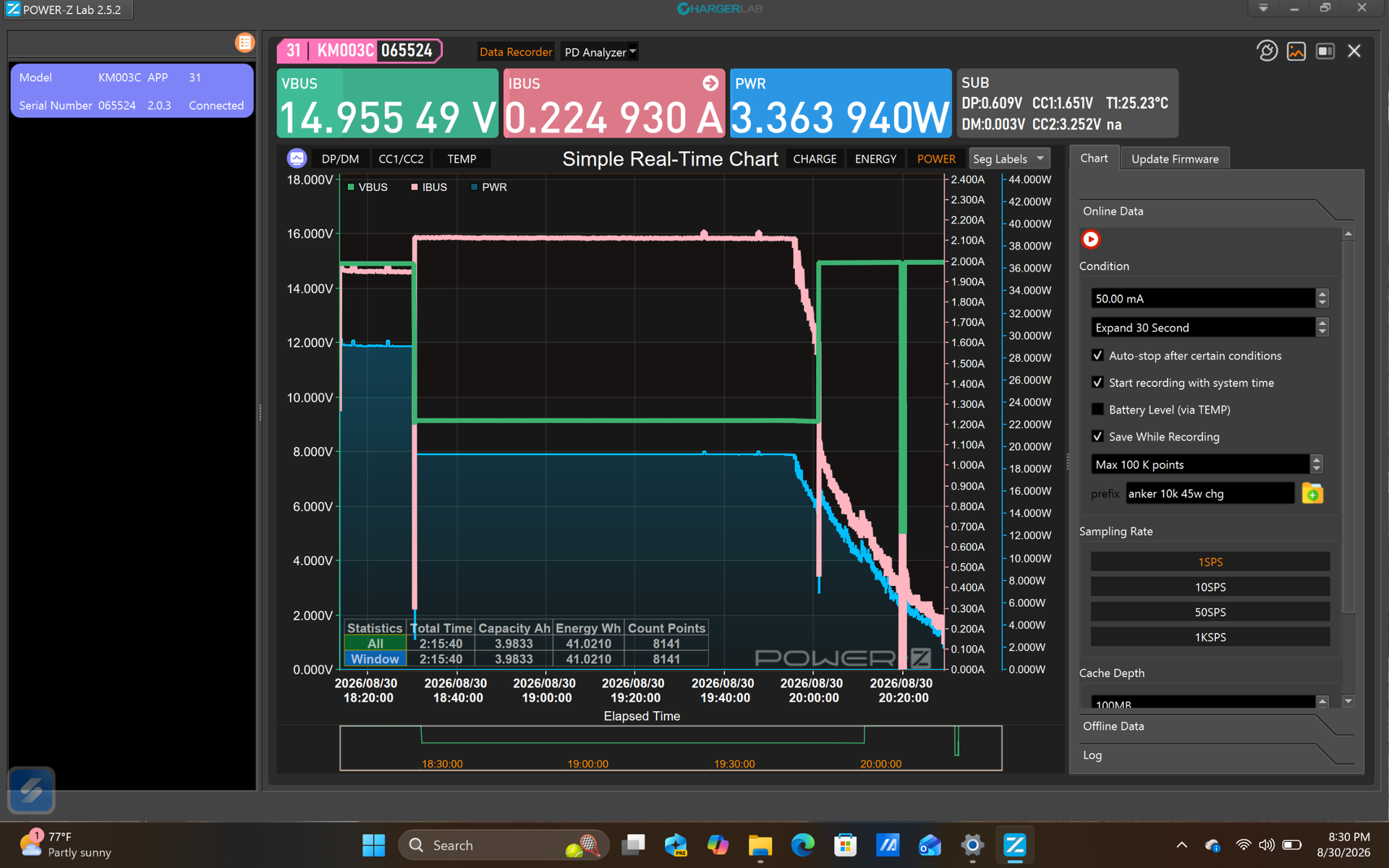
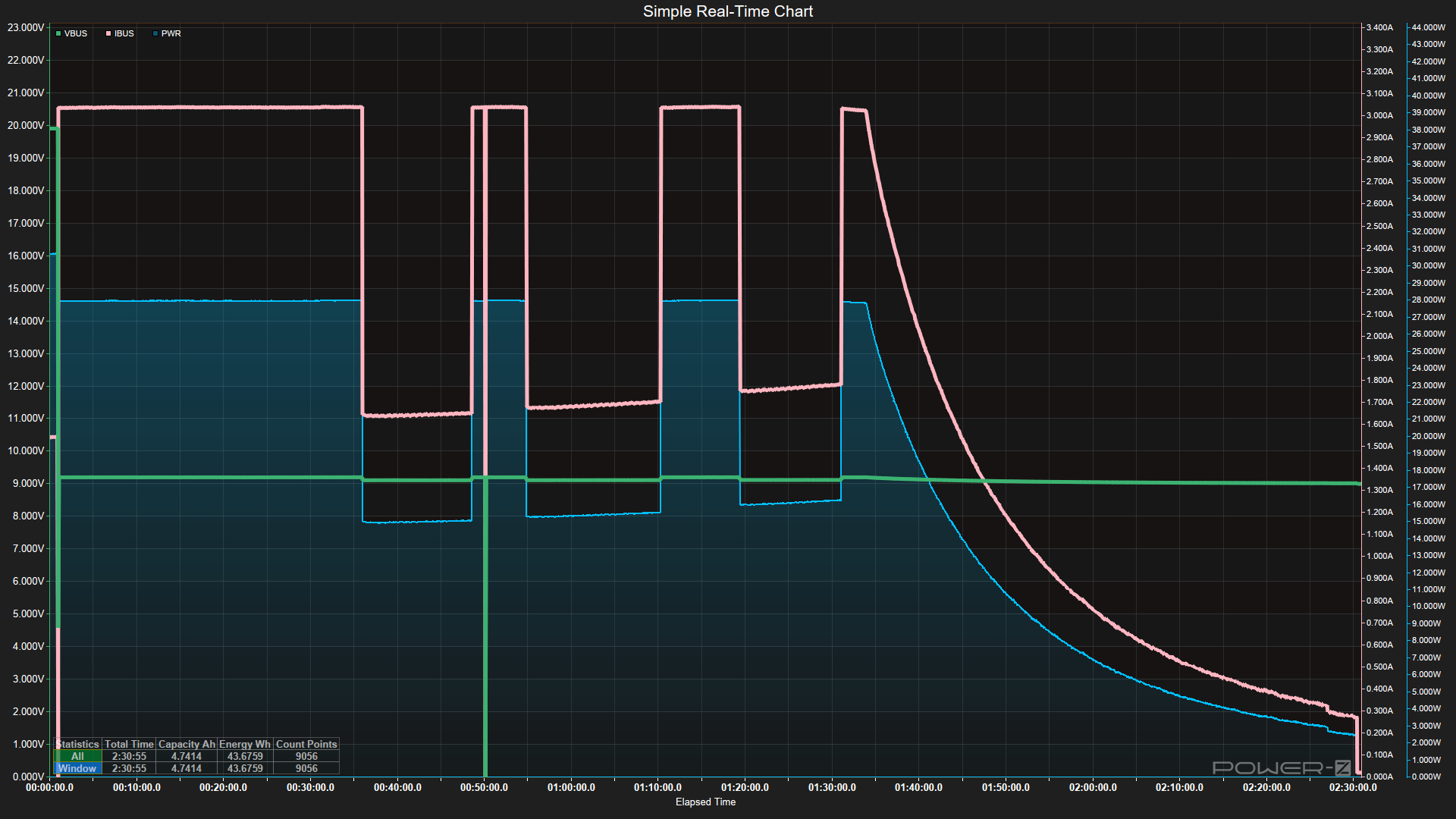
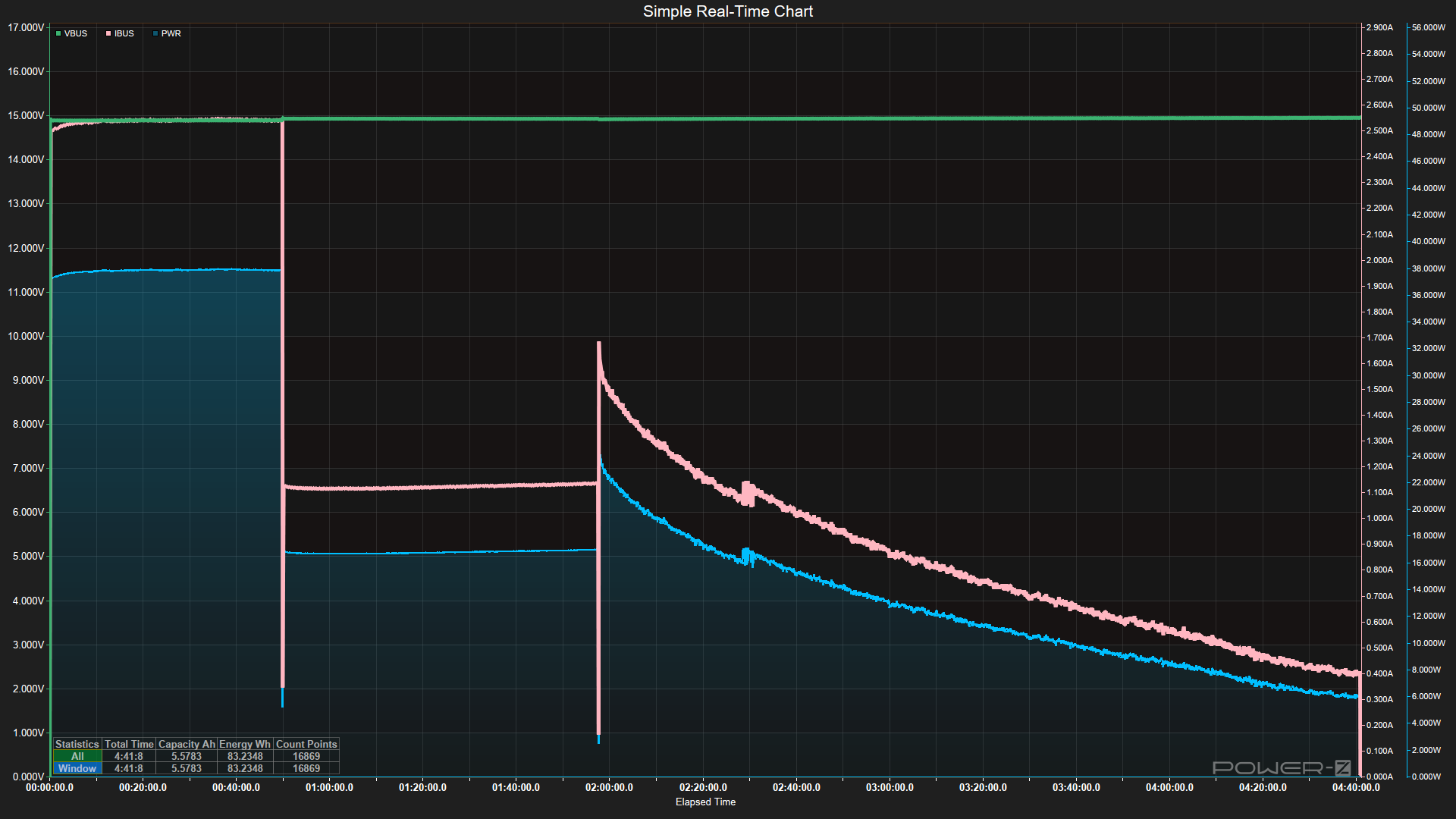
For testing, we first make sure the power banks are fully discharged before we begin. Next, we take the chassis temperature with the IR thermometer and connect the power bank to the Satechi desktop charger via a certified 240W USB-C cable, along with the Power-Z device. From there, we record the time to fully charge the device and the maximum sustained input wattage (which, as you’ll see, tends to drop due to temperature or at a point in charging where it slowly lowers the amperage/wattage, and sometimes voltage). We also record the maximum chassis temperature using the IR Thermometer.
(Image credit: Future)
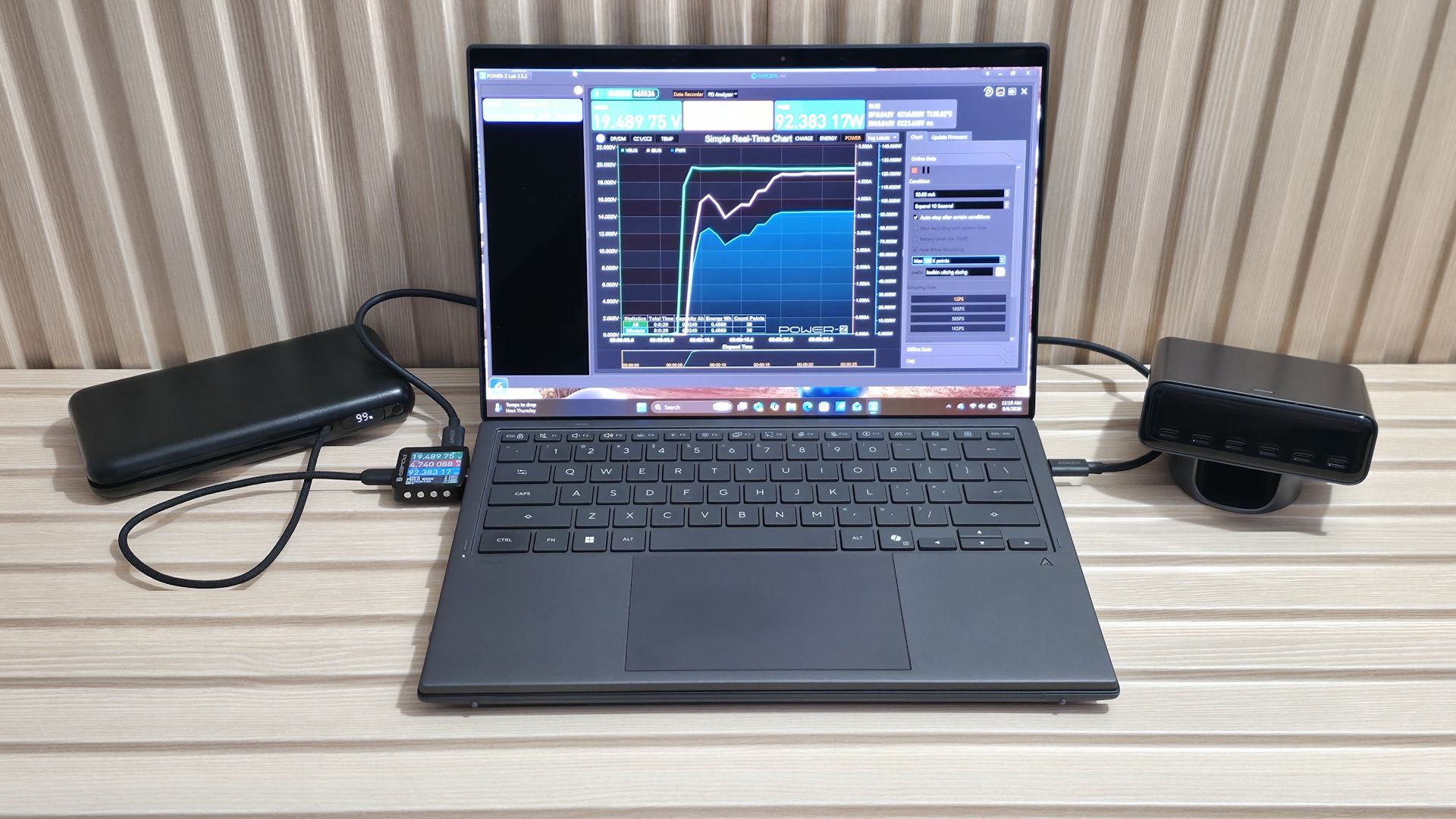
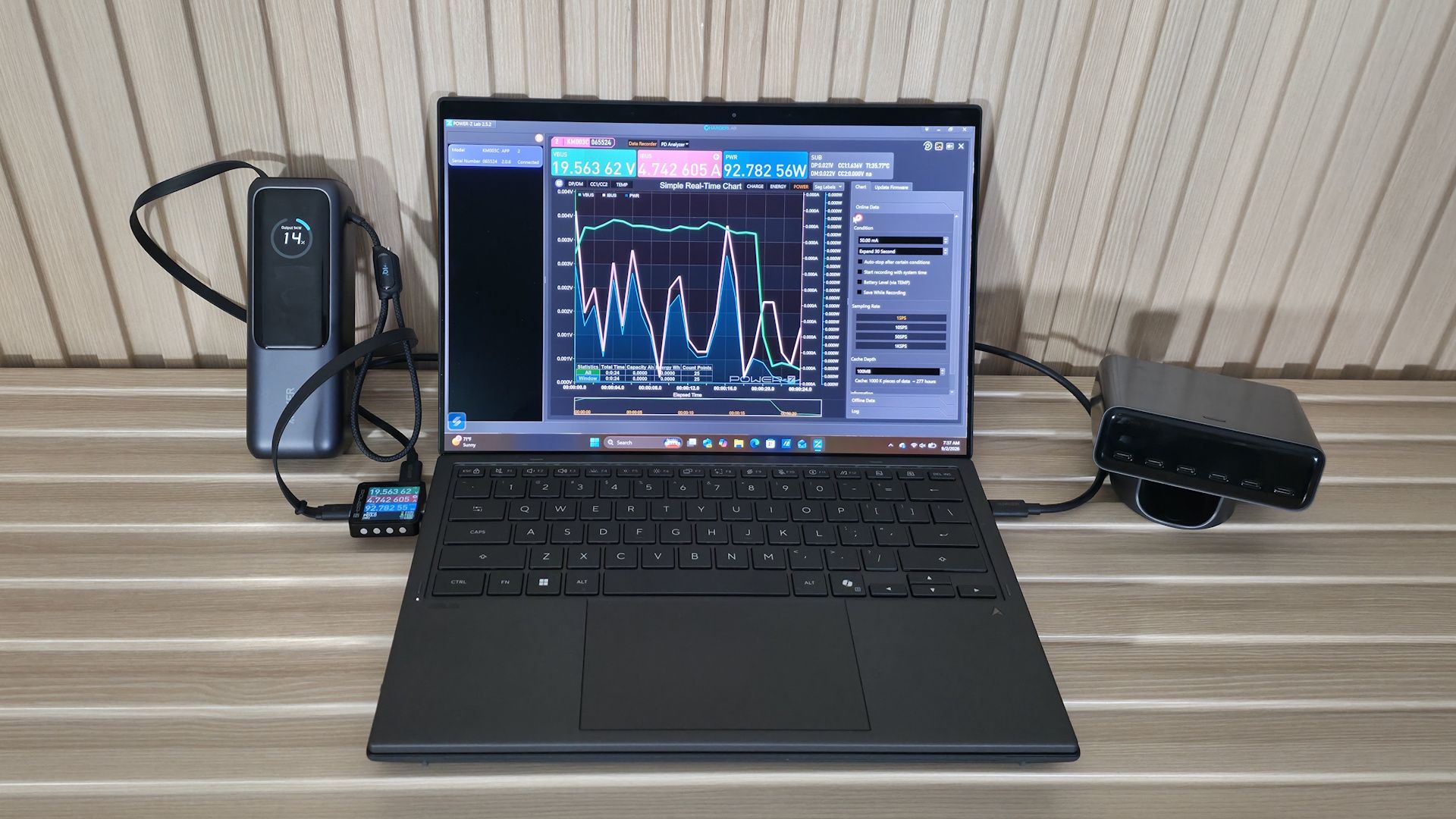
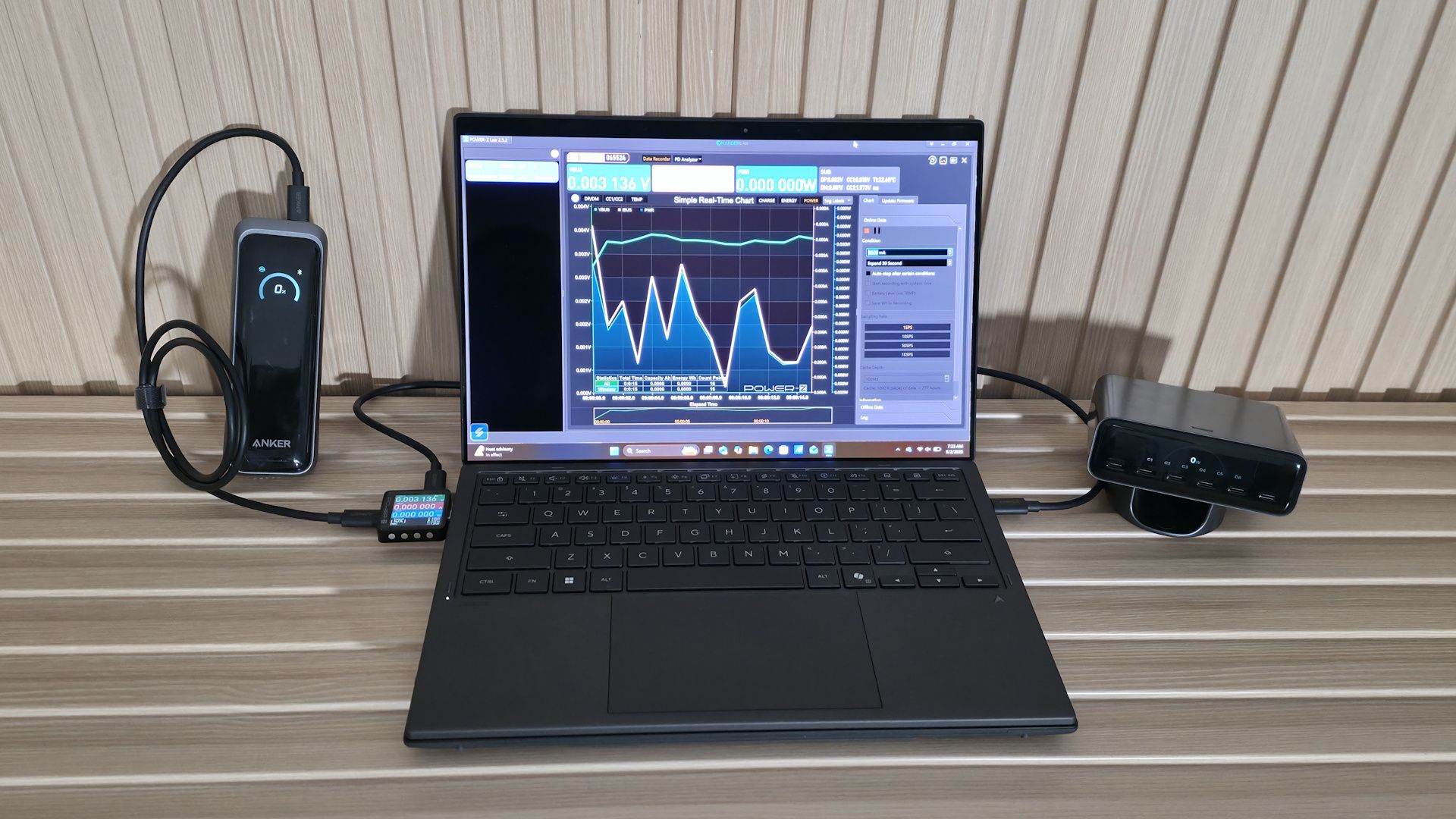
After fully charging a power bank, the next step is to discharge it using a constant load. In this case, we use the Asus Zenbook Duo as a real-world load up to ~93 W while running Cinebench for the CPU and FurMark to stress the integrated Intel Arc B390 graphics. This isn’t your basic budget laptop. At over $2,200, it packs an Intel Core Ultra X9 388H (5.1 GHz turbo, up to 80W), dual 14-inch Lumina Pro OLED touchscreens, and a 99 Wh charger.
Here, we test maximum and minimum output in watts and determine watt-hours (Wh) and milliamp-hours (mAh), with data gathered from the Power-Z device while discharging. We also record temperature readings at the start and at the maximum.
Once we have that data, we can determine the device's capacity efficiency, at least for testing the laptop and higher-voltage charges. As we mentioned earlier, mAh ratings on packages are inflated by voltage-conversion losses and are based on the internal battery cells' 3.7V voltage. The higher the voltage (and, of course, amperage/watts), the less mAh capacity a battery bank provides.
In our testing, the Zenbook Duo accepts 20V and up to 93W when it can, which is a worst-case scenario for smaller-output chargers, normal for higher-output chargers, and typical for laptops and higher-powered devices. If you’re only charging a smartphone or small tablet at lower volts, the value will be closer to the listed specifications. But it will differ when your smartphone charges at a lower voltage, often 9V for fast charging. Remember, output wattage (and voltage) determines charging speed, and for some people (or in some instances), that matters more than capacity.
After testing all of the power banks, we compiled all the data into the charts below.
Tested Power Banks
Tested Power Banks
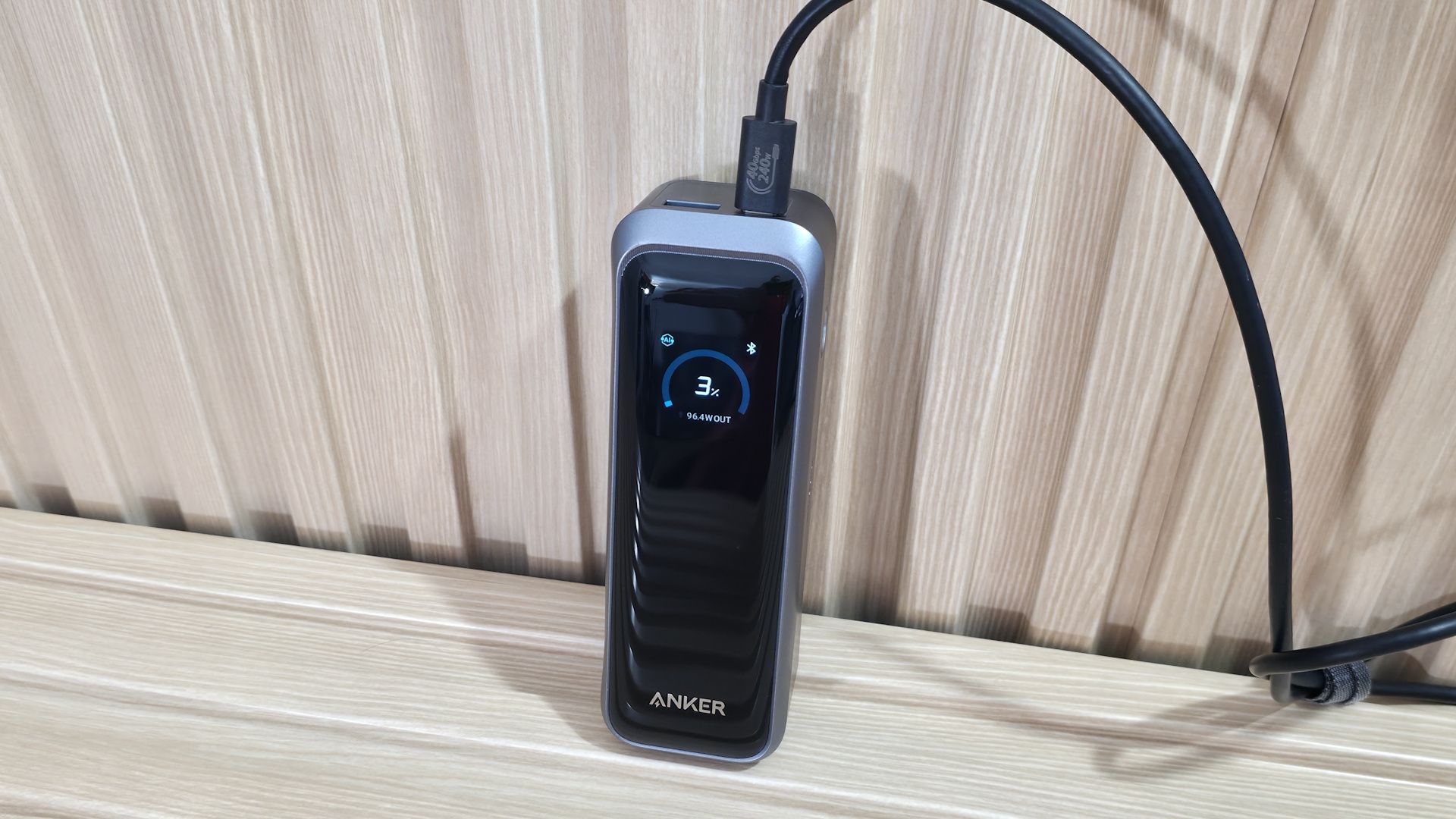
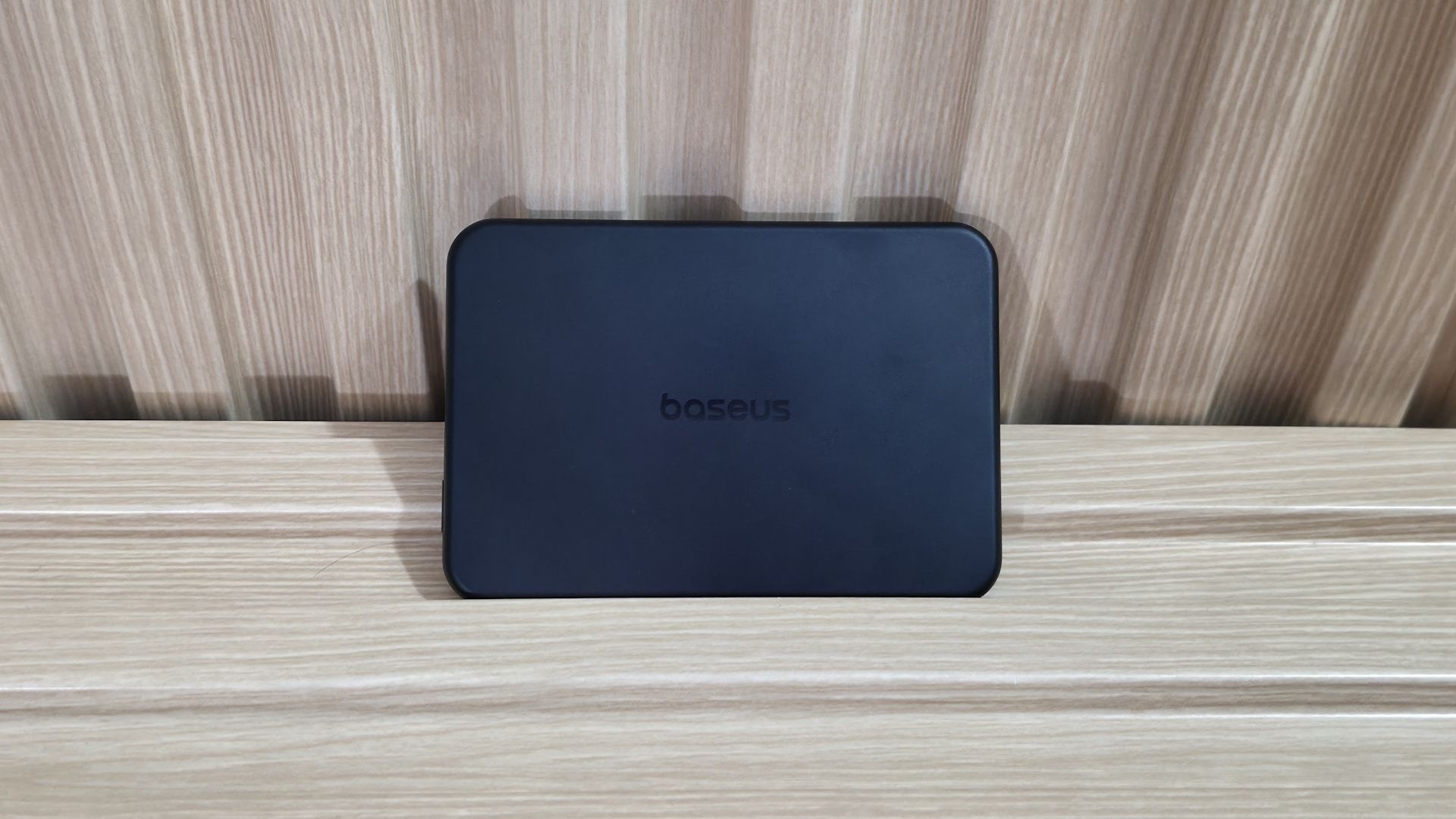
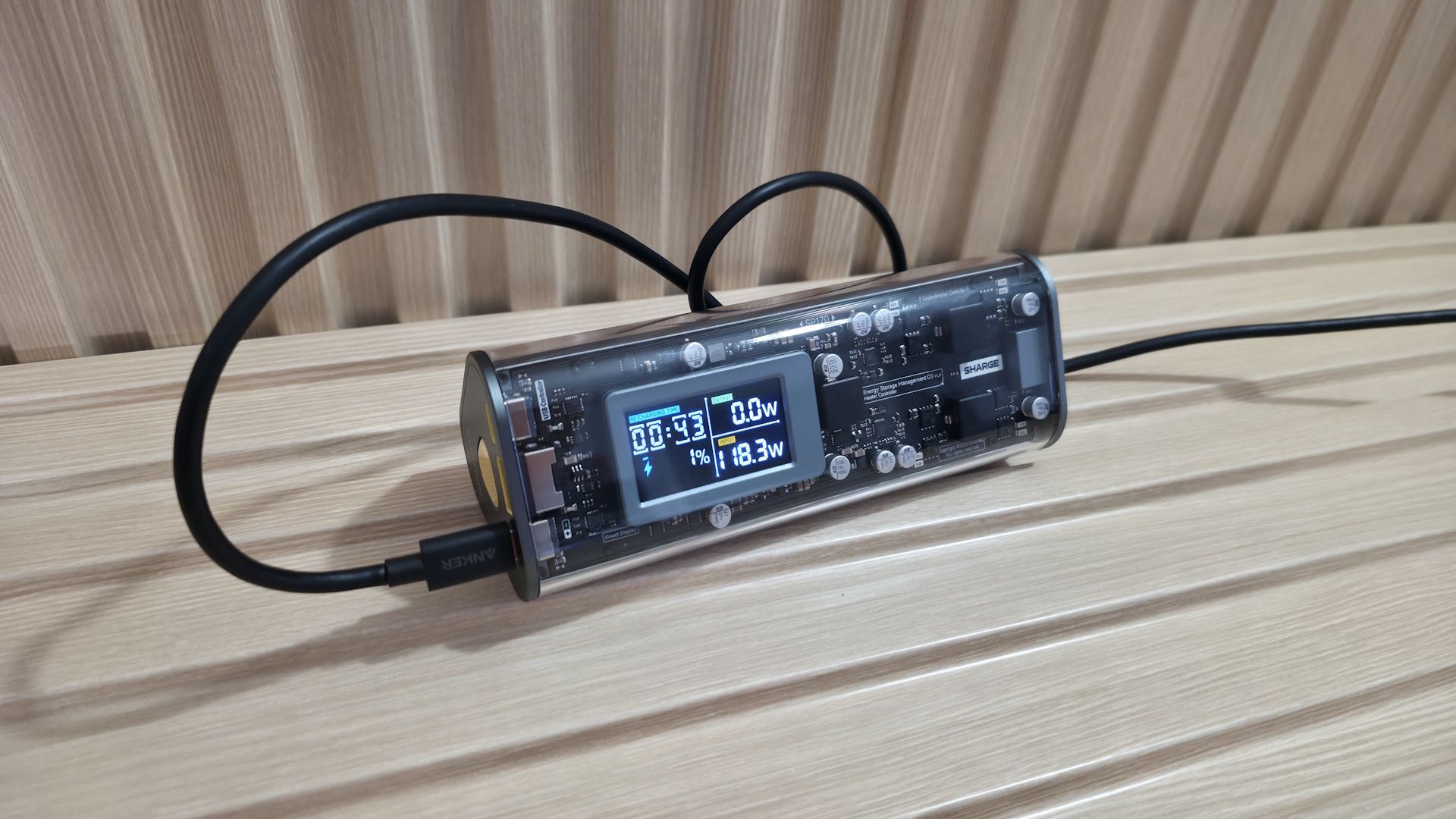
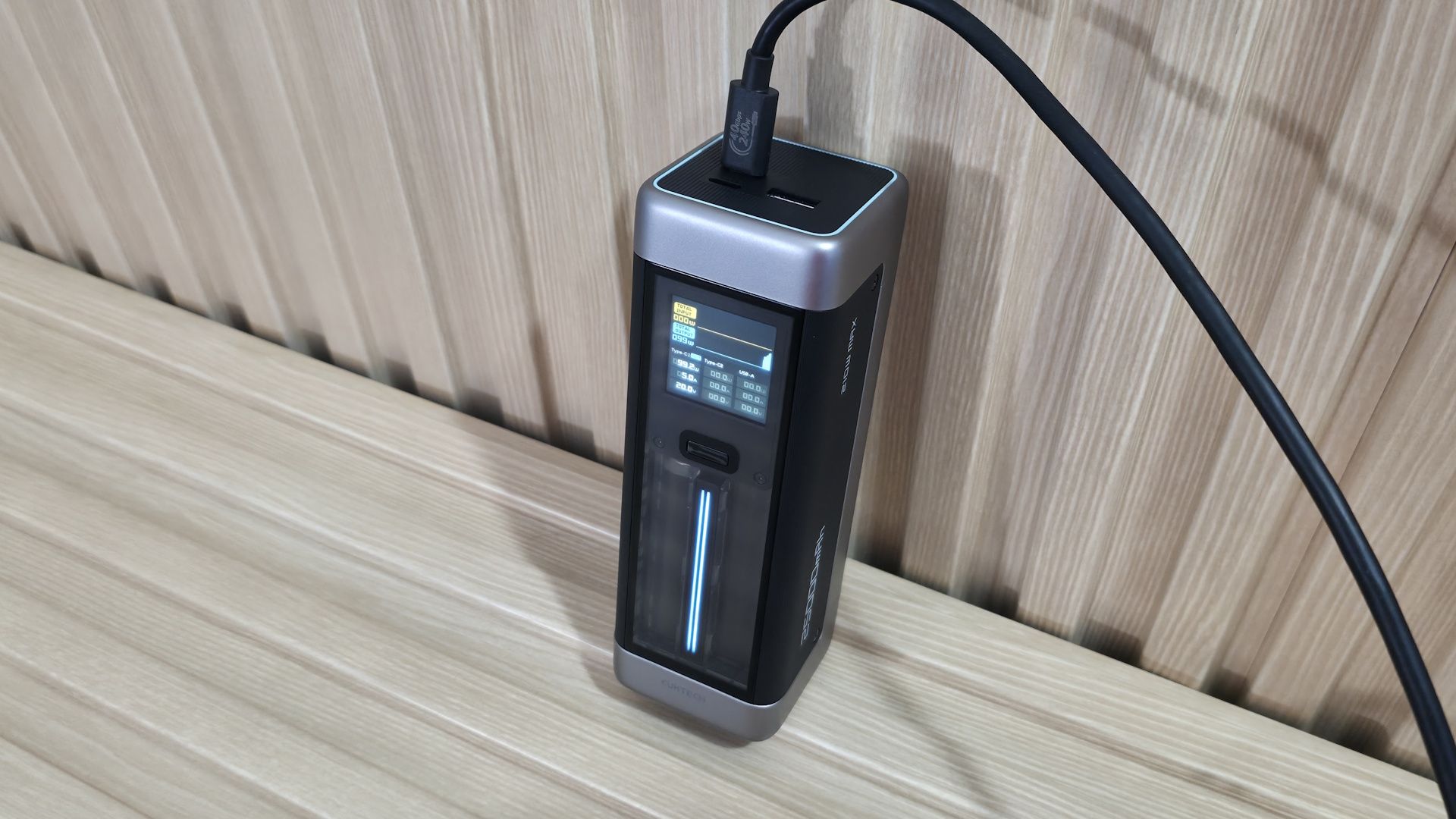
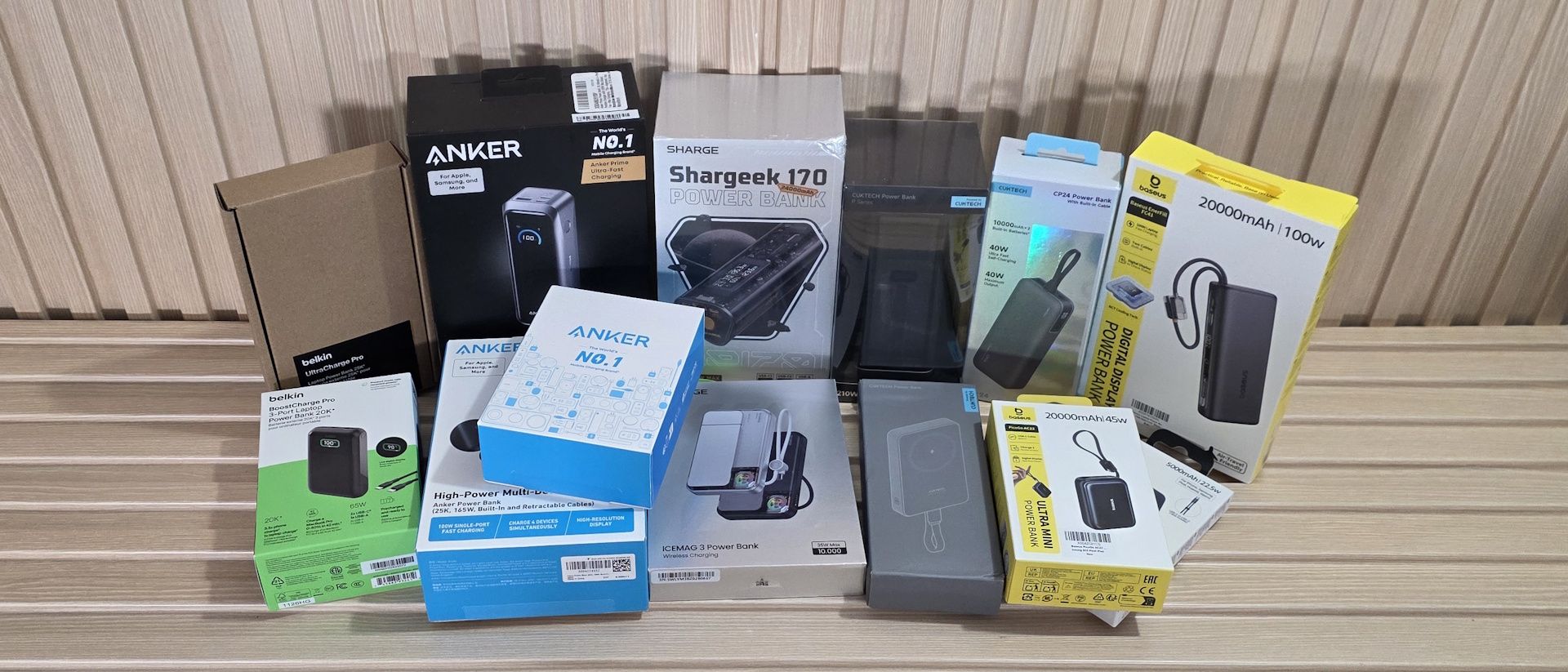
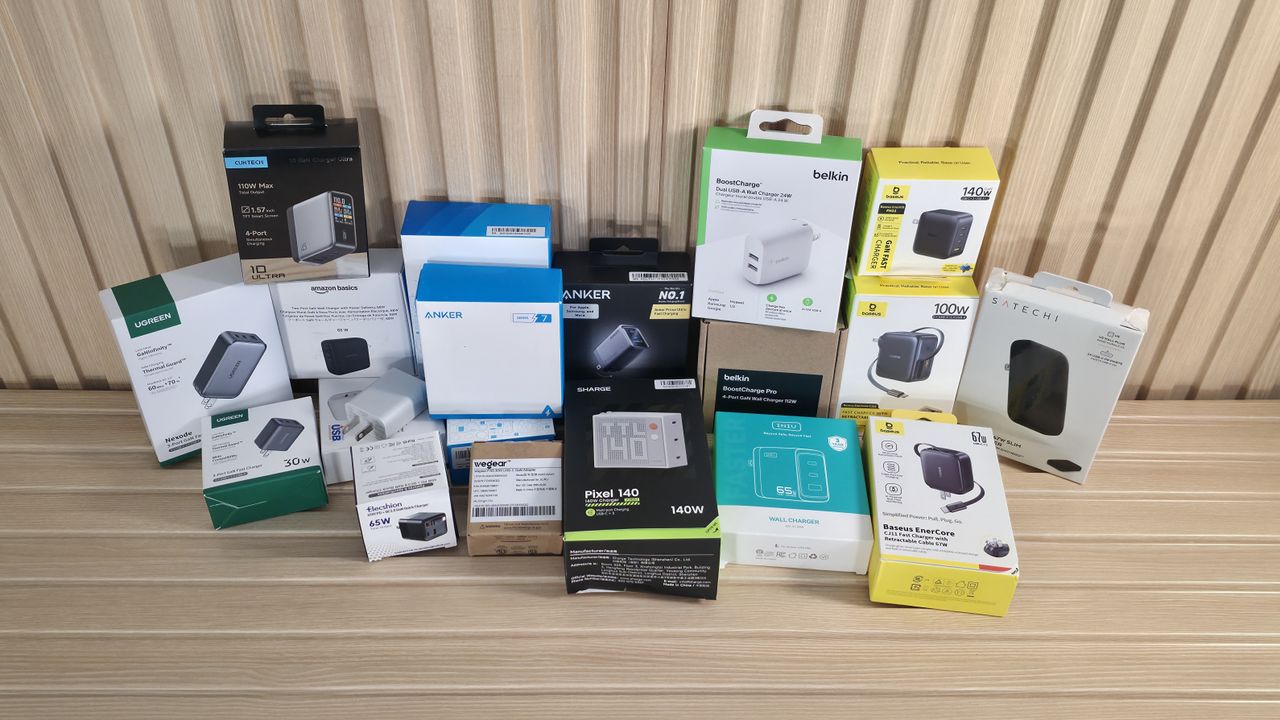
We captured some images of all the chargers during the test below. We also included a simple chart listing all the power banks tested, along with capacity, wattage, port/count type, safety features, and the current price (at the time of publication).
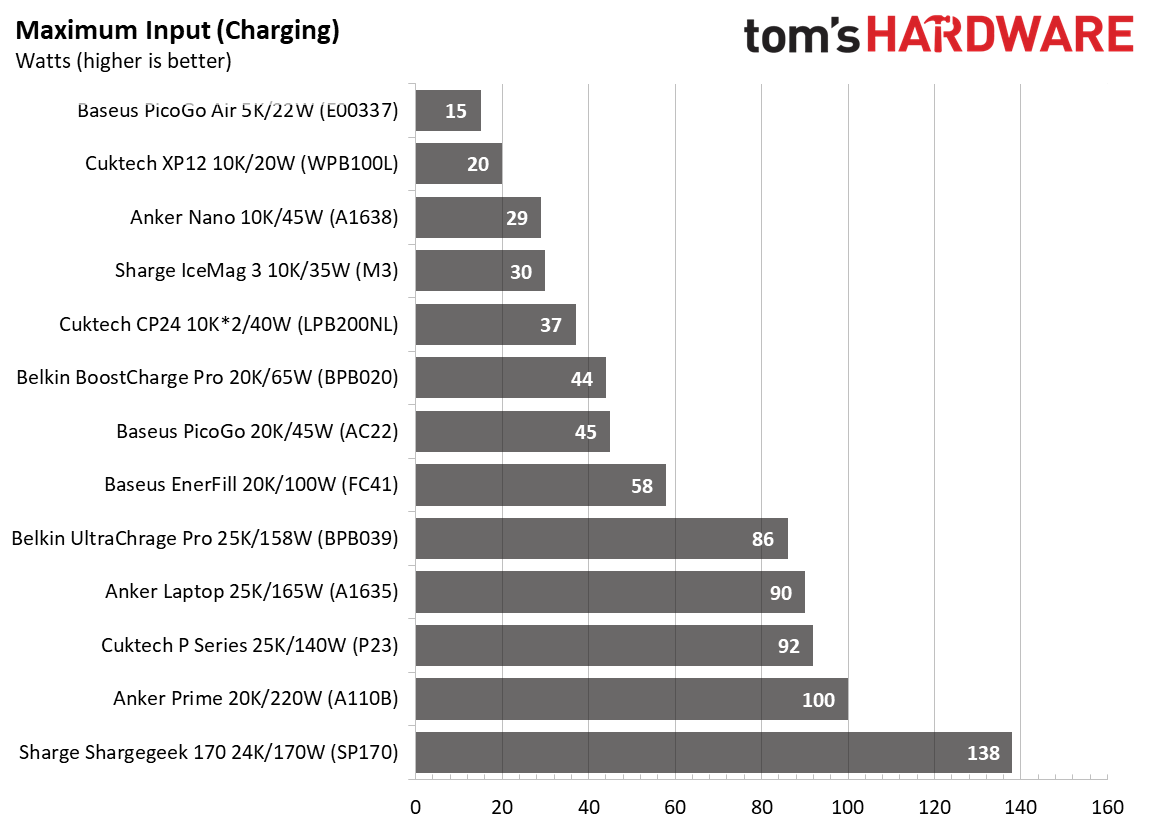
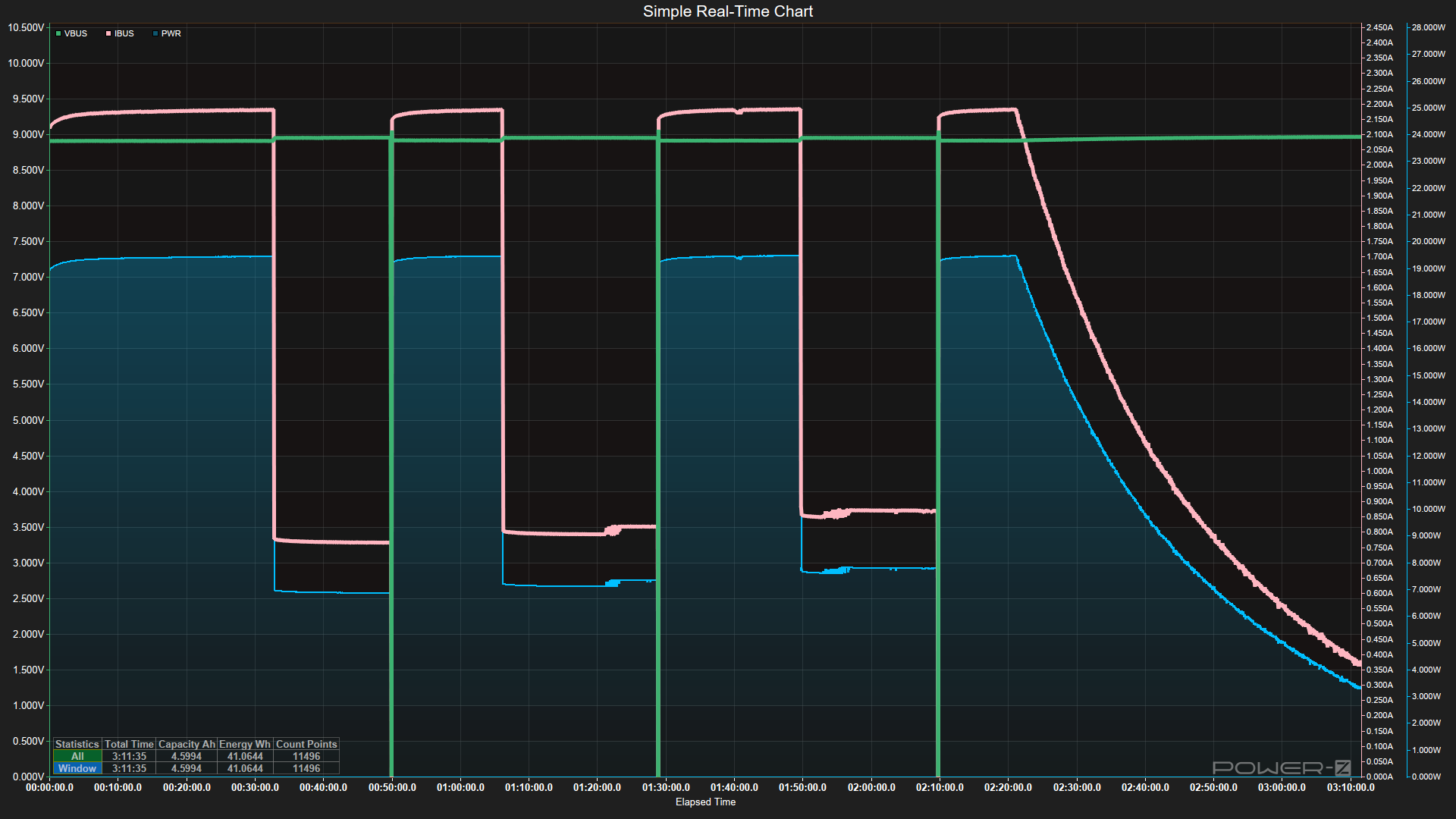
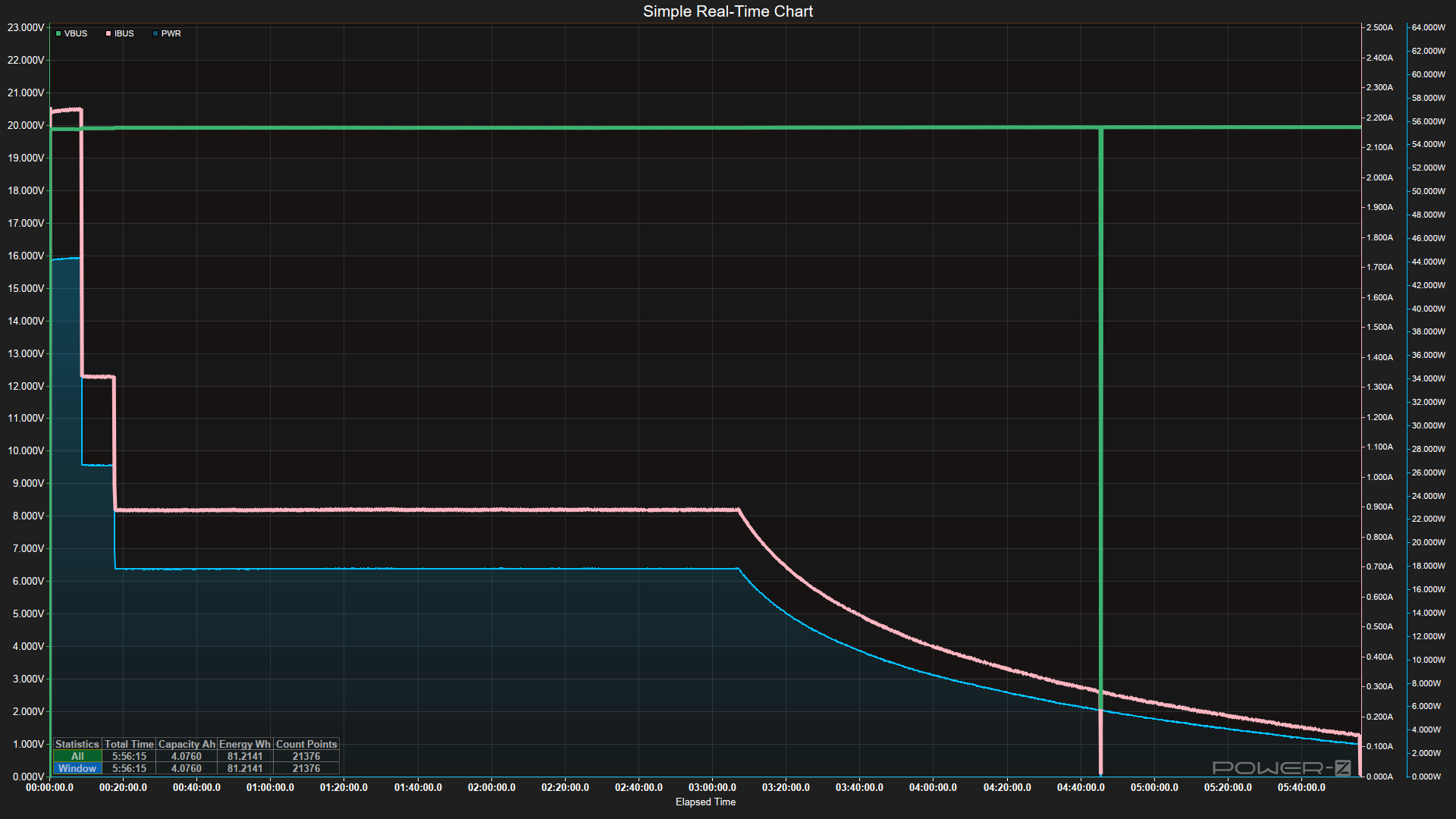
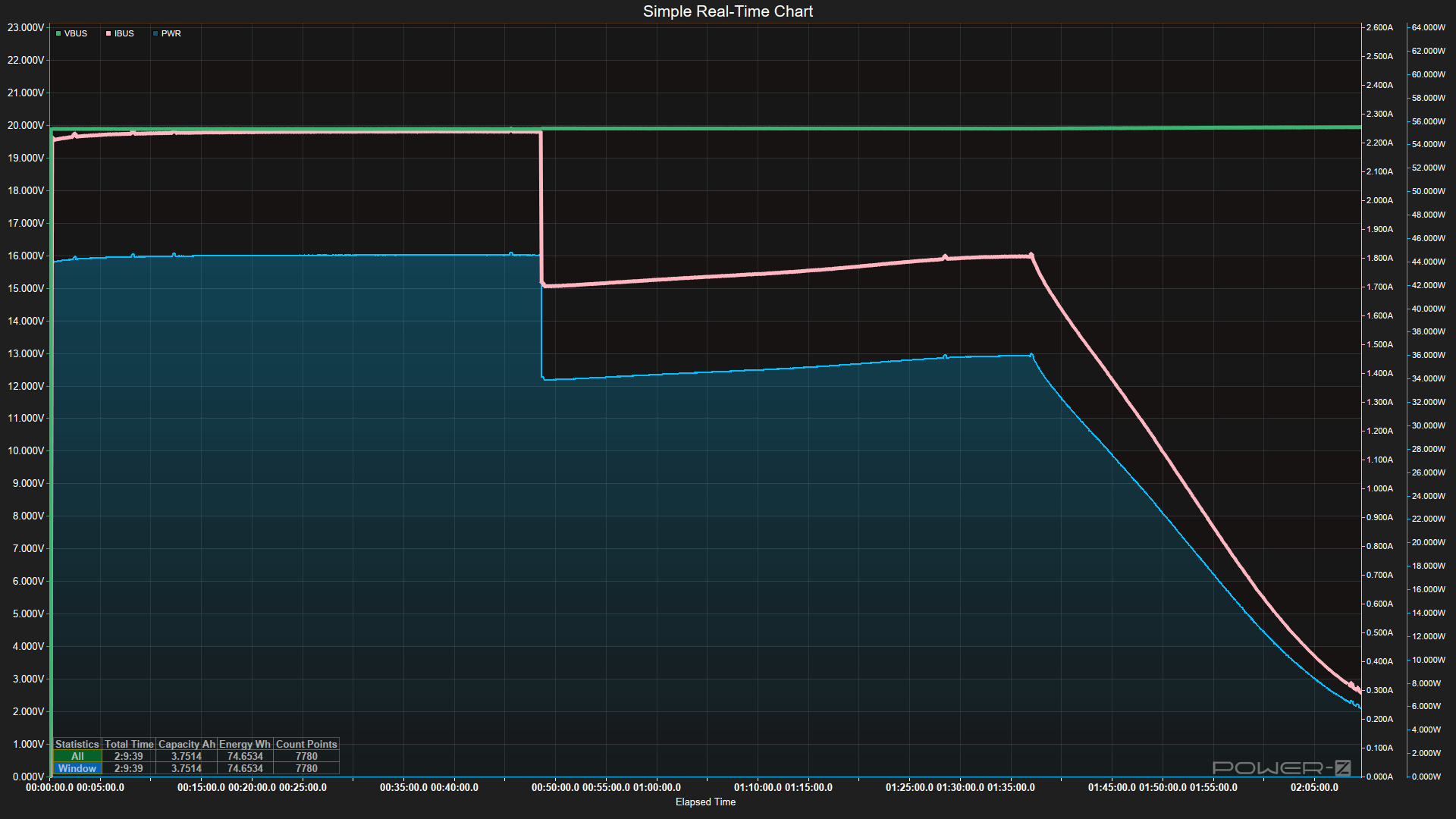
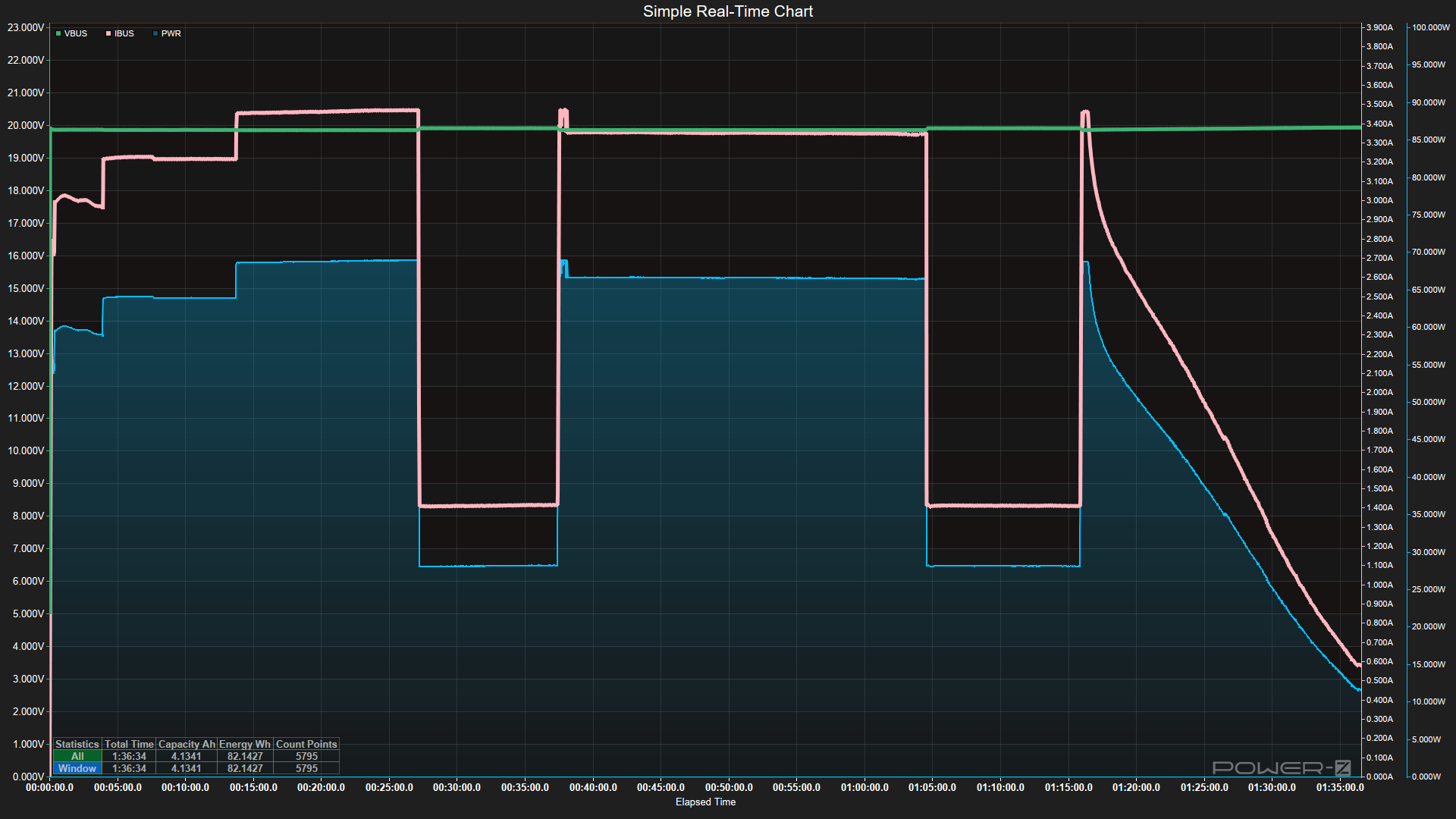
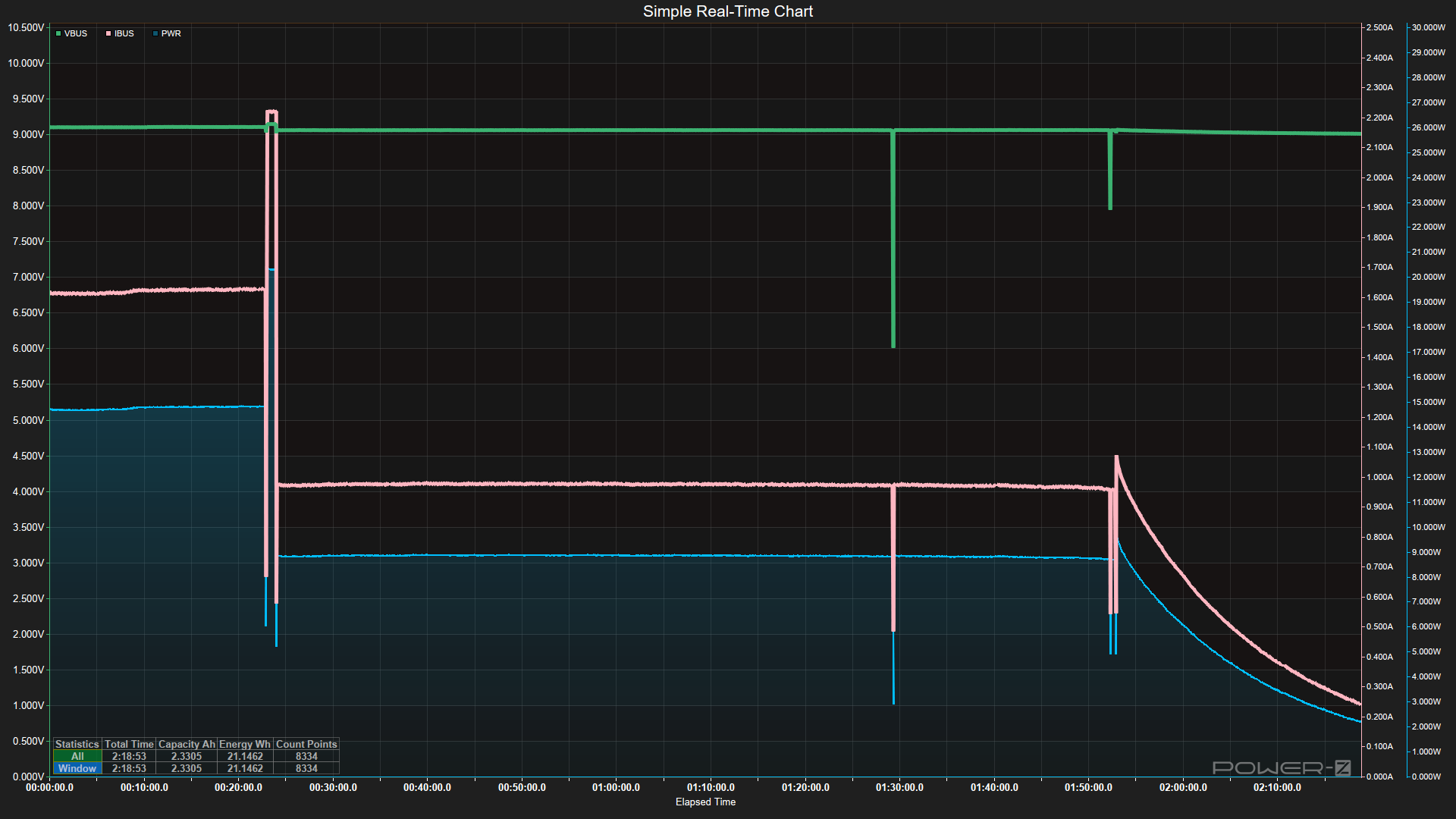
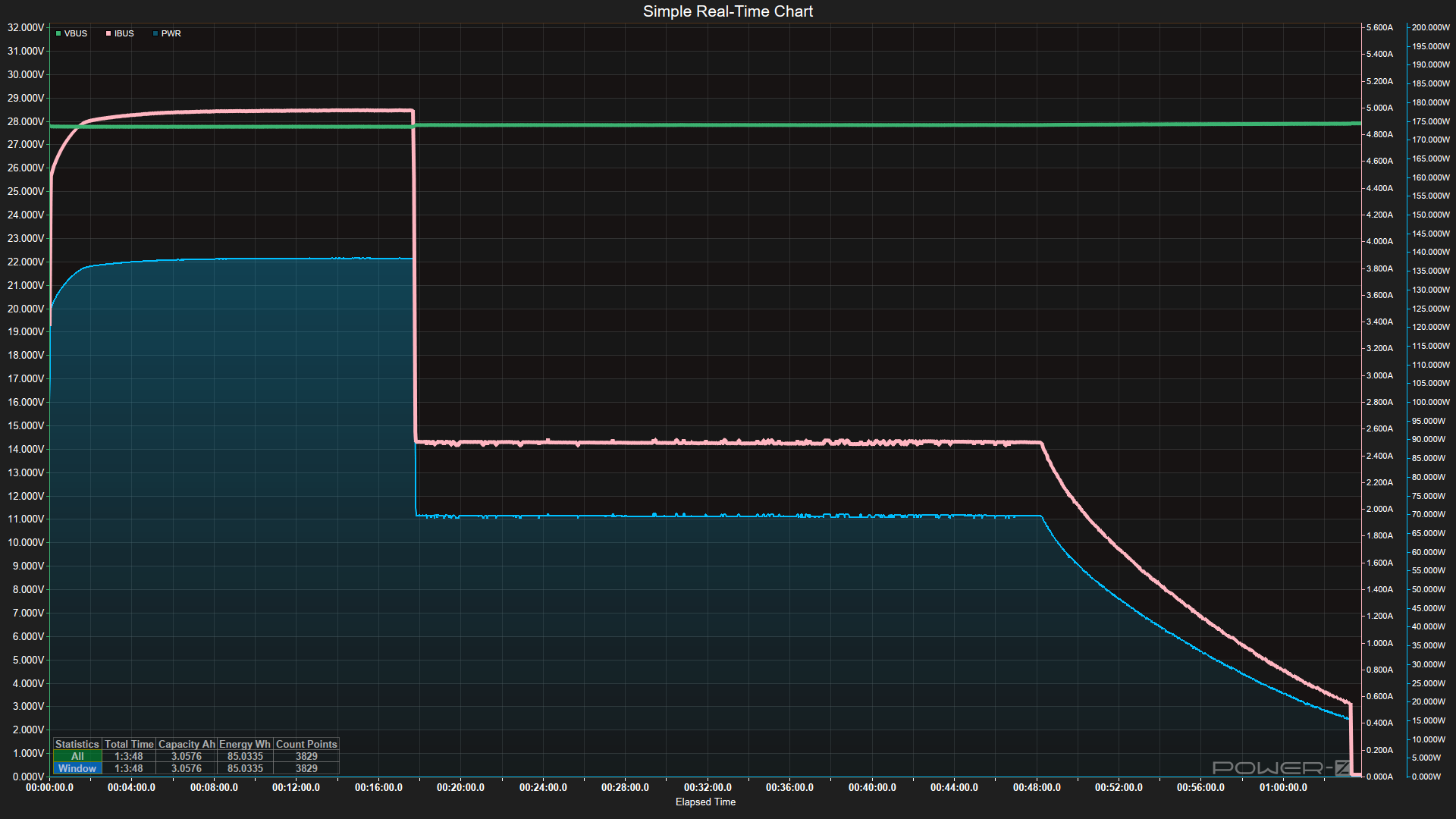
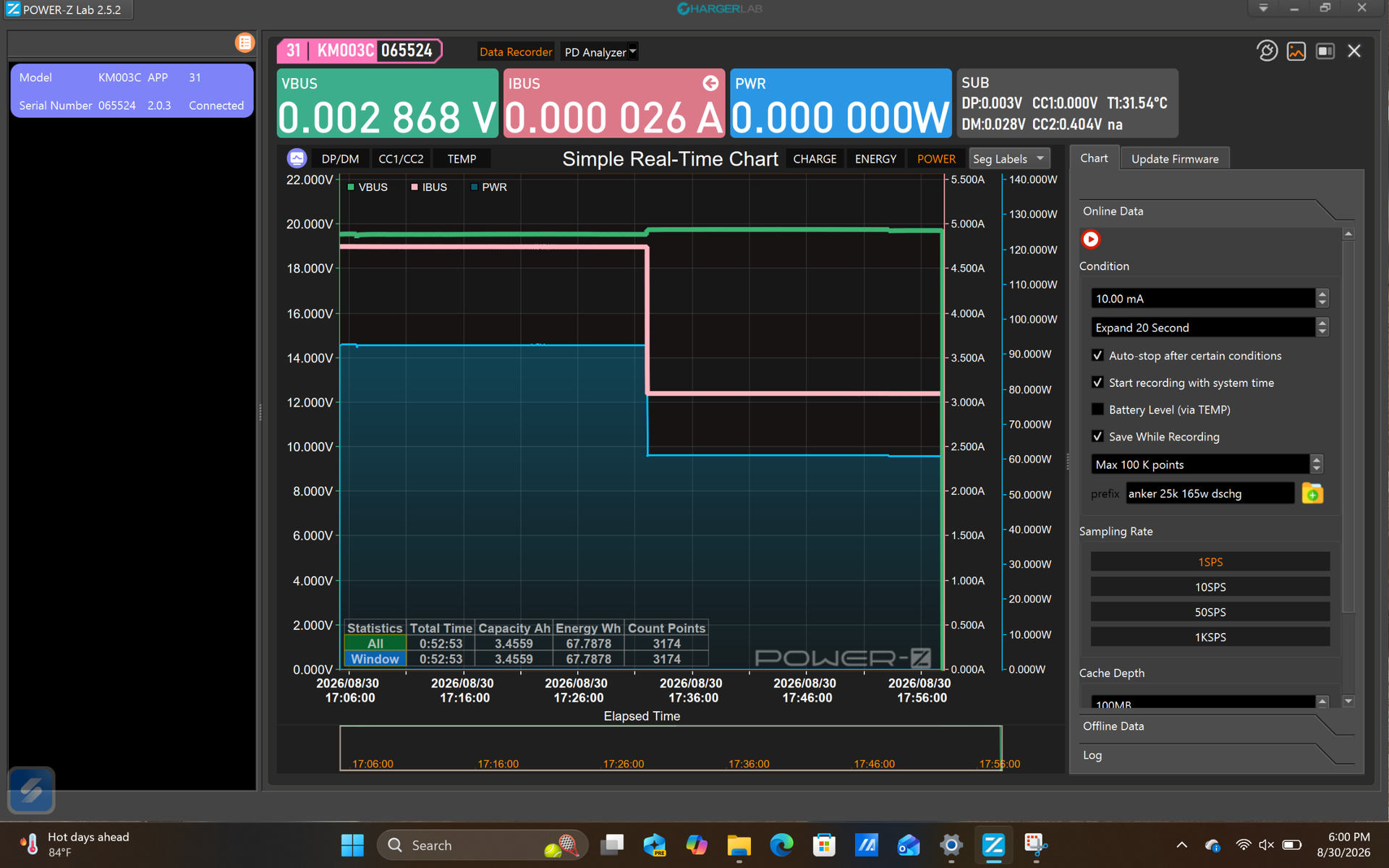
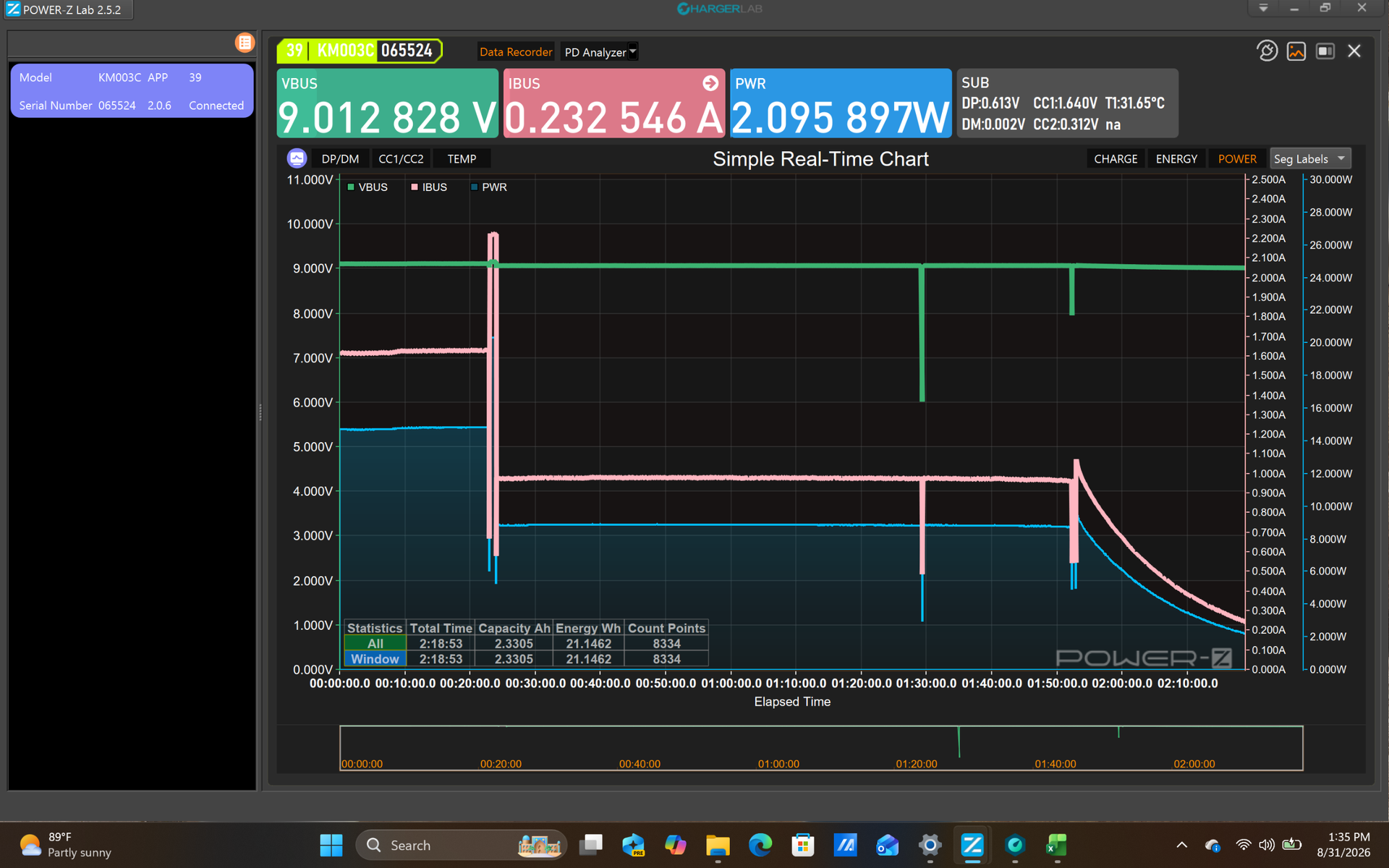
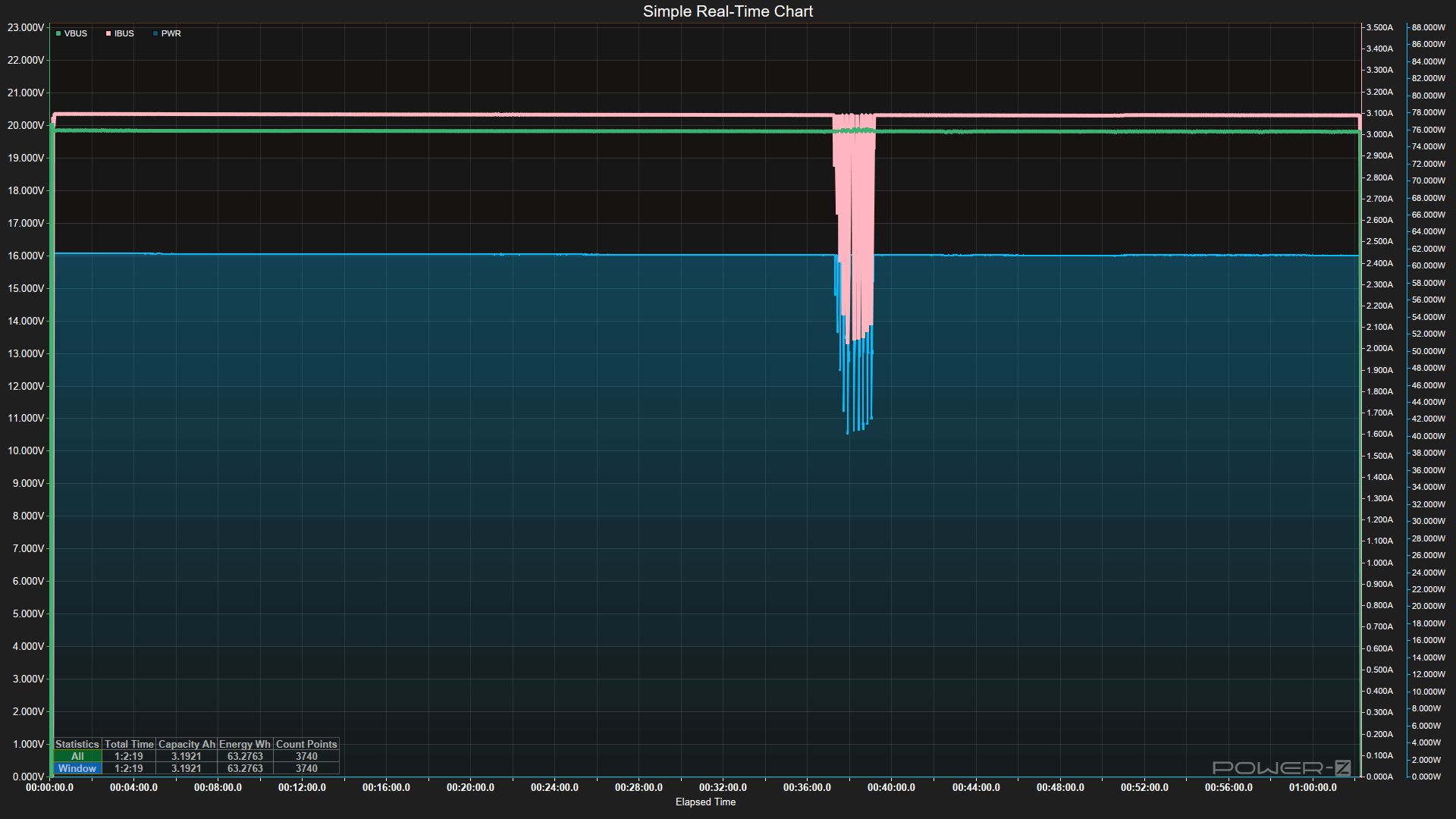
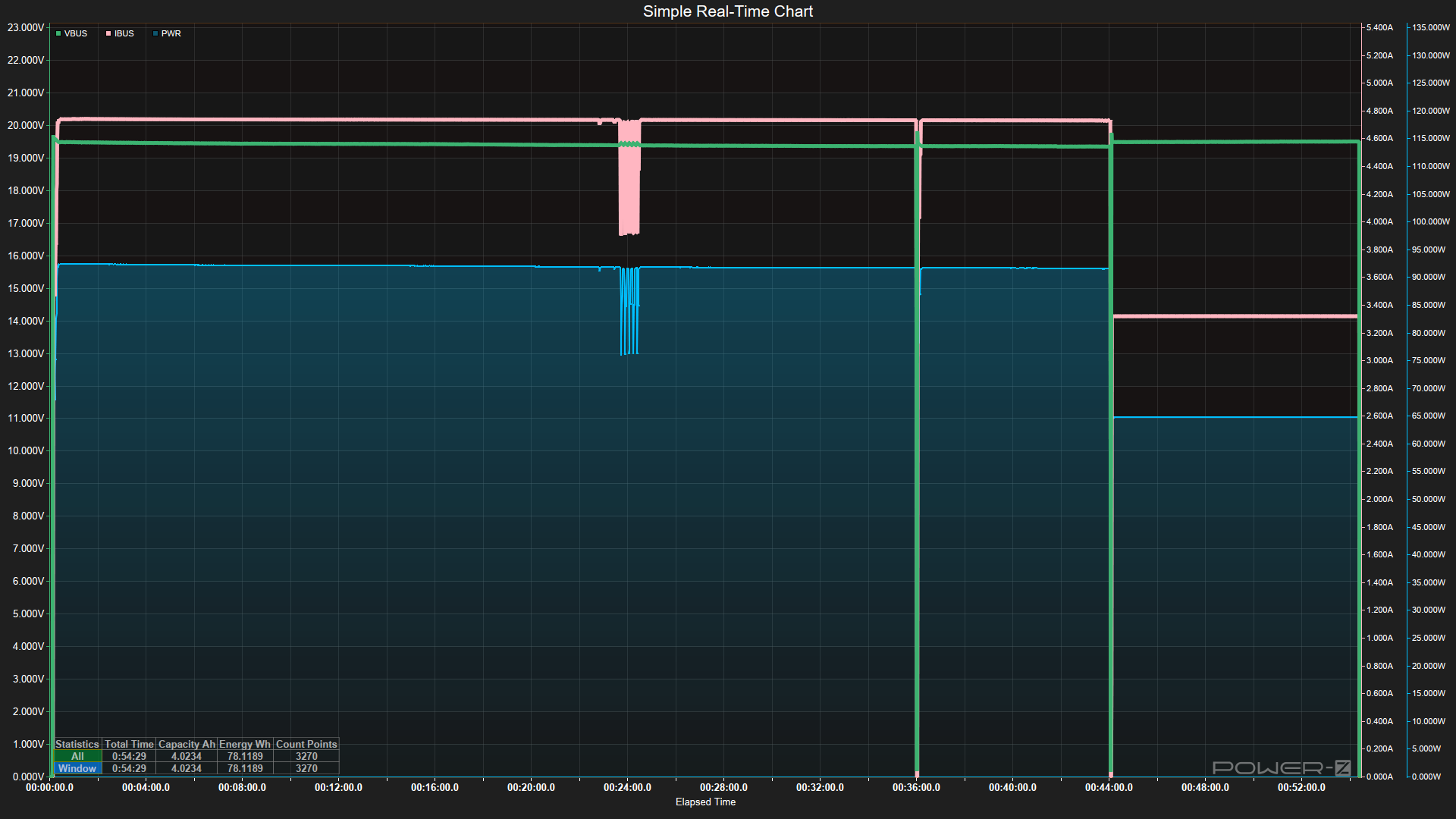
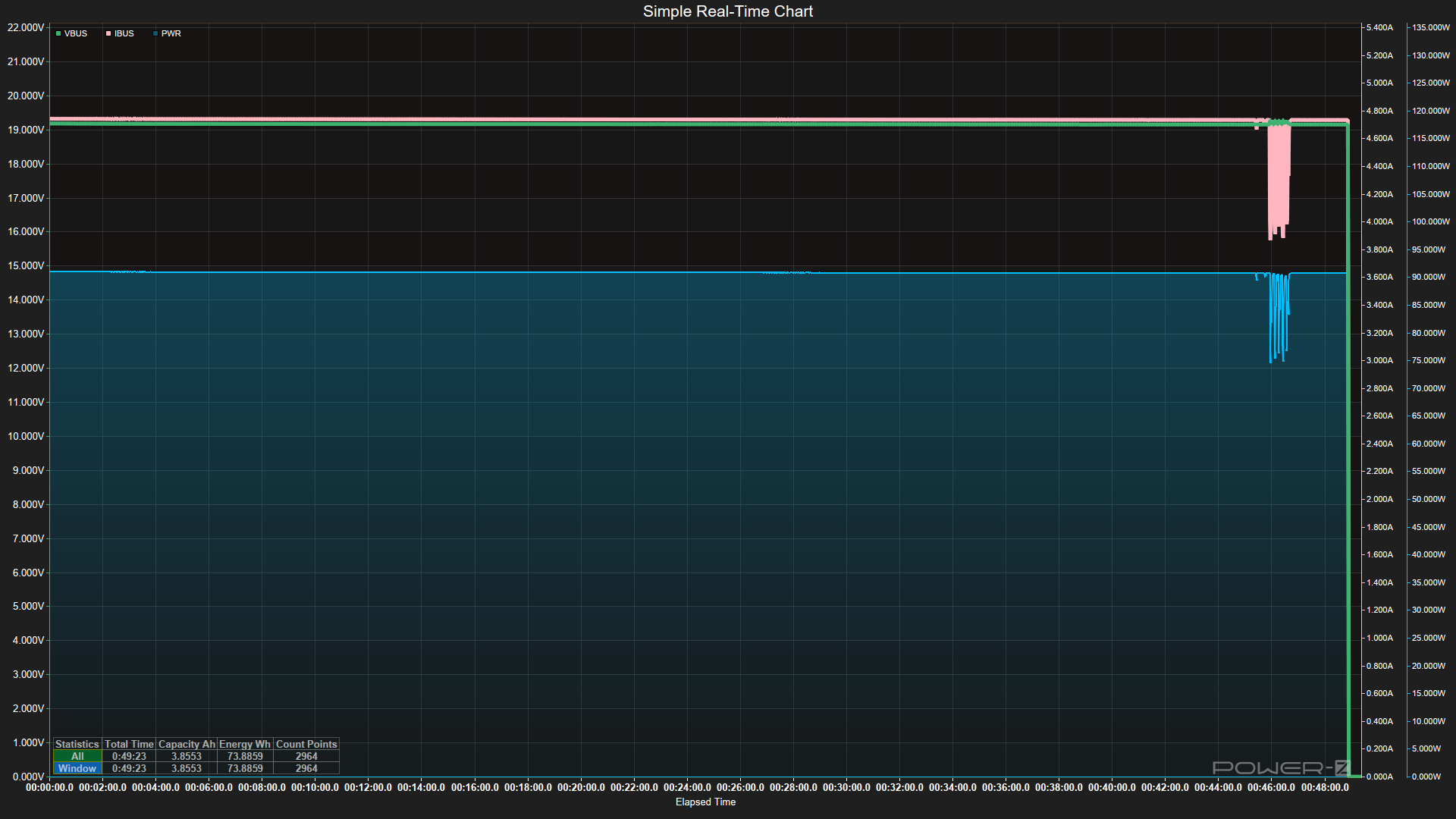
What surprised me most was how long a couple of these devices took to completely charge from empty. Cuktech’s CP12 and CP24 models and the Baseus PicoGo AC22 took over 2.5, 4, and 6 hours, respectively, to reach 100%. This is partly due to lower input wattage and/or how the device accepts power over time. Whether it's the voltage used, temperatures and potential throttling, or battery health and safety features, each handles the activity a bit differently. Others, like the Anker Prime or Shargegeek 170, offer much higher output and charge even higher-capacity devices much faster. In fact, the Shargegeek took under an hour to fill its 24K mAh coffers, accepting the most power (almost 140W peak) from our charger. Again, charging may not be a major concern for many people, but it’s good to know how long to expect your bank to reach full, since some are notably faster than others at the same capacity.
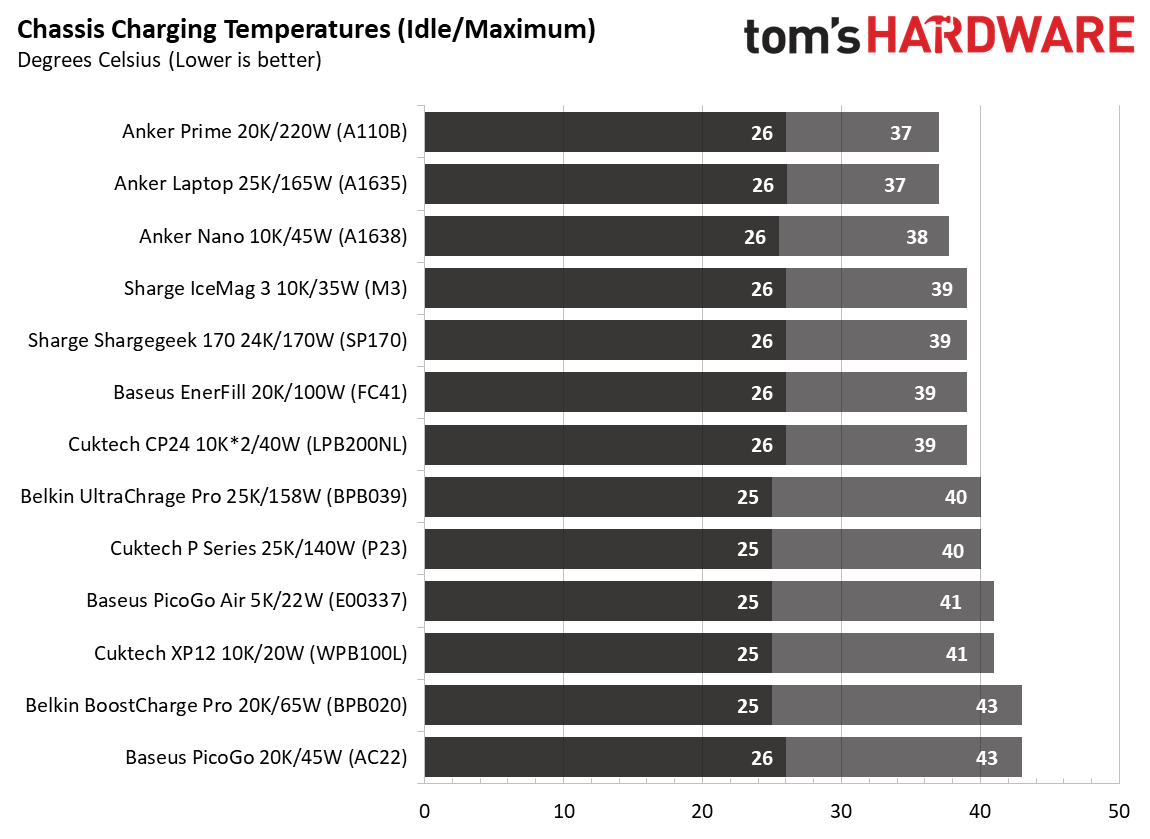
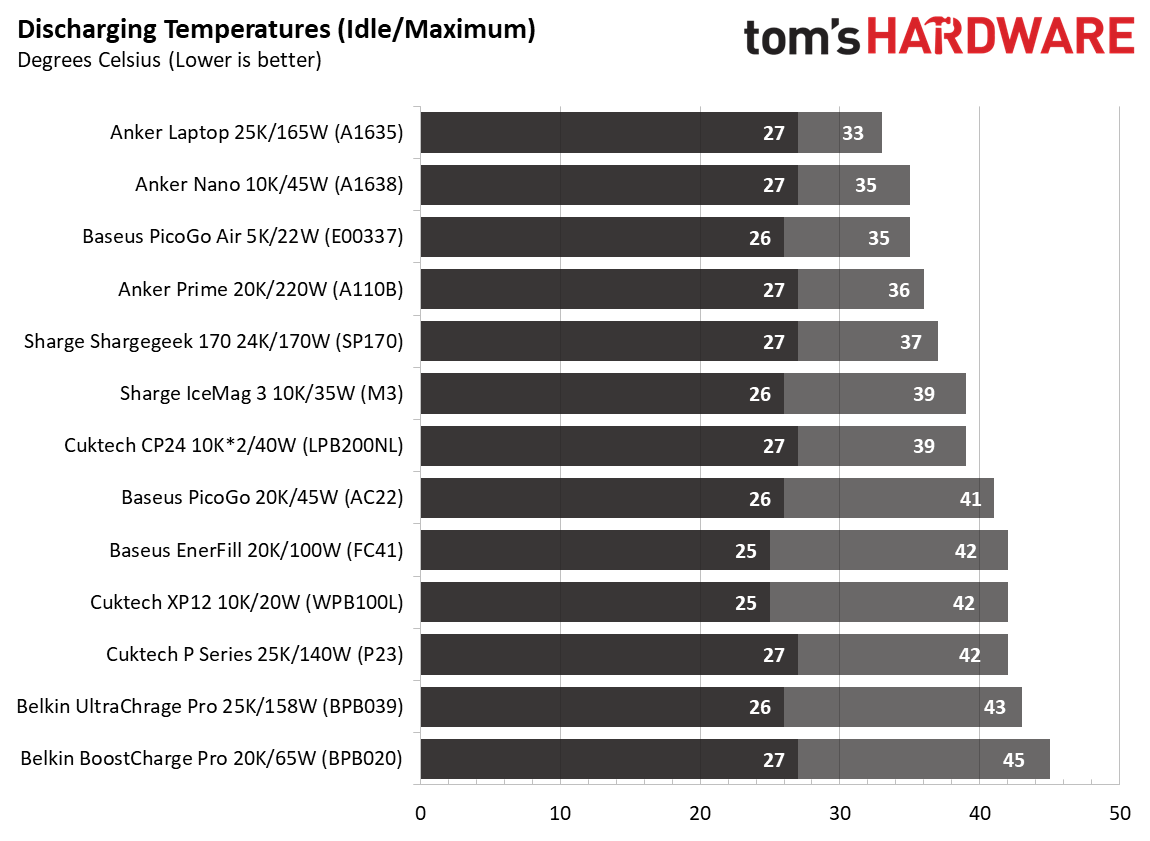
Temperatures didn’t play as obvious a role as they did in our charger testing. Lithium batteries perform best between 20 and 30 degrees Celsius, and the hottest device we covered was the Baseus PicoGo, which reached a peak chassis temperature of 43 degrees. The coolest of the bunch were the Anker Prime and Anker Laptop chargers, peaking at 37 degrees externally. These are all warm to the touch, but not hot — not something I would be particularly concerned about leaving out on a desk or table, in your purse or backpack, or even just sitting on the couch or a bed while charging your device(s).
But of course, it’s always good to keep charging devices somewhere you can see them regularly. Because batteries can, of course, be dangerous when things go very wrong, and there are at least two batteries cycling when you’re using a power bank.
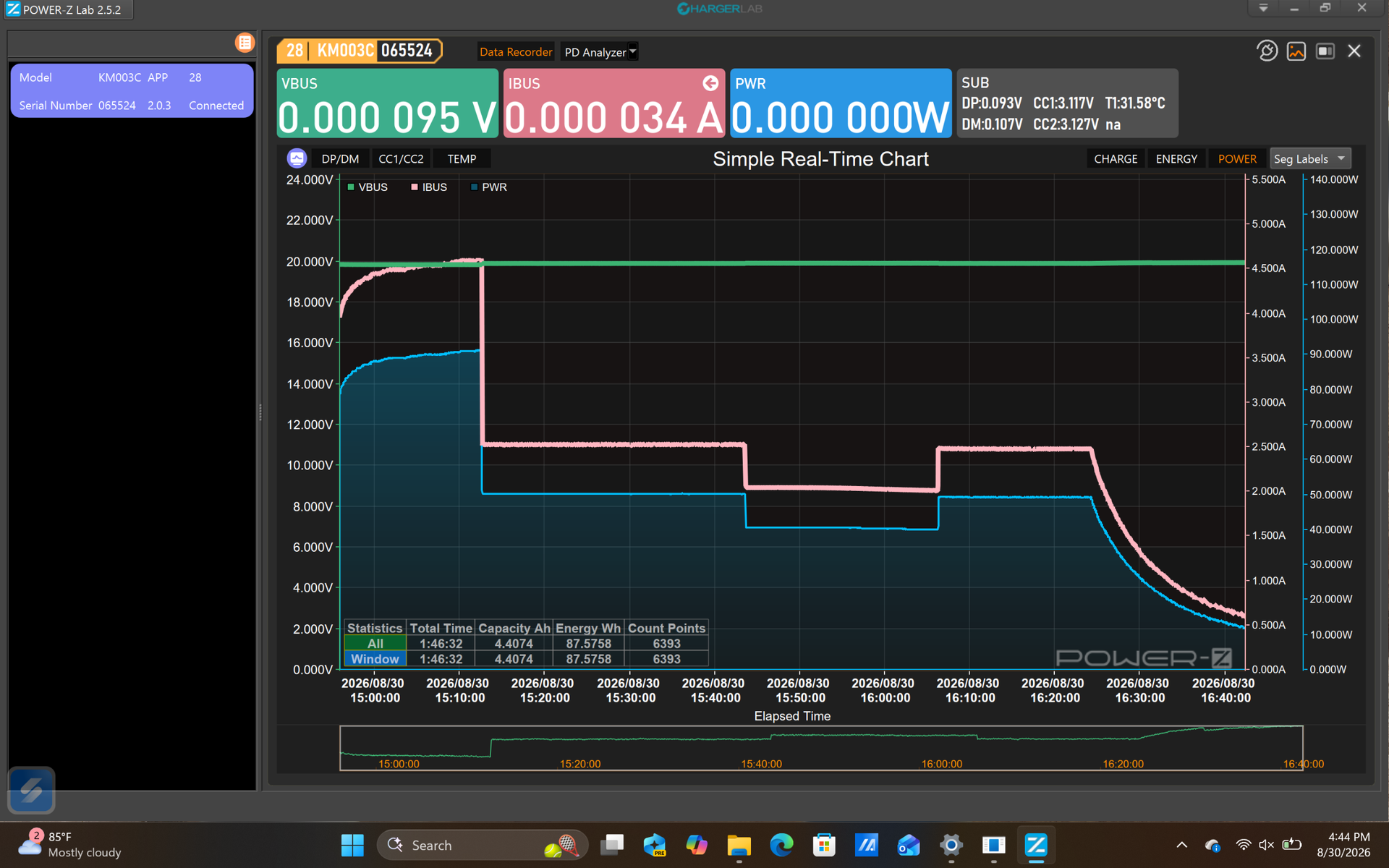
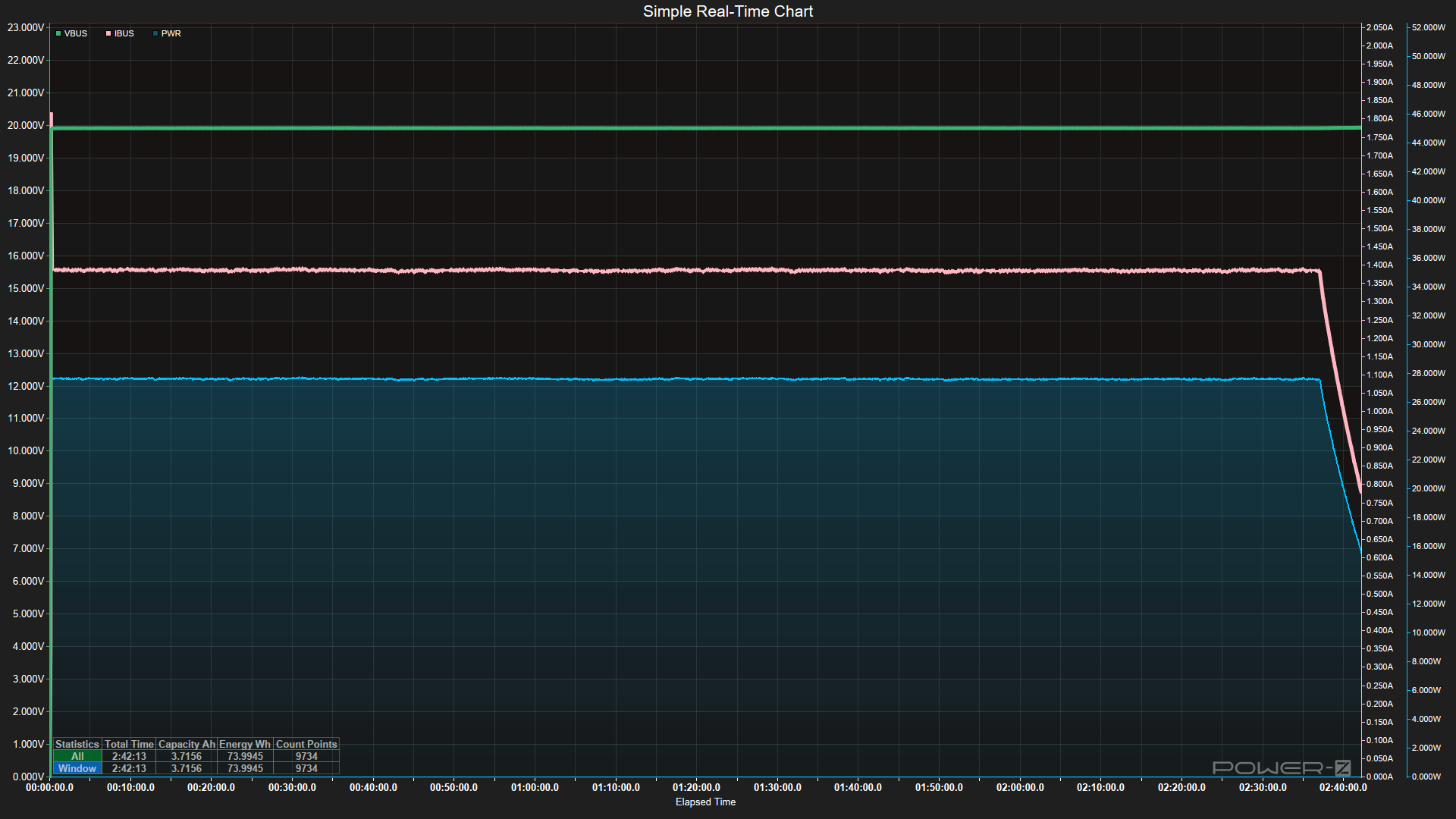
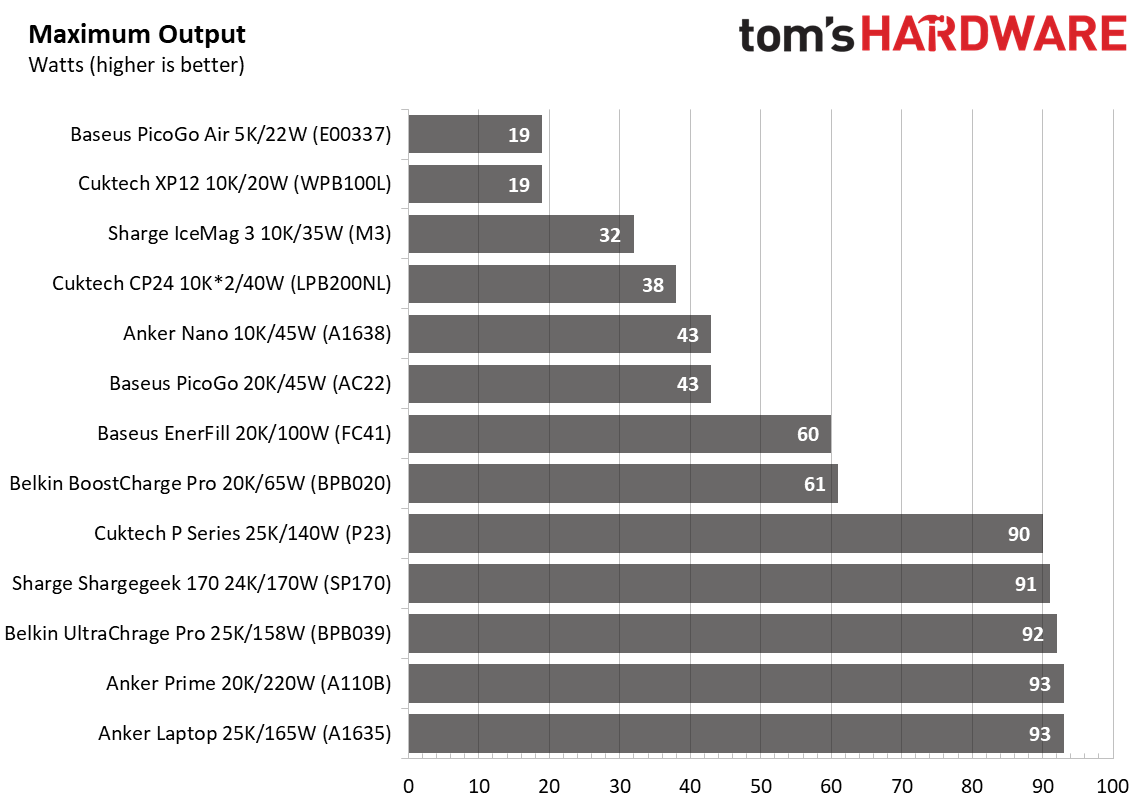
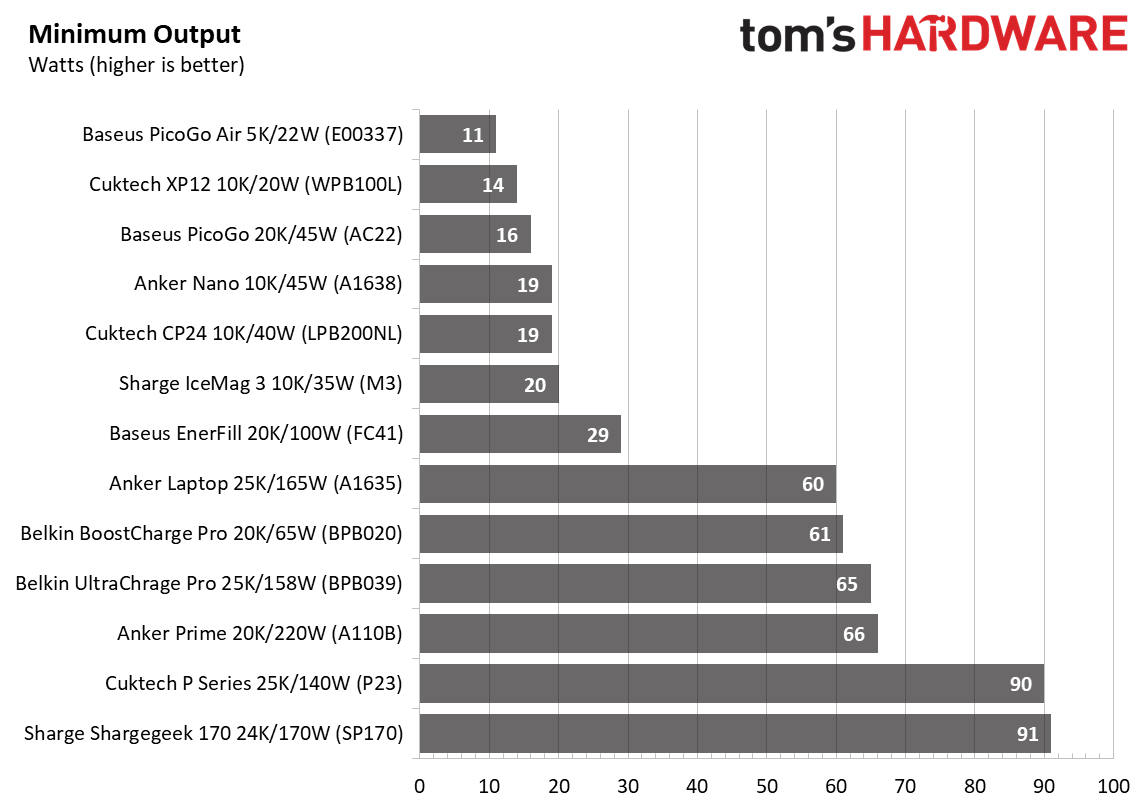
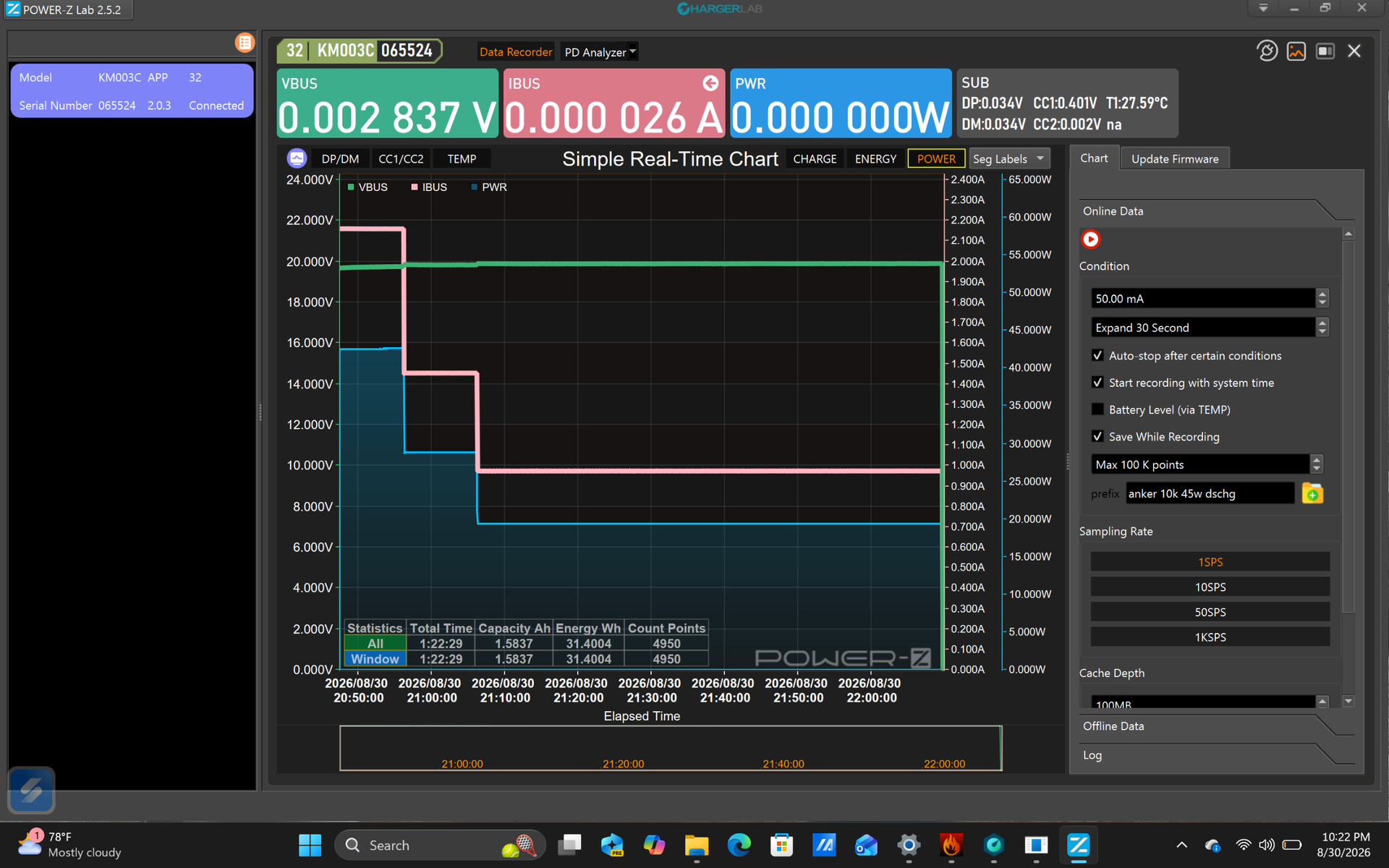
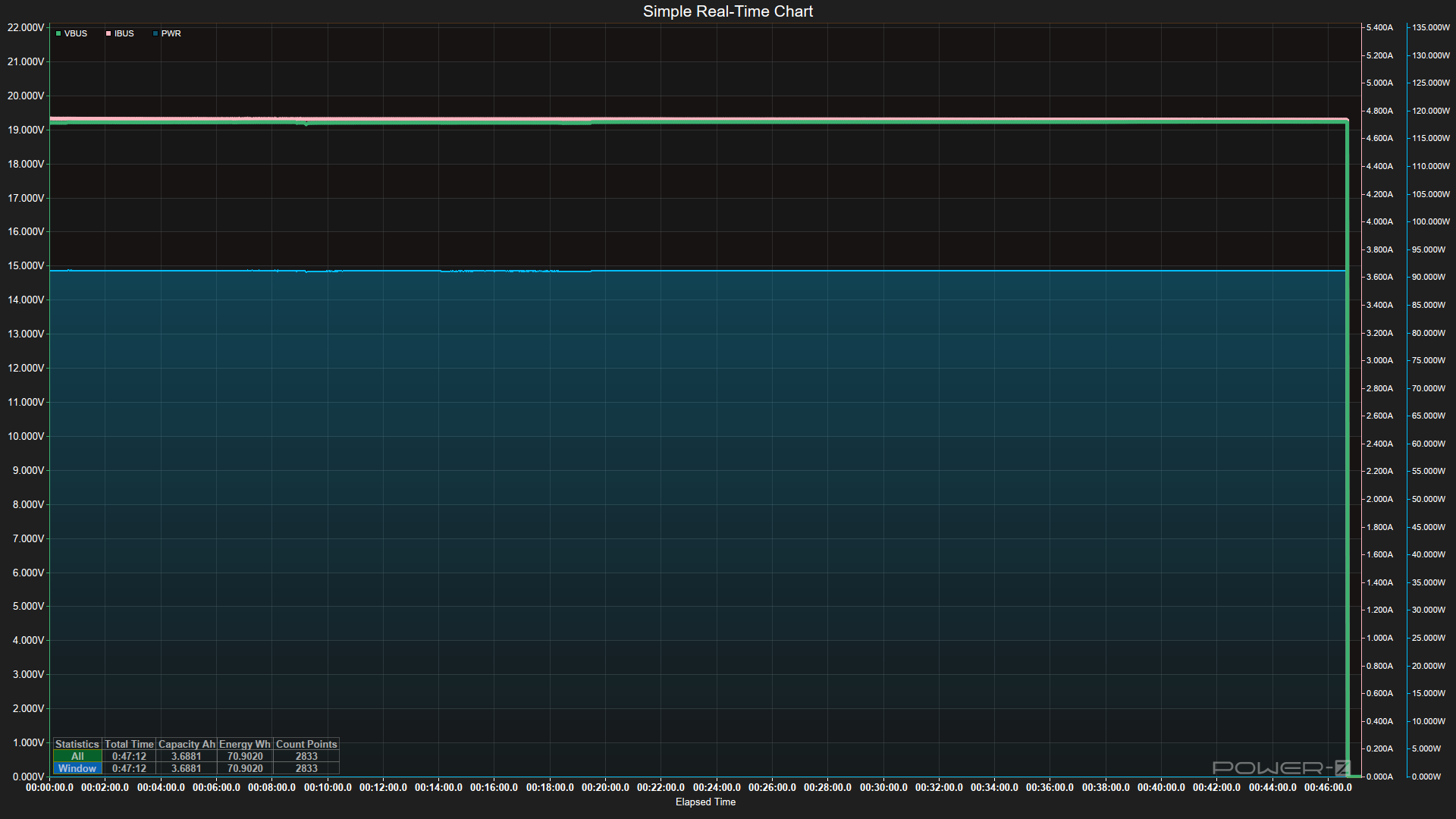
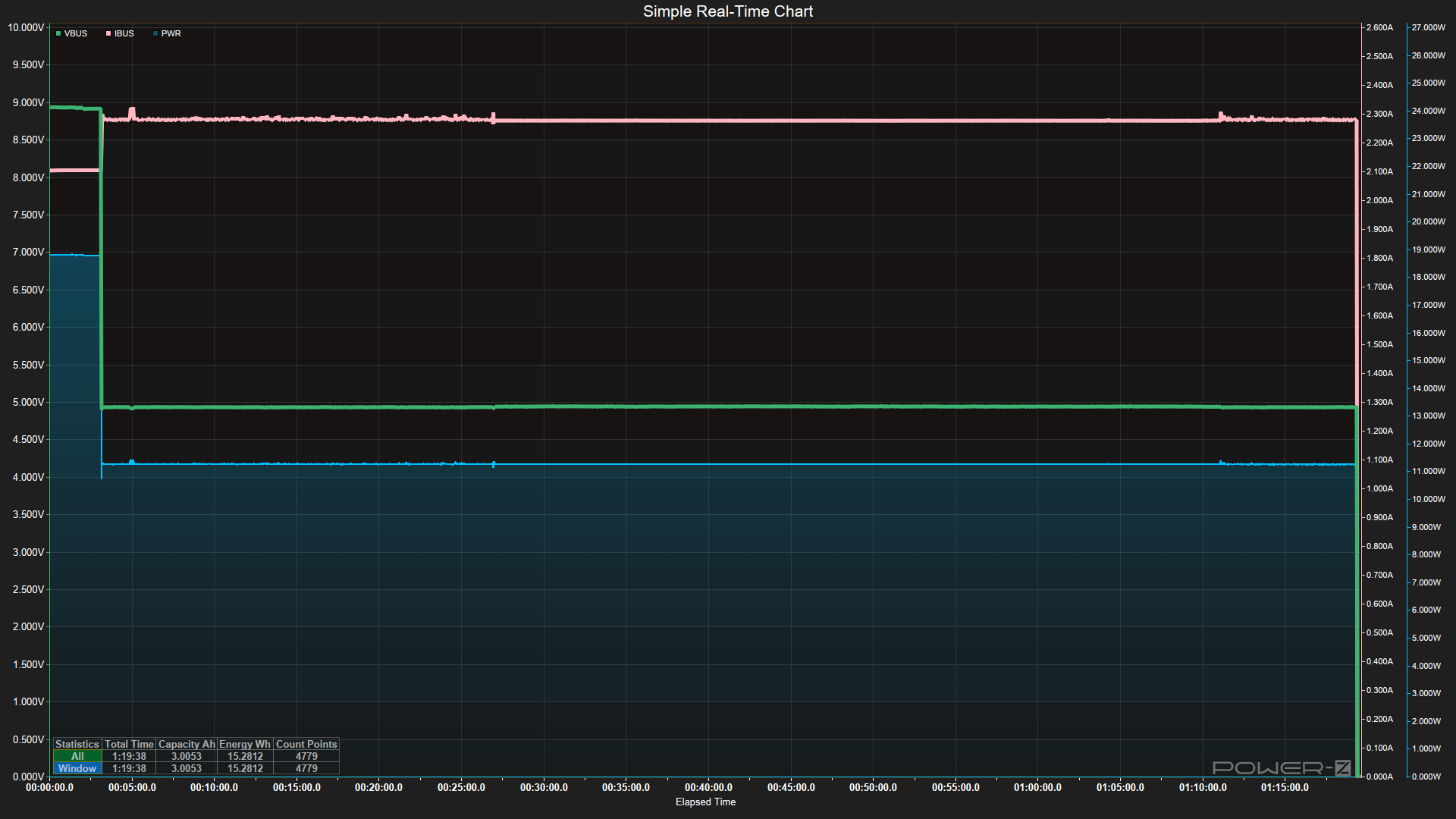
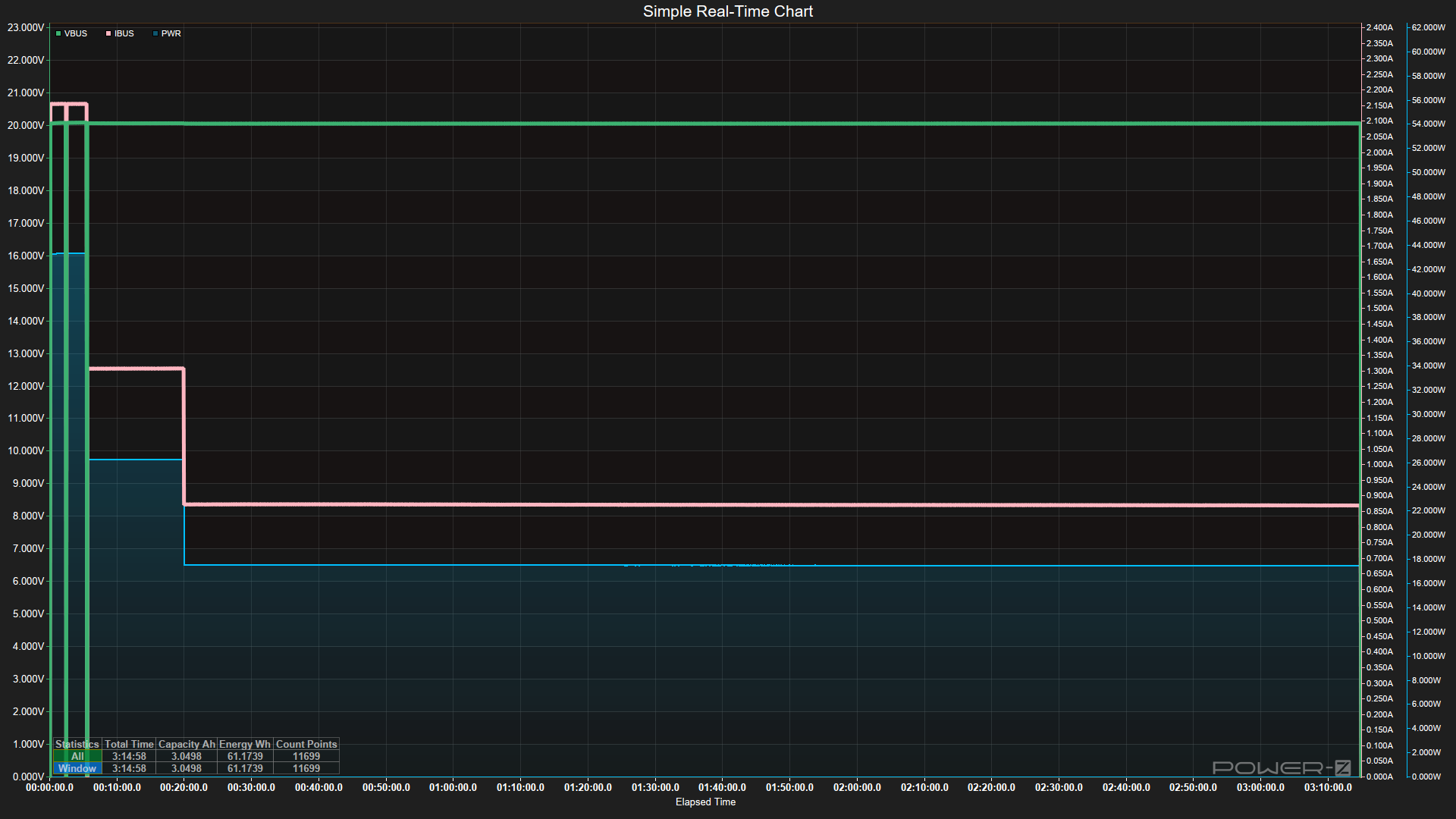
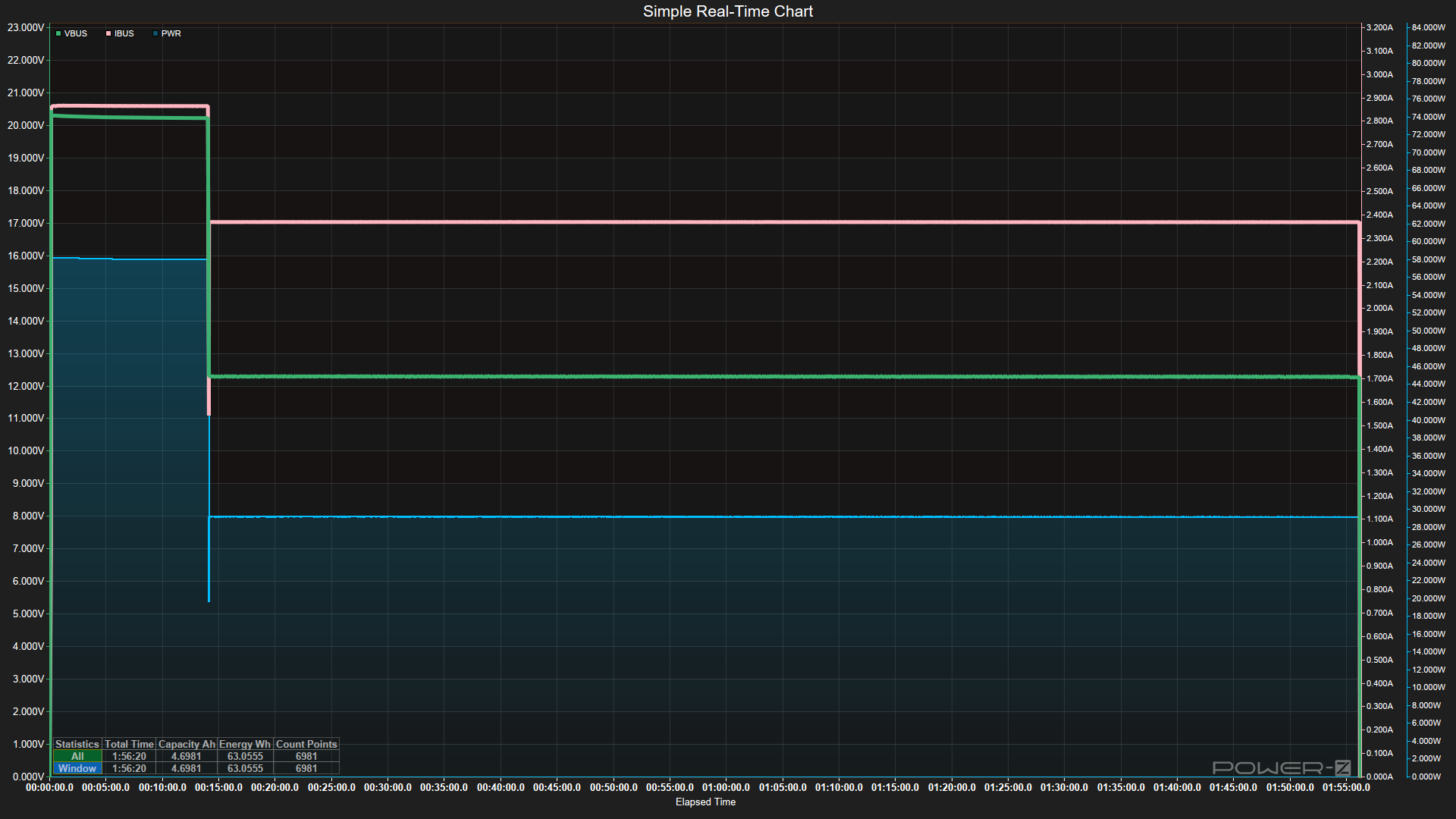
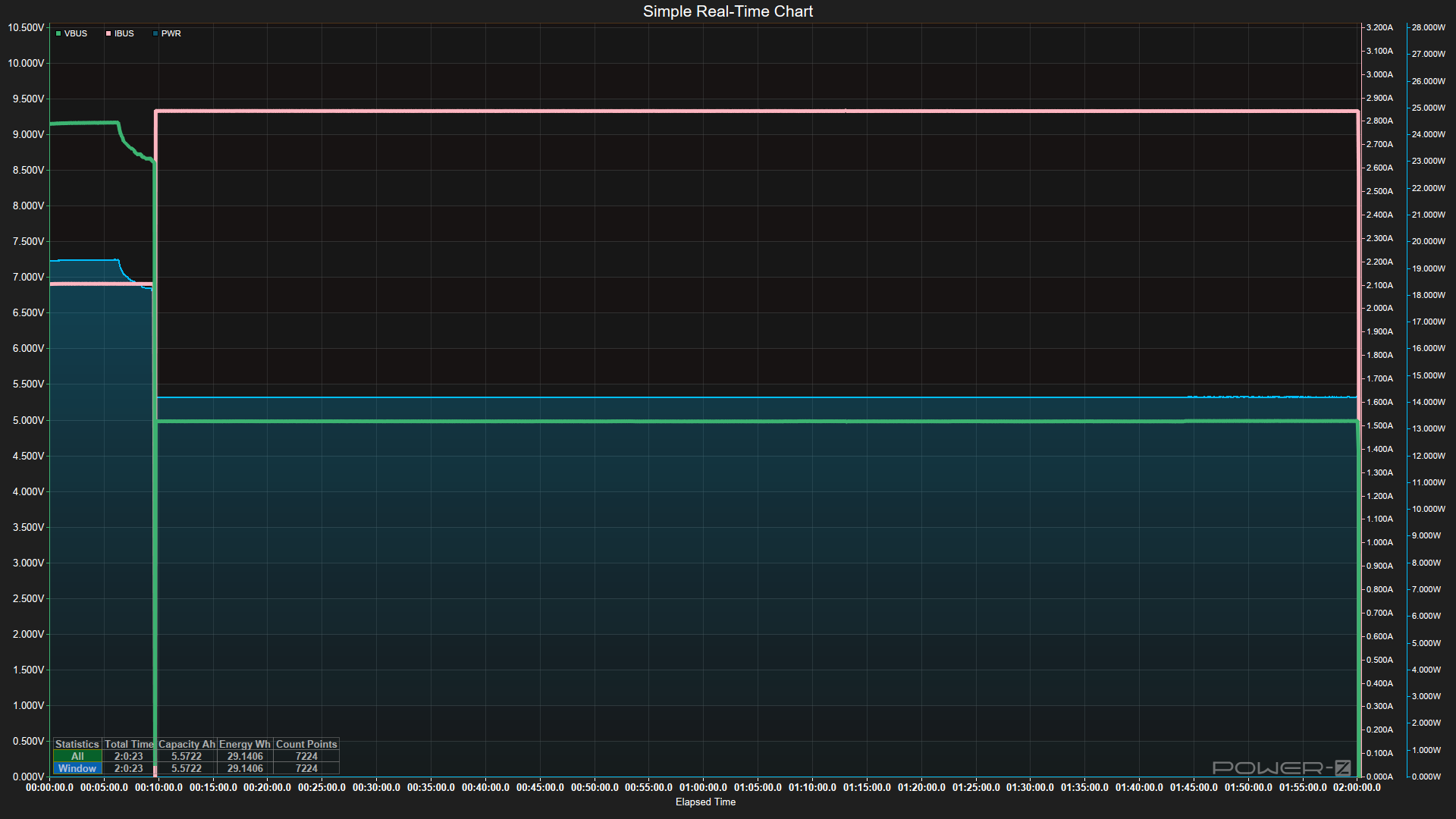
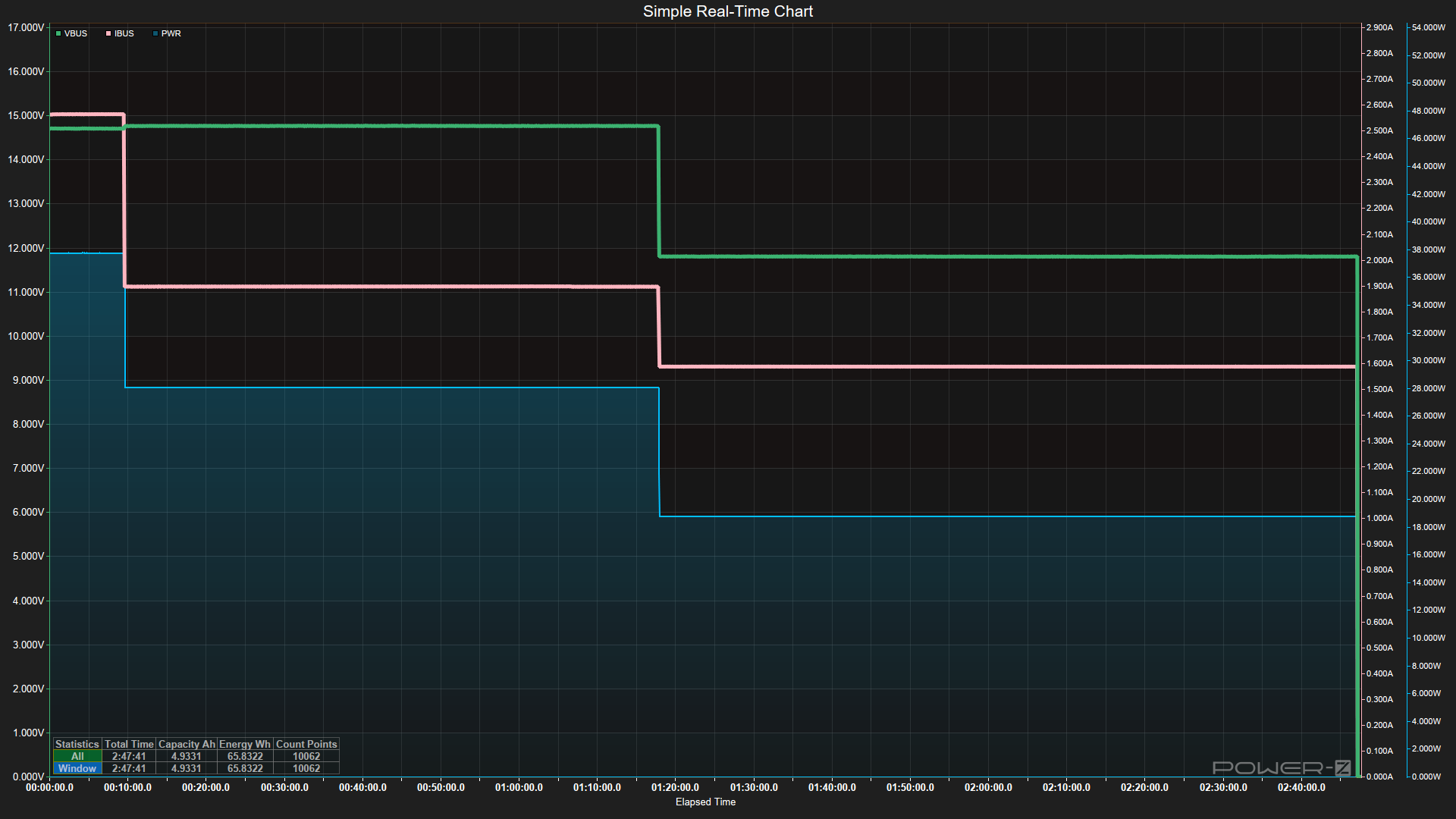
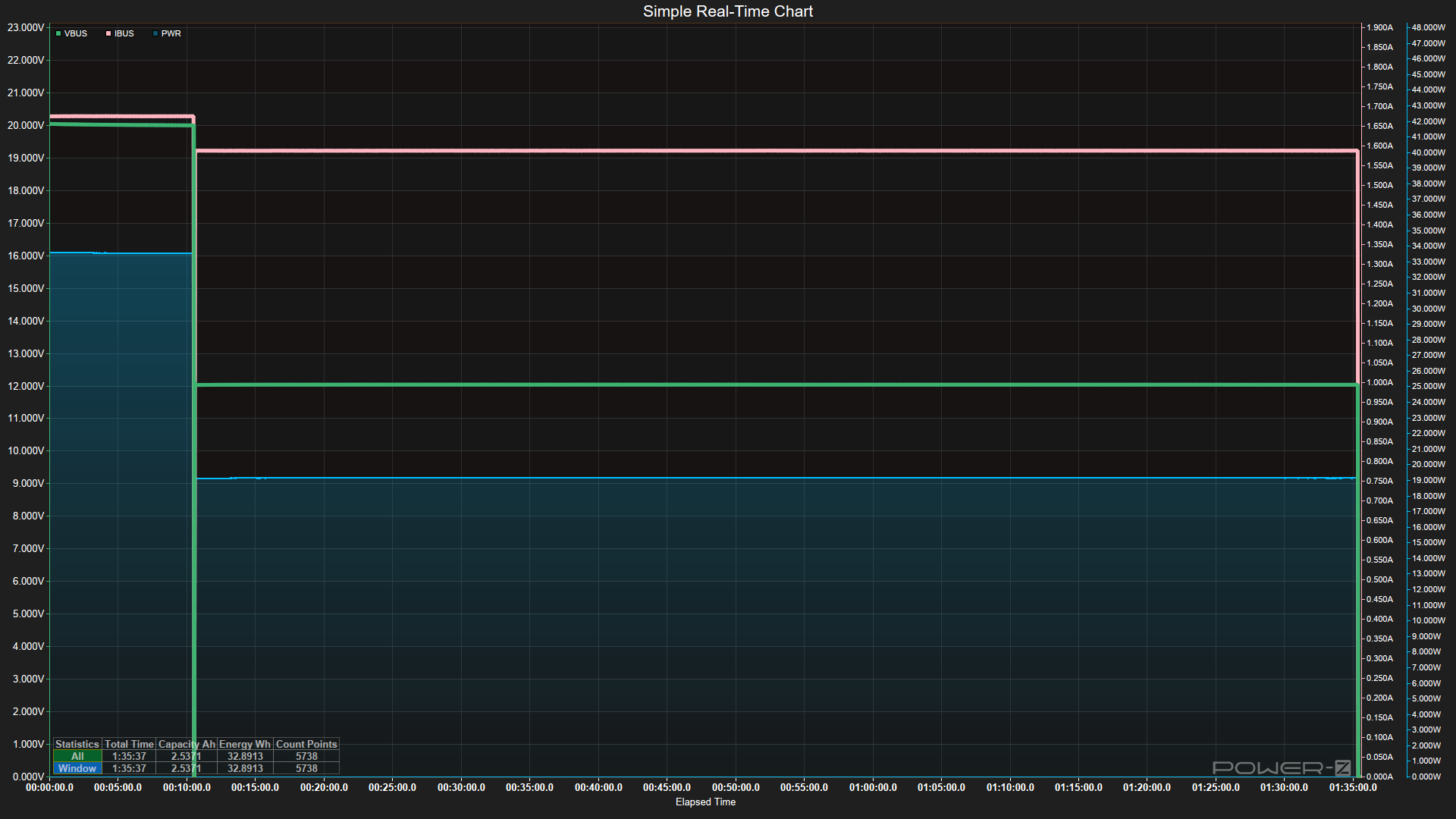
Discharging didn’t bring too many surprises. A rare couple, like the Shargegeek 170 and Cuktech P23, maintained output throughout the entire discharge tests, while most others dropped voltage, amperage/wattage, or both. This matches how many devices charge: they use a lot of power/voltage initially, then drop to lower values to protect battery health (or due to thermal throttling).
We see a lot of ads about charging X device to Y% in Z minutes, and the higher the sustained output (assuming your device can take it), the faster it charges. For those that did drop, the differences were somewhere between 33% and 50% of the peak output.
FutureFutureFutureFuture
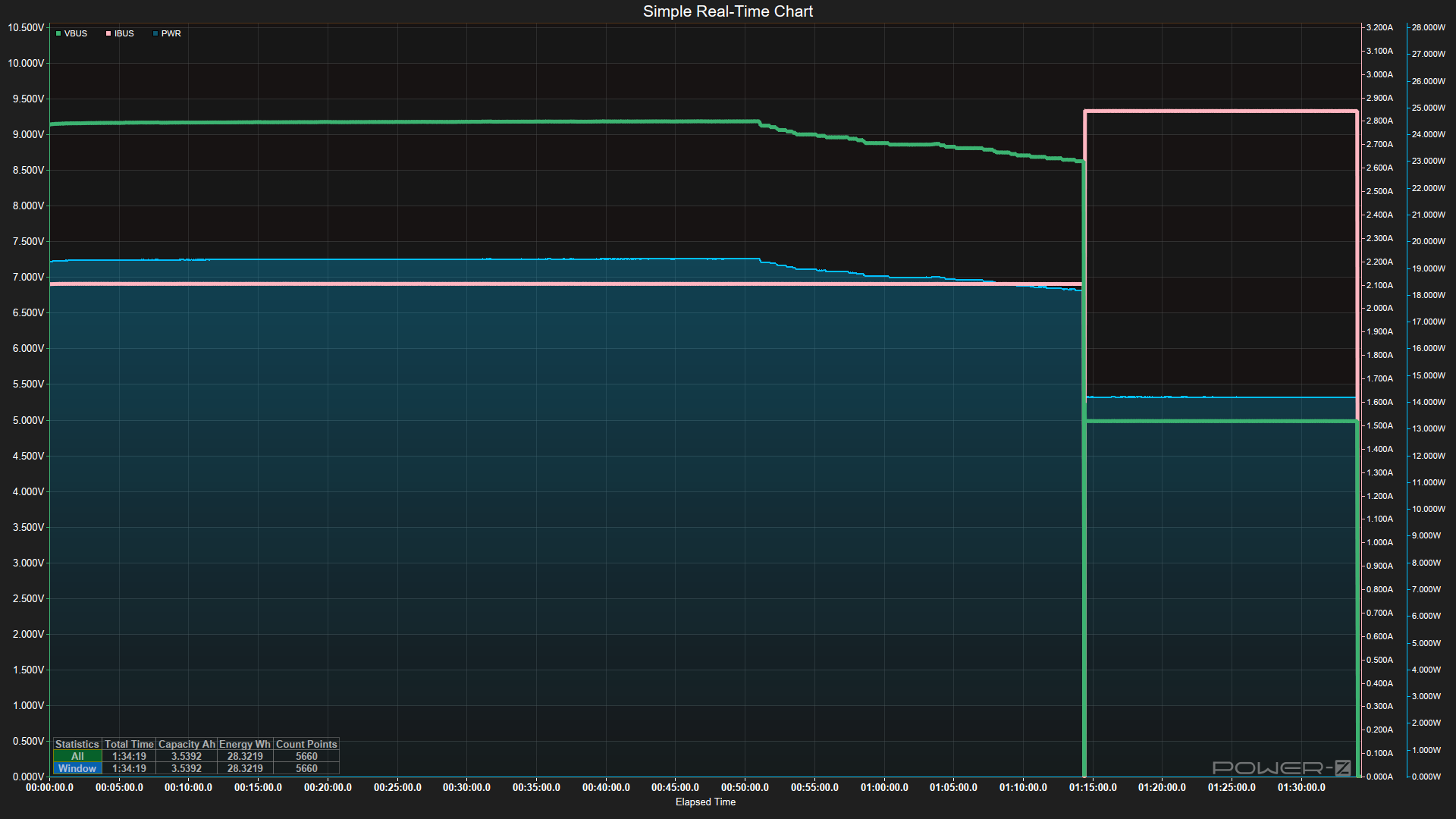
The one thing I found surprising here was how quickly some power banks stopped outputting at their maximum. For instance, the Baseus PicoGo dropped from its peak just four minutes into testing, while the Shargegeek 170 pumped a constant 90+ Watts until it was empty – no subtle voltage changes, just 20V/90W full tilt until the very end. Belkin’s Ultracharge also maintained its full output over time.
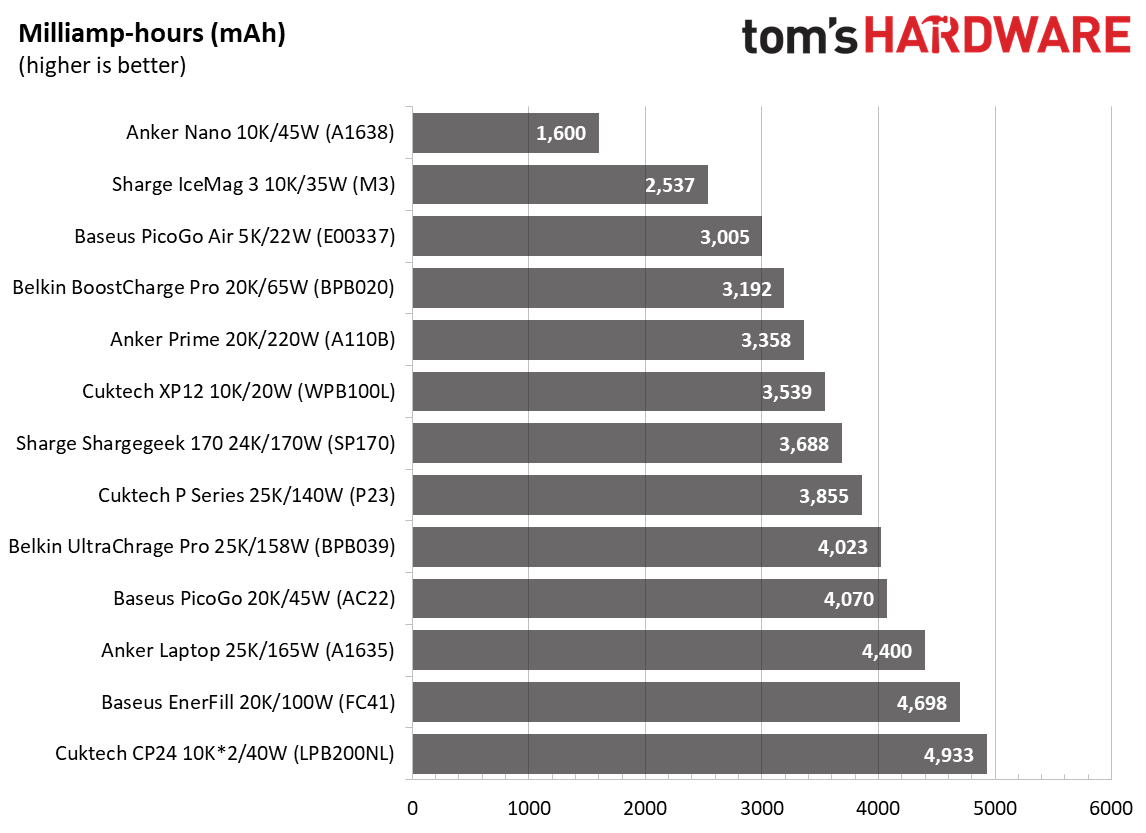
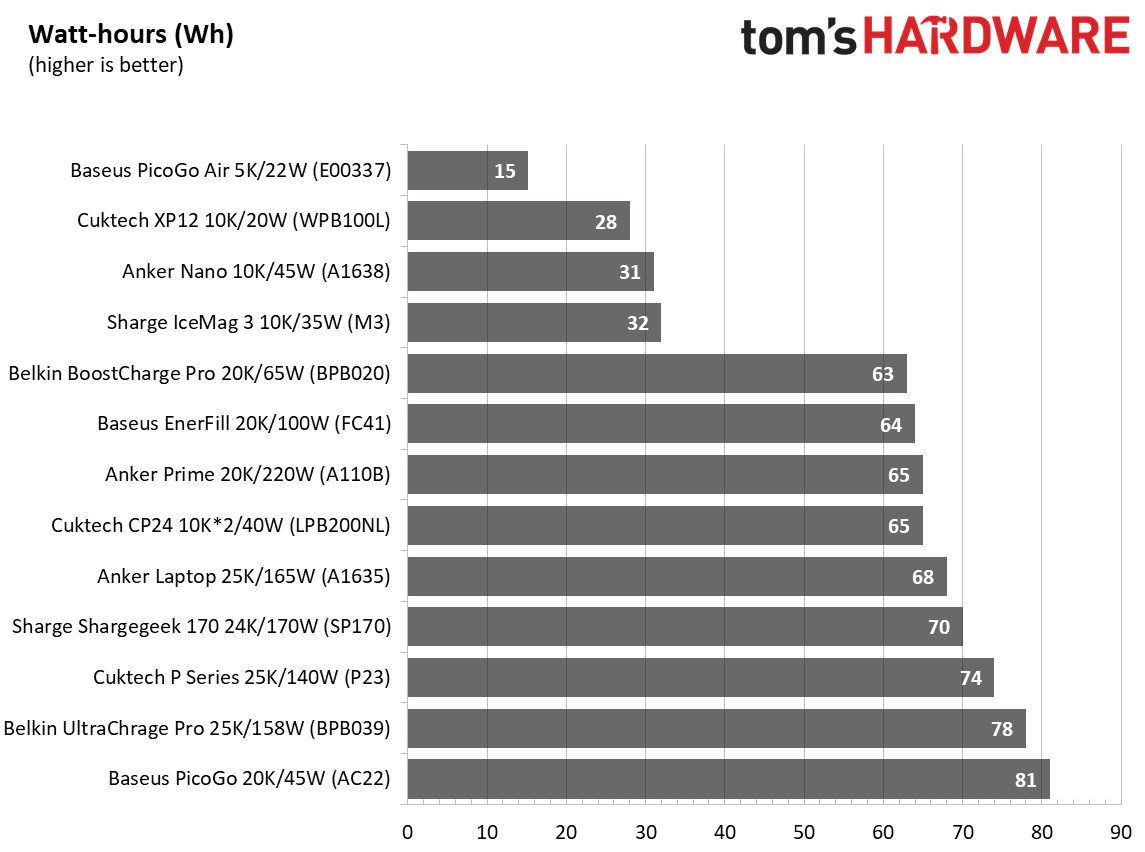
Below are the results covering capacity, output, and the actual capacity from our testing. The Anker Nano (A1638) had the least capacity when charging a laptop, at 1,600 mAh out of 10K. It spit out over 40W of output for a short time and stepped down to 20W, about 20 minutes in.
The Baseus Picogo Air and its slim design managed the highest actual capacity, but this is more a function of its limited 9V output and a quick drop from 19 to 11W. This tiny little device is great for a phone, but not ideal for larger items like our laptop. The large 24K Shargeek 170 sits in the middle of the pack, since it can output the full 20V and 90+W constantly.
FutureFutureFuture
Conclusion
Conclusion
After testing all 13 power banks, there really isn’t a single ‘best’ bank. It comes down to what you’re charging and how patient you are. If you’re mainly topping off a phone or small tablet, capacity efficiency matters more than raw output. The Baseus PicoGo Air (currently $49.99 on sale), with its tiny footprint, shines here, squeezing out the highest actual-versus-listed capacity because of its lower 9V charging output. It’s small, light, and fits easily into a bag or purse; just don’t expect it to do much for a laptop, but it will easily charge a modern smartphone.
For laptop charging, the Shargeek 170 (currently on sale for $79.90) and Cuktech P23 $109.99 stood out by maintaining peak output (90+W @ 20V) through discharge instead of stepping down like most other power banks. At under $80, the Shargeek is a steal compared to the Cuktech.
Although others will charge laptops fine, that consistency could mean the difference between a predictable fast charge and a slower charge over time due to pre-programmed behavior or thermal throttling. The Anker Prime at $129.99 deserves a mention for charging laptops, too, as it pairs high output, fast charging, and the coolest chassis temps. However, it is the most expensive power bank we’ve tested. While it and others do come with informative displays, it’s up to you if that’s worth the premium.
If you’re concerned about the speed of charging the power bank, stay away from the Baseus PicoGo (AC22), Cuktech CP24, and CP12 – they took anywhere from 2.5 to 6 hours to reach full, which is a long time to wait if you need your battery back in rotation quickly. The good news is that these also have pass-through charging and will charge and discharge at the same time. The bottom line is, for phones, go small and efficient like the Baseus PicoGo Air; for laptops, prioritize sustained high wattage and sheer capacity (Shargeek 170, Cuktech P23, or Anker Prime), and if you want a bit of everything, the Anker Prime is hard to beat given its balance of speed, output, and temps, but it is expensive.
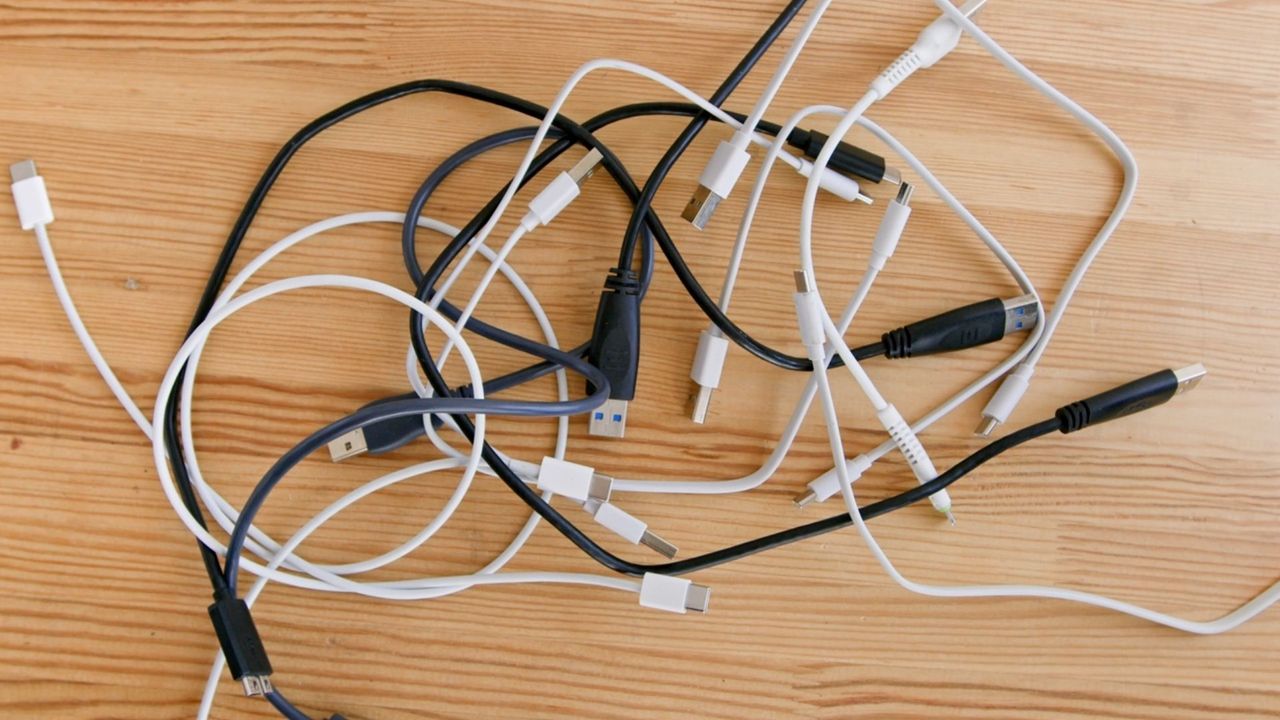
The USB ecosystem is in the midst of another transition that will affect how laptops, desktops, storage devices, displays, and peripherals connect in the second half of the decade.
USB4 Version 2.0, Thunderbolt 5, and a refreshed certification program converge around higher throughput, expanded power delivery, and an attempt to simplify a standard that has accumulated layers of optionality over nearly three decades, which we've explained in our USB decoded explainer.
So, what's next? In 2026, USB4 Version 2.0 and Thunderbolt 5 are now actively being implemented in the premium laptop and desktop segments, shifting from the long-running 20 Gbps and 40 Gbps era toward links that can deliver 80 Gbps bidirectional bandwidth and 120 Gbps asymmetric modes for display-heavy workloads.
From 12 Mbps to 80 Gbps
USB began in the mid-1990s to replace a sprawl of legacy connectors — serial, parallel, PS/2 — with a single, self-configuring interface. USB 1.0 launched in 1996 at just 12 Mbps, fast enough for keyboards, mice, and early webcams.
The 2000 release of USB 2.0 raised that to 480 Mbps, enabling external optical drives and the first wave of consumer flash storage. But it was USB 3.0 in 2008 that marked the transition to high-bandwidth, general-purpose peripheral buses, pushing 5 Gbps over a new SuperSpeed signaling layer. USB 3.1 and 3.2 followed, expanding bandwidth to 10 Gbps and then 20 Gbps with dual-lane signaling, but also introducing a tangle of naming conventions that made it difficult for users to identify what a port or cable could actually do.
Throughout this evolution, USB retained backward compatibility by design. A USB 2.0 flash drive could still work when plugged into a USB 3.2 Gen 2x2 port, and a modern USB-C charger could power an old USB 3.0 hard drive. This interoperability helped USB become the default connector for consumer computing. That said, it also left the standard fragmented beneath the surface. Features such as power delivery, alternate modes for video output, and PCIe tunneling were added incrementally, and not all devices implemented them uniformly.
The introduction of USB-C in 2014 began to consolidate physical connectors, and the debut of USB4 in 2019 marked the start of a new architecture focused on integrated high-speed transport. But many of USB4’s promises, such as 40 Gbps throughput and universal power, depended on how thoroughly a given device implemented the spec. That complexity is still being worked through, even as USB4 v2 and Thunderbolt 5 push bandwidth and capability well beyond what USB 3.x ever attempted.
The state of USB4
(Image credit: Club 3D)
USB4 has been positioned as the unifying successor to the fragmented USB 3.x family, but the reality of this is more nuanced. USB4 is a modular architecture built atop the Thunderbolt 3 transport specification that Intel contributed to the USB Promoter Group. The standard defines a tunnel capable of carrying DisplayPort, PCI Express, and USB packets simultaneously, distributing bandwidth dynamically across workloads. All USB4 ports use USB-C as the physical connector and require USB Power Delivery for negotiation, but beyond that baseline, implementations vary widely.
Most more budget-conscious laptops and PCs ship with USB4 20 Gbps rather than the full 40 Gbps mode. Many omit PCIe tunneling, which restricts the use of external NVMe enclosures, capture cards that require direct PCIe links, and eGPU housings. Others support only single-lane DisplayPort tunneling, capping multi-monitor configurations even when total bandwidth appears sufficient.
Thunderbolt 4 remains the most complete expression of USB4 Version 1.0, because it mandates 40 Gbps operation, PCIe tunneling with at least 32 Gbps of sustained throughput, dual 4K displays, DMA protection, and 15W of minimum port power. Intel platforms consistently meet this bar. Meanwhile, AMD systems vary by OEM and chipset, with only a subset of designs offering full USB4 40 Gbps with PCIe tunneling.
This implementation variability reflects the flexibility of USB4’s architecture. The specification allows device makers to scale features based on cost and power constraints, especially in thin-and-light systems. For users, however, the USB4 label alone does not guarantee any particular performance characteristic without checking controller documentation or certification badges.
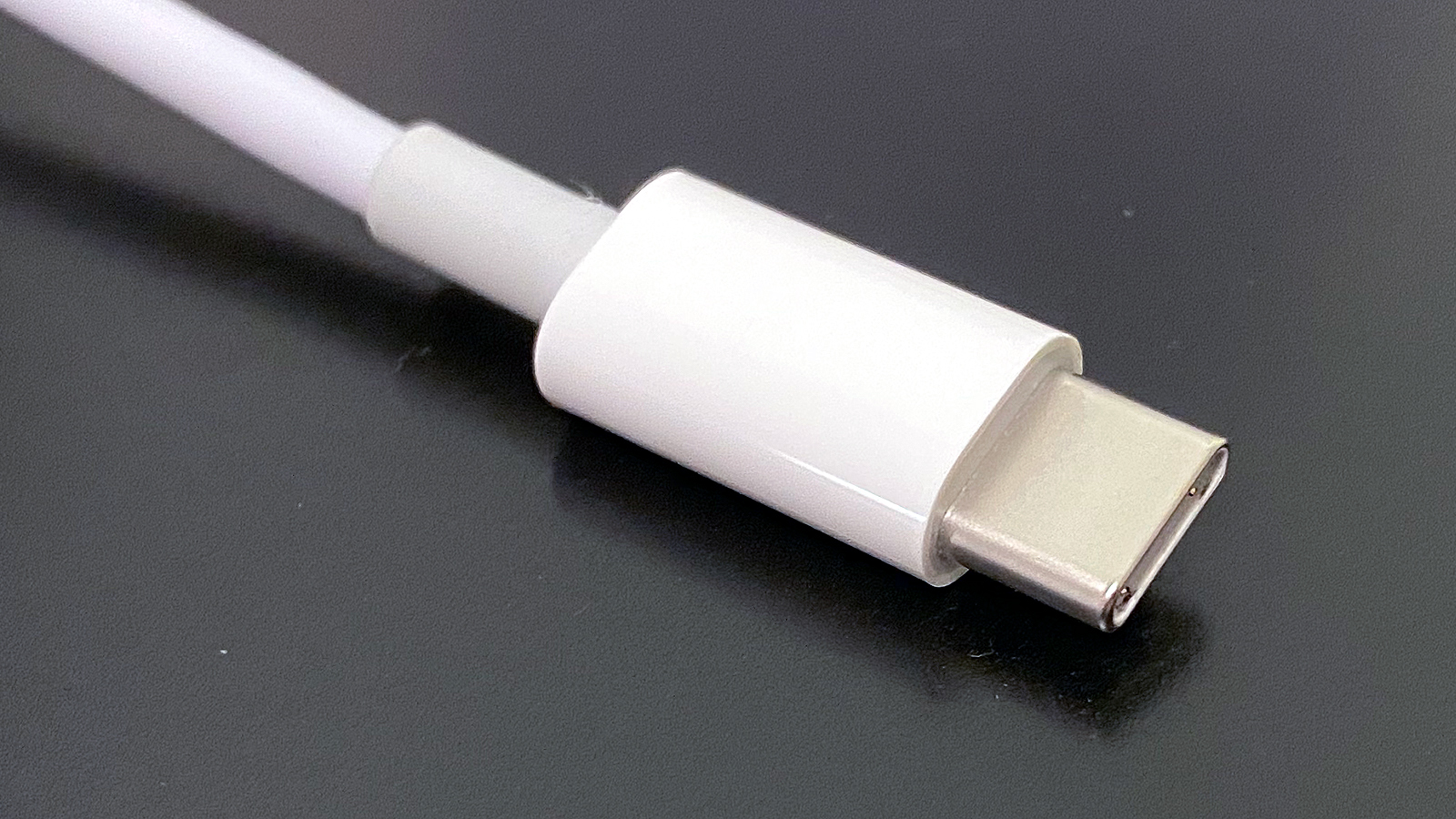
USB-C’s role has grown alongside this transition. The connector now consolidates power, data, and display signaling, and it is the required physical interface for USB4, Thunderbolt 3, Thunderbolt 4, and Thunderbolt 5. With Power Delivery 3.1, USB-C can negotiate up to 240W via 48V Extended Power Range modes across fixed 28V, 36V, and 48V power profiles. A single cable can power a high-end notebook, drive a high-resolution display, and host multiple data devices simultaneously because power negotiation occurs on the separate Configuration Channel, rather than the high-speed lanes.
Enter USB4 Version 2.0 and the shift to 80 Gbps
(Image credit: USB-IF)
USB4 Version 2.0 marks the largest technical jump in USB signaling since the transition from USB 2.0 to USB 3.0. Instead of adding more lanes, the new specification doubles throughput by replacing NRZ signaling with PAM3 modulation. PAM3 encodes three amplitude levels per symbol, enabling 40 Gbps per lane across the same physical wires that carried 20 Gbps in previous generations. With two bonded lanes in each direction, USB4 v2 reaches 80 Gbps symmetrical bandwidth. An asymmetric mode increases this to 120 Gbps in one direction for display-oriented workloads, while the reverse direction can be reduced.
The transport layer receives several upgrades. PCIe tunneling now supports PCIe Gen4, which doubles per-lane throughput for external SSDs and eGPU boxes, relative to Gen3 tunneling in USB4 v1. DisplayPort tunneling advances to DisplayPort 2.1 with UHBR20 signaling, enabling dual 8K or a single 12K display with full chroma and high refresh rates. Backward compatibility with USB4 v1, Thunderbolt 3, and Thunderbolt 4 devices is retained, although those devices fall back to older signaling modes when connected.
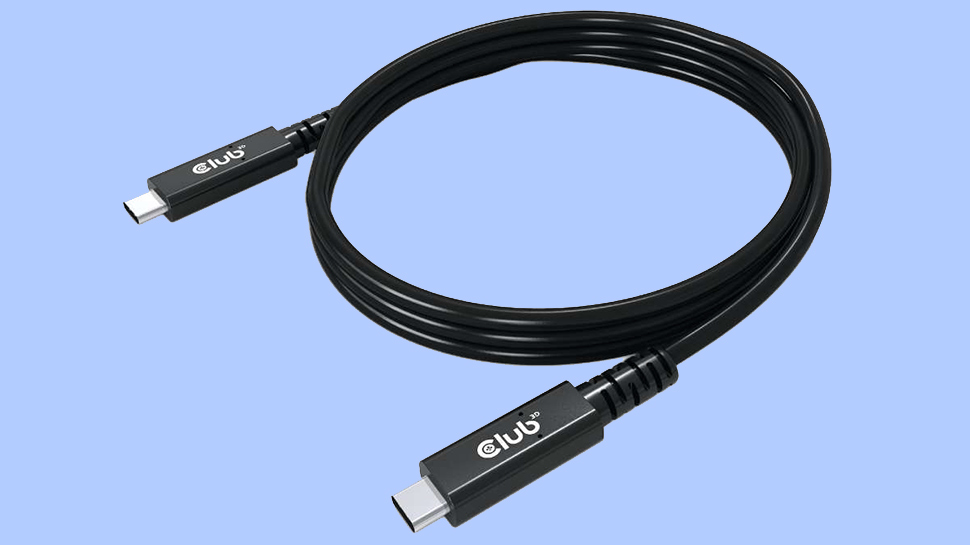
Many certified passive USB-C cables up to one meter will support 80 Gbps, but anything longer typically requires active retimers. These active cables include embedded signal processing and sometimes operate directionally, which introduces design considerations for things like hubs and monitors. The USB-IF’s new labeling scheme identifies cables explicitly as USB 40 Gbps, USB 80 Gbps, or USB 240W to mitigate the long-standing ambiguity that accompanied earlier USB 3.x naming.
Thunderbolt 5 rides alongside USB4 v2 as its highest-fidelity implementation, with Intel’s specification guaranteeing features that USB4 v2 only defines as optional. These include mandatory 80 Gbps symmetrical operation, 120 Gbps asymmetric display mode, PCIe Gen4 tunneling with at least 32 Gbps of sustained throughput, and support for 240W charging. Thunderbolt 5 also mandates lane symmetry and strict latency targets to support high-bandwidth, low-jitter peripherals such as external GPUs, docked workstations, and multi-display gaming setups. We can see that in higher-end systems in mid-2026, the full-fat Thunderbolt 5 spec is rolling out, with our recently reviewed Razer Blade 16 (2026) coming fully equipped with the port.
Because Thunderbolt 5 builds directly atop the USB4 v2 physical layer, its cables and controllers are interoperable across the USB4 family, but with stricter certification criteria. In practice, Thunderbolt 5 functions as the version of USB4 v2 that guarantees complete feature exposure, similar to how Thunderbolt 4 served as the reference point for the USB4 v1 era.
The next decade of universal connectivity
(Image credit: Future)
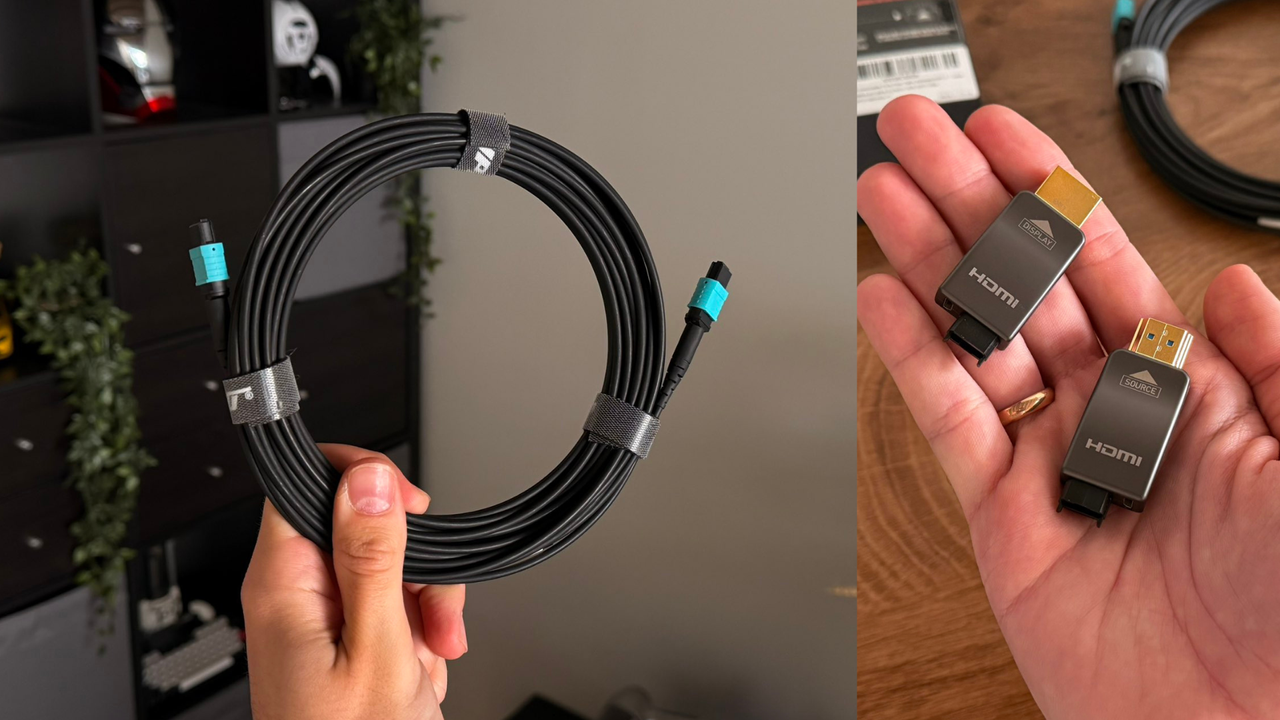
There has been some discussion among users and industry analysts about what the future of USB might look like. A likely future USB5 standard might see schemes beyond PAM3, if USB-C’s electrical characteristics prove capable of sustaining higher speeds. PAM4 could be a candidate here. Meanwhile, copper links are approaching practical limits at these data rates, prompting the active commercialization of optical USB-C cables that embed fiber transceivers inside standard connectors. While expensive today, optical links could carry future USB4 v3 or USB5 signaling across tens of meters, without electromagnetic interference or the attenuation challenges of copper.
Power delivery beyond 240W is another open question. The 48V EPR ceiling aligns well with current mobile workstations and most gaming laptops, but heavier categories such as portable displays, desk-dock hybrids, and workstation replacements may increase pressure for higher wattage tiers. Whether USB-C remains the long-term vehicle for that expansion or yields to a successor connector will depend on thermal constraints and cable reliability at elevated voltages.
The USB-IF’s renewed emphasis on clear labeling may ultimately define how smoothly the transition unfolds. The shift from version-based branding to explicit “USB 40 Gbps,” “USB 80 Gbps,” and “240W Certified Cable” identifiers is intended to eliminate the ambiguity that has characterized the standard for nearly a decade. Adoption will, of course, depend on consistent enforcement by manufacturers and retailers.
USB has moved far beyond its origins as a peripheral interconnect. The convergence of USB4 v2, Thunderbolt 5, and expanded Power Delivery turns the USB-C port into a high-bandwidth, multi-protocol backplane for modern systems.
A single connector can now supply workstation-class PCIe bandwidth, high-resolution video, and sustained charging for devices that previously required dedicated power bricks. The next steps in the roadmap take USB into signaling regimes that challenge copper’s limits while retaining full backward compatibility with the ecosystem that grew around USB 2.0 and USB 3.x.
As the 80Gbps era proliferates, users will encounter hardware that behaves less like a simple peripheral port and more like an external extension of a system’s internal fabric. As we move through the second half of the decade, OEMs are now starting to standardize full-feature implementations rather than the partial configurations that marked the early years of USB4.
If that consolidation takes place, the connector that started as a replacement for serial and parallel ports will continue its evolution into one of the most capable physical interfaces in computing.
There are plenty of quality chargers, and most go on sale around events like Amazon Prime Day 2026, which we're currently tracking to compile our constantly-updated list below. Whether you’re looking for a small, low-watt charger for your phone, a versatile travel charger, or something powerful enough to keep your laptop and multiple other devices topped off, today’s deals can help you save money while upgrading your charging setup.
After testing more than 20 chargers, ranging from basic, low-wattage models to a 140W multi-device charger, we learned that choosing the right one isn’t as complicated as you may think. Modern charging standards have made today’s chargers more efficient, smarter, and safer than ever. But we still had some standouts that you can see in our Best Chargers 2026 article.
While there are cheaper options or perhaps some with better deals, we can stand behind these as we have tested or used most of them ourselves, or they are part of the same family with the same or similar attributes. Below is a list of some of the best charger deals available right now.
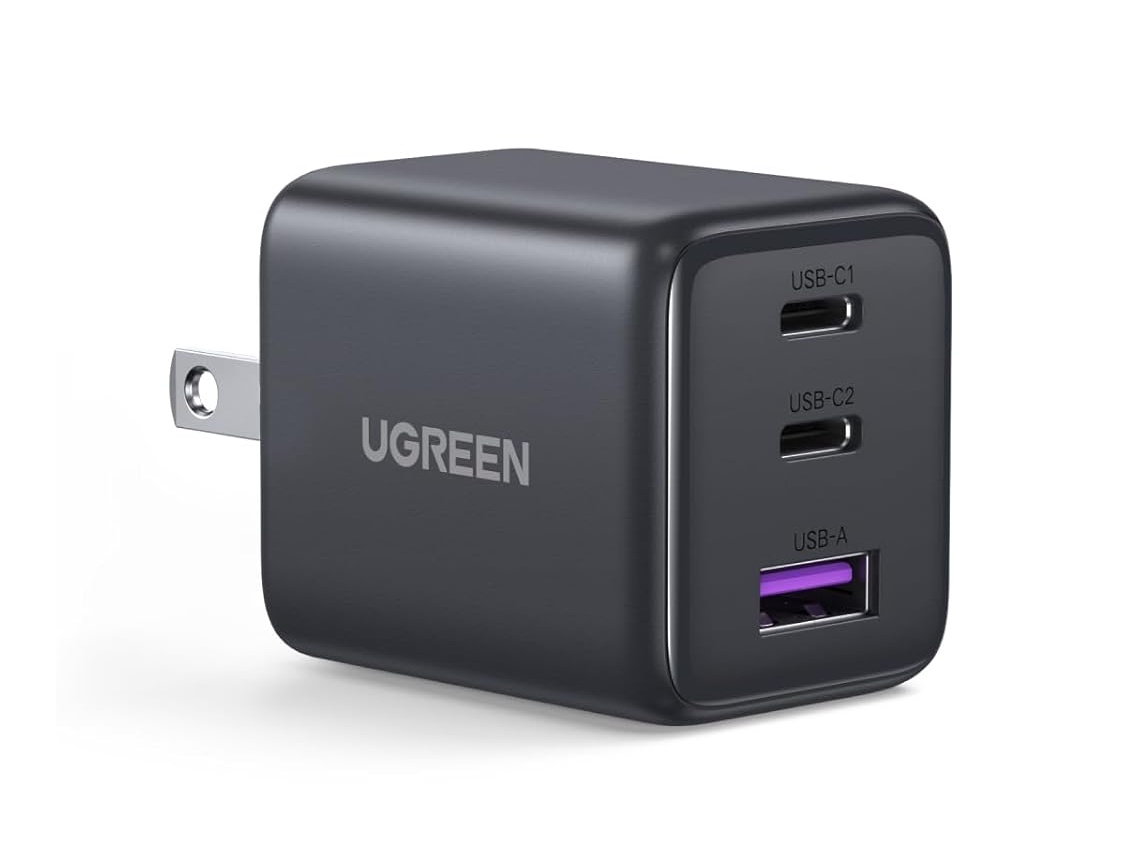
The value pick in our low-wattage group is UGreen’s 3-port USB-C GaN II charger (X515). At $13.99, it’s an affordable, high-quality option that supports charging multiple devices at once. It was among the most efficient chargers we tested, ran cooler than most of the competition, and was still compact enough for travel.View Deal
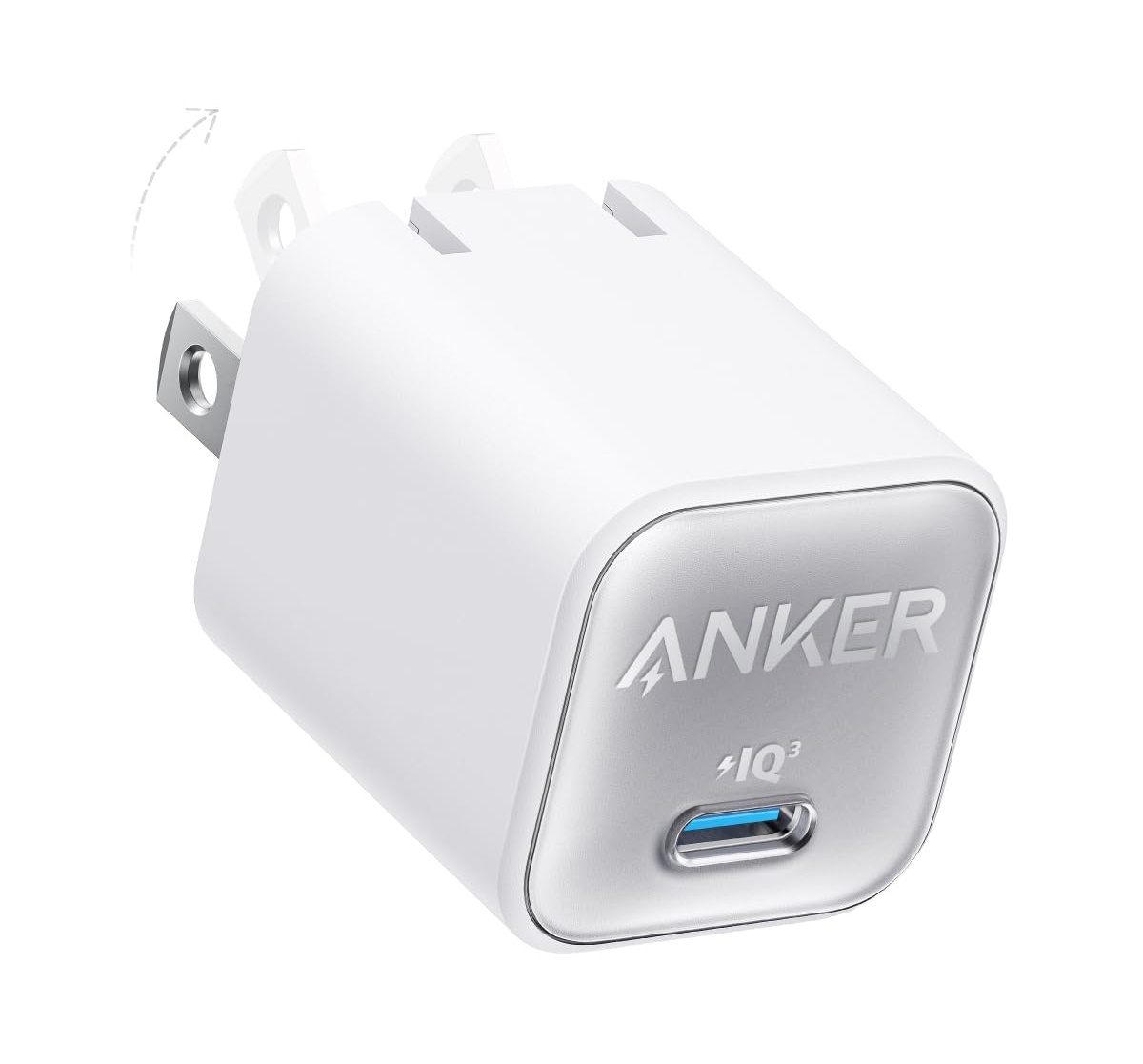
Anker’s Nano 30W gets the nod for a simple, high-quality one-port charger. At $15.99 (down from $19.99), it quickly charges an iPhone 17 Pro Max or comparable Android device and can bring an iPad Air (5th-gen) to 50% in about 45 minutes. It’s compact and travel-friendly, making it a great fit for a smartphone, tablet, or smartwatch.View Deal
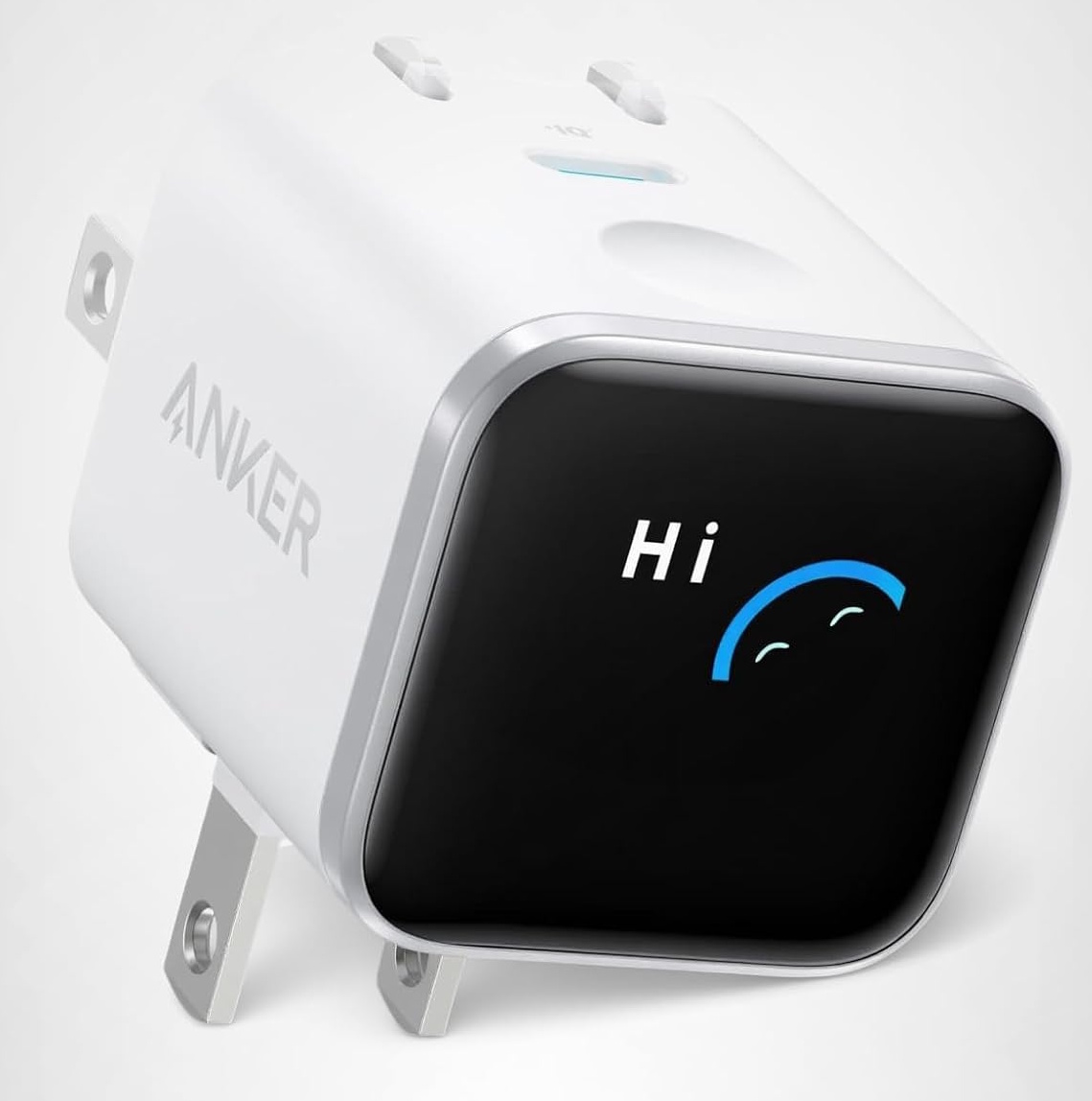
The Anker Nano 45W proved to be a solid all-around charger in our testing, posting class-leading efficiency while running cool throughout. At $29.99 (about 25% off), it’s a great value for a high-quality single-port charger. Just note you are paying for the display here, so make sure it's worth it.View Deal
Best deals on 48-68W Chargers
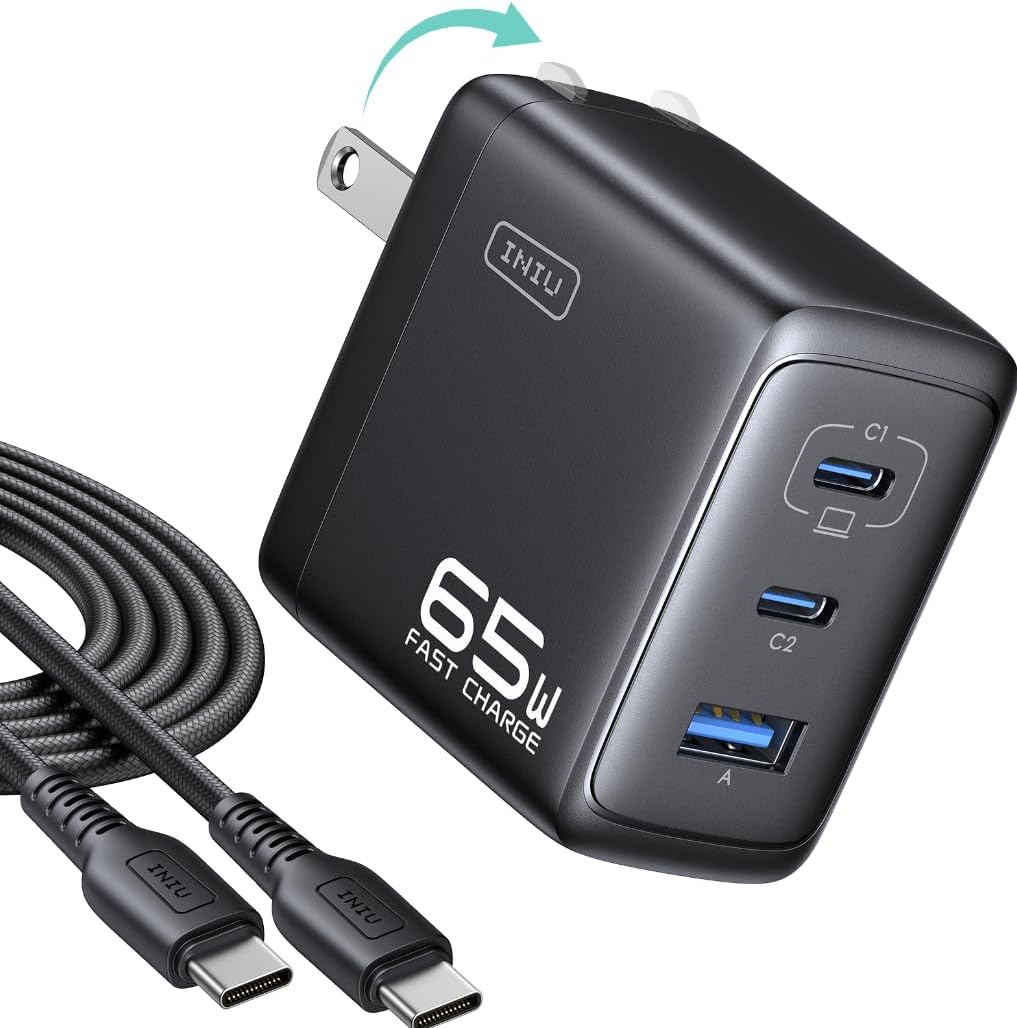
This 3-port charger from up and comer Inui did well in our testing outputting it's full power throughout. Temperatures were a bit warm but outside of that, fit in well among it's peers.View Deal
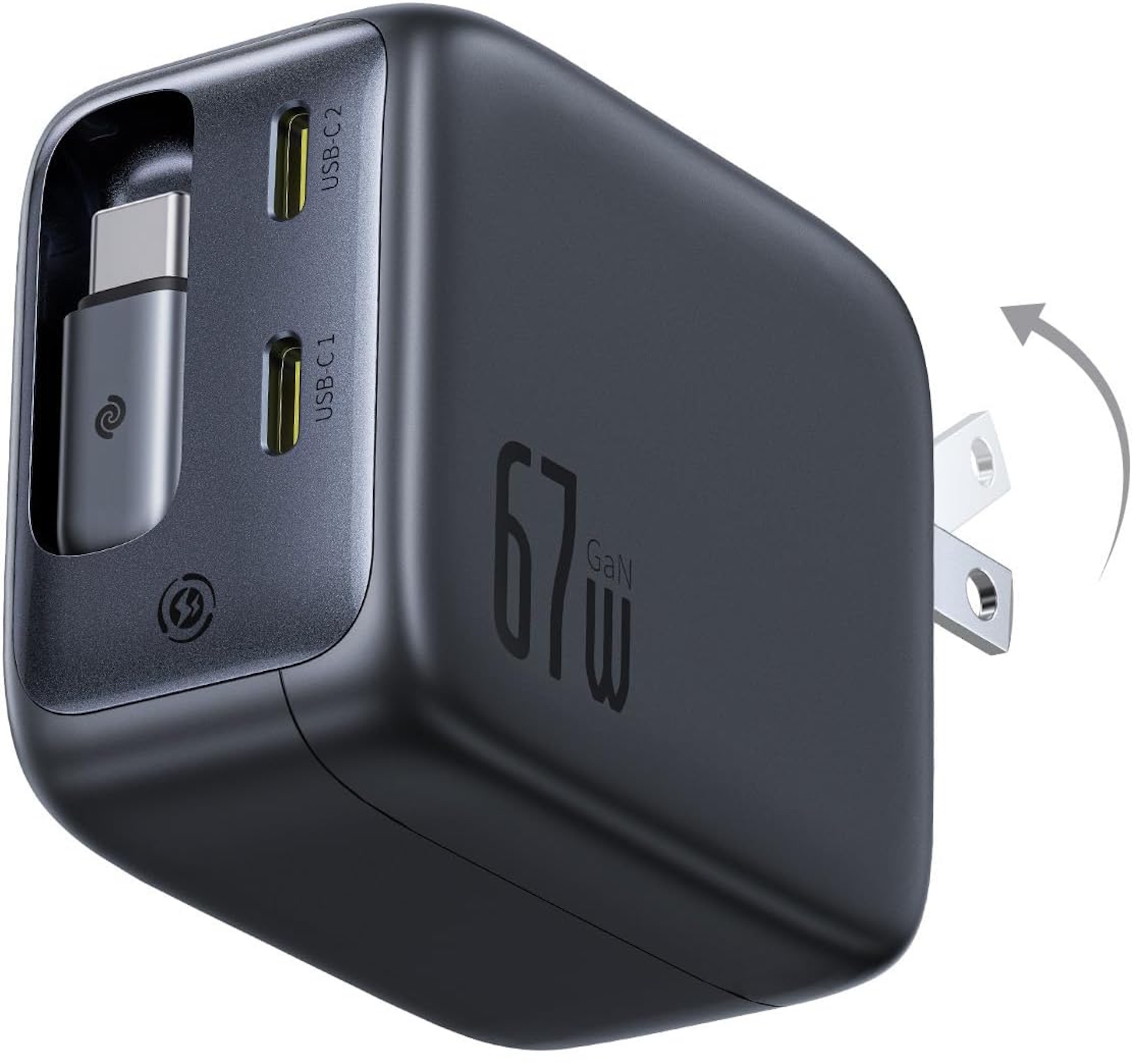
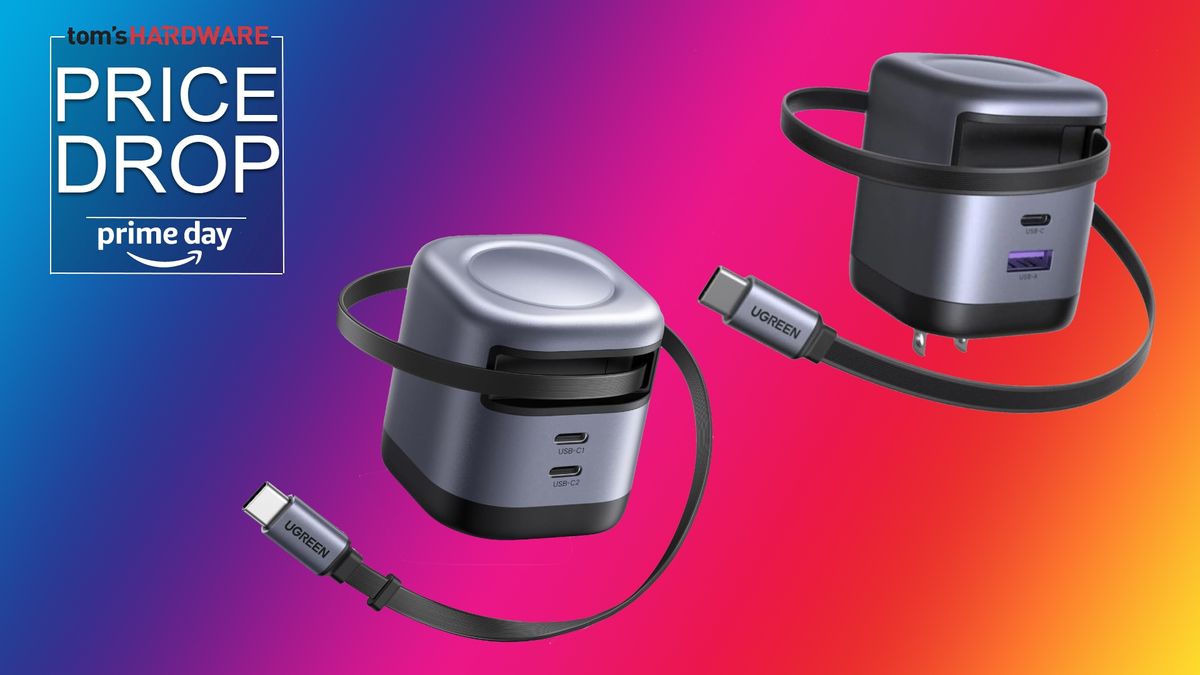
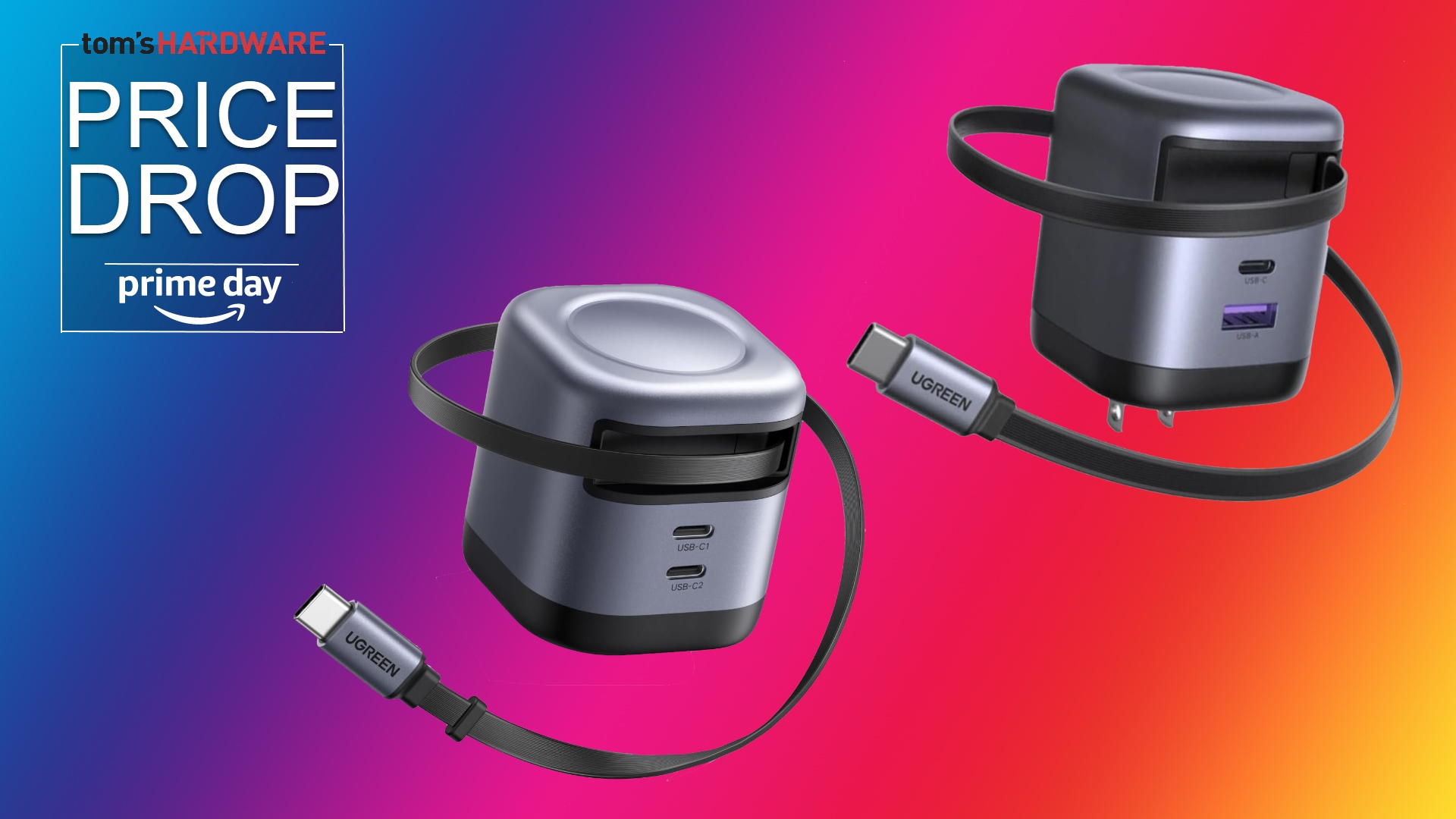
The Baseus Enercore 67W earns a spot on our deals list thanks to its low price, consistent performance, and integrated retractable USB-C cable that saves you from carrying one cord when traveling.View Deal
Don’t miss out on this Tom’s Hardware Premium. Get a full year of access for just $29, or from $7 per-month. Get daily news analysis, deep dives into specialist topics in the semiconductor industry, as well as access to Bench, the largest benchmarking database around.View Deal
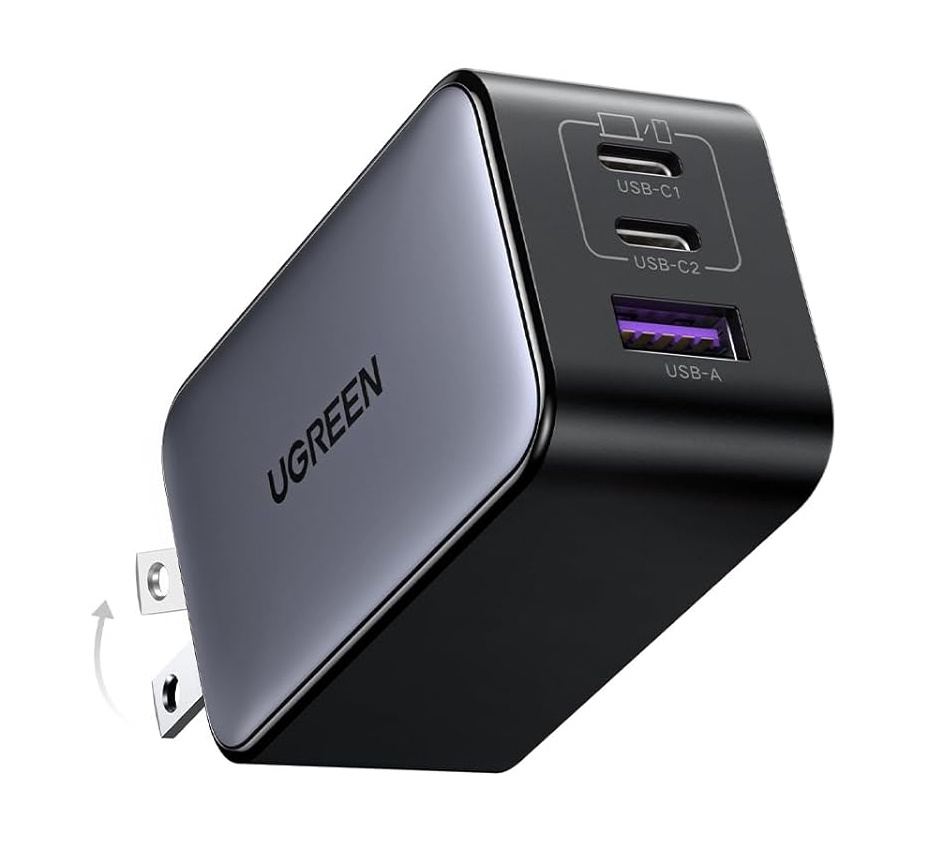
The UGreen Nexode 64W GaN II is a solid 65W charger that supports many modern protocols. It was efficient in our testing and only throttled slightly towards the end. At under $28, it’s one of the better values in its class.View Deal
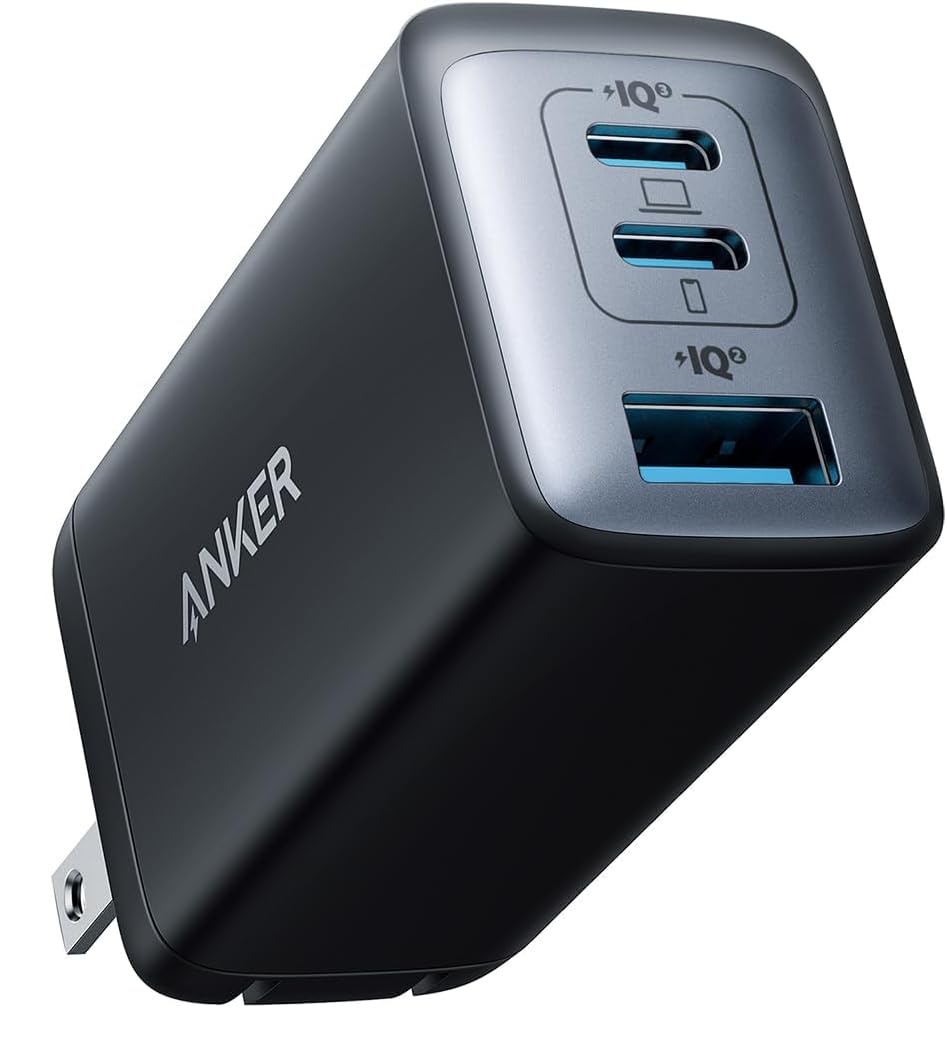
The 65W Anker Nano II made the list for the same reasons as the Baseus. The price is right (especially on sale), and it maintained its output throughout testing. While it doesn’t have an integrated cable, it does have a Type-A port for older devices (along with two USB-C ports) and supports a long list of modern charging protocols.View Deal
Best deals on 69-140W Chargers
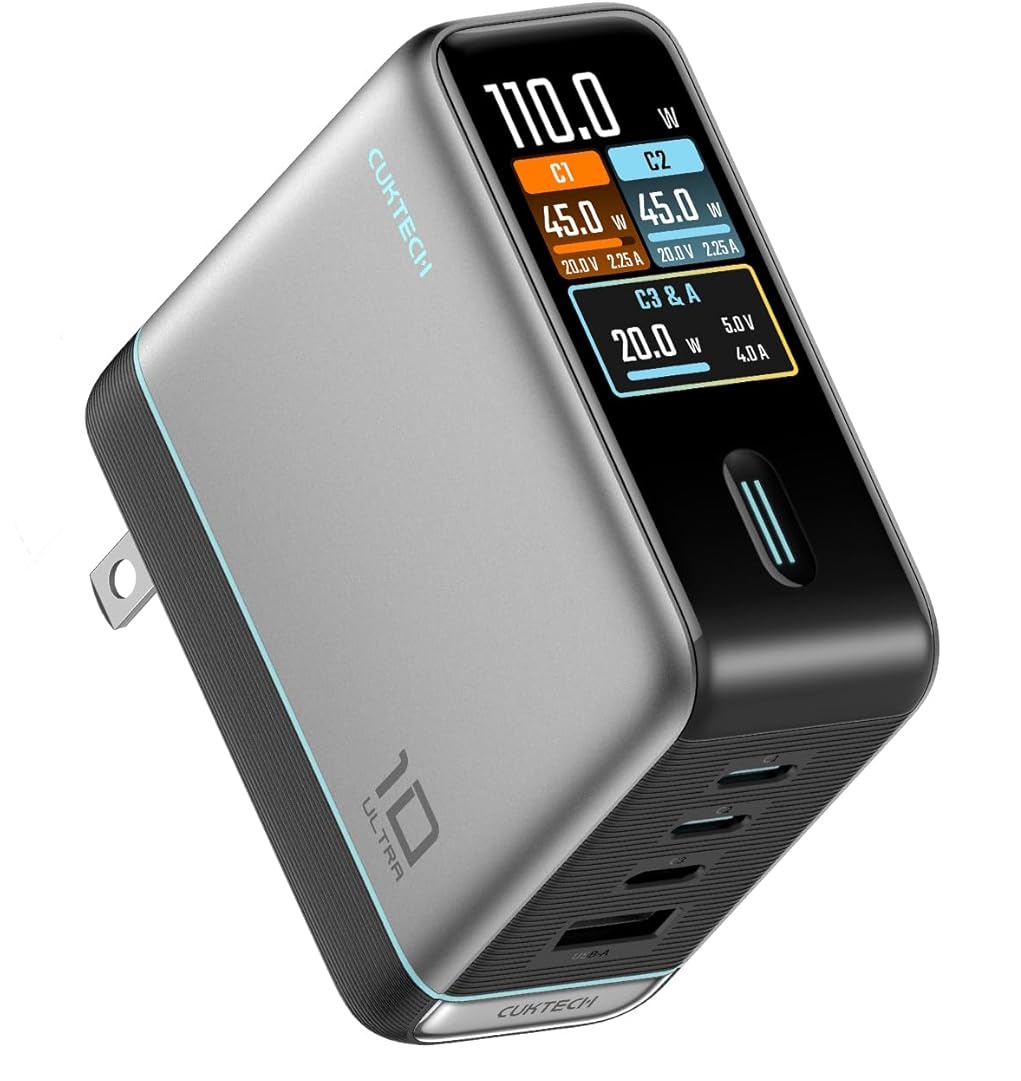
The Cuktech 10 Ultra earns its spot on the list by throttling the least among the 100W-plus chargers we tested, and for its low base price. You get four ports, a smart touchscreen display, and a USB-C cable, which is more than most others for under $60.View Deal
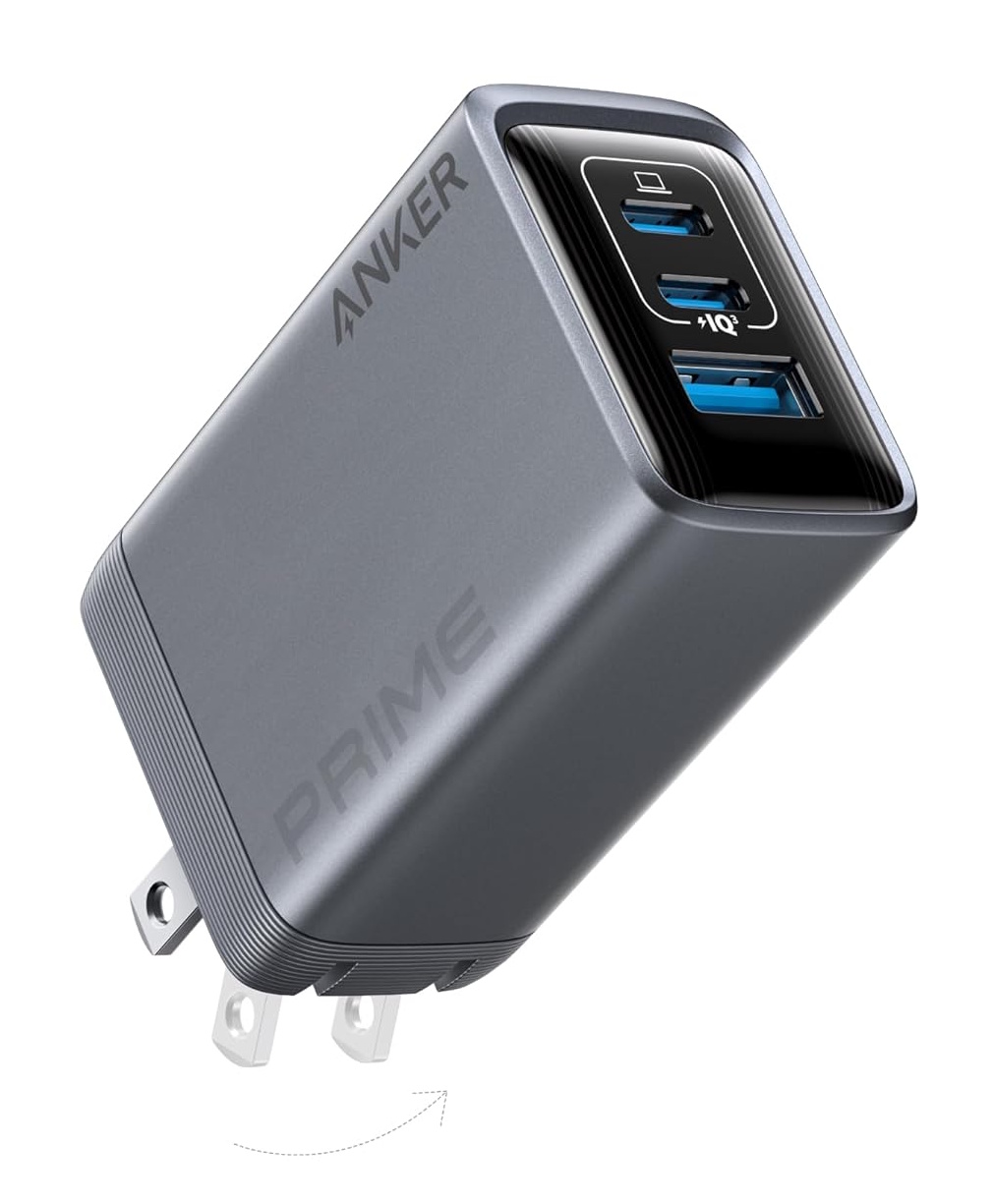
The Anker Prime 100W GaN makes our deals list due to its solid price point on sale, and good performance in testing with minimal throttling. It may not have a fancy screen like the Cuktech above, but chances are you don’t need it anyway.View Deal
We tested the top 20 chargers on the market across different power segments to find out which models provide the most consistent power and the best charging experience without thermal throttling.
NTT's multicore optical fiber (MCF) can quadruple capacity while maintaining the diameter of existing single-core cables, allowing it to work with existing infrastructure.
The HDMI standard can often be unclear, with the same version number referring to completely different capabilities across products. You can technically pay your way out of this confusion by going with an expensive fiber-optic HDMI cable that maintains its full bandwidth over much longer distances. That's what this Twitter user did, and their cable has one more trick up its sleeve.
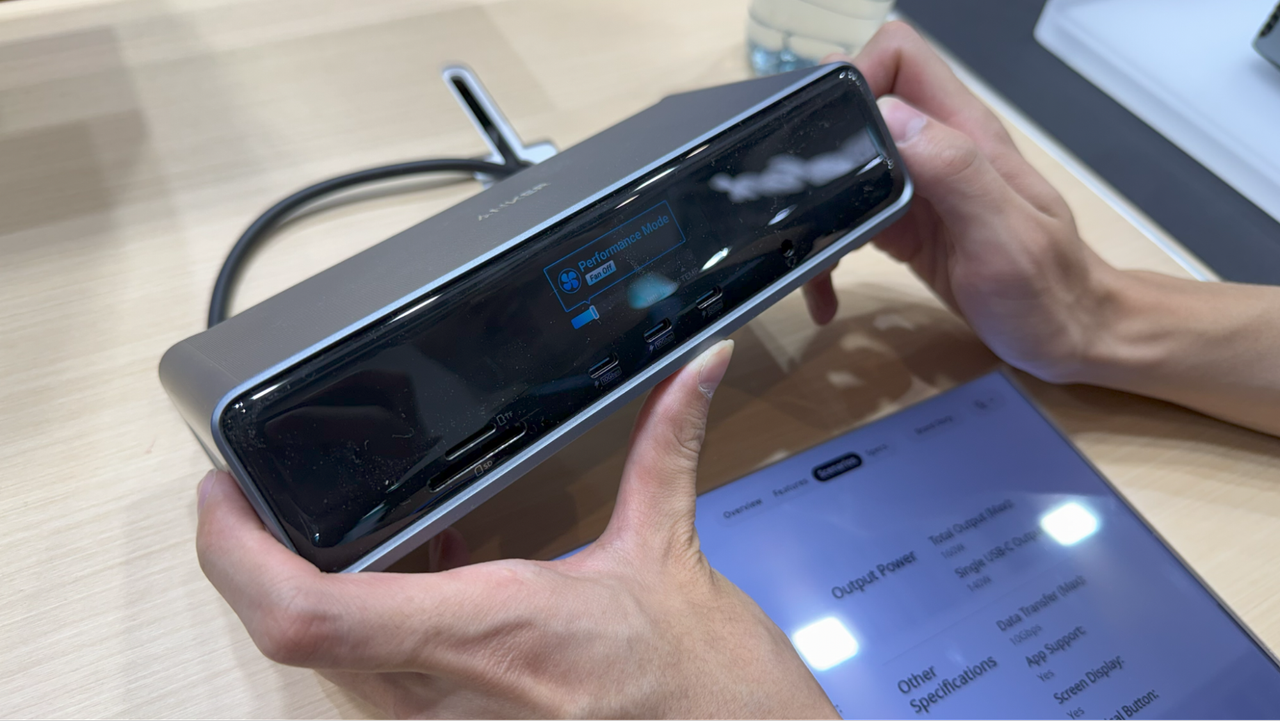
Anker's latest devices at IFA 2025 include a 14-port dock with a display, a fast-charging battery pack with a display, and a display, and a compact 160W charger with a… you know.
Molex unveiled its Genesis connector and cable system at Computex, targeting future PCIe 7.0 deployments with a design optimized for 128 GT/s signaling.
 登录