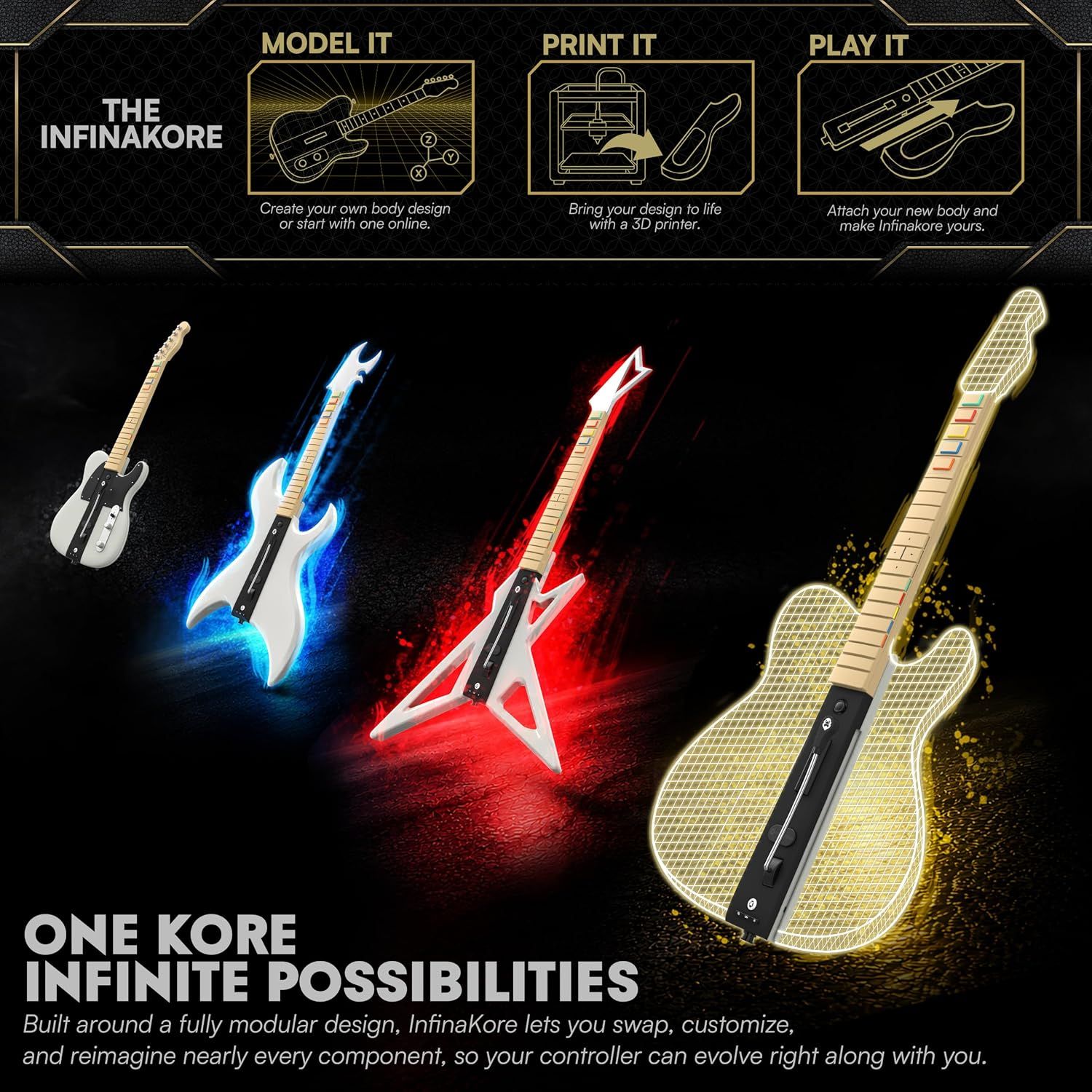
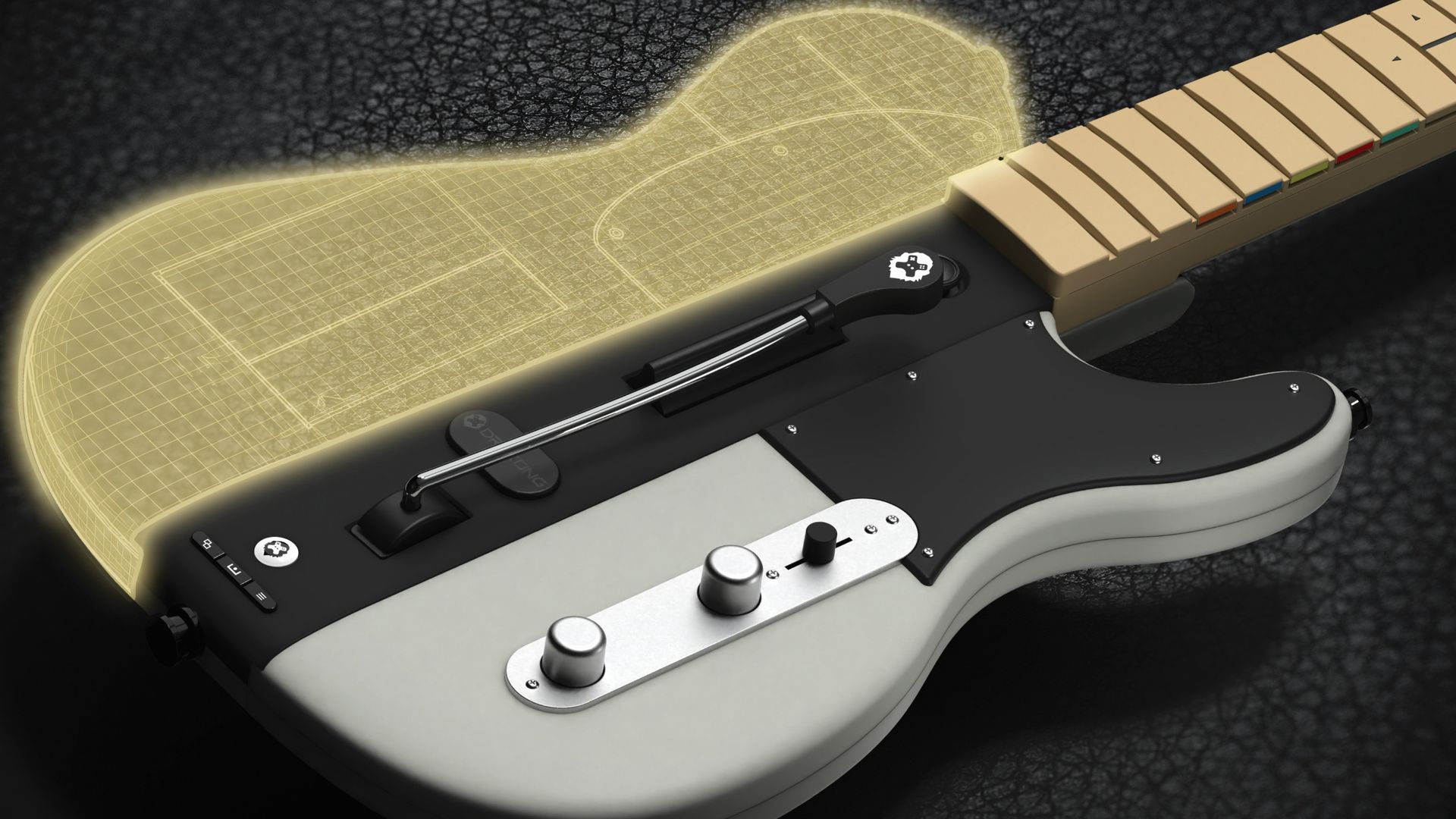
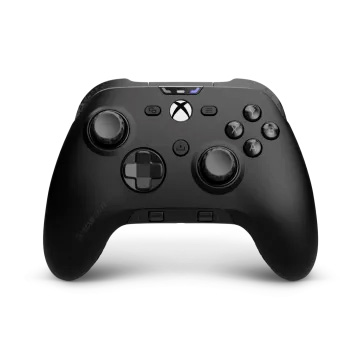
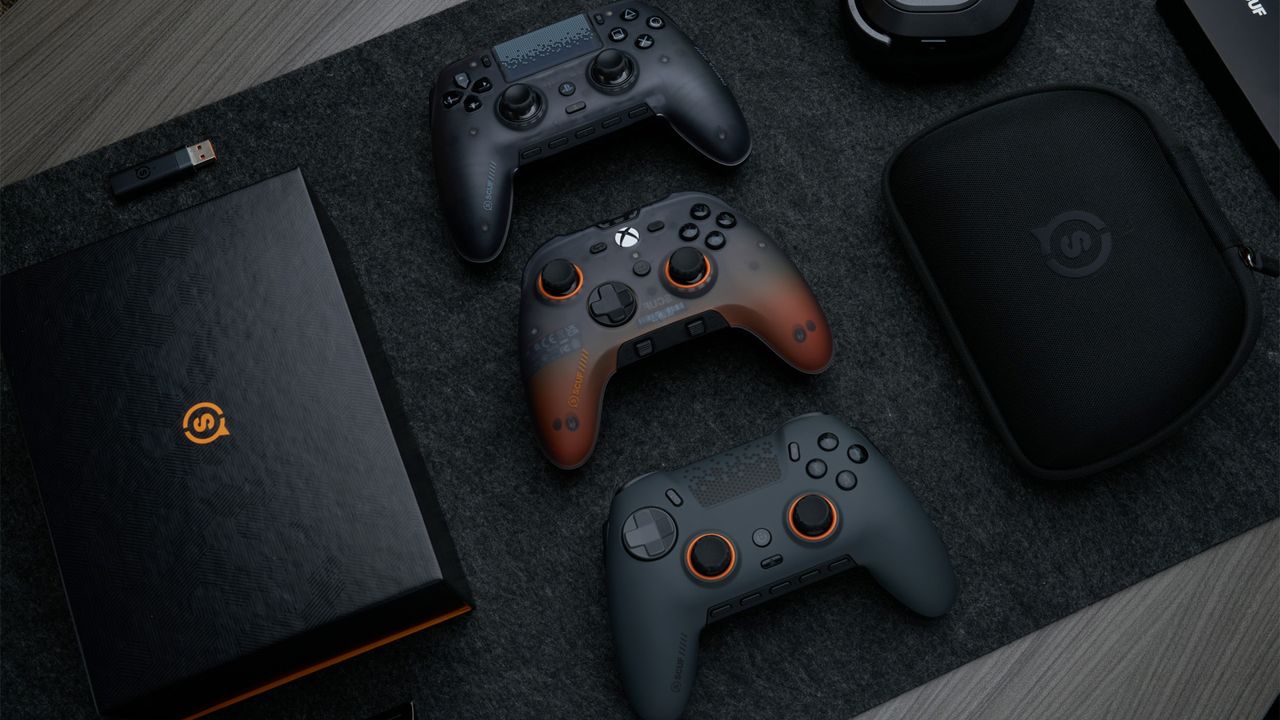
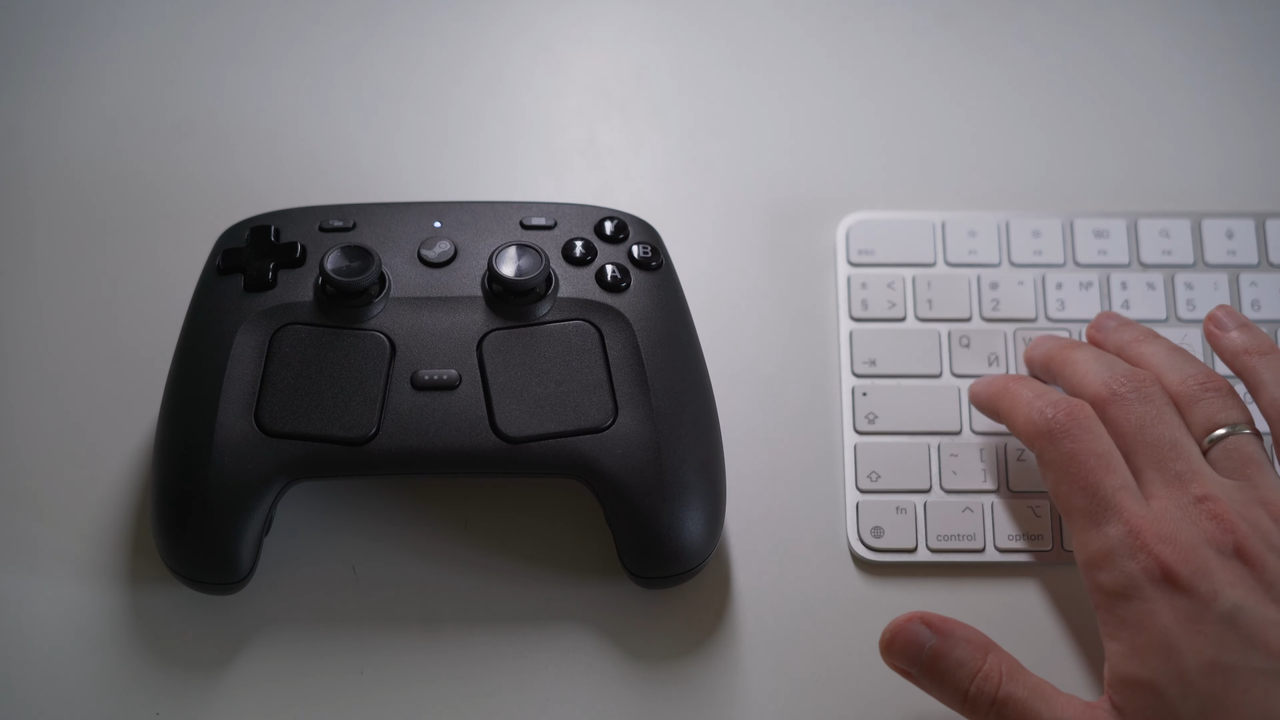
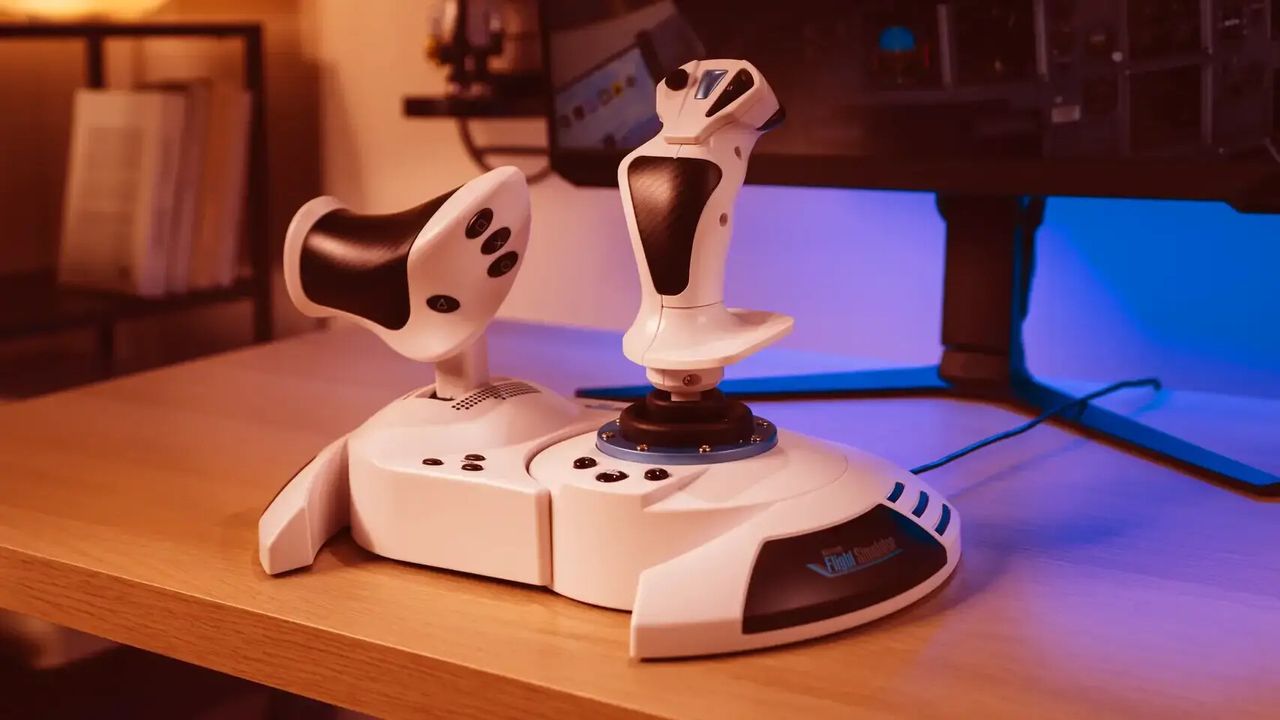
It's been over 20 years since the first Guitar Hero arrived on the gaming scene in 2005 and catapulted music rhythm games to the top of the charts. This was followed by multiple Guitar Hero iterations and competition from rival rhythm games such as Rock Band, and even Clone Hero on the PC. Now, in 2026, band-based rhythm games are due to make a return with the imminent release of Stage Tour from developer RedOctane Games. This brings new opportunities for brand-new music peripherals, and one interesting entry with a unique spin is the InfinaKore Fender Telecaster guitar controller from manufacturer Drakong, which will retail for an MSRP of $129.99 / €129.99 / £119.99. This new controller has a modular design to let creative users fully customize the guitar to their own look and feel, and even 3D-Print their own parts.
The premise of open-source and customizable peripherals isn't a new one, but it certainly does make this new guitar controller from Californian-based peripheral maker Drakong (Part of HyperKin) interesting. Being able to take the core of this guitar controller and modify the shape, size, and color of the body and head by 3D printing your ideas or community designs will allow you to instantly transform this controller into something else.
(Image credit: Drakong)
Apart from the customization aspects of the InfinaKore controller, the guitar peripheral hosts the latest tech, with the top frets using low-profile Kailh Choc switches (these are hot-swappable) and the bottom frets using membrane switches, with the strum-bar and whammy-bar using hall-effect switches for less wear and tear.
The fret bar has some of the frets styled like a D-pad for some interesting strumming possibilities, plus the controller can be easily stored away thanks to a foldable neck, allowing convenient storage and transportation.
There's also tri-mode connectivity, a 4-mode slider switch, tilt functionality for entering the power-up mode, or just use the new dedicated power-up button. Even better, the buttons are mappable.
There's plenty of rhythm music gaming to look forward to when Stage Tour drops later on in the year, and this could be a great controller to complement the game.
Over the past several years, MOZA Racing has become one of the most recognizable names in sim racing, earning a reputation for producing high-quality racing wheels and peripherals. Founded in 2012 by a group of automotive engineers and sim racing enthusiasts, the company initially focused on manufacturing and selling videography equipment before entering the sim-racing market.
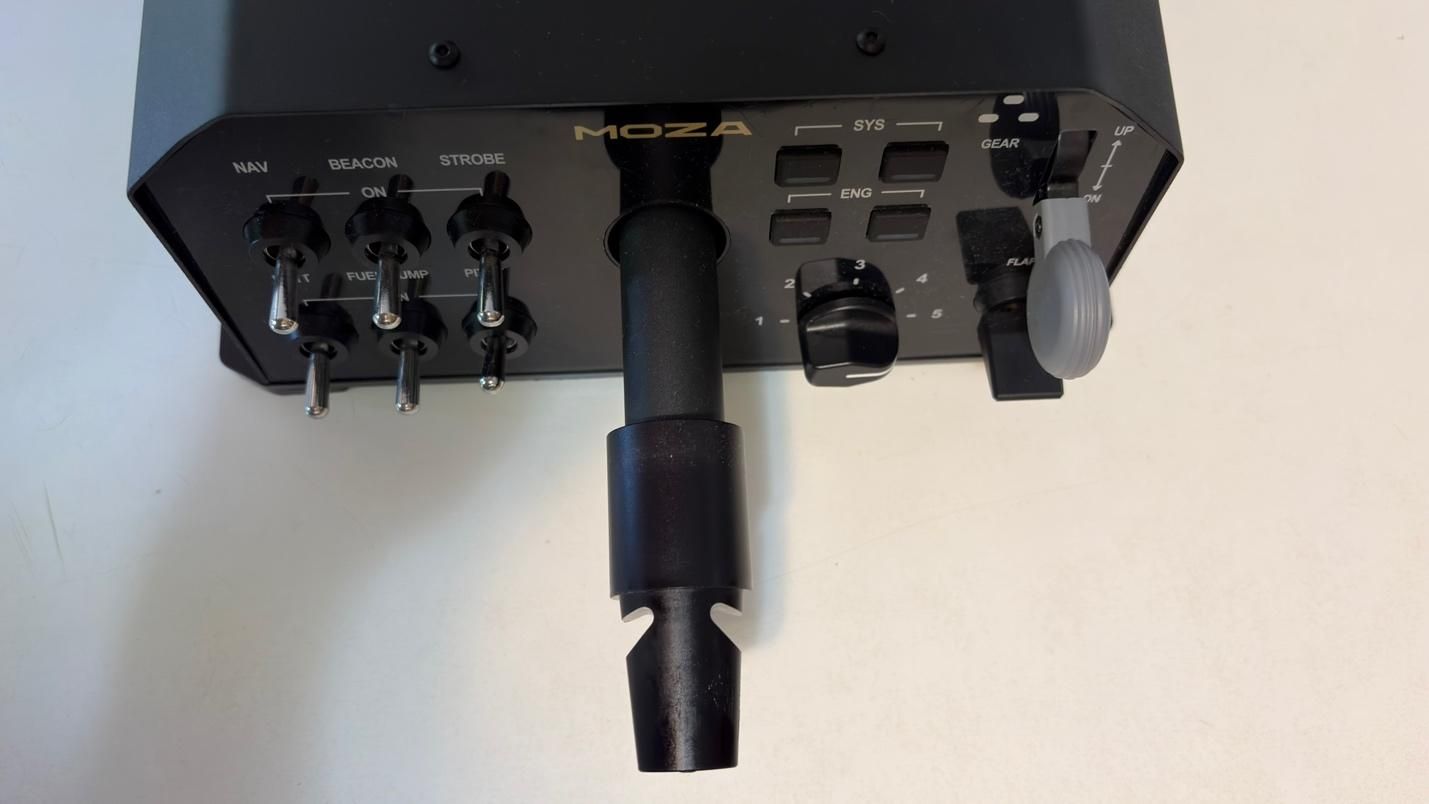
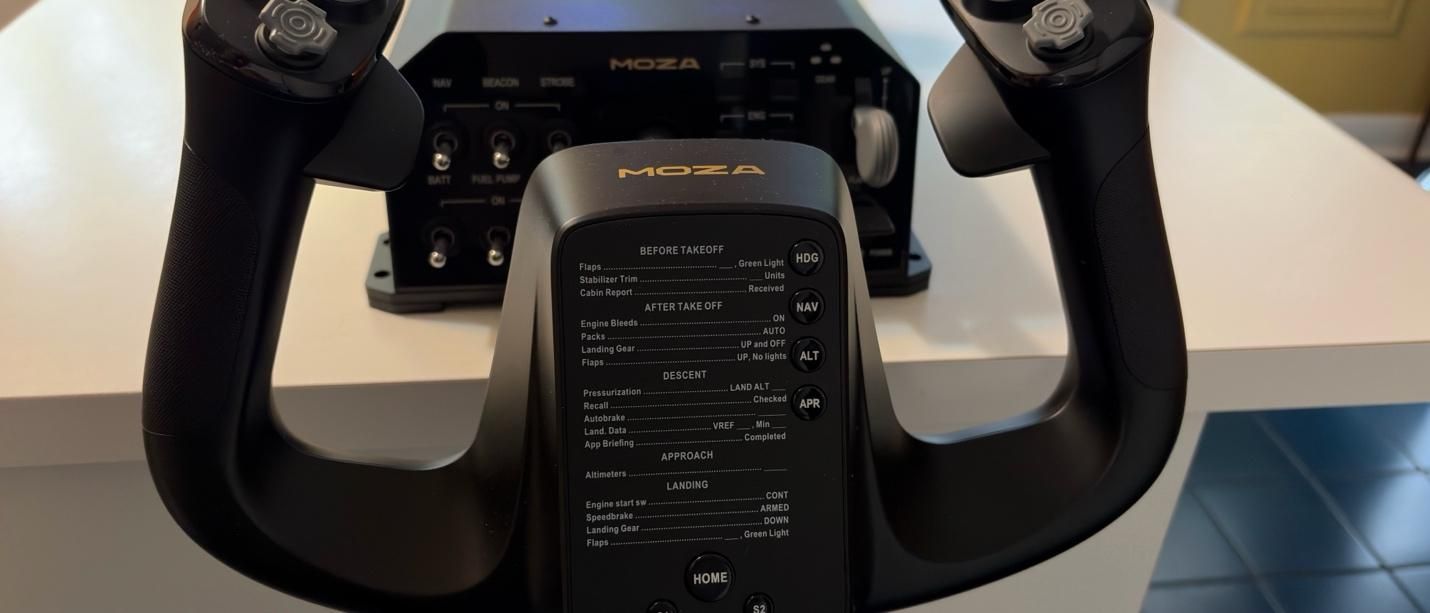
More recently, MOZA has expanded into the world of flight simulation, bringing the same focus on build quality and performance that has made its racing products so popular. Today, we’re taking a look at the MOZA AY210 Force Feedback Base and MFY Yoke. We’ll be putting both products through their paces in Microsoft Flight Simulator 2024, testing them across a variety of challenging flight scenarios to see how they perform in the cockpit.
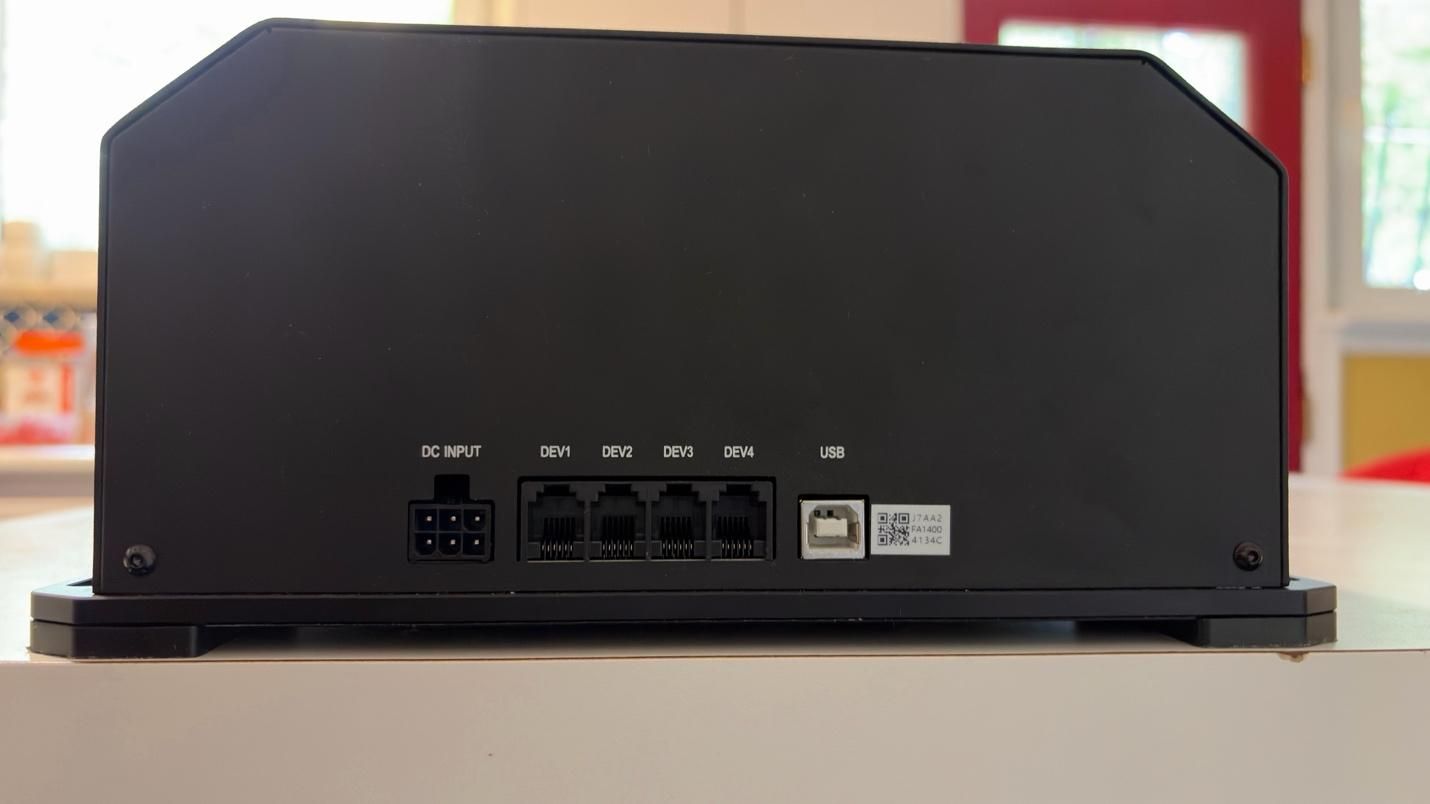
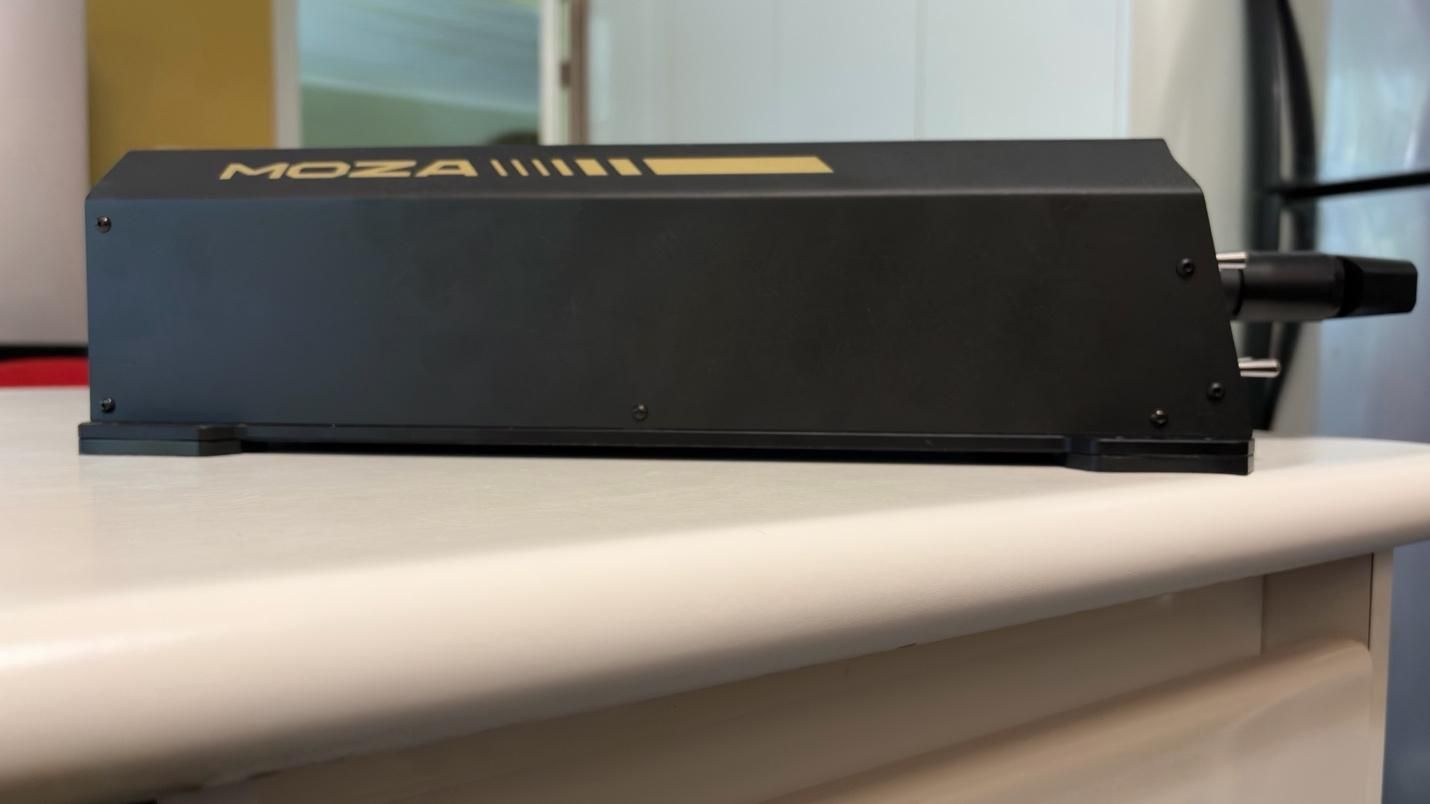
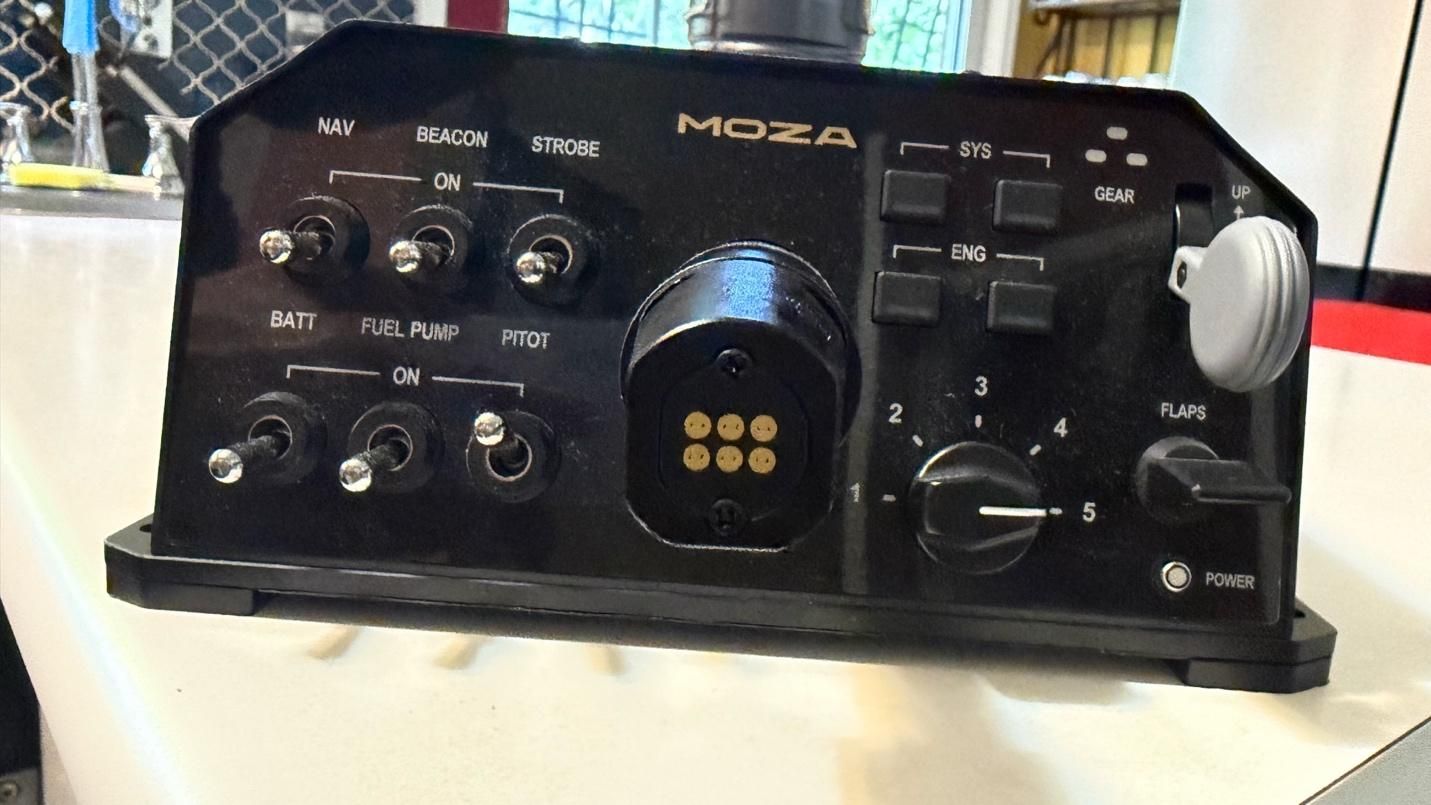
While you can purchase the base and the yoke separately, they also come in a bundle. With the bundle, you get both the yoke and the base in the box, along with a toolkit and user manual. The base comes with a power cable and a USB Type A to Type B cable.
MOZA also sent us a couple of table clamps for the yoke to secure it to our test setup. The clamps are sold separately.
MOZA MFY Yoke Specs
Case Material
Composite
Quick Release Material
Aluminum Alloy
Button Cap Material
ABS Plastic
Platform Compatibility
Windows 10/11 – MSFS, X-Plane
8-Way Switches
2
Hall Effect Joysticks
2
LB/RB Buttons
2
Triggers
2
Total configurable inputs
34
Software
MOZA Cockpit
Dimensions (LxWxH)
5.6 x 8 x 12.3 inches / 142.5 x 202 x 313 mm
Weight
2.9lbs / 1.3kg
MSRP
$129.99
Release Date
March 2025
MOZA AY210 FFB Yoke Base Specs
Connectivity
Wired connection via detachable USB-B to
USB-A cable
Platform Compatibility
Windows 10/11 – MSFS, X-Plane
Housing Material
Aluminum alloy
Motors
Dual servo motors
Sustained Roll Torque
9 Nm
Travel Distance
150mm
Power
216W
Voltage
110~220V AC -> 36V DC
Chip Precision
15-bit magnetic encoder
USB Refresh Rate
1000Hz
Native Force Feedback
Supported
Intelligent Telemetry
Force Feedback
Supported
Software
MOZA Cockpit
Dimensions (LxWxH)
9.6 x 15.9 x 4.4 inches / 243 x 403 x 112 mm
Weight
17.6lbs / 8kg
MSRP
$699.99
Release Date
March 2025
Customization
The base and yoke feature several programmable buttons and switches, but the real depth of customization comes from MOZA Cockpit Software. The software provides an impressive range of options for fine-tuning the yoke to your preferences. You can adjust individual settings to create your ideal feel, or choose from one of MOZA’s presets or community-created profiles.
Build Quality
Tom's HardwareTom's Hardware
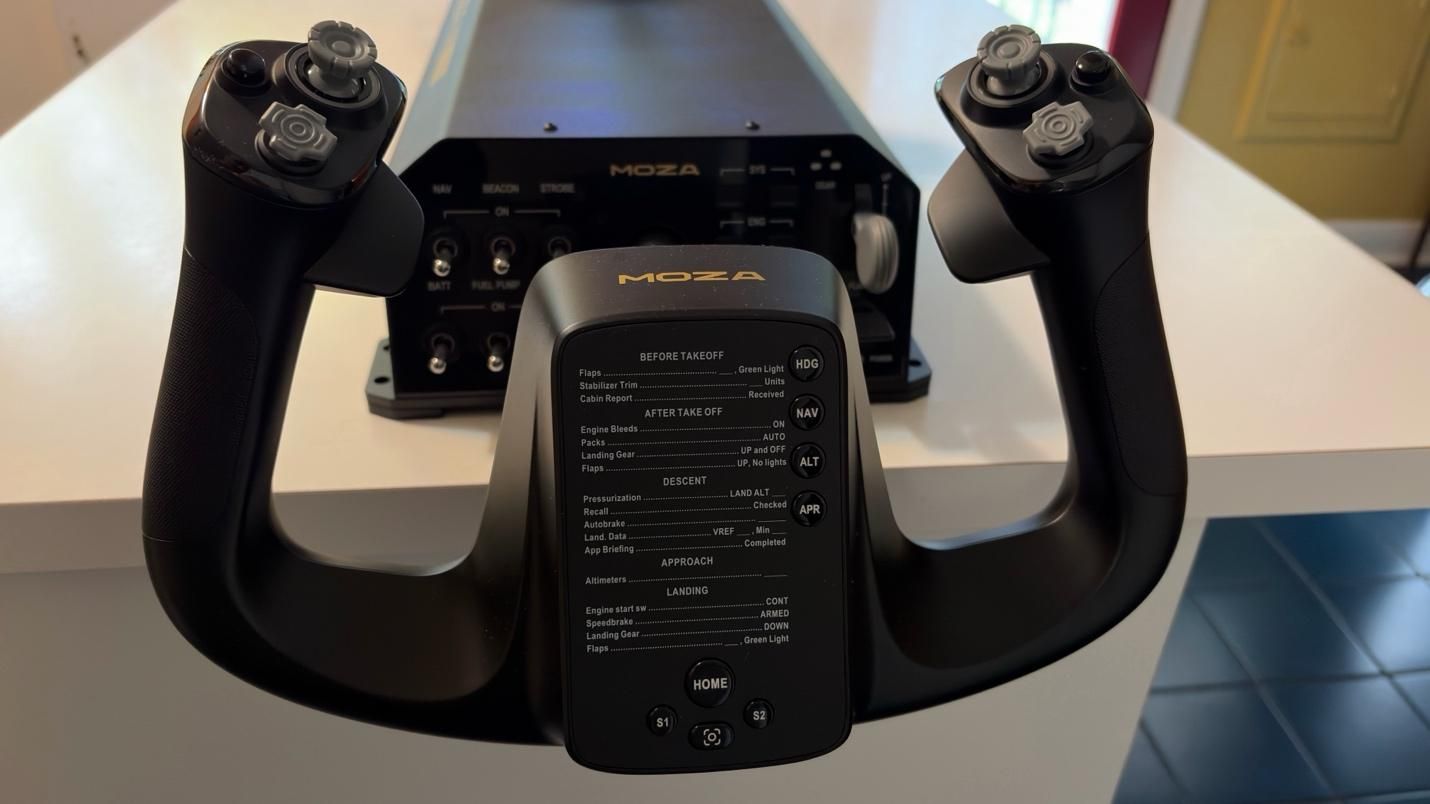
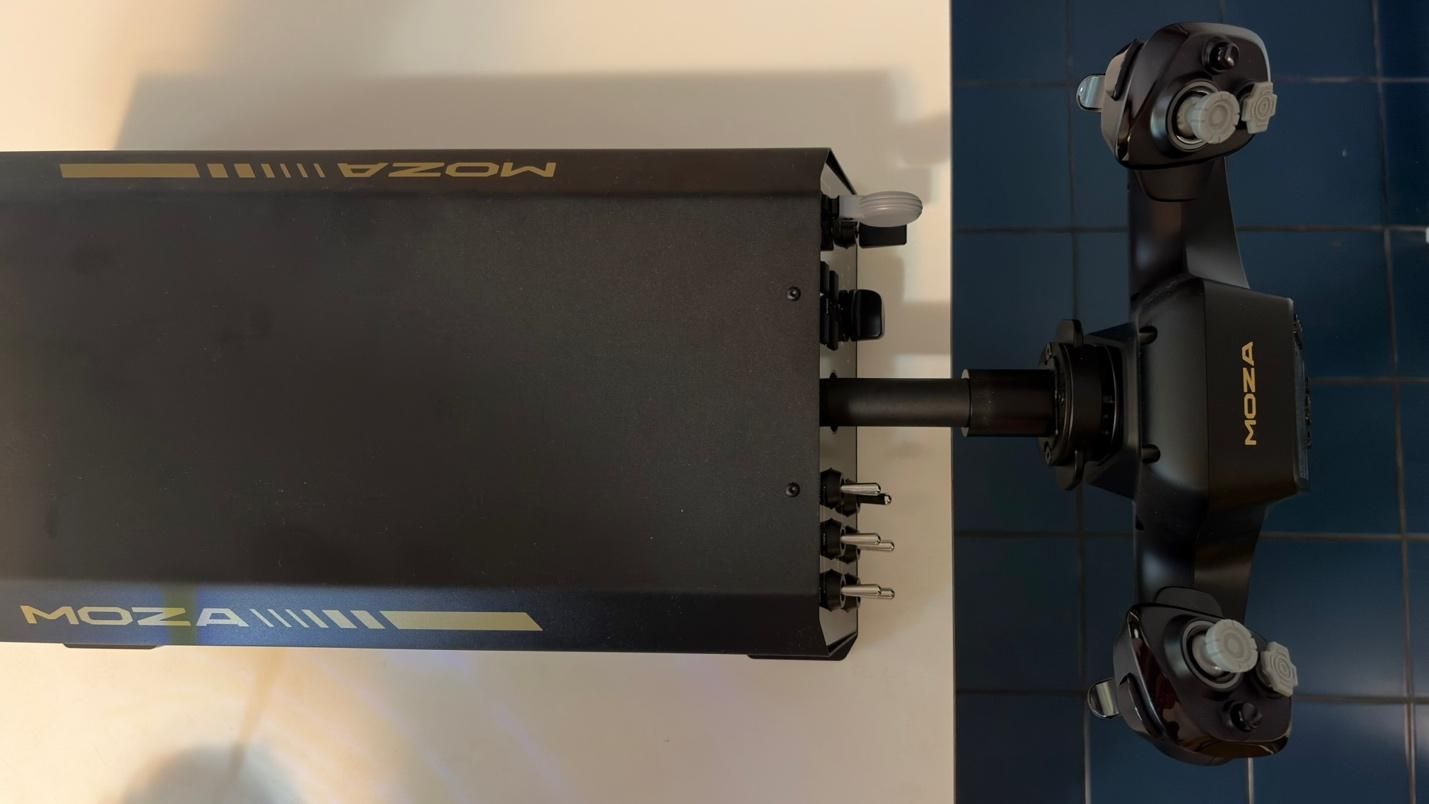
The base is constructed from aluminum alloy, giving it a sturdy, durable, and premium feel. An aluminum quick-release mechanism allows you to swap yokes quickly while keeping them securely attached.
Under the hood, the AY210 is powered by a 280 MHz processor and features a 15-bit high-resolution magnetic encoder. This is designed to provide precise and responsive inputs across the full range of motion, whether you’re making small, delicate adjustments or larger, more aggressive inputs. Combined with MOZA’s proprietary active force-feedback system, the AY210 is designed to deliver a high level of control while adding another layer of immersion to the flight experience.
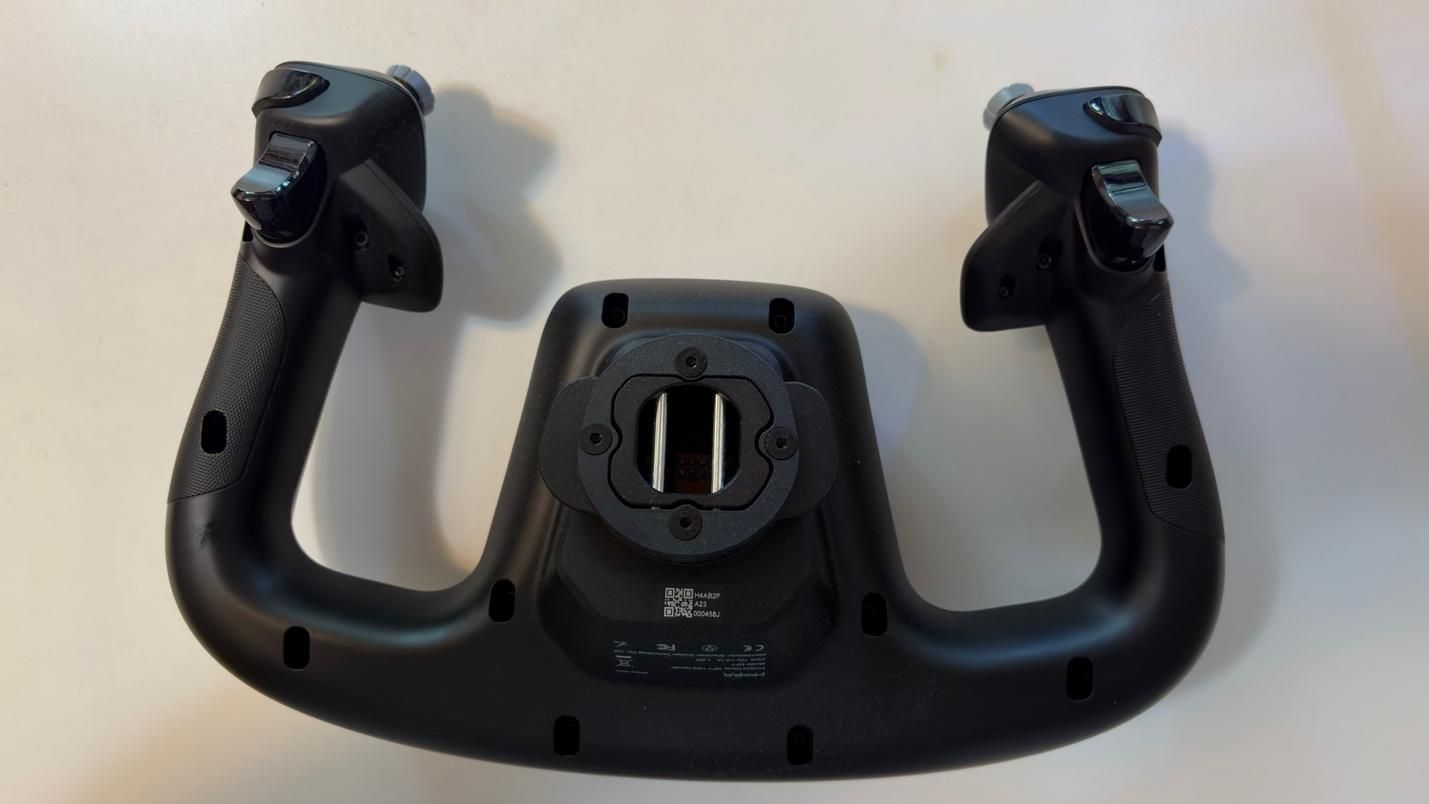
The MFY Yoke features a premium build made from high-quality synthetic engineering thermoplastic and ergonomic design that closely replicates the feel of a yoke found in a real commercial aircraft.
How Does it Feel?
The star of the show is undoubtedly the force feedback. With up to 9 Nm of torque and 210 N of push force, the system adds a level of immersion that simply isn’t possible with conventional yokes that lack force feedback.
When flying the PMDG 737, the yoke gives the aircraft a noticeably heavier feel through the control column, closely mimicking what we experienced in a 737 simulator. As airspeed increases, the yoke becomes progressively harder to deflect in both pitch and roll, accurately reflecting the aerodynamic forces acting on the aircraft.
But the force feedback goes far beyond simply simulating control forces. You can feel the vibrations from the engines, as well as the movement of the flaps and spoilers. After takeoff, the yoke conveys the increasing resistance of the airflow as the aircraft accelerates. Approaching a stall during a climb produces a noticeable buffet through the controls, while landing provides feedback as the wheels make contact with the runway.
The AY210 also replicates the movement of the aircraft's controls when the autopilot is engaged, with the yoke moving under the control of the autopilot servos.
All of these effects work together to create a remarkably convincing connection between the aircraft and the controls. It’s a level of immersion that most other yokes simply cannot replicate.
Microsoft Flight Simulator 2024 Testing
We tested the AY210 Force Feedback Base and MFY Yoke in Microsoft Flight Simulator 2024 primarily using the PMDG 737-800. While the iFly 737 MAX is a great addon with a superb flight model, especially in Microsoft Flight Simulator 2020, it is not yet natively built for MSFS 2024. As such, it does not handle wind and turbulence effects entirely well in MSFS 2024. We wanted to stick with MSFS 2024 because of its more realistic flight dynamics. We also tested the yoke with the PMDG 777. For our tests, we used the latest 737 NG and 777 profiles from Tonyaviation on Flightsim.to. Tony is a real-life pilot with experience in the 737 and 787. The 787 and 777 share many of the same flight characteristics.
We tested the base and yoke in three different scenarios:
Basic maneuvering. Flying at 5,000 feet, we performed gentle turns and pitch changes to evaluate the precision of the base during small, accurate control inputs.
Turbulent approach. We performed an approach into Las Vegas under hot, windy conditions with strong updrafts and downdrafts. This scenario required larger, more frequent control inputs to assess how the base handles turbulence and rapid corrections.
Curved approach. Finally, we flew the RNAV Visual approach to Runway 1R at San Francisco International Airport. This approach is available in MSFS 2024 if you use the Navigraph database, but it is missing the RF leg between the waypoints KLAUS and SQIRL, so we added it to the navigation database of the PMDG 737 and 777 ourselves. The procedure features a sweeping right-hand arc that continues until roughly one mile from the runway threshold, requiring the aircraft to remain in a turn at very low altitude. The approach demands precise tracking of the flight path while also requiring a smooth, accurate transition to the runway centerline after the final waypoint. This scenario tested both the precision and responsiveness of the AY210 Base.
Basic Maneuvering
Basic maneuvering feels precise and smooth with the right settings. That last part is important, however, because the AY210 does not necessarily deliver this experience out of the box. Based on our previous experience with a 737 simulator, even with significant pitch input, the control column should maintain a smooth and consistent feel throughout its movement. With the AY210, we found that the motion could feel less natural and “sticky” unless Pitch Friction Correction was enabled in the MOZA Cockpit Software. Fortunately, this setting significantly improves the feel, giving the control column a response that is much closer to what we experienced in a 737 simulator.The 280 MHz processor and 15-bit high-resolution magnetic encoder also contribute to the AY210’s precise and responsive inputs. We were able to make accurate turns and precisely set our desired descent rate, with even small control inputs translating smoothly and predictably into the simulator.
Turbulent Approach
Here, we perform our usual turbulent approach, landing in Las Vegas during the summer. The combination of extreme heat, strong winds, and thermals along the approach path can create significant turbulence, making for a much less stable approach. Microsoft Flight Simulator 2024 is able to replicate these conditions through its Live Weather system, providing a challenging environment for testing the AY210.
The level of immersion provided by the AY210 is simply incredible. Through the force feedback system, you can feel the effects of wind and turbulence directly through the yoke, rather than relying solely on visual cues or the aircraft’s instruments. This provides useful feedback that helps you anticipate and make the necessary control corrections. The AY210 handled these conditions exceptionally well, accurately conveying the changing forces throughout the approach and giving us a much better sense of how the aircraft was responding.
Curved Approach
The RNAV Visual approach to Runway 1R at San Francisco International Airport contains an RF leg between the final two waypoints – KLAUS and SQIRL – which is a sweeping right-hand arc. The AY210 was responsive and precise throughout, allowing us to follow the arc all the way to SQIRL, at which point we were able to accurately align with runway 1R and perform a smooth landing.
By comparison, the Thrustmaster TCA Boeing Yoke felt noticeably jerkier throughout the approach. The two products are also in completely different price tiers, so this is not necessarily a direct or entirely fair comparison. However, the TCA Boeing Yoke is a popular choice among simmers flying Boeing aircraft in Microsoft Flight Simulator, making it a useful reference point. The difference was immediately noticeable, and the AY210’s ability to provide smoother, more natural control while conveying the effects of turbulence is a clear example of what you gain from its more premium design and force feedback system.
Bottom Line
The MOZA AY210 Force Feedback Yoke Base delivers one of the most immersive experiences available in desktop flight simulation. It comes at a premium price, but after spending time with the AY210, it is genuinely difficult to go back to a yoke without force feedback. The combination of realistic feedback, precise control, and the level of detail conveyed through the yoke adds an entirely new dimension to the flying experience.
It is not without its flaws. Some of the force feedback effects could be stronger, while the control column can feel slightly unnatural and “sticky” out of the box. Fortunately, both issues can be addressed to some extent through the extensive customization options in MOZA Cockpit Software.
Overall, the AY210 is an impressive piece of hardware. For those willing to pay the premium, its force feedback and overall level of immersion make it a compelling upgrade for any serious home cockpit.
Sony doesn’t have a lot of love going its way among gamers right now, especially among the PC crowd, between the decision to abandon physical disc sales and reportedly shelve ports of its games to PC. Sony makes an excellent controller with the DualSense, not only for the PS5, but also for PC, with native support for its features (such as adaptive triggers) in some games. Still, it doesn’t feel great spending $74 on a controller if you don’t particularly align with Sony’s recent decisions, especially considering there are several other excellent controllers that either cost less or pack more features (and sometimes both).
Although there’s some impressive tech in the DualSense, it’s missing a lot of features that are now commonplace among third-party controllers, notably, TMR joysticks, additional rear paddle buttons, and multiple onboard controller profiles — you’ll need to spend $200 on the DualSense Edge for that. All of the controllers below come with those modern conveniences, as well as dedicated software for profile management and button remapping.
All except one also use a 2.4GHz connection, allowing you to use the controller wirelessly with virtually any device, and without the latency implications or connection limitations of Bluetooth.
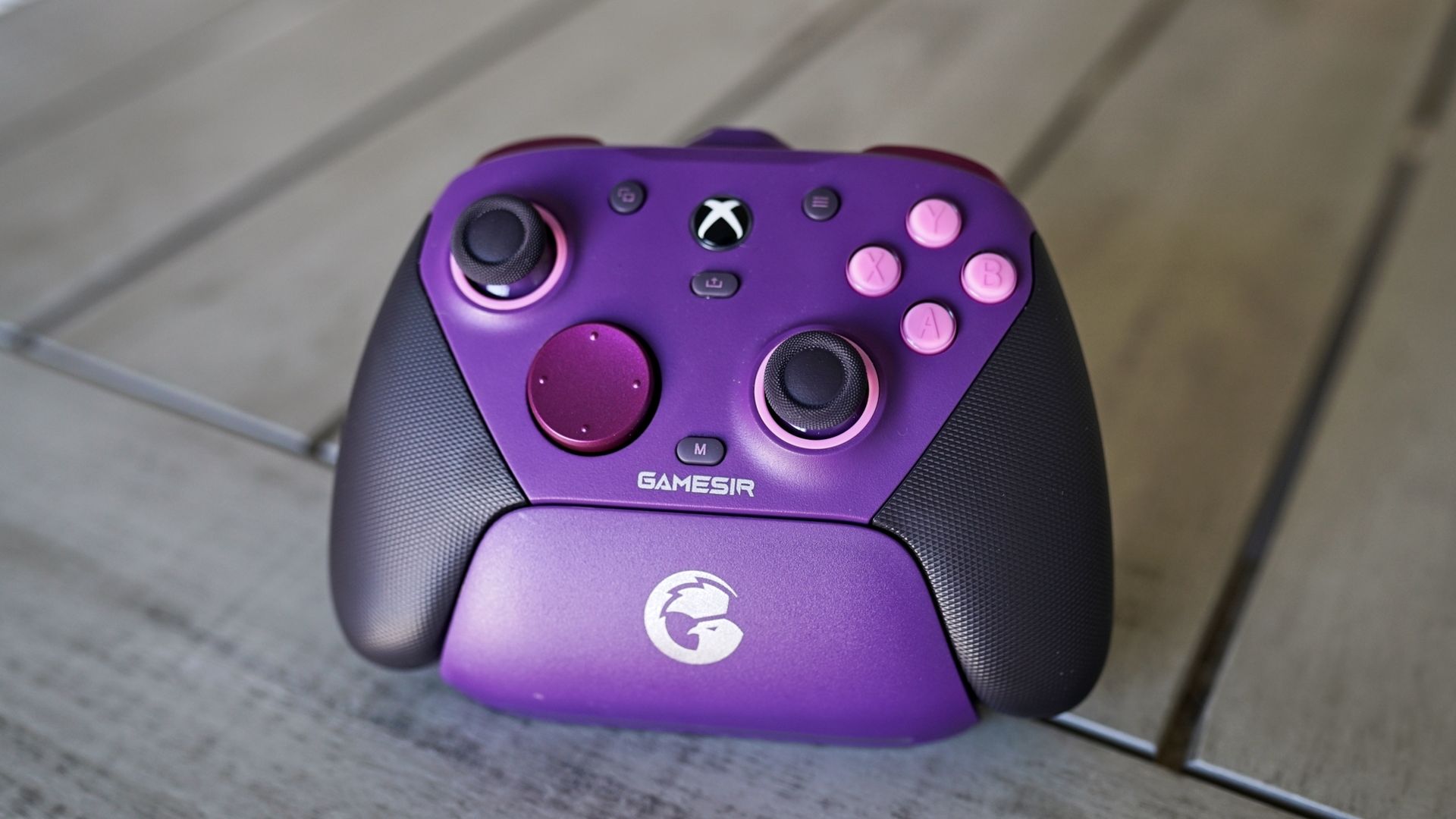
The controller for most PC gamers: GameSir G7 Pro
(Image credit: Tom's Hardware)
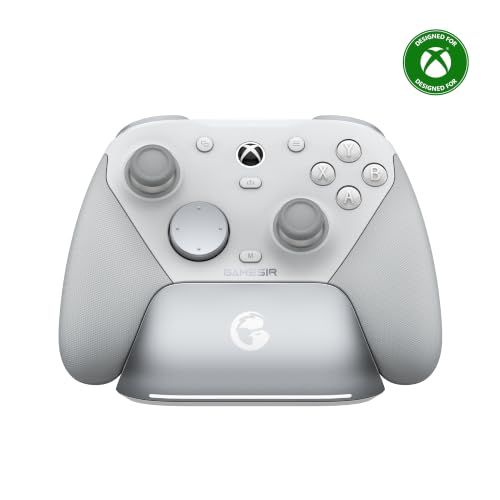
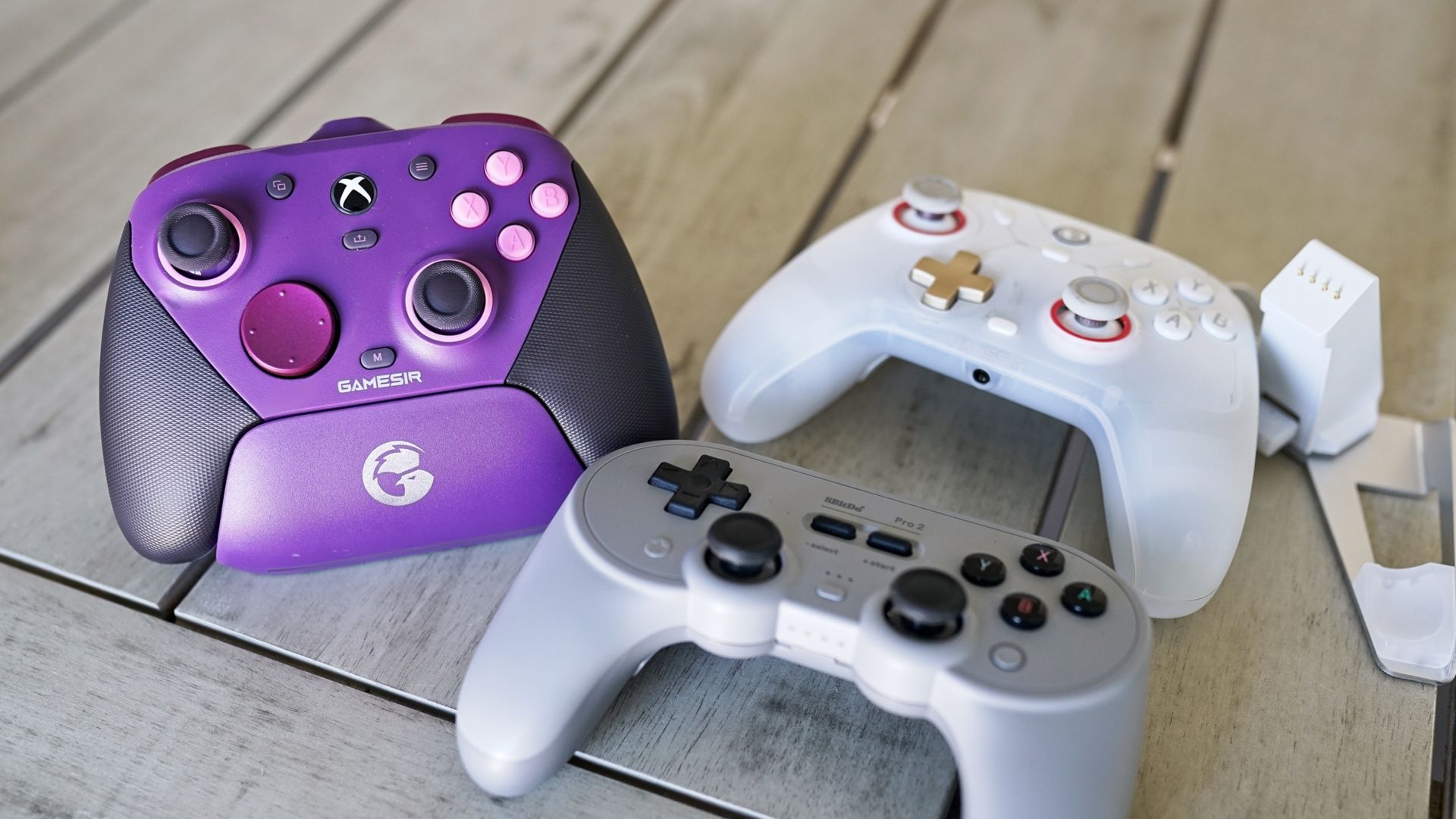
The GameSir G7 Pro is a pro-style controller without the extra luggage, literally. As more tech gets packed into controllers, they get heavier, which is an issue with the standard DualSense and, to a far greater extent, the Xbox Elite Controller (any version, really) and the DualSense Edge. With the G7 Pro, you get extra amenities like remappable buttons (including rear paddles), a charging dock, a 2.4 GHz connection, and a surprising number of different aesthetic variants. The primary difference is that the G7 Pro feels like a normal controller in your hands, and it’s less than half the price of the first-party options from Sony and Microsoft.
For feel, the G7 Pro clocks in at 7.1 ounces, a far cry from the Elite Controller's 12.2 ounces and the DualSense Edge’s 11.6 ounces. Like the first-party premium designs, you get four remappable buttons: two paddles on the back and two small buttons situated between the trigger and bumper. It also comes with removable sticks and three D-pad options in the box. The faceplate and grips come off, as well, if you want to change up the look in the future.
The G7 Pro stands out most for what it does differently, however. For the face buttons and D-pad, GameSir uses optical micro switches, which you can also carry over to the triggers. The G7 Pro includes Hall Effect analog triggers, but you can toggle over to a hair trigger setting with a slider on the back. In this mode, the controller instead uses a micro switch, giving you the tactile feedback you get with the face buttons.
For connectivity, 2.4GHz is the way to go, with the G7 Pro operating at a 1,000Hz polling rate and using its included charging dock for connection (the dongle is removable but sits inside the dock). It also supports Bluetooth and wired connections. For managing the controller, you can use the Nexus App, which gives you access to full controller remapping, calibration for the TMR sticks, and far more. But you don’t need to use the app, which is one of the highlights of the G7 Pro.
You can remap buttons, as well as calibrate your sticks and triggers, with combinations on the controller itself. The remapping is particularly useful, allowing you to quickly remap controls when you boot up a new game rather than opening Nexus to remap there. It’s seamless. Regardless of how you set up the G7 Pro, you can store up to three profiles on the controller itself, and far more within Nexus.
G7 Pro Controller: was $79.99 now $63.99 The GameSir G7 Pro is a controller for Xbox Series X/S, PC, and Android, and it comes with tri-mode connectivity, including Bluetooth, wired, and 2.4GHz connections. It also comes with a charging dock, as well as a swappable D-pad. View Deal
For retro enjoyers and DualShock fans: 8BitDo Pro 2 (SN30)
(Image credit: Tom's Hardware)
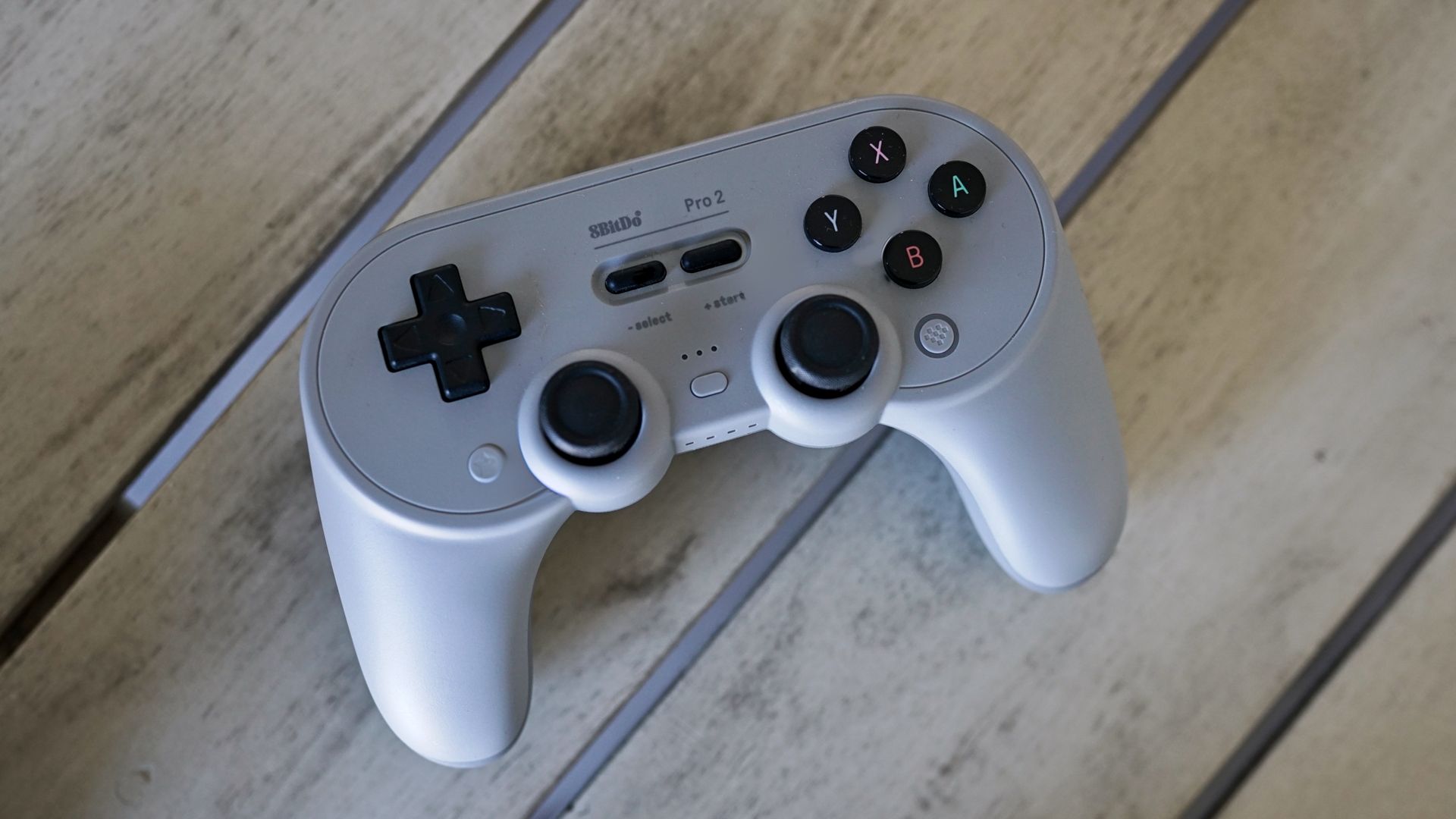
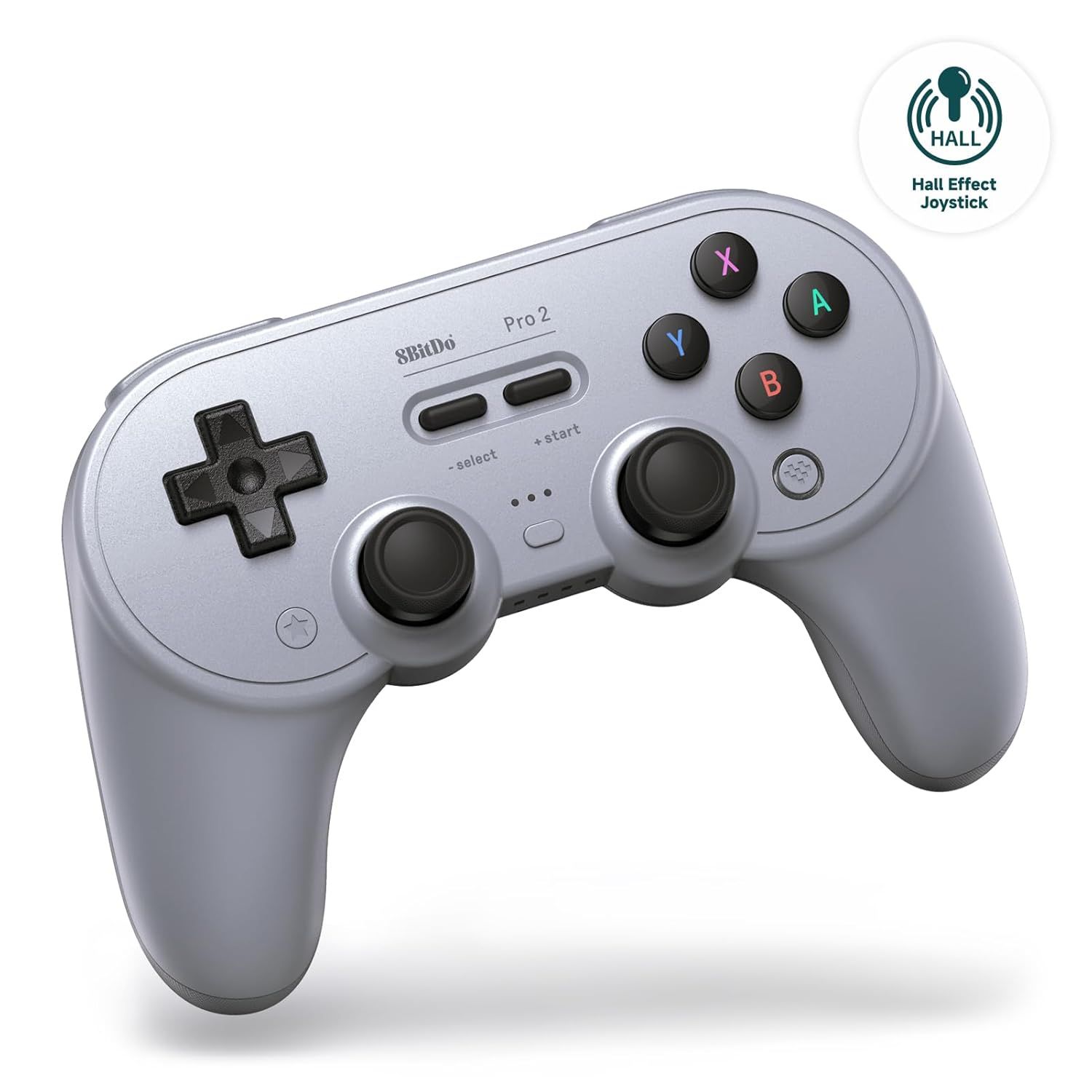
The 8BitDo Pro 2 (previously known as the SN30) is a more versatile controller than it first appears. It’s modeled after a Super Nintendo controller, supercharged with dual Hall Effect sticks, two back paddles, and triggers. It looks like a SNES controller, and the D-pad pulls off a good impression if you want to dive into any emulators or retro-style games. But with the handles, it feels most like a DualShock 4, a controller that you can’t use natively with Windows.
Although controller compatibility between platforms isn’t as big of an issue as it once was, the Pro 2 supports several platforms natively over Bluetooth, no cable required. A toggle on the back of the controller allows you to switch between Switch, Apple/macOS, Android/DirectInput, and PC/X-input modes. Unfortunately, there’s no 2.4GHz connection, though you can use the controller wired on any of the platforms it supports.
8BitDo allows you to store three profiles on the controller, which you can customize using the 8BitDo Ultimate software. It includes full controller remapping (including additional layers), macro support, trigger and stick deadzones, and vibration settings.
Pro 2 Controller: was $49.99 now $41.99 The 8BitDo Pro 2 is a controller for PC, Android, macOS, and Switch. It connects via a USB-C cable or Bluetooth, and it comes with two rear paddle buttons. View Deal
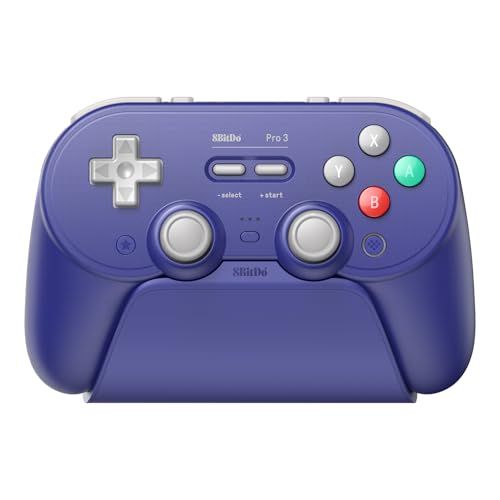
At $42, the 8BitDo Pro 2 is a solid deal. If you can stretch your budget a bit, the newer Pro 3 is $60 and comes with several upgrades. 8BitDo replaced the Hall Effect sticks with TMR sticks, added extra buttons between the bumpers and triggers, and added a hair trigger toggle for the triggers. The front buttons are swappable as well, as you can swap between a Nintendo and standard layout, and 8BitDo bundles in a charging dock.
The 8BitDo Pro 3 controller supports Windows, macOS, and Android, and it comes with Hall Effect triggers, TMR joysticks, and swappable ABXY buttons. View Deal
For around $50: GameSir Cyclone V2
(Image credit: Tom's Hardware)
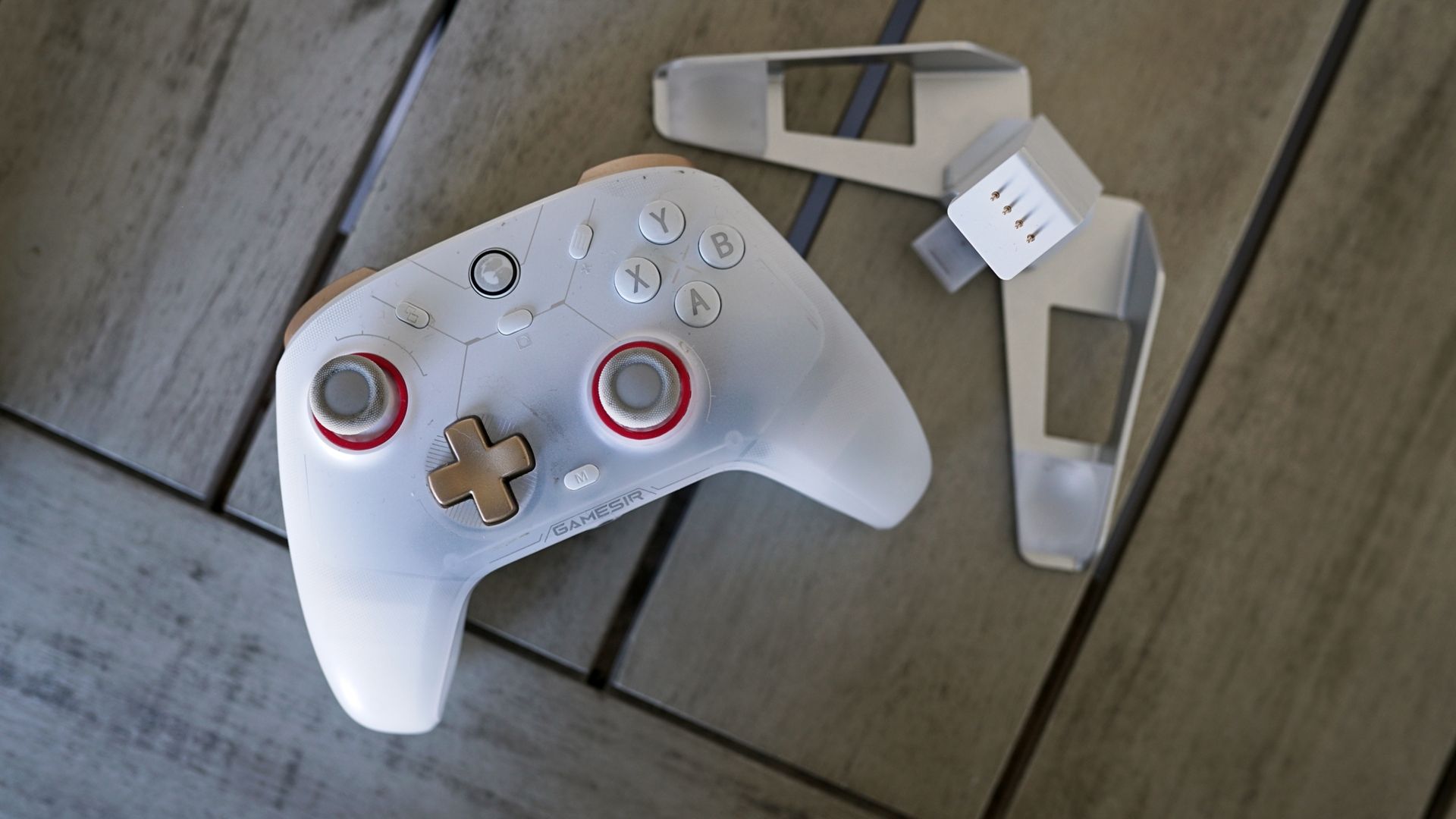
The GameSir Cyclone V2 is a slightly worse version of the G7 Pro, and the difference really is slight. It comes with just two additional buttons (the back paddles) instead of four, and you don’t get the customization options for the sticks, D-pad, and faceplate. The primary annoyance with the Cyclone V2, which the G7 Pro solves, is the dock. It’s bad. It can hold and charge the controller, but you’ll fumble trying to make sure it’s actually sitting on the dock when you go to set the controller down.
Outside of that one usability issue, the Cyclone V2 is excellent, especially considering its price around $50. You still get quality TMR joysticks, responsive micro switches on the face buttons and D-pad, a 1,000Hz polling rate over the 2.4GHz wireless mode, and analog triggers with an optional micro-switch mode.
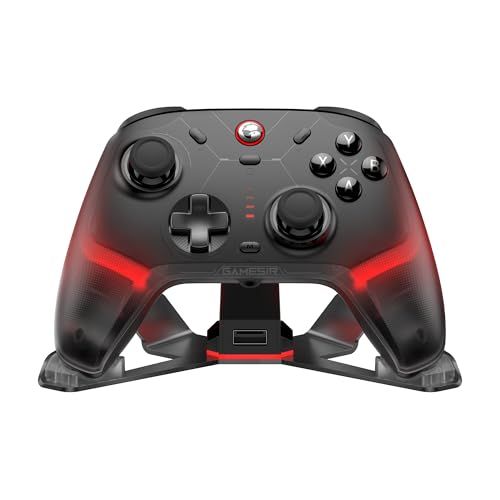
Instead of the dozen or so variants of the G7 Pro that are available, the Cyclone V2 is available in two colors: white or black, with a matching dock. The plastic shell isn’t fully opaque, however, and GameSir includes LEDs within the body of the controller that shine out while it’s on. You can customize these colors inside Connect (the software for the Cyclone V2), creating a smooth gradient of color (or just a solid color) across the controller while you’re playing.
Within Connect, you still get access to trigger and stick deadzone settings, button mappings, and profile management. Three profiles can live on the controller, and you can remap buttons (as well as access functions like macro recording) directly on the controller with key combinations.
The GameSir Cyclone 2 controller works with PC, Android, and Switch, and it supports three connectivity modes, including Bluetooth, wired, and 2.4GHz. It comes with an included charging dock and removable 2.4GHz dongle. View Deal
If you have money to spend and time to wait: Valve Steam Controller
(Image credit: Tom's Hardware)
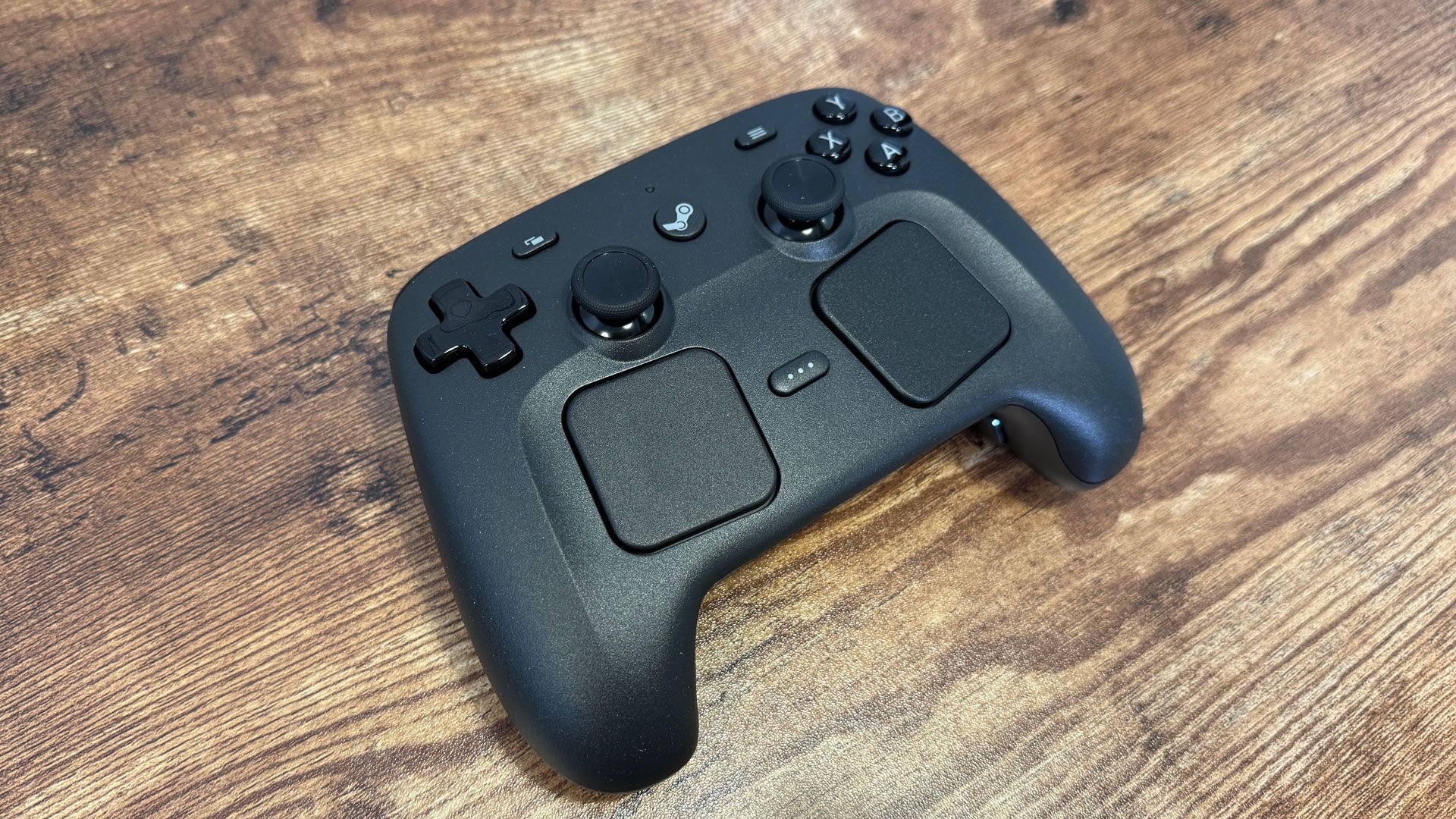
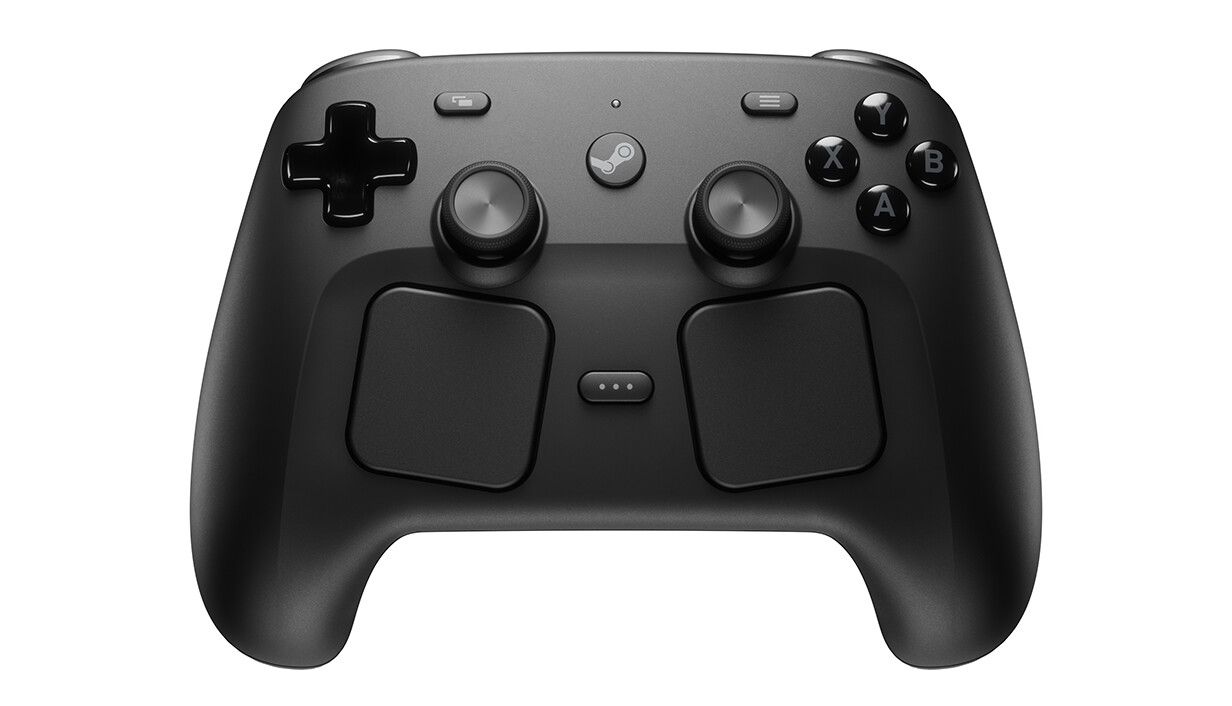
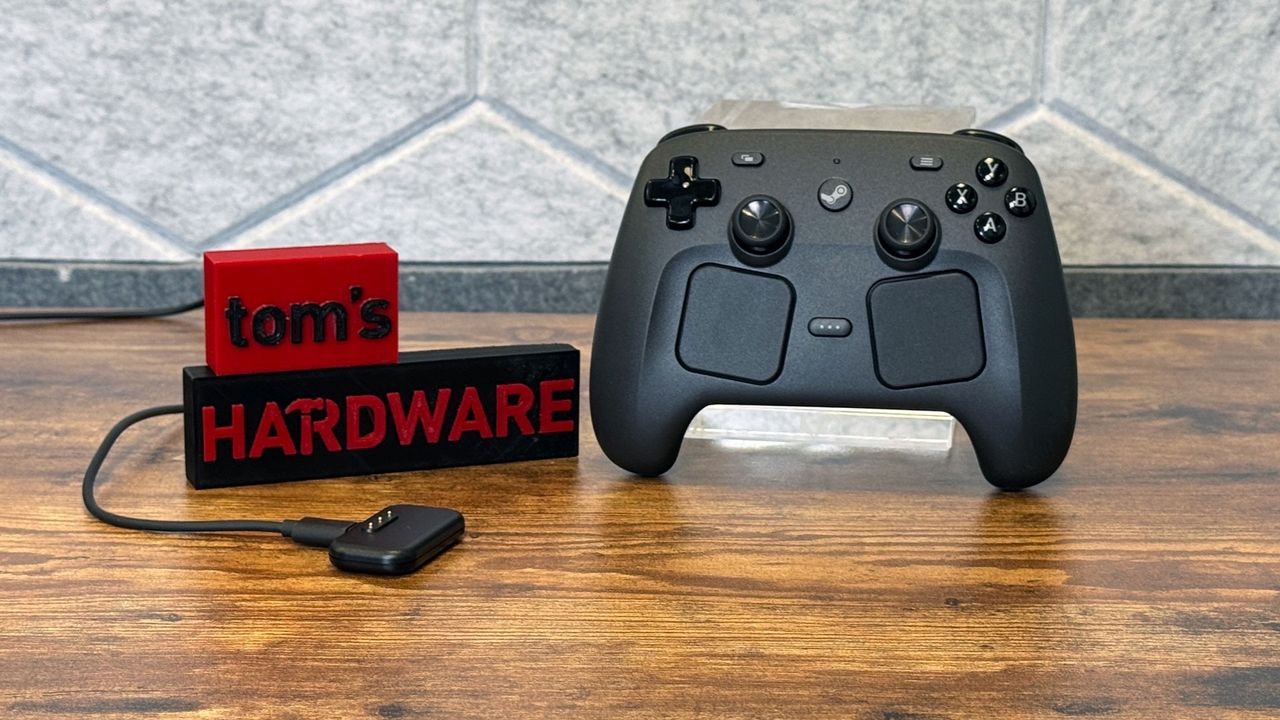
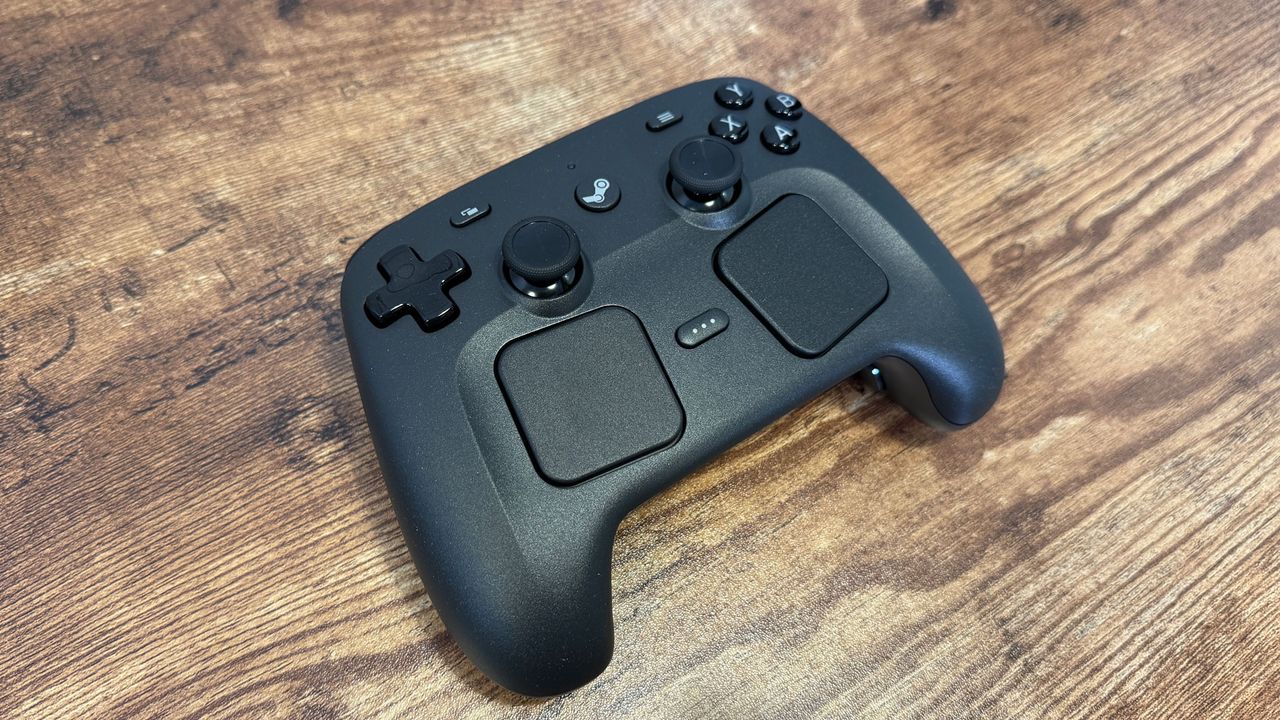
It’s hard to recommend the Steam Controller because it’s not on sale (it’s not even available outside of Steam), and you can’t actually buy it right now because it’s sold out. Still, it’s an excellent controller, and if you have $100 to burn and a few months you’re willing to wait, you’ll come out on the other side with perhaps the only purpose-built controller for modern PC gaming we’ve ever seen.
As Valve did with the Steam Deck before, the Steam Controller is only available via a reservation system. You need a Steam account in good standing to sign up for the queue. Thankfully, Valve’s queue isn’t some black hole lottery that you’ll never hear back from; you will get the chance to buy a Steam Controller eventually, but it might take several months before that time comes.
As you can read about in our Steam Controller review, the gamepad essentially recreates the feel and functionality of the Steam Deck with any PC. It’s built around Steam Input, giving you a deep level of customization over every aspect of your input, even in games that don’t natively support a controller. The dual touchpads come in handy in that case, mimicking the movement of a mouse.
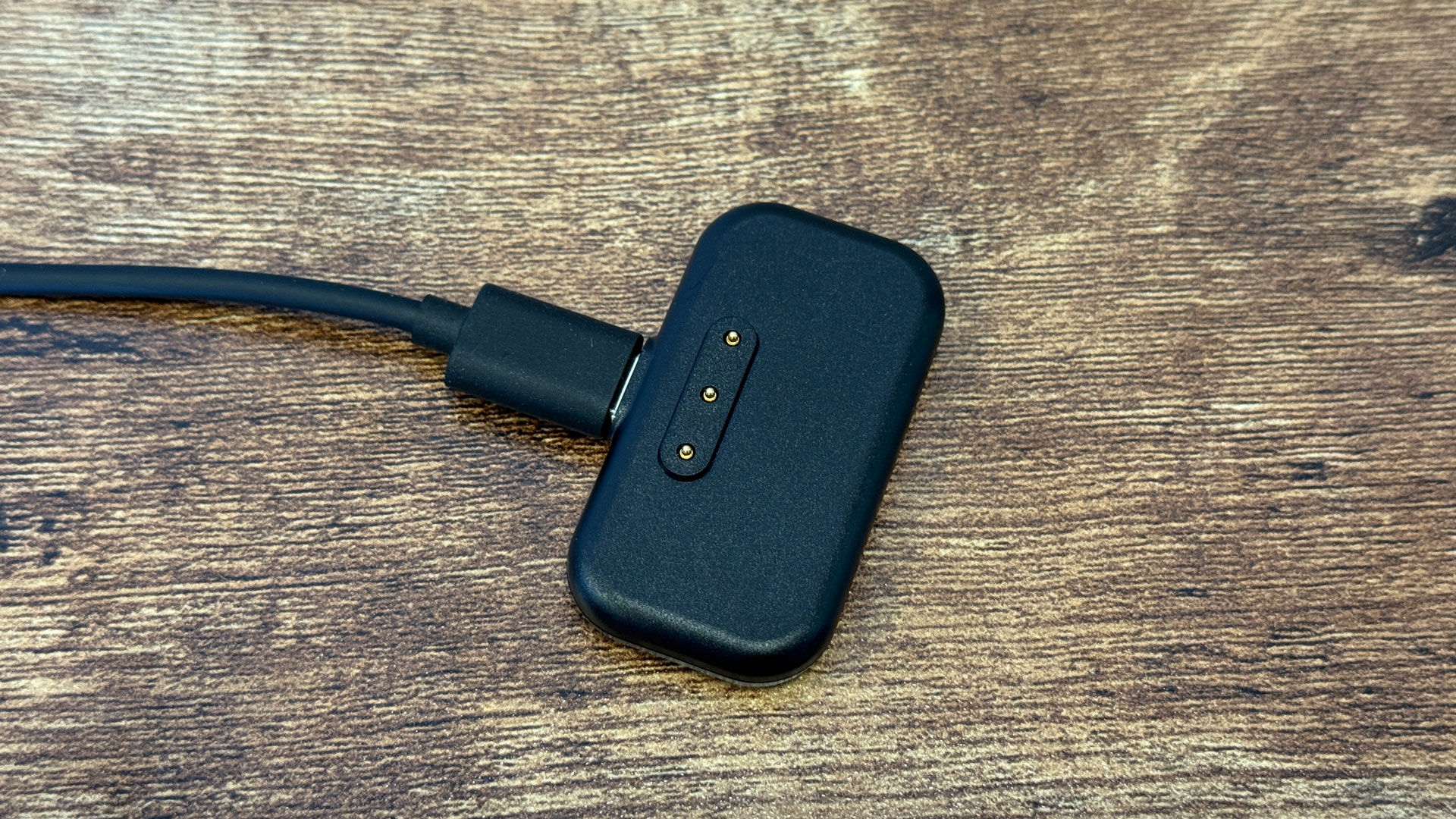
Similar to other Valve devices, the Steam Controller has a solid modding scene around it. There are party trick mods, such as a tool that allows the controller’s haptics to play back 16-bit audio, but also practical hardware mods like third-party buttons and triggers. The modding community has had a field day with the puck that the Steam Controller uses for charging and connection, as well.
The Steam Controller is only available directly from Valve. You cannot purchase it directly. Instead, you'll need to sign up for a reservation list, which will put you in a purchase queue. View Deal
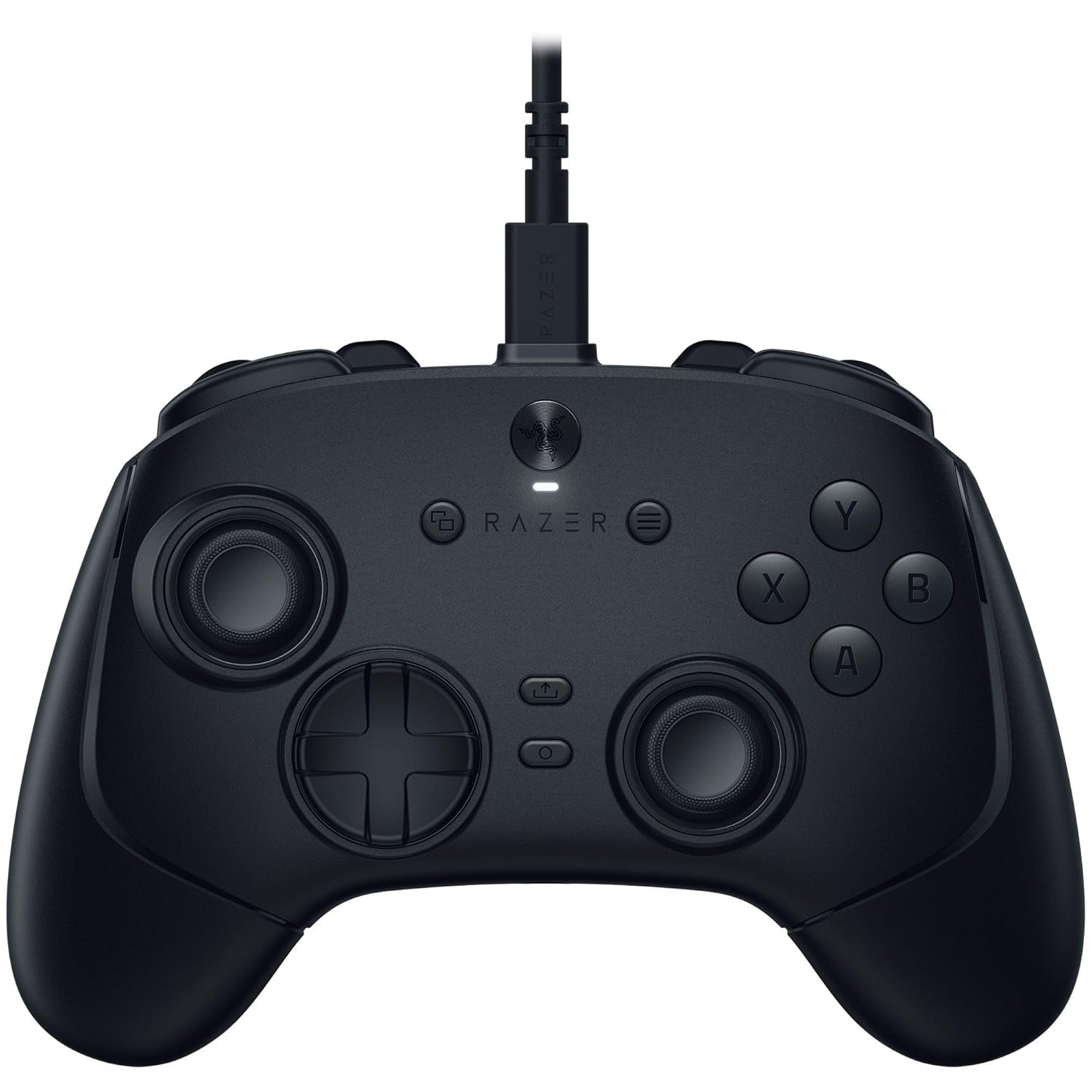
Getting the edge over your opponents can sometimes come down to the wire, or maybe the lack of one. A wireless gamepad gives you peace of mind that a wired controller can't. If you want a gamepad that doesn't compromise on specs while offering lightning-fast wireless performance, the Razer Wolverine V3 Pro can give you that for only $94.99, which is 53% off the normal price.
The Razer Wolverine V3 Pro is the wireless and more premium version of the already impressive Razer Wolverine V3 Tournament Edition.
The gamepad features 4 removable back buttons using high-performance mouse switches for minimal travel and sharp tactile feedback, 2 claw grip bumpers, and microswitches for the face buttons, just like the back buttons. Those specs are shared with the Tournament Edition, but the Pro features Razer's HyperSpeed 2.4 GHz wireless connectivity through a USB dongle for Xbox and PC.
The Pro also includes Chroma RGB lighting on the logo, Razer Sensa HD Haptics, and a 20-hour battery; features the Tournament Edition doesn't have. This high-performance gamepad will ensure your inputs don't miss a beat with its 8,000 Hz polling rate, drift-resistant TMR sticks, and 8-direction floating D-pad. If you ever need to go wired, it's also an option through the USB-C port, which also acts as a charging port.
If you're worried about who shoots first, the hall-effect triggers allow you to customize the activation point, allowing for true hair-trigger sensitivity, precise analog performance, and personalization.
Wired
This wired controller won't fail you in the middle of an intense battle, with its ultra-low latency and precise TMR thumbsticks helping you stay on top of your opponents. The Wolverine V3 Pro has an 8,000 Hz polling rate and is fully customizable through Razer's software. View Deal
OEM controllers don't offer the same level of performance as this controller, and you're sure to have an advantage. The Razer Wolverine V3 Pro gives you a familiar layout, but adds buttons in convenient and easy-to-reach areas so you can pick it up without much adjustment while being able to ease your way into the additional customizable buttons.
While OEM controllers are basically consumable products lasting only a few months, this controller is equipped with hall-effect and TMR for the analog inputs. This ensures a long lifespan with much more resistance to stick drift. Having magnets in your controller ensures no analog electrical contacts wear out while gaming, and you won't have to worry about buying a new and expensive controller every few months.
Its longevity and features make it a great deal, but the Razer Wolverine V3 Pro for only $94.99 is an even better one. Grab yours now while it's still in stock.
It seems that Microsoft has refined the balance between ergonomics and sophisticated control systems with the Xbox controller, as the U.S. Navy has started using Xbox-style controllers for its anti-drone laser systems. According to Interesting Engineering, Xbox-style controllers deliver targeting precision and rapid user inputs, making them ideal for operating the weapons platform. Aside from that, many sailors are already quite familiar with the basic layout of these handheld controllers, making it easier for them to get used to the control method during training.
We don’t have further details about the system, like whether the operators use a wired or wireless controller and whether the Navy uses an off-the-shelf commercial system or has one specially made by a contractor. Nevertheless, this isn’t the first time that we’ve seen a controller being used for such a critical system. In fact, the ill-fated Titan submersible used a cheap Logitech F710 game controller as its sole control interface (although the main suspected reason for the tragedy is the design and construction of the vessel).
This weapon that uses an Xbox-style controller isn’t just an experimental system, too. The U.S. Navy has now started deploying them on warships and has reportedly used them against drones and other threats in the Strait of Hormuz. Lasers have previously been used to neutralize drones from land-based systems — for example, the U.S. military used them to disable Mexican cartel drones in late August, while Ukraine has been experimenting with the AI-guided lasers to destroy Shahed suicide drones in mid-2026. Still, this appears to be one of the first instances that an anti-drone laser has been deployed in an active conflict area months after a similar system has been tested on the USS George H.W. Bush supercarrier. The Royal Navy is also installing a similar system on its destroyers, with the UK expecting them to be operational by next year.
Lasers are ideal for counter-drone operations as they are cheaper to operate compared to traditional missiles and close-in weapons systems (CIWS). It’s estimated that a single laser engagement costs around $13 in electricity, compared to the price tag of a typical anti-aircraft missile that could cost anywhere between thousands and millions of dollars. They can also be more cost-effective compared to machine guns and cannons since they don’t rely on conventional ammunition — as long as a vessel has enough electrical power, whether from the massive turbine engines aboard destroyers or the nuclear reactors on U.S. supercarriers, and the system remains serviceable, laser weapons can keep on defending the ship from drones long after it has run out of missiles and ammo.
The past few years have been an exciting time for flight simulation hardware. Established brands and newcomers alike have introduced a wide range of new products, making it easier and more affordable than ever to build a capable home cockpit.
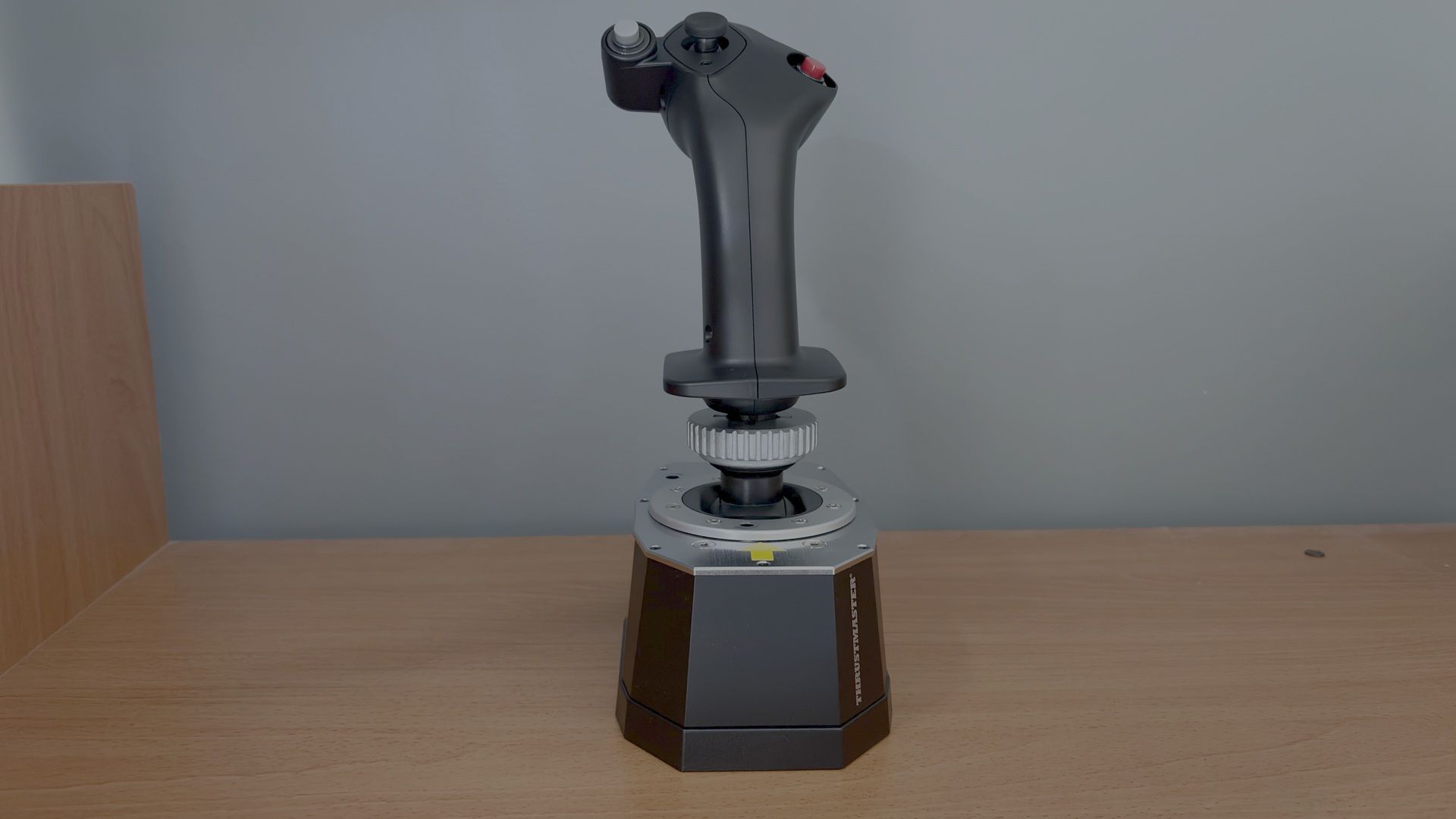
Thrustmaster has long been one of the leading names in flight simulation hardware. Its HOTAS Warthog has been a staple in home cockpits since its release, earning a reputation for its robust construction. In 2024, Thrustmaster introduced the AVA Joystick Base, bringing several notable improvements over the Warthog base. Until recently, however, there wasn't a dedicated Airbus grip compatible with the AVA base.
In this review, we'll be taking a look at the recently released Thrustmaster Airbus Add-On Grip paired with the AVA Joystick Base. We will put both the grip and the base to the test using the Fenix A320 in Microsoft Flight Simulator 2024.
Inside the Box
Tom's HardwareTom's Hardware
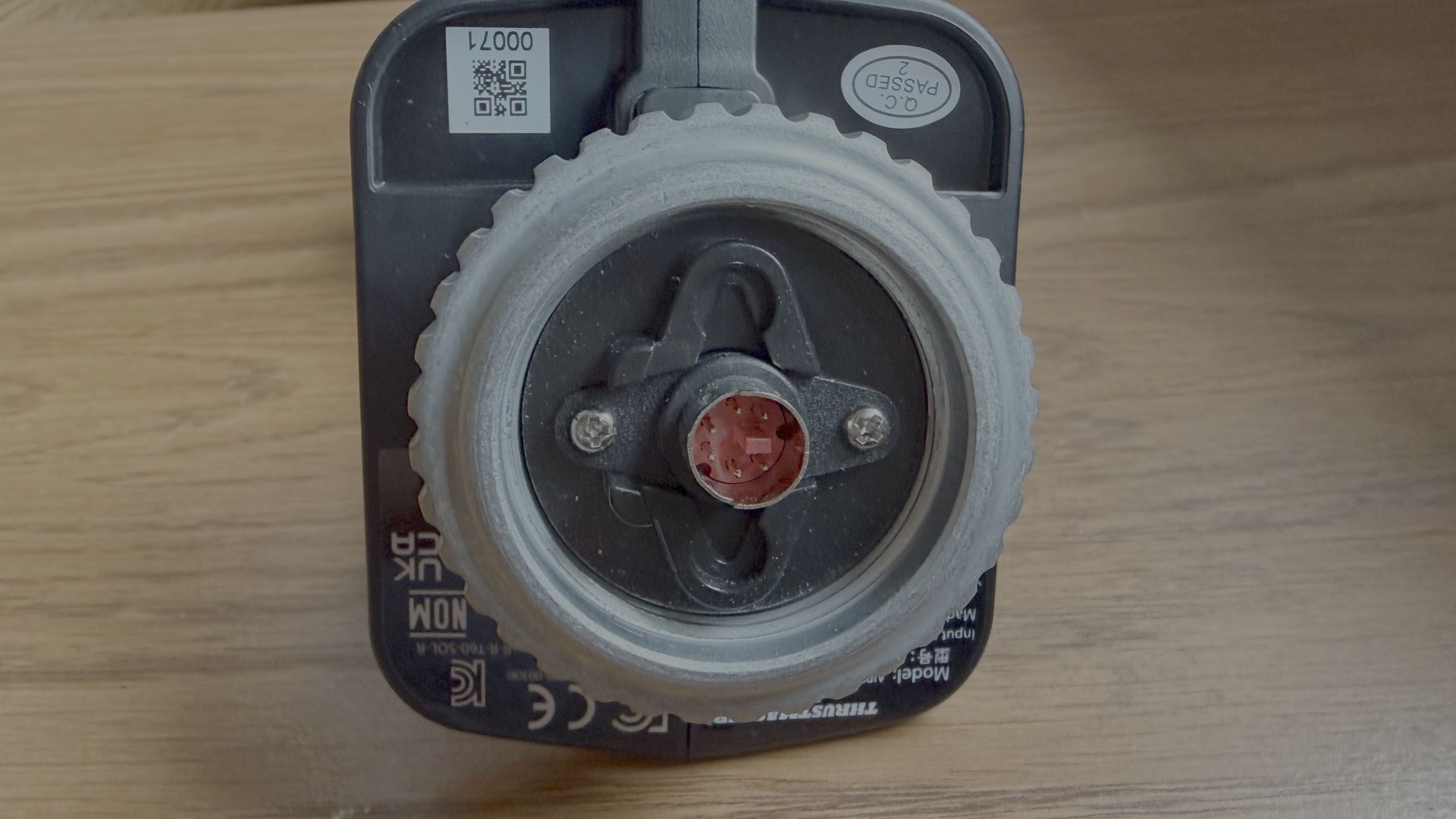
The Airbus Add-on Grip contains the grip itself, the A400M module, and a button cover.
The AVA Base contains the joystick base, two sets of two cams (Aero and Jet), three sets of two springs (Soft, Medium, and Strong), three masks (Small, Medium, and XL), two Allen keys, and one detachable USB-C cable.
Airbus Add-on Grip Dimensions: 3.1 inches / 78 mm wide, 3.3 inches / 83 mm deep, 7.7 inches / 195 mm tall. Weight: 0.4 lb / 203 g.
AVA Base Dimensions: 4.3 inches / 108 mm wide, 6.7 inches / 170 mm deep, 2.8 inches / 72 mm tall. Weight: 2.4 lb / 1,069 g.
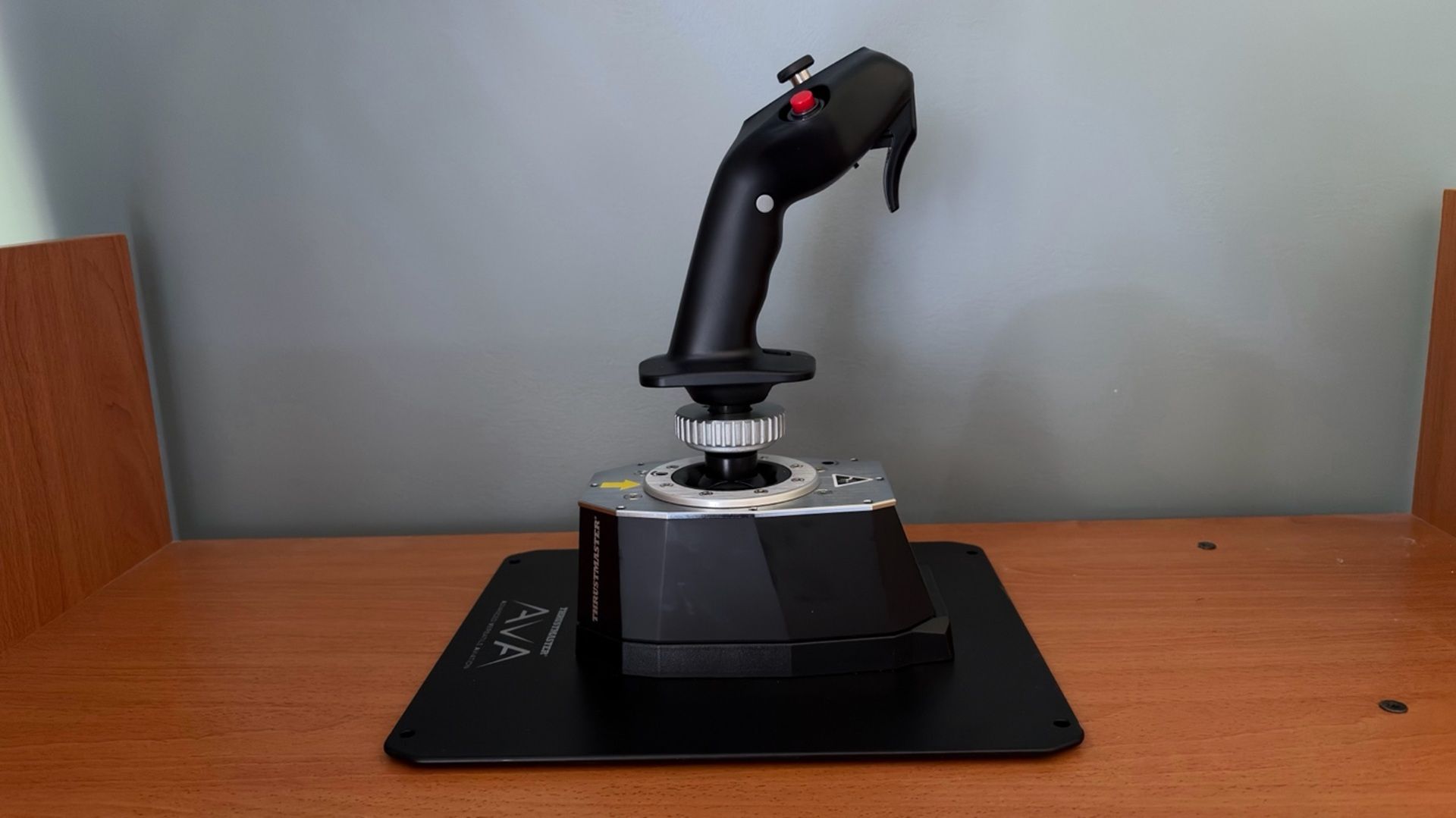
Thrustmaster also sent us an AVA Base Plate for easier desktop mounting, along with AVA Dual Pitch Cam. The Dual Pitch Cam contains two FBW (fly-by-wire) cams which are meant to simulate the sensation of a fly-by-wire aircraft.
One of the primary goals of the AVA Base is to provide a high degree of customization, allowing users to tailor the joystick to their preferred flying experience. The interchangeable cams let you adjust the axis curve, different springs allow you to fine-tune resistance, and the various deflection masks can be used to limit the range of travel.
The user manual includes recommended configurations for different types of aircraft. Since we’re testing the Airbus Add-On Grip, we’ll configure the AVA Base for an airliner-style feel. According to the manual, this involves using the Jet Cam with the Medium spring. However, as mentioned earlier, Thrustmaster also provided us with a pair of FBW cams that are designed to deliver an even more authentic experience by simulating the control feel of a fly-by-wire aircraft, such as those in the Airbus A3XX family.
The AVA Base also comes with T.A.R.G.E.T (Thrustmaster Advanced pRogramming Graphical EdiTor), which is an application that allows you to further tune the feel of the axes and access advanced profiles created by the Thrustmaster community.
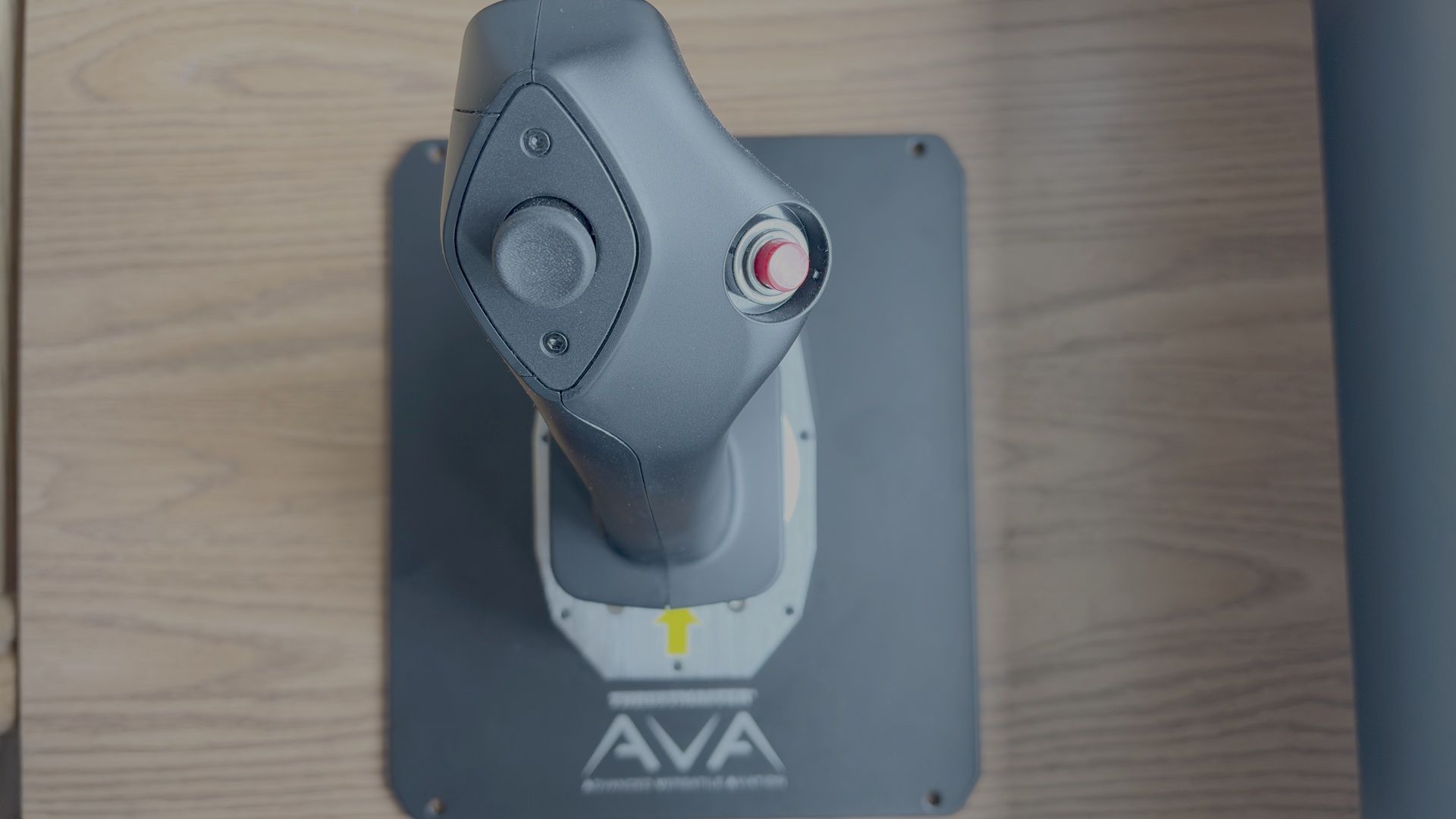
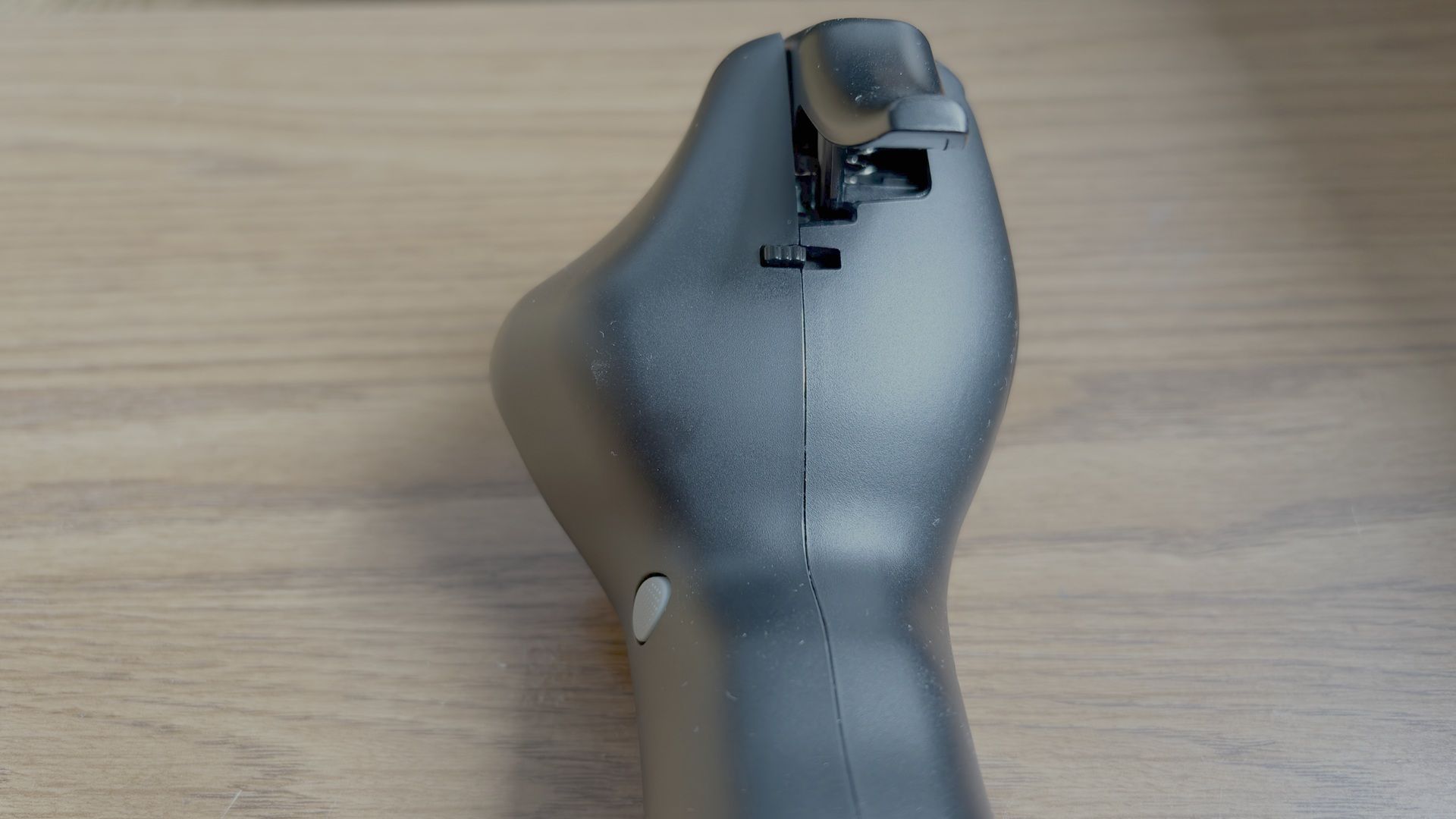
Like the AVA Base, the Airbus Add-On Grip also offers several customization options. For example, it includes a module and button cover that transform the grip from an A3XX sidestick into an A400M sidestick. Additionally, the Z-axis can be locked out using an integrated mechanical lock, preventing unintended twist inputs.
Overall, customizing the base and the grip was very straightforward.
Build Quality
Tom's HardwareTom's HardwareTom's Hardware
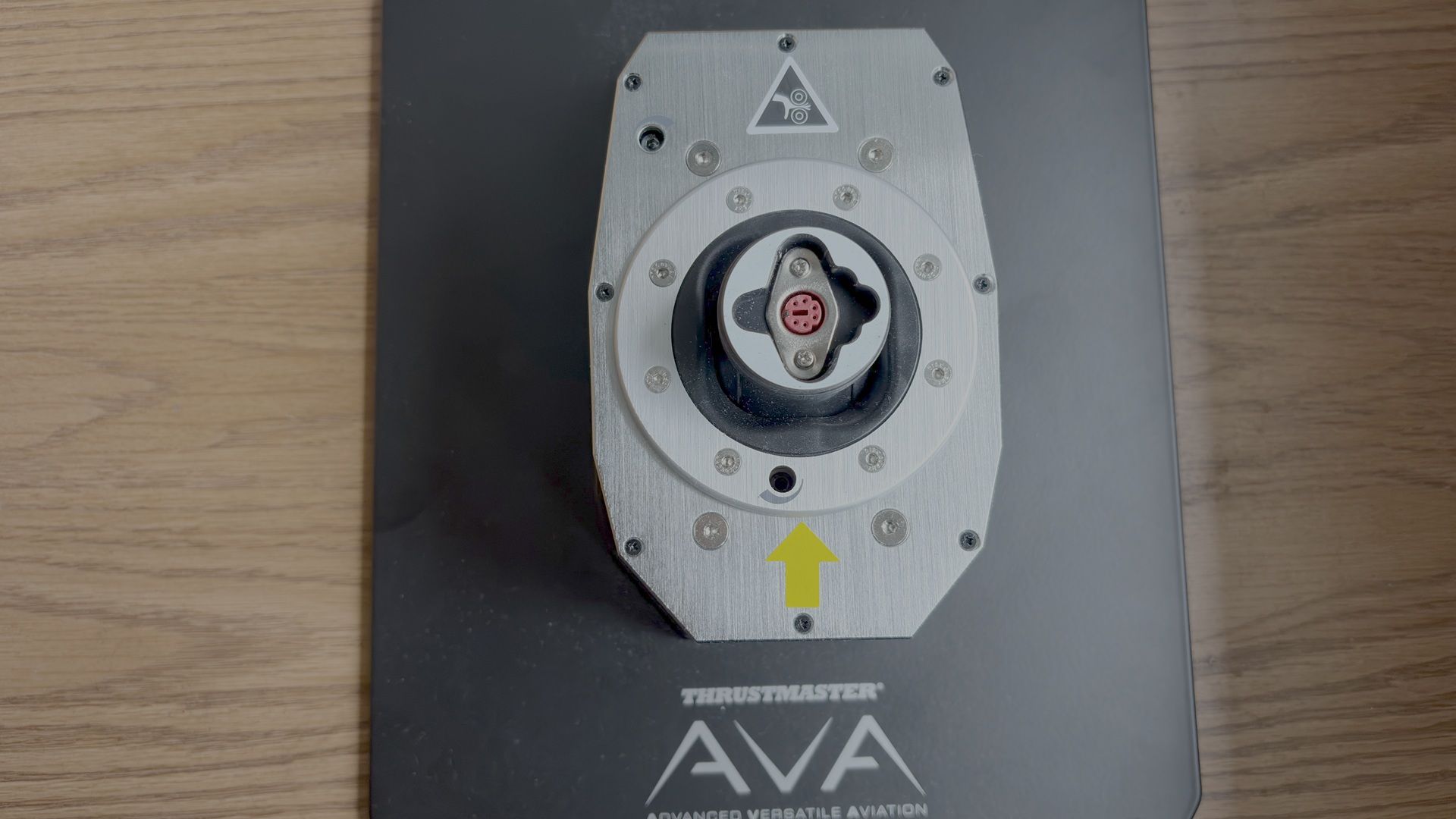
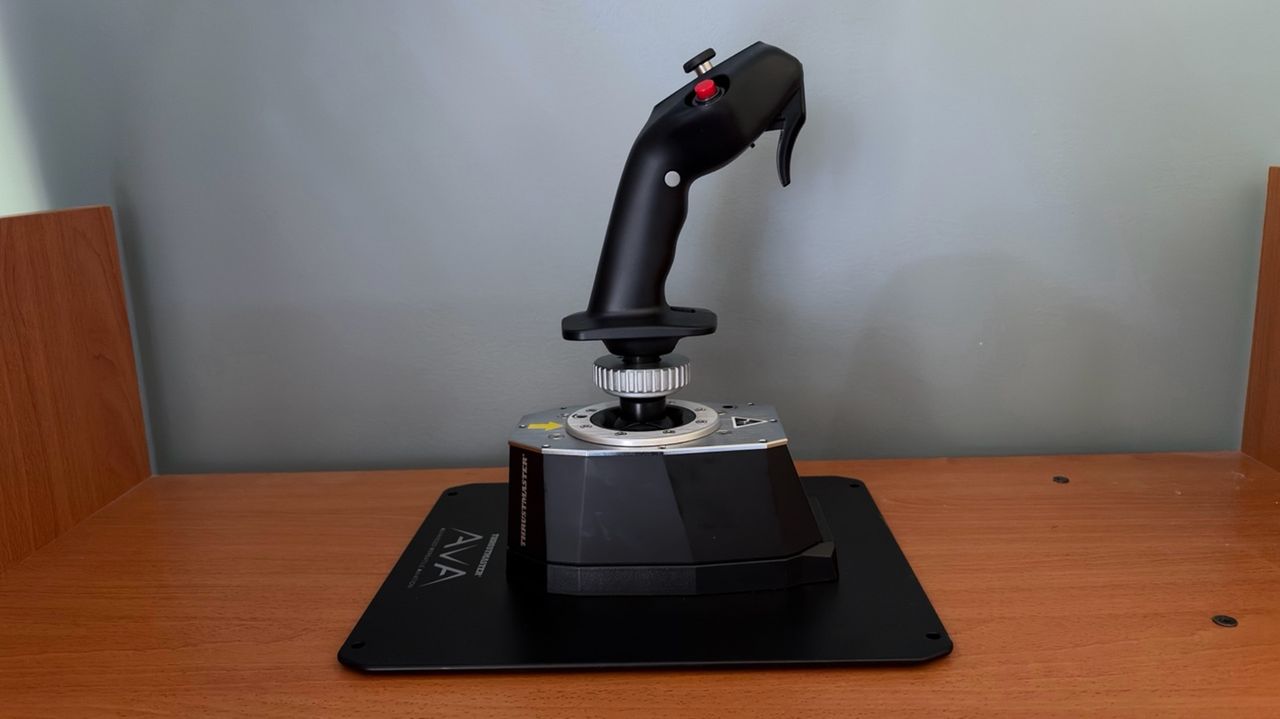
The AVA Base has a premium feel, with a high-quality plastic outer shell complemented by a metal top plate. The are only two drawbacks. On its own, the base is not stable enough to handle larger stick inputs. We therefore recommend pairing it with the optional AVA Base Plate, which significantly improves stability. Additionally, the base does not include enough damping out of the box, causing the stick to wobble if you move it with a finger. This is not noticeable during normal flight, but stronger damping would have been a welcome inclusion. Thrustmaster offers additional dampers, which are sold separately, that address this issue.
The Airbus Add-On Grip is designed as a 1:1 replica of the Airbus A3XX sidestick, closely matching the shape and ergonomics of its real-world counterpart. In its standard airliner configuration, it features the signature red autopilot disconnect button. It also includes an interchangeable module and removable button cover, allowing it to be converted into an A400M-style sidestick.
Both the AVA Base and Airbus Add-On Grip use Hall effect sensors with 16-bit precision. The base employs them on the X and Y axes, while the grip uses them for the twist (Z) axis and integrated mini-stick.
How Does it Feel?
The first thing that stood out was how much more authentic the AVA Base felt compared to the Thrustmaster Warthog. Unlike the Warthog, there is no noticeable center detent as you pass through the neutral position. Resistance increases progressively as the stick moves farther from center, resulting in smoother and more natural control inputs.
Compared to the Thrustmaster TCA Airbus Sidestick, the AVA Base also has less overall travel on both the X and Y axes, with a progressively increasing resistance rather than the TCA's more linear feel. Based on previous experience with an A320 simulator, this behavior closely matches the feel of the real Airbus sidestick, making the controls feel more authentic.
The Hall effect technology and 16-bit precision of the AVA Base also allow the user to make very fine and precise inputs. In normal conditions, that is exactly how one would fly an Airbus - using small, deliberate sidestick movements.
The Airbus Add-On Grip captures the look and feel of the real Airbus sidestick, with ergonomics that make it feel instantly familiar to anyone who has flown or used an Airbus simulator.
Microsoft Flight Simulator 2024 Testing
We tested the AVA Base and Airbus Add-On Grip in Microsoft Flight Simulator 2024 using the Fenix A320. While there are several Airbus aircraft available for MSFS 2024, we chose the Fenix because it offers one of the most accurate flight models and flight dynamics for an Airbus plane in the sim, making it the best platform for evaluating Airbus flight controls.
We also tested with a pair of FBW cams designed to replicate the feel of an Airbus fly-by-wire sidestick. However, based on our experience with an A320 simulator, we found that the standard Jet cams included with the AVA Base felt more authentic. The FBW cams introduced a more noticeable center detent, whereas the Jet cams provided a smoother transition through center, more closely matching the feel of a real Airbus sidestick.
We tested the base and stick in three difference scenarios:
Basic maneuvering. Flying at 5,000 feet, we performed gentle turns and pitch changes to evaluate the precision of the base during small, accurate control inputs.
Turbulent approach. We performed an approach into Las Vegas under hot, windy conditions with strong updrafts and downdrafts. This scenario required larger, more frequent control inputs to assess the resistance and how the base handles turbulence and rapid corrections.
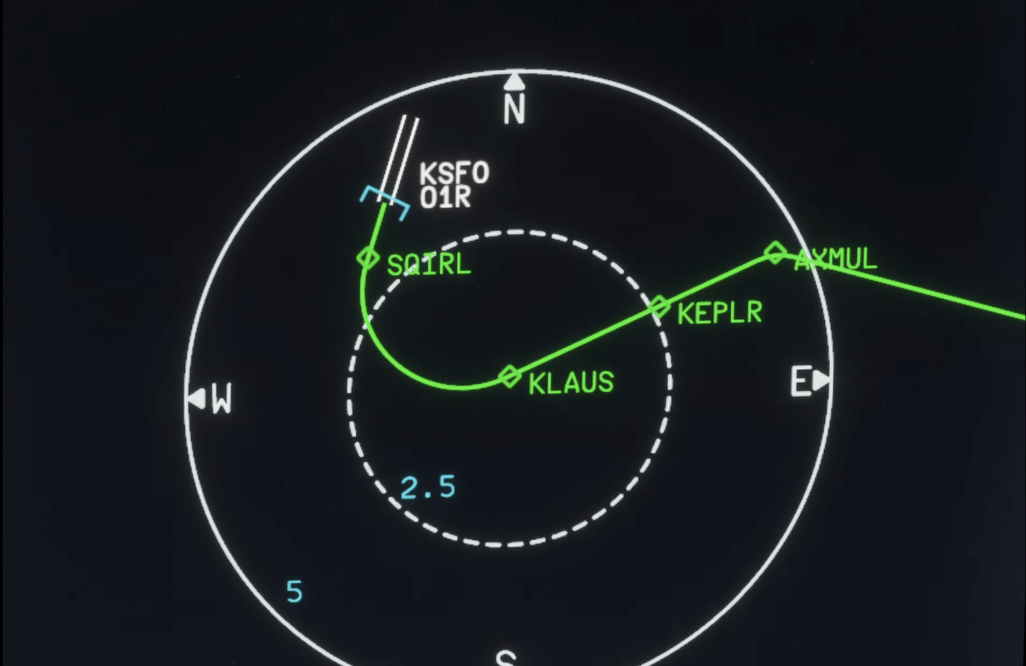
Curved approach. Finally, we flew the RNAV Visual approach to Runway 1R at San Francisco International Airport. This approach is available in MSFS 2024 if you use the Navigraph database, but it is missing the RF leg between the waypoints KLAUS and SQIRL, so we added it to the navigation database of the Fenix A320 ourselves. The procedure features a sweeping right-hand arc that continues until roughly one mile from the runway threshold, requiring the aircraft to remain in a turn at very low altitude. The approach demands precise tracking of the flight path while also requiring a smooth, accurate transition to the runway centerline after the final waypoint. This scenario tested both the precision and responsiveness of the AVA Base.
Basic Maneuvering
While flying at 5,000 feet, we were impressed by the AVA Base’s precision when making small adjustments to both pitch and roll. Compared to the Warthog and TCA Airbus Sidestick, the AVA Base allowed for significantly finer roll inputs, making it easier to make small corrections and maintain a precise flight path.
When controlling vertical speed through pitch adjustments, we were able to consistently achieve the desired climb or descent rate within approximately 100 feet per minute, demonstrating the level of control possible with the high-resolution sensors.
Turbulent Approach
Landing in Las Vegas during the summer can be a challenging experience. The combination of extreme heat, strong winds, and thermals along the approach path can create significant turbulence, resulting in a much less stable approach. Microsoft Flight Simulator 2024 is able to replicate these conditions through its Live Weather system. While it is important to avoid overcorrecting and creating pilot-induced oscillations, these conditions require more frequent and sometimes larger control inputs than a typical approach.
The AVA Base handled this turbulent approach very well. The conditions forced us to make slightly larger inputs, so we felt the progressive resistance of the base as we moved further from center, which felt authentic. We were also able to make very quick corrections to counter the turbulence and keep the aircraft on the published approach path.
Curved Approach
(Image credit: Tom's Hardware)
During the RNAV Visual approach to Runway 1R at San Francisco International Airport, we were able to precisely track the sweeping right-hand arc all the way to the final waypoint, SQIRL. Once established at SQIRL, the AVA Base’s responsiveness allowed us to smoothly align with the runway centerline.
Other products, including the Warthog and TCA Airbus Sidestick, produced more noticeable jerky movements during this approach, which is likely due to lower precision around the neutral position.
Overall Thoughts
After putting the AVA Base and Airbus Add-On Grip through extensive testing, we came away extremely impressed with the experience. As competitors have continued to close the gap with Thrustmaster Warthog — and even surpass it — the AVA Base represents a return to the level of quality and refinement we have come to expect from the brand.
The AVA Base delivered exceptional precision, smooth control, and an authentic Airbus-like feel across a variety of challenging flight scenarios. The addition of the recently released Airbus Add-On Grip finally allows users to pair this high-end base with a dedicated airline-style sidestick, making it a compelling option for anyone who regularly flies Airbus aircraft.
The biggest obstacle is the price. The level of engineering and build quality comes at a premium, which may put the AVA Base and Airbus Add-On Grip out of reach for many users. However, for those looking for a high-quality Airbus stick and willing to invest in a premium setup, the Thrustmaster AVA Base paired with the Airbus Add-On Grip is a compelling option.
There's a bargain on a gamepad for your PC or Nintendo Switch games console that you won't want to miss. This 8BitDo Ultimate 2 game controller is $57.99 right now, a 17% discount that nets you a flagship pad with precision TMR joysticks and an integrated charging dock.
There are a couple of variants of this game controller on sale, but specs-wise, they're pretty identical, with just a few differences in color and button design. Right now, this version is the cheapest, and it'll work great with any Windows PC out of the box. It's wireless, with 2.4GHz (available with the supplied dongle) and Bluetooth connectivity, but you can hook it up to your machine using USB if you prefer.
While Windows-compatible, this variant of the 8BitDo Ultimate 2 is also a Nintendo Switch controller at heart. It features built-in vibration and, for Switch users, motion control functionality that you can use in-game. Nintendo Switch 2 compatibility is offered, too, although that requires a quick firmware update to get things running smoothly.
Ultimate 2 Bluetooth Controller for PC and Nintendo Switch: was $69.99 now $57.99 This 8BitDo Ultimate 2 wireless controller works with Windows PCs, laptops, and Nintendo Switch game consoles, with Switch 2 functionality requiring a quick firmware update. It has both linear Hall Effect and non-linear tactical triggers, which you can switch between, along with ultra-sensitive TMR joysticks, as well as a charging dock.View Deal
The 8BitDo Ultimate 2 features linear Hall Effect triggers, along with non-linear tactile triggers, with quick-switch sliders to let you choose between the two, depending on which you prefer. It's also the first 8BitDo controller to use TMR joysticks with higher sensitivity and greater precision.
This 8BitDo controller is fully customizable, too, thanks to its Ultimate V2 software, which lets you remap buttons, adjust stick and trigger precision, adjust vibration settings, and set up your preferred RGB lighting. You can also assign macros with long presses to certain keys.
A wireless controller means charging, but you don't need to swap out the batteries, as it comes with a charging dock. This looks good, works as a practical stand, and has a light to keep you updated on the charging process.
The $57.99 sale price for this 8BitDo Ultimate 2 game controller isn't the lowest we've seen, but it's still a good price with a decent discount for a gamepad that you can use across your devices. While it's rated for PC and Nintendo Switch, it'll work with your laptop for mobile gaming, and there's no reason why you couldn't use it with another handheld (with some setup) like the Steam Deck, too.
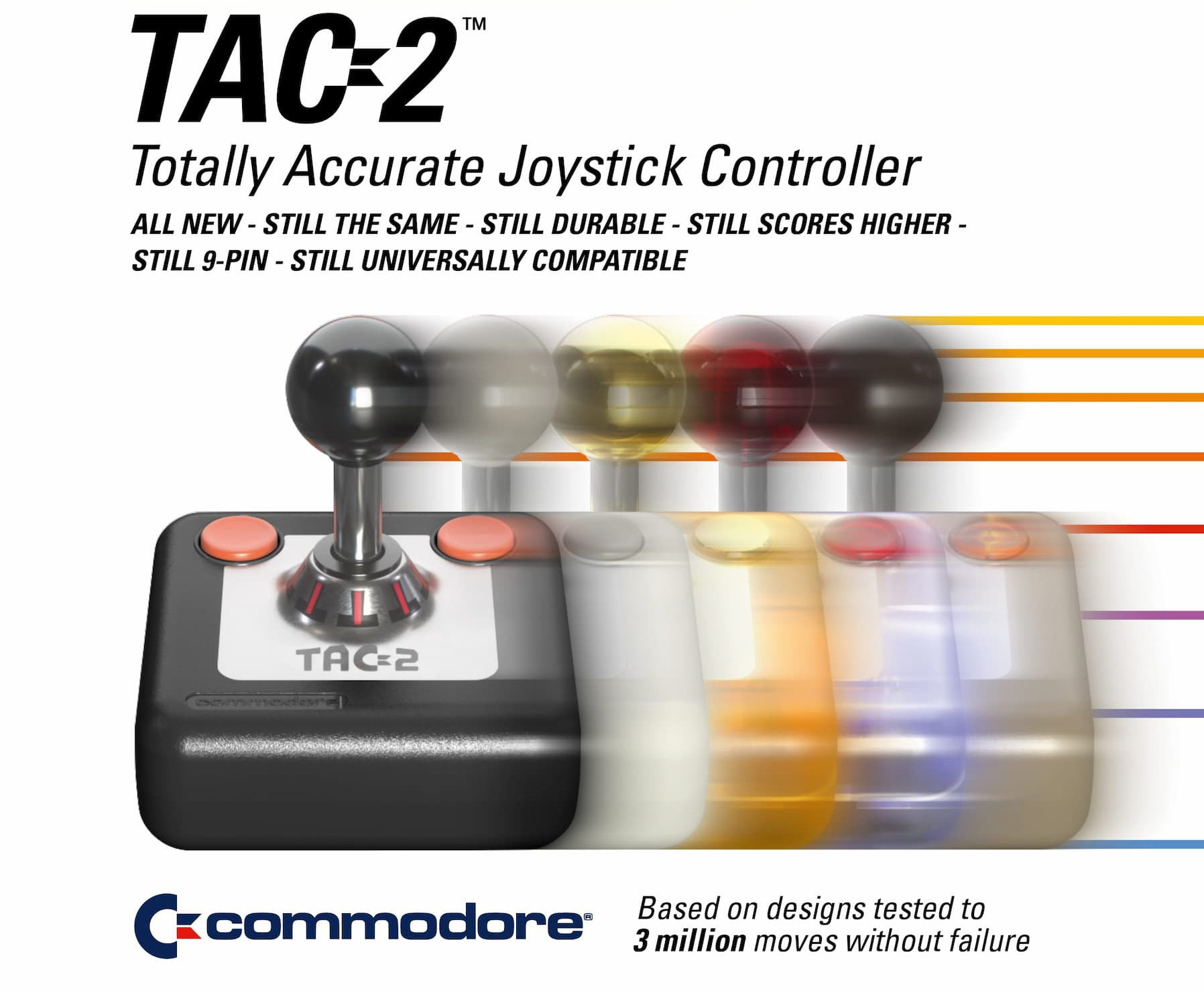
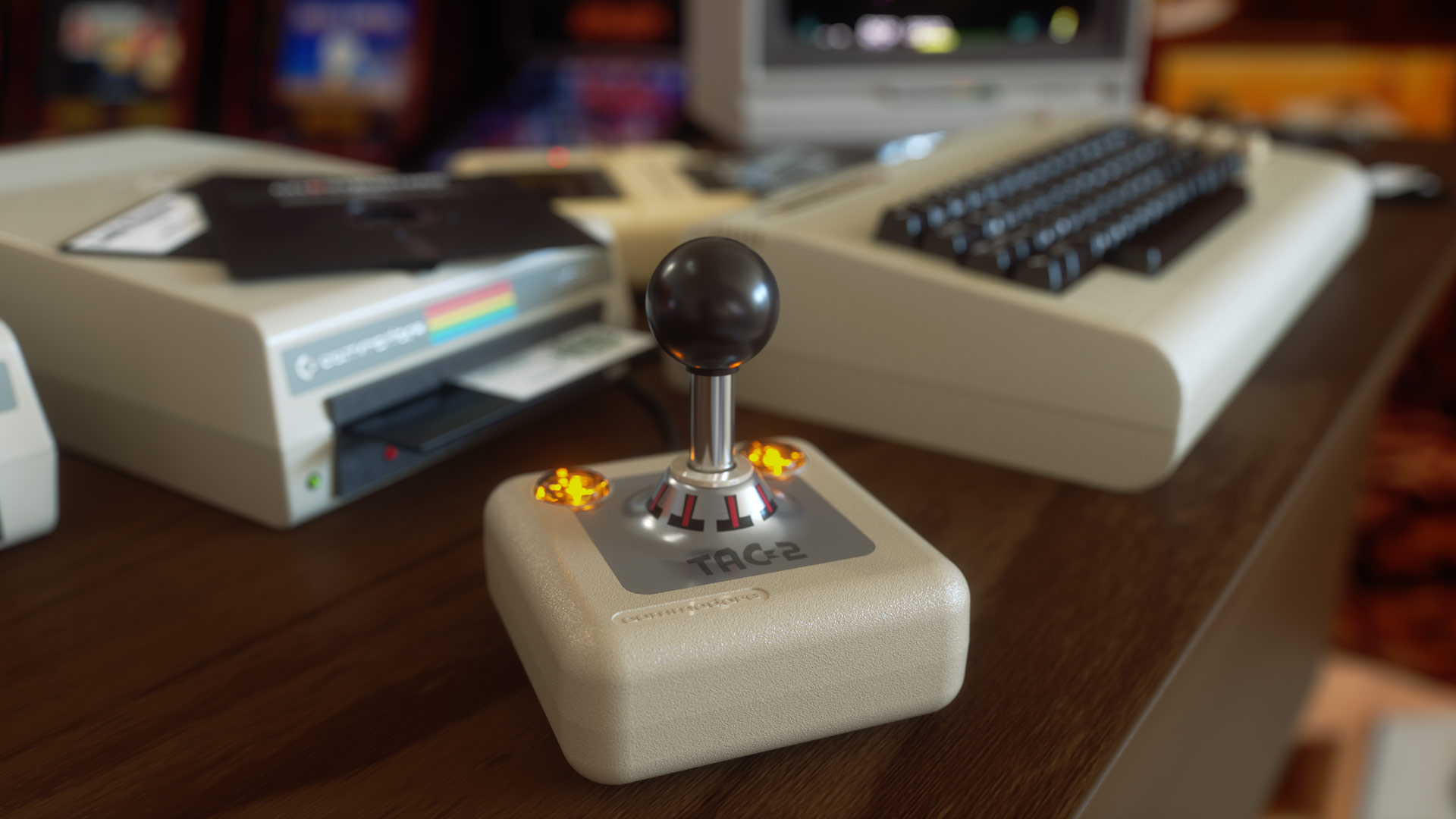
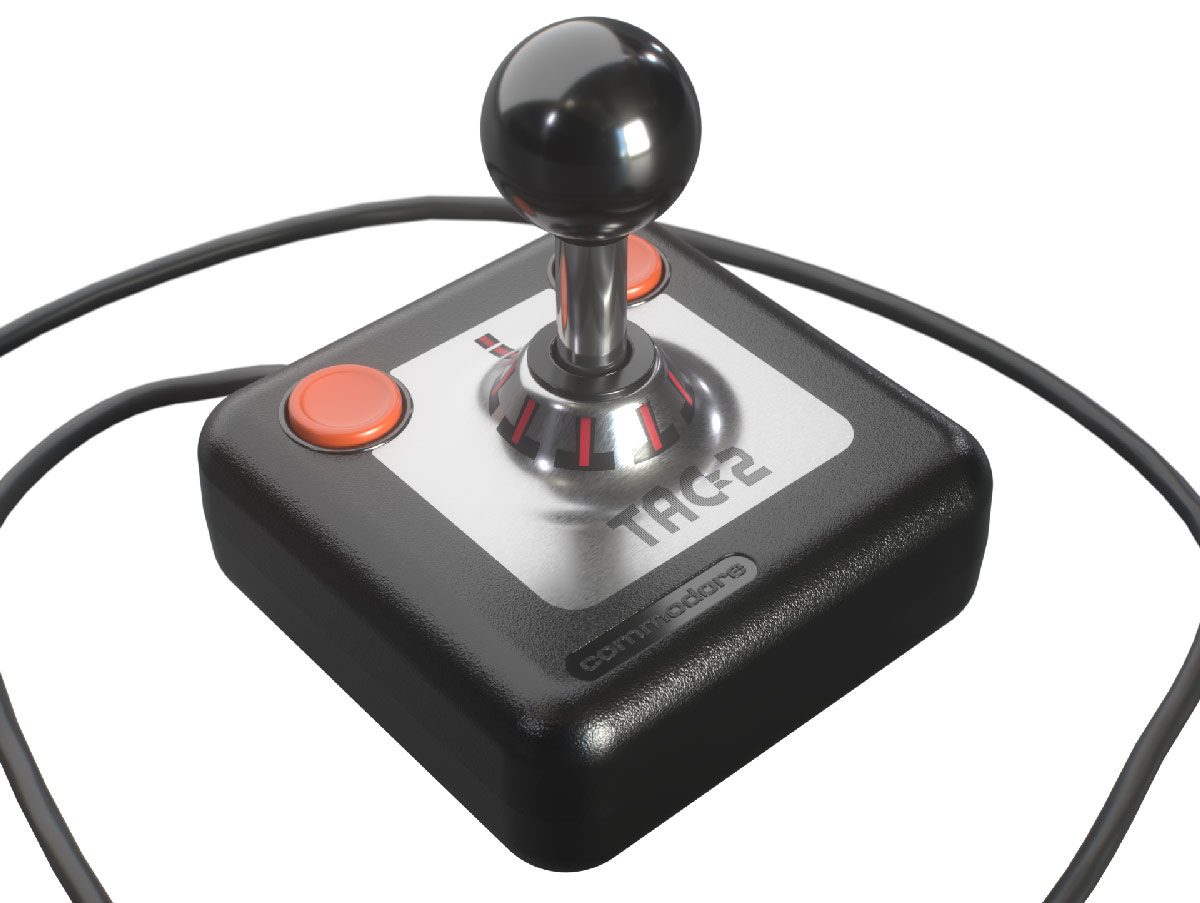
Commodore has brought back the “Totally Accurate Controller” joystick, better known by C64 and Amigaaficionados from the 80s as the TAC-2. In an email to Tom’s Hardware, a Commodore exec explained that used TAC-2s are becoming rare. “Secondhand units in decent shape go for $100 or more,” it was noted, so the decision was made to remake these controllers that have been out of production for more than 40 years. Commodore has sprinkled some worthwhile new and improved features on the TAC-2, too, pricing the new model at $49.99.
In addition to the observed shortage/skyrocketing pricing of used TAC-2 units on marketplaces like eBay, Commodore surveyed its fans before deciding to remake the TAC-2. Apparently, it was one of the top two suggestions from fans. The other one was “something called an ‘Amiga,’ whatever that is,” teased Commodore in its official press release. Amiga talks are ongoing, so a revamped 16-bit home computer isn’t ready yet.
The original TAC-2 controller was released in 1983 by a firm called Suncom and earned a reputation for durability, backed by manufacturer claims that units had been tested for 3 million moves without failure. It also earned a reputation for accuracy, and fire buttons on its left and right front corners made the TAC-2 a great choice for both right-handed and sinistral folk.
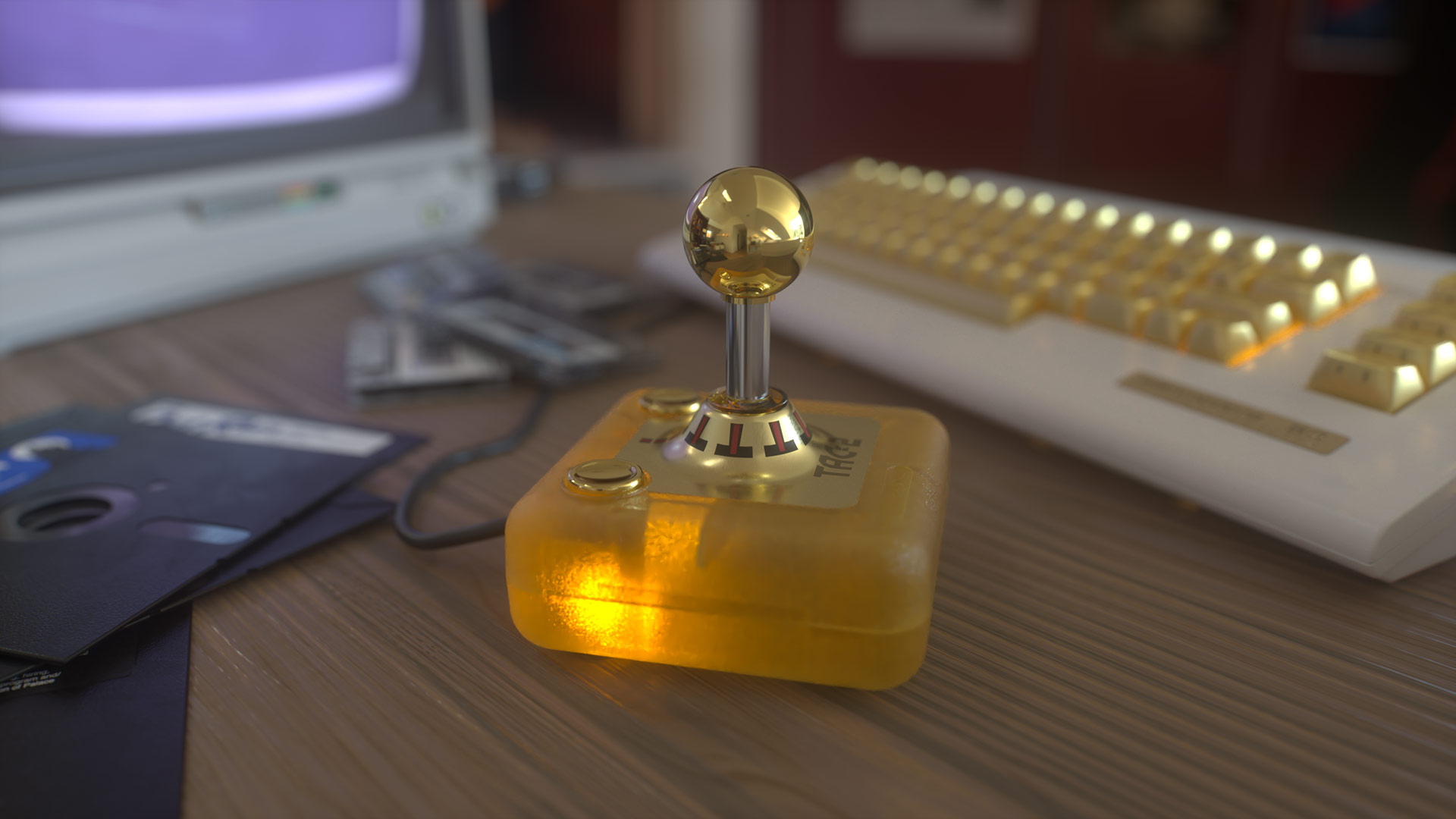
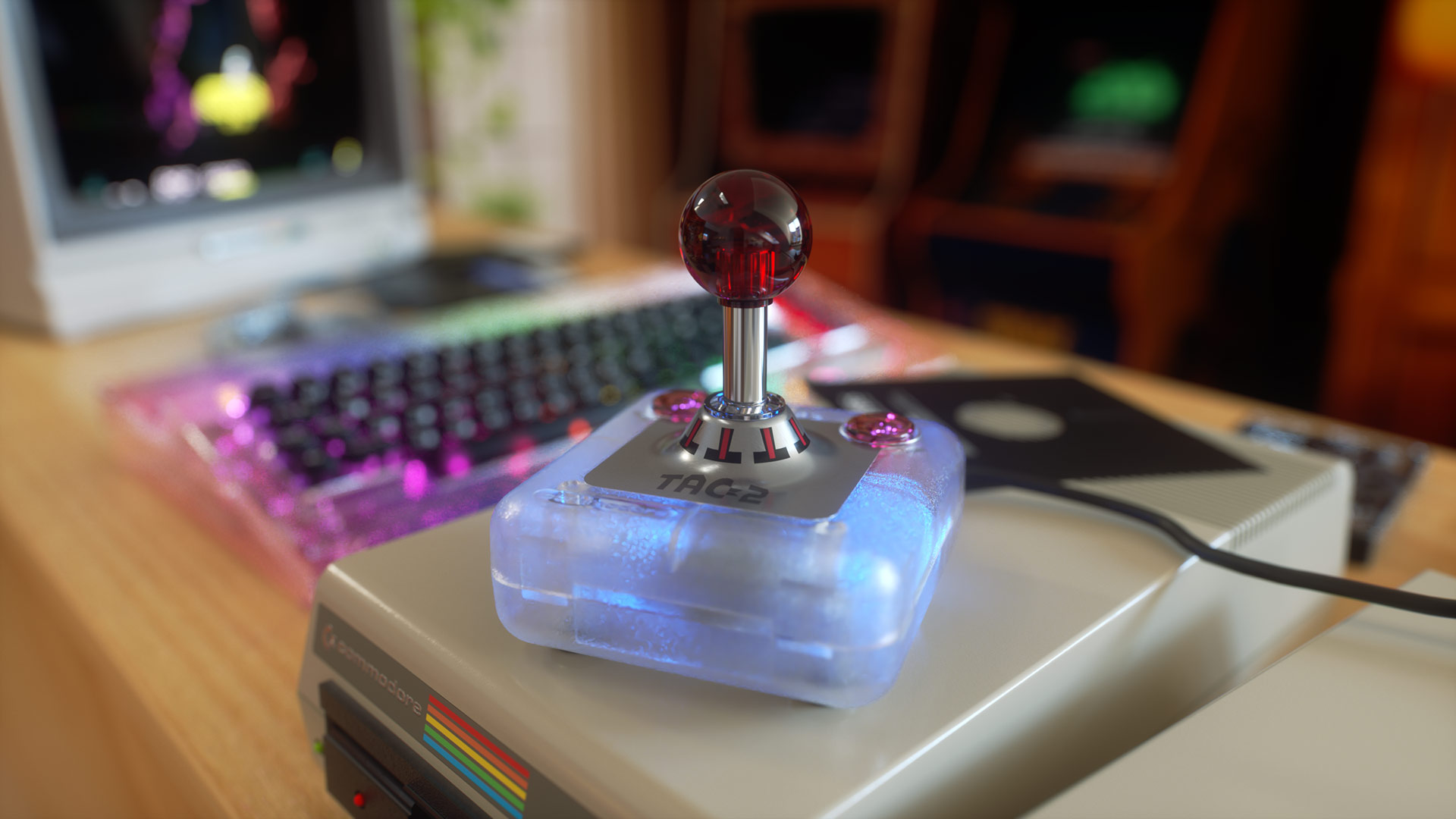
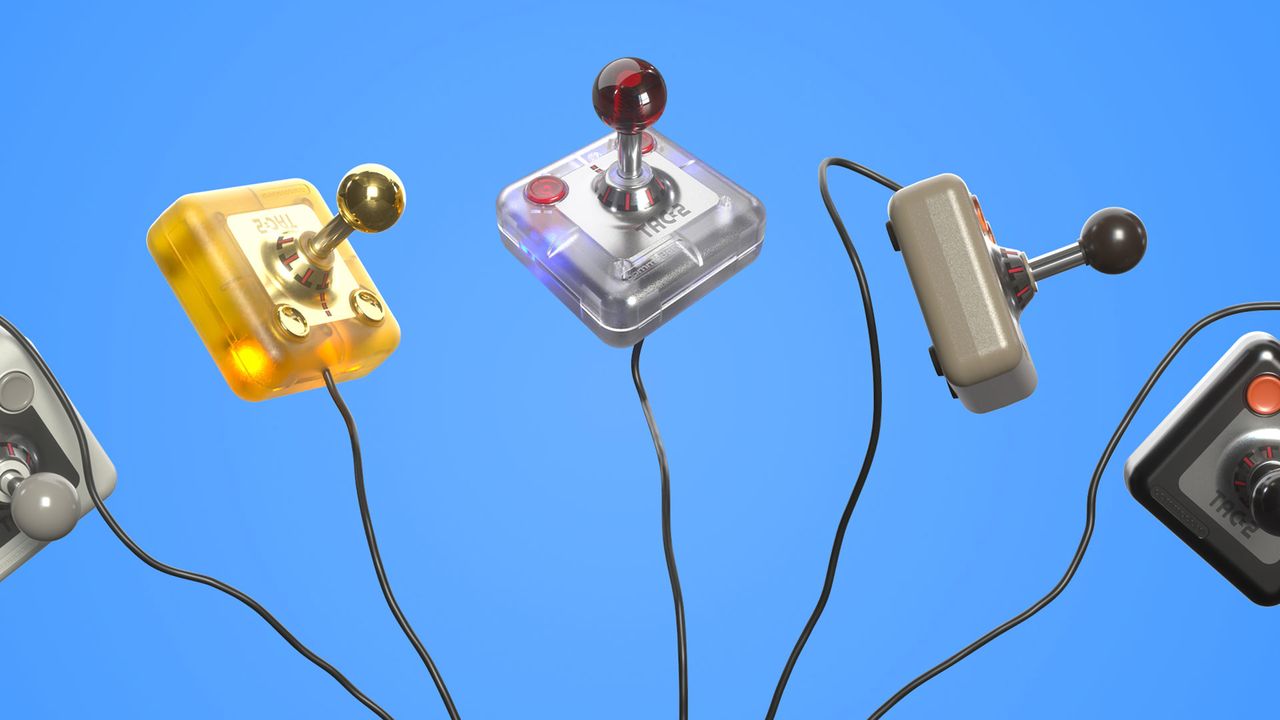
After securing exclusive trademark rights, Commodore has set out to not just remake but meaningfully enhance the TAC-2 for 2026. Starting from the outside, there’s the chicken-lips logo integration… That’s not all though, as Commodore has also decided to reissue the TAC-2 in five colorways. These include three options that mirror the C64 Ultimate, providing BASIC Beige, Starlight, and Founders (gold) color options. It has added LEDs in the clicky fire buttons of these models, too, which is new. Two further color options are C= White (like the C64C) and Knight Black, and “for purists,” these eschew the LEDs.
CommodoreCommodoreCommodoreCommodoreCommodore
Beyond the cosmetics, it is good to hear Commodore has actually strengthened the assembly at the heart of this joystick. Apparently the original design used an automobile TR-418 tire valve assembly, but as these are “made with weaker, thinner copper today,” Commodore has fabricated its own steel shaft, boasting “we think ours is even stronger.”
Just like the original, the TAC-2 connects using a 9-pin controller port so will work with your original retro gaming hardware, including the C64 Ultimate. Commodore reminds those eyeing this stick that USB adaptors are easily sourced via various outlets, so you can use joysticks like the TAC-2 with modern PCs and devices. This joystick measures 101 x 101 x 114mm, weighs about 300g, and the supplied cable is 2 meters in length.
You can purchase a new TAC-2 for $49.99, or $64 for a limited Founders Edition with gold PVD accents. Pre-orders are open, and shipping will commence on October 20, 2026.
Valve's second-gen Steam Controller has been a major hit with the community thanks to the company's open approach to its hardware. Modders have already used the haptic motors inside to move it across a desk and charge automatically, while others have built their own open-source pucks. Now, a new project from Pixel1011,called "Steam Haptics Player," can turn these motors into a stereo speaker capable of playing music both wired and wirelessly.
For context, the Steam Controller doesn't have a speaker; there are two linear actuators under each trackpad that vibrate to provide haptic feedback. Previous projects have leveraged these components to make the controller vibrate in a certain way. Since vibrations are the basis of sound, Valve itself built a secret easter egg into the controller that randomly makes it do a Wilhelm scream when dropped from certain heights.
Pixel 1011 discovered that the haptic motors inside can be targeted with low-level HID (Human Interface Device) feature commands using HIDAPI. As such, Steam Haptics Player takes an audio file, downsamples it through FFmpeg, splits it into chunks of a PCM stream, and sends those packets directly to the controller, bypassing high-level software like Steam Input. The controller's firmware then feeds this raw data to the motors, at which point they vibrate to produce sound.
Because of the DIY nature of this process, bandwidth is an issue, especially wirelessly, since the puck isn't designed to carry audio data over its radio signal. This means the audio has to be compressed, and there's a limit to the overall quality the motors can transmit — 8-bit 8kHz (μ-law) over the puck and 16-bit 8kHz PCM over a wire.
Still, the 16-bit audio is enough to produce a surprisingly loud and balanced result that can deceive you as if it's coming from a speaker. The video at the start features Pixel1011 playing the song "Want You Gone" from the end credits of Portal 2, and you can hear the quality for yourself. There's a genuine low-end that you would never expect from a jerry-rigged setup like this, even if it's sitting on top of a towel on a flat surface to give it its best chance.
The wireless audio quality is rough in comparison; it crackles and pops and even cuts off in between because of the bandwidth limitations. Pixel1011 is using 8-bit mu-law companding here, which actually offers dynamic range similar to 14-bit audio while keeping the byte footprint of an 8-bit stream. Even through this compression, the puck is struggling, but the fact that this is even possible is still very impressive, and perhaps there's room for improvement down the line.
You can try Steam Haptics Player yourself on your own second-gen Steam Controller with pretty much any audio file in any format. Just download the archive from the GitHub repo, install FFmpeg (for transcoding, if you don't have it already), and run the program via a PowerShell window in the original directory. Detailed steps are on the linked GitHub page, but we don't know how this affects the controller's battery life. Just don't go all out with your Spotify playlist on these haptic motors.
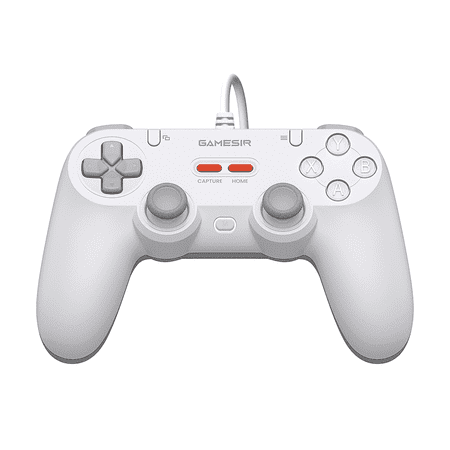
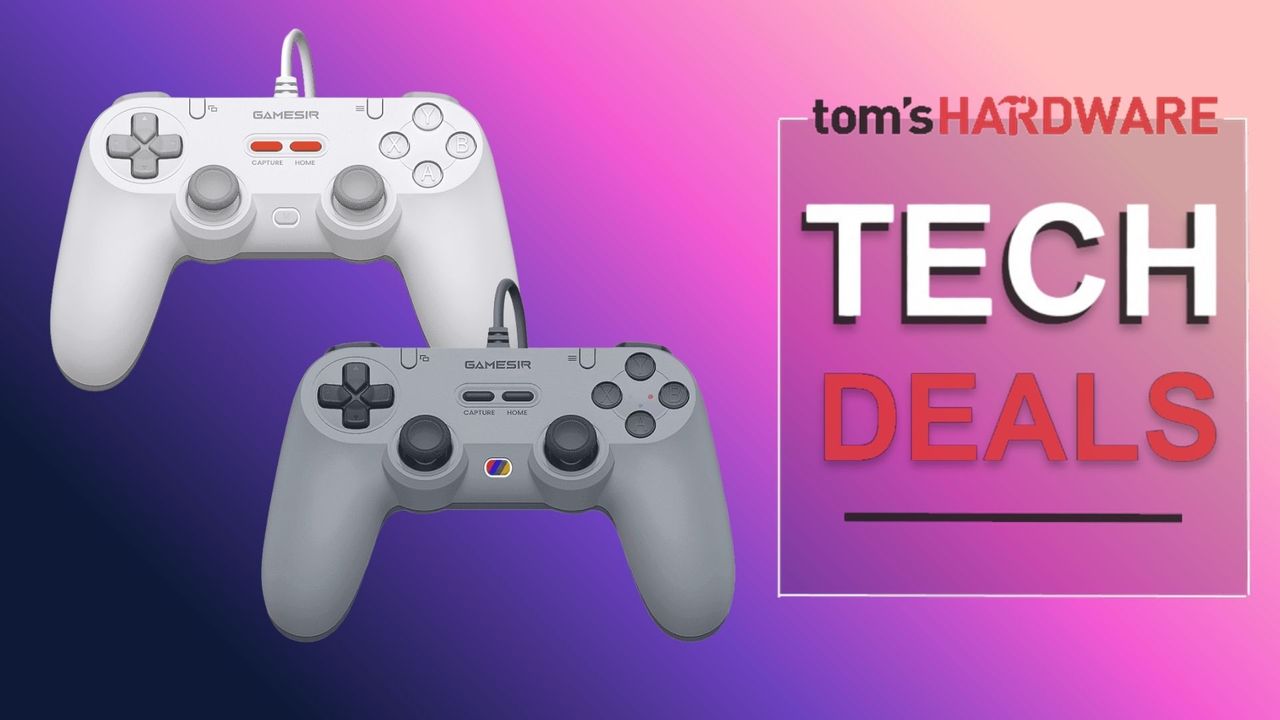
You can't beat a no-guilt purchase, and today's deal is a superb saving if you're looking to pick up a decent controller at an incredibly good price. The GameSir Tegenaria Lite wired PC controller is just $9.99 at Walmart. This bargain offer knocks a hefty 50% off the $19.99 list price. With looks that harken back to the retro days of the PlayStation One era, this symmetrical layout controller (especially the gray version) offers you the chance to play your games with a hint of nostalgia, while keeping up to date with the latest technology.
GameSir's Tegenaria Lite controller is a wired controller that is compatible with PC, Switch, Switch2, Android, and iOS devices. The controller connects via a built-in two-meter USB-A-attached cable and features a responsive 1000Hz polling rate.
The thumbsticks use the latest hall-effect magnetic sensor tech that makes the controls super responsive and accurate, and also does away with the dreaded stick-drift. Inside the handles of the controller are dual rumble motors that provide both strong and subtle vibrations, enhancing the haptic feedback you experience during in-game actions; feel every bump in the road, every bullet fired, and more.
On the rear of the Tegenaria are two mappable back buttons and a customizable Turbo function for automated repeated button presses in games that might otherwise strain your fingers.
Available in both Gray and White at this amazing deal price. The wired Tegenaria controller features a symmetrical design with dual rumble motors and drift-free Hall Effect thumbsticks. This controller is compatible with PC, Switch, Switch2, Android devices, and iOS devices.View Deal
The thumbsticks are the only switches that use Hall Effect sensors; the triggers and buttons on the Tegenaria use a cushioned membrane switch instead.
Valve's new Steam Controller lacks native XInput support, but you can still emulate it as long as Steam is running in the background. An enthusiast named Safijari has just engineered a more seamless solution, creating his own DIY "OpenPuck" that lets the Steam Controller emulate other gamepads on the fly. It can emulate Xbox, PlayStation, and even Nintendo layouts, and do so away from your PC.
OpenPuck serves as open-source firmware for a microcontroller, allowing you to easily flash and convert that dev board into a DIY Steam Controller puck. The firmware intercepts raw data from the Steam Controller and translates it on-device, enabling fully-fledged, real-time emulation without the need for Steam Input.
There are other options out there, but the creator used a Pro Micro NRF52480 from Amazon that has the appropriate Bluetooth and 2.4 GHz radios. Once primed in DFU mode, all you need to do is plug the board into your computer via USB-C, drag and drop the Arduino sketch onto it, and the microcontroller turns into an OpenPuck right away. You can 3D print a case to make the assembly look more polished, too.
The original Steam Controller 2 puck (Image credit: Tom's Hardware)
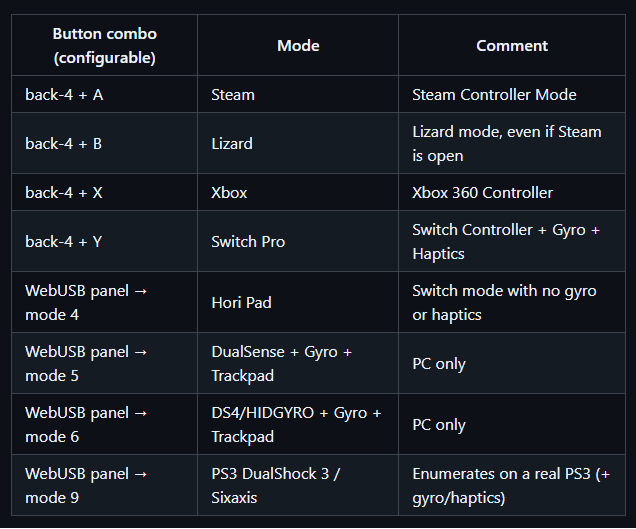
The sketch is available on the project's GitHub page. Once you've flashed your controller, head to the configurator to manage the puck. It's a simple website that uses the WebUSB API to manage the controller, allowing you to switch between the different modes, which include Switch Pro, Xbox, DualSense (PS5), and DualShock 4 (PS4). The project description claims the puck only has a 1ms latency.
The Switch mode works natively on a Switch console with gyro and haptics support, but you can also emulate a Hori Pad that disables those extra features. The PlayStation modes only work on PC, but there's a special DualShock 3 mode that can work natively on a PlayStation 3 console as well, with gyro and haptics (Sixaxis). Of course, the default Steam Controller mode is also there.
You can switch between some of these different controller modes by pressing all four back buttons together and hitting either A, B, X, or Y, but the PlayStation modes require you to use the web configurator. Once everything is set up, however, the Steam Controller runs just like an official Switch, Xbox, or PlayStation controller without Steam even being open in the background.
(Image credit: Future)
There's even a bonus "ReversePuck" sub-project that allows a Steam Deck to act as an external controller, supporting all of the Steam Controller's features (except grip). If you flash a second NRF52840 Pro Micro and plug it into a Steam Deck, you can stream the Steam Deck's built-in controls across the room over 2.4GHz to your OpenPuck-equipped PC, giving you access to essentially another Steam Controller.
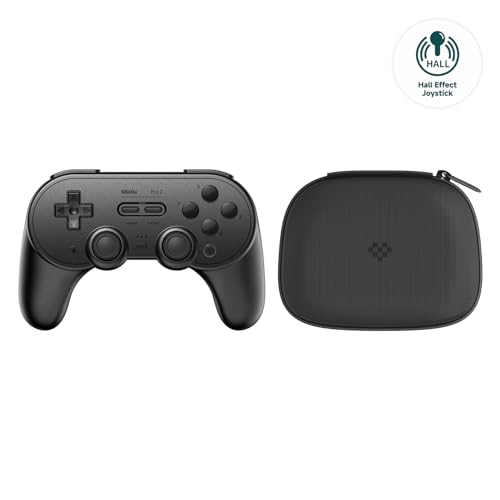
Peripheral maker 8Bitdo makes some seriously good controllers, and for very respectable prices in comparison to the competition. You can currently pick up their popular Pro 2 Wireless Controller for just $37.19, a saving of $22.80 (38%) from its $59.99 list price. You do, however, have to be an Amazon Prime member to get this discount. Not only is this an all-time low price for this controller, but it also comes with a convenient travel case to help protect the controller when you take it on the go. Perfect for pairing with a Nintendo Switch when traveling or going on holiday.
One of the reasons you can pick up the 8Bitdo Pro 2 wireless on the cheap is that there is a newer version of the controller available from 8Bitdo - the Pro 3. Don't let that put you off, though. The Pro 2 features stick-drift-free hall-effect joysticks for accurate gaming and up to 20 hours of continuous play over Bluetooth. There are also many other great features, such as 6-axis gyro, somatosensory, and motion control functions, 4-way mode switching between devices, and amazing compatibility with various devices. Upgrade to the latest firmware, and you can use the controller with the Nintendo Switch 2. It's also great for the Steam Deck and is easily recognized when using Steam on the PC.
8Bitdo's wireless Pro 2 controller features hall-effect joysticks for zero stick drift. This retro-looking gamepad is compatible with Nintendo's Switch/Switch 2 consoles, Windows PC, and Android devices. The controller comes with a handle travel case for on-the-go use.View Deal
You can also use 8Bitdo's Ultimate Software to fully configure your Pro 2 controller to your personal tastes. Adjust the level of rumble your controller generates, create macros for your favorite games, adjust trigger sensitivity, alter joystick zones, and fully map every button on the controller.
The controller comes paired with a protective travel case and a USB-C cable for charging and to also continue playing should the battery run dry. Don't forget, you have to be an Amazon Prime member to get this deal.
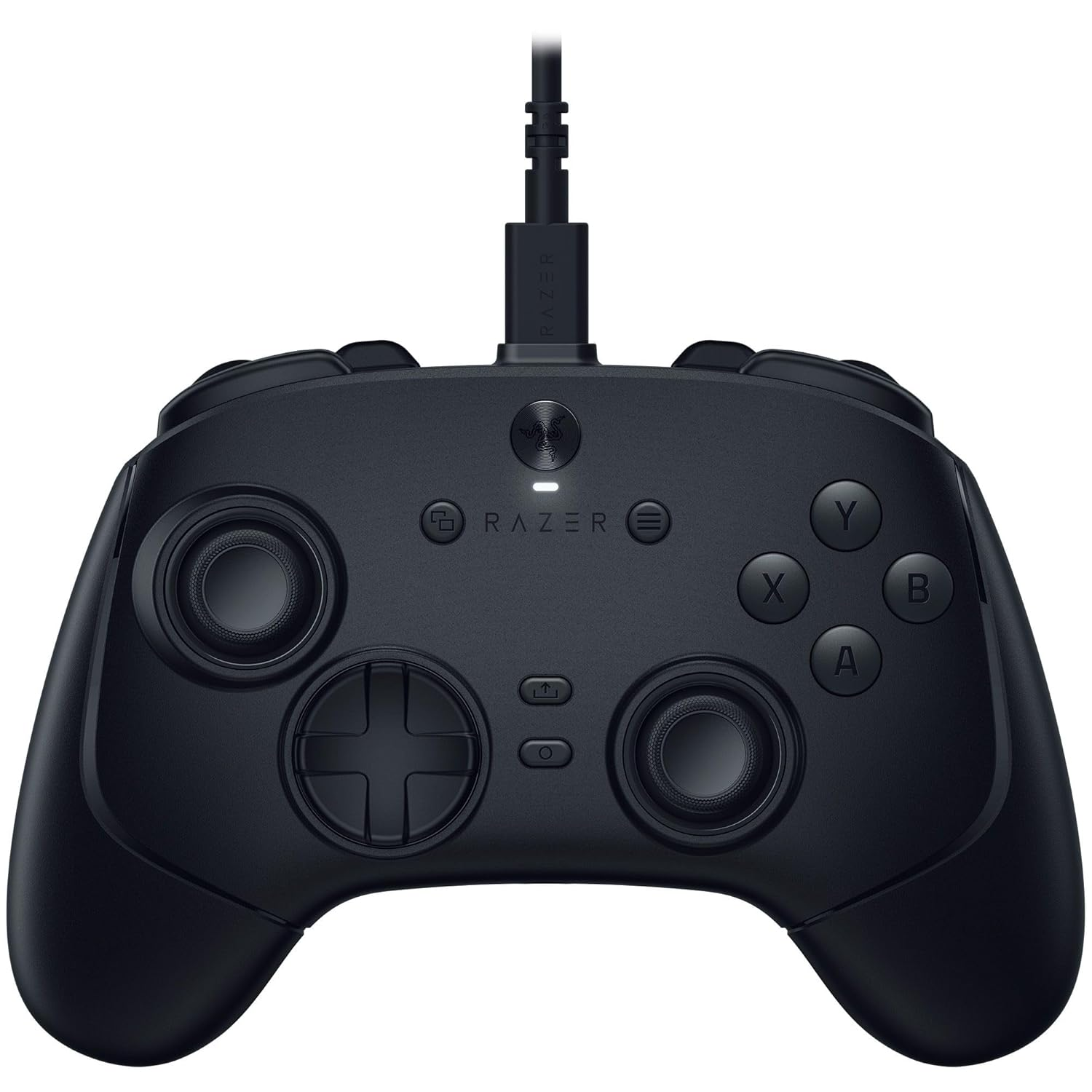
A PC gamer might think that a keyboard is the weapon of choice for their gameplay needs, but a good gamepad can make all the difference. Most modern PC games now give you the choice to switch between inputs, so if you're lacking in controller options, you'll want to take advantage of this offer on the Razer Wolverine V3 Tournament Edition game controller, down to $64.99 right now.
That's a new record low price for this controller on Amazon, according to the data crunching at Camelcamelcamel, although we have spotted it a touch cheaper on Woot on occasion. That said, this deal makes it $40 cheaper than it was just a few weeks ago.
You're getting everything you'd want and expect in a top-spec modern controller in the Razer Wolverine V3. It has stick drift-resistant next-gen TMR thumbsticks, ultra-precise triggers with customizable actuation points, four mouse-click back buttons, two claw grip bumpers, and an eight-way floating D-pad. This is a wired controller, although a wireless version is available, with an 8,000Hz polling rate. For gaming, that means ultra-fast input speeds that help to almost completely eliminate input lag.
Razer have iterated on this design with improvements over the original and V2 models. The USB-C cable is detachable, and there are some other quality-of-life improvements, including extra paddles on the underside, as well as a change from rubber grip to textured plastic to make it easier to clean. The Wolverine V3 is fully customizable, with Razer's software allowing you to set up your own custom presets and layouts, as well as set your preferred sensitivity levels.
Wired
This wired controller won't fail you in the middle of an intense battle, with its ultra-low latency and precise TMR thumbsticks helping to stay on top of your opponents. The Wolverine V3 has a 8,000Hz polling rate and is fully customizable through Razer's software. View Deal
If you've seen an Xbox controller, you won't be blown away by the Razer Wolverine's layout or design, but don't be fooled. It looks a lot like Microsoft's own, but that's about it. The tech under the hood of this controller is supercharged compared to the OG Xbox gamepad, with the TMR thumbsticks being one area to note.
TMR, or Tunneling Magnetoresistance thumbsticks, help you to eliminate stick drift, a common problem on controllers. The sticks used here rely on magnetics to help determine directional input and are a step up in design compared to the (now common) Hall Effect options used in rivals, including earlier Wolverine models. There are no contacts getting dirty or breaking down, ensuring better longevity for your sticks compared to a standard controller.
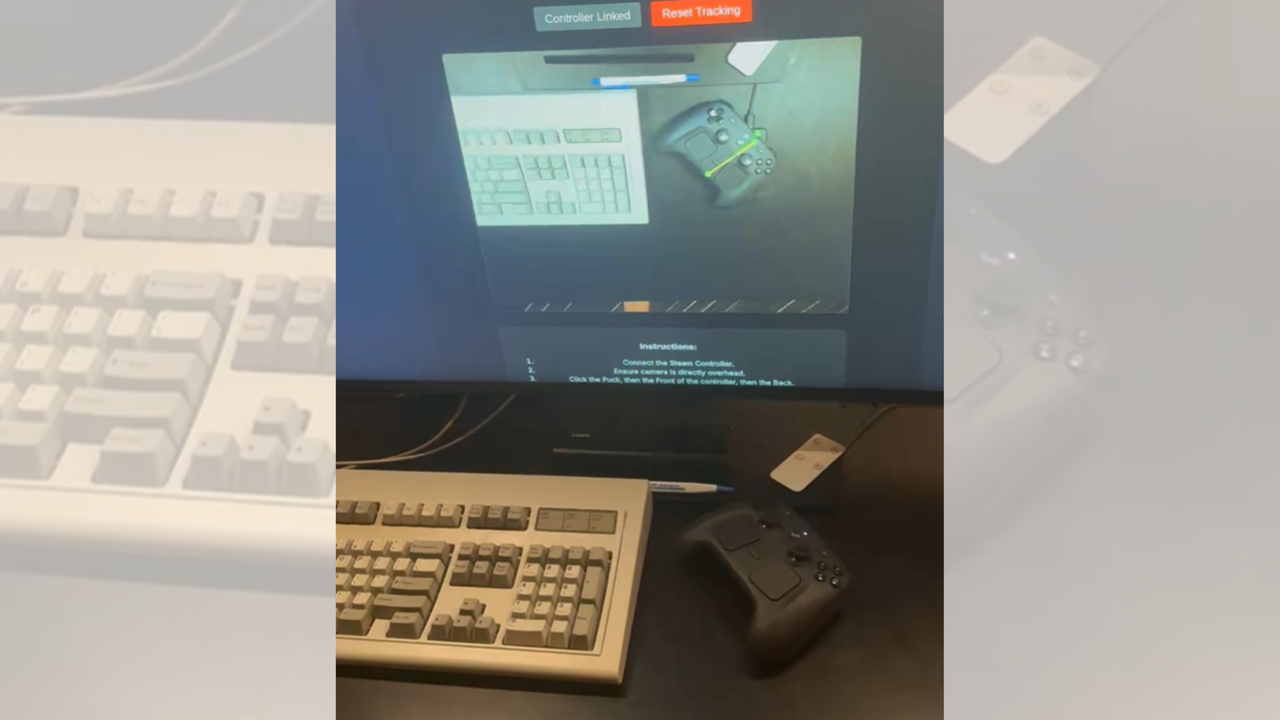
An aerospace worker and programmer created a GitHub-hosted program that lets your Steam Controller automatically walk back towards its charging puck as soon as you place it down on your desk. The web app, called the Auto-Charge Vision Tracker, uses a camera and computer vision to determine where your controller is, then it uses its powerful built-in motors to make it creep towards its docking station to top itself up when you’re not using it. The great thing about this web app is that you don’t need to install anything on your PC to use it. Just go to the website, connect your Steam Controller, ensure your camera is directly overhead your desk, click the puck, the front, and the back of your controller, and you should be good to go.
I made my Steam Controller automatically charge itself@Dexerto @HardwareSteam @valvesoftware pic.twitter.com/RzCApdq4l4June 25, 2026
This is an interesting use case for the Steam Controller’s haptic motors, which are primarily designed to give feedback to gamers. Although this app, which you can run in the background on your browser, is designed to make recharging your controller more comfortable, you do need a flat surface without any obstructions to ensure that the Steam Controller can reach the charging puck. Aside from that, the vibration and movement on the desk tends to cause abrasion on the controller’s surface, meaning you’ll soon find flat spots appearing on the surface that contact your desk. Ray Foss, the maker of the GitHub repo, said that adding rubber feet should help prevent this and might also give the controller better acceleration and handling.
Another programmer has created something similar before — a web app that uses the controller’s rumble motor to let it slip and slide on your desk. But what makes this project different is that instead of manually “driving” your Steam Controller, it uses computer vision to automatically guide the controller back towards the charging puck, making it look like a robot vacuum.
These apps have limited usability — after all, the Steam Controller would still be unable to hop from the coffee desk in your living room to the TV console where your charging puck and Steam Machine are likely sitting. Nevertheless, it shows Valve’s commitment to making it easy for gamers to use their devices the way they want to. The company even released the CAD files for the Steam Controller and Puck back in May 2026, just a few days after the controller became widely available. But if you want to give this curiosity a try, you can easily do so by going to the Auto-Charge Vision Tracker website. The program’s files are also readily available on GitHub if you want to play around with the program and make your own version.
If you ask any PC gamer, the keyboard and mouse are probably their favorite input devices for their unbeatable precision. However, certain genres, such as racing, sports, and fighting games, are just more enjoyable with a controller. SCUF has a very diverse portfolio of controllers for both PC and console gamers, so if you need a new controller this Prime Day, you should really give them a look.
SCUF is offering up to 26% off some of the company's most acclaimed controllers from the Envision and Valor Pro lineups, designed for PC and Xbox, respectively. There's a product controller for every preference and every budget. For PC and Xbox gamers who are more budget-conscious, the Envision V2 and Valor Wired are great controllers that don't cost an arm and a leg. However, if you're shopping for a more premium controller, the Envision Pro V2 or Valor Pro Wireless will make any PC and Xbox gamer very happy.
The Valor Wired is a good controller for Xbox gamers who demand a competitive edge and superior performance but are on a tight budget. The controller's feature set includes four fully customizable rear paddles and magnetic TMR analog sticks that deliver excellent precision.View Deal
The Envision V2 is a high-performance wired controller for serious PC gamers. You can reap the benefits of the ultra-responsive Hall-effect thumbsticks, premium Omron mechanical switches, and up to 11 additional custom inputs that you can fully personalize to your needs.View Deal
The Envision Pro V2 stands out as one of the top wireless gaming mice on the market. Leveraging Corsair Slipstream wireless technology, it delivers ultra-low-latency connectivity and boasts features such as adjustable instant triggers and a built-in performance grip for superior comfort.View Deal
The Valor Pro is an officially licensed Xbox controller designed for players who refuse to compromise on performance and reliability. It features an ergonomic shape, very responsive buttons, and triggers. It's compatible with the Xbox Series X/S, Xbox One, and PC.View Deal
These exclusive Prime Day offers are available in all regions, kicking off on June 23 at 12:00 AM EST and running until June 28 at 11:59 PM EST. So, you have almost an entire week to score big savings on some of the best gaming gear on the market. Don’t worry if none of our highlighted picks catch your eye. SCUF is running a big sale, so there's bound to be something for everyone.
A developer has created a Chromium browser-based tool that turns Valve's second-gen Steam Controller into a self-propelled RC car, steering it across a flat surface in real-time with no app or driver installed. The page connects to the controller over WebHID, a browser standard for talking directly to USB and Bluetooth devices, and moves it by pulsing the gamepad's rumble motors. The Steam Controller first went on sale for $99 in early May and promptly sold out.
The tool utilizes the controller’s rumble motors, which, at the right frequency, cause the entire chassis to vibrate and creep across the surface in a chosen direction. The browser handles “steering” by varying the pulses sent to each gamepad stick, so leaning the output toward one motor turns the controller as it crawls. It’s the same type of vibration-driven locomotion that powers cheap “bristlebot” toys.
As for connecting to the Steam Controller, WebHID grants low-level hardware access from the webpage once the user approves the controller via the browser’s device picker, so the entire setup runs inside a single tab with nothing to download. WebHID is only supported in Chromium browsers, such as Chrome and Edge, and not Safari or Firefox.
Naturally, the site comes with some small print that explains that the service is offered “as-is” with no warranty, and warns that driving the controller across the ground scrapes it and wears it down over time. It recommends flat, smooth surfaces that keep the gamepad moving and reduce abrasion.
The community has been hard at work tinkering with the second-gen controller since its May launch. Valve released the Steam Controller’s CAD files under a Creative Commons license shortly after launch, explicitly inviting users to design their own accessories. The gamepad pairs dual trackpads, gyro controls, and grip buttons, a mix of inputs Valve walked through in its developer interview with Tom's Hardware, and that range of hardware has drawn a wave of experiments since units reached buyers.
The repurposed rumble motors here have also been a sore spot for the controller. The firmware quirks caused the rumble to behave erratically or cut out entirely in some games, a problem Valve has been working to patch. Demand has stayed high enough that resellers listed units above $300 after the launch stock sold out, and Valve has since opened a reservation system to push back against scalping bots.
In a June 18 update, Valve said that “initial demand exceeded our expectations,” but that it has “no plans to stop making Steam Controller.” Those now joining the reservation queue will be given one of three timeframes — September 2026, December 2026, or 2027 — for when they can expect to receive an order email with an option to purchase.
Rocking 16-bit precision, dual-rudder yaw, 5-axis control and a plug-and-play profile for Microsoft Flight Simulator 2024, the new T.Flight Hotas 5 is a solid entry point to flight sims. It works with PlayStation consoles and PC out of the box, with convenient features like a detachable throttle.
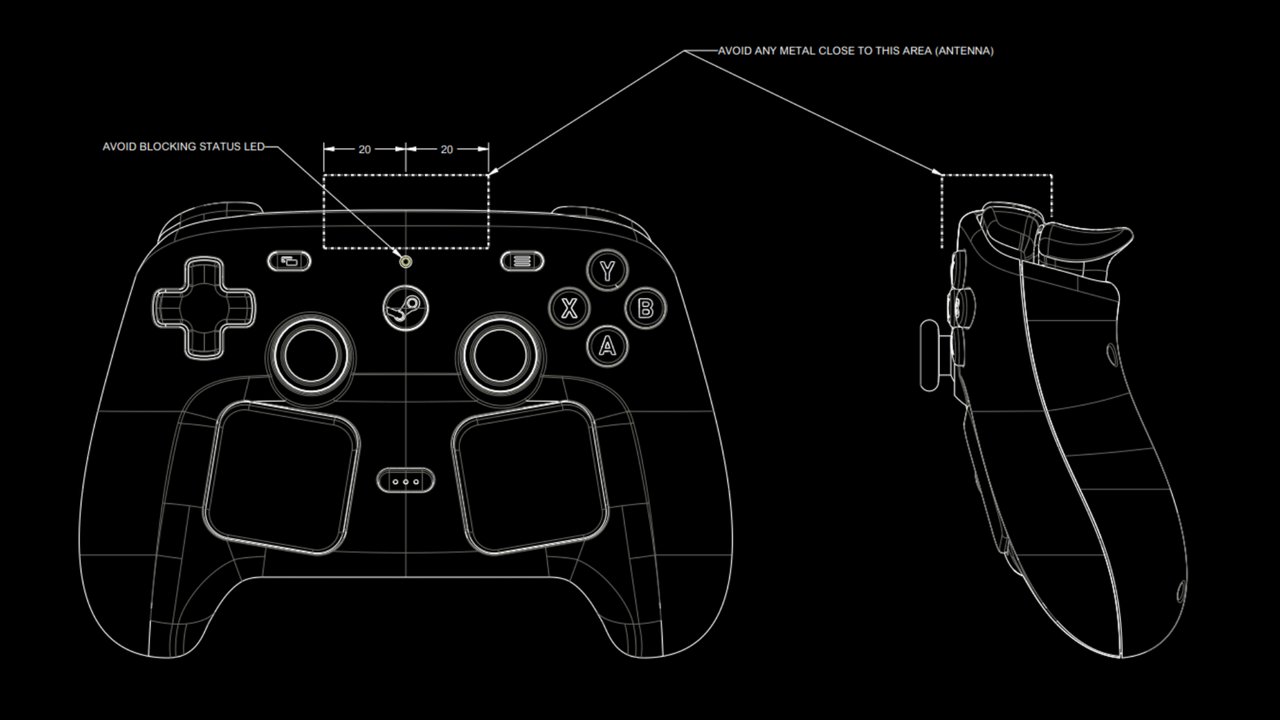
Valve just released the 3D CAD files for the Steam Controller and Puck under a CC BY-NC-SA 4.0 International license, allowing gamers and enthusiasts to design and 3D print their own accessories for these gadgets. The company even encouraged everyone to share their creations.
 登录
登录