阅读视图

发现新文章,点击刷新页面。
✇Tomshardware

Magnetic core memory USB drive transfers files in sneakernet first — text and image files get moved between PCs via hugely constrained archaic memory tech

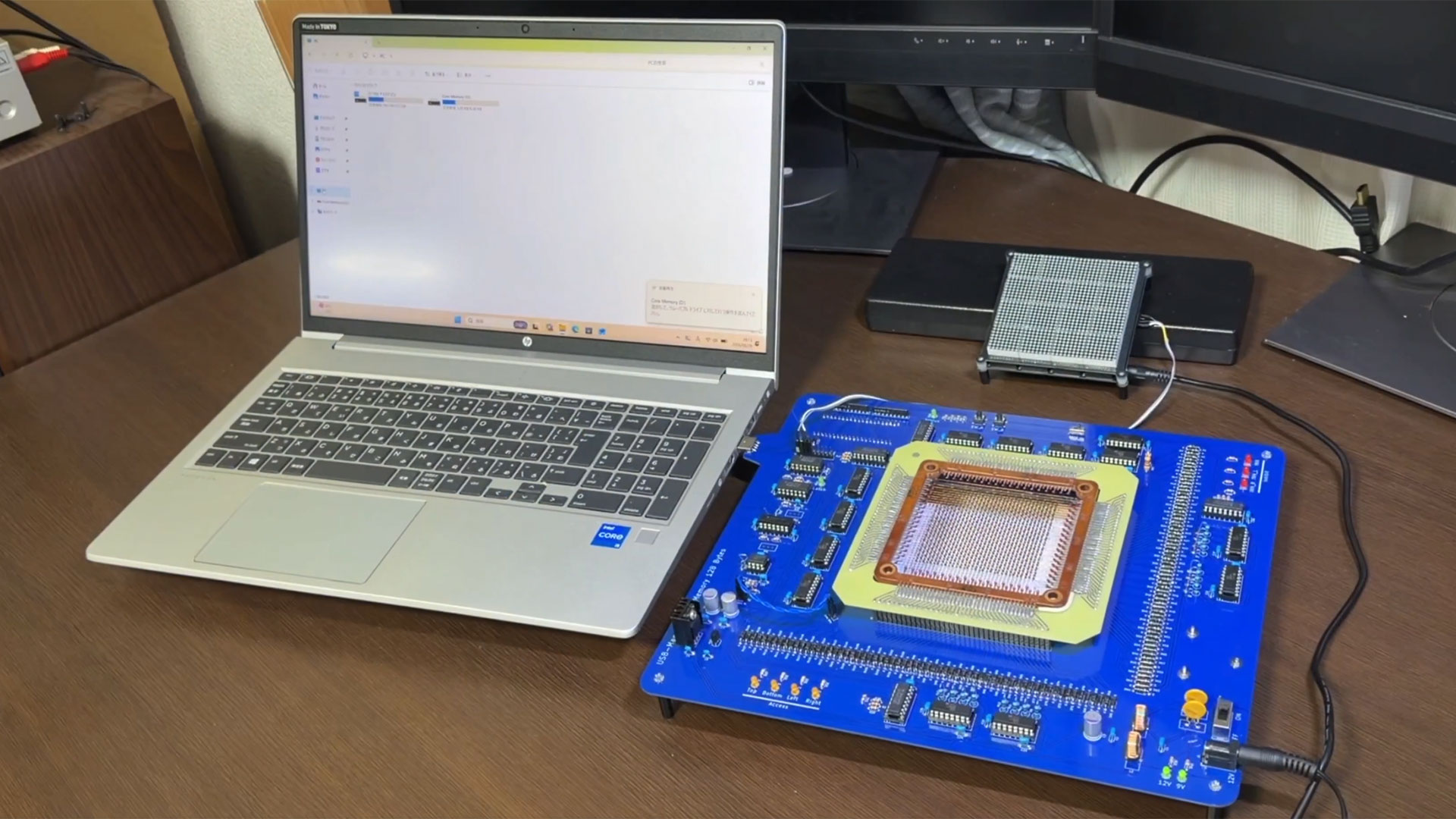
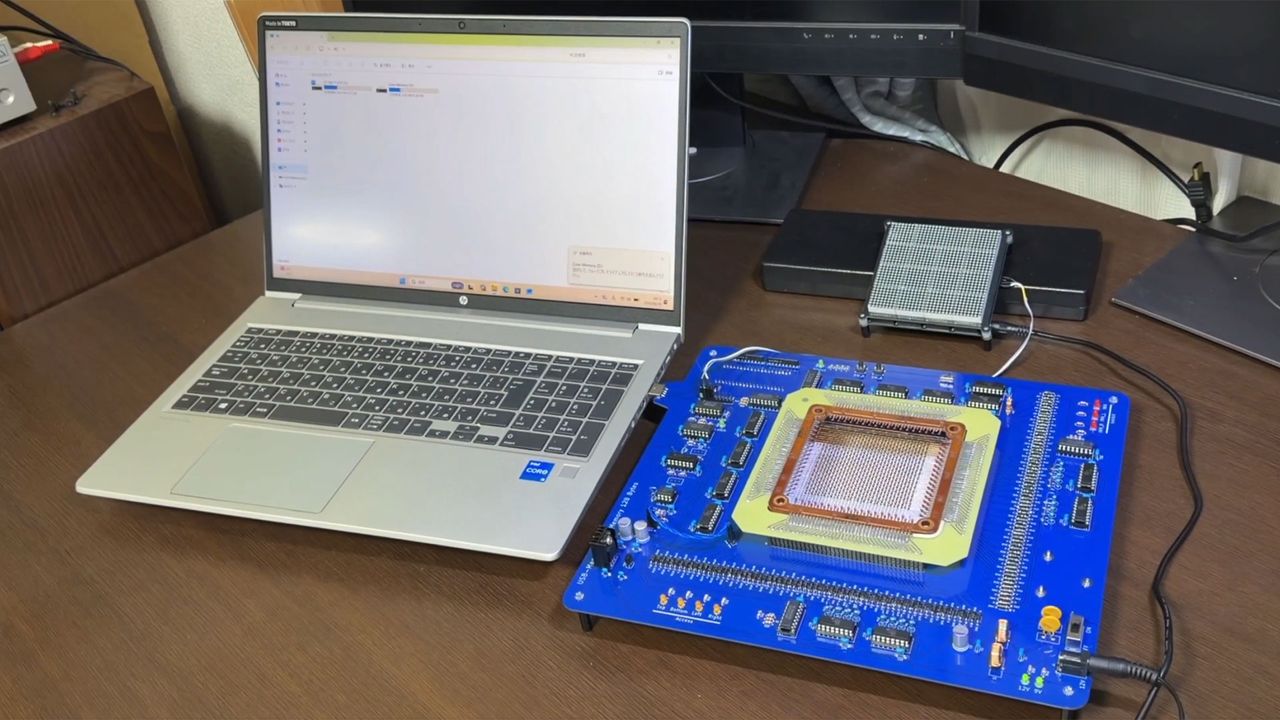
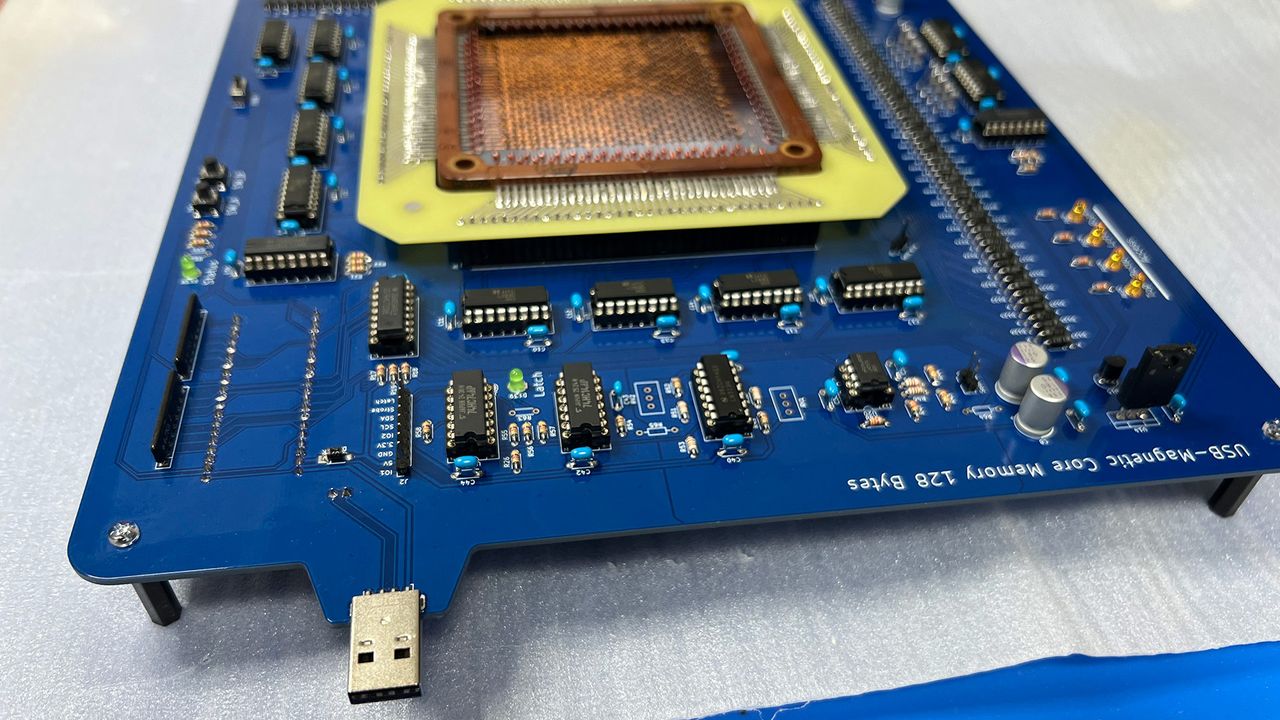
A homebrew dinner-plate-sized magnetic core memory USB storage device has been used to transfer a text file from one PC to another for the first time. In what is “maybe the world’s first” [machine translation] Japanese researcher @dydt_Nao indicates they successfully used their retro-modern flash drive as a sneakernet device. We covered this space science researcher’s earlier efforts to rekindle this archaic computer memory tech back in February of this year.

多分世界初!?USBフラッシュならぬUSB磁気コアメモリにテキストファイル入れてPC間の移動に成功!これで完成〜 128バイトだから動画の文字数くらいが限界笑 来週9/5-6のMaker Faire Tokyo 2026(有明GYM-EX)で展示・実演します! pic.twitter.com/sptsOYZUMpAugust 29, 2026

Back in February we noted that this USB flash drive had some severe shortcomings, but was nonetheless an effort that we warmly applauded. There were three key drawbacks to this ungainly USB flash drive. Firstly, it is rather massive, and it looks roughly a foot (30cm) square. Secondly, by contrast, its storage is incredibly tiny at just 128 bytes (not GB, MB, or even KB). Lastly, according to our understanding of the technology, the data stored gets erased during the read process.

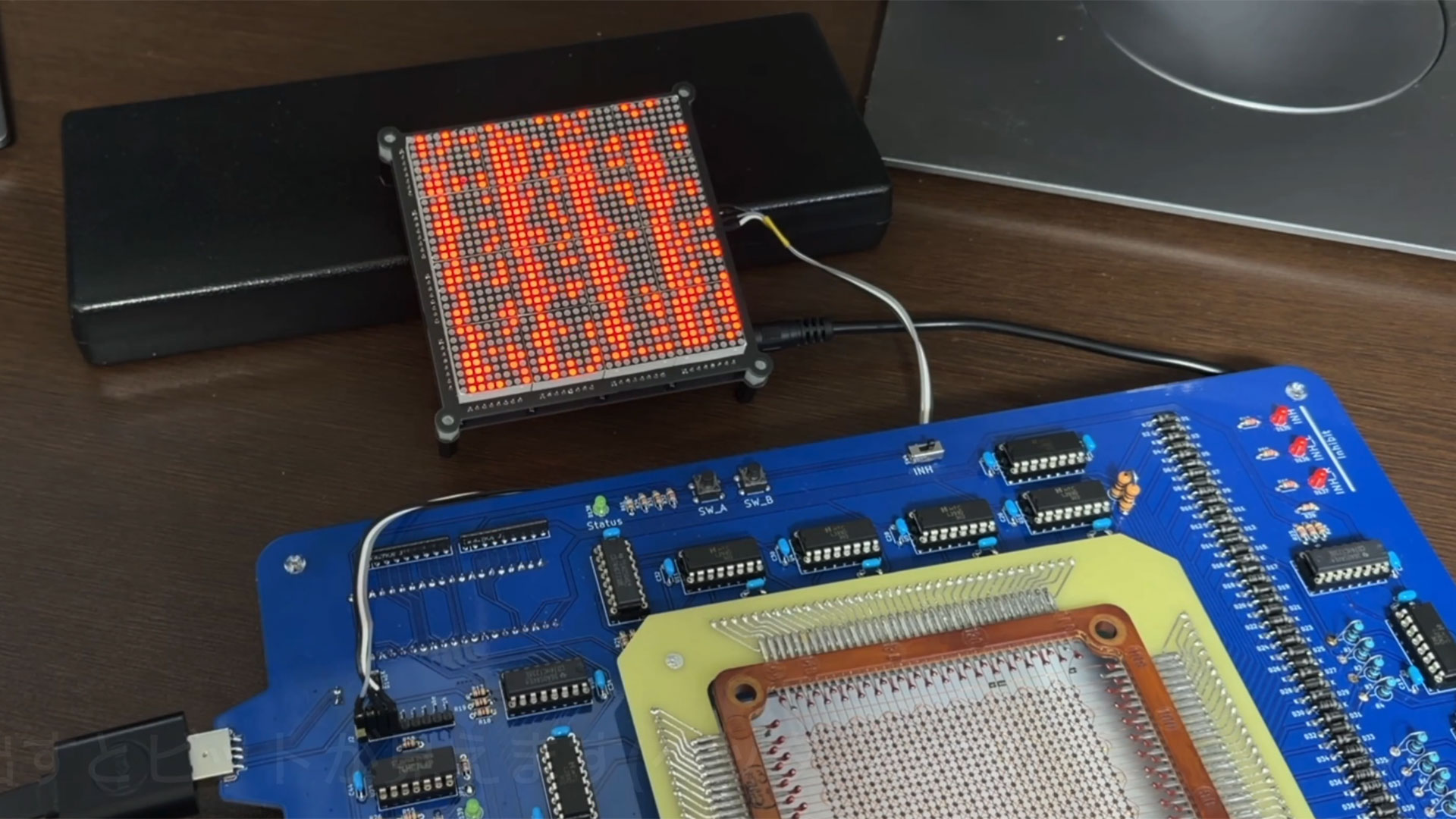
In the tweet-embedded video we get to see the unnamed USB Type-A gadget work its magic. Interestingly, as data is read to/from @dydt_Nao's device, LEDs in an attached 32 x 32 array glow a vivid red. Every LED corresponds to an individual magnetic core. We see Windows reporting the drive as having a 6.5KB capacity, but that is likely something to do with the Raspberry Pi Pico being used as an onboard controller. Towards the end of the video we get to see that the text has been successfully transferred from the drive to Notepad.

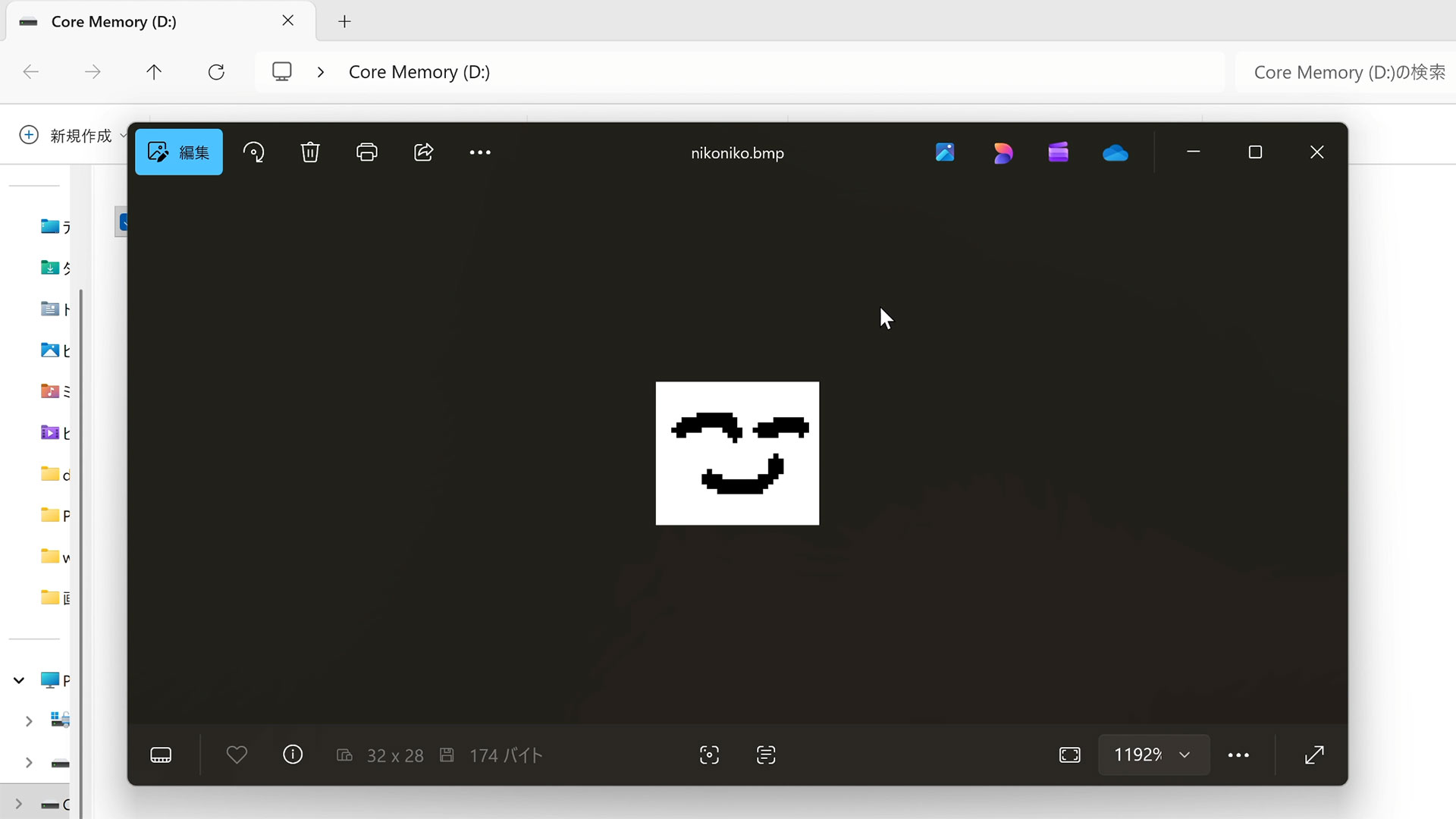
Not content with a mere text demo, @dydt_Nao follows up with a BMP image transfer. Monochrome bitmaps up to 32 x 28 pixels can be stored on this device. Perhaps a little of the limited device memory space (32 x 4) is used up by the image file header.

PC-to-PC USB magnetic core memory tests.
@dydt_Nao on Twitter
PC-to-PC USB magnetic core memory tests.
@dydt_Nao on Twitter
PC-to-PC USB magnetic core memory tests.
@dydt_Nao on Twitter

You can read more about magnetic core memory in our article commemorating the 75th anniversary of its patent filing by inventor and MIT electrical engineer Jay Forrester. Magnetic core memory earned its place as the dominant form of random-access storage in digital computers for two decades. Today it seems like a bizarre curiosity.

✇Tomshardware

Open-source stealth USB hides an encrypted partition behind an 8GB decoy drive — 'Phantom Drive' appears as a regular USB stick until you create a text file to unlock the hidden data

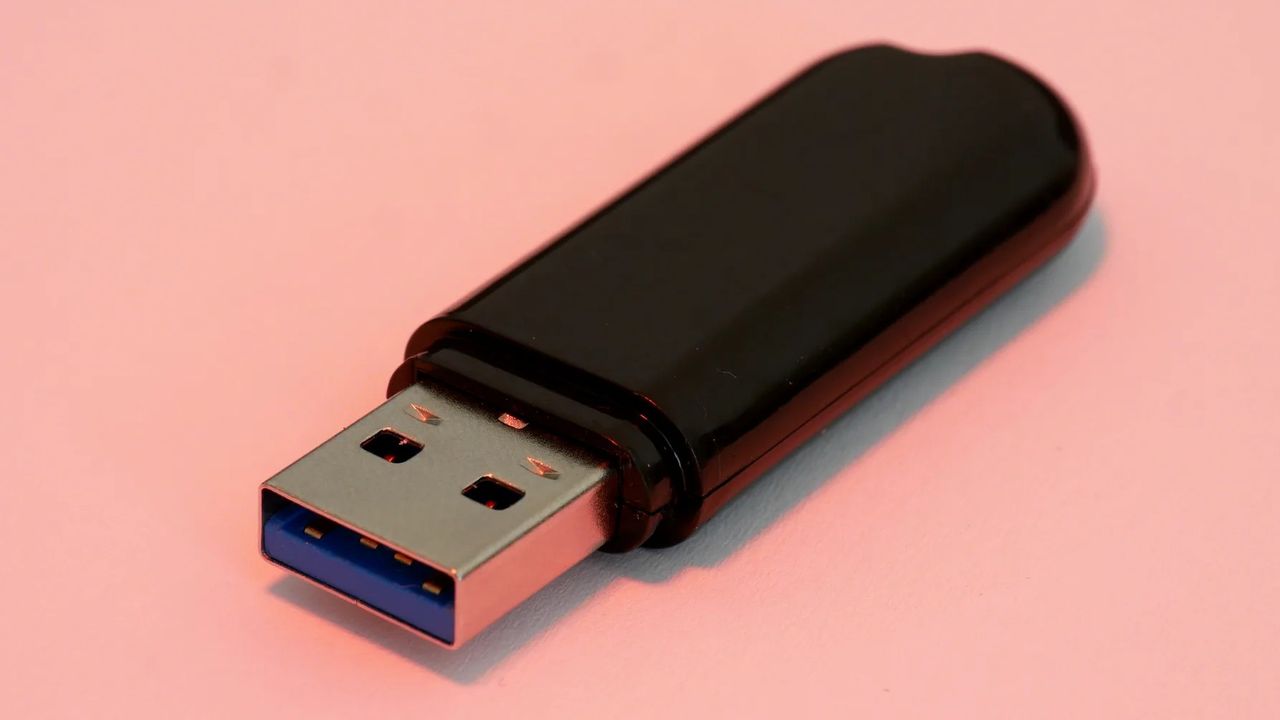
From the outside, the Phantom Drive, created by Rootkit Labs, appears like a boring old USB. It has that classic, cheap plastic-feeling look to it that would never make you second-guess its intention; when you plug it in, it shows up as just an 8GB drive. However, under the hood, the Phantomdrive is powered by a microSD card that only unlocks itself when you specifically create a new text file, after which it mounts the secret partition, which comes with AES-256 encryption. It's made for situations and places where you might be forced to reveal the contents of a storage device.

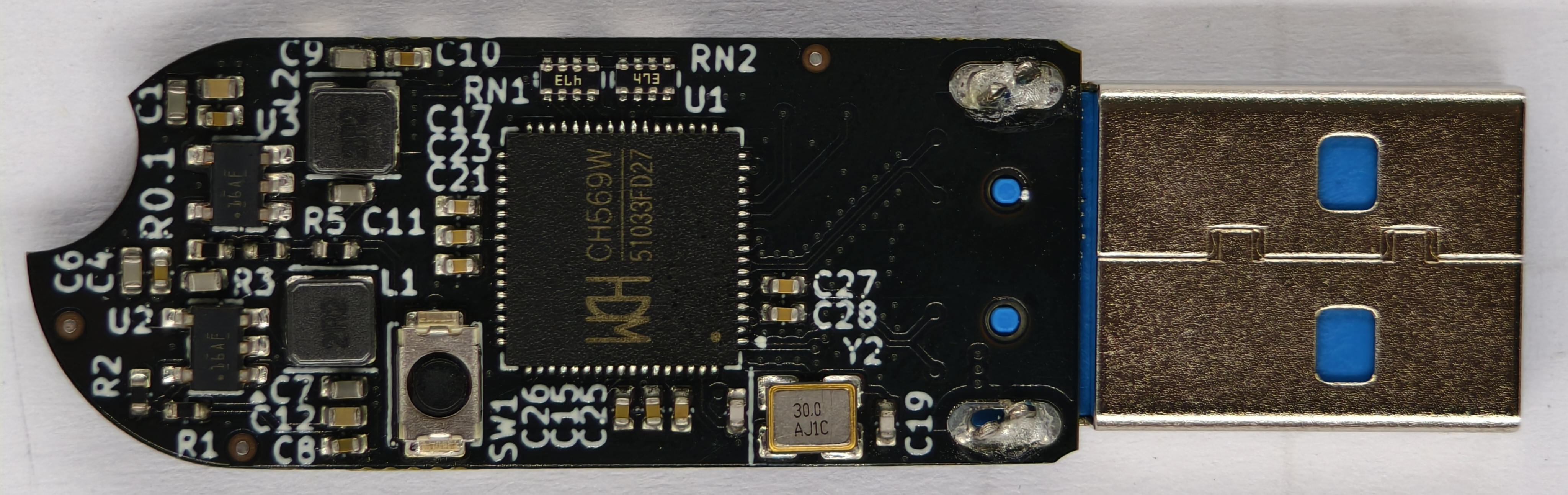
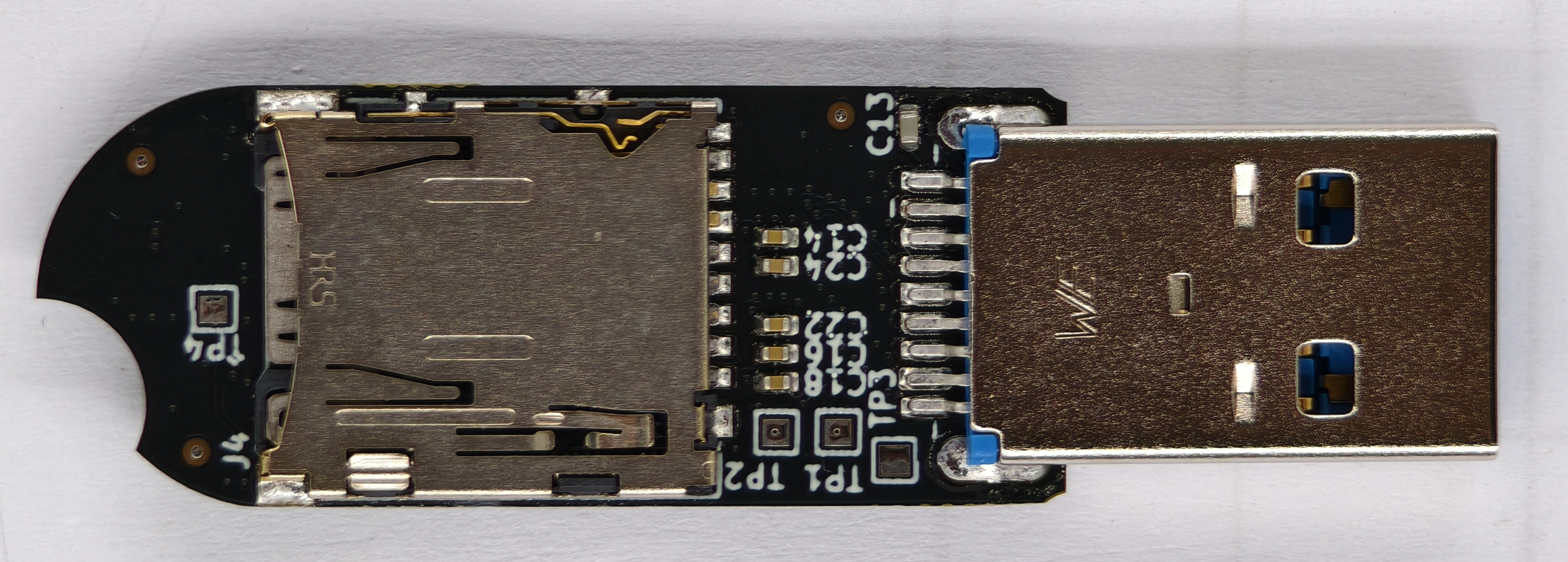
The Phantomdrive is built using the CH569 microcontroller that has a bunch of different hardware blocks — this project uses the USB3, SD/eMMC, and the AES block. There are no NAND chips directly onboard the custom PCB because of the ongoing component crisis. Instead, the Phantomdrive relies on a simple microSD card (that you provide; it doesn't come with one) for both its 8GB decoy partition and the hidden partition. The creator does say they'll make a version with eMMC modules once prices come down.

Of course, if someone were to open up the drive, they'd be able to physically rip the SD card out. However, it still wouldn't be a dead giveaway since many cheap USBs are powered by microSD cards, and SD card adapters are also a thing. Anyhow, the finished drive looks pretty simple from the inside; it comprises a USB port, two buck supplies, a button for firmware update, the microSD card, UART test points, and some support components. The custom firmware now comes into play.

The Phantomdrive
Rootkit Labs
The Phantomdrive
Rootkit Labs

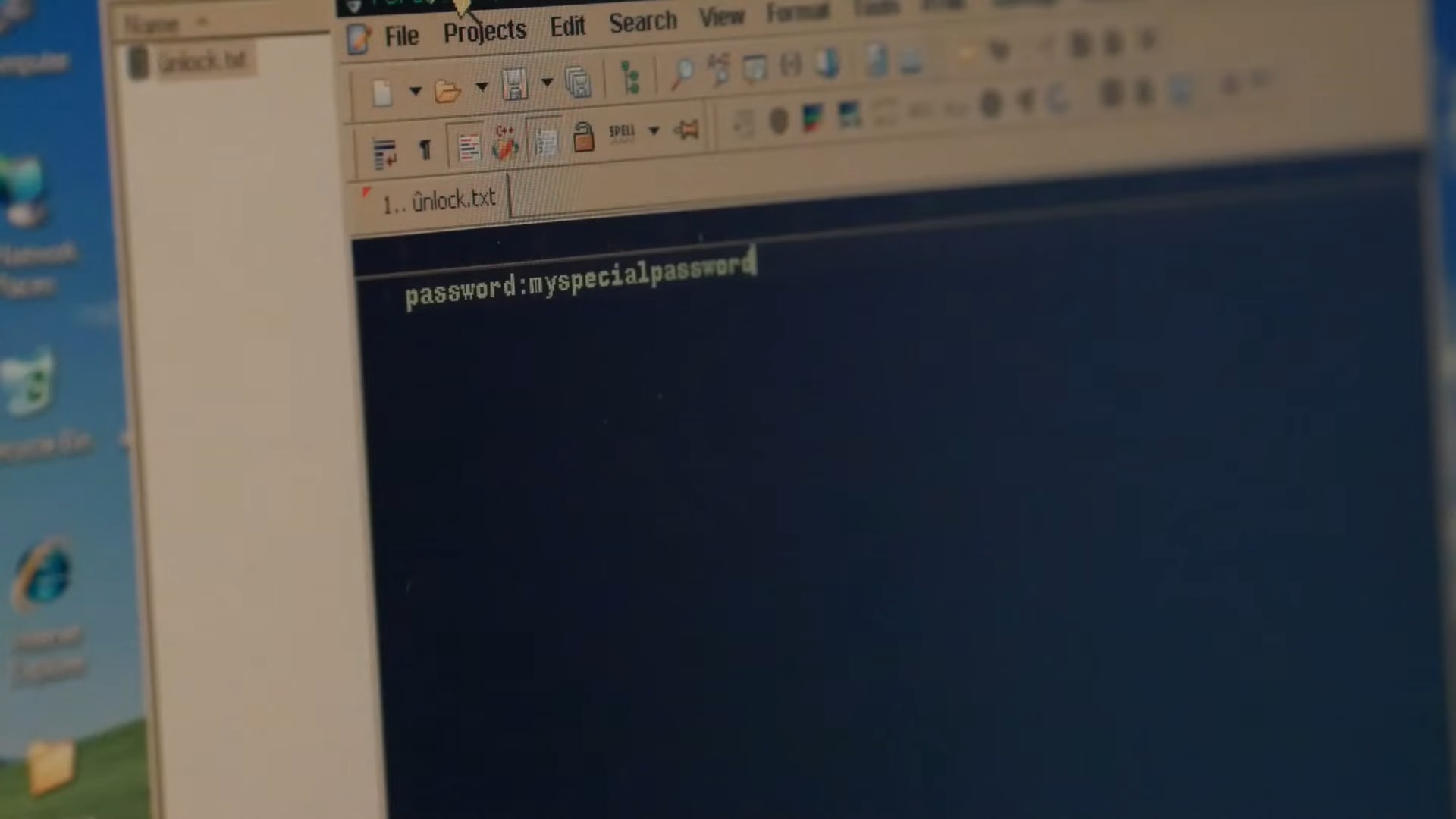
The name of the game is interception. The firmware doesn't know it's being used to handle file transfers; it just reads raw packets of data being sent over the USB bus as is. It's coded to always look for a "password" string, so as soon as you create the unlock.txt file with "password:xyz" inside, it detects the "xyz" bit and copies it over to SRAM, while overwriting the raw data with a bunch of zeroes before it's written to the SD card. The operating system thinks it's created the new file, but the firmware intercepted it midway and sent essentially nothing to the physical storage cells.

The firmware uses the unique internal hardware ID of the microcontroller as the salt, combines it with the password you just typed, and runs the pair through PBKDF2-HMAC-SHA-256 hashes 100,000 times (you can also select 600,000 times) to create a key. Each run induces an intentional 2-3 second delay to deter brute-force attacks that would try to crack the password. The key is used to unlock and lock the hidden partition, and since it's tied to the silicon itself, putting the SD card into another Phantom Drive will not unlock it.

Unlocking the Phantomdrive's secret partition

(Image credit: Rootkit Labs)

Even if you try to access it directly through a microSD card slot, it will stay hidden, and the 8GB decoy will actually appear like a broken partition. The creator has also provided the option to recompile the firmware on your own to spoof specific vendor IDs, so that the USB appears like it's from different brands. You can make the Phantomdrive pretend to be a cheap 16GB Kingston Datatraveler at the hardware protocol level, at which point no scanning software will flag it as anything more than a cheap USB.

There are Linux-based C tools you can use in case of emergency, however, to recover your data, such as physical damage to the board. The transfer speeds are also very limited because the project is built over USB 2 — 20 MB/s reads and 9 MB/s writes in AES-CTR mode. The speeds fall to 10 MB/s reads and 6 MB/s writes in AES-XTS, but at least you have the freedom to choose between the two according to your needs.

You can buy the Phantomdrive from Rootkit Labs for $50, but you can also build your own, since this is an open-source project. The prebuilt device comes with two extra shells because the pins wear off and break quickly. Otherwise, the GitHub repo provides all the resources, including the PCB layout files and schematics, the BOM for every part, and the custom firmware, alongside its related tools.

The creator of Phantomdrive, Ryan Walker, explains the goal behind the project as both utilitarian and political. It's built using entirely open-source software and with inexpensive, easily accessible components. They wanted to create something that could "slip past authoritarian government representatives, corrupt police, and anyone else that doesn't respect basis encryption rights."

❌