阅读视图

发现新文章,点击刷新页面。
✇9to5Mac

Indie App Spotlight: ‘oh my hours’ counts the hours you’ve wasted, not your screen time

Welcome to Indie App Spotlight. This is a weekly 9to5Mac series where we showcase the latest apps in the indie app world. If you’re a developer and would like your app featured, get in contact.


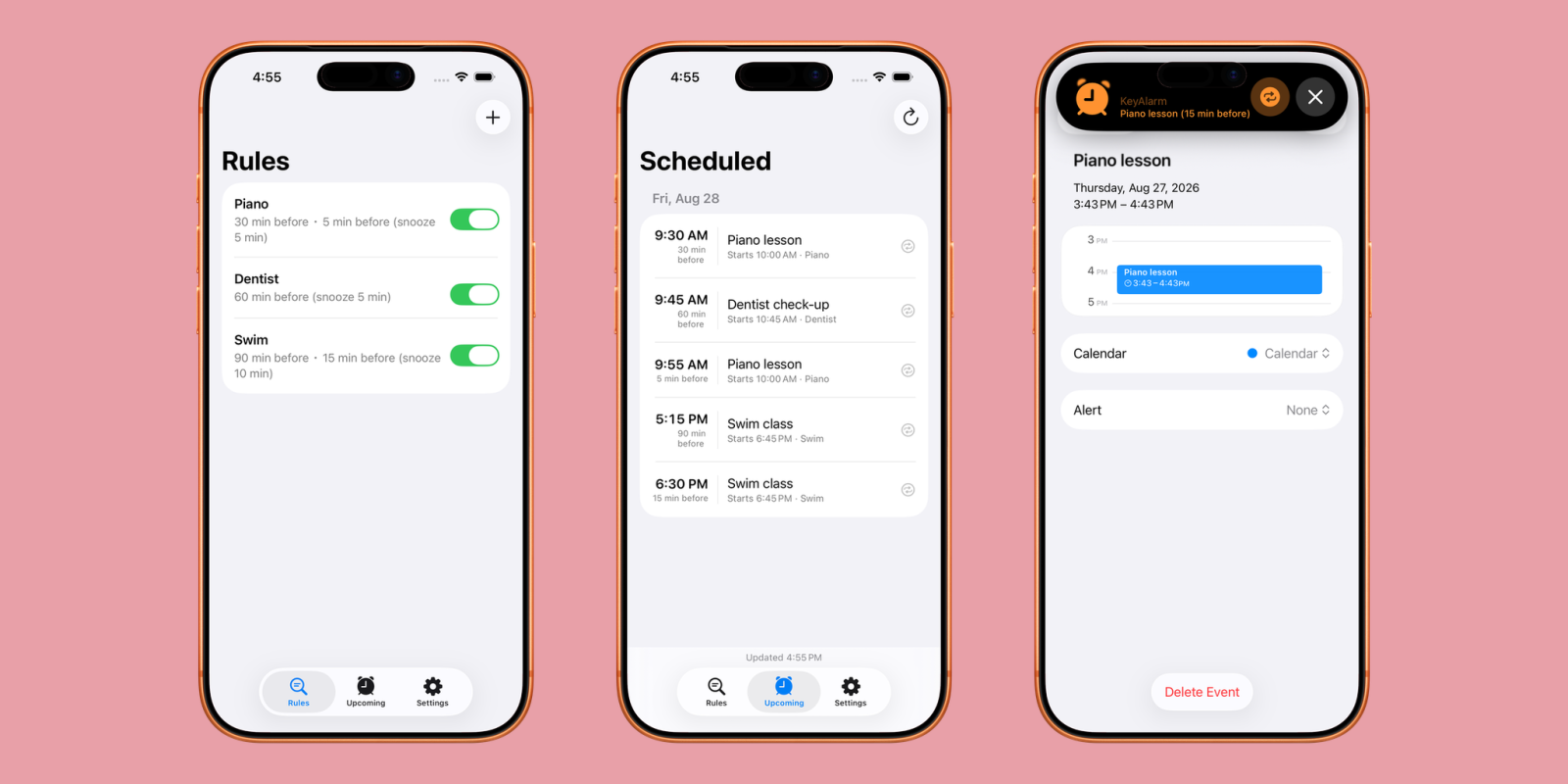
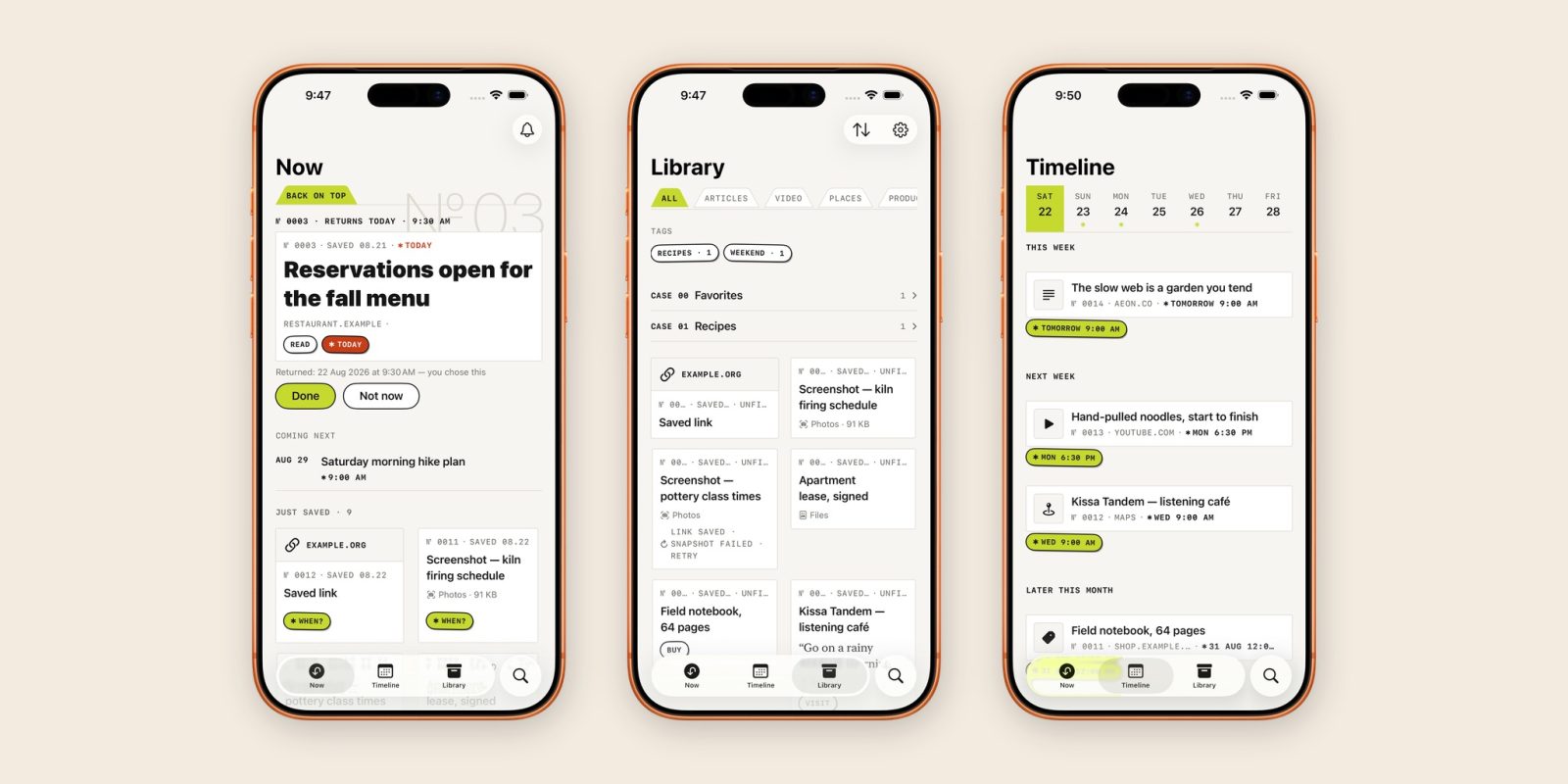
Many people want to spend less time on their iPhones, whether that be for productivity, socializing more, or something else. Screen time tools prove useful here, providing users with an idea of how much time they’re spending on their iPhones. For many people, though, they end up being too lenient to be effective.

With ‘oh my hours’ – the app flips the script, and instead makes you aware of how many hours you’ve wasted in an undesired app, rather than simply telling you you’ve hit your screen time limit.

✇9to5Mac

Apple needs a better solution for the App Store’s vibe coding flood: Here’s what I’d do

Vibe coding has shaken the App Store. As stated at WWDC, over 1000 apps are being submitted every hour. Apps can be built substantially faster now – creating a flood of submissions. This is a bit of an issue when there’s only one true method of distributing apps on iPhone, at least in most of the world.

Apple recently introduced a higher review bar for App Store submissions, and while that’s certainly a step in the right direction – I don’t think it’s a full solution.

✇9to5Mac

iOS 27 will make customer service phone calls so much easier, here’s how

At WWDC26 this week, Apple announced its series of new software updates – iOS 27, iPadOS 27, macOS 27, and everything else. Of course, Siri and Apple Intelligence ended up being the star of the show, and Apple finally delivered on its AI promises from 2 years ago.

Apple didn’t stop there though. The company went above and beyond, and introduced far more than just what it unveiled at WWDC24. One of those features is called Call Context, and it’ll make everyones phone calls to customer support substantially easier.

✇9to5Mac

Indie App Spotlight: ‘Grit Method’ builds character with 4 daily goals

Welcome to Indie App Spotlight. This is a weekly 9to5Mac series where we showcase the latest apps in the indie app world. If you’re a developer and would like your app featured, get in contact.


Habit tracking apps are a dime a dozen, but Grit Method sets itself apart by requiring you to be more thoughtful. With your input, the app clearly outlines four clear goals for you to work towards daily, and it’s about more than just being more productive.

more…
✇9to5Mac

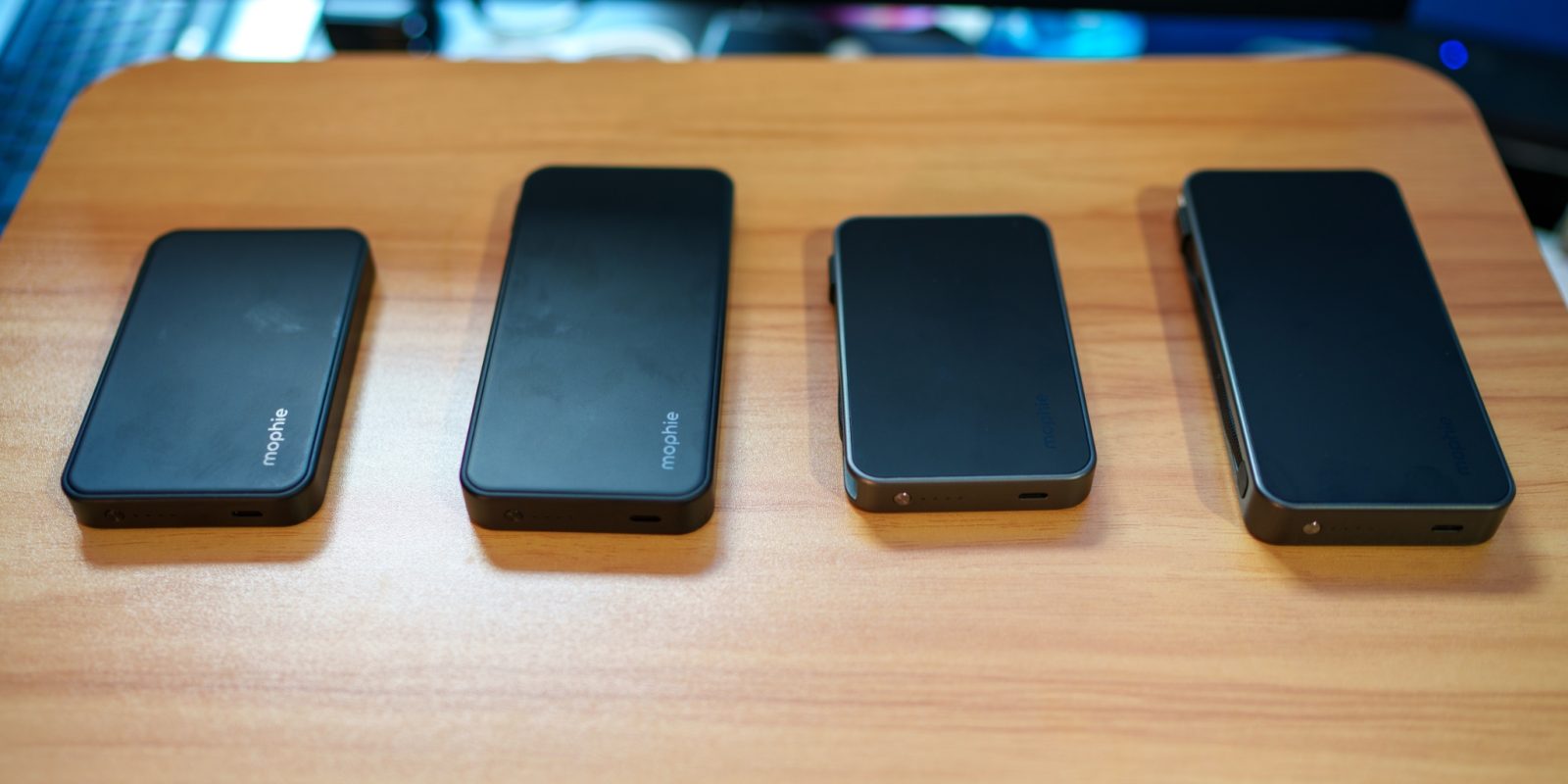
Hands-on: BenQ’s new MA270S is a glossy 27-inch 5K display made for Mac

BenQ has been making excellent Mac-friendly monitors for years, and their new MA270S is the creme de la creme of their lineup. It’s a 27-inch 5K monitor, but with a feature that most monitors don’t ship with: a glossy finish.

All of Apple’s displays ship with glossy finishes by default, but for one reason or another, matte finishes have dominated the external monitor market – and BenQ is bucking that trend. This makes the MA270S much more at home with the Mac.

more…
✇9to5Mac

Apple AI glasses launch pushed back to late 2027, Vision Air to arrive by 2029: report

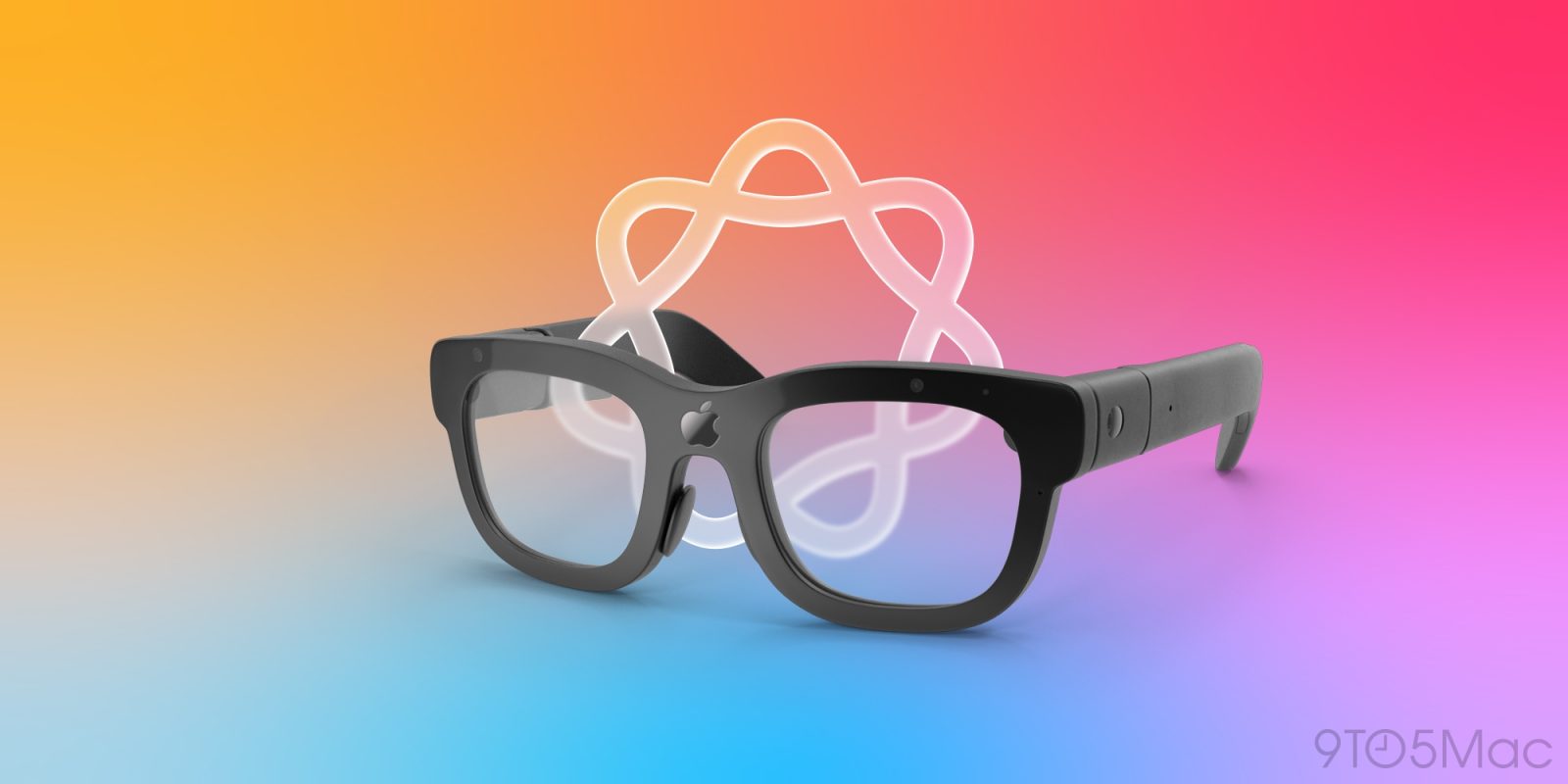
Apple has been working on AI smart glasses for a little while, both to compete against Meta Ray-Bans and to provide a hardware platform for Siri and its Visual Intelligence features. While they were originally set to be announced at the end of this year and debut early next year, that’s now been delayed, with a launch now set to take place by the end of 2027, per Bloomberg.

On the flip side of things, a cheaper and lighter version of Apple Vision Pro, dubbed Vision Air, may arrive as soon as 2028, potentially 2029.

more…
✇9to5Mac

Indie App Spotlight: ‘NextThere’ helps you navigate public transit with rich insights

Welcome to Indie App Spotlight. This is a weekly 9to5Mac series where we showcase the latest apps in the indie app world. If you’re a developer and would like your app featured, get in contact.


Navigating across different cities and figuring out their public transportation can sometimes be a bit messy. Maps apps might not always have the best information, or the apps that do exist aren’t presenting data in a super readable manner.

NextThere aims to tackle that problem, and also packs loads of historical data for providing more informed information regarding delays, on-time performance, and so on. It’s great for tourists and frequent commuters alike.

more…
✇9to5Mac

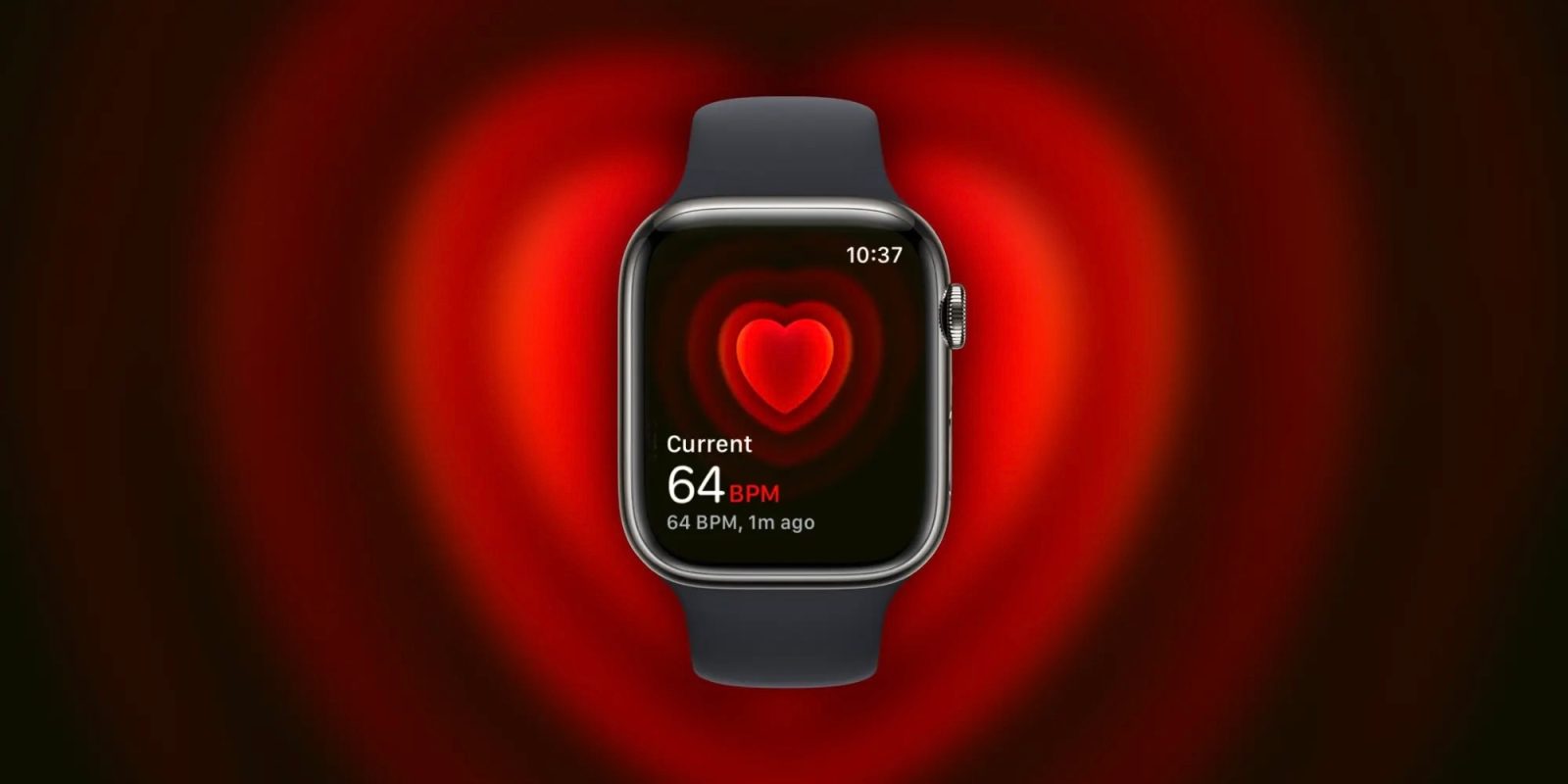
Report: watchOS 27 to improve heart-rate tracking; AI health coach may not debut at launch

For the better part of a year, we’ve been hearing about Project Mulberry: Apple’s AI-powered health coach. Back in February, it was reported that these efforts had been scaled back. According to Bloomberg’s Mark Gurman, the features should still be on track for iOS 27, though they may not release until later in the cycle.

On the other hand, Apple is apparently going to greatly improve Apple Watch heart-rate tracking with watchOS 27, which could tie in nicely with Apple’s eventual health coach.

more…
✇9to5Mac

Indie App Spotlight: ‘Poppy’ is a proactive AI assistant that handles what Siri still can’t

Welcome to Indie App Spotlight. This is a weekly 9to5Mac series where we showcase the latest apps in the indie app world. If you’re a developer and would like your app featured, get in contact.


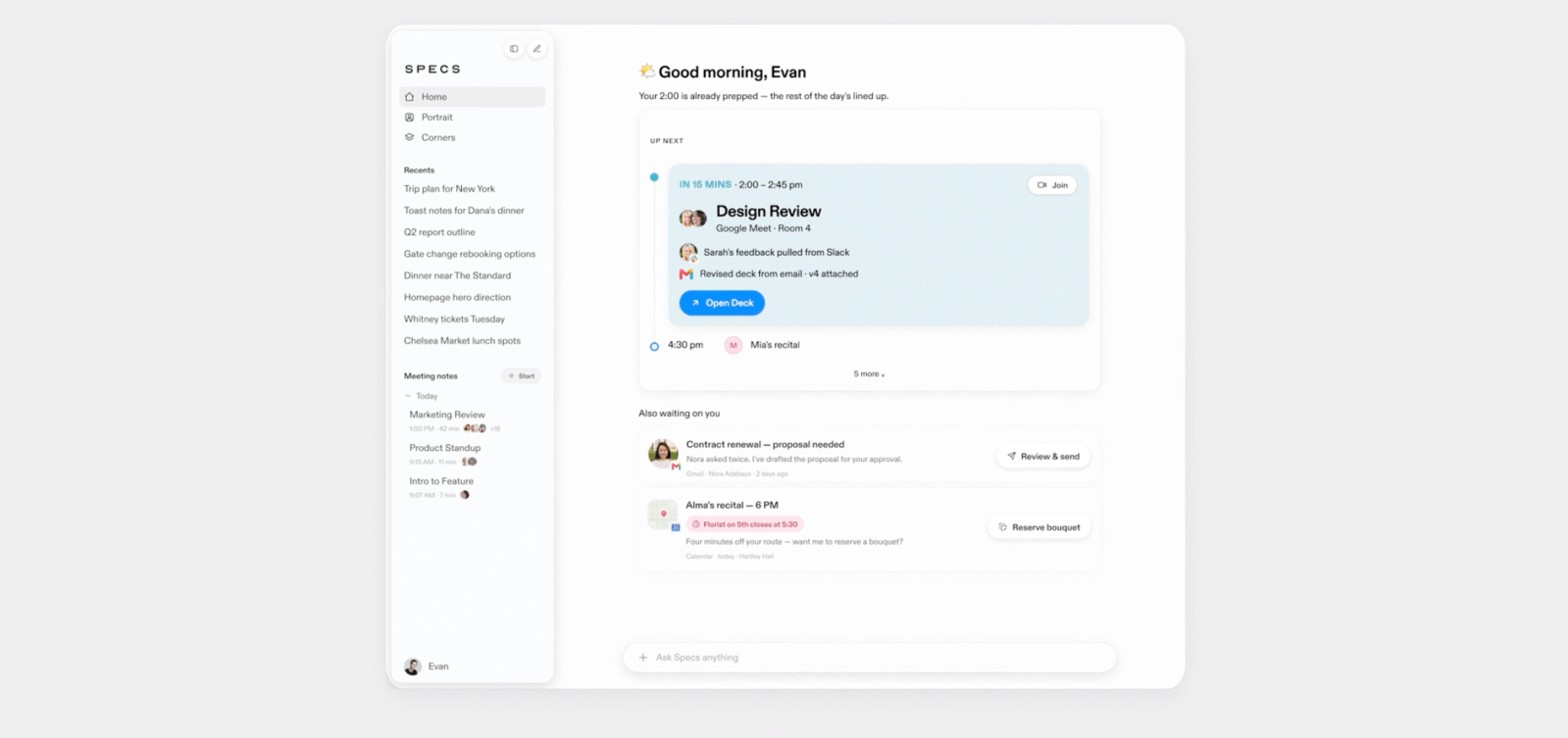
In a world full of AI assistants and tools that try to make your life easier, Poppy takes a different approach. Rather than requiring your effort up front, Poppy does its best to be proactive – and give you helpful context before you even know you need it.

more…
✇9to5Mac

Apple’s Focus filters are a great feature, but they have a glaring blind spot: group chats

Introduced in iOS 16, Focus Filters are excellent in premise. If you’re in say, a Work focus, you can block out distracting apps, websites, and notifications. It even works in Messages, where you’ll only see texts from people in your Work focus.

There’s one caveat with its implementation in Messages though, and it makes it much less useful for me than it could be.

more…
❌