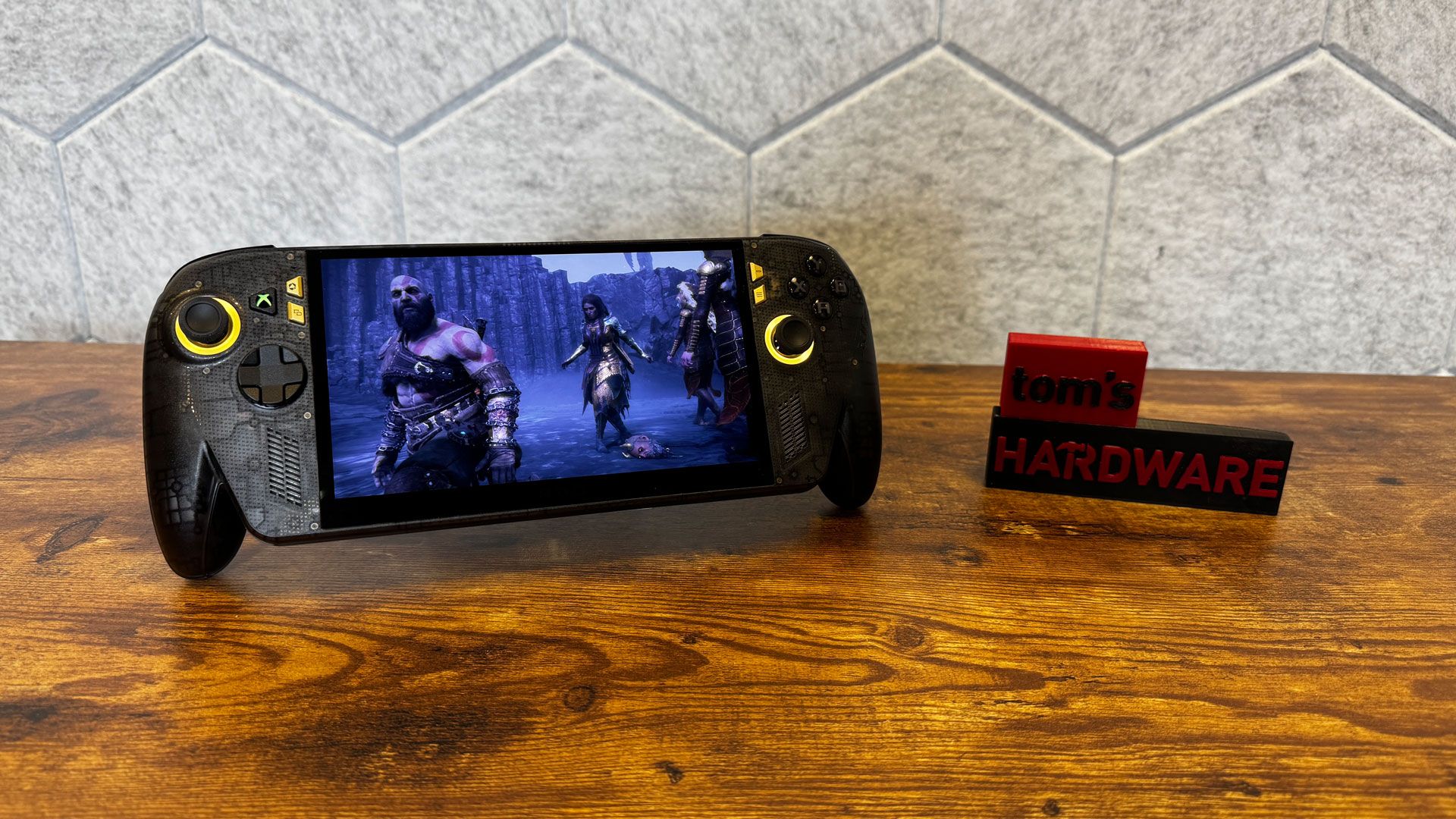
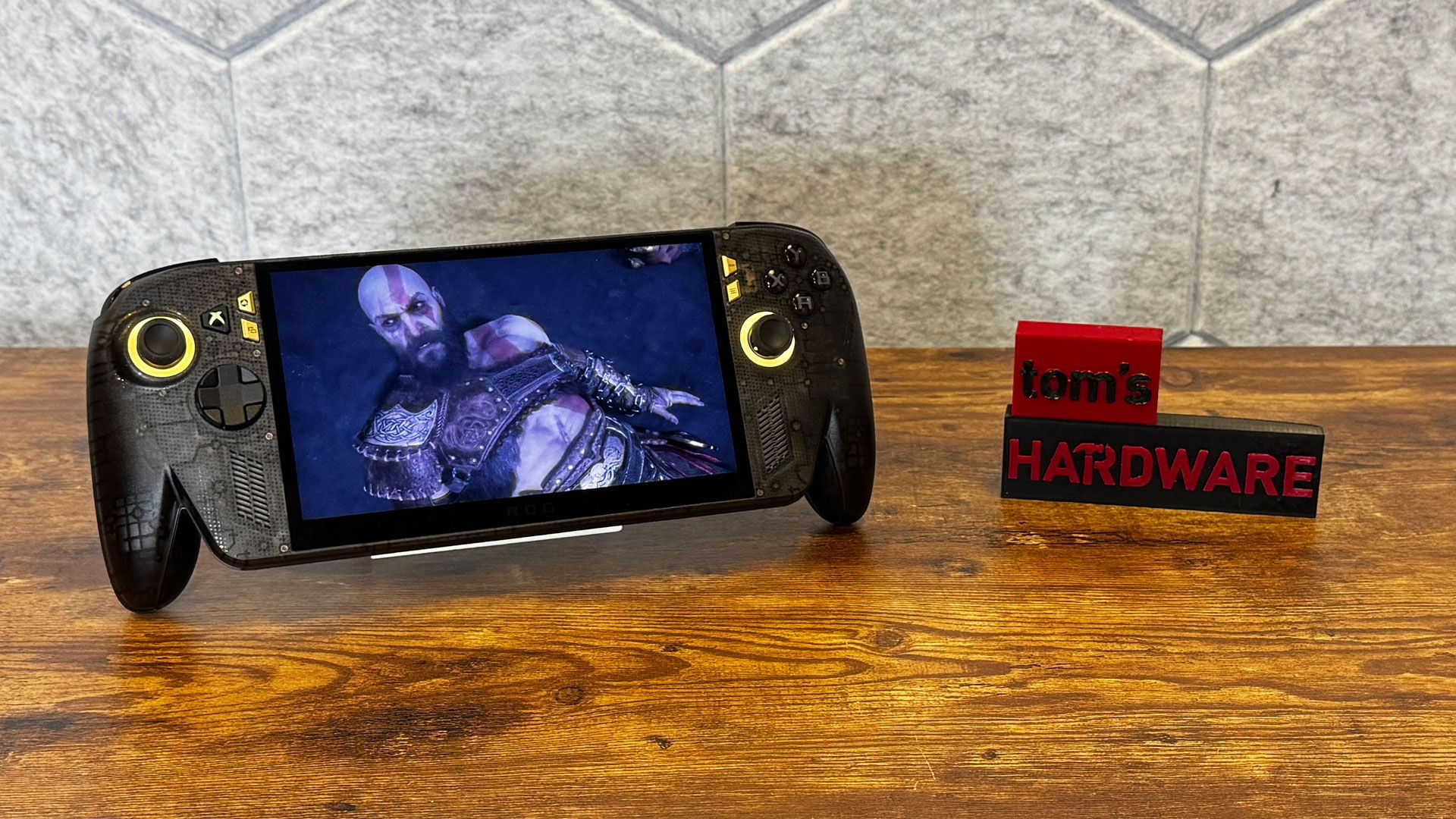
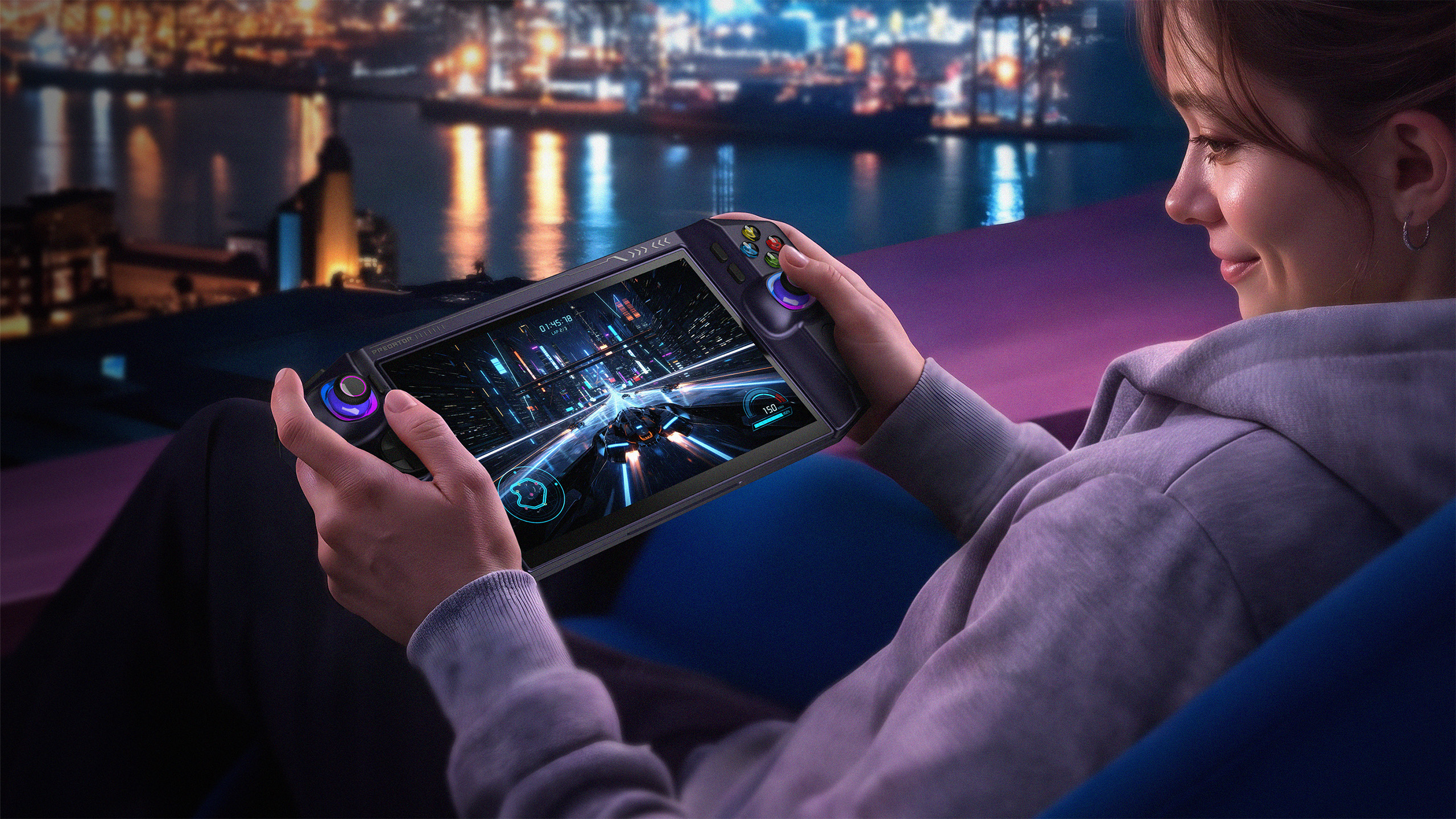
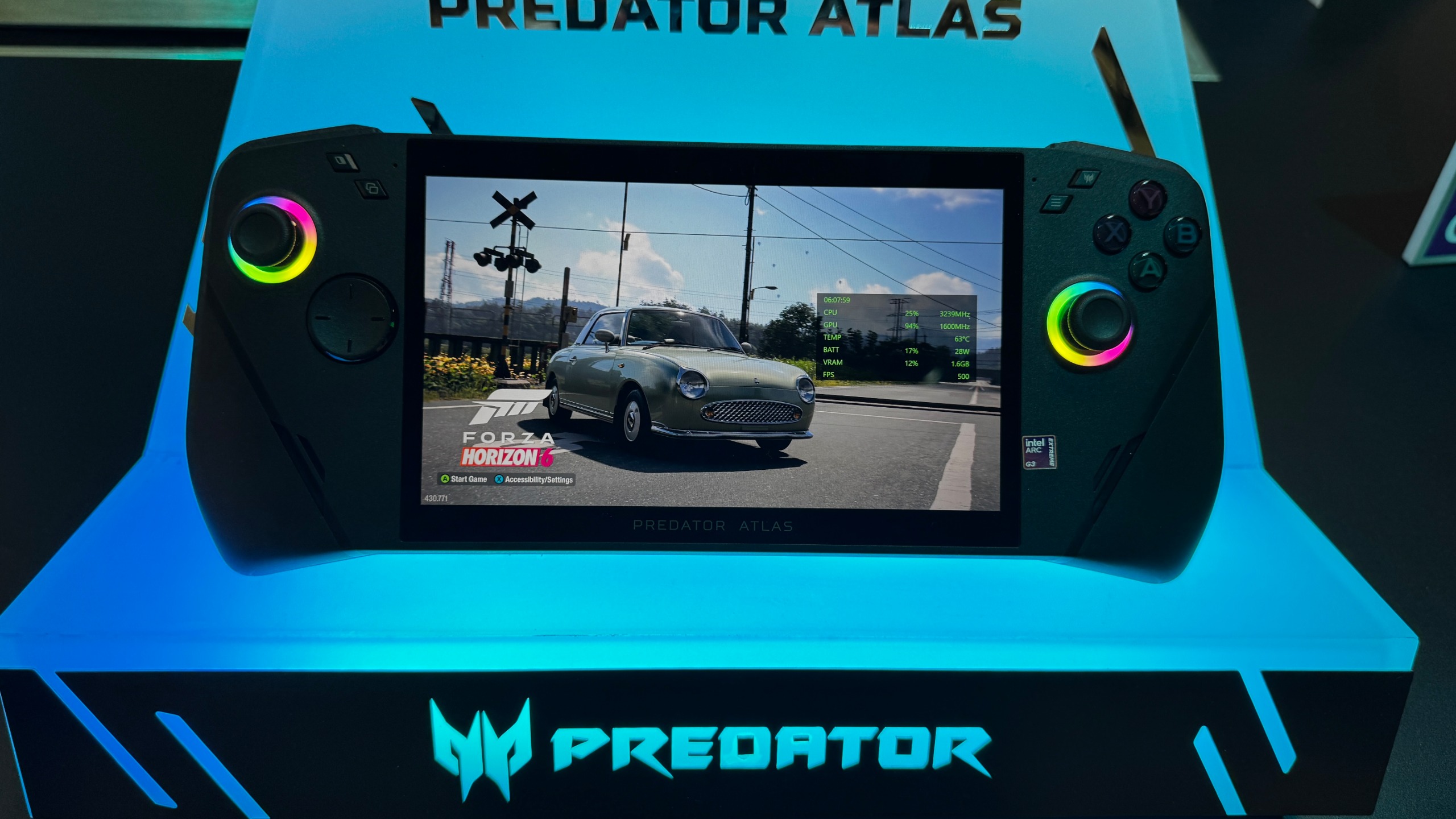
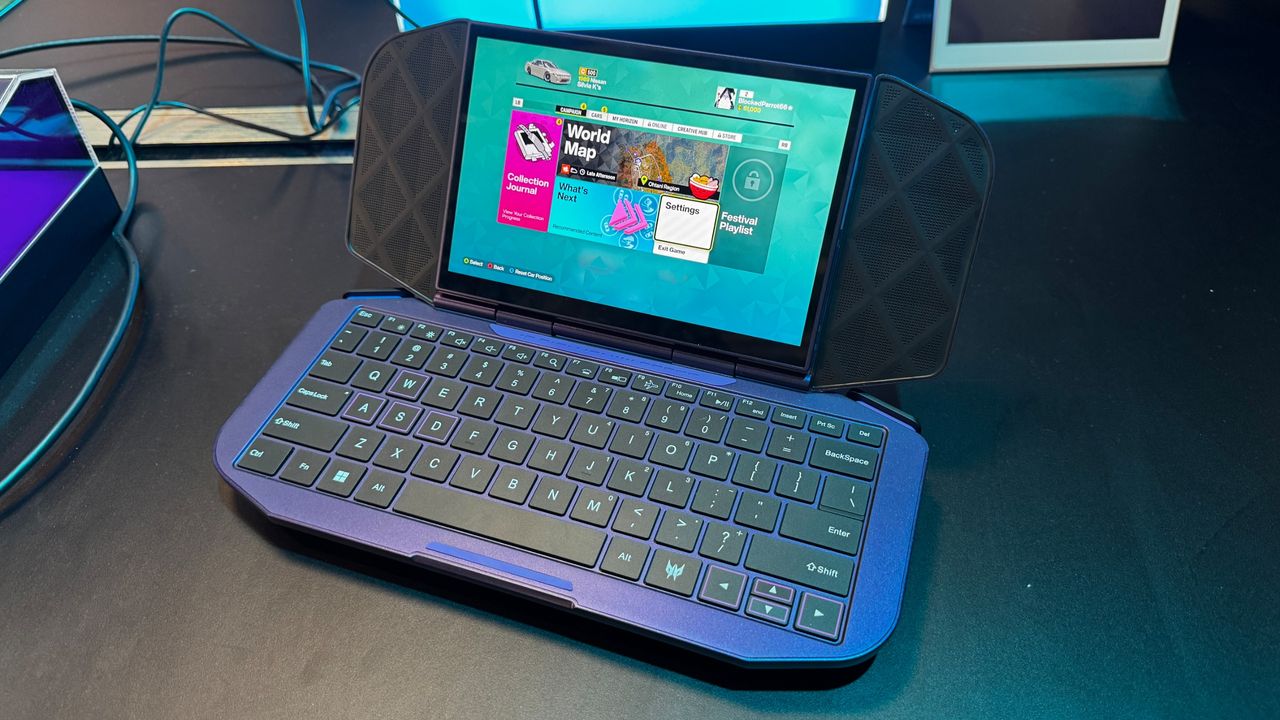
For Asus ROG's 20th birthday, the company released a slew of computer parts (enough for a supremely expensive build). But it's not overlooking its more recent entry into gaming handhelds, with the new Asus ROG Xbox Ally X20, a revamped version of the Asus ROG Xbox Ally X, which is already one of the best handheld gaming PCs.
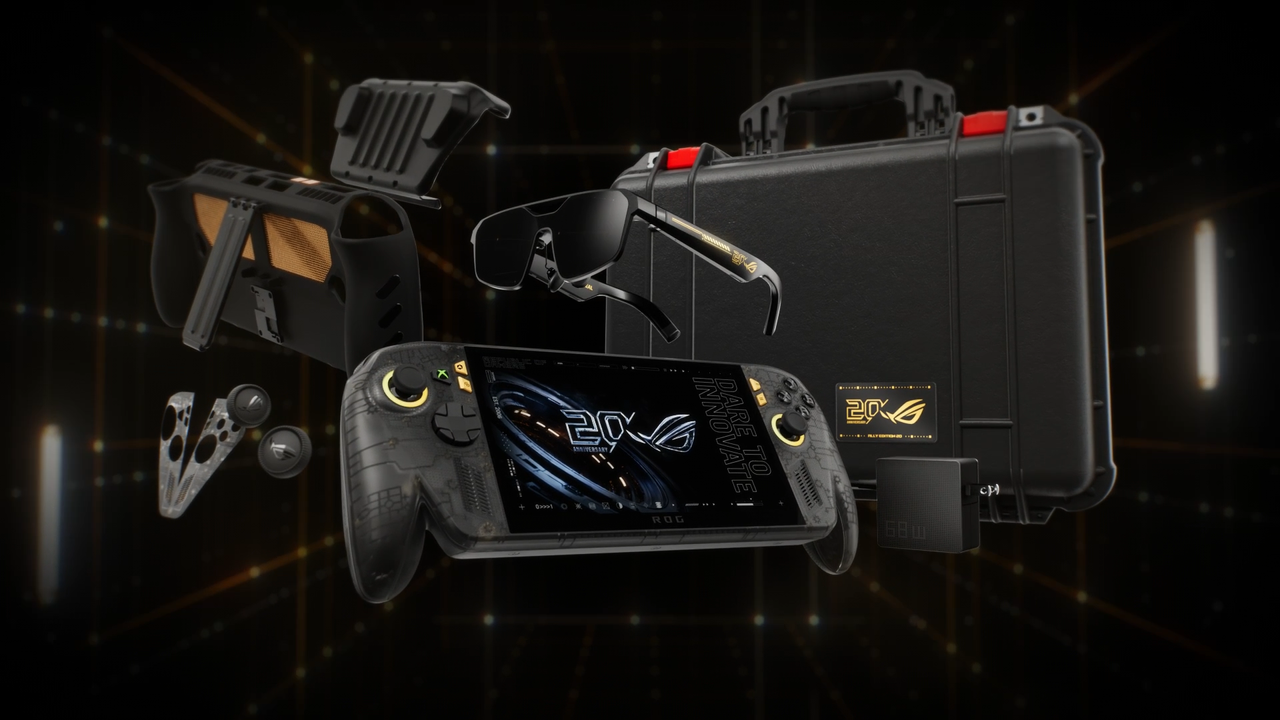
The $1,299.99 gaming handheld ($2,499.99 if you get it in a bundle with XR glasses, a Pelican case, and a Dbrand Killswitch case) doesn't change performance at all. Instead, it makes some common-sense tweaks to its existing $999.99 handheld, adding TMR joysticks, rubberized grips, a see-through design, a transforming D-pad, and, most importantly, an OLED display.
(Image credit: Tom's Hardware)
If you already have an Ally X, this isn't a reason to upgrade. But if you're looking to get into handheld PC gaming and are willing to splurge, the changes here sure are nice.
Design and Display on the Asus ROG Xbox Ally X20
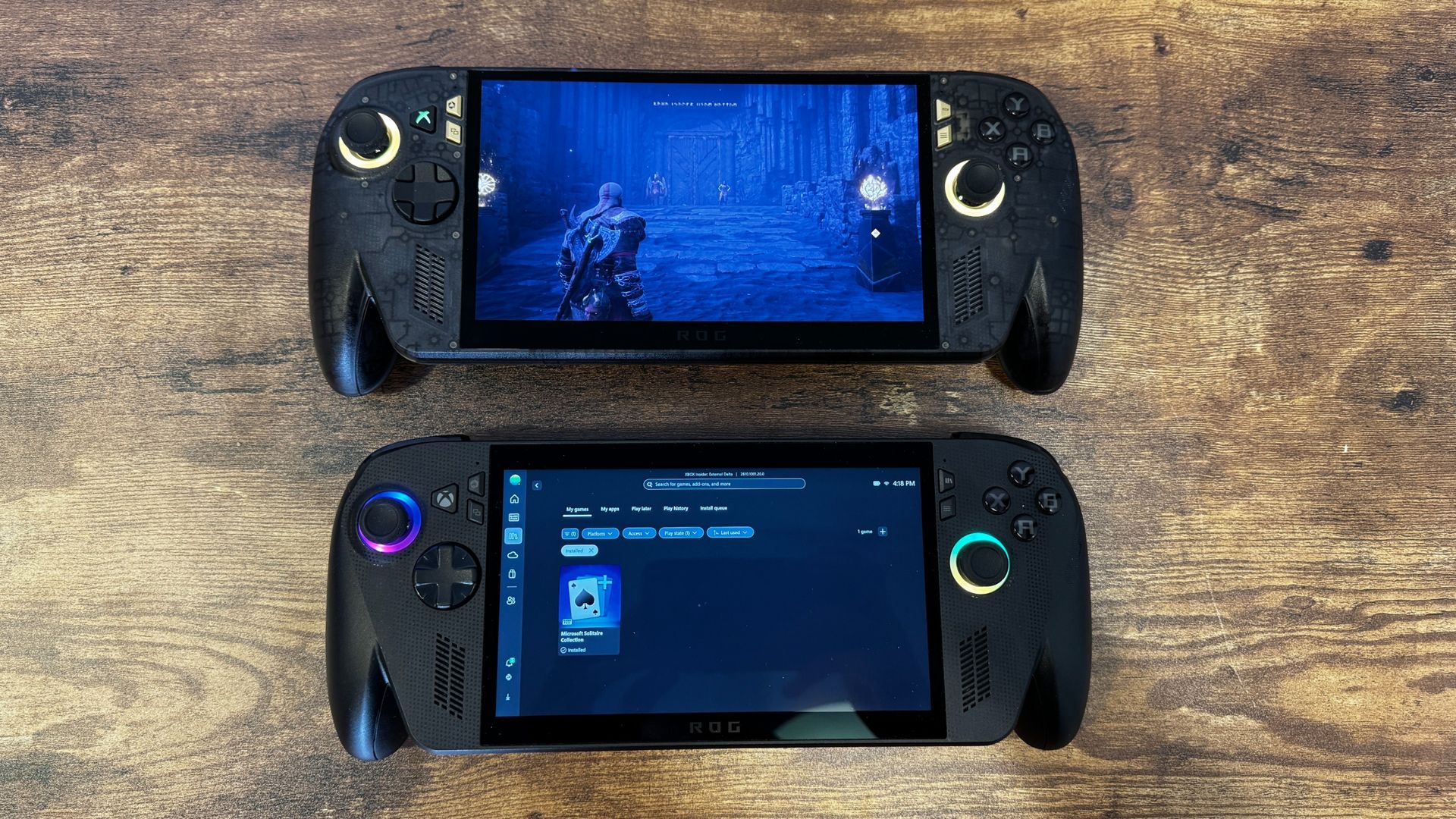
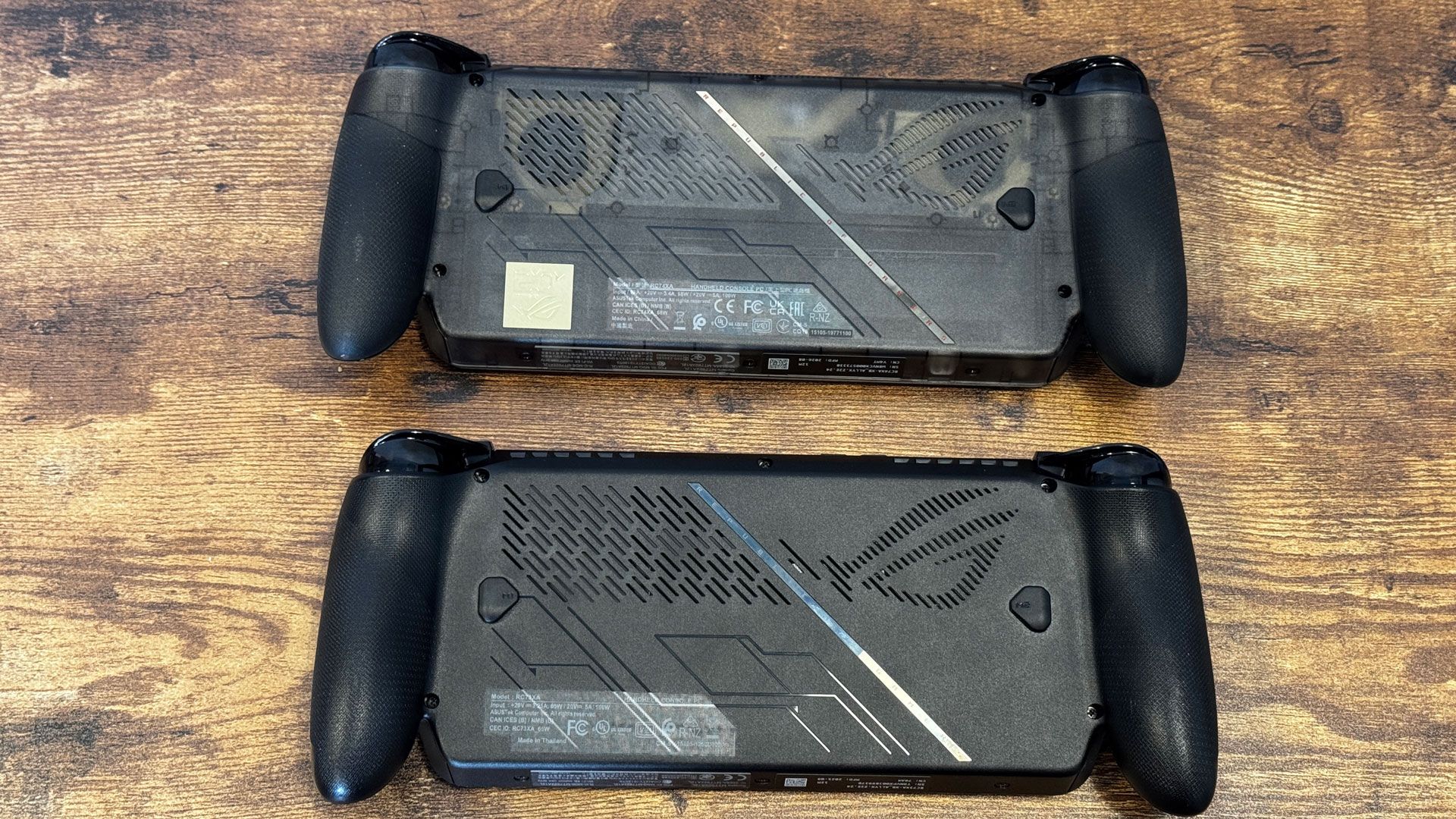
If you put the Asus ROG Xbox Ally X20 and the original next to each other, it's impossible not to notice the differences. But still, these are largely the same system, inside and out. They have the same button layout, the same grips, the same screen size, speaker placement, and vents.
Tom's HardwareTom's HardwareTom's Hardware
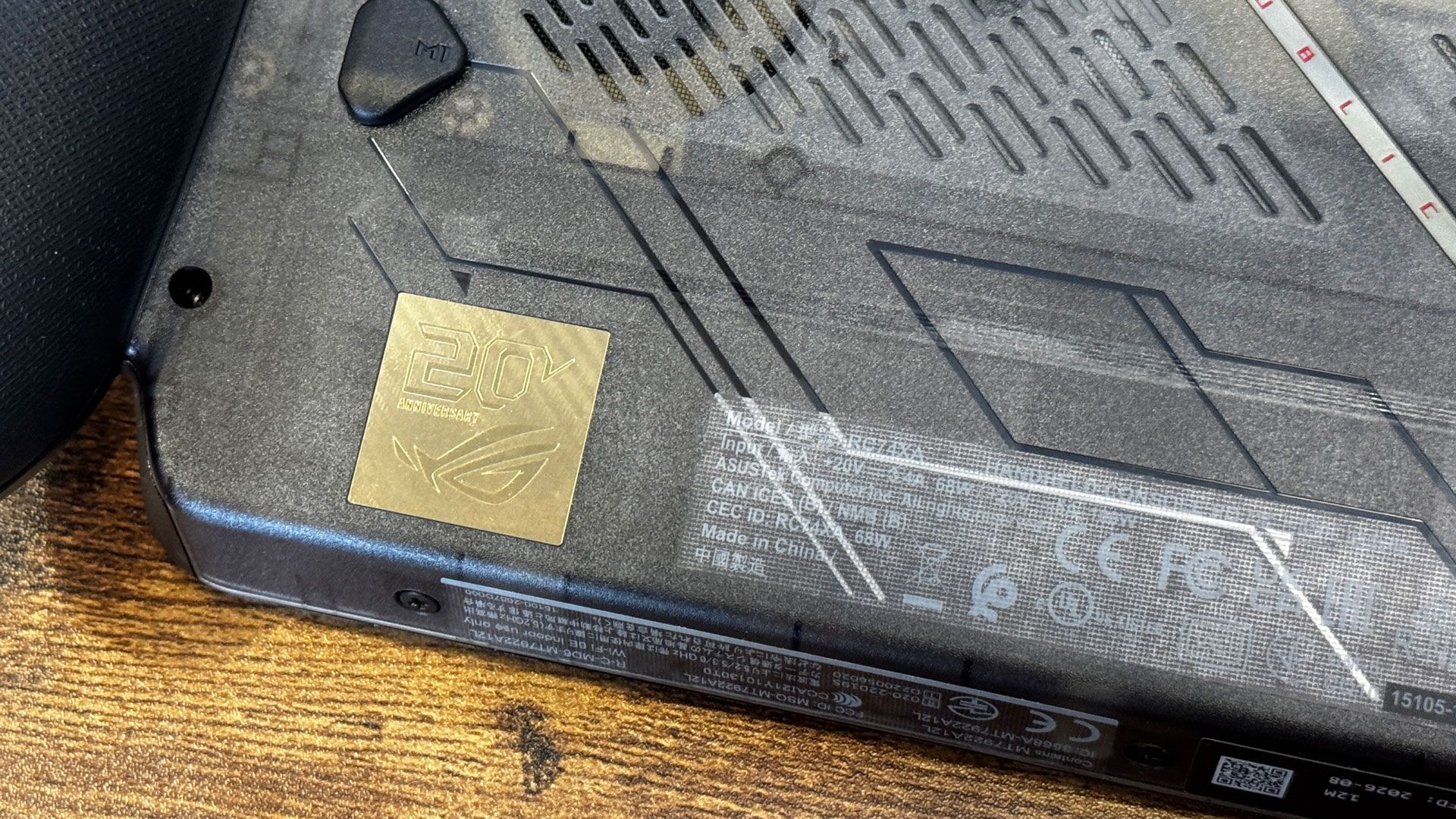
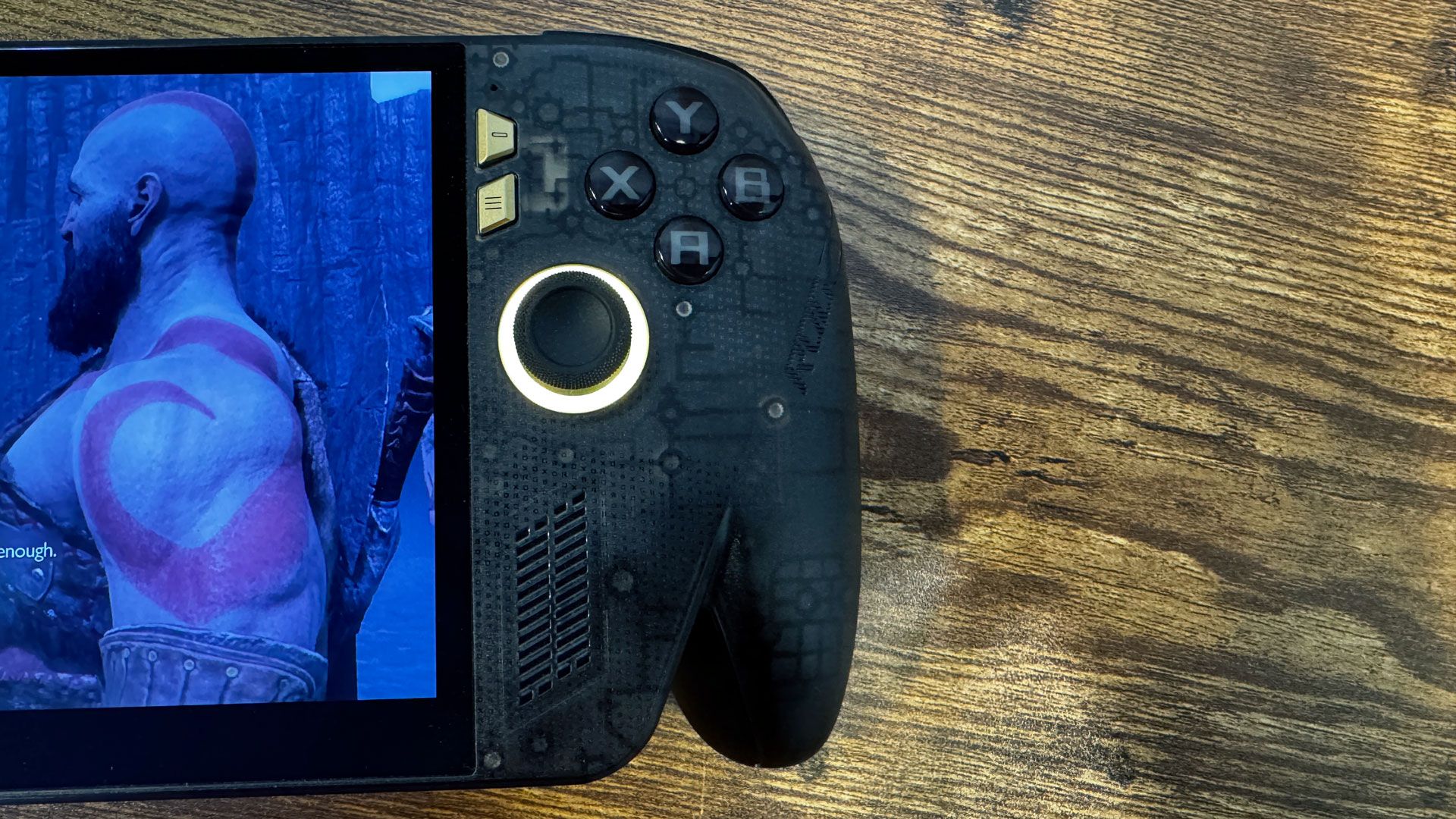
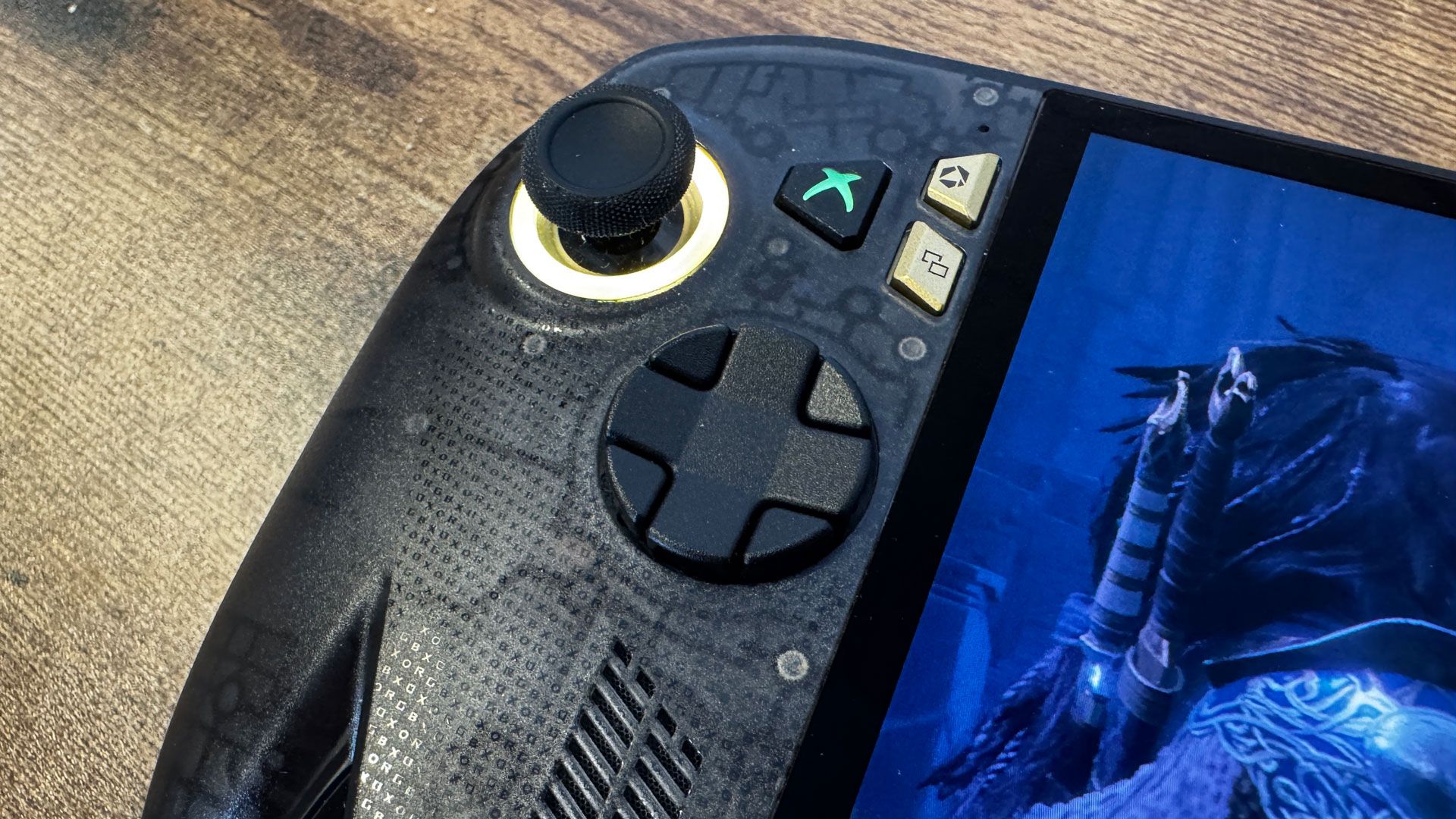
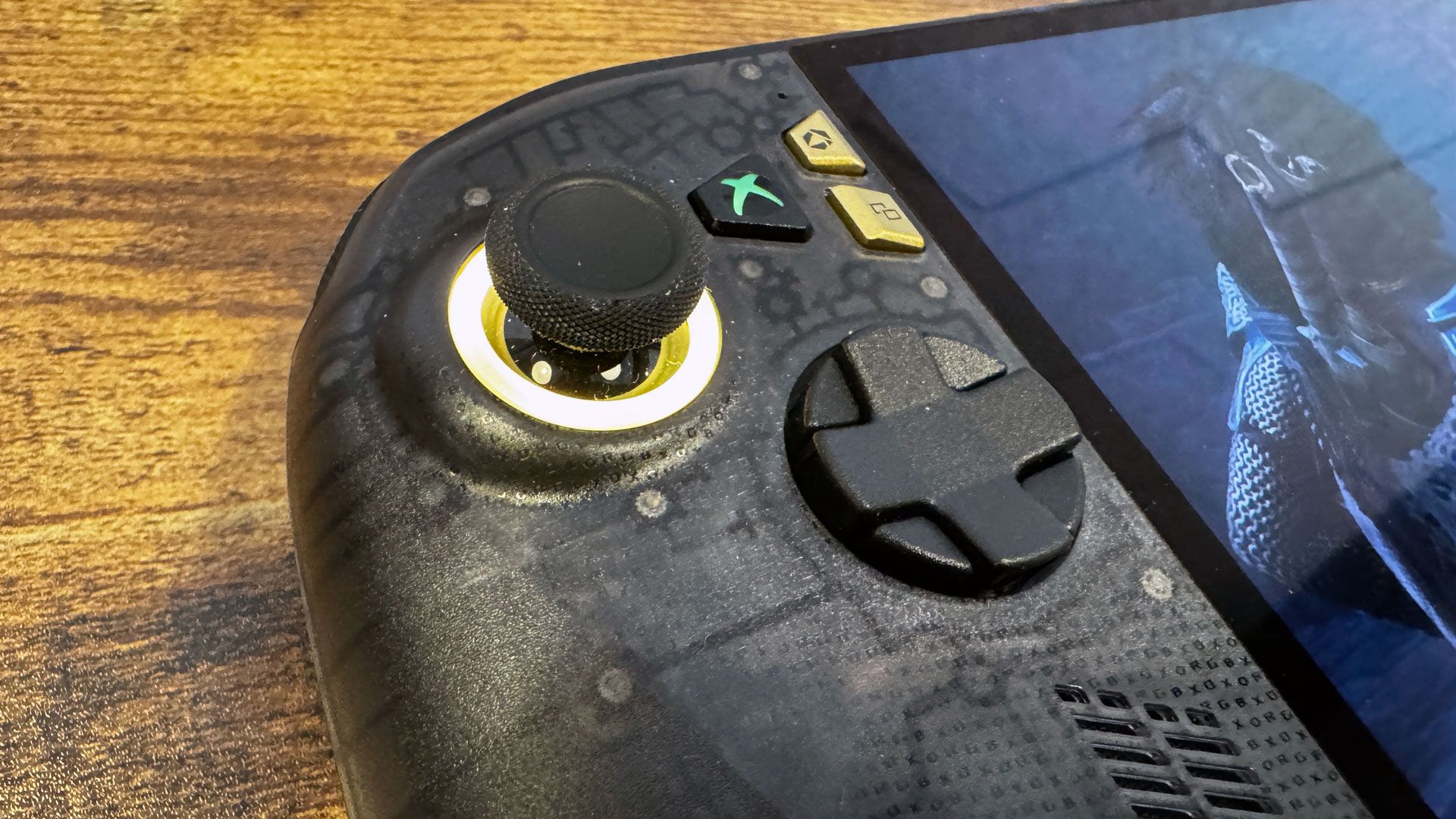
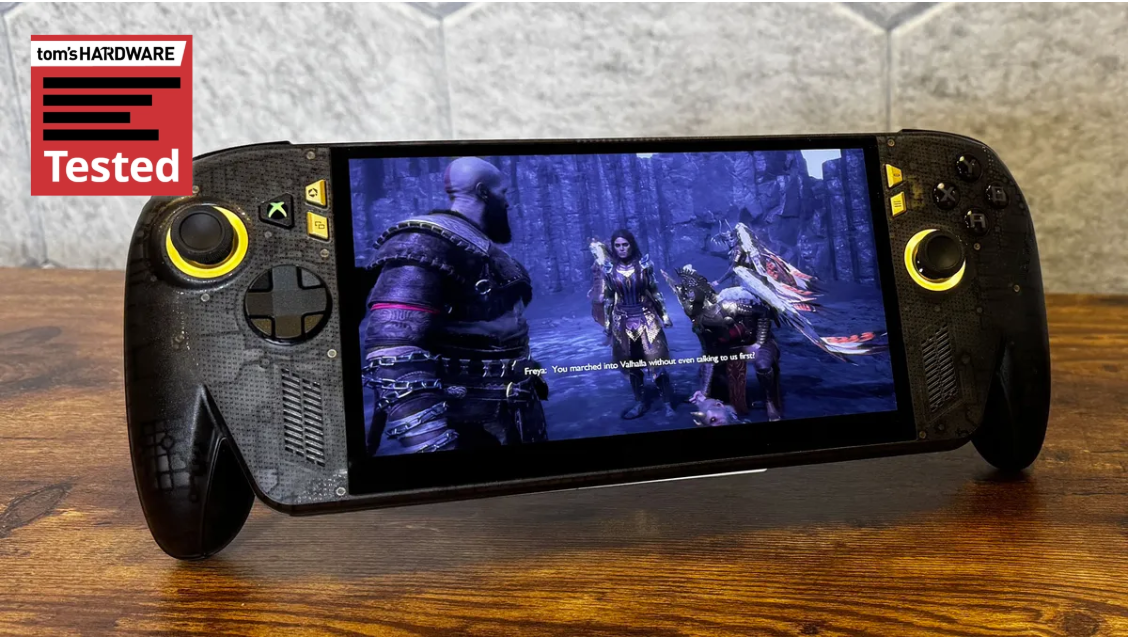
The most visible difference is that the X20 has a new, transparent plastic case with a black tint, along with gold menu buttons, a gold stripe across the back (rather than silver), and a large "20th Anniversary" ROG badge on the rear. I prefer the original Xbox Ally X's plainer design; the clear plastic looks more like a toy. I also found that it let the status lights shine through the top of the system, just abover the screen, which is distracting.
(Image credit: Tom's Hardware)
There is one minor change in the menu buttons: where the Ally X had a library button, the Ally X20 has a screenshot button. It's more useful in general, but it's also a great way to accidentally take a screenshot.
But once I picked up the Ally X20, the original couldn't compare. The chassis feels more substantial, especially with rubberized grips on the back of the prongs. There's a new directional pad, which feels more substantial; it also twists between a 4-way and 8-way pad, though I found switching between these two modes quite awkward. The 8-way D-pad is better for fighting games, while the 4-way with more distinct cardinal directions will make more sense for action-adventure and platform games.
Tom's HardwareTom's Hardware
The new TMR joysticks, which should show less wear with age, feel tighter. All of this adds up, even though there is no performance difference between the two devices. They share the same AMD Ryzen AI Z2 Extreme chip.
The other big change is the screen. Both use 1920 x 1080 touchscreens, but the Xbox Ally X20 has a 7.4-inch OLED panel, slightly larger than the original's 7-inch IPS display. While the screen size isn't much of a difference, the narrower top bezel is noticeable.
(Image credit: Tom's Hardware)
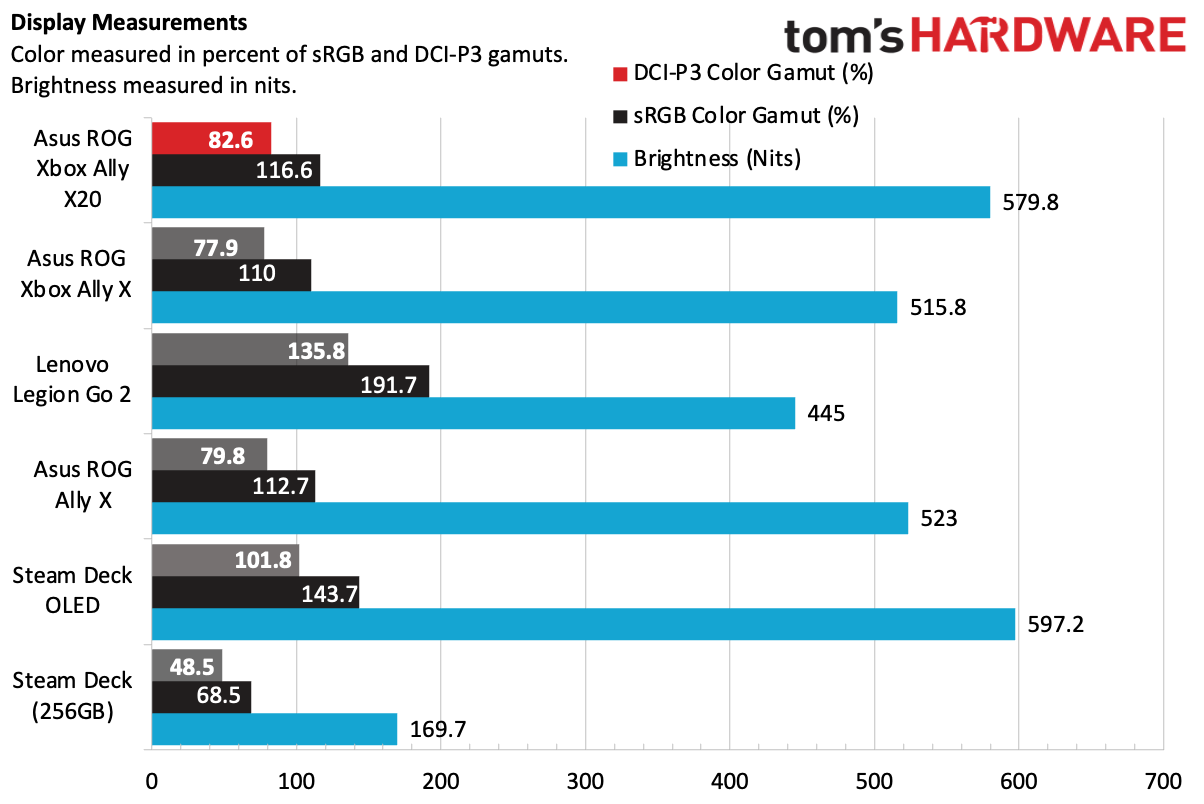
And the OLED screen looks great. It's only slightly more vivid on measured color tests. But it's definitely brighter, and it's absolutely an improvement. The OLED screen doesn't measure as well as the OLED screen on the Steam Deck OLED, but in isolation, I thought Asus's panel looked great, and it has a much more recent chip than the Steam Deck.
Forza Horizon 6 looked beautiful, with lush greenery on the sides of tracks and realistic, colorful paint jobs. In God of War: Ragnarok, dark areas with deep blacks made dim light stand out.
Asus ROG Xbox Ally X20 Specifications
Processor
AMD Ryzen AI Z2 Extreme
Graphics
AMD Radeon RDNA 3.5 graphics (16 cores)
Display
7.4-inch, 1920 x 1080, OLED touchscreen, 120 Hz
Memory
24GB LPDDR5X-8000, soldered
Storage
1TB PCIe 4.0 NVMe M.2 2280 SSD
Networking
Wi-Fi 6E, Bluetooth 5.4
Ports
USB4 Type-C (Thunderbolt 4 compatible), USB 3.2 Gen 2 Type-C, 3.5 mm headphone jack, microSD card reader (UHS-II)
Battery
80 WHr
Power Adapter
65W
Operating System
Windows 11 Home
Dimensions
11.42 x 4.76 x 1.08 ~ 2.00 inches (29.0 x 12.1 x 2.75 ~ 5.09 cm)
Price as Configured
$1,299.99
Battery Life on the Asus ROG Xbox Ally X20
The Ally X20 has the same 80 Whr battery as its predecessor. To get an idea how long you can play a demanding game for, I booted up God of War: Ragnarok, set the screen to 50% brightness, and used the 17W performance mode. With the game running on low settings with AMD FSR 3.1.4 at 720p, the machine had 47% charge left after an hour and 15 minutes of gameplay.
That suggests that I could have hit about 2.5 hours had I kept going. That's down from about 3 hours on the original Ally, though it's not apples to apples, as I played different games. It's to be expected that an OLED display would use a bit more power, however.
Software and Warranty on the Asus ROG Xbox Ally X20
The ROG Xbox Ally X20 uses the same Full Screen Experience that the original Xbox Ally X originated. Portions of Windows don't even load unless you switch to desktop mode, which saves RAM and helps boost performance.
For some features, Asus includes Armoury Crate SE. That's where you can make changes to the lighting around the joysticks, adjust power management (whether in the app or in the Xbox menu), and calibrate your joysticks and triggers.
Asus sells the ROG Xbox Ally X20 with a 1-year warranty.
Bottom Line
(Image credit: Tom's Hardware)
The Asus ROG Xbox Ally X20 is the definitive form of Asus' handheld. It feels better in the hands, has joysticks that should last longer, and the OLED display is a noticeable improvement.
All of that being said, games play the same across the two devices. If you already have an original ROG Ally X, this isn't worth the upgrade. You won't get any more performance, and the IPS screen on the original is still plenty bright and colorful, even if the blacks aren't as good as on an OLED screen.
If you're buying a new machine, it's a tougher choice. The X20 is $1,299.99 — a $300 increase over the original, which is staying on the market. If this is your sole gaming machine, that may be worthwhile for the improved screen, TMR joysticks, and a slightly more solid build. But it's a lot of money; the original Xbox Ally X will play games the same way for $300 less. Neither will play games as well as the Intel Arc G3, but the only system with that available right now is $1,799.
The X20 is worth getting if it's going to be your only gaming PC for a few years. The $1,299.99 price is high for a handheld, but given that the $999.99 version is effectively the best deal in handhelds right now, it makes some sense to invest if you want the best experience.
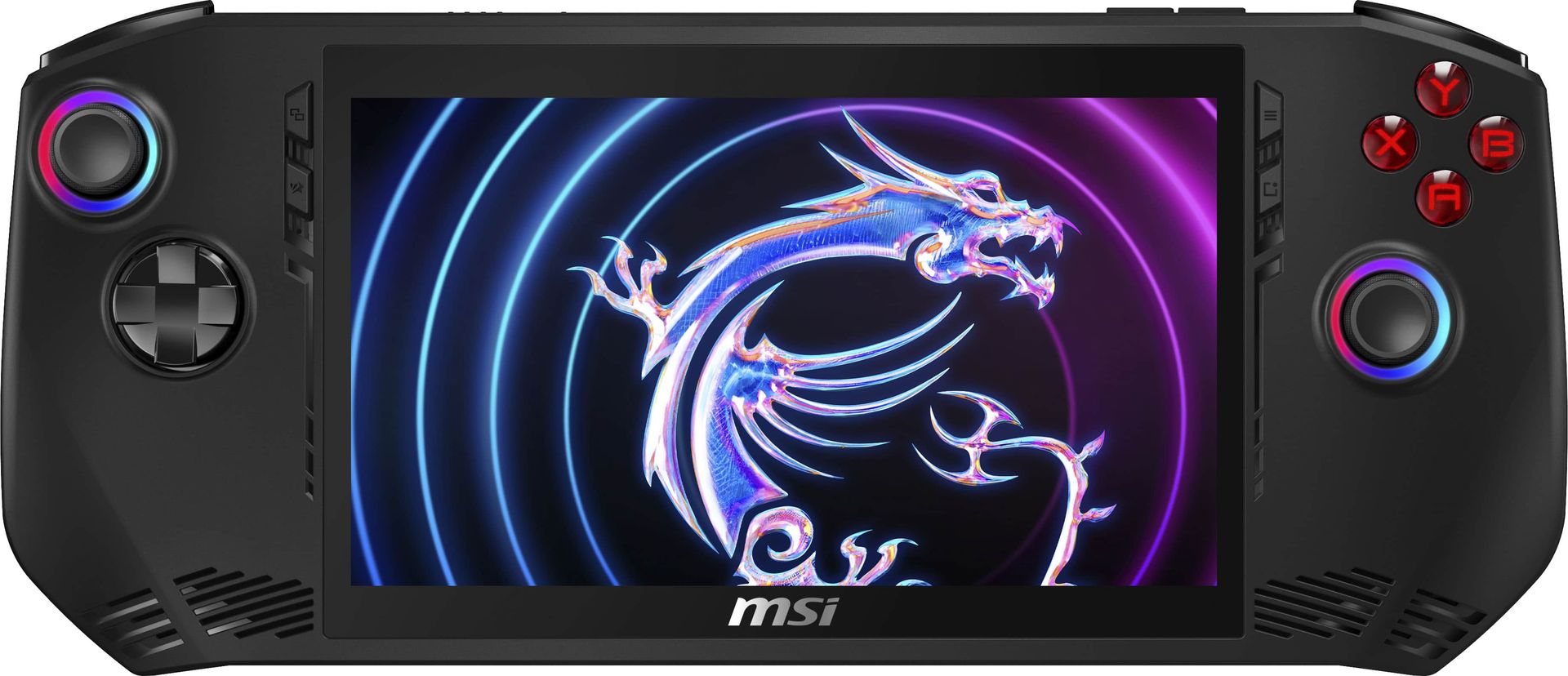
The original MSI Claw (A1M) was forgotten about almost as quickly as it launched, being the first handheld from MSI, and the first one to sport an Intel CPU (in this case, the Core Ultra 7 155H from the Meteor Lake family). Unsurprisingly, Best Buy has the handheld on clearance, and right now it's available for a surprisingly good price of $562.99 considering how expensive newer handhelds are.
In this case of handheld gaming PC, this is the cheapest option you can get right now. Even the ROG Xbox Ally with the Ryzen Z2 A and 512GB of storage is $600. Handhelds with 1TB of storage and the Ryzen Z1 Extreme (the chip Intel originally targeted) will run you north of $1,000.
In both build quality and layout, the A1M is nearly a carbon copy of the original Asus ROG Ally. It sports a 7-inch 1080p display with a 120Hz refresh rate, a single USB-C port for charging and peripherals, and a microSD card slot for storage expansion; though, you can replace the SSD inside, as well.
This is a great deal considering the price of handhelds right now, especially those packing 1TB of storage, but the A1M was glossed over quickly for a reason. The Meteor Lake chip inside wasn't built for handheld gaming, so although it offers decent performance, it does so at relatively high power draw.
In a game like Horizon Zero Dawn, it's able to achieve around 30 FPS at native 1080p with the Balanced power plan, which uses a 30W target. Plugged in with a full 40W power budget, the game can crack 30 FPS in titles like Cyberpunk 2077 with the Steam Deck preset.
It falls between 5% and 10% short of the Z1 Extreme, and with worse battery life. With prices equal, we'd normally recommend the ROG Ally. Considering the price gap, the A1M is worth considering. The software isn't as clear as what you get with an Asus handheld, but MSI has made dozens of updates to its firmware and overlay software since the original A1M launched.
Performance is less of a concern than battery life, with the Meteor Lake chip sucking down quite a bit of power relative to modern PC handhelds. That's not a dealbreaker at this price, but make sure to have a quality USB-C charger at the ready.
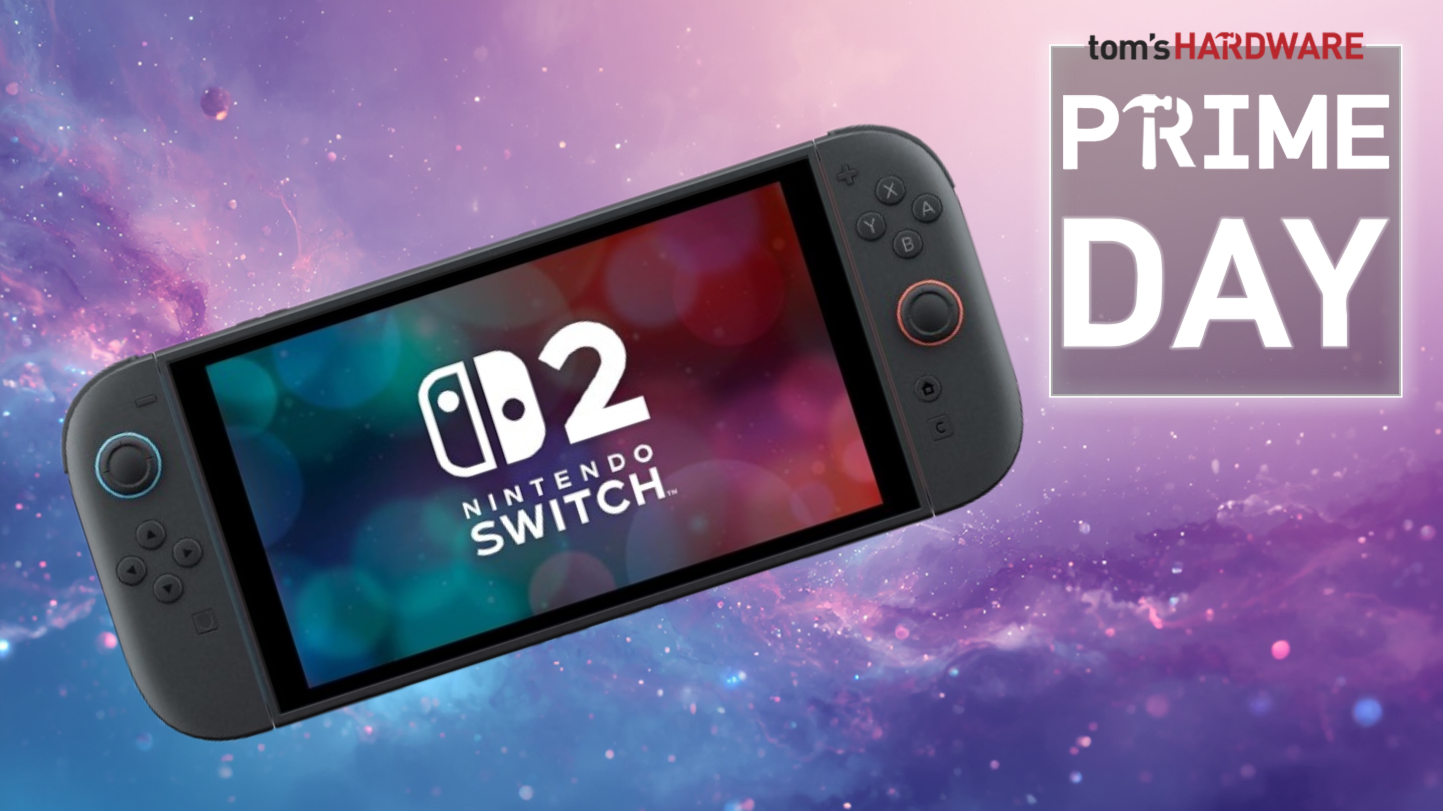
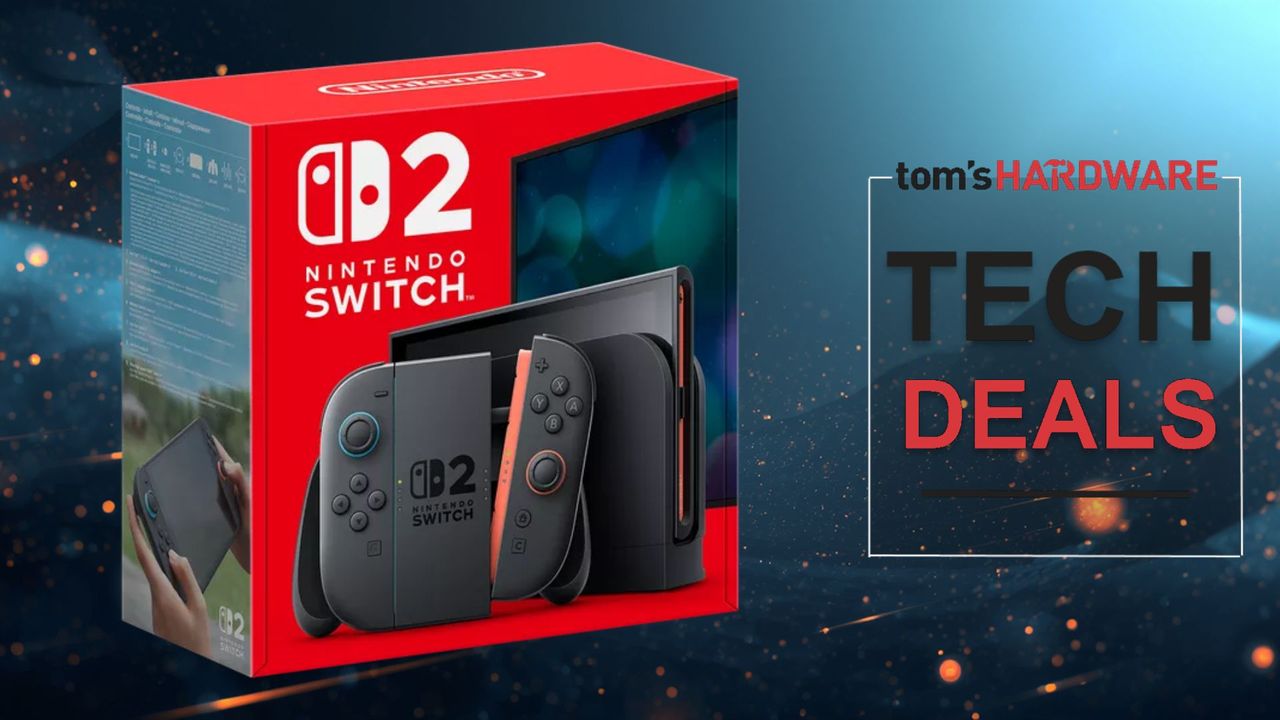
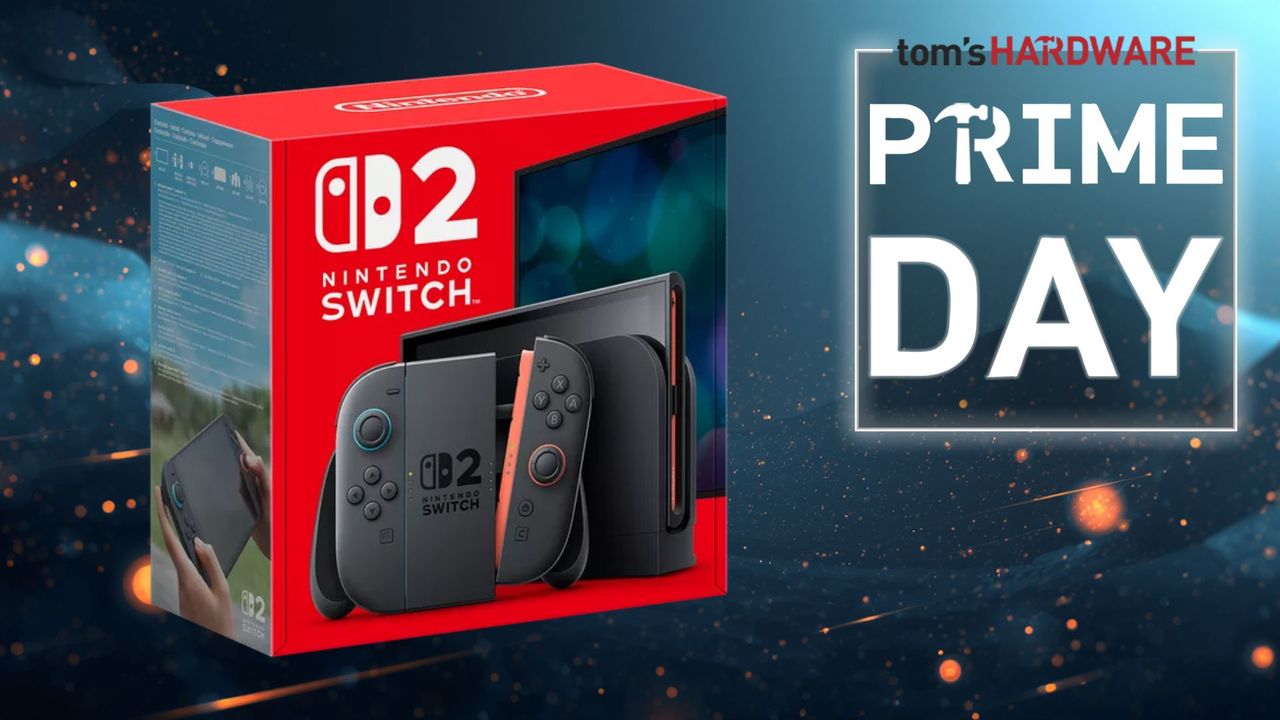
Do you or someone you know have a Nintendo Switch 2? What about accessories for your new console? Whether you want to play with others, increase your storage, or add functionality, you may want some extras to deliver the best gameplay experience possible, or even add accessories to make it your own. Now is the best time to score a big deal on them during Amazon's Prime Big Deals Days 2026.
There are many official, licensed accessories alongside third-party extras available at a wide range of prices. Now is an excellent time to hunt for deals and the best prices on Switch 2 peripherals and accessories.
One of the most important extras you'll most likely want to pick up is a microSD Express memory expansion card. If you know that's what you want, check out our handy list of the best Prime Day microSD Express card deals for the Switch 2.
Other accessories to consider are screen protectors, carrying cases, and peripherals such as controllers, headsets, and cameras, as listed below.
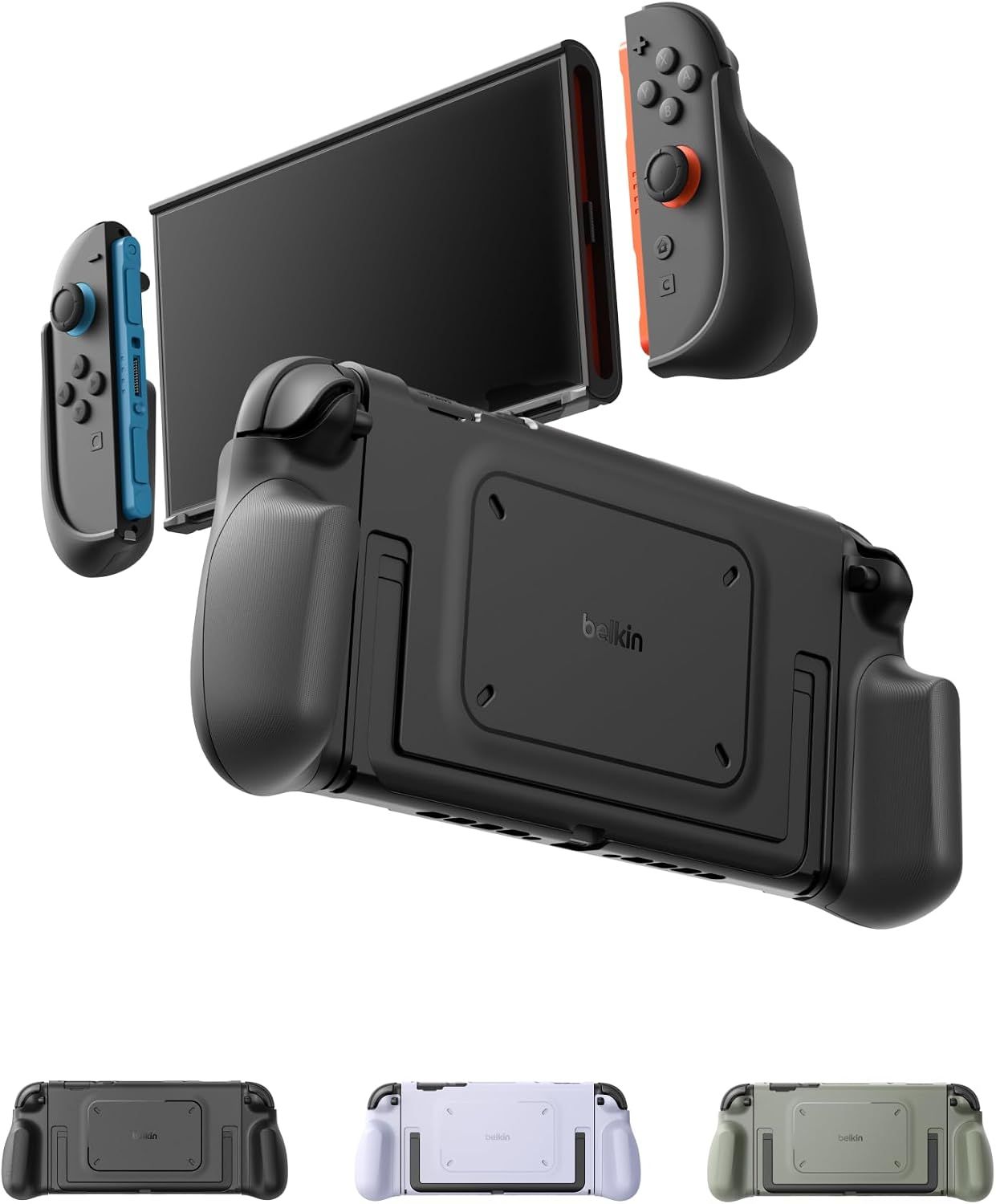
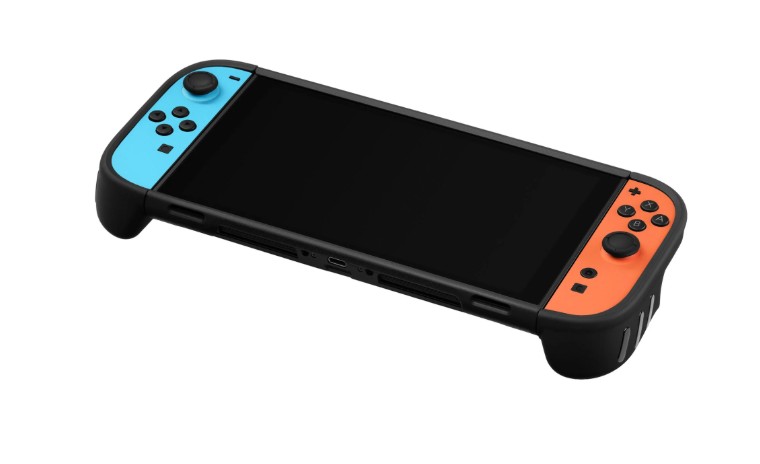
Nintendo Switch 2 Grip Case: was $39.99 now $28.49 Save big on this rugged case and grip from Belkin. Ergonomic gaming grip helps support long gaming sessions with minimal fatigue, has a kickstand mode, and quick release joycons.View Deal
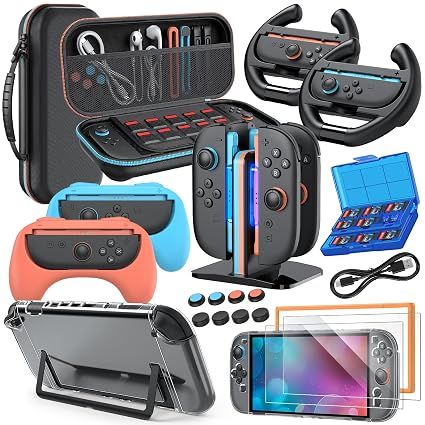
20-in-1 Accessory Kit for Nintendo Switch 2: was $34.99 now $29.74 Get all the Nintendo Switch 2 accessories you need in this massive 20-in-1 bundle. You get one storage case, protective hard case, 2x PC grip covers, charger dock stand, 2x grips for the joycons, 2x steering wheels, two tempered protective films, 8x thumb grips, and a game card case. View Deal
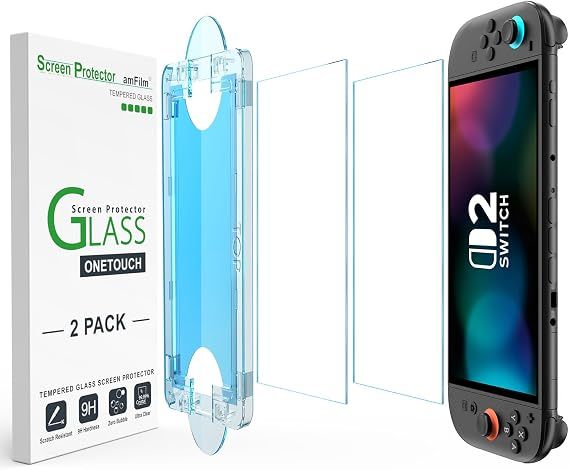
With an applicator for installing your protector perfectly, the amFilm Tempered Glass screen protector will keep your Switch 2 screen scratch free.View Deal
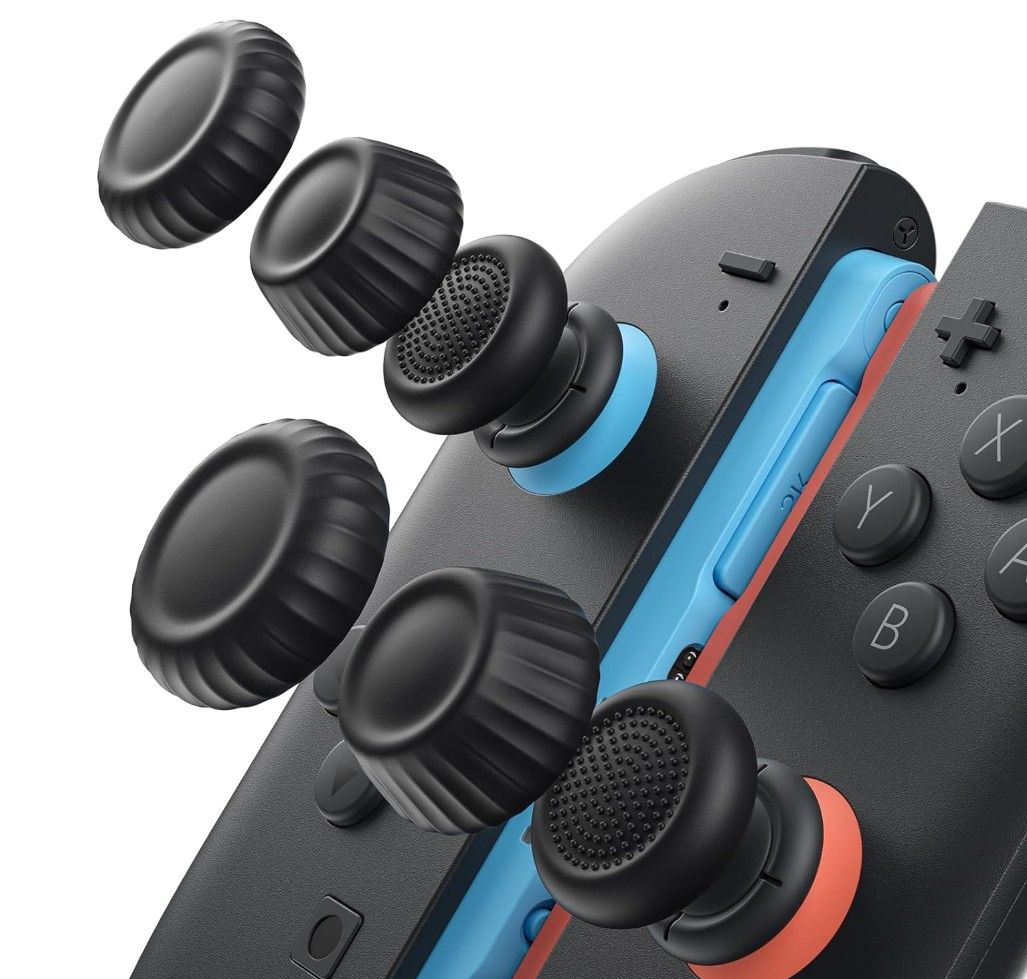
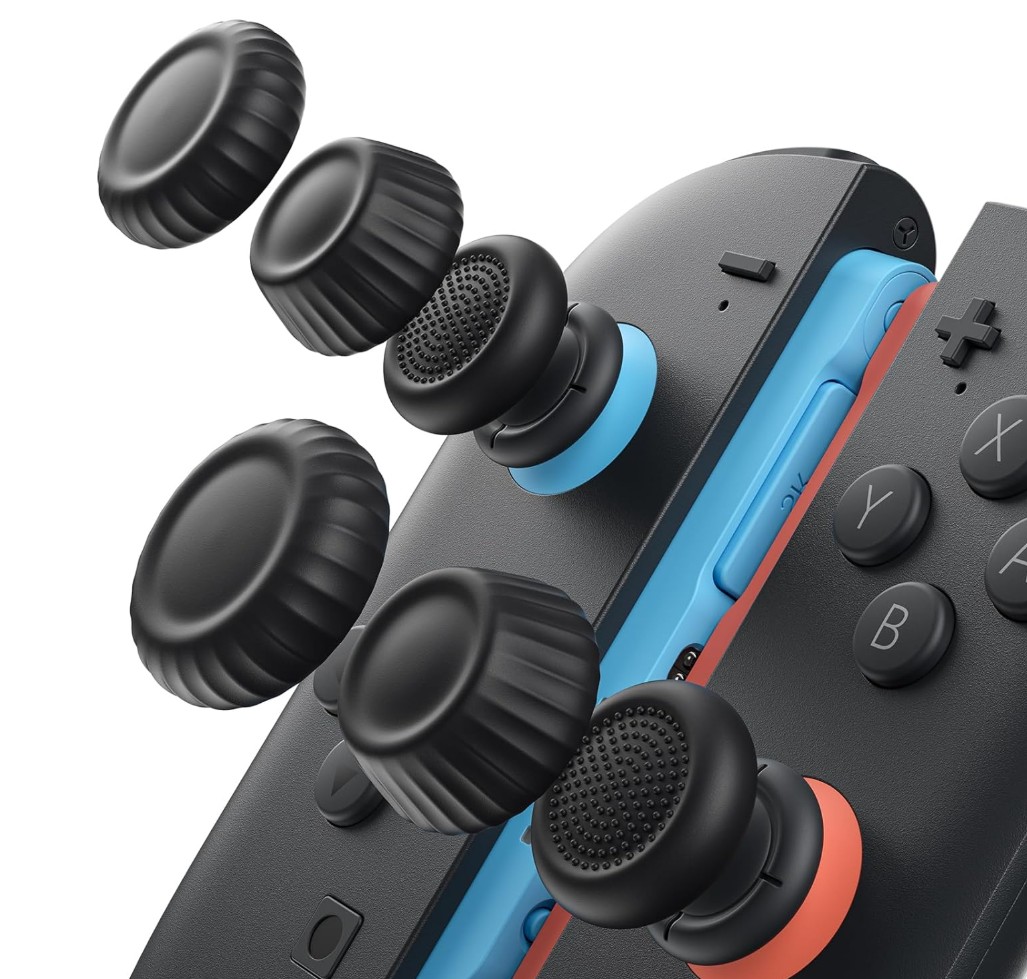
Thumb Grips for Nintendo Switch 2: was $9.99 now $7.99 Protect your thumb sticks during travel, and also adapt how your Switch 2 thumb sticks feel when you're gaming. A choice of different sizes of thumb stick covers lets you choose your preference. View Deal
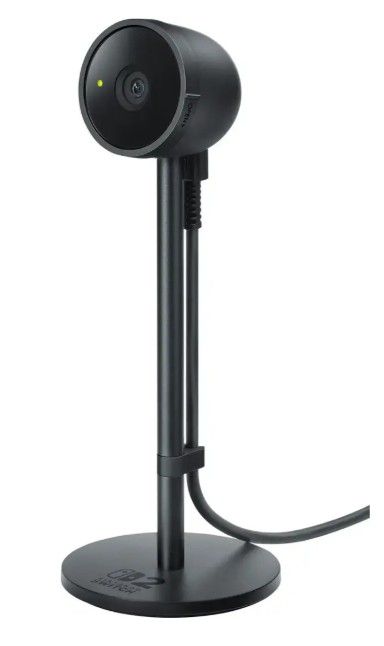
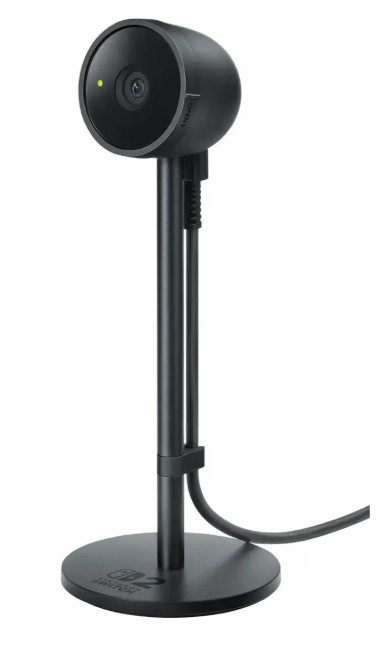
The Nintendo Switch 2 camera lets you join your friend on screen in party chat for multiplayer fun. The camera sports a 1080p resolution and connects via USB-C.View Deal
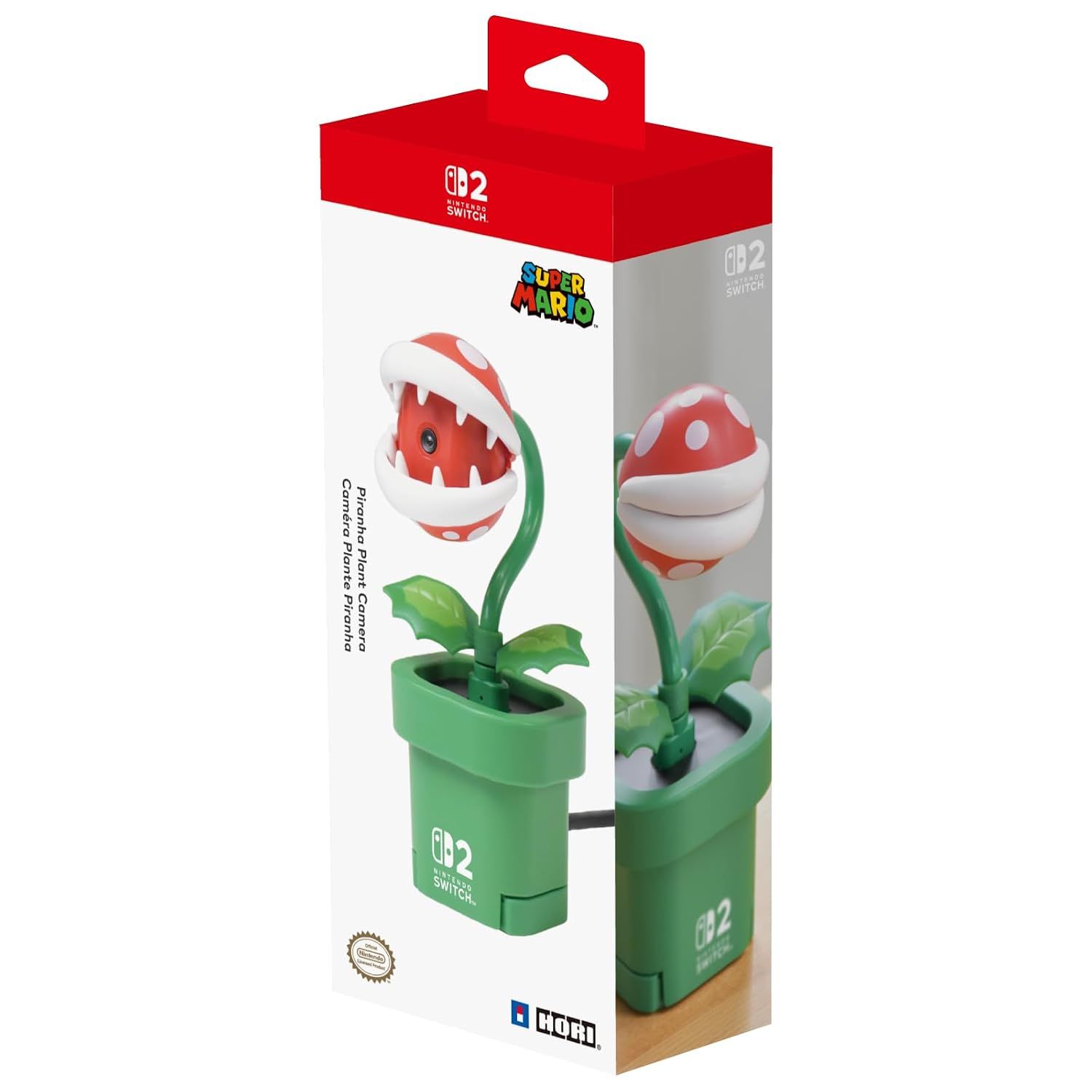
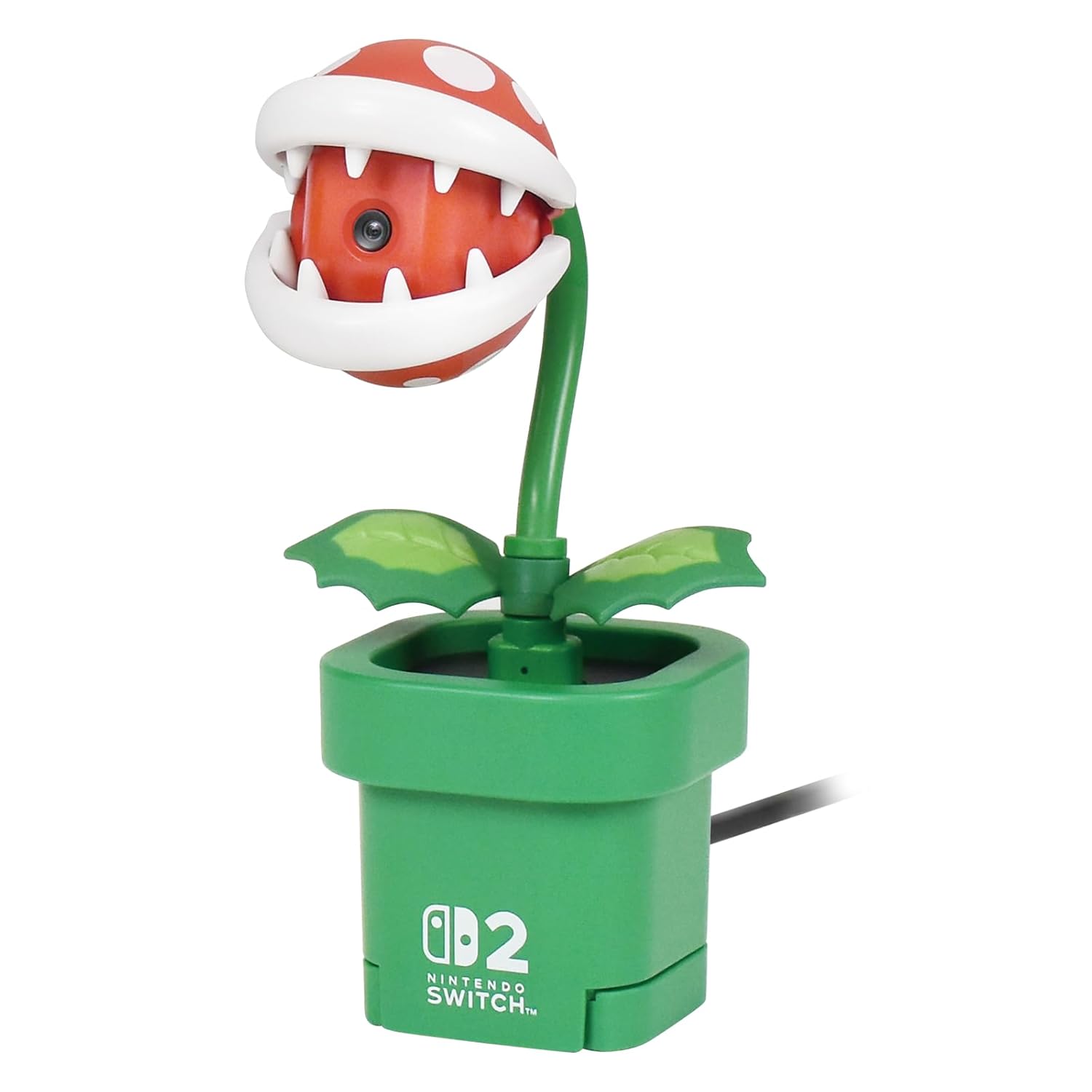
Save big on this cool Piranha plant camera from Nintendo. The camera connects via USB-C cable and includes a 3.5mm stereo adapter for audio. Video comes in at 30 FPS with a 640x480 resolution.View Deal
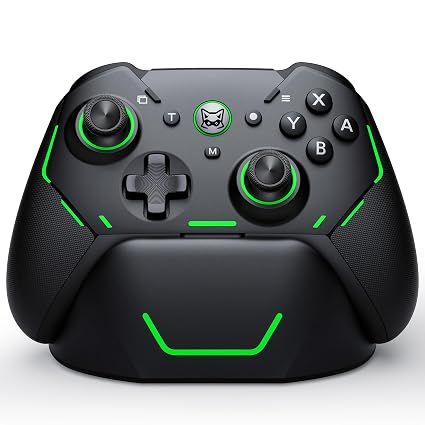
Switch 2 Pro Controller: was $37.99 now $31.99 Upgrade your input device with this Hall Effect controller from Svetaecho. It has two programmable buttons, dual vibration motors for feedback, and a long battery life thanks to its 1,000 mAh battery. View Deal
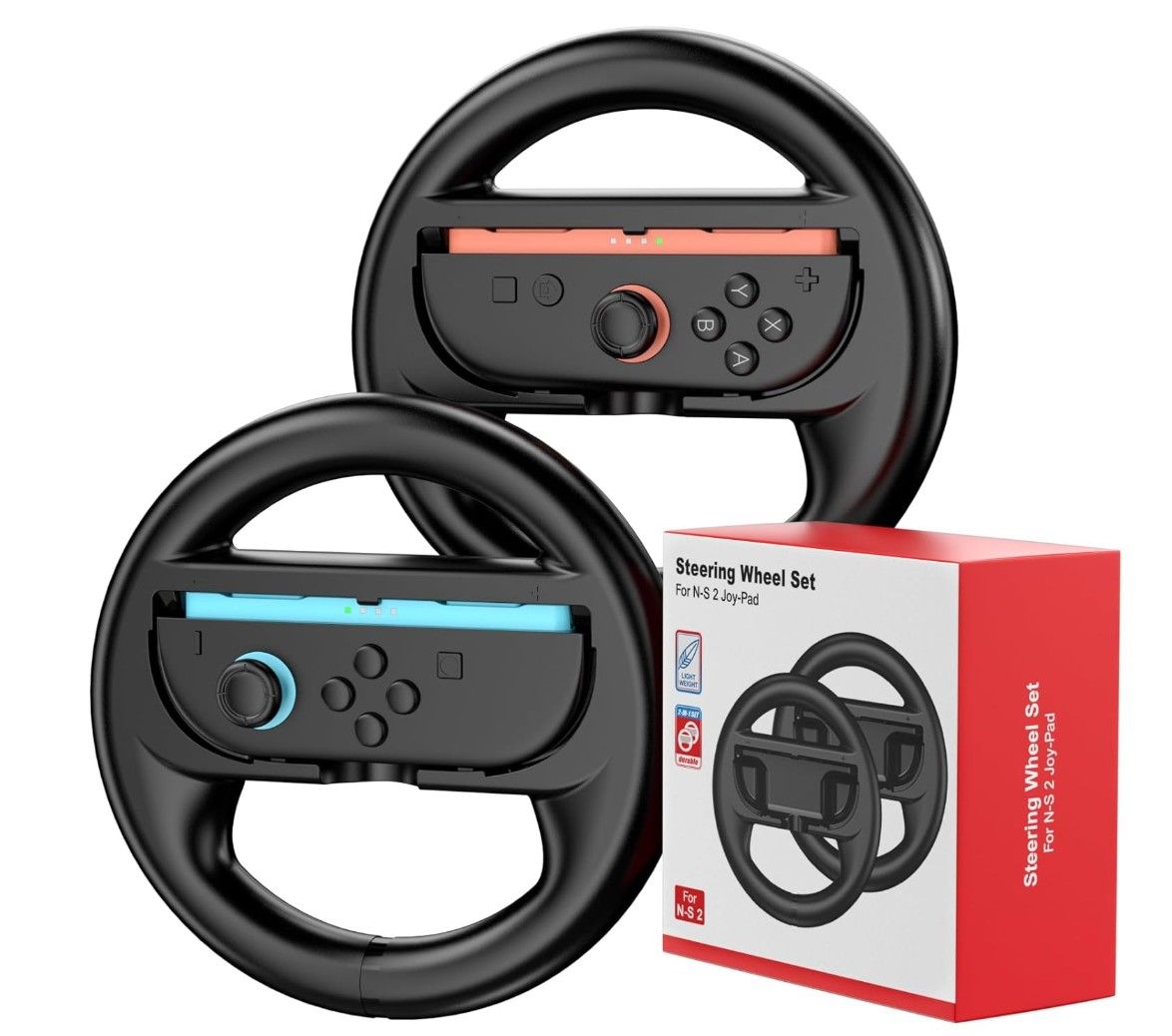
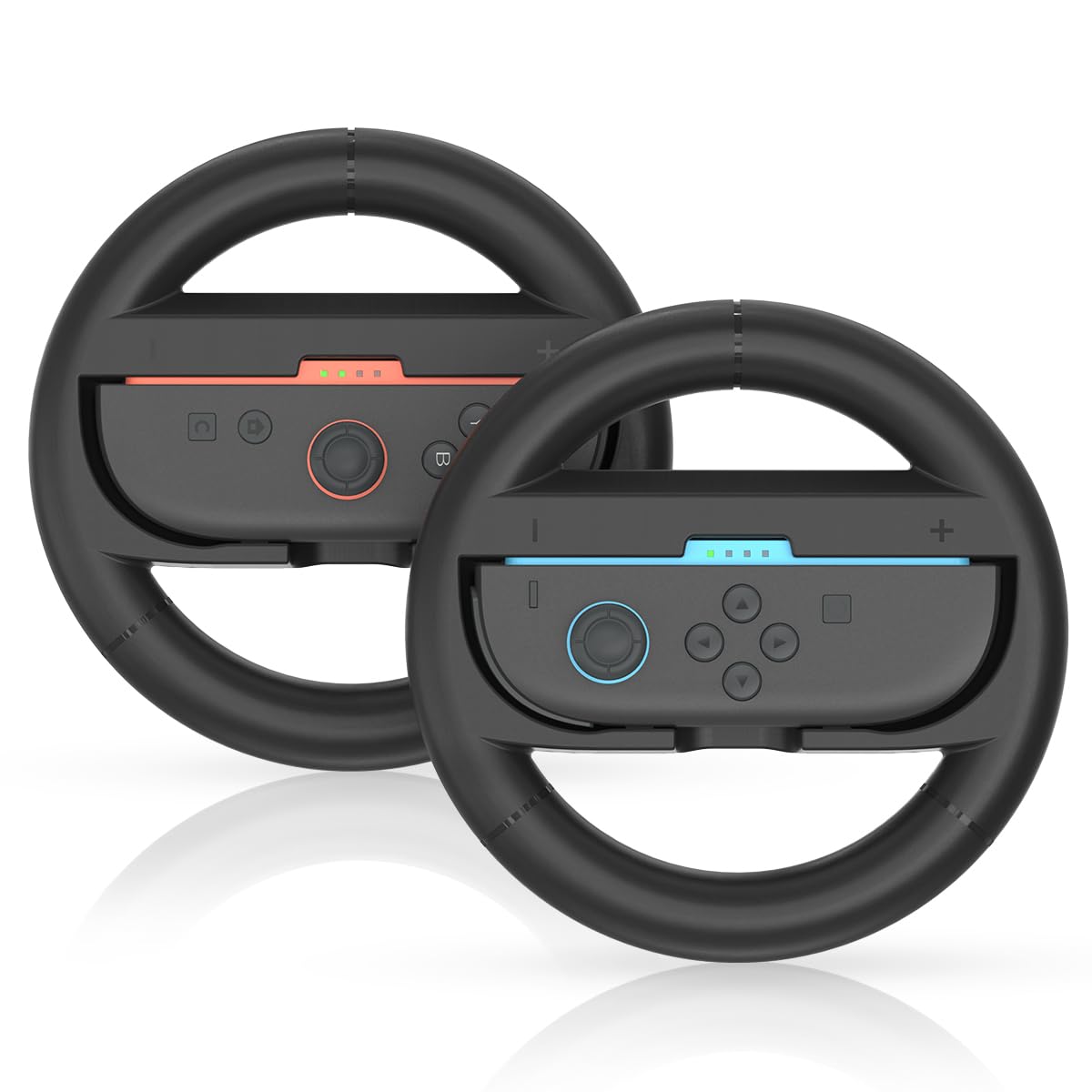
Steering Wheel for Nintendo Switch 2 JoyCons: was $19.99 now $16.99 Circular plastic steering wheel cases for your Nintendo Switch 2 Joy-Cons that help to immerse you in a Switch 2 driving games, such as Mario Kart World. The Joy-Cons simply click into the cases for instant action. And with four steering wheels, all your friends can join in the fun.View Deal
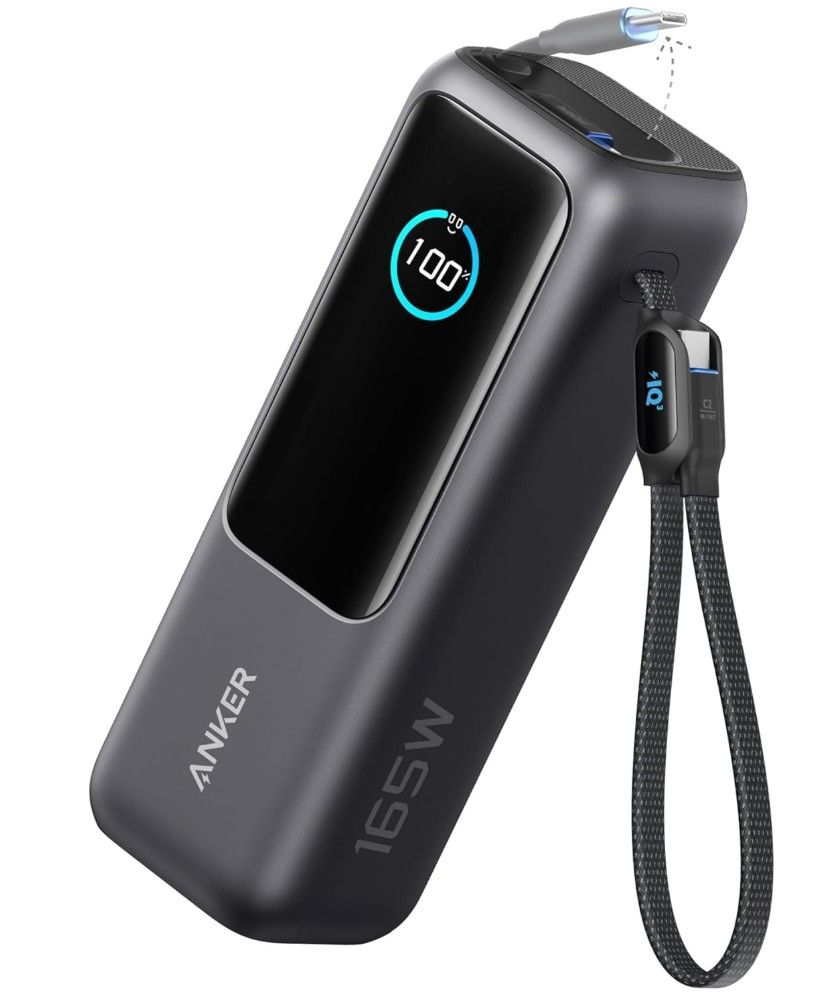
Anker Power Bank, 25,000mAh Portable Charger: was $134.99 now $95.99 The Nintendo Switch 2 burns through power quickly, so never be denied game time from a flat battery, thanks to the Anker Power Bank. A massive 25,000 mAh lets you fully charge your Switch in no time. This charger has multiple retractable USB-C cables and 100W fast charging. A handy screen lets you keep tabs on power status and charging speeds. View Deal
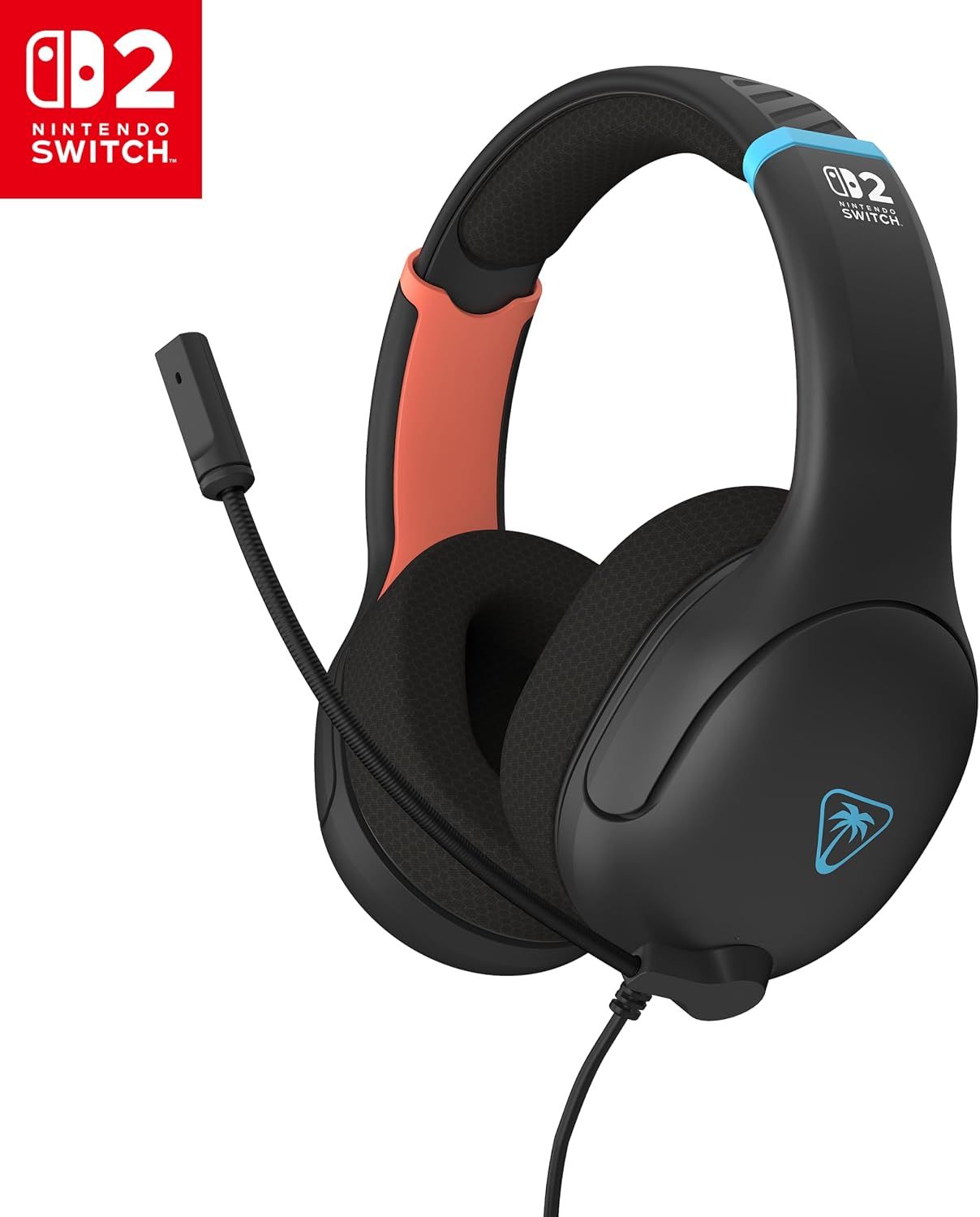
Airlite Fit Wired Gaming Headset: was $27.99 now $14.99 Connect the 3.5mm plug into your Switch 2 console for clearer game sounds. The Airlite Fit has an adjustable (flip to mute) bi-directional, sound isolating microphone, 40mm drivers, and sports a premium sound isolating ear cushions for a comfortable over-ear fit that allows for hours of gaming without getting headset fatigue.View Deal
Valve's Steam Deck portable PC, the same one you might play your favorite games on, isn't just for fun, as Airbus has just proven. The aerospace firm is using the Deck to control a prototype Mars rover throughout its development and testing process.
The ExoMars rover, a device that will be autonomous when it reaches the Red Planet, is being developed in the UK by Airbus. The rover and its Steam Deck companion made an appearance in a video shared by YouTube personality Tom Scott following a visit to Airbus' facility. And while ExoMars is being tested on Earth, it's hoped that it will eventually be capable of controlling itself when it rolls out onto the Martian terrain.
For now, engineers need a way to control the rover during its development and testing in a Mars-like environment. And for that, Airbus has settled on a Steam Deck.
The video shows a Steam Deck running unspecified custom software. Just like playing the games Steam Deck owners are familiar with, Scott can be seen using the thumbsticks, triggers, and face buttons as a method for controlling the rover.
While novel, the decision to use a Steam Deck in this way probably shouldn't be all that surprising. It's a handheld PC in every sense of the word — it's powered by Linux and has both physical and touchscreen controls, not to mention Wi-Fi and Bluetooth support. If you're so inclined, you can even install Windows on a Steam Deck, too.
All of these things make the Steam Deck the perfect way to control something as advanced as a Mars rover. Doubly so if specialist software is required, something that traditional controllers like Sony's DualSense and Microsoft's Xbox controllers can't offer. With that in mind, it's perhaps only a matter of time until we see Valve's Steam Frame also used for testing of a future Mars rover.
As for today, Airbus teams in Stevenage, UK, are working on a project to design the mechanical, thermal, and propulsion systems for the landing platform that will help a rover land on Mars in 2030. That rover will be officially called the Rosalind Franklin, and getting it to Mars safely will be "the culmination of more than 20 years’ work," says Kata Escott, the managing director of Airbus Defence and Space UK. Even if Valve's handheld doesn't prove necessary for controlling the Franklin rover once it's on Mars, it can still claim a cool spot in the history of the platform's development.
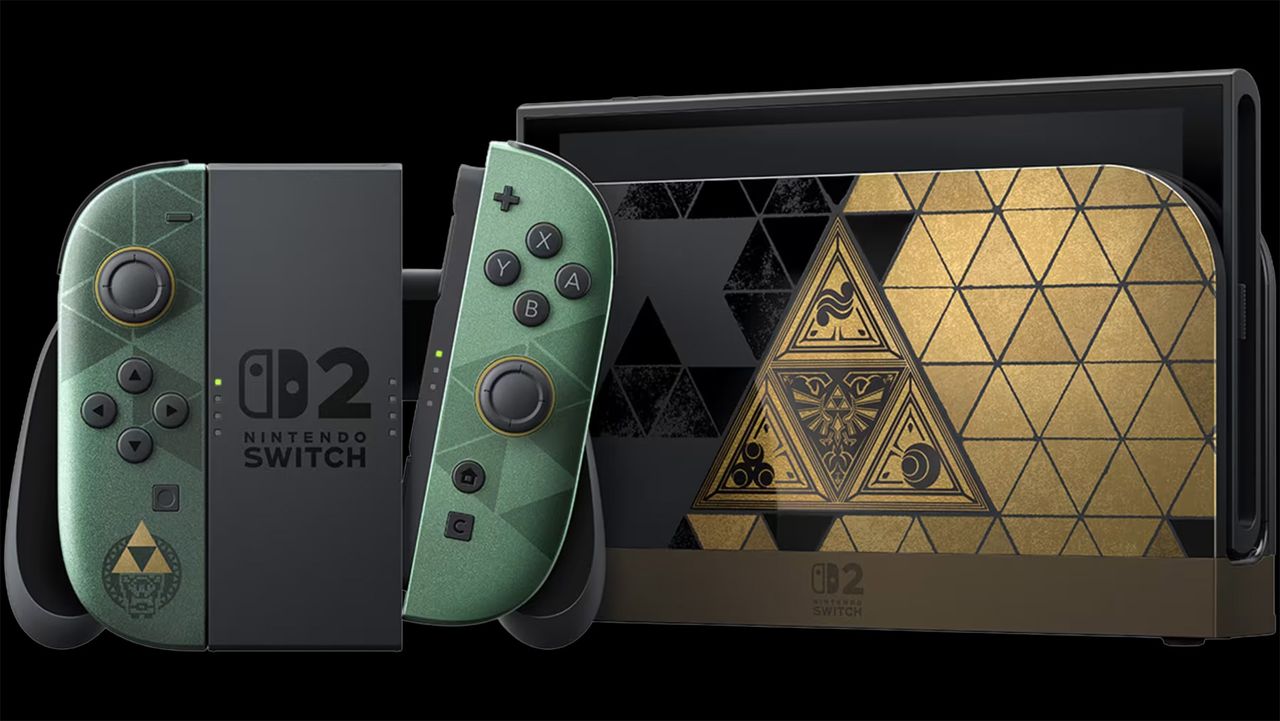
Preorders for the Nintendo Switch 2 The Legend of Zelda 40th Anniversary Edition went live shortly after yesterday's Nintendo Direct and sold out instantly. Walmart has listed the handheld gaming console but has enabled preorders. Meanwhile, you can preorder it on Amazon for $519.99, so you may still have a chance to get one at MSRP before the scalpers.
Major U.S. retailers, including Target, Best Buy, and GameStop, were the first to enable preorders for the Switch 2 The Legend of Zelda 40th Anniversary Edition, which instantly sold out. It did not take long for scalpers to hit eBay to resell preorders for as much as $1,000, almost 2X over Nintendo's MSRP. Zelda-exclusive consoles have always been prime targets for scalpers.
The Switch 2 The Legend of Zelda 40th Anniversary Edition, the first limited edition of the Switch 2 and a The Legend of Zelda-themed edition celebrating the franchise's 40 years, makes the handheld console even more desirable to hardcore fans and scalpers looking to make a quick profit. Plus, the console's $519.99 price tag, which is only $20 over the vanilla Switch 2, gives gamers extra incentive to purchase one. The problem is finding one in stock.
Along with the console, Nintendo also gave the Switch 2 Pro controller and carrying case with an included screen protector the same The Legend of Zelda 40th Anniversary Edition treatment. Best Buy currently has both up for preorder at $99.99 and $39.99, respectively.
The Switch 2 The Legend of Zelda 40th Anniversary Edition officially launches on October 29. Historically, The Legend of Zelda-themedconsoles are available for purchase on launch day. However, stock will likely be extremely limited, which is why many fans like to lock in their preorders early.
It remains to be seen whether Nintendo will produce many units of the Switch 2 The Legend of Zelda 40th Anniversary Edition. At least for the previous limited-edition consoles, like the Nintendo Switch OLED: Tears of the Kingdom Edition or Nintendo Switch Lite: Hyrule Edition, stock was not a problem since you can still buy them today despite being last-generation consoles.
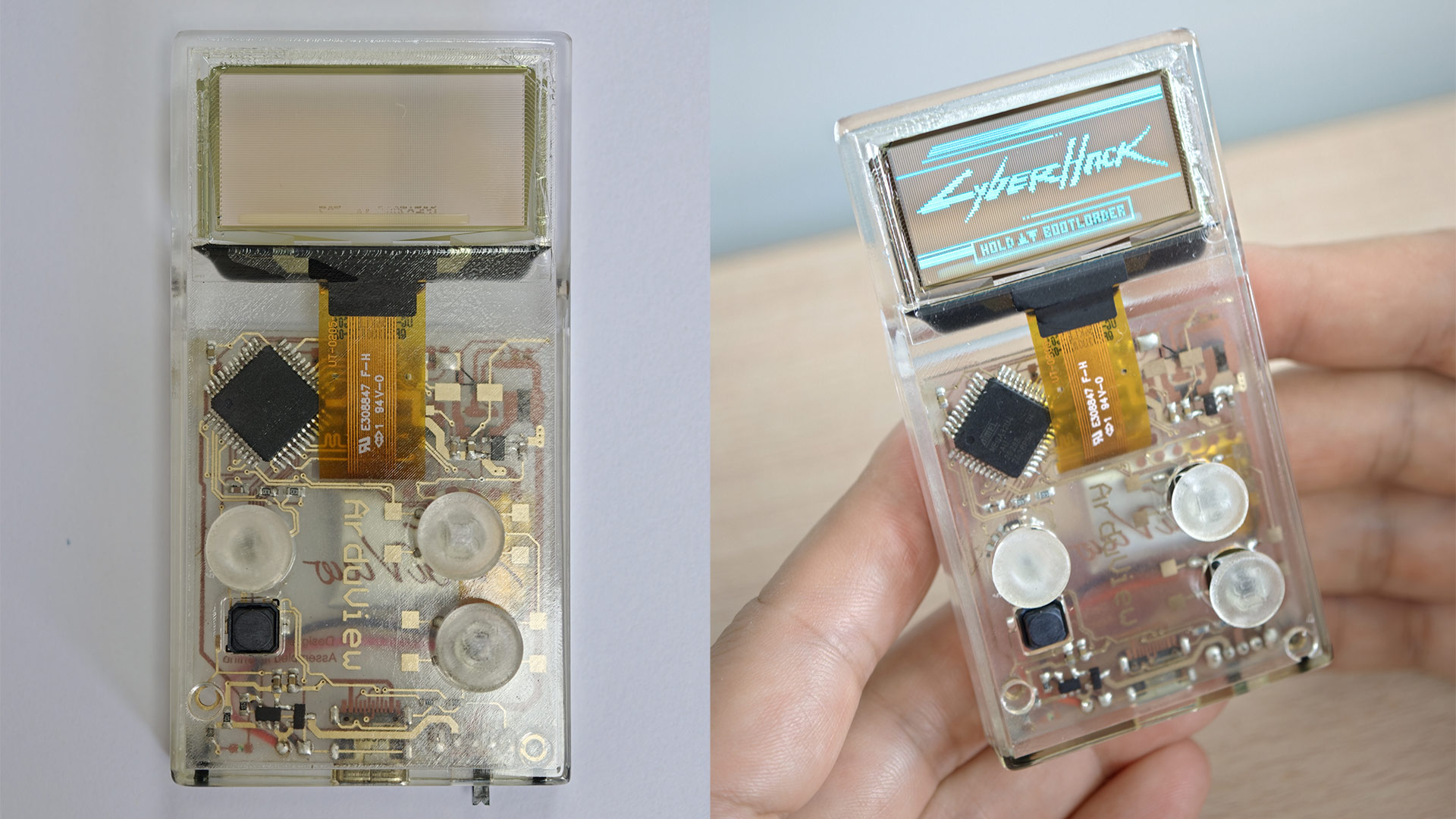
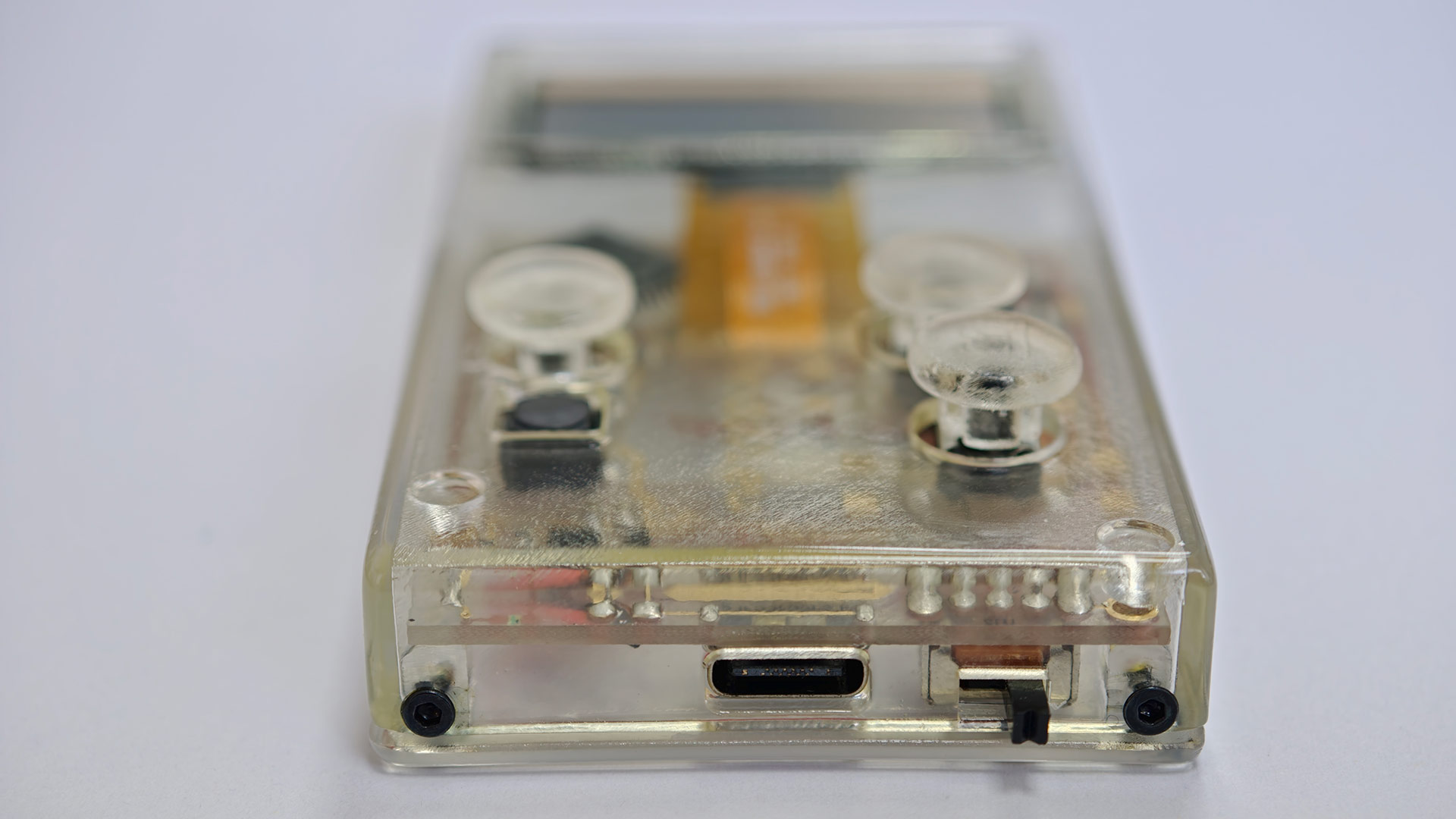
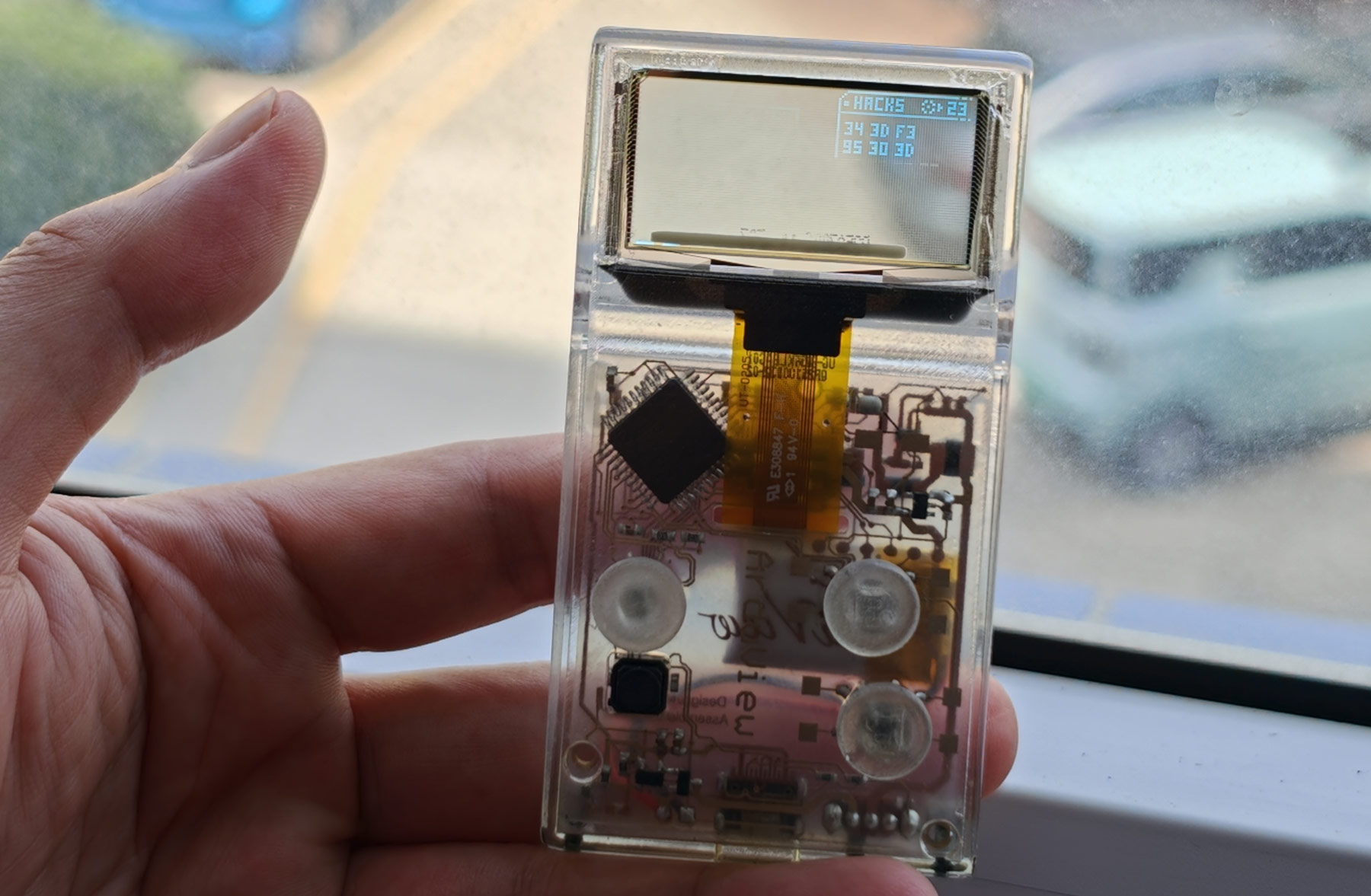
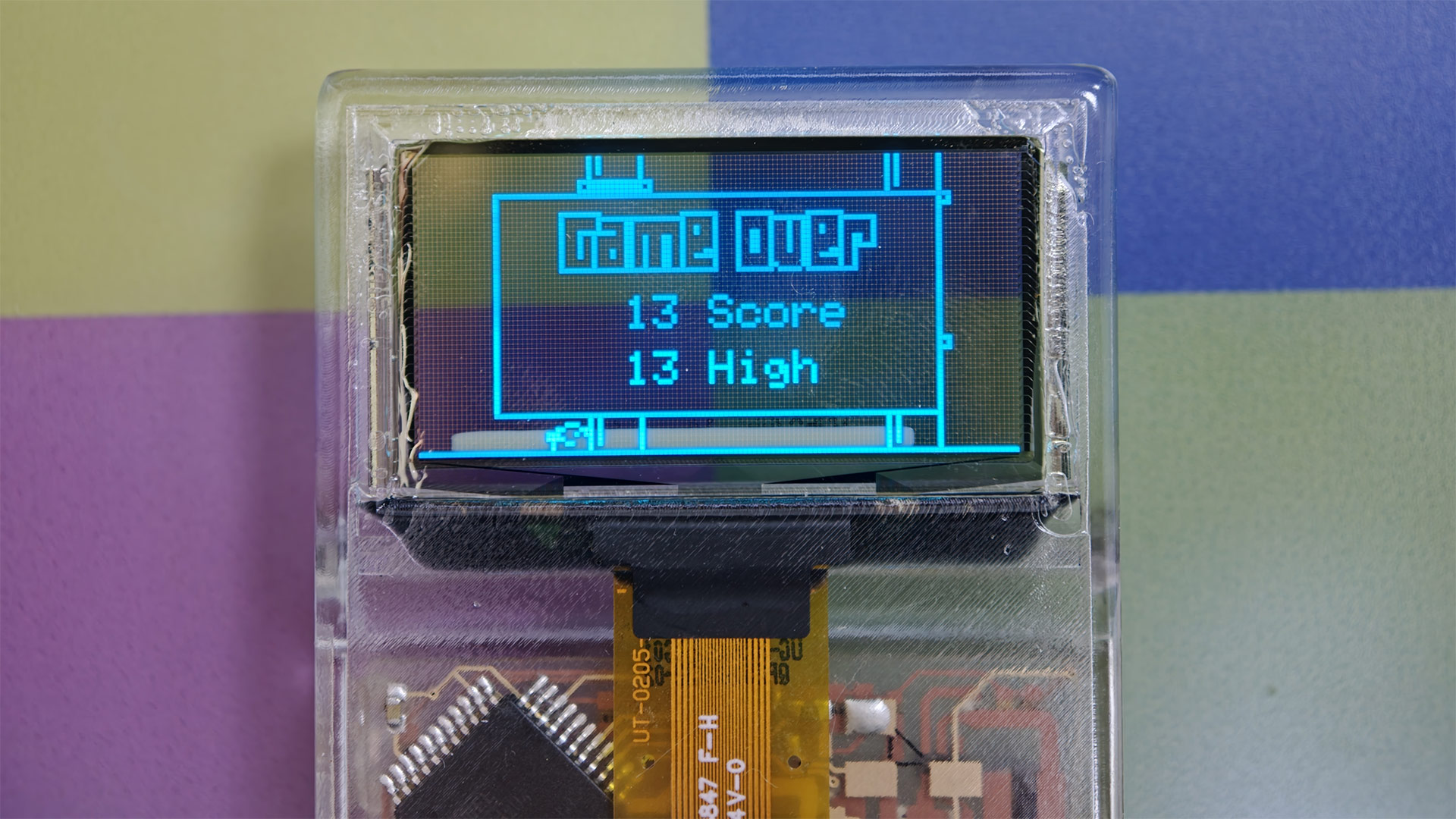
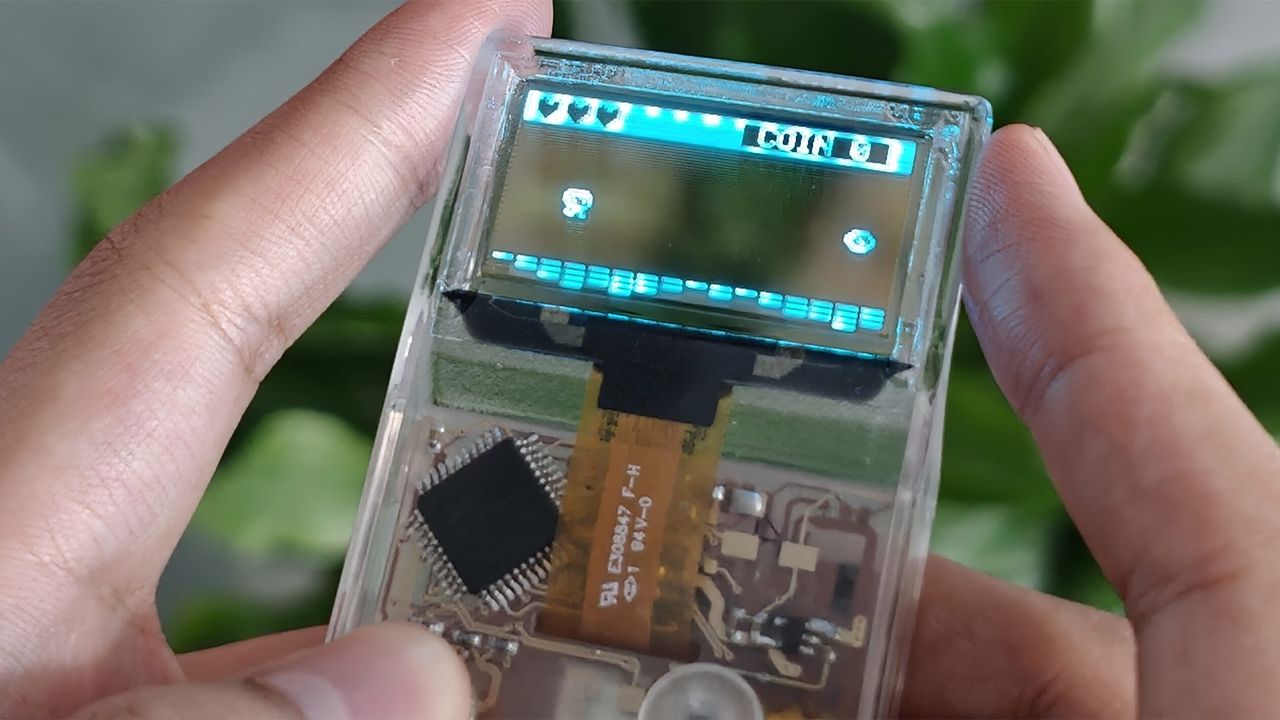
The first units of the ‘world’s first fully transparent video game console’ are shipping to founders, and now the project is on its way to Kickstarter. Above and below you can see images of the new Arduview. As you can see, it isn’t just another clear-shell console or handheld; the makers of this device have fully embraced the latest in transparent electronics. Thus, here we have a crystal shell handheld with a see-through motherboard, using a transparent display.
ArduviewArduviewArduviewArduview
There have been quite a few transparent shell consoles over the years, with some of the best-known probably being the Game Boy Color in Atomic Purple and the N64 Funtastic series. Earlier this year we saw the new Commodore release a dazzling Starlight edition of the C64U. Most recently, Microsoft has revealed its translucent green Xbox Series X25.
Adruview founder Louis Huang told Tom’s Hardware that while he has always loved transparent consoles and clear-shell mods, he was disappointed that the transparency always just stopped at the frame. “So we pushed it further with a transparent OLED screen, board, and case. You can see straight through the whole device,” wrote the Babson College student.
That's enough about the console’s appearance, what about the guts of this handheld? Well, the Arduview project is based on the open-source Arduboy. You guessed it, this console is based on the Arduino platform, designed for DIY electronics tinkering and coding, and here it is purposed for playing hundreds of community-made 8-bit games on the ATmega32u4 microcontroller with its meager resources (2.5KB RAM, 32KB storage).
Huang highlights that the Arduview weighs just 50g (
If you are interested in this kind of handheld, the Arduview early access program still appears to be open, despite the site mentioning it runs “in August 2026.” I guess we are only just into September… I clicked the button and could still reserve a unit for $5 and benefit from the $49 'founder price.' Apparently it will be $100 at retail.
We don’t have a date for the Kickstarter launch yet, and perhaps there will be similar cheaper-than-$100 offers for early birds, and so on. However, the Kickstarter backers won’t get their hardware until 2027.
As an open-source platform, there are other makers and suppliers of Arduboy hardware, such as Seeed Studio. If the Arduview’s clear charms aren’t reeling you in but the portable platform appeals, you can grab the not-very-transparent Arduboy FX-C available on Amazon at $79.99, for example.
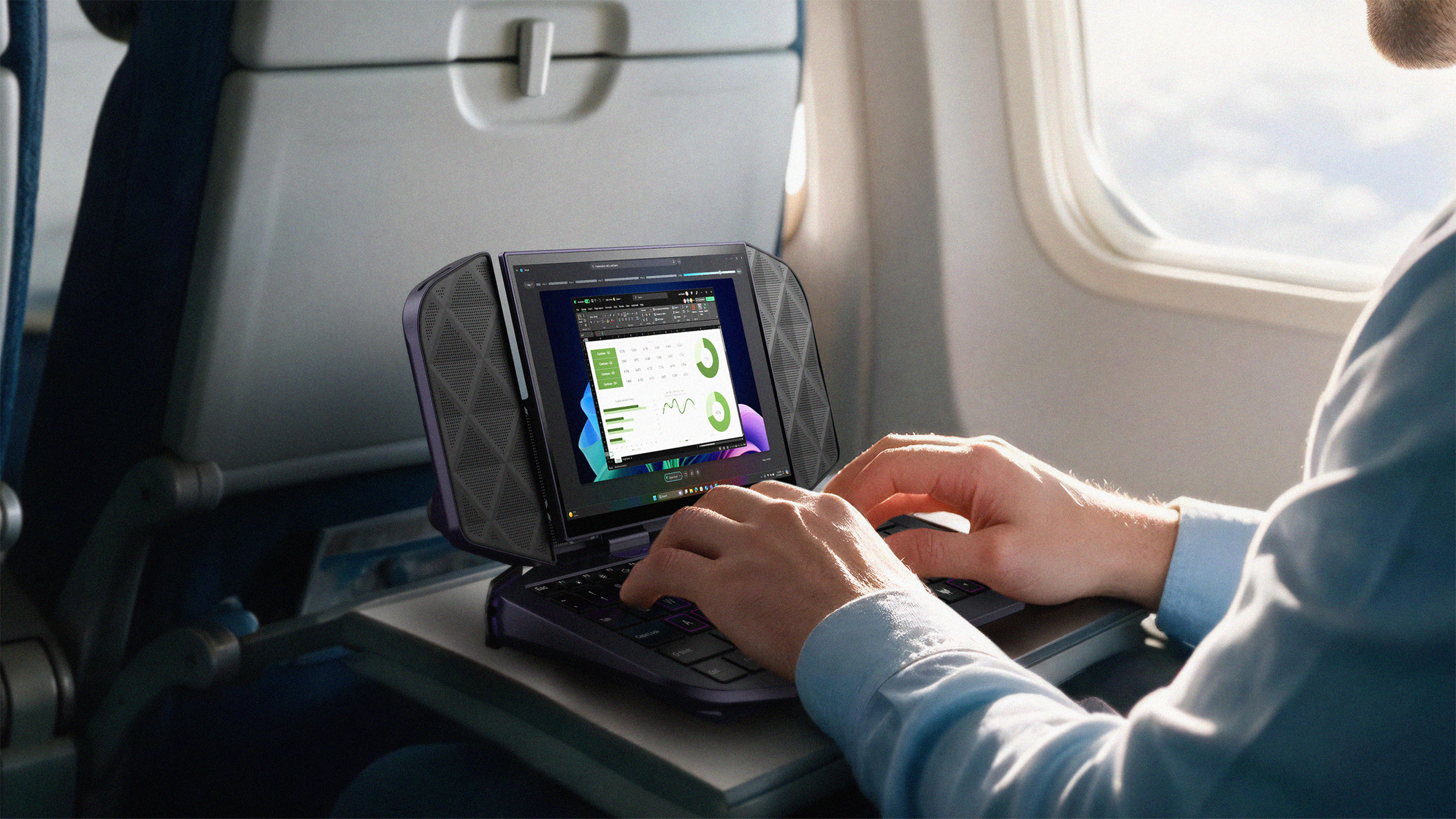
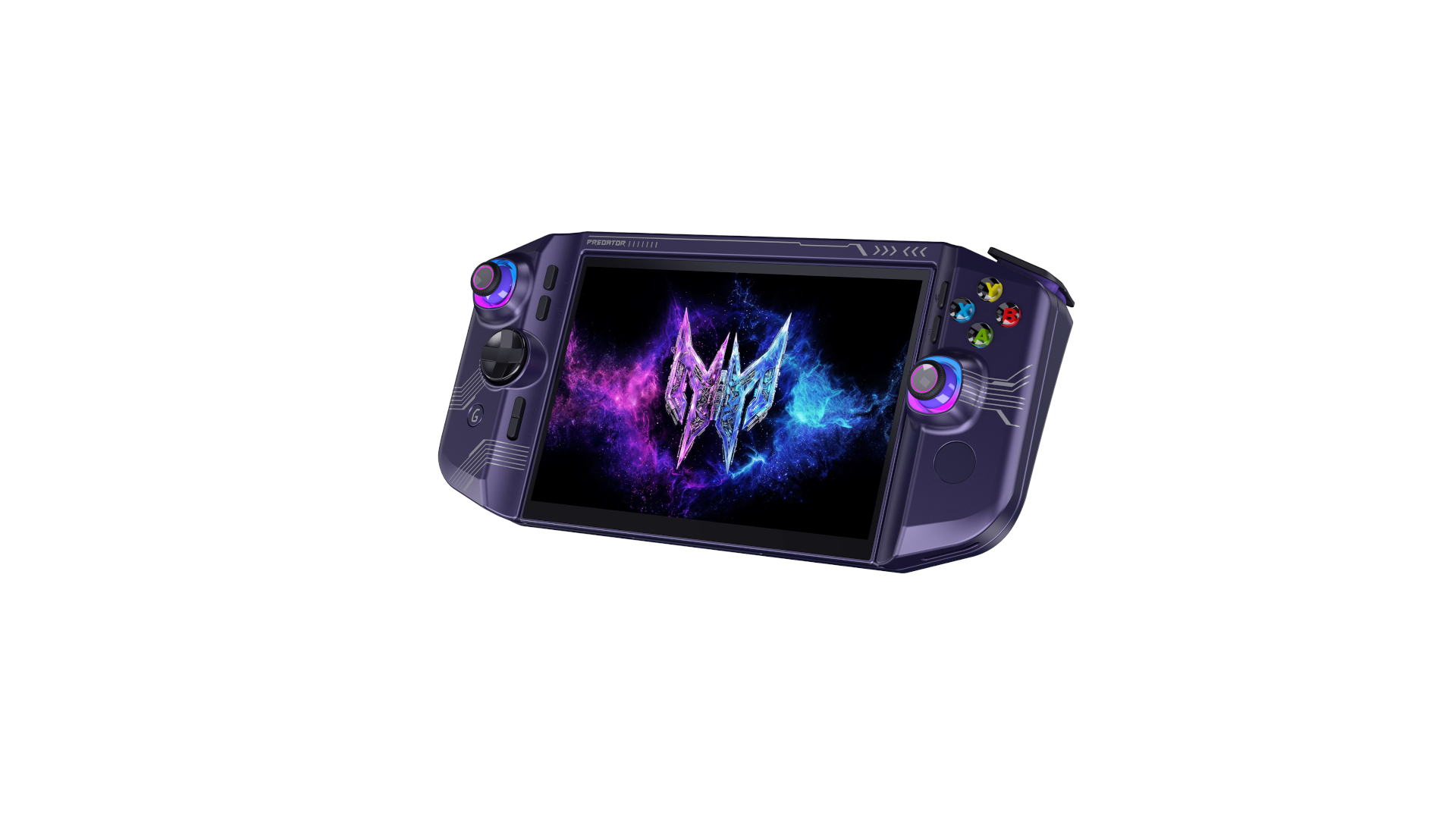
Acer debuted the smaller Predator Atlas 7 handheld at IFA 2026, joining the larger Atlas 8 that we saw earlier this year. Like its larger sibling, it packs up to an Intel Arc G3 Extreme SoC, now with a smaller 7-inch, 1080p screen. Alongside it, Acer teased Project DualPlay Mini, a concept that brings together an 8-inch gaming handheld with the idea of a netbook in a foldable design.
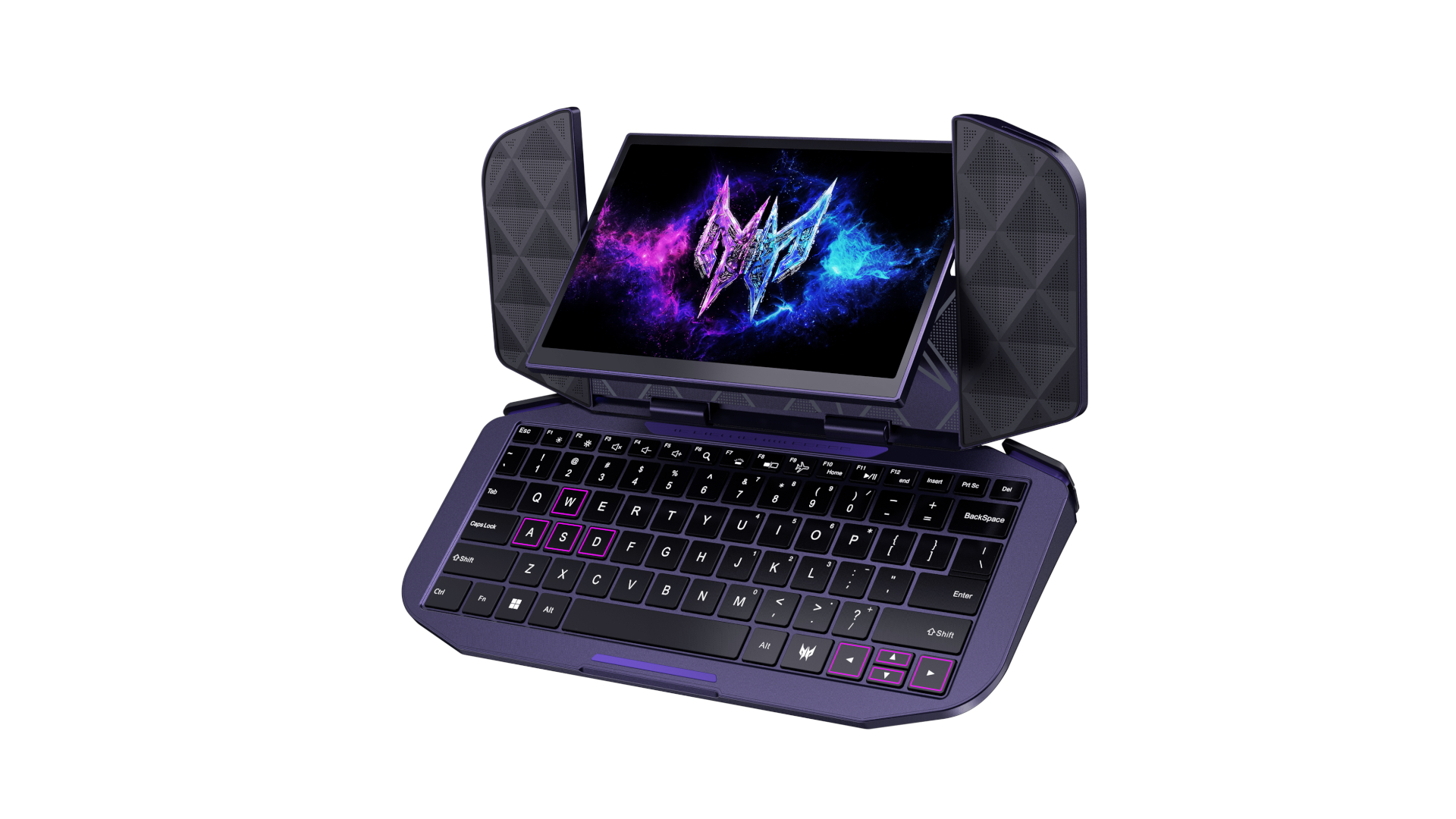
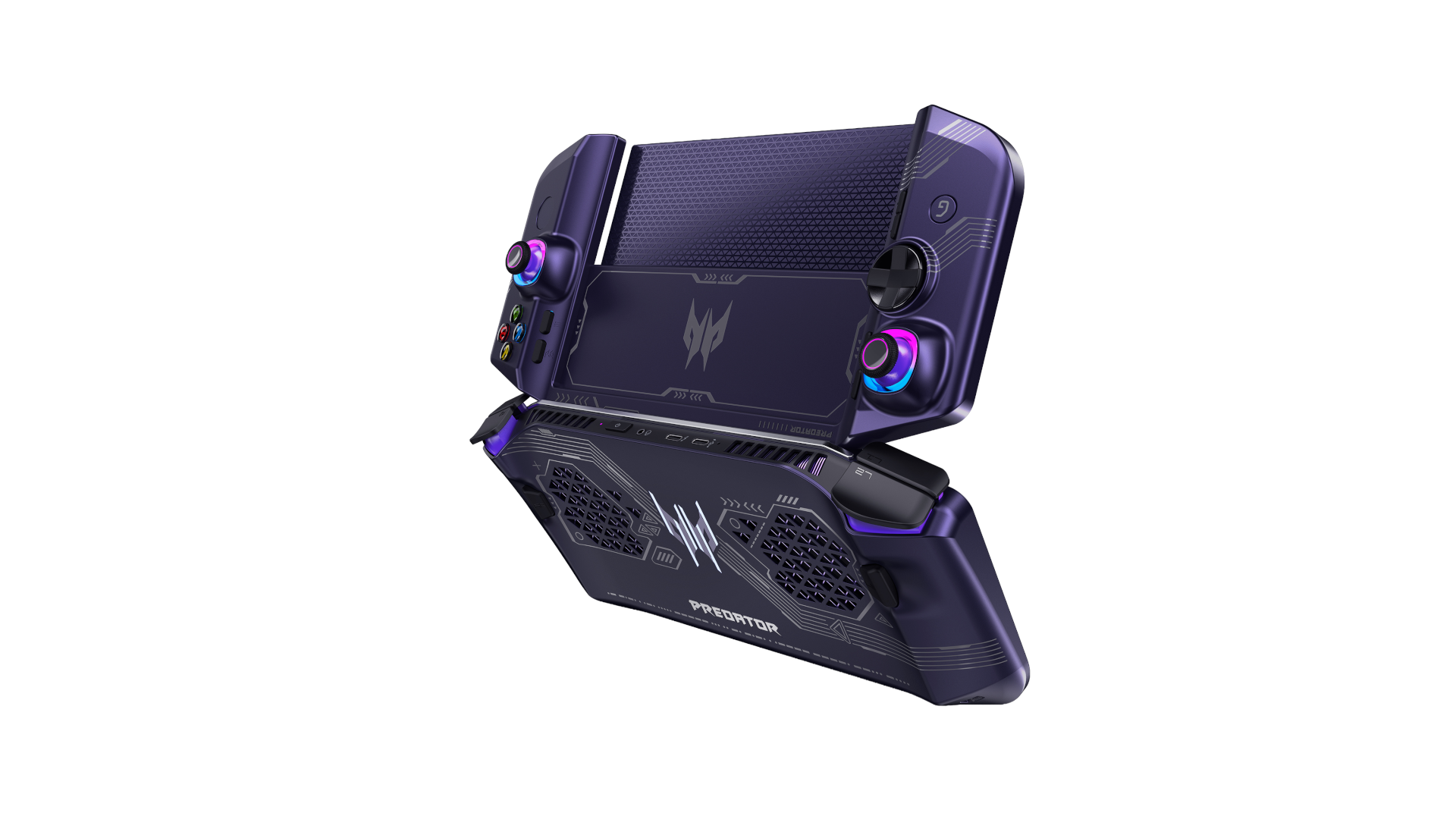
Project DualPlay Mini is certainly the more interesting of the two announcements, though Acer was clear that it is “a concept only” right now. Specs-wise, Acer shared very little. The handheld is powered by an Intel chip (presumably a G-series SoC, though possibly full Panther Lake), and it uses the same dual-fan cooling apparatus as the Predator Atlas 8, with one AeroBlade metal fan and one plastic fan.
The handheld is split in the middle, allowing you to flip up the front on a hinge and expose a keyboard underneath. Once open, the screen area shows two large speaker grilles. The screen itself is on a hinge that can flip to the other side of the shell, allowing you to use the handheld as a very small laptop, reminiscent of a netbook (though likely with far better compute capabilities).
AcerAcerAcerAcerAcer
Based on Acer’s renders, the device sports two USB-C ports, two back buttons, as well as either a touchpad or fingerprint reader. None of those details were included in Acer’s press release, though the renders of the design provide some hints as to what the goal of the device actually is.
Acer says the keyboard has a backlight, and that the device will be able to connect to an external display. Assuming Acer used the Predator Atlas 8 as a blueprint, that display support likely comes through Thunderbolt 4. To celebrate Acer’s 50th anniversary, the back of the handheld has “Acer 50 since 1976” inscribed in Morse Code, which you can just barely see on the render of the back of the device in the gallery above (look toward the bottom).
(Image credit: Tom's Hardware)
More consequential in the immediate term is the Predator Atlas 7. It, too, features a dual-fan design with one AeroBlade fan that’s made of metal with 89 blades measuring 0.1mm thick, alongside a plastic fan. The specs from top to bottom are identical to the Atlas 8, just with the smaller 7-inch display.
You get up to an 80Whr battery, dual Thunderbolt 4 ports, a UHS-II micoSD card slot, Wi-Fi 7 and Bluetooth 5.4, and dual 2W speakers with DTS:X Ultra spatial audio support. At the heart of the machine is the Arc G3 or Arc G3 Extreme, alongside up to 1TB of PCIe 4.0 storage through the M.2 2280 slot and up to 24GB of LPDDR5X-7467 memory.
Dual 2W speakers with DTS:X Ultra, dual microphones
Battery
60WHr, 80Whr
Dimensions
292 x 112.7 - 123 x 28.5 - 48.4mm
Weight
Under 700 grams (60Whr), under 750 grams (65Whr)
The screen differs in size, though it sports identical specs to the Atlas 8 otherwise. It’s a 16:9 display with a 120Hz refresh rate and 10-point multi-touch support. Acer claims it can achieve 500 nits of brightness, and it’s an IPS panel.
As is the case with the Atlas 8, the larger 80Whr battery is paired with the Arc G3 Extreme, while a smaller 60Whr battery is used for the base Arc G3. The battery size will change the weight, with Acer claiming the device weighs “under 700 grams” and “under 750 grams” for the 60Whr and 80Whr batteries, respectively.
Acer has yet to put a price on the Atlas 7, though given what we’ve seen with Arc G-series handhelds like the MSI Claw 8 EX AI+, it’s reasonable to expect a price tag north of $1,500. The Atlas 7 goes on sale in North America in Q4 of this year. The Atlas 8, meanwhile, will be available in North America in EMEA regions in Septembe, after being revealed at Computex earlier this year.
Asus has finally opened pre-orders for the ROG Xbox Ally X20, an upgraded version of its flagship handheld with an OLED screen and transforming D-Pad. On its own, the system will sell for $1,299.99, while a bundle with the ROG Xreal R1 Edition 20 AR glasses, a dbrand Killswitch case, and a custom Pelican case will cost $2,499.99. The device will be available on October 15 at the Asus Store at Best Buy.
Initially, Asus had only announced the bundle, but later turned around and said a standalone version of its new take on the best handheld gaming PC. Given that this version of the Ally has an OLED screen (one of the biggest drawbacks of the original), it didn't make much sense to force a pair of AR glasses when so many people would want to look at the built-in display.
The original ROG Xbox Ally X, which, released in the fall of 2025, still costs $999.99. This new version, with a translucent shell, the OLED screen, transforming d-pad (from 4-way to 8-way), TMR joysticks, and rubberized grips, will come with a $300 premium before you add the bundle. What isn't changing is the internals: the X20 will still come with an AMD Ryzen AI Z2 Extreme processor.
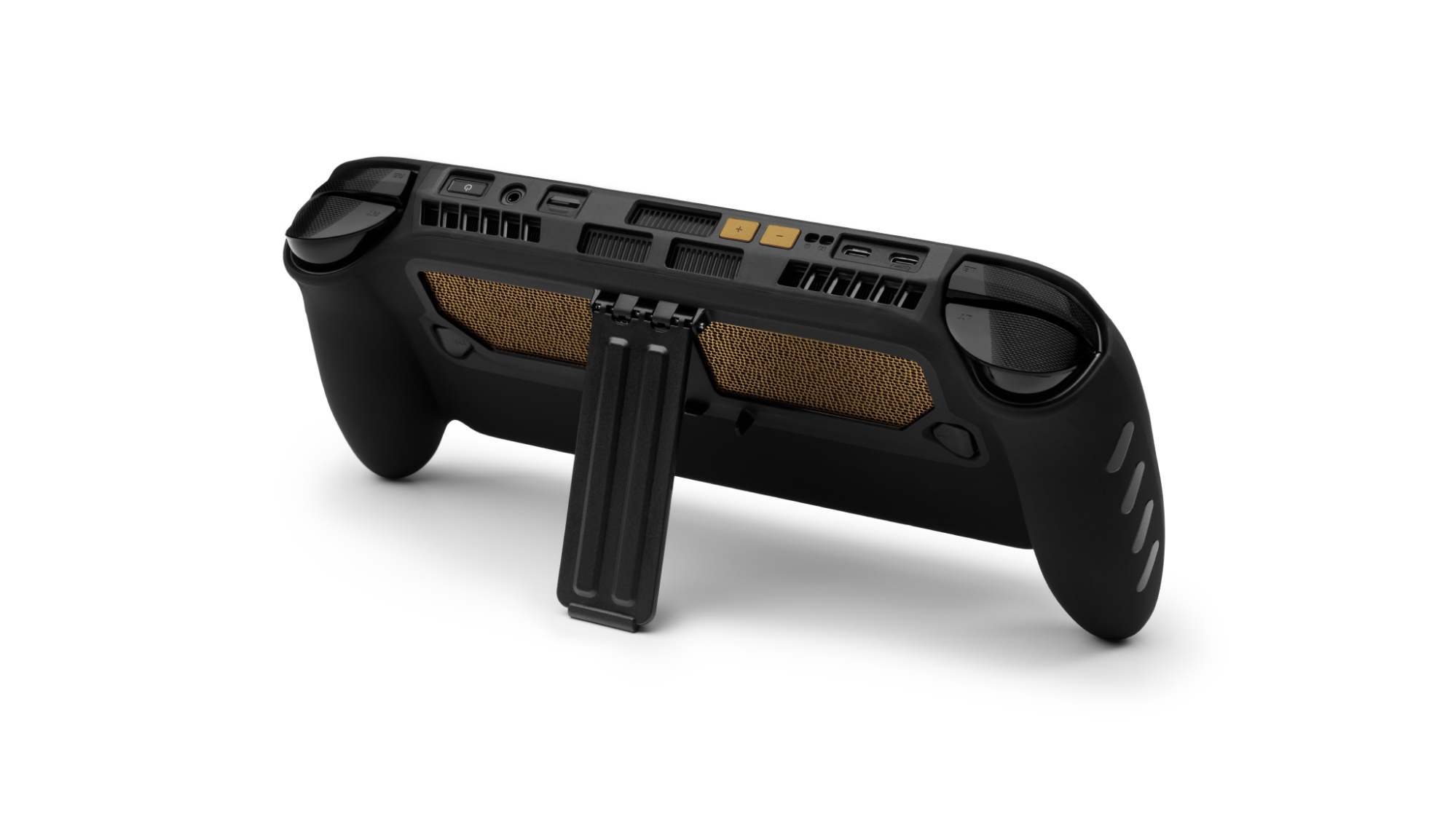
The dbrand Killswitch in the bundle blocks much of the clear plastic, but has black and gold accents, as well as a built-in kickstand. The Killswitch also includes a skin that shows what's inside the Ally, but given that the black plastic is seethrough, it seems somewhat redundant.
(Image credit: Asus)
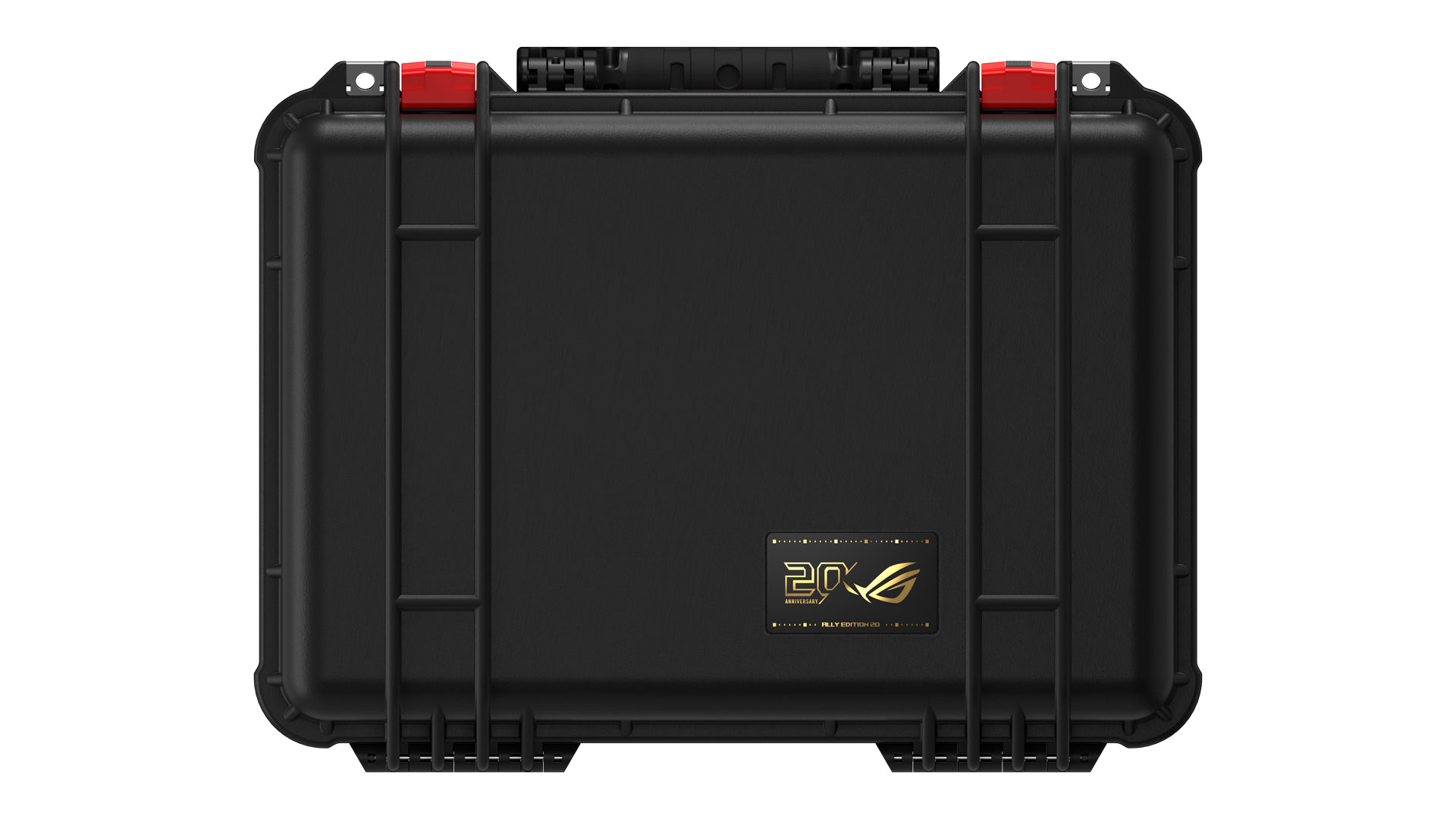
The Pelican case is exactly what you would expect: a black box with red latches. There is a black-and-gold ROG 20th Anniversary logo, but all things considered, this is the most restrained item in the entire anniversary lineup. While I appreciate a case for the device, this is pretty heavy-duty.
The ROG Xbox All X20 was originally announced at Computex, along with a suite of twentieth anniversary ROG computer components that cost as much as $15,000 in one PC build. Beyond components and the handheld, there is also a twentieth anniversary monitor, keyboard, mouse, router, and NUC mini PC.
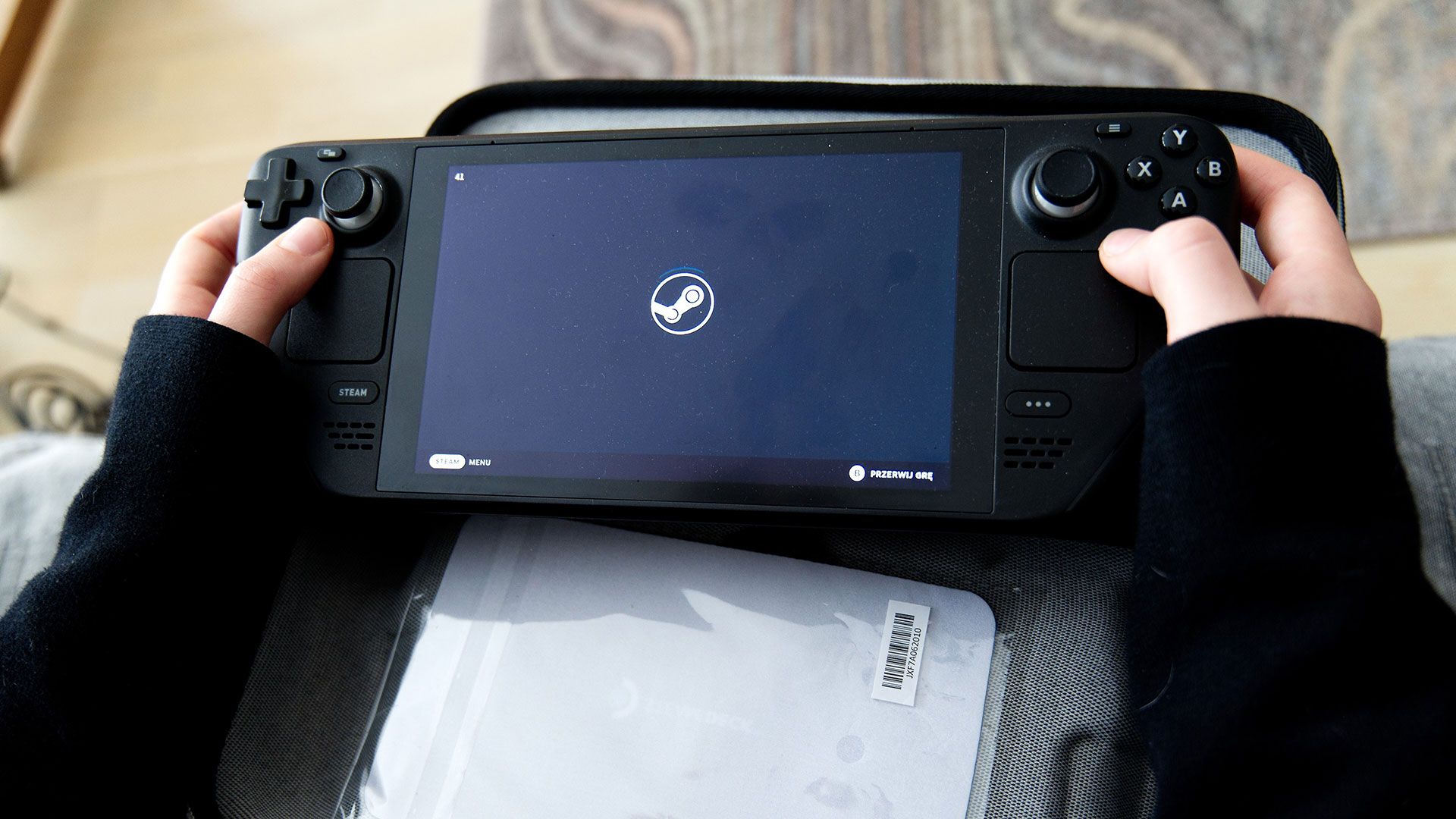
A Steam Deck enthusiast and modder is close to finalizing the ‘SteamBoy.’ Of course, this WIP project shoehorns the brains and brawn of Valve’s Steam Deck into the form factor of the original Nintendo Game Boy. If it were the other way around, for some bizarre reason, it would be called the GameDeck. PhyFawkes’ project appears to be progressing splendidly, though the non-trivial hurdles of designing a custom display adapter PCB and fitting a new screen remain.
PhyFawkes’ SteamBoy project began after a handheld gaming lightbulb moment. “The Steam Deck motherboard seems pretty small,” the Redditor thought to themselves. “I wonder if you could make a Steam Deck the size of a Game Boy?”
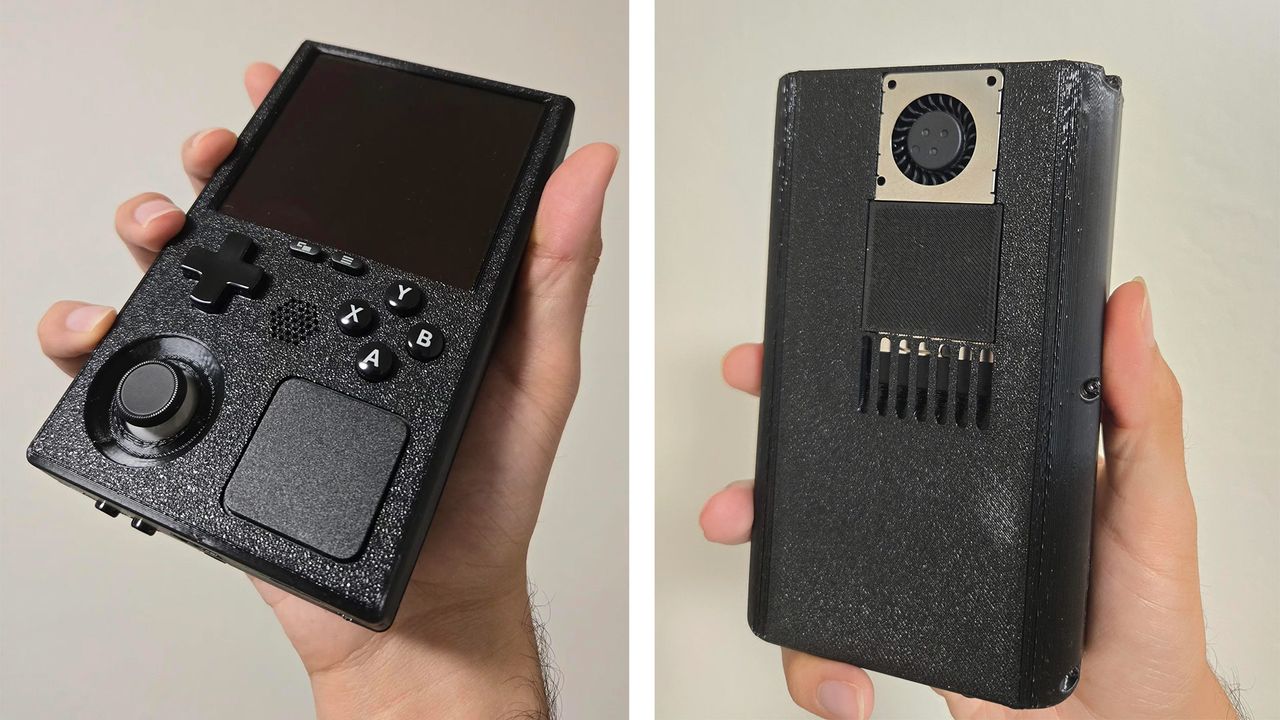
As you can see from the embedded photos, a lot of the design already completed for this hybrid modern heart in a retro shell device seems spot on. We’d appreciate more beige, but that’s mere cosmetics and a simple 3D printer filament swap in the future, perhaps. PhyFawkes says that, as the project stands, “It has a fully functional LCD Steam Deck motherboard, battery, speakers, and all the face buttons you see here. No custom PCBs needed (so far), and all within the dimensions of a Game Boy.”
Elsewhere in their Reddit post, we learn that a 30 x 7mm fan and heatsink from AliExpress have been used, alongside a custom 3D-printed mount, to cool the new SteamBoy. Using this cooler design and a smidgen of undervolting, reasonable max temperatures of between 70 and 80 degrees Celsius have been observed when gaming.
Getting the screen to interface and fit doesn’t sound like an insurmountable task from the description. The Redditor admits it will be a challenge to fit the “1200x1080, 90Hz AMOLED panel, originally intended for VR” into the shell, but they have a plan. A custom adapter PCB, to be situated between the Steam Deck ribbon cable and the display, is in the making. Then, a BIOS mod will need to be implemented. PhyFawkes says this firmware change will be similar to those seen in the DeckHD and Deck Sight projects.
For those of you thirsty for more SteamBoy info, the modder has also just shared a Reddit post packed with teardown images, and another post demonstrating the unit. This video demo shows the SteamBoy operating while attached to a monitor. That’s the only way to use the device until the aforementioned screen integration challenges are met. “Hopefully it won't be too long before that's working as well,” added PhyFawkes in a comment.
I recently tested the MSI Claw 8 EX AI+ handheld gaming PC, and came away incredibly impressed with its performance. Put simply, it has no rival in gaming performance, easily eclipsing all other handhelds on the market. Even better, the battery life is also stellar.
However, if there’s one thing that it could use, it’s a storage boost. Despite the $1,800 price tag as tested for our review unit, it still only includes a 1TB SSD. After installing a handful of games from Steam and from the Xbox Store, I was left with 128GB free of the 953GB available on the SSD.
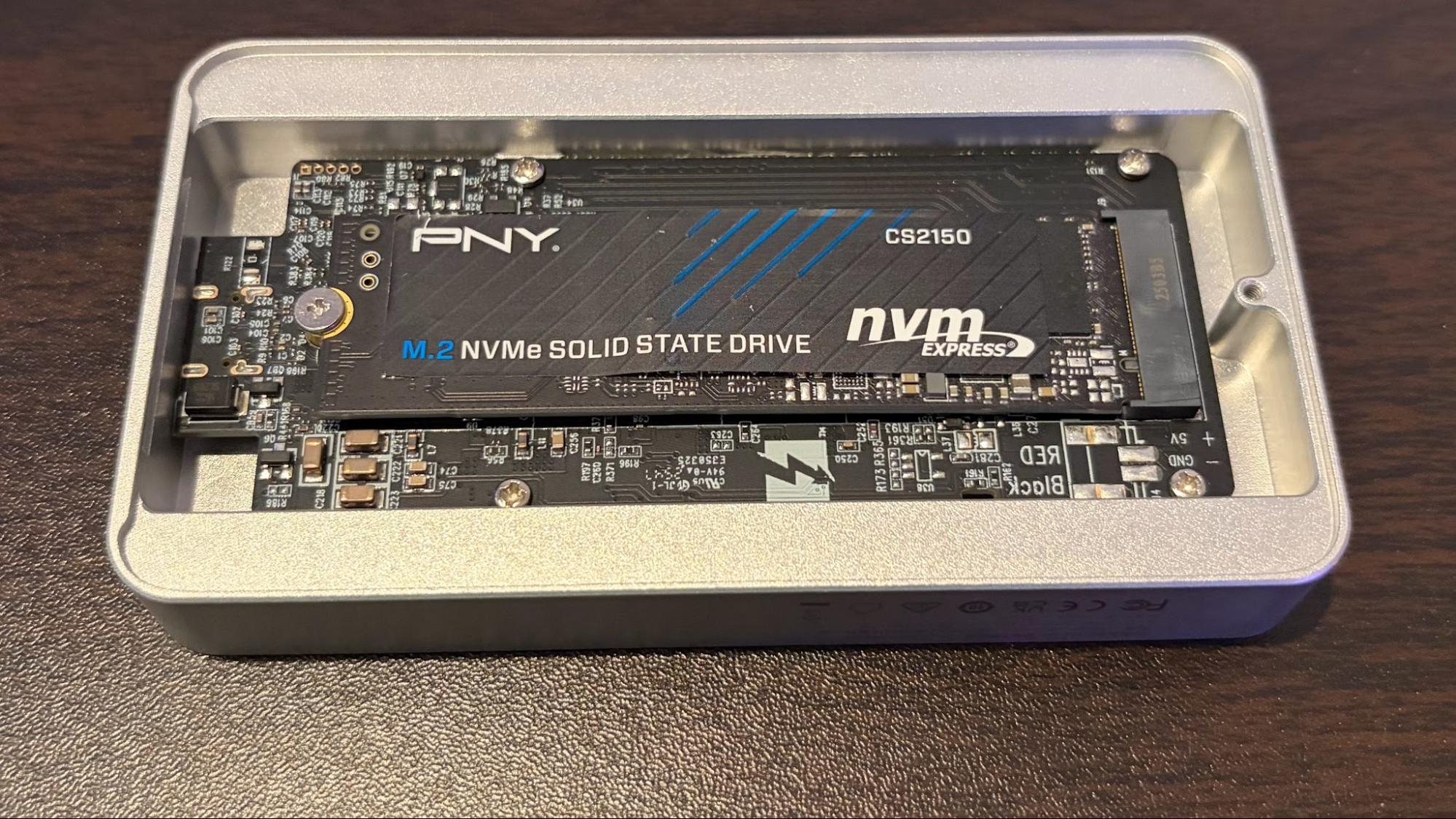
I happen to have a 2TB PNY CS2150 PCIe 5.0 SSD that I used for testing a Thunderbolt 5 SSD enclosure with Thunderbolt 5 docks. Since it was currently sitting unused, I decided to take a stab at replacing the 1TB SSD in the Claw 8 EX AI+ with the CS2150 for some extra storage headroom.
Getting the hardware setup for the transition
Fortunately for me, much of the legwork had already been finished. The CS2150 was already installed inside an Orico SSD Thunderbolt 5 enclosure, which would serve as my destination drive.
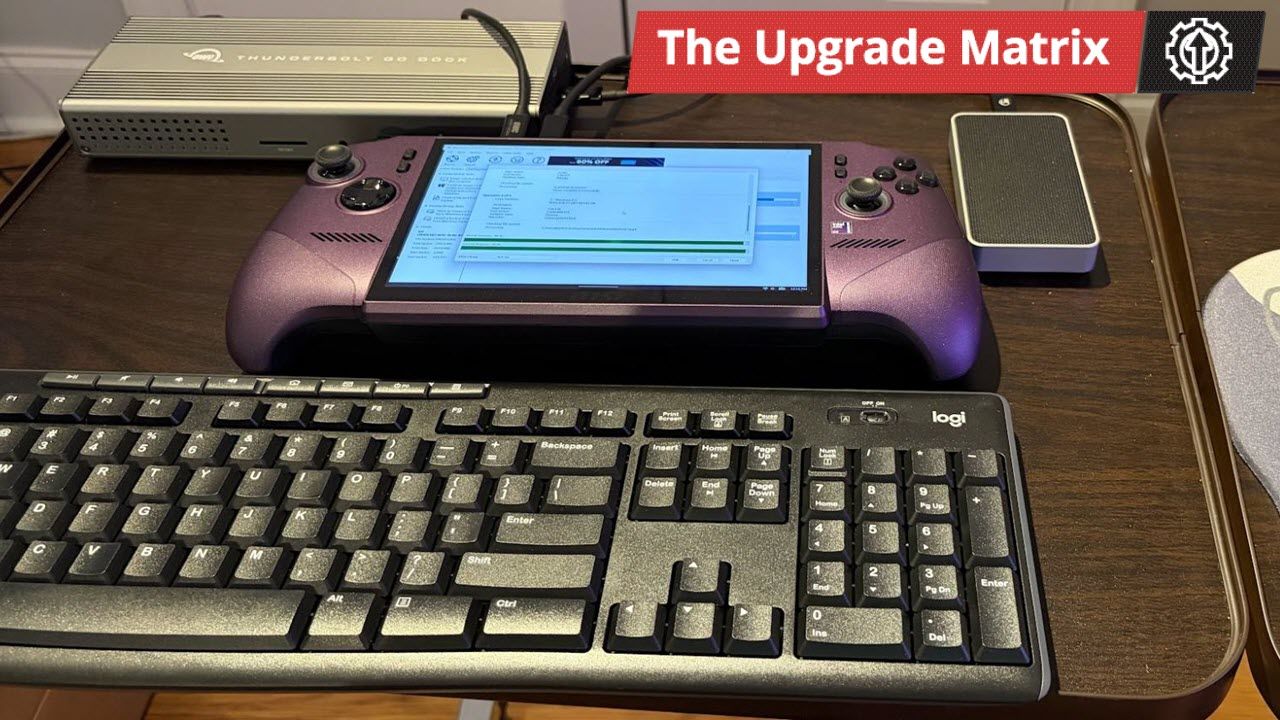
Although I could complete the entire transfer process using only the input methods on the Claw 8 EX AI+, it’s rather tedious to navigate the Windows 11 user interface and enter text on the 8-inch screen. So, I decided to use a Thunderbolt 5 dock to streamline the process. I used:
I connected the Thunderbolt 5 dock to one of the two Thunderbolt 4 ports at the top edge of the Claw 8 EX AI+. I then plugged the Logitech USB-A receiver into the dock. Finally, I connected the Orico enclosure to the second Thunderbolt 4 port on the Claw 8 EX AI+.
Finding the proper software for cloning the drive
It’s been a while since I last cloned a drive, so I did a quick Google search for free drive-copy software for Windows 11. My search led me to a Reddit thread where the majority of commenters recommended the freeware version of Macrium Reflect 8.
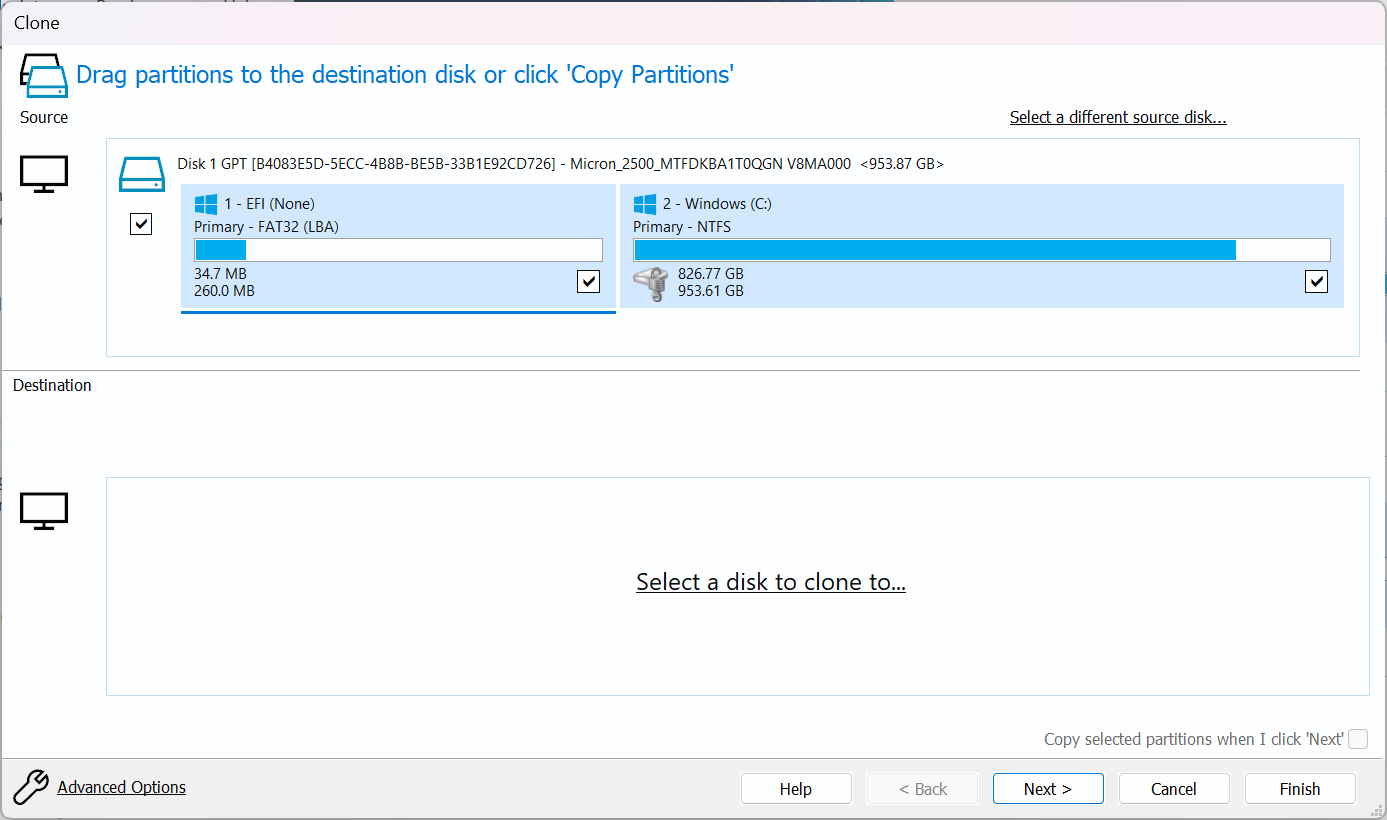
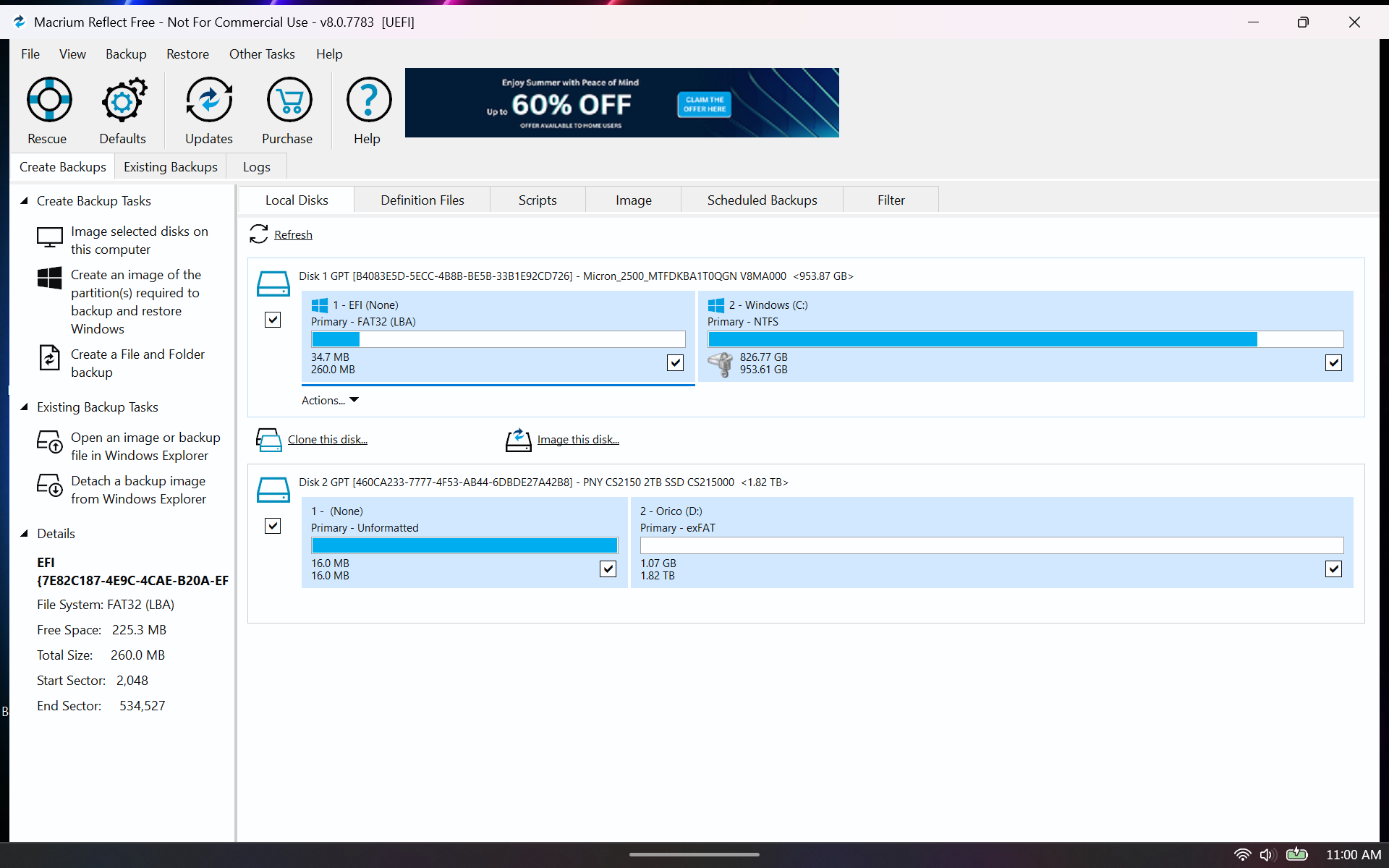
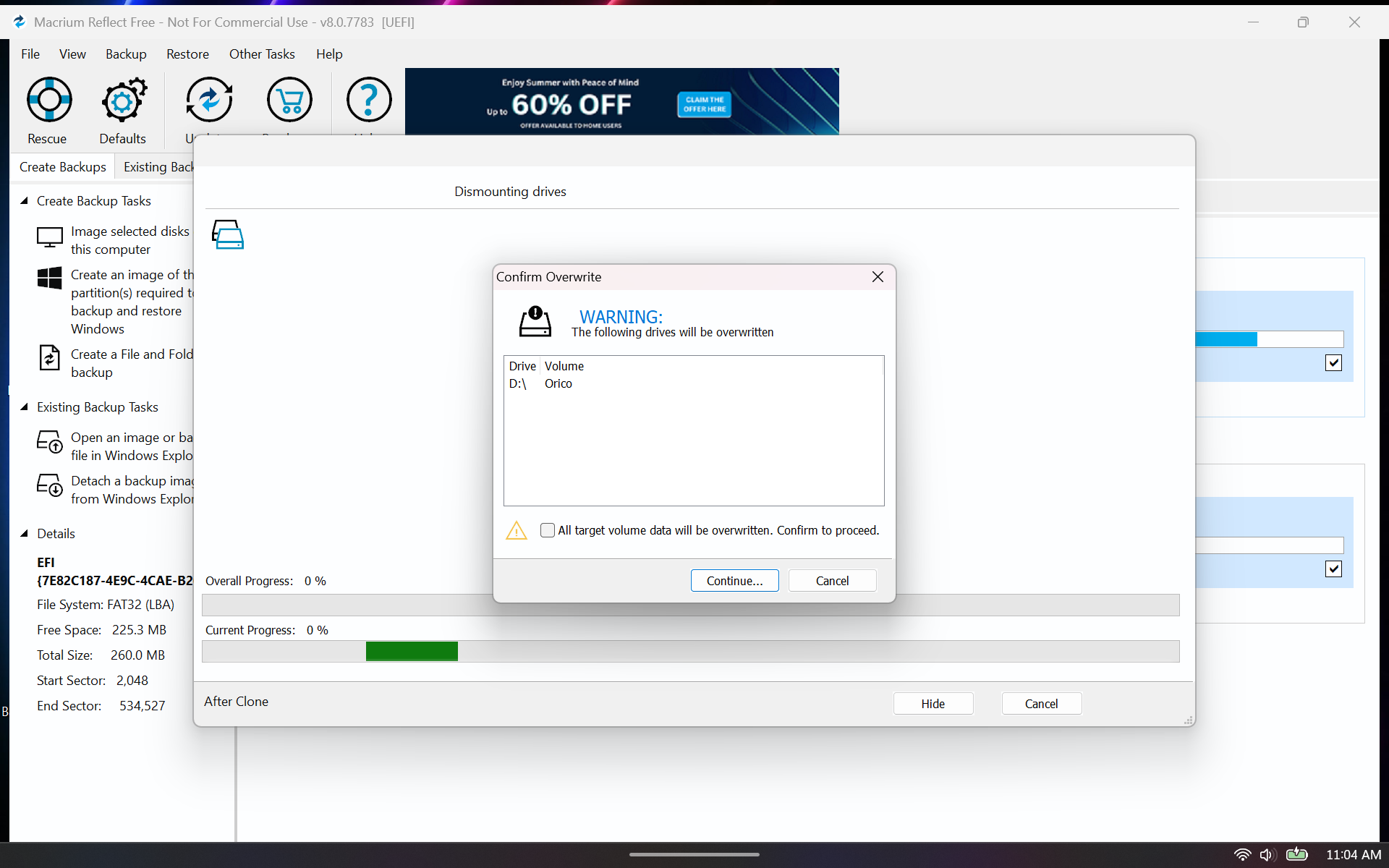
I downloaded the software and installed it without issue. The interface in Reflect 8 was about as straightforward as you can expect, with my source C: drive showing up at the top. The destination field was empty, so I had to select the drive I wanted to use. I pulled up the CS2150, which I have named as Orico in Windows 11 as the D: drive.
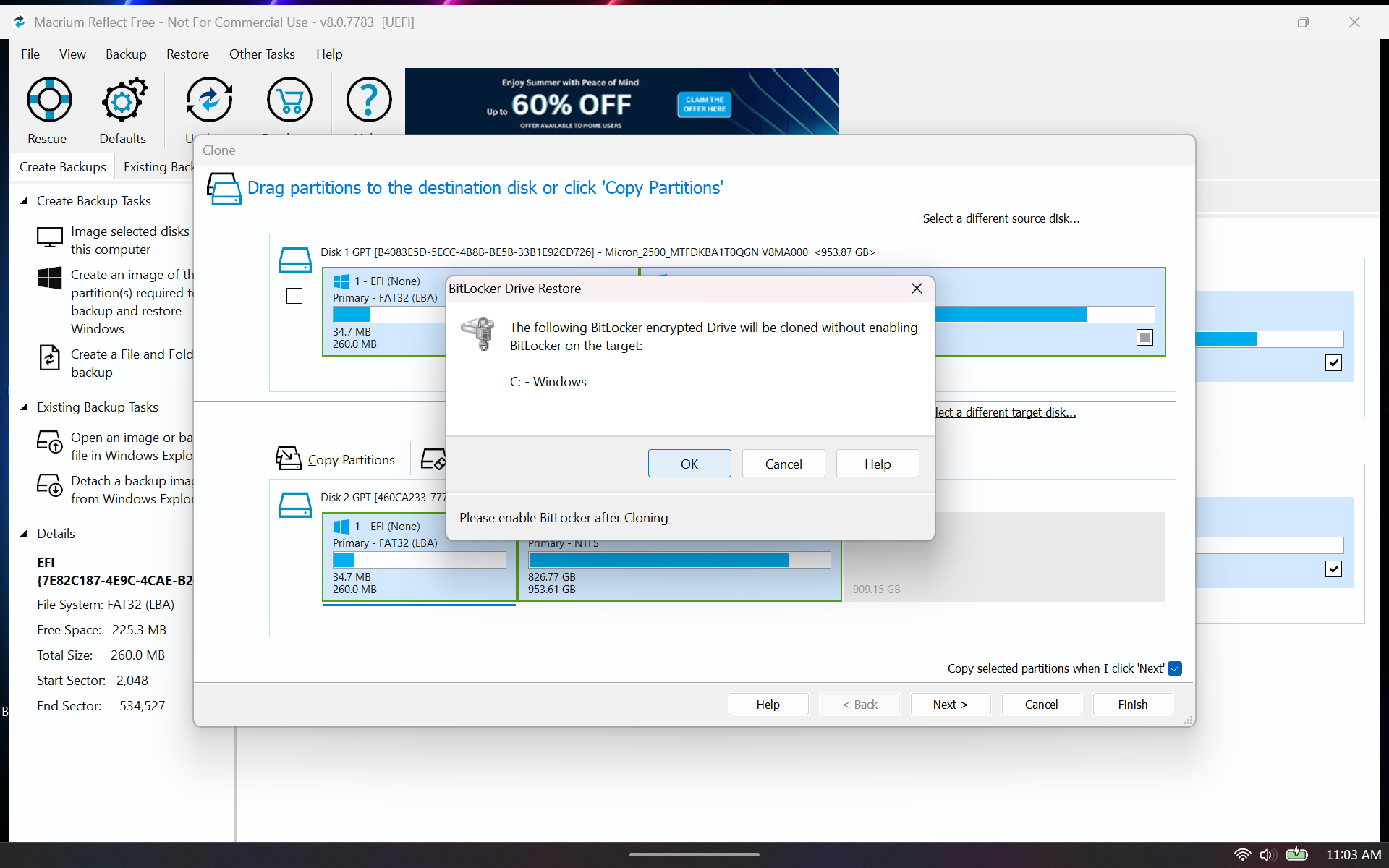
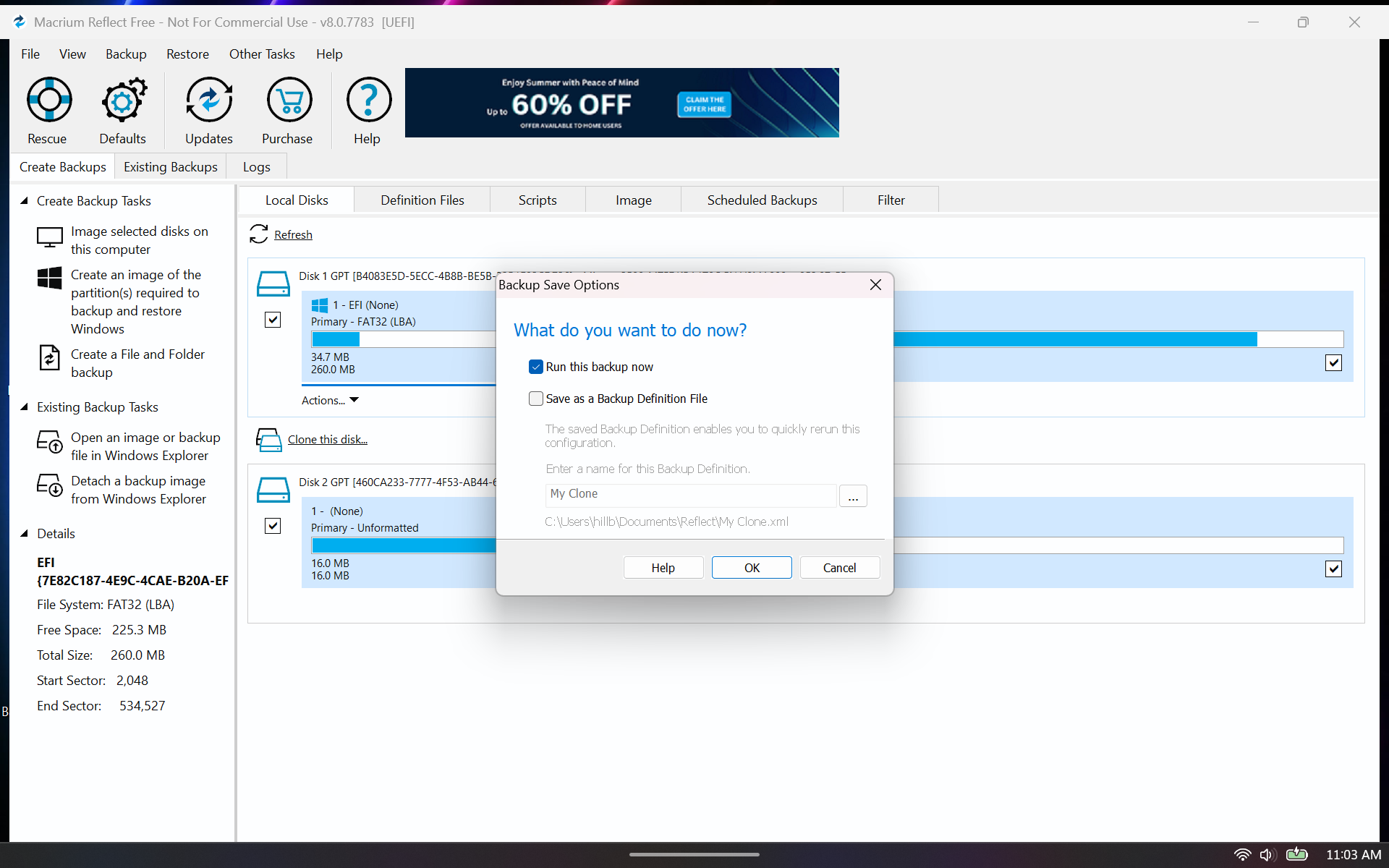
After clicking Next, I was prompted with a warning about BitLocker encryption, so I clicked OK to acknowledge it (you’ll definitely want to re-enable BitLocker once you reinstall the SSD). The next screen showed a summary of the operations to be performed: copying the EFI and Windows partitions to the 2TB SSD. I clicked Finish, which brought up another prompt asking if I wanted to run the backup. I clicked OK, which displayed a warning that the D: drive would be overwritten. After clicking Continue, the process started.
After about an hour and a half, the cloning process was completed. At this point, I shut down the Claw 8 EX AI+ and disconnected all of the accessories.
Disassembling the MSI Claw 8 EX AI+ and installing the 2TB SSD
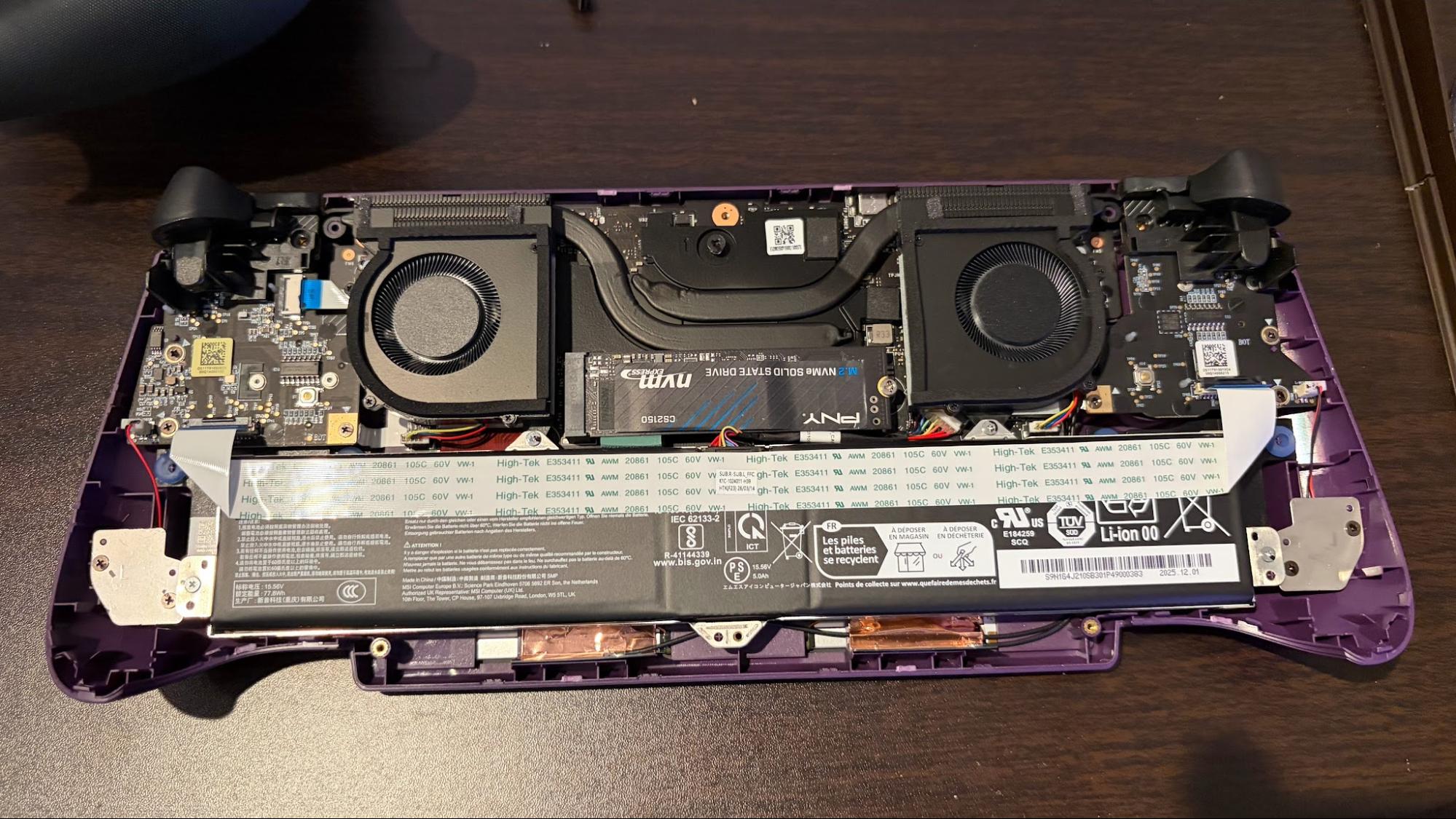
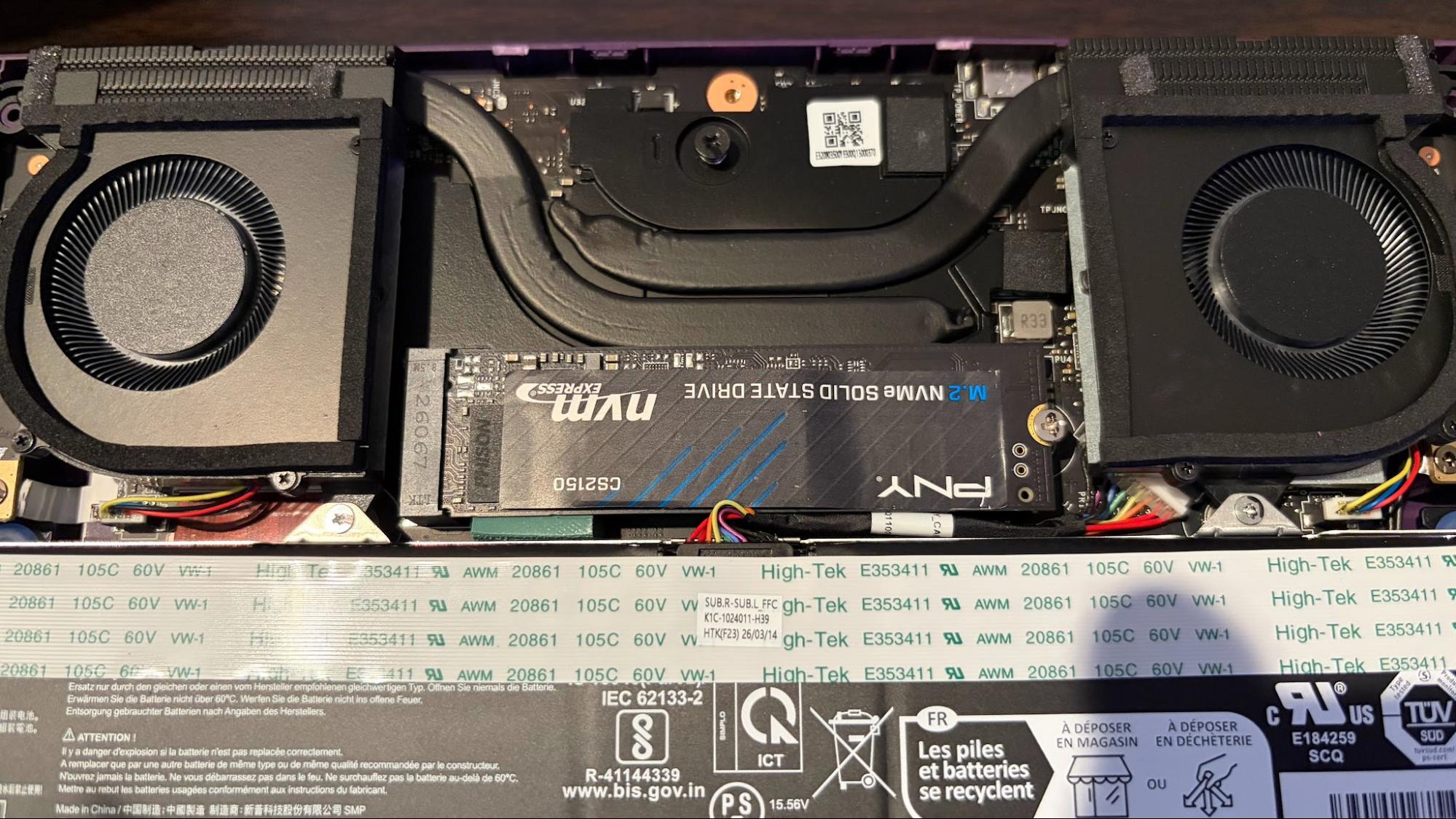
Next, I removed the back panel of the Claw 8 EX AI+, which required removing six screws and using a plastic prying tool. I then removed the single screw holding the already-installed 1TB SSD in the M.2 slot and extracted it. I next removed the 2TB SSD from the Orico enclosure and installed it in the M.2 slot, securing it with the screw I had just removed.
I then reinstalled the back panel for the Claw 8 EX AI+ and secured it with the previously removed screws.
Booting up and checking my work
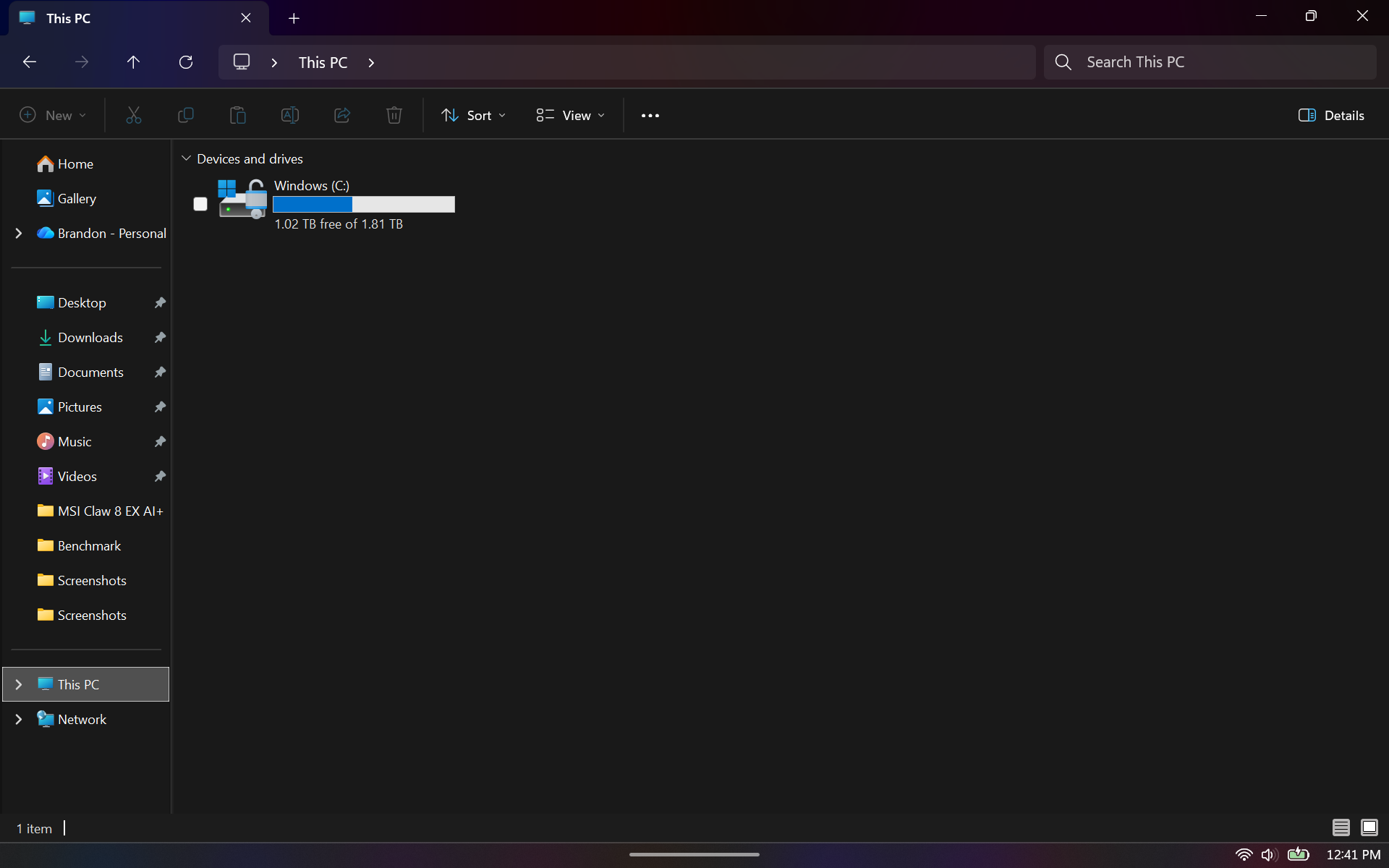
I powered the Claw 8 EX AI+ back on, and it booted without issue. I was also surprised to see that Windows 11 didn’t throw up any activation errors. I’ll chalk that up as a win. I went to Windows Explorer to see if I was indeed utilizing the full 2TB of storage, but I instead saw that 128GB was free of 953GB – the same predicament as before.
(Image credit: Tom's Hardware)
I might have missed a setting during the cloning process that would have expanded the partition to use all free space on the larger SSD. But the fix was simple enough. I opened up the Disk Management utility, selected Windows (C:), and chose “Extend Volume.” After that process was complete, I saw the full 2TB (actually, 1.81TB), with 1.02TB now free for additional game installs.
A Steam Deck devotee was so fed up with their family borrowing their handheld and leaving it with a flat battery that they have resorted to quite extreme measures. On the Steam Deck subreddit, ConroyyJenkinss says that they have modded the console with a range of anti-sharing measures, including a 3D-modeled spiky case and a taser, among other things.
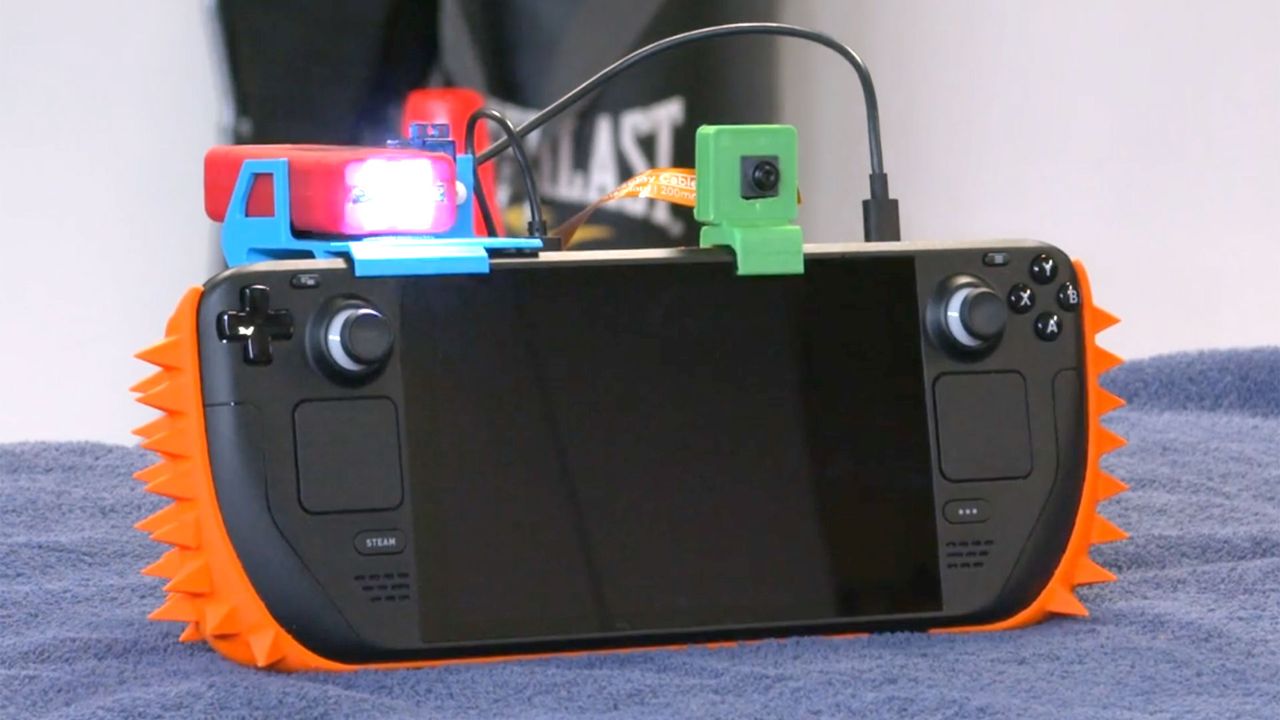
In the video embedded above, you can see ConroyyJenkinss augmented Steam Deck, which has basically sacrificed the Steam Deck’s comfy ergonomics on the altar of defensive design. Its hand-filling gentle curves have been nullified with a 3D-printed case that was modeled by the anti-sharing Steam Deck owner in Blender. We hope this Steam Deck chastity belt is easily detachable by the owner for when ConroyyJenkinss wants to have some fun.
The hostile architecture-inspired case has another scary trick or two up its sleeve, though. “To make it worse, I rigged up a Raspberry Pi with a small speaker, an object detection camera, and a servo motor,” the Redditor explains. “[I] wrote a py script so if the camera sees someone in frame, it plays a goofy audio clip, waits a few seconds and then the servo triggers a taser to scare them away.” So at least those tempted to touch this spiky handheld get warned before potentially being tased.
Most importantly, ConroyyJenkinss asserts that their Steam Deck anti-sharing measures have done the job. “Nobody touches my Steam Deck anymore,” concludes the dangerous DIYer. Answering some queries in the Reddit thread, the embattled Steam Deck owner admits having to remove the case and disarm the taser to use their own handheld is “a hassle but overall worth it.” Now other family members ask permission to have a gaming session on the portable console.
In recent weeks, Steam Decks have joined the ranks of the desirable devices that have been heavily impacted by the RAMpocalypse. It’s nice to share things, but we fully understand ConroyyJenkinss protecting his precious unit, especially against the devil-may-care battery drainers in the family.
Woot is Amazon's outlet website, so you'll often see refurbished or reconditioned items for sale. However, this is a deal on a brand-new console, making it an extra special (and rare) treat.
Use code GIFT26
If you're a new customer at Woot, you'll save $50 on this Nintendo Switch 2, which is listed at $449 at Woot, making the overall cost just $399. If you're a returning Woot customer, you'll save $22 at checkout, making the price $427. Just use code GIFT26.View Deal
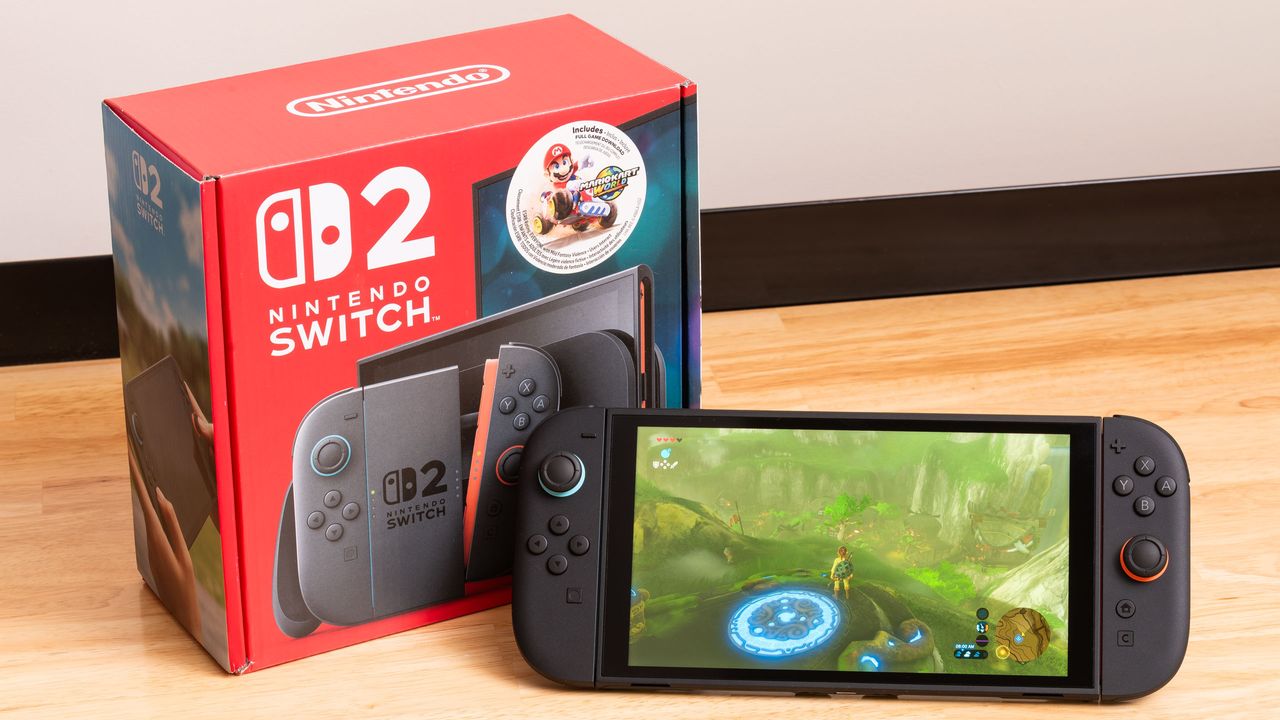
The Nintendo Switch 2 needs no introduction. First unveiled on June 5, 2025, the ultra-popular handheld features a 7.9-inch 1080p screen, also supporting gameplay at 4K up to 120 fps when docked with a TV. You also get Joy-Con 2 controllers, which can be used in a variety of modes.
Naturally, the big allure of the Switch 2 is access to Nintendo's delightful world of IP and first-party titles, including games like Mario Kart World, Donkey Kong Bananza, and, of course, games like Legend of Zelda.
More noteworthy than the Nintendo Switch 2's specs or games, however, is the price. Owing to the global AI pricing crunch that is driving up the cost of flash memory, Nintendo recently announced price hikes, bringing the MSRP of the console to $499, a $50 increase. Today's deal means you're not only avoiding that recent hike, but you're actually saving on the original $449 MSRP too. A $399 Nintendo Switch 2 will sell out fast, so don't hang around if you're interested. Even the $427 deal is the best Switch 2 for returning customers
Last fall, a family member asked me for help with an older PC, which was trying to run Windows 10 and several programs on a cramped 110 GB SSD. At first, I figured I could clone the boot drive onto a more spacious drive so the OS and programs had more space to stretch out.
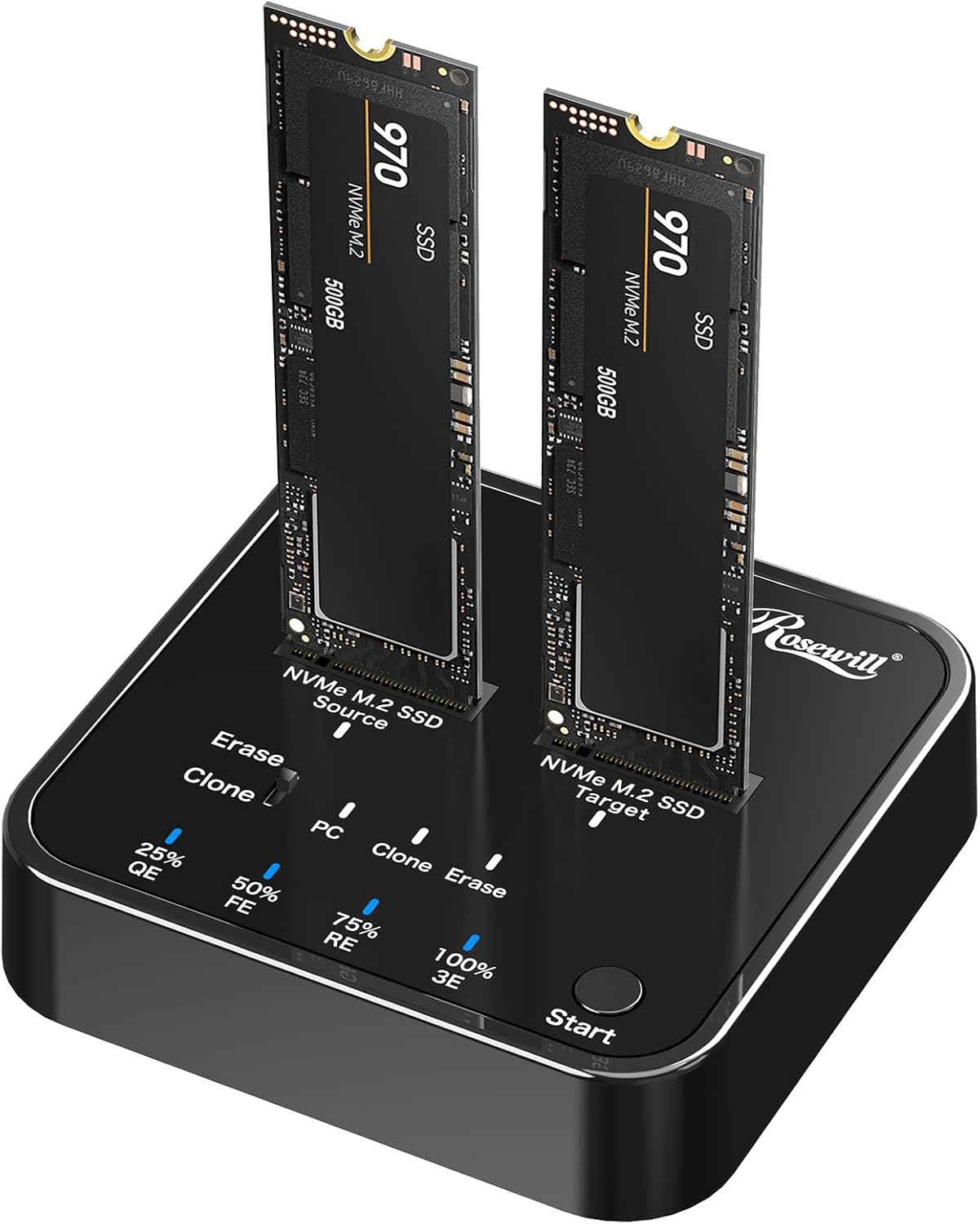
But the thought of juggling USB enclosures or shuffling drives in and out of my desktop filled me with dread as I pictured sitting there for hours, getting the system back up and running. So I looked into getting an M.2 SSD cloner, and was surprised to see they can be found for less than $50. And Rosewill’s upgraded Rosewill M.2 NVMe Cloner + Eraser, which just dropped down to its lowest-ever price of $47, is even more handy than a basic cloner, also offering four one-touch offline erase modes, or all your data deletion needs.
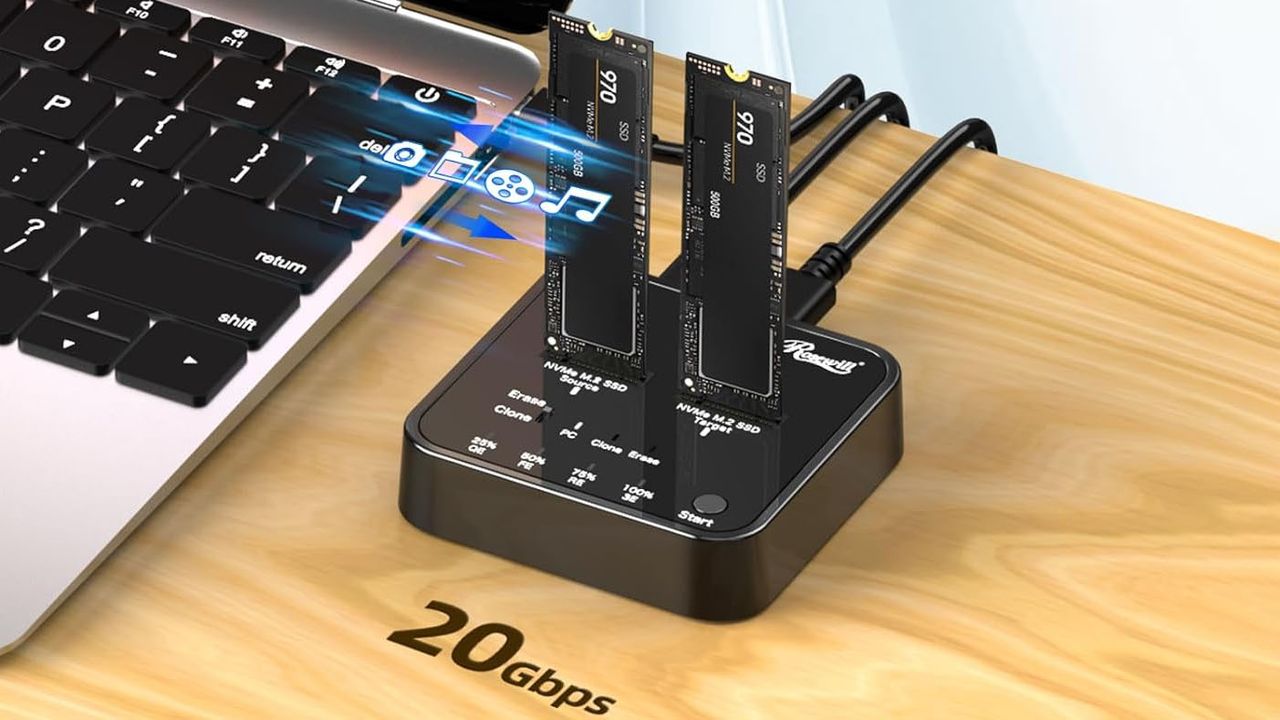
This dual-NVMe SSD dock can clone or delete drives, either offline or when plugged into a PC, via software. It supports speeds up to 20 Gbps (USB 3.2 Gen 2x2). It supports all drive sizes, but only NVMe (N Key) models. So if you’re dealing with an older SATA or PCIe drive, you’ll have to look elsewhere.View Deal
I don't love the plastic shell of Rosewill's cloner and eraser, but it's one of the more affordable options with these capabilities. I own the stepped-down model that doesn’t have the erase function (also on sale for $39, and using it is pretty straightforward. You plug in the included USB-C power adapter, put your source drive in the left slot, the destination drive in the right slot, press the power button on the back, and a few logos light up, letting you know you're ready to go. Press the clone button on the top, and drive cloning will commence (provided your destination is the same size or larger than your source).
That's assuming you want to do an offline clone. But because I needed resize the partition between the old 110 GB and the newer Team Group 512 GB SSD, I used the second included USB-C cable and connected my Rosewill cloner to my laptop and powered up the device. Both drives were recognized in Windows within seconds, so I fired up the excellent free DiskGenius software, cloned the old partition to a new drive with a few clicks, and then used the software to drag the boot partition to the full size of the new drive. The whole process took just a few minutes, since the Rosewill cloner supports 20 Gbps USB, and I wasn't exactly copying a huge partition.
The Rosewill cloner is also handy for just checking the contents of old M.2 drives you may have lying around. But if that's all you need, you can buy an NVMe enclosure or a single-drive dock. I also own a version ofthis model from Suitok, which costs $21.
SOLD OUT: As expected, this deal was extremely popular and has now sold out. Keep an eye on our live blog to stay informed when hot deals like this one arise.
As noted, Woot is Amazon's outlet website, so you'll sometimes see used, open box, or factory reconditioned items. However, this item is brand new and sealed. As you can imagine, there's a limit of one per customer, and we expect this deal to sell out extremely quickly.
Use code CHEAPSWITCH2
If you're a new customer at Woot, you'll save $50 on this Nintendo Switch 2, which is listed at $449 at Woot, making the overall cost just $399. If you're a returning Woot customer, you'll save $30 at checkout, making the price $419. Just use code CHEAPSWITCH2.View Deal
The Nintendo Switch 2 is Nintendo's ultra-popular handheld gaming system. The console comes with a 7.9-inch 1080p screen, and it can be docked with a TV for 4K gaming at up to 120 fps. The Joy-Con 2 controllers (included in the purchase) can be used attached or detached for flexibility.
The console comes with 256GB of internal storage and supports expansion through microSD Express cards. Obviously, if you stack up a few titles, you might want to think about buying some extra microSD Express storage.
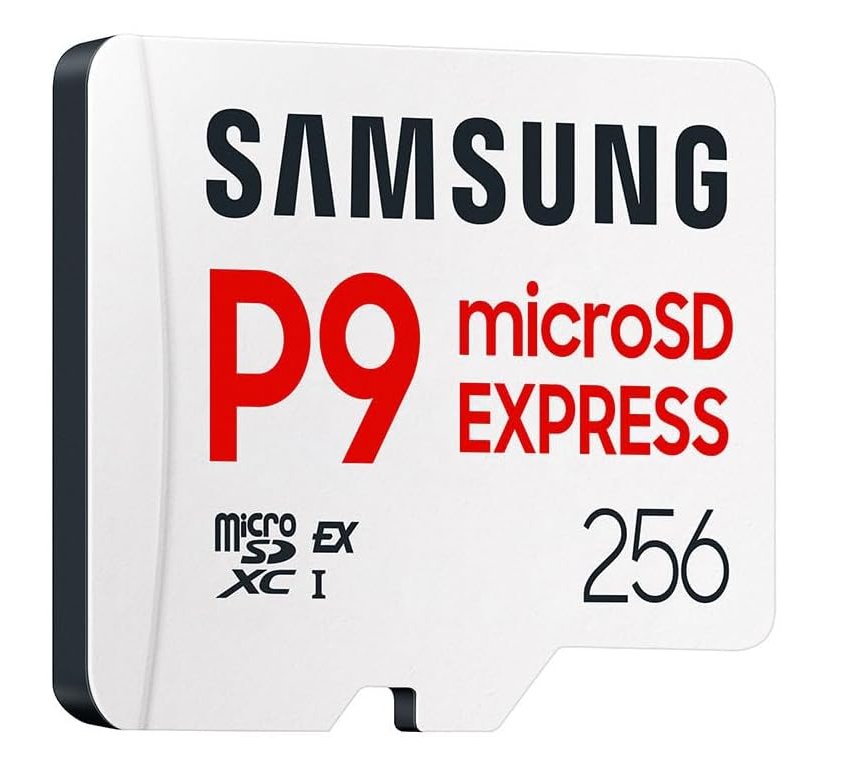
The best deal right now is this Samsung P9, which is down to just $40 right now. Again, act fast, as there's no guarantee how long this deal will last.
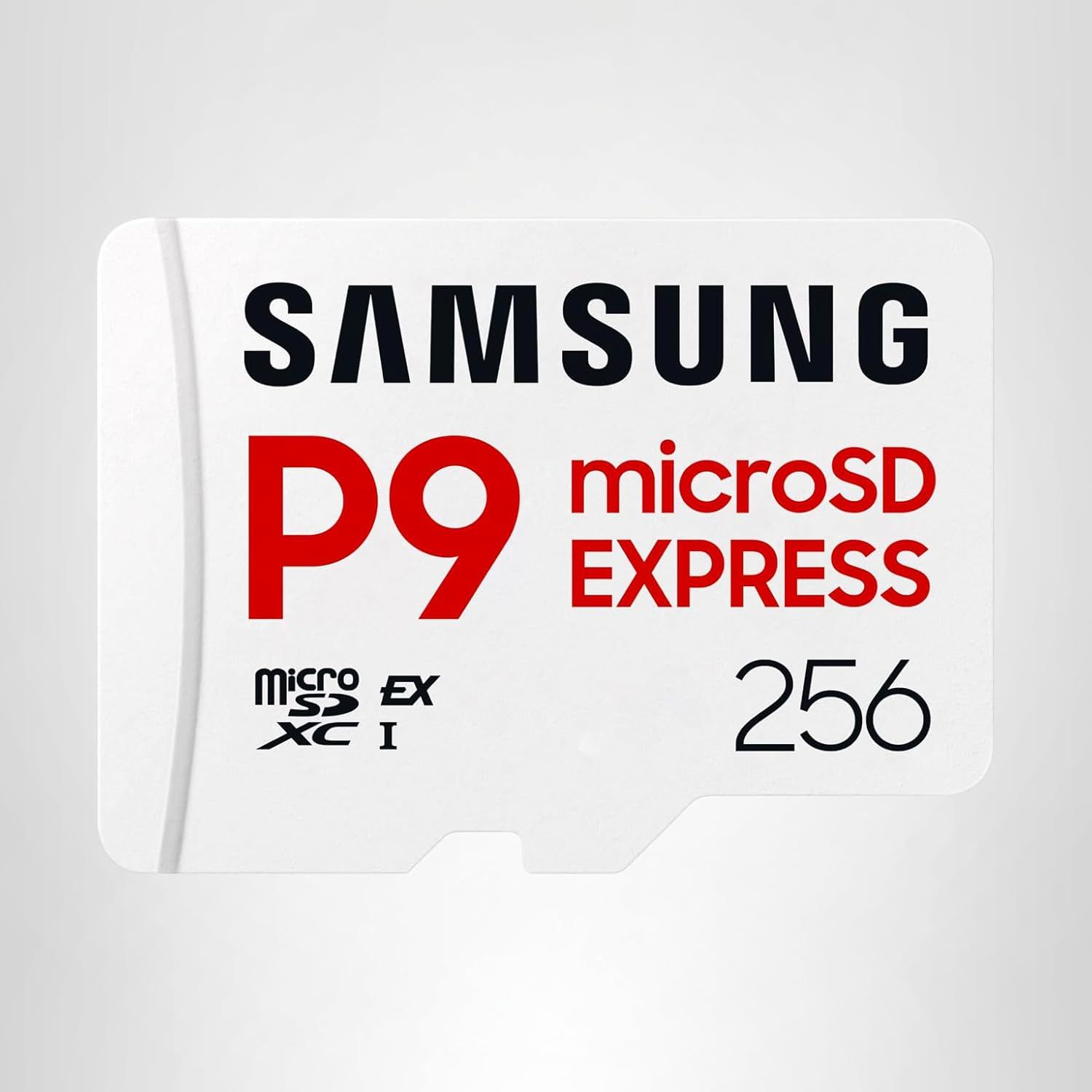
Give your Switch 2 the storage boost it needs. With fast speeds and respectable endurance, the P9 Express from Samsung is one of the best microSD Express cards you can get for your Nintendo Switch 2, with maximum sequential read speeds of up to 800 MB/s.View Deal
As noted, this is an amazingly good deal on the Switch 2, even if you just use the code for returning customers to score one for $419. If you're new to Woot or Amazon and get one for $399, however, it's an absolute bargain.
Do you or someone you know have a Nintendo Switch 2? What about accessories for your new console? Whether you want to play with others, increase your storage, or add functionality, you may want some extras to deliver the best gameplay experience possible, and now is the best time to score a big deal on them during Prime Day 2026.
There are many official, licensed accessories alongside third-party extras available at a wide range of prices. It's Prime Day 2026, so now is an excellent time to hunt for deals and the best prices on Switch 2 peripherals and accessories.
One of the most important extras you'll most likely want to pick up is a microSD Express memory expansion card. The least expensive out now is Nintendo's own (SanDisk) 256GB card, but there are other, faster models available for a pittance more (see below). If you know that's what you want, check out our handy list of the best Prime Day microSD Express card deals for the Switch 2. Just be aware that pricing has absolutely skyrocketed, along with RAM, Storage, and video cards, in the last several months, so don't be shocked. Still, we found the best deals that we could.
Other accessories to consider are screen protectors, carrying cases, and peripherals such as controllers, headsets, and cameras, as listed below.
Give your Switch 2 the storage boost it needs. With fast speeds and respectable endurance, the P9 Express from Samsung is one of the best microSD Express cards you can get for your Nintendo Switch 2, with maximum sequential read speeds of up to 800 MB/s.View Deal
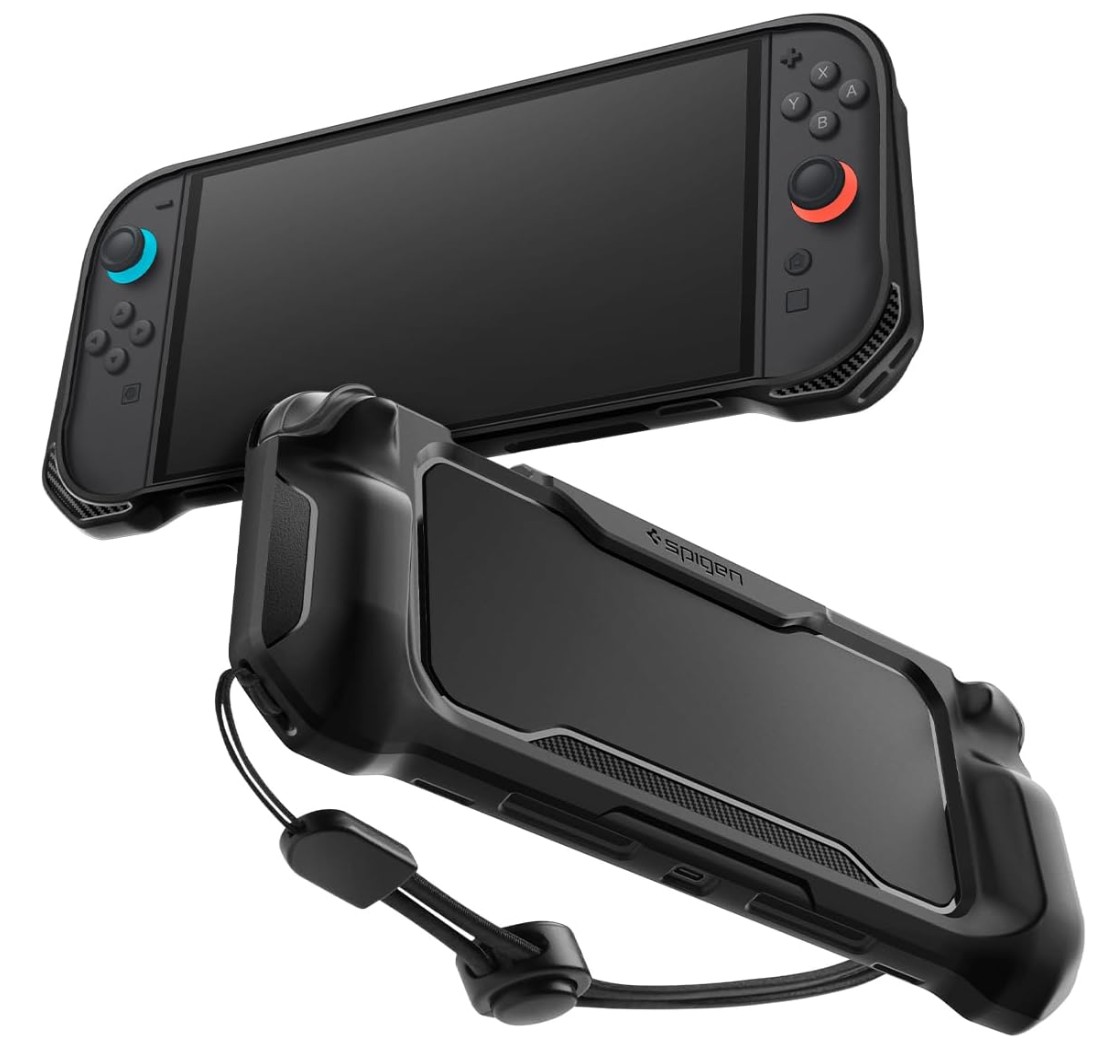
The Killswitch Ultra pack from Dbrand combines protective features and ergonomic enhancements to enhance your console experience. Included is the rugged Killswitch protective case/skin, a hard travel cover, 2x screen protectors, thumb-stick grips, and a dock adapter, as the Switch 2's girth increases with the Killswitch cover and will not fit in the standard dock.
The Killswitch skin not only protects against bumps but also increases the thickness of the side Joy-Con grips for a better handheld experience. View Deal
A rugged protective skin that fits around the Nintendo Switch 2, offering limited protection against bumps and scrapes, and also changing the ergonomics of the console in your hands. It also comes with AluminaCore glass screen protector.View Deal
Protect your thumb sticks during travel, and also adapt how your Switch 2 thumb sticks feel when you're gaming. A choice of different sizes of thumb stick covers lets you choose your preference. View Deal
If you're thinking about, or already using a camera for your Switch 2, most of the styles out there are pretty boring. Most are just a camera on a stick, or may even clip to the device. I found something unique, the officially licensed Piranha Plant Camera! Relive your days of Mario and the feared plant that comes out of the pipes, but on your desk - and for less than the price of the official Nintendo Switch 2 camera-on-a-stick.
The Nintendo Switch 2 camera lets you join your friend on screen in party chat for multiplayer fun. The camera sports a 1080p resolution and connects via USB-C.View Deal
If you're tired of the same old camera on a stick for your Switch 2, check out list officially licensed piranha plant camera and change things up. It captures 640x480 resolution at 30 FPS.View Deal
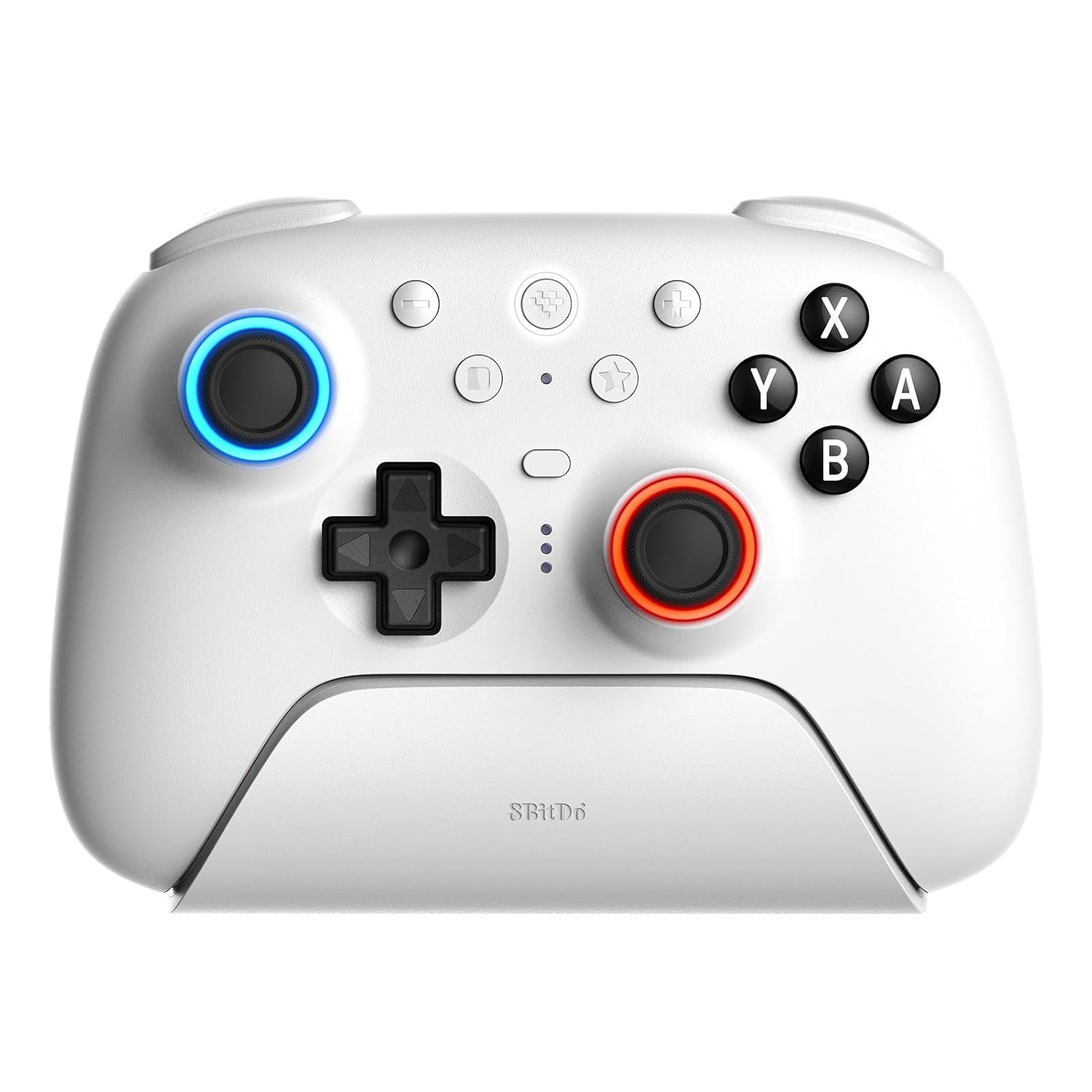
We also added another Switch 2 Pro-class controller on top of the official Nintendo Pro controller. 8bitDo's Ultimate 2 bluetooth controller is one of my kids' favorites. For less than the cost of the Nintendo controller, the Ultimate 2 offers TMY joysticks, switchable hall effect/tactile triggers, vibration and motion control. It is a lower resolution (640x480), however. The best part? It's it's on sale right now.
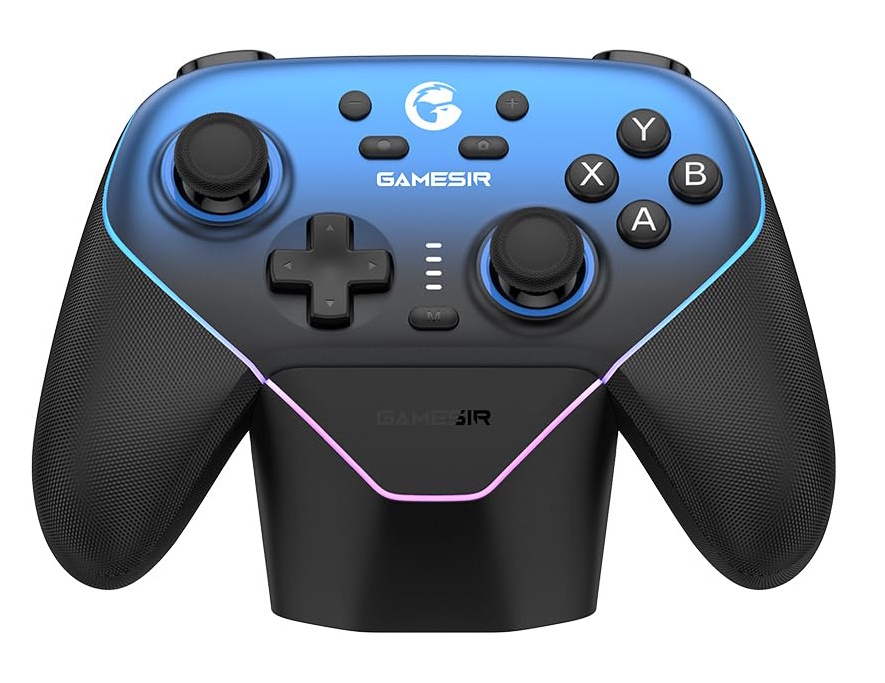
If you need a new, or another, controller for your PC, Switch/Switch 2, iOS/Android device (Tri mode), GameSir's Super Nova is on sale now at a great price. You get 1,000 Hz polling rate, Anti-drift Hall Effect sticks and trigger, rubberized grips, and RGB lighting with 1,000mAh battery. It comes in three colors, the blue, ping and white, and red and white (pink is the least expensive). GaView Deal
8BitDo's Ultimate 2 Controller is a less expensive replacement for the Nintendo Pro controller. It comes with TMR joysticks and switchable Hall Effect/Tactile triggers, including vibration, motion control, and it's own charging dock.View Deal
Circular plastic steering wheel cases for your Nintendo Switch 2 Joy-Cons that help to immerse you in a Switch 2 driving game, such as Mario Kart World. The Joy-Cons simply click into the cases for instant action. View Deal
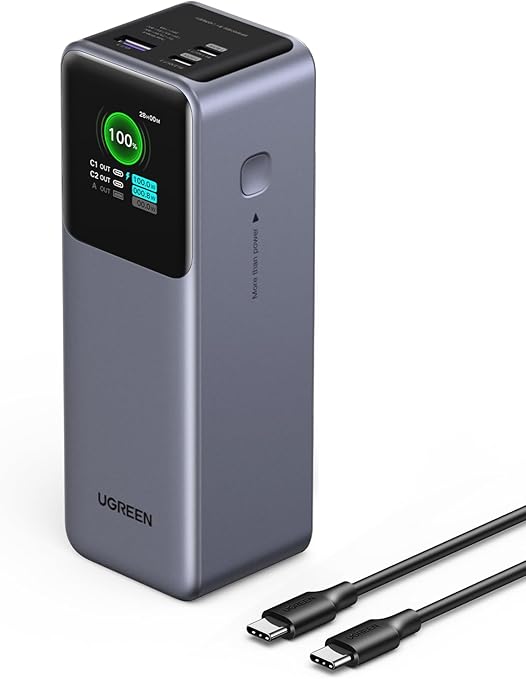
The Nintendo Switch 2 burns through power quickly, so never be denied game time from a flat battery, thanks to the UGreen Power Bank. A massive 25,000 mAh lets you fully charge your Switch in no time. The charger comes with one 240W USB-C cables and one port outputs a maximum of 140W (200W output total). A handy TFT screen lets you keep tabs on power status and charging speeds.View Deal
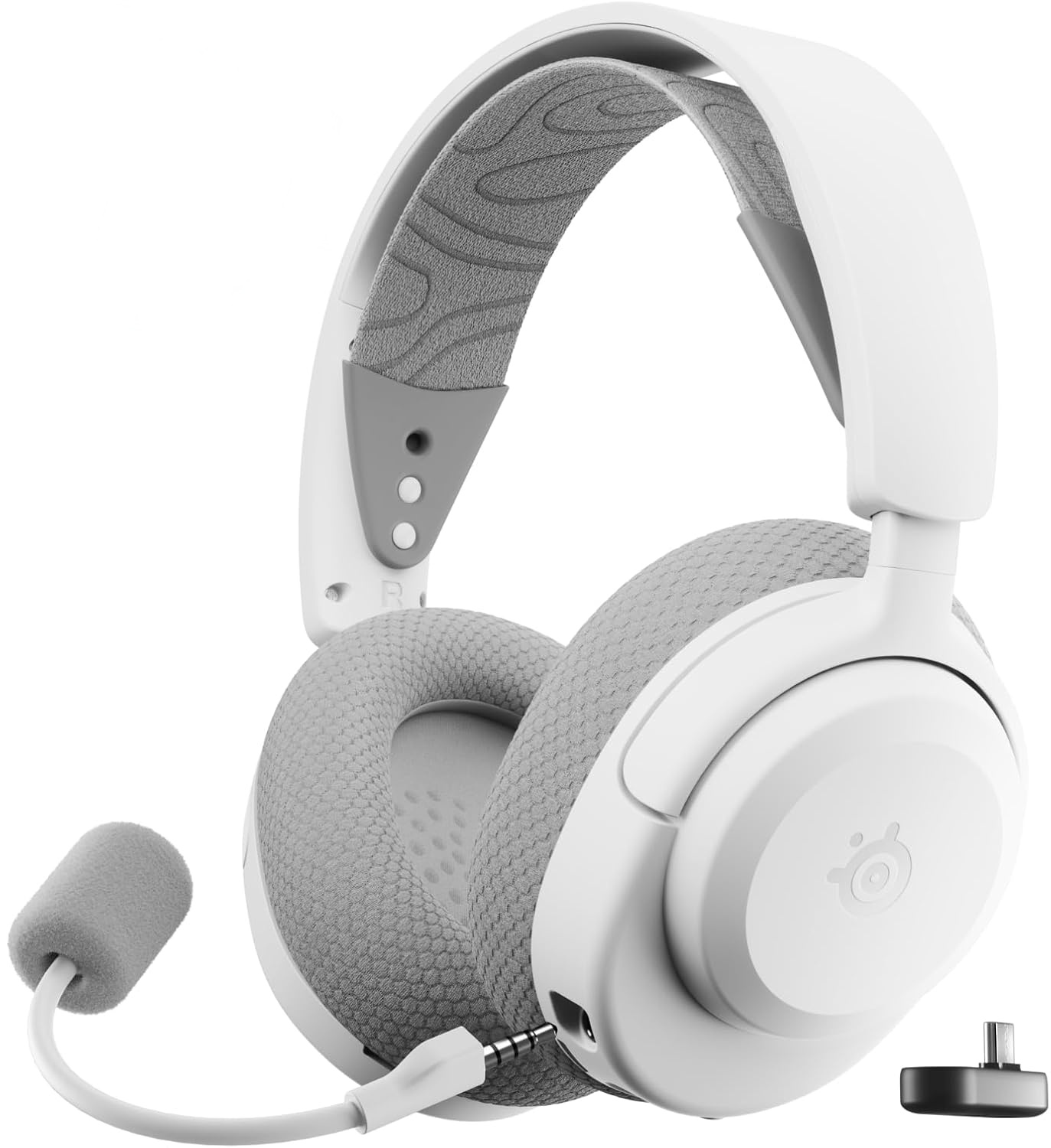
Pop the USB-C adapter into your Switch 2 and connect wirelessly to your handheld console for clearer game sounds. The Arctis Nova 3X has a detachable microphone, soft, comfortable earpads and an elastic headband allow for hours of gaming without getting headset fatigue. View Deal
It’s hard not to be impressed by what manufacturers have achieved with the numerous options that are now available among the best PC gaming handhelds. What was once a domain left largely to Valve with the Steam Deck has evolved into a broader market, with the bulk of the systems available running Windows 11.
These devices pair sleek exteriors with high-refresh IPS or OLED displays and pack powerful (for a handheld) computing hardware inside. However, even the gaming handheld market has been squeezed by rising component prices, leading us to the MSI Claw 8 EX AI+, the subject of this review. It’s by far the most powerful gaming handheld we’ve ever tested, thanks to its Intel Arc G3 Extreme SoC, but it’s also the most expensive ($1,799).
At every turn, the Claw 8 EX AI+ impressed with its performance, but the staggering price tag incessantly looms over the experience.
Design of the MSI Claw 8 EX AI+
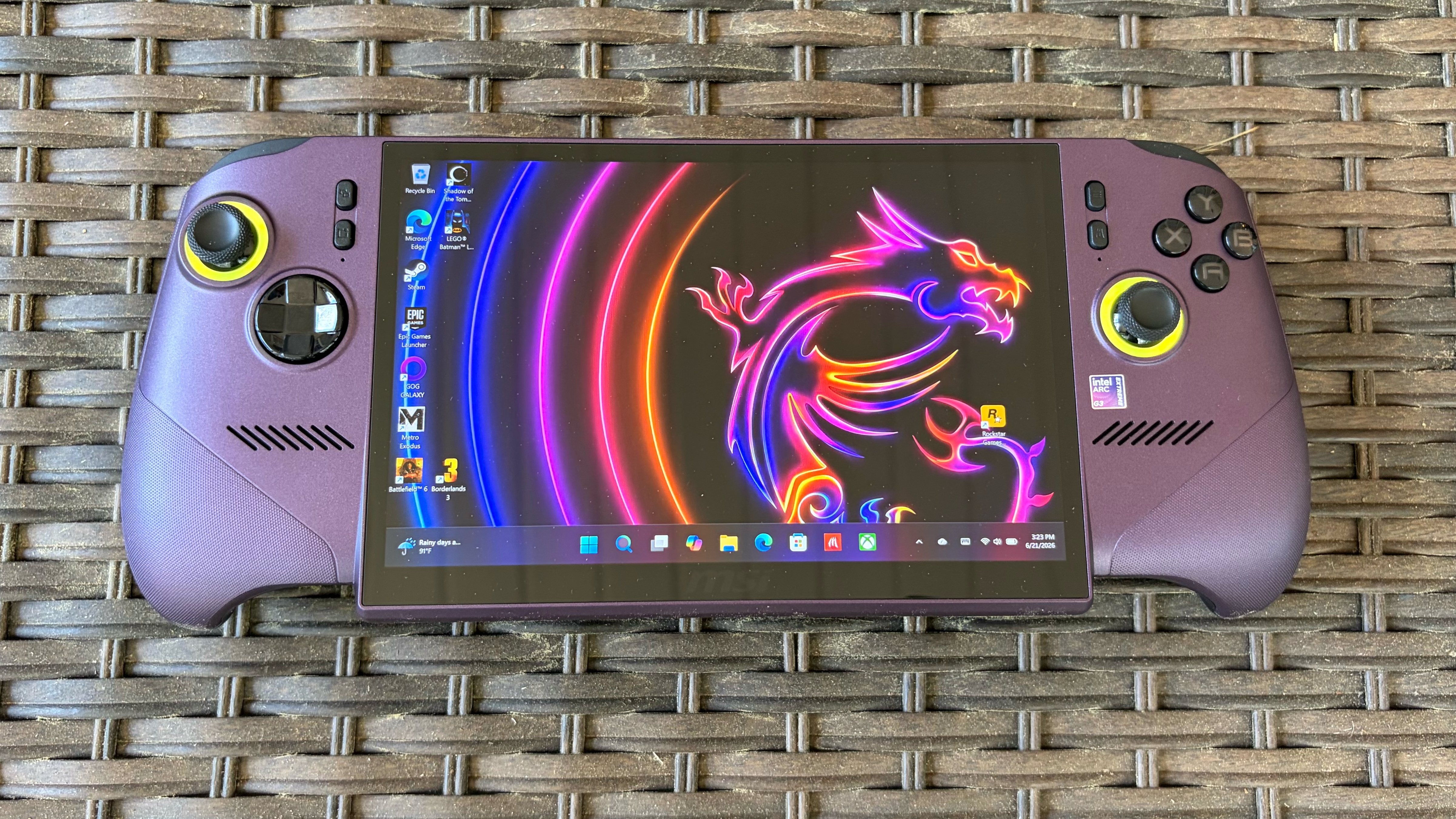
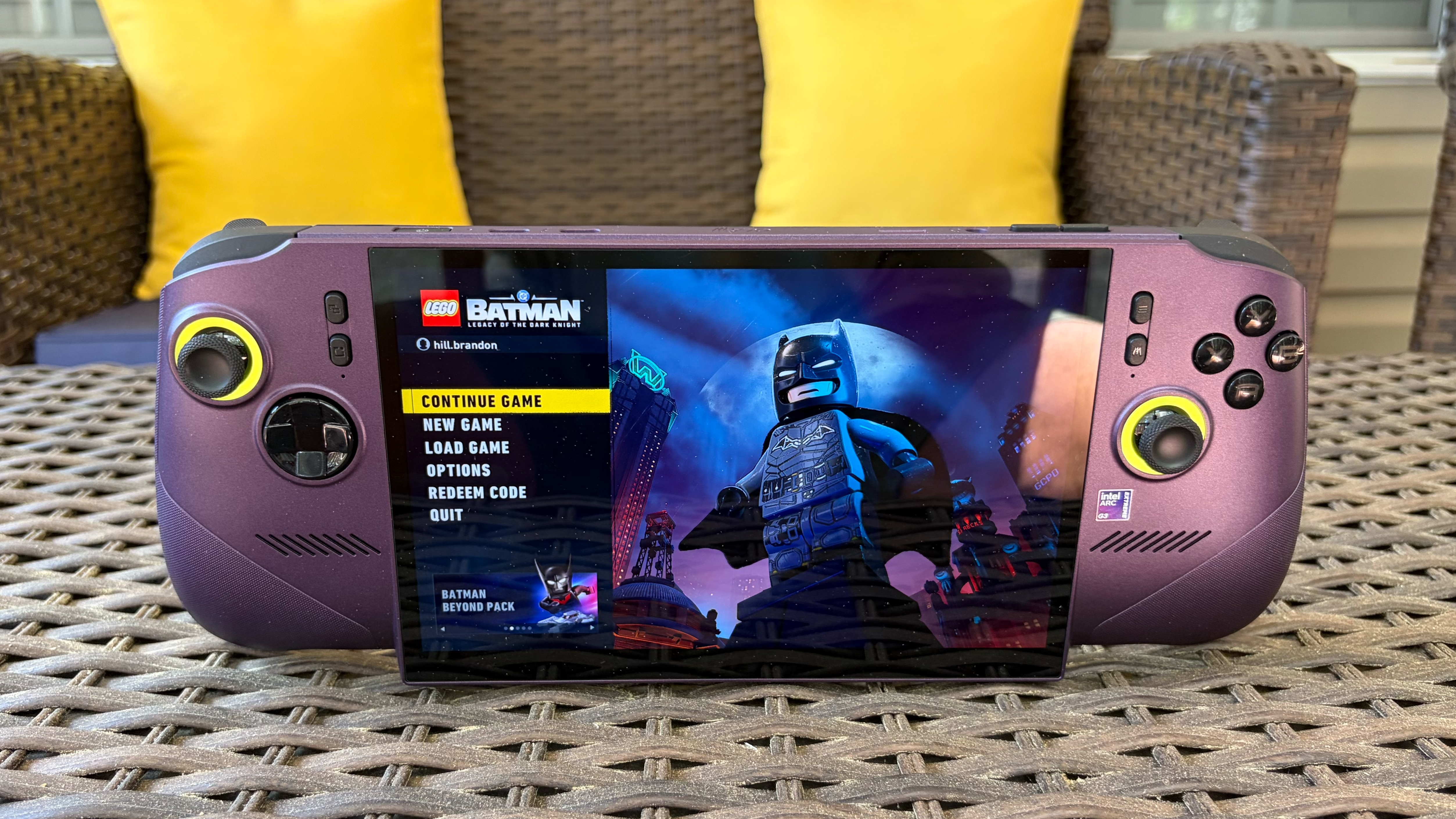
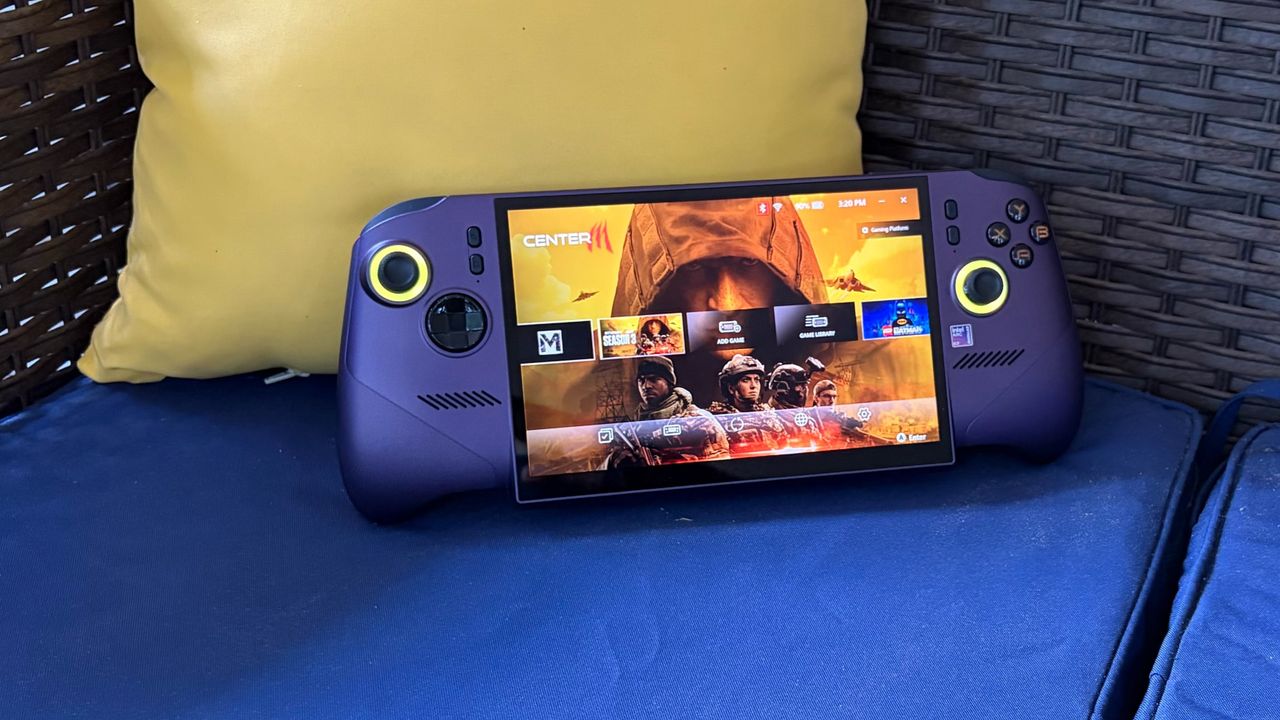
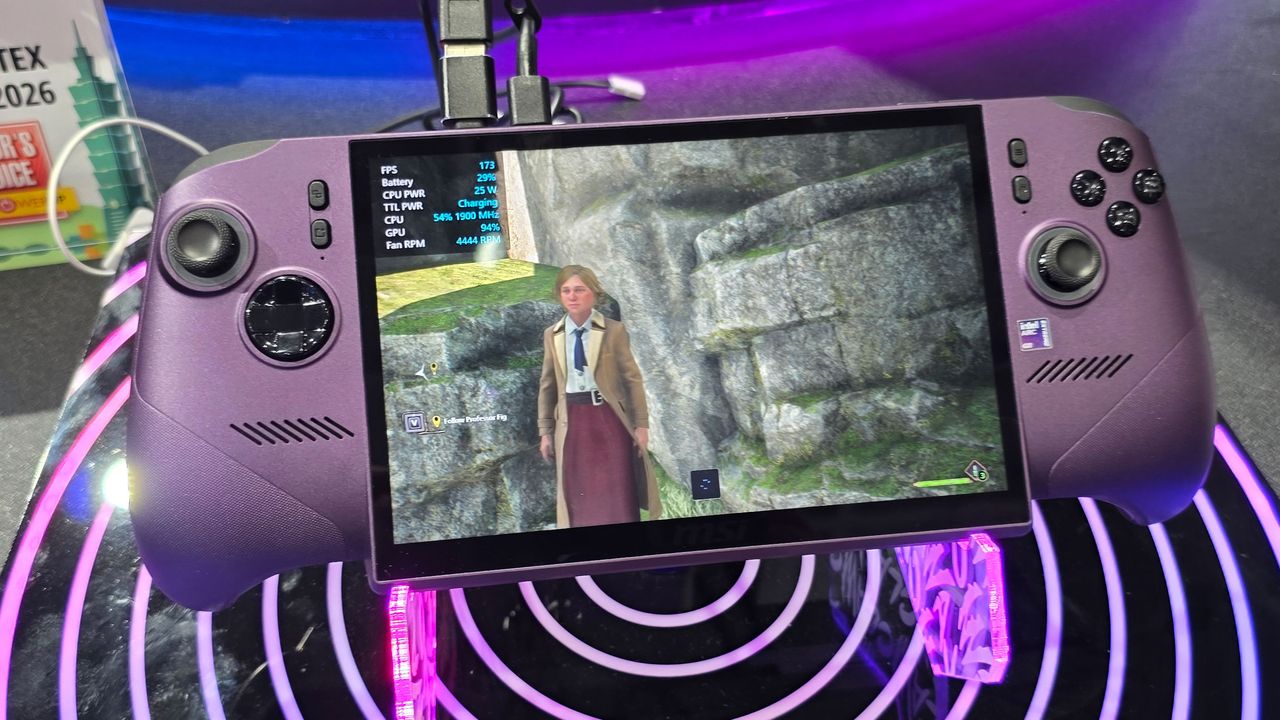
We hope you like purple, as that’s the only color currently available for the Claw 8 EX AI+. Purple isn’t my favorite color in the world (that distinction belongs to blue), and it gives me Joker vibes from the 1989 Batman starring Michael Keaton and Jack Nicholson. Not only is the top of the chassis molded in purple plastic, but it also has a sparkly finish that makes it look a bit jewel-like. The lower half of the system is constructed of traditional black plastic.
The handgrips on the Claw 8 EX AI+ are well-spaced, perfectly sized for my hands, and evenly distribute weight, which helps mask the system’s 785-gram heft. Speaking of the handgrips, there’s a laser-etched dot texture molded where your palms and index fingers rest on the MSI Claw 8 EX AI+ — this helps keep it in place instead of sliding around in your hands (especially if they perspire during long gaming sessions).
(Image credit: Tom's Hardware)
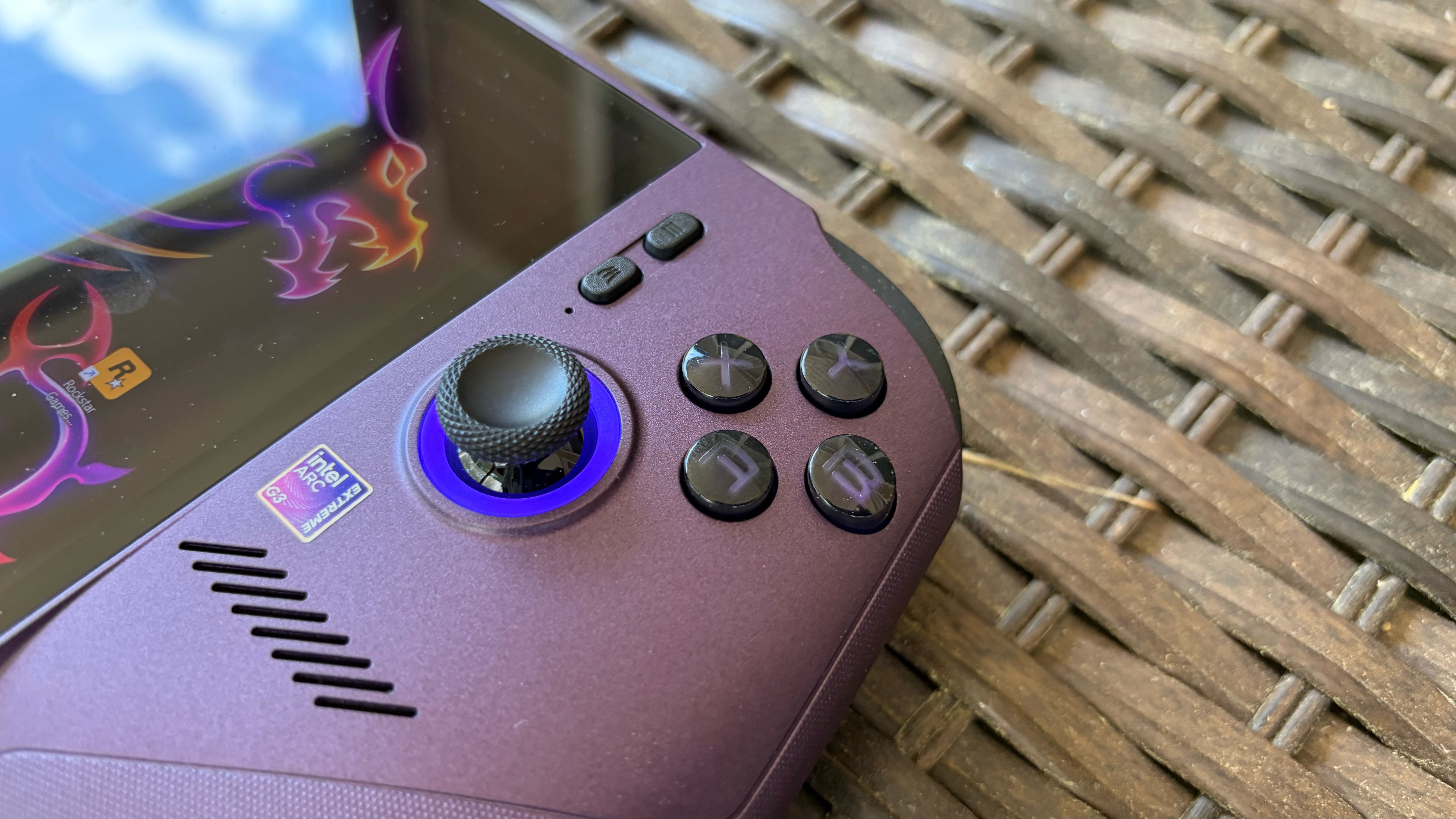
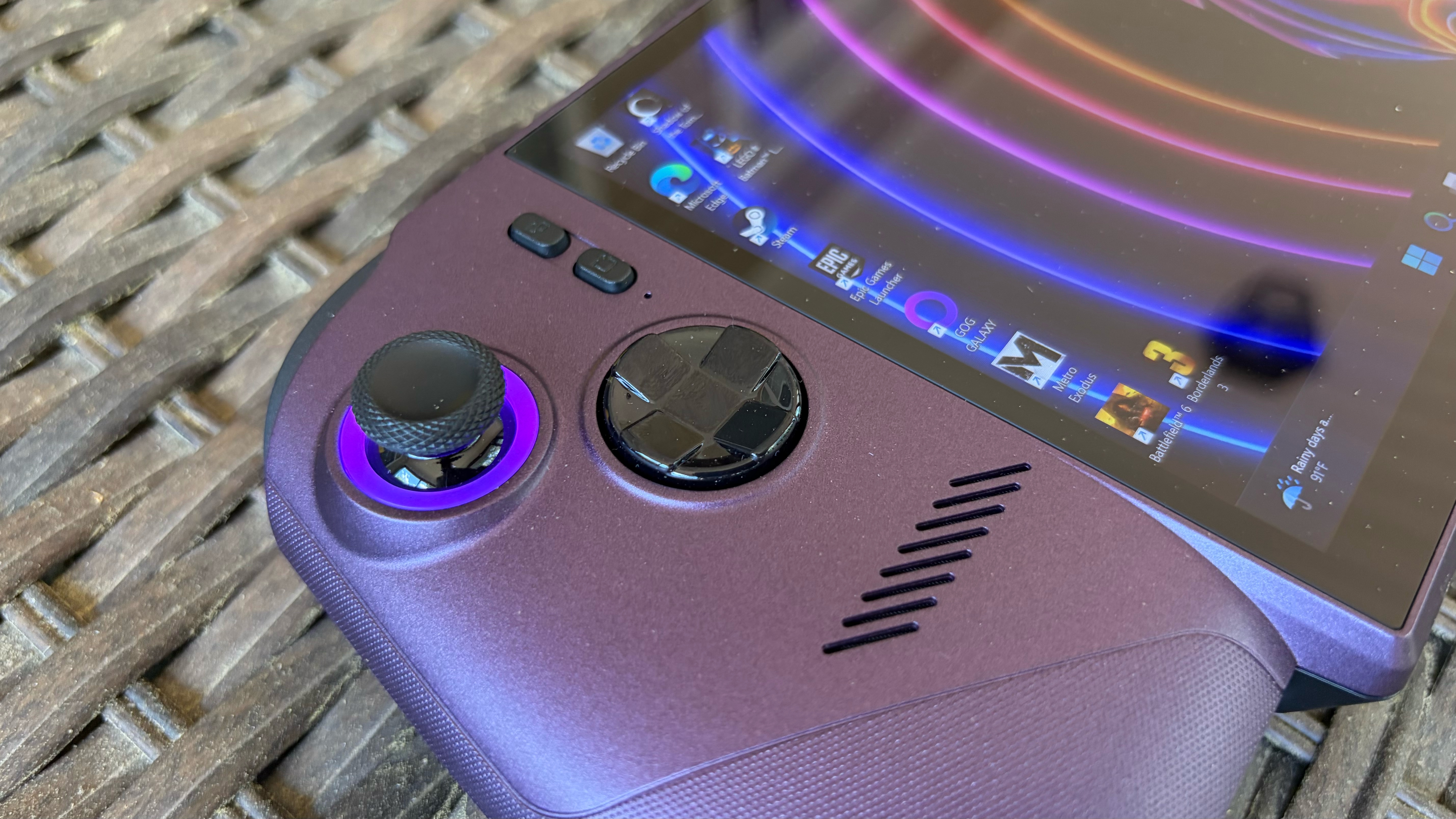
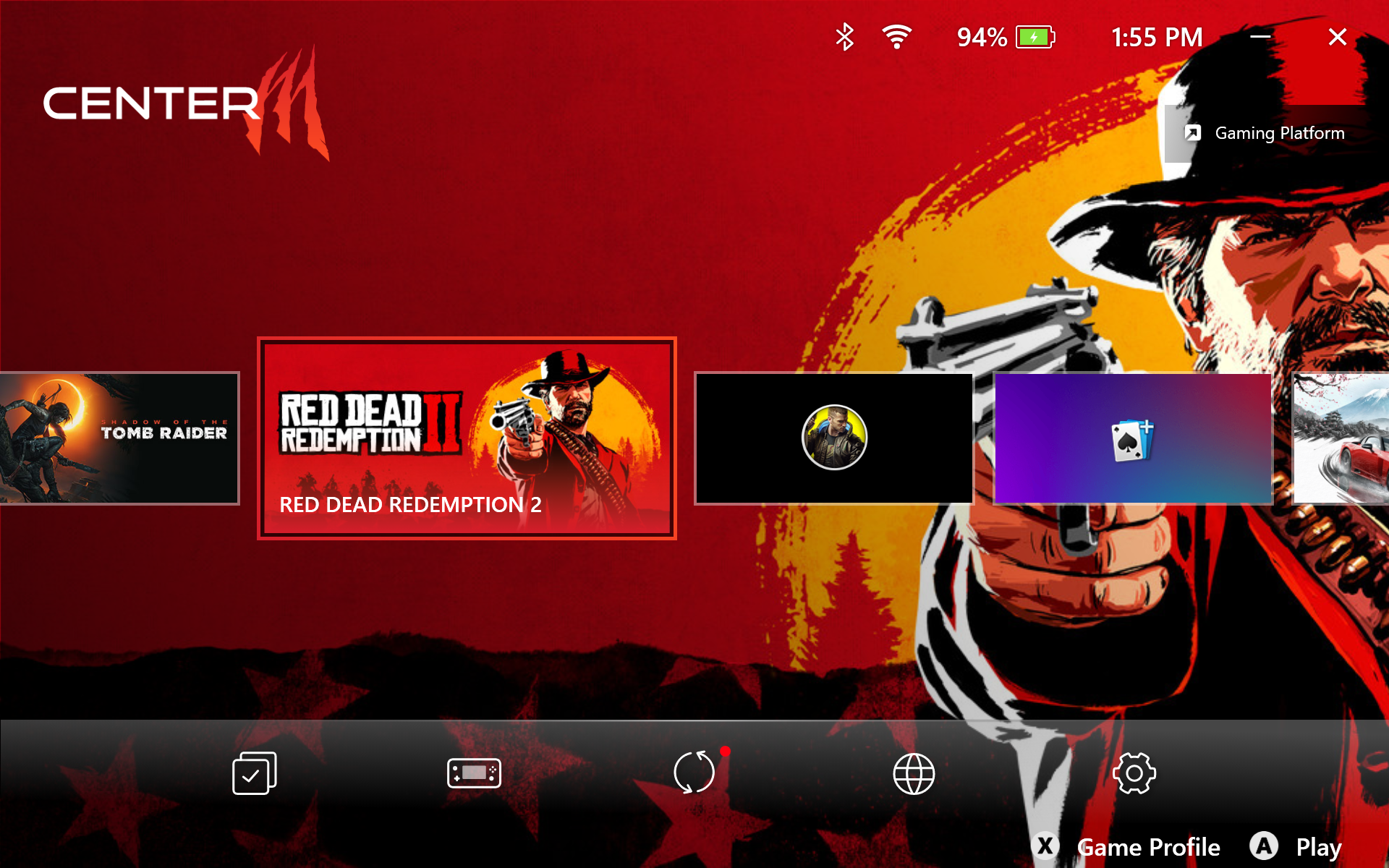
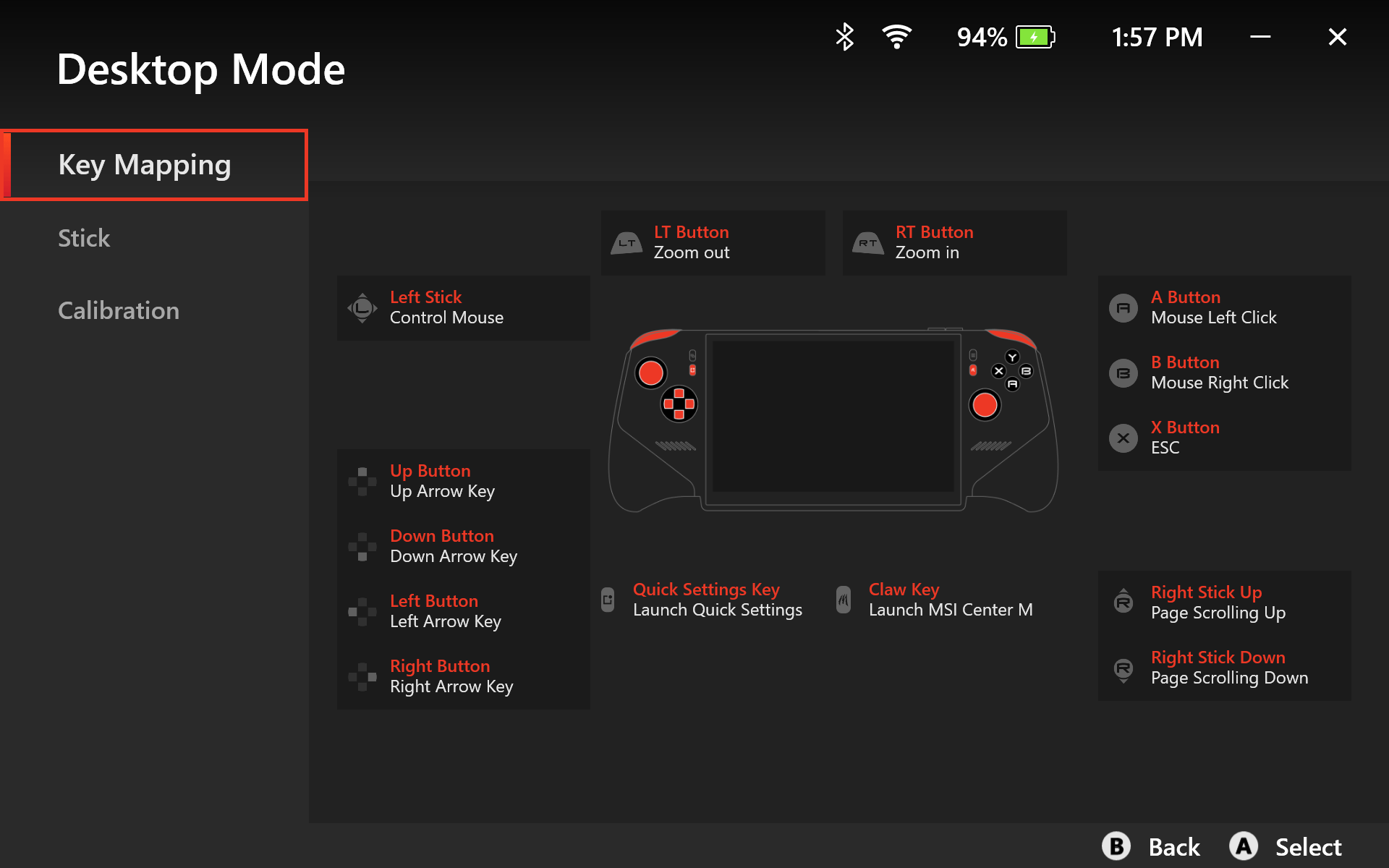
Controls-wise, the Claw 8 EX AI+ doesn’t break any new ground, which is generally a good thing. If you’re familiar with an Xbox controller, there are backlit ABXY buttons on the right, with a joystick just below, along with another joystick on the left side, with a D-pad (which features a metal dome) below it. Both joysticks sport an RGB ring at their bases. There are also four buttons on the face of the handheld, flanking the display, with the bottom-left button assigned to bringing up the MSI Quick Settings overlay for the Xbox Game Bar. The bottom right button launches MSI Center M, for launching and configuring games.
You’ll find the usual allotment of bumper and triggers at the top of the Claw 8 EX AI+. While the triggers feel nice, the bumpers are a smidge “wiggly,” but that’s a nitpick on my part. If you’re a fan of macro buttons, you may be disappointed to find that there are only two on the back of the Claw 8 EX AI+, versus the three or four you’ll find on competing systems like the Steam Deck.
Unlike Lenovo’s Legion Go series of handhelds, you won’t find a touchpad on the Claw 8 EX AI+. So all of your screen navigation will be limited to touching the screen with your finger, or using the joysticks in the Xbox overlay or MSI Center M.
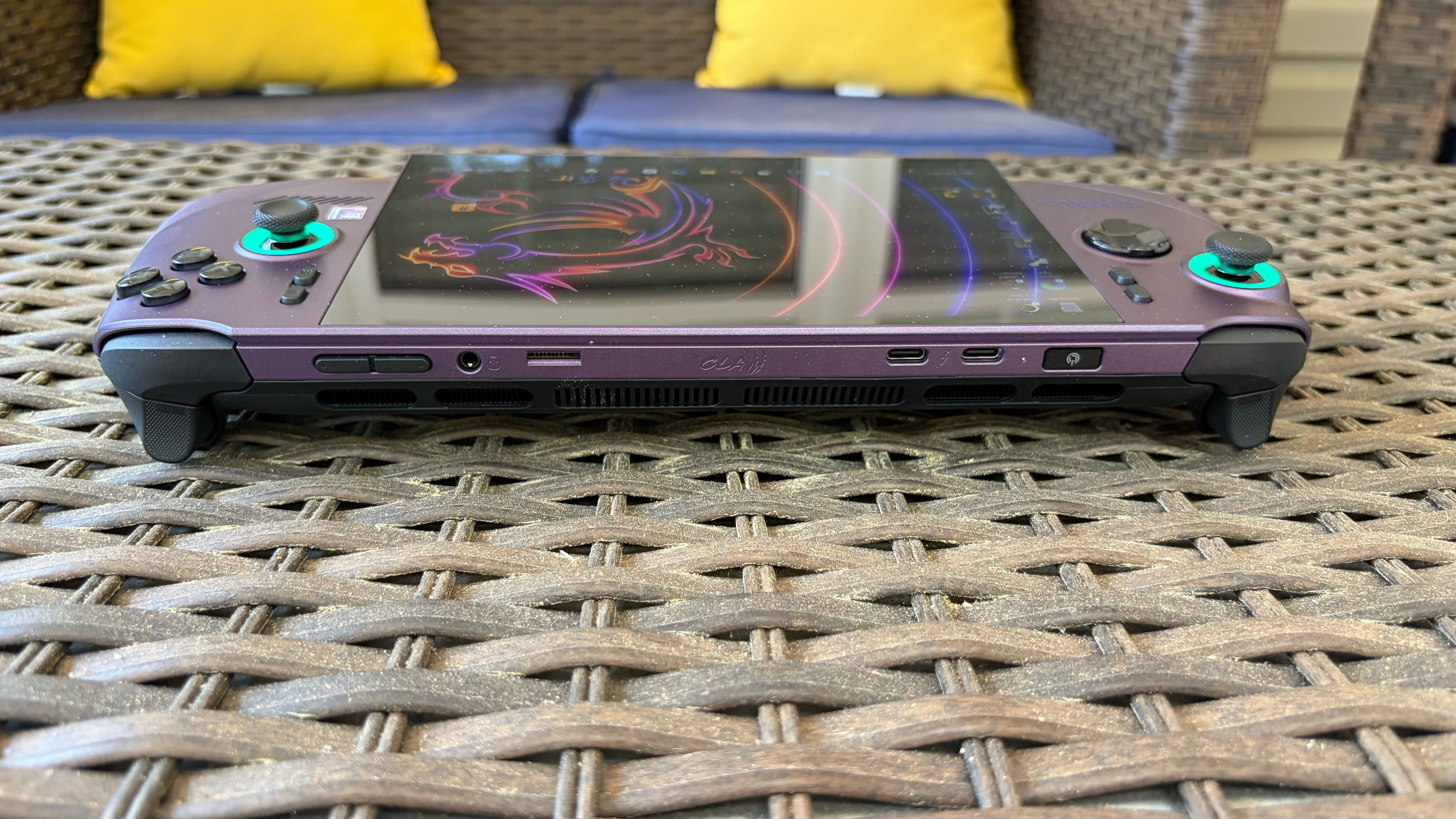
All of the I/O ports are located at the top of the unit; here you’ll find a power button that doubles as a fingerprint reader, two Thunderbolt 4 ports, a microSD reader, a 3.5mm audio jack, and volume buttons.
There are two intakes (one for each cooling fan) located beside the macro buttons, while vents below the IO panel exhaust heat.
Although I’ll talk about the screen in detail later on, I must mention that the display doesn’t fit neatly within the confines of the center mass of the Claw 8 EX AI+. Instead, the bottom portion of the screen extends roughly half an inch below the body. It looks a little wonky at first, but it seems to be the only way that MSI could fit the 8-inch display, at least without making the whole device bigger.
The Claw 8 EX AI+ measures 12.6 x 5.12 x 1.98 inches, compared to 11.42 x 4.76 x 2.00 inches for the Asus ROG Xbox Ally X, 11.64 x 5.38 x 1.66 inches for the Lenovo Legion Go 2, and 11.73 x 4.6 x 1.97 inches for the Steam Deck OLED.
MSI Claw 8 EX AI+ Specifications and Components
Processor
Intel Arc G3 Extreme (14 cores, 14 threads, 4.7 GHz, 8-35W cTDP), Up to 46 TOPS NPU
12.6 x 5.12 x 0.98 ~ 1.89 inches (32.1 x 13 x 2.5 ~ 4.8 cm)
Weight
1.73 pounds (785 g)
Warranty
One year
Price (as configured)
$1,799.99
Gaming and Graphics Performance on the MSI Claw 8 EX AI+
The Claw 8 EX AI+ features the new Intel Arc G3 Extreme SoC, which includes a 14-core GPU (4.7 GHz max clock) and a 12-core Arc B390 GPU that clocks up to 2.3 GHz.
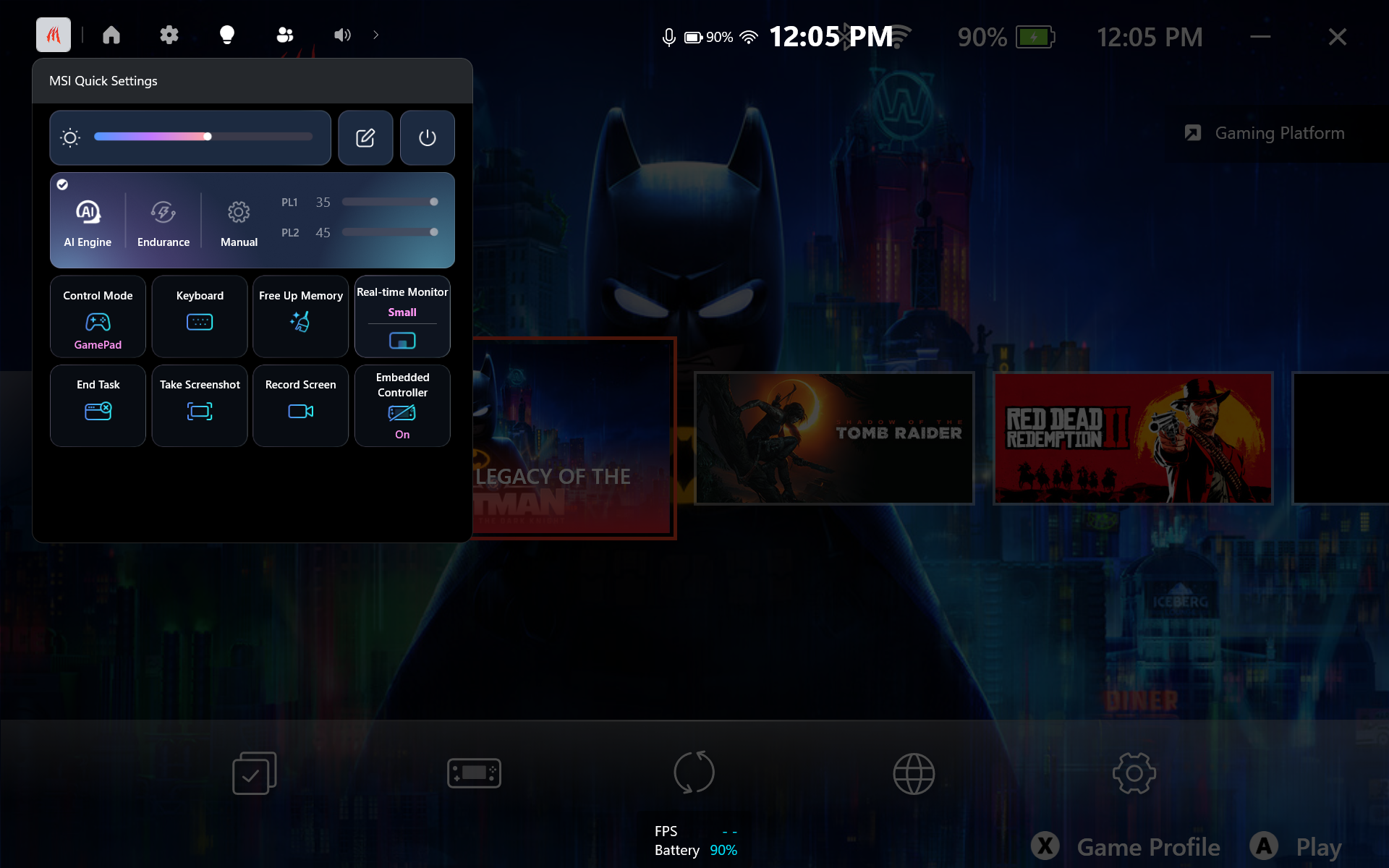
The default power mode is MSI's AI Engine, which typically runs games at 25 watts, but can vary between 15 watts and 30 watts depending on the workload. There's also an Endurance Mode, which leverages the Intel Endurance Gaming Efficiency Preset. This limits the chip to 15 watts and targets 30 frames per second (FPS) while gaming. Finally, Manual Mode allows you to run PL1 Max at 35 watts.
For our testing, we used the default AI Engine Mode when on battery, and Manual Mode when plugged in (35 watts PL1 Max, 45 watts PL2 Max). We ran games at 1280 x 800 and 1920 x 1200 resolutions on the handheld, leveraging the Xbox Full Screen Experience to limit resource consumption from additional Windows software. Please note, however, that the ROG Xbox Ally X benchmarks were run at 720p/1080p due to its 16:9 aspect ratio display, while the Steam Deck is limited to 1280 x 800 resolution.
While playing Lego Batman: Legacy of the Dark Knight, I was able to easily achieve 150-160 FPS on medium graphics settings at 800p with XeSS Balanced and the AI Engine power mode engaged. Battlefield 6 saw performance in the 70 fps range at 800p, with Auto detail settings and XeSS Balanced enabled.
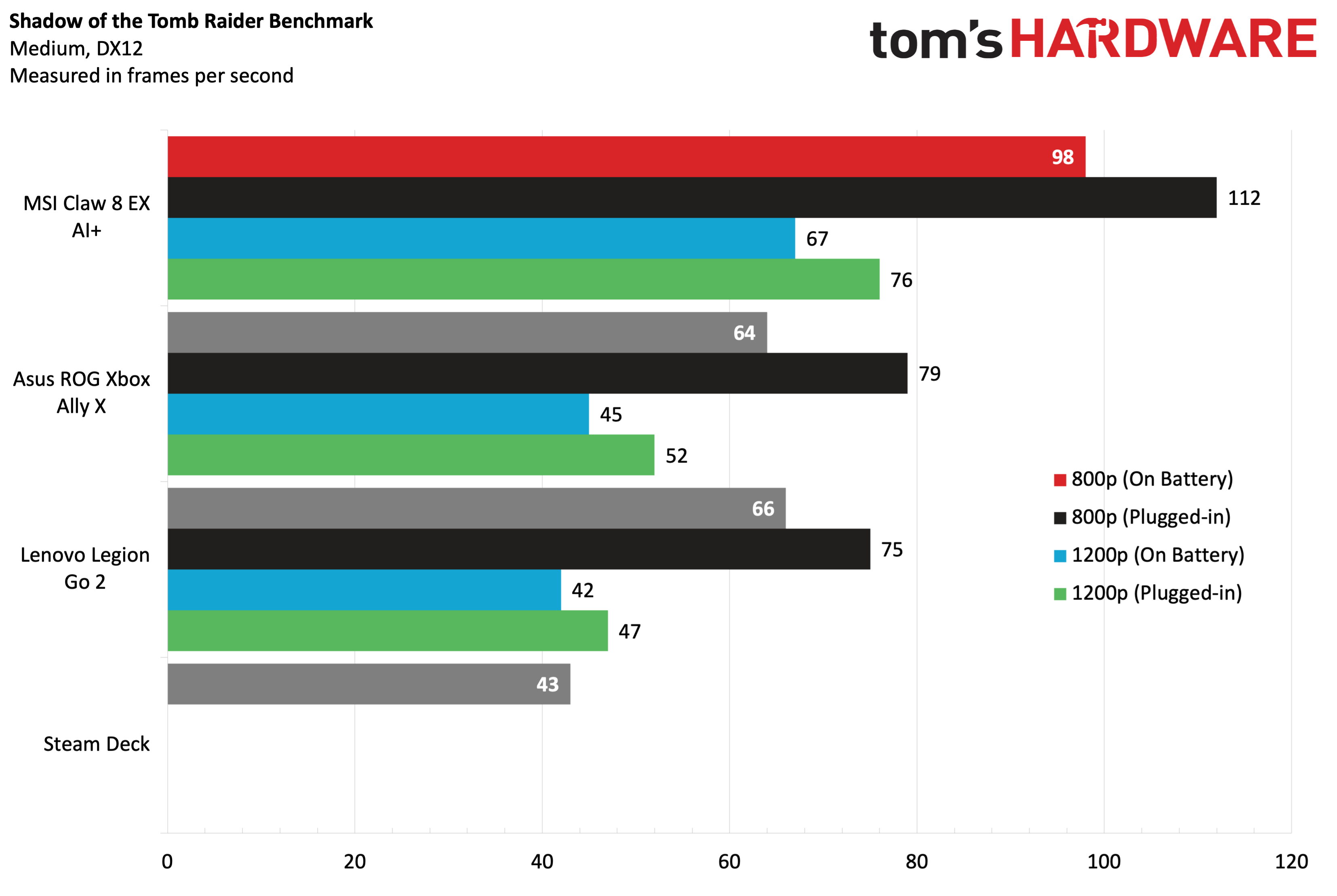
Spoiler alert: the Arc 3 Extreme powering the Claw 8 EX AI+ is an absolute beast (in the handheld segment), delivering a 20 to 30+ FPS advantage over its peers across all the games in our benchmark suite. Starting with Shadow of the Tomb Raider benchmark (Medium, DX12), the Claw 8 EX AI+hit 98 FPS at 800p on battery power and 112 fps when plugged in (a 30+ FPS advantage over the ROG Xbox Ally X. Bumping the resolution to 1200p, the Claw 8 EX AI+ was faster at 1200p on battery power (67 FPS) than the ROG Ally X and Legion Go 2 were at 720p/800p on battery power. The system also impressed, reaching 72 FPS at 1200p when plugged in.
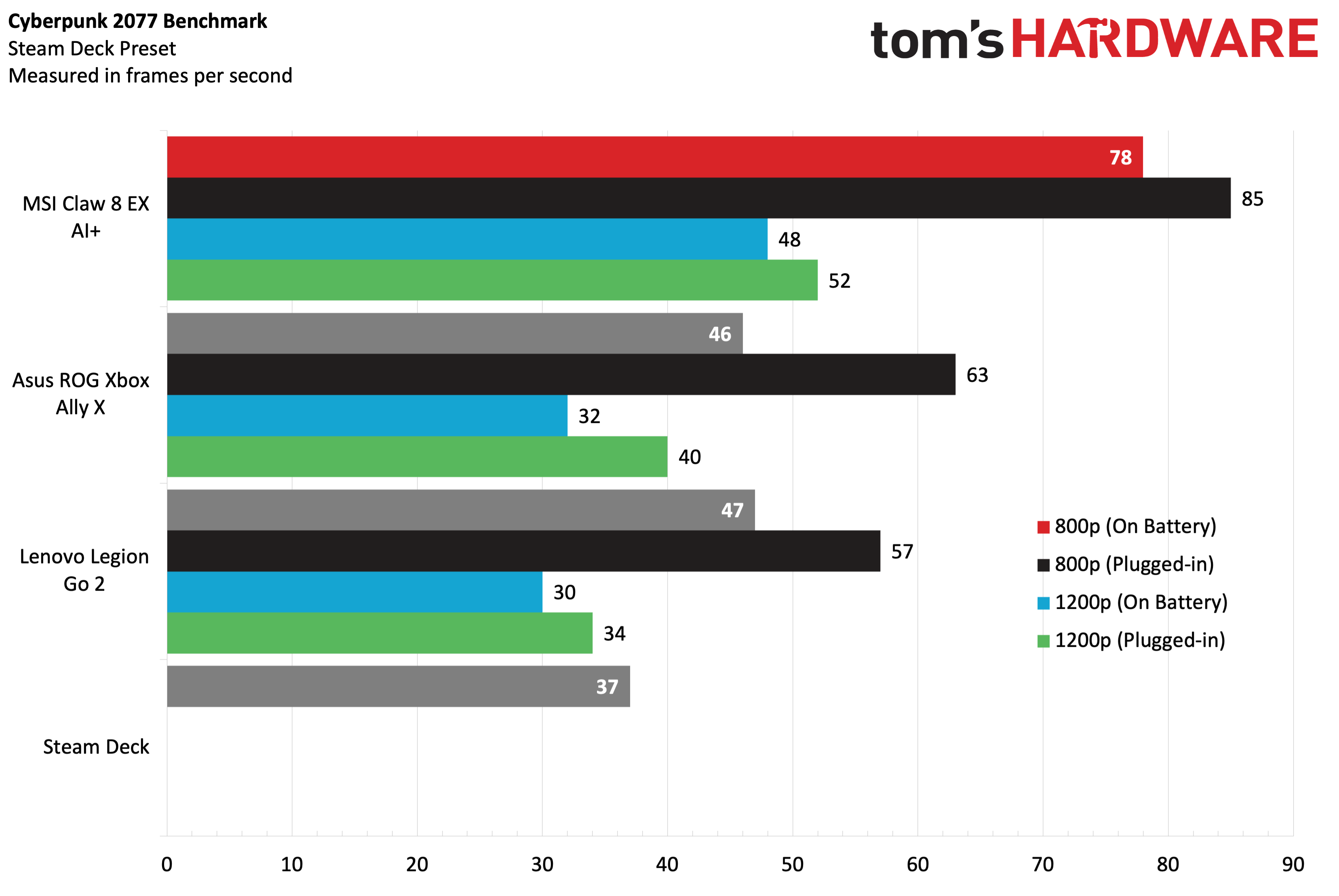
When benchmarking Cyberpunk 2077 (Steam Deck preset), the Claw 8 EX AI+ again showed its performance might, crushing all rivals. It delivered 78 FPS on battery power and 85 FPS when plugged in at 800p. At 1200p, those figures fell to 48 FPS and 52 FPS, respectively. We're at least getting a semblance of playability at 1200p resolution in the handheld space.
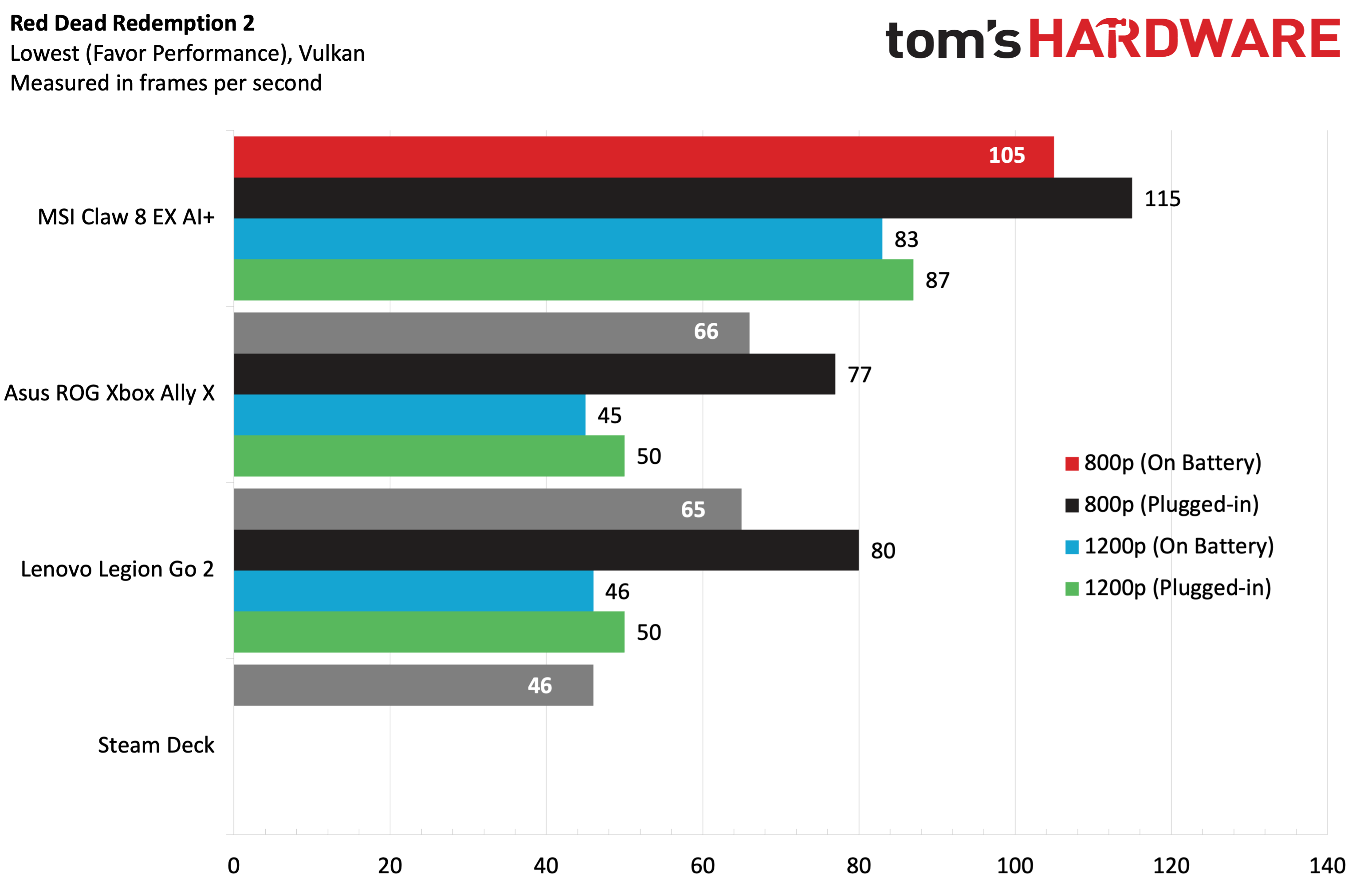
Red Dead Redemption 2 (Favor performance, Vulkan) saw the Claw 8 EX AI+ run the tables again, hitting 115 FPS at 800p and 87 FPS at 1200p while plugged in to the wall. Of course, those numbers fell slightly on battery power, but were still above anything that the ROG Xbox Ally X or Legion Go 2 could muster.
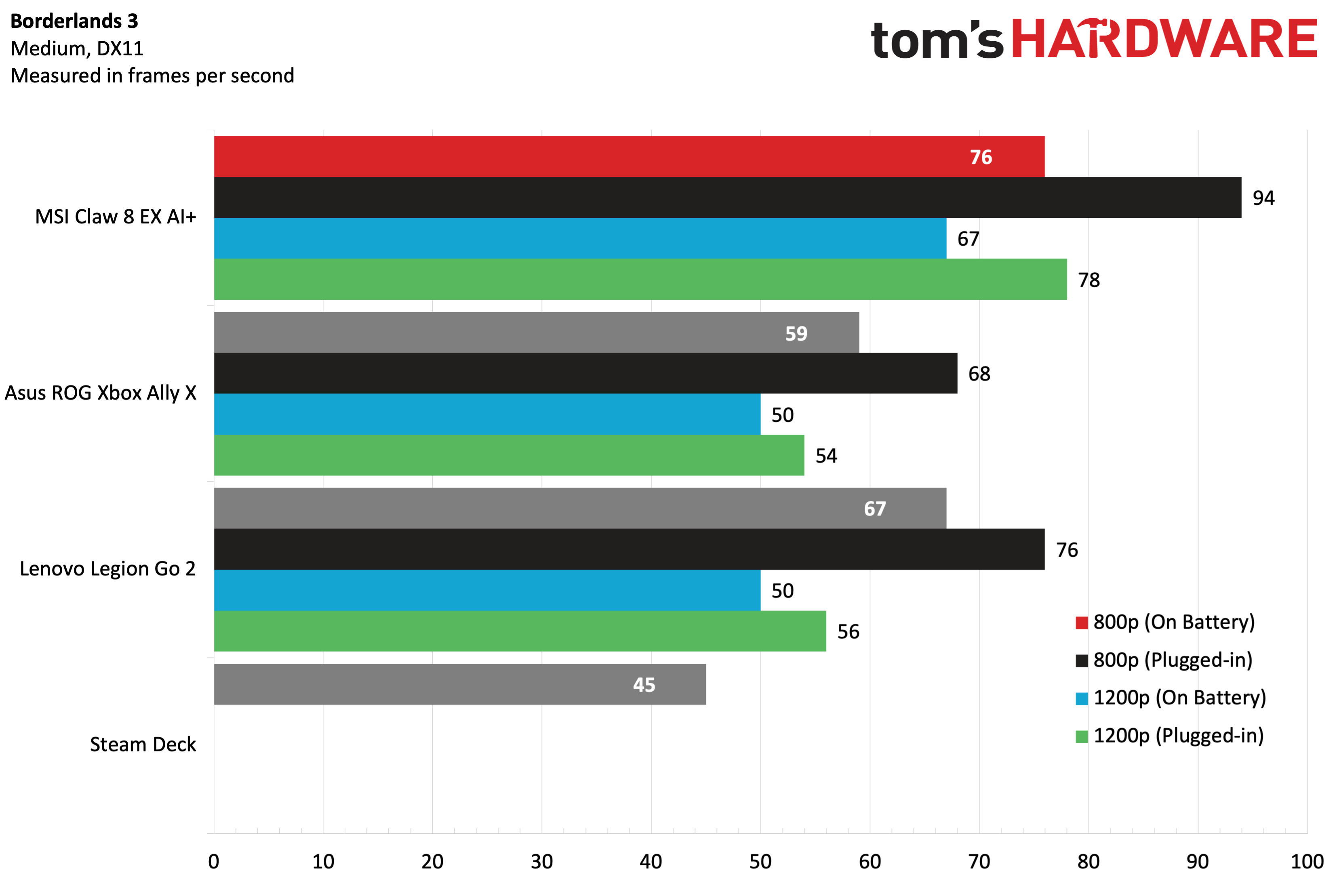
It was more of the same in Borderlands 3 (Medium, DX11), which saw the largest performance variance between the Claw 8 EX AI+ on battery power and when plugged in. The handheld hit 94 FPS at 800p while plugged in, a full 18 FPS faster than with battery power. At 1200p while plugged in, it still managed to pull 78 FPS at 1200p.
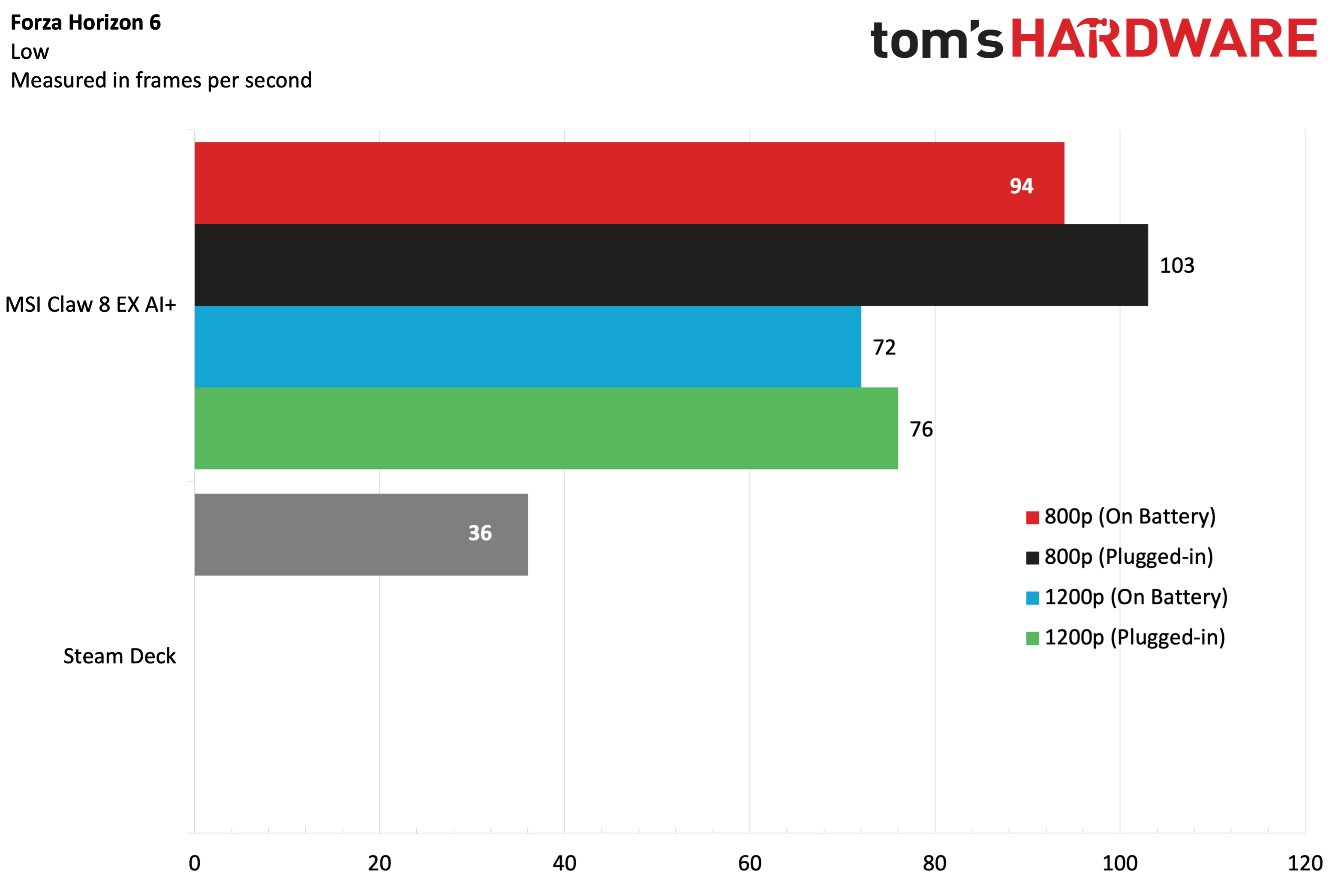
Forza Horizon 6 is the newest addition to our benchmark suite, so we only have Steam Deck numbers to compare with the Claw 8 EX AI+. The Claw 8 EX AI+ hovered around the 100 FPS mark at 800p and managed 72-76 FPS at 1200p, depending on whether it was running on battery power.
For stress testing, we ran Metro Exodus 15 times at 800p at Medium quality settings to simulate roughly 30 minutes of gameplay. The Claw 8 EX AI+ hit an average frame rate of nearly 70 FPS on the benchmark. For comparison, the ROG Xbox Ally X managed 63.44 FPS using the same settings.
The Claw 8 EX AI+’s two performance cores averaged 4.06 GHz, the eight efficiency cores averaged 3.18 GHz, and the four low-power efficiency cores averaged 3.0 GHz.
Windows 11 and MSI Center M on the MSI Claw 8 EX AI+
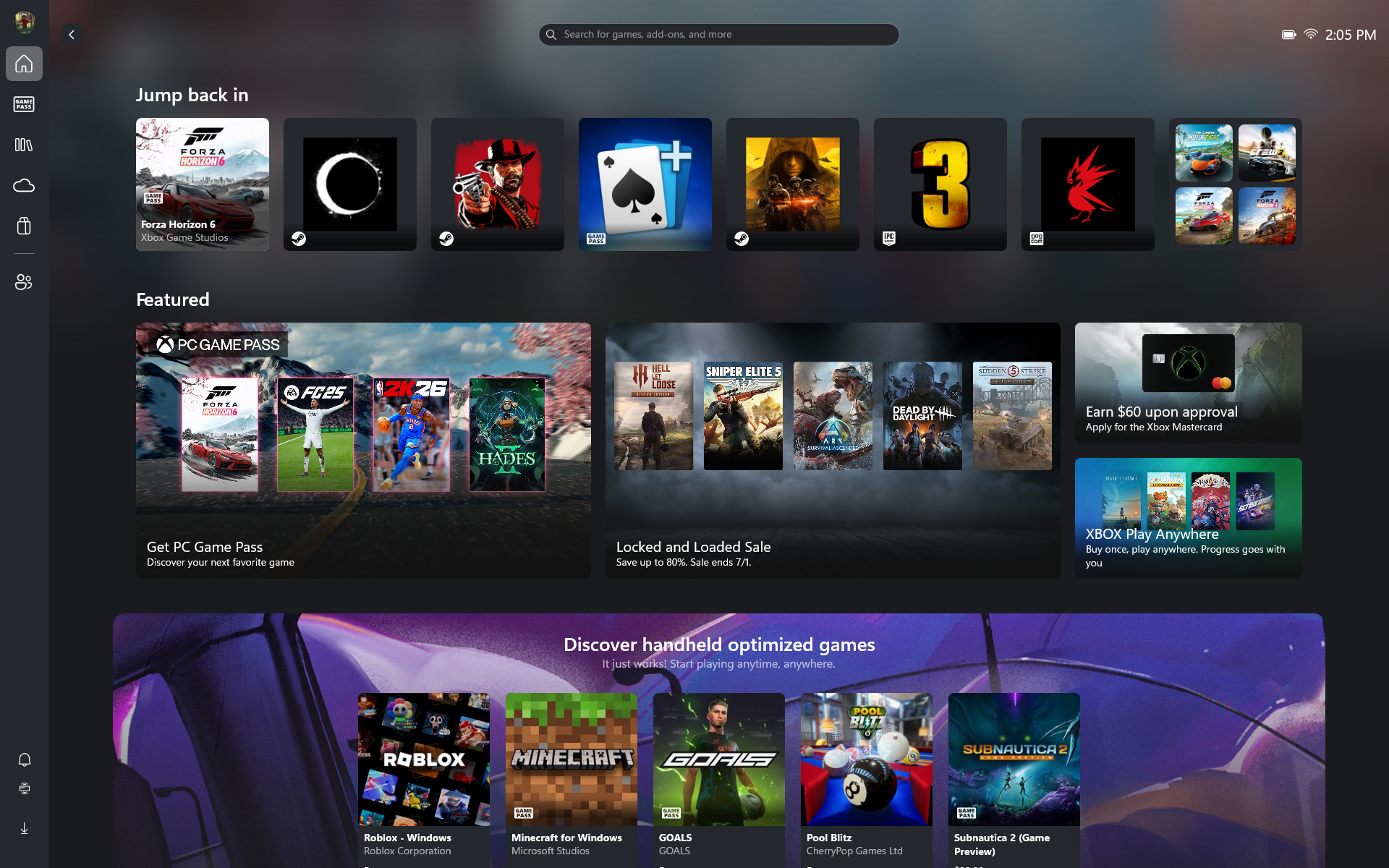
The Claw 8 EX AI+ supports the Xbox Full Screen Experience, just like the ROG Xbox Ally X. However, it doesn't have its own dedicated Xbox app. You can access the interface by opening the Xbox app and selecting Full Screen from the top-right corner. You'll then be able to reboot the system directly into the Full Screen Experience, bypassing unnecessary Windows 11 components that could affect gaming performance.
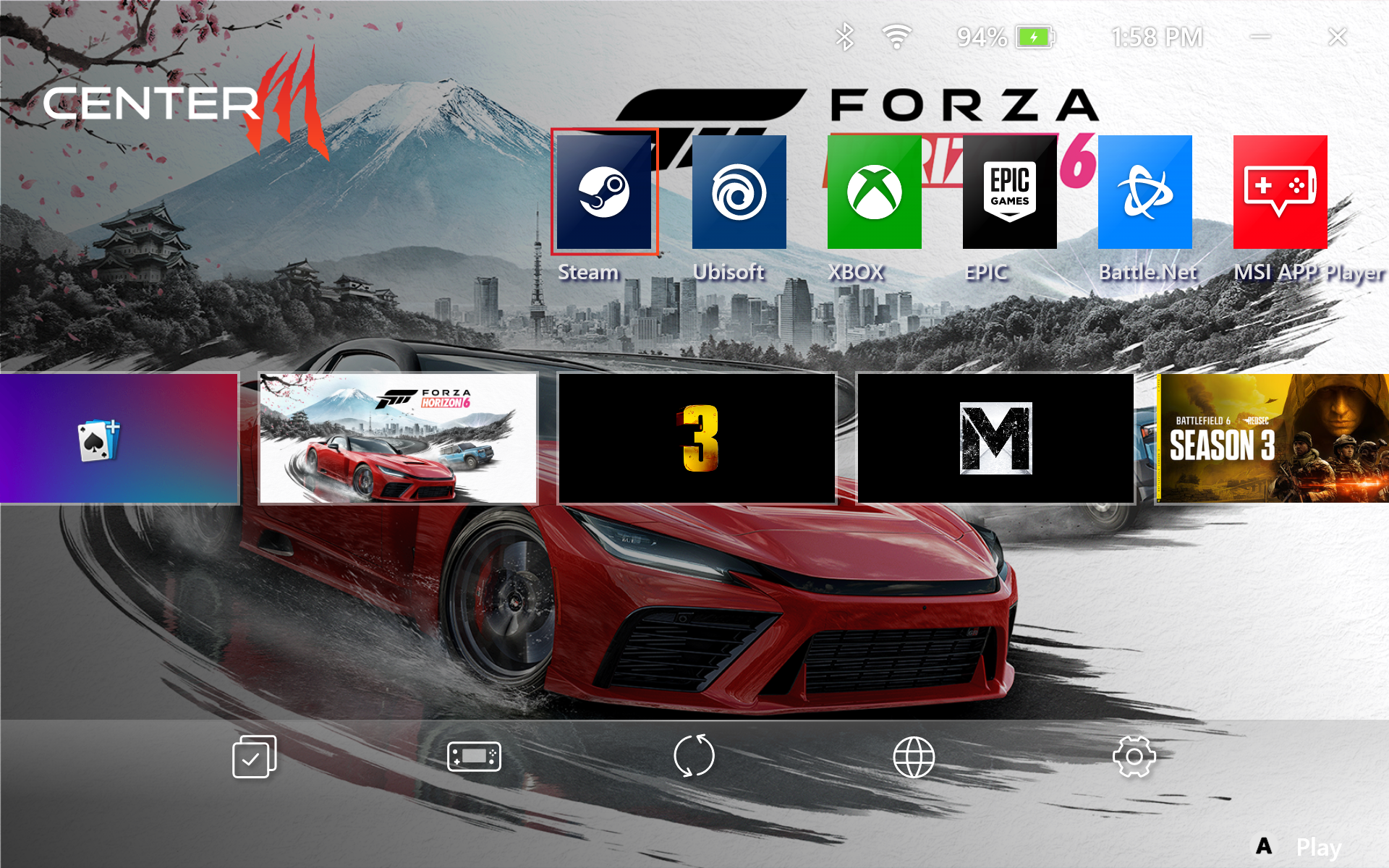
All the benefits and limitations of the Full Screen Experience, as discussed in our ROG Xbox Ally X review, apply here, so I won't belabor those points. I would like to elaborate on the MSI Center M, which provides its own dedicated, gaming-centric interface. The full-screen interface can be navigated using the thumbpads, eliminating the need to tap the screen.
MSI Center M pulls in all of your games from multiple sources, including the Xbox Store, GOG Galaxy, Epic Games, and Steam (among others). It pulled games from all those sources, and most of them displayed a nice, high-resolution thumbnail. One exception was Cyberpunk 2077, which only displayed a low-resolution Start Menu icon that was blown up to a blurry mess.
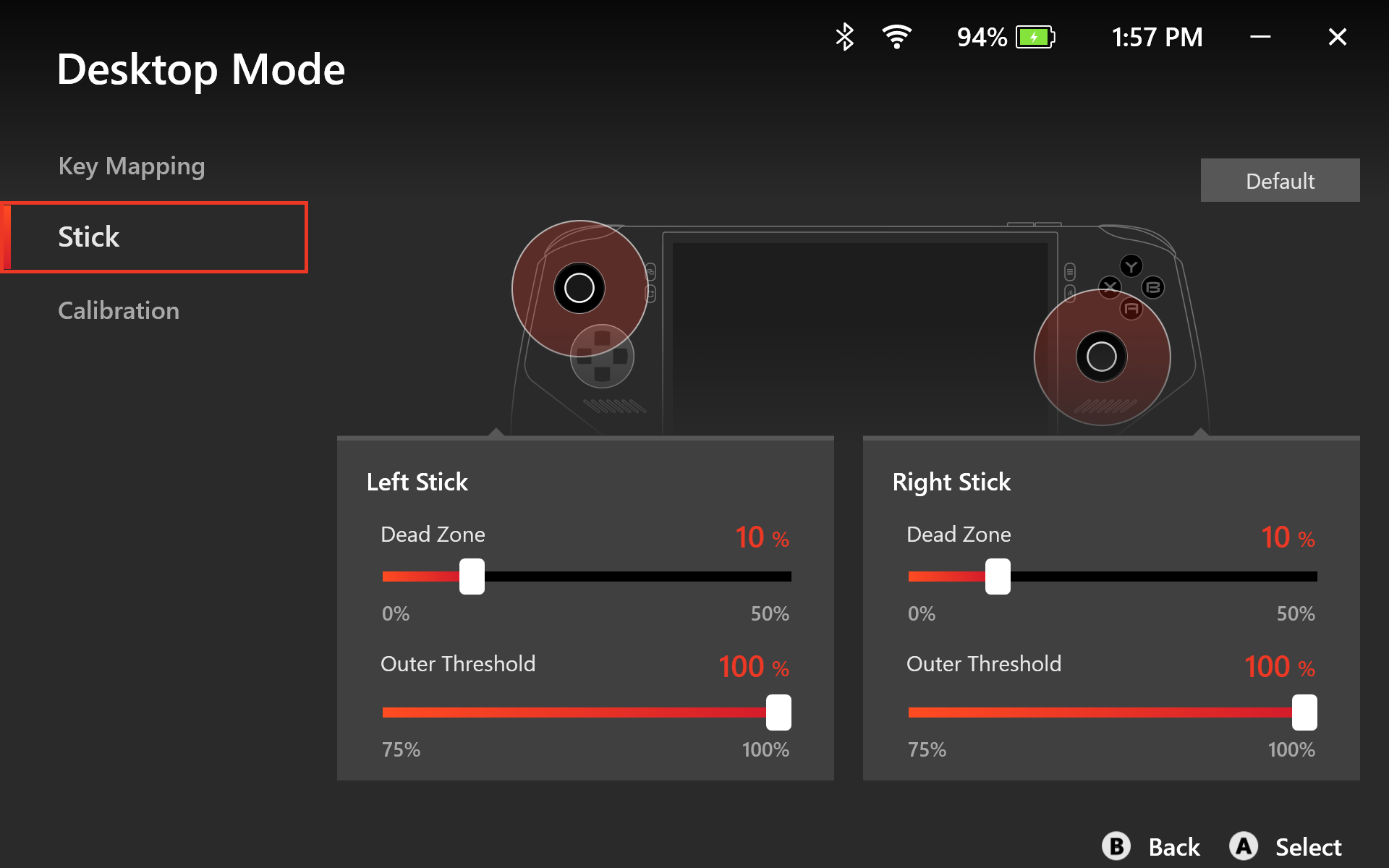
You can customize navigation within MSI Center M to use the joysticks in Gamepad Mode (for gaming) or Desktop Mode (for using the standard Windows 11 interface). You can tweak sensitivity for the joysticks, and the Desktop Mode provides key mapping so that you can see which UI shortcut each button corresponds to.
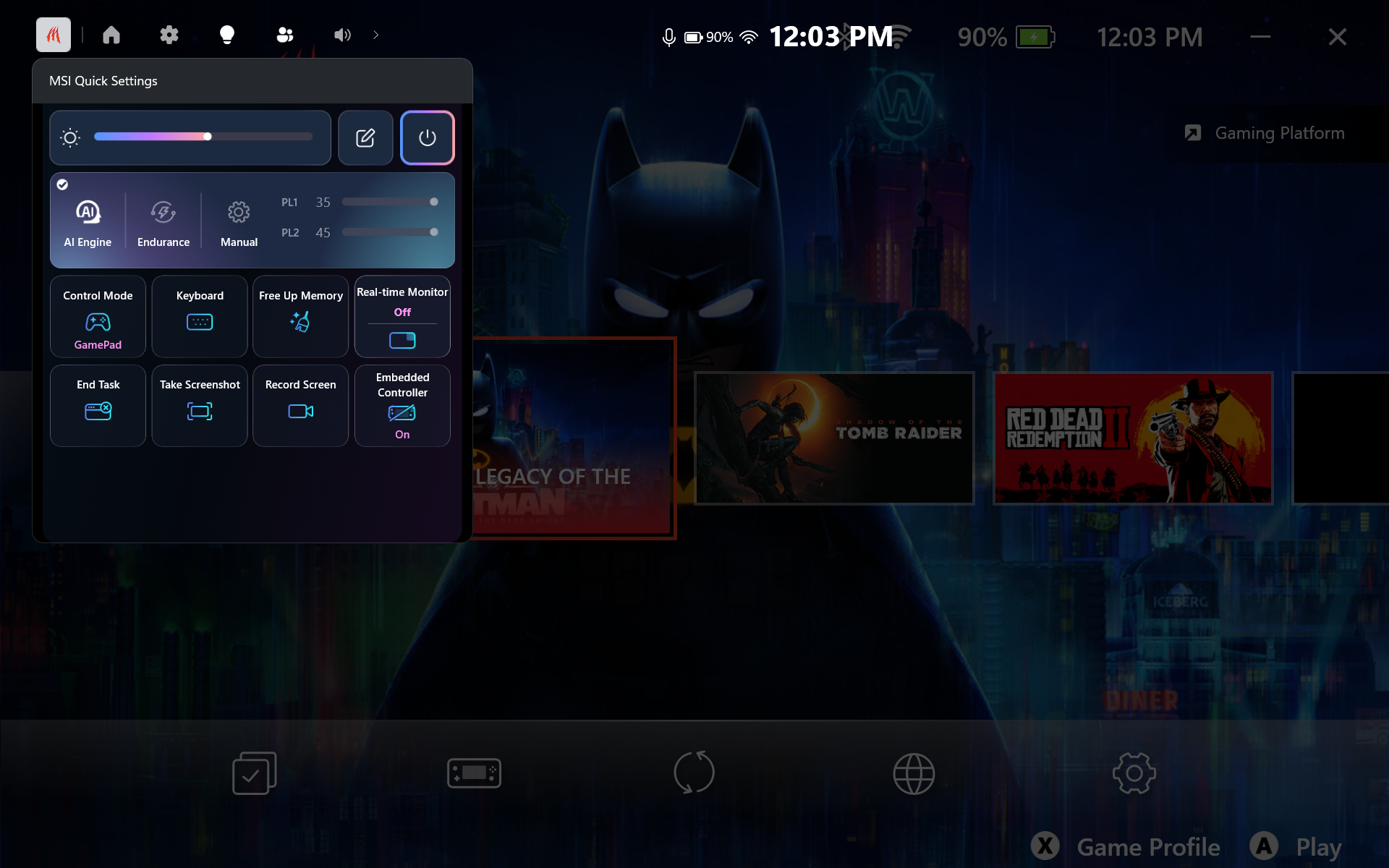
Another component of the software package is MSI Quick Settings, an overlay that appears in the Xbox Game Bar. It can be recalled using the MSI Quick Settings button beside the left joystick. MSI Quick Settings features a sleek, easy-to-use interface that provides access to power profiles, screen brightness, gamepad control modes, display refresh rate, and screenshot capture (among other things).
Display on the MSI Claw 8 EX AI+
The Claw 8 EX AI+ features an 8-inch IPS display with a 120 Hz refresh rate and a 1920 x 1200 resolution. Given the $1,799 price tag, it would have been more fitting for MSI to include an OLED display, as we saw with the Legion Go 2. I think that’s a big miss by MSI, and one that I hope will be rectified in future versions.
(Image credit: Tom's Hardware)
Unfortunately, due to time constraints, we were unable to perform detailed, instrumented tests on the Claw 8 EX AI+’s display. So you’ll have to trust my eyeballs and the manufacturer’s specs for the time being. MSI claims that the display on the Claw 8 EX AI+ covers 100% of the sRGB color space and offers a peak brightness of 500 nits.
Although I didn’t have a Legion Go 2 on hand for a side-by-side comparison, I do have a Legion Go and a Legion Go S on my testing bench. We measured the former at 476.7 nits, and the Claw 8 EX AI+ seemed at least as bright (at maximum brightness) as the Legion Go, if not brighter, across multiple games and while using the Windows 11 interface.
Games generally looked good on the Claw 8 EX AI+, with good color balance. I racked up plenty of hours in Battlefield 6, trying my best to soak in the lush reds, oranges, and greens of the city architecture of the Saints Quarter map without getting my head blown off. Forza Horizon 6 looked magnificent in the colorful Japanese landscape, with vibrant city centers and majestic outdoor environments reflected in the vehicles' finishes. Everything looked good, but color vibrancy and overall visual “pop” would have been even better with an OLED panel, but I digress.
Battery Life on the MSI Claw 8 EX AI+
I’ve been spending quite a bit of time recently playing more laid-back games; ones that won’t make my blood boil because of tense online matches. In particular, I’ve spent time playing Lego Batman: Legacy of the Dark Knight.
I played the game at 800p with medium settings, Intel XeSS Balanced, power mode set to AI Engine, and display set to 50 percent. After playing for an hour (with an average of around 150 FPS), the battery dropped from 100 percent to 52 percent. Switching the power mode to Endurance, locked at 30 FPS, I still had 66 percent battery after an hour (when starting at 100 percent).
If I were to drop the brightness a bit, I could see battery life extending past 3 hours in Endurance mode.
Audio on the MSI Claw 8 EX AI+
The Claw 8 EX AI+ has a pair of 2-watt speakers, which are fine. They’re perfectly serviceable for most games. Given that I spent plenty of time playing Lego Batman: Legacy of the Dark Knight, I noticed that the character voices sounded pretty good, and the plastic “clicking” sound of Lego stacking together during building exercises came through loud and clear.
Sound output was a bit more muddled in Battlefield 6, although I prefer to play games like that with headphones on anyway. In fact, given the mobility of handheld gaming PCs, most people will likely default to headphones for the best possible audio experience with the Claw 8 EX AI+.
Heat on the MSI Claw 8 EX AI+
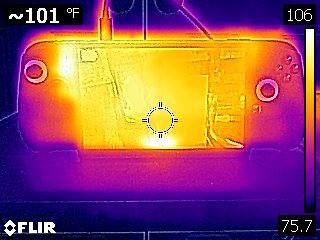
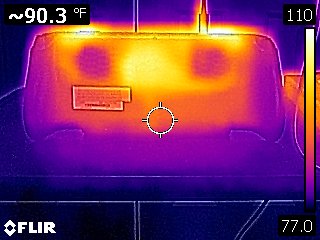
While running the Metro Exodus stress test, the MSI Claw 8 EX AI+ registered around 90 degrees Fahrenheit on the back of the chassis, close to dead-center. Moving towards the top of the unit, heat levels rose sharply to around 109 F near the cooling fans' exhausts.
Tom's HardwareTom's Hardware
The Arc G3 Extreme chip averaged 77.3 degrees Celsius.
Upgradeability on the MSI Claw 8 EX AI+
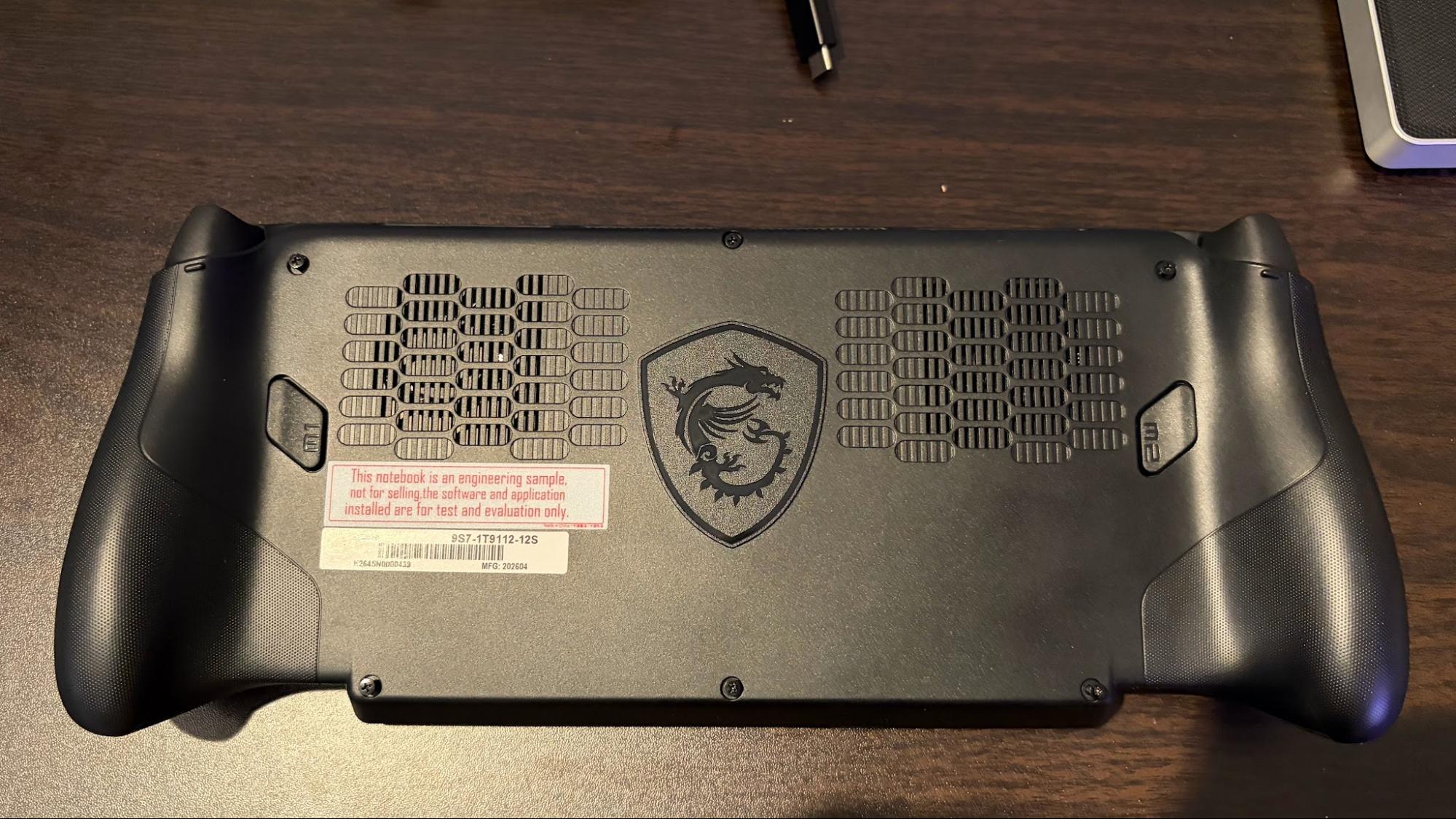
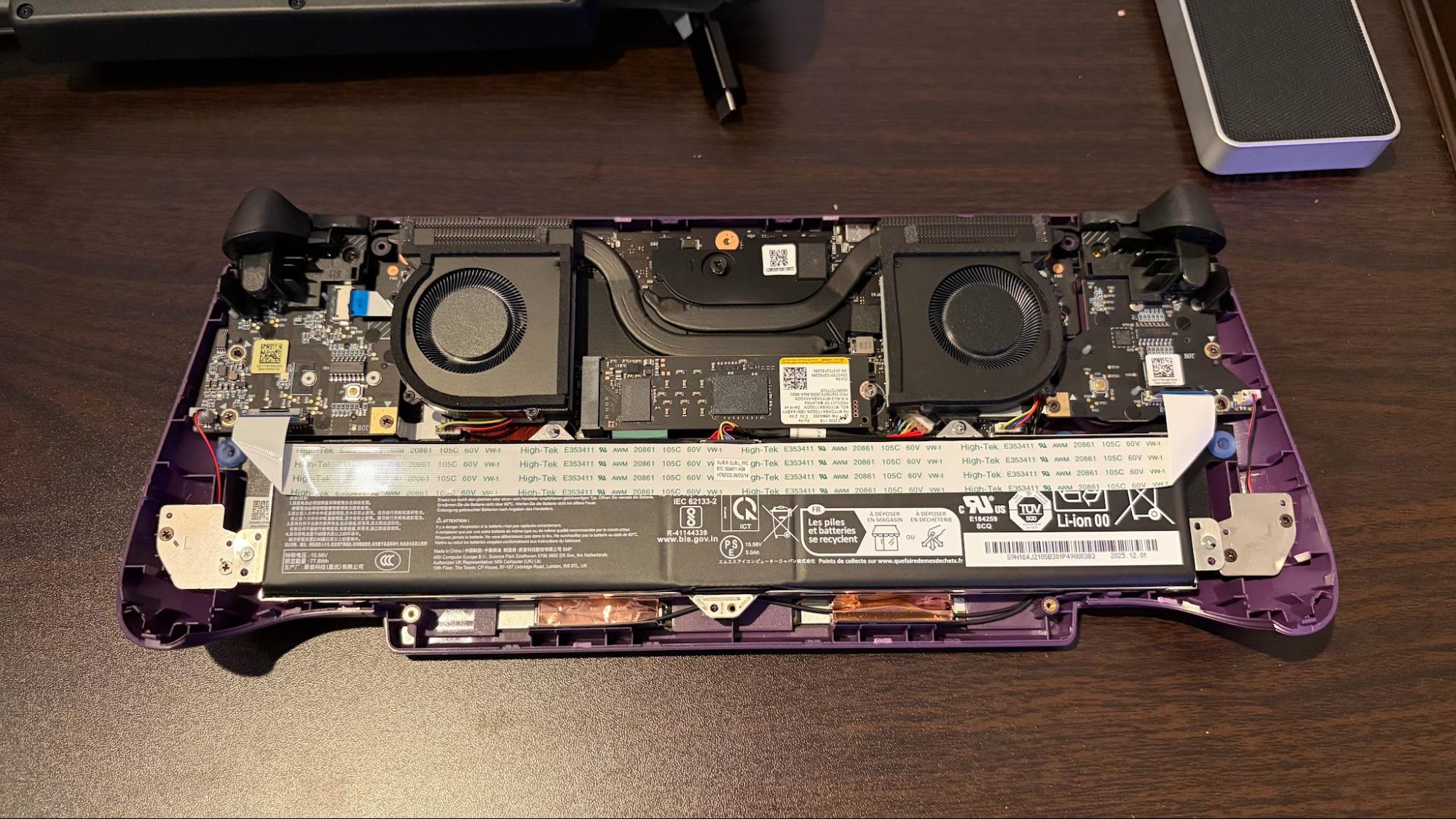
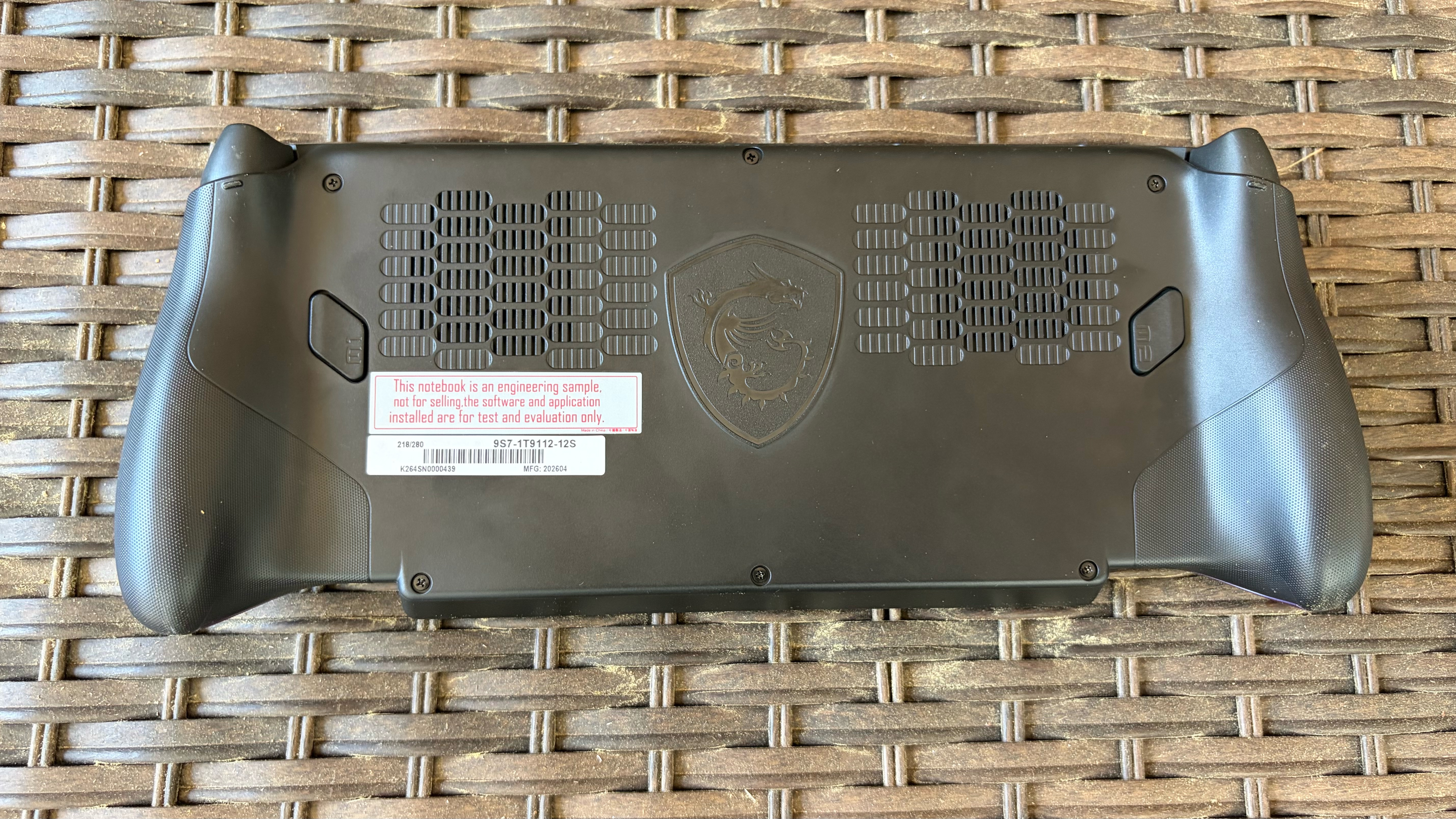
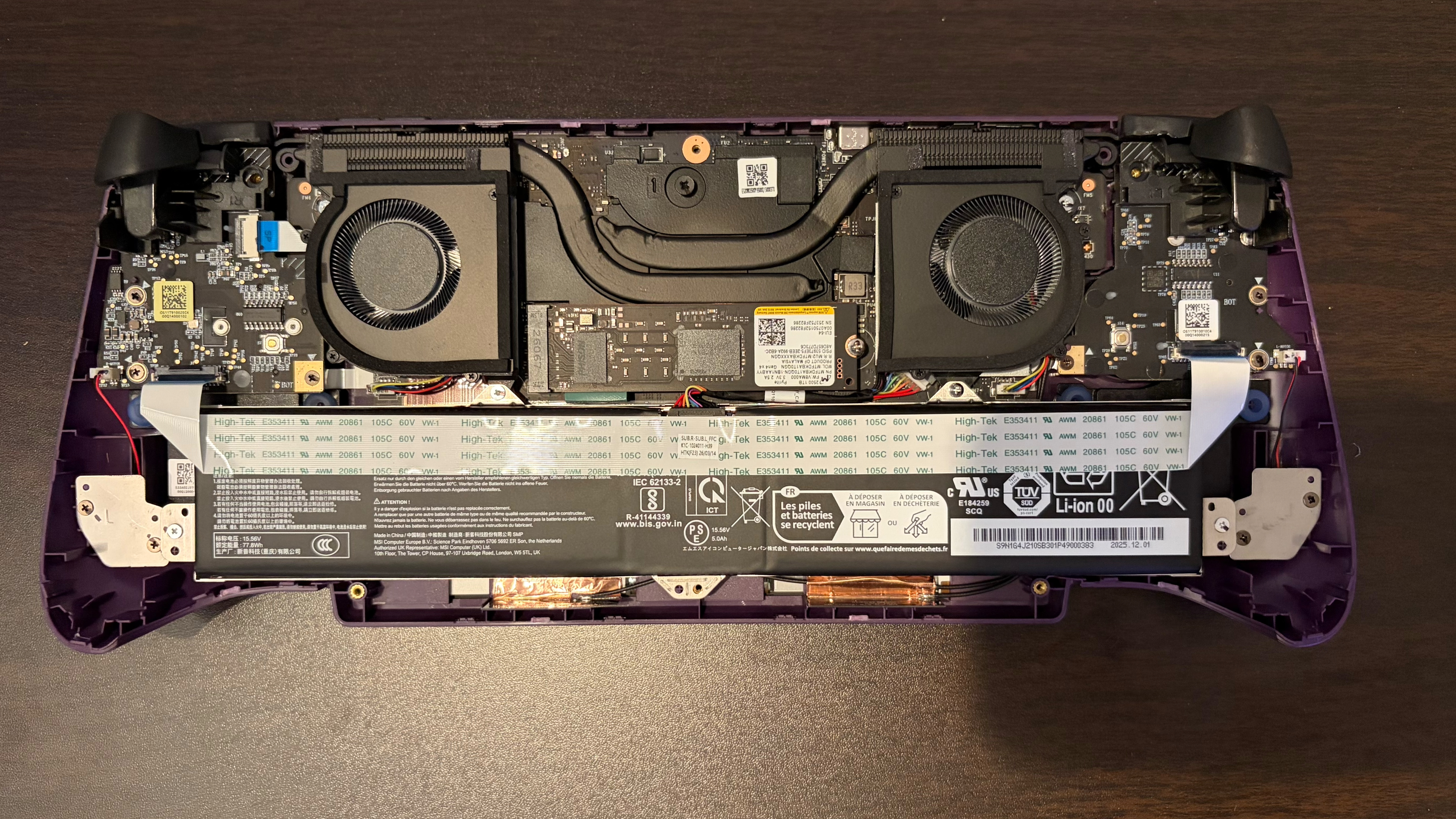
Cracking open the Claw 8 EX AI+ is incredibly easy – only six Phillips-head screws hold the back panel in place. Once the screws are removed, you can use a well-placed plastic pry tool to insert it between the black and purple halves of the chassis where they meet. Once you pry open a small section, the rest pops off easily.
Tom's HardwareTom's Hardware
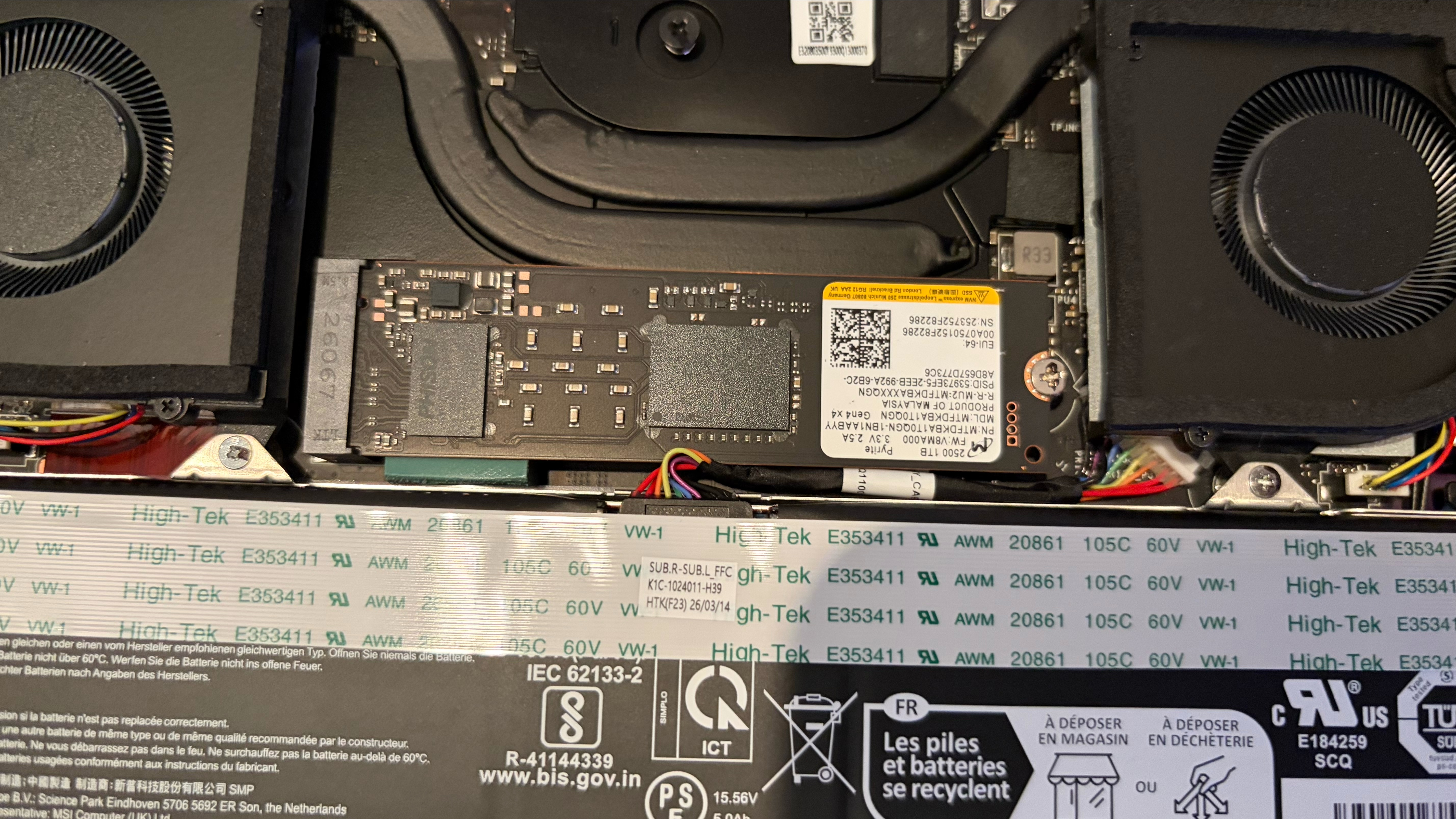
Once inside, you’ll see the battery in the lower portion of the chassis and a full-length 2280 PCIe 4.0 SSD nestled between the two cooling fans (secured with one screw). In our review unit, the SSD was a 1TB Micron 2500 with QLC NAND.
MSI Claw 8 EX AI+ Configurations
As of now, there’s only one configuration available of the Claw 8 EX AI+ with an Arc G3 Extreme SoC. Our system came with the aforementioned Arc G3 Extreme chip, 32GB of RAM, a 1TB SSD, and an 8-inch 120Hz 1200p IPS touchscreen, for a whopping $1,799.99 at Best Buy.
Bottom Line
The MSI Claw 8 EX AI+ is an impressive machine that offers a solidly-built chassis, good ergonomics, and good battery life. However, the most impressive aspect of the handheld is its performance. The Intel Arc G3 Extreme chip allowed the Claw 8 EX AI+ to absolutely dominate our gaming benchmarks, delivering anywhere from a 20 to over 30 FPS advantage at 1200p or 800p resolution.
But that performance comes at a steep price: $1,799. That’s more than just expensive; it’s MacBook Pro pricing for a handheld, which is shocking, to say the least. For comparison, the Lenovo Legion Go 2 with 32GB of RAM, a 1TB SSD, and an OLED display retails for $1,349.99, and we already had extreme reservations concerning its price tag.
The Claw 8 EX AI+ is $450 more expensive and doesn’t even have the OLED display of the Legion Go 2. The saving grace for the Claw 8 EX AI+ is the Arc G3 Extreme chip, which gives unmatched performance across the board. However, it remains to be seen if the price premium is enough of a draw to more casual gamers.
As noted, Woot is Amazon's outlet website, so you'll sometimes see used, open box, or factory reconditioned items. However, this item is brand new and sealed. As you can imagine, there's a limit of one per customer, and we expect this deal to sell out extremely quickly.
Use code CHEAPSWITCH2
If you're a new customer at Woot, you'll save $50 on this Nintendo Switch 2, which is listed at $449 at Woot, making the overall cost just $399. If you're a returning Woot customer, you'll save $30 at checkout, making the price $419. Just use code CHEAPSWITCH2.View Deal
The Nintendo Switch 2 is Nintendo's ultra-popular handheld gaming system. The console comes with a 7.9-inch 1080p screen, and it can be docked with a TV for 4K gaming at up to 120 fps. The Joy-Con 2 controllers (included in the purchase) can be used attached or detached for flexibility.
The console comes with 256GB of internal storage and supports expansion through microSD Express cards. Obviously, if you stack up a few titles, you might want to think about buying some extra storage, and the ongoing Amazon Prime Day sale isn't a bad shout for this. The best deal right now is this Samsung P9, currently $70, although this was $47 a few days ago, so it might be worth grabbing the Switch 2 now and waiting for a better deal.
Give your Switch 2 the storage boost it needs. With fast speeds and respectable endurance, the P9 Express from Samsung is one of the best microSD Express cards you can get for your Nintendo Switch 2, with maximum sequential read speeds of up to 800 MB/s.View Deal
As noted, this is an extremely good deal on the Switch 2, even if you just use the code for returning customers to score one for $419. If you're new to Woot or Amazon and get one for $399, however, it's an absolute bargain.
MSI's new Arc G3 Extreme-based handheld costs nearly $2,000 but the company is rather apologetic about it, even if it's warning that the price may rise in the future.
 登录
登录