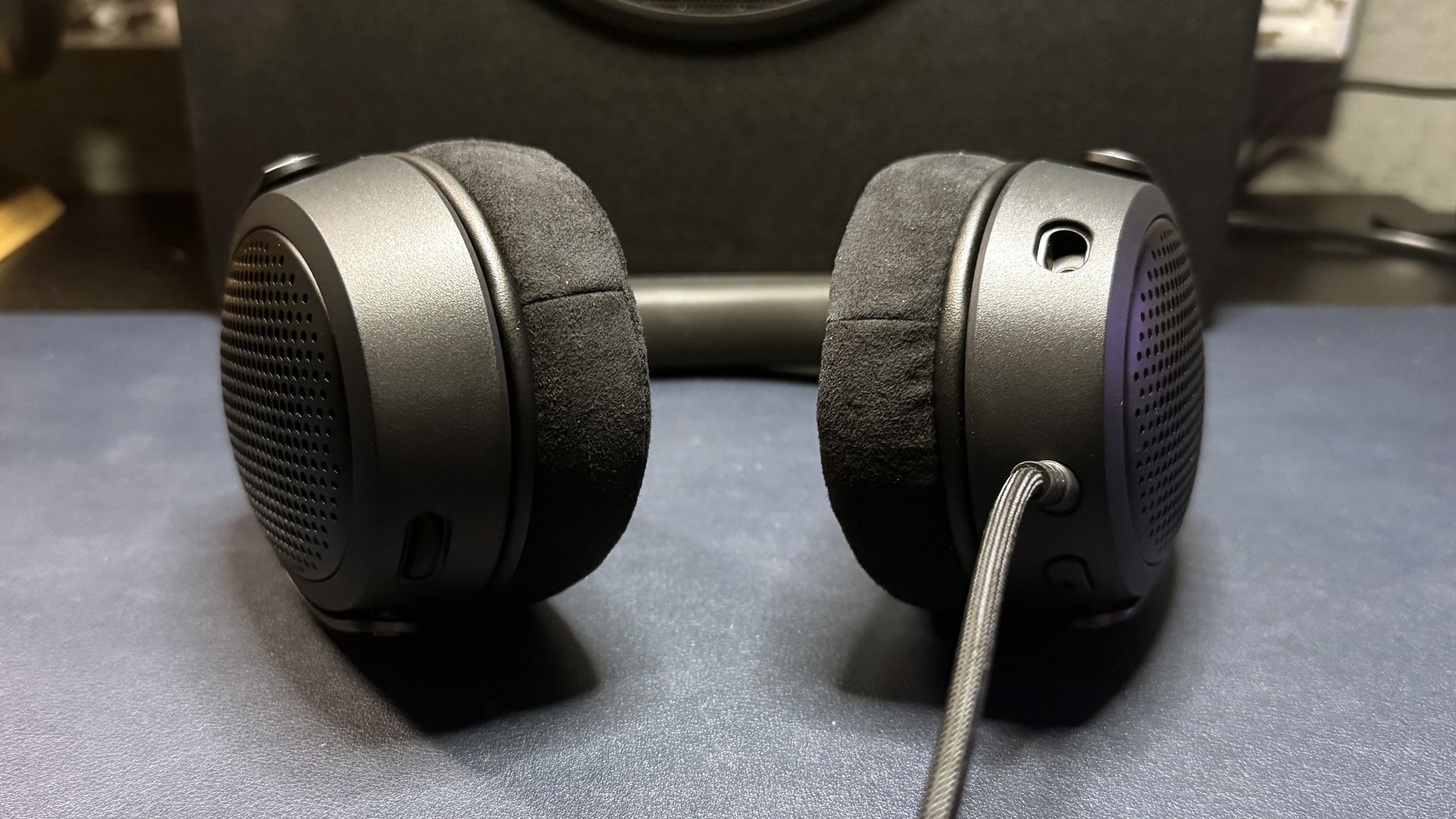
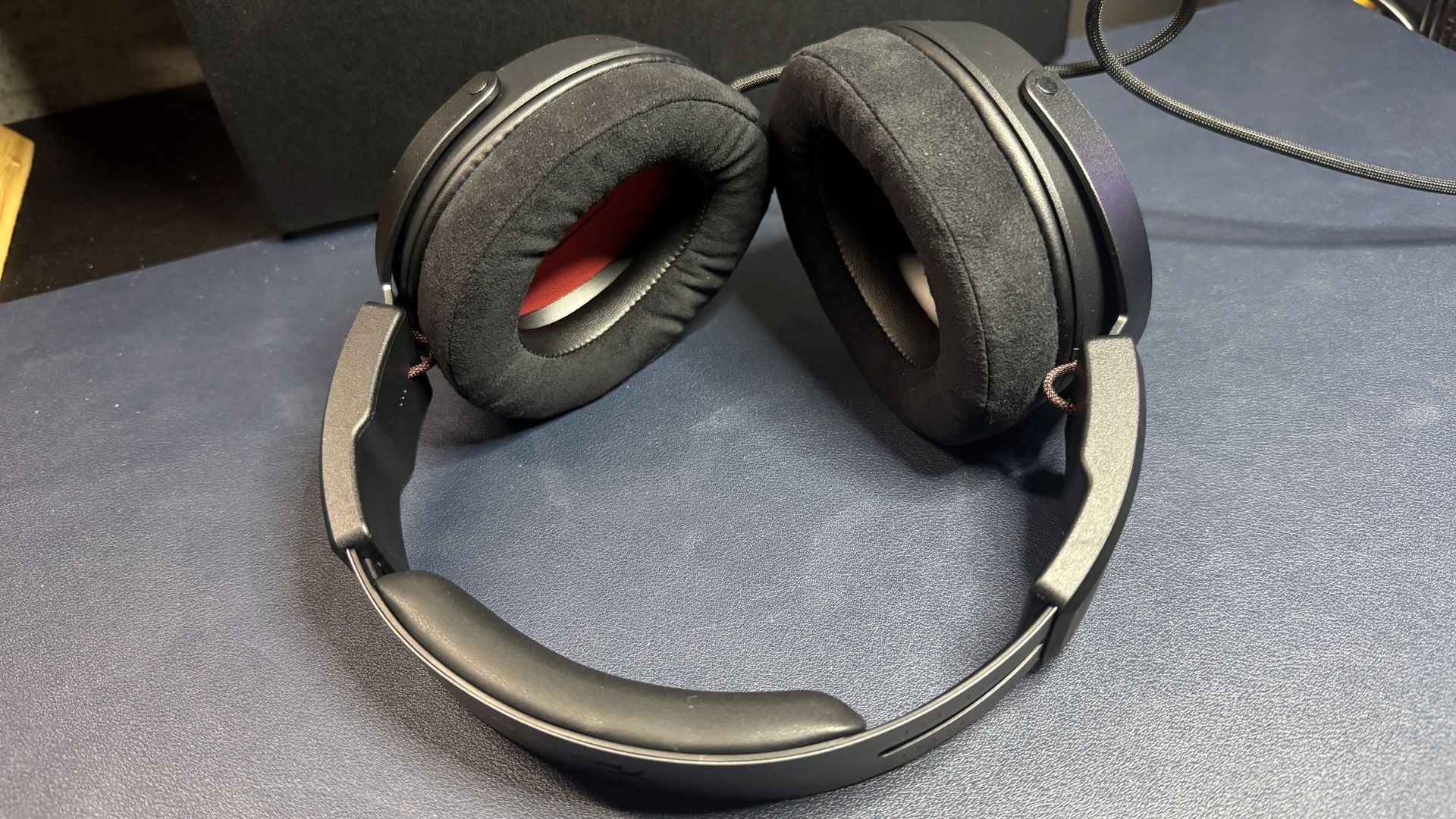
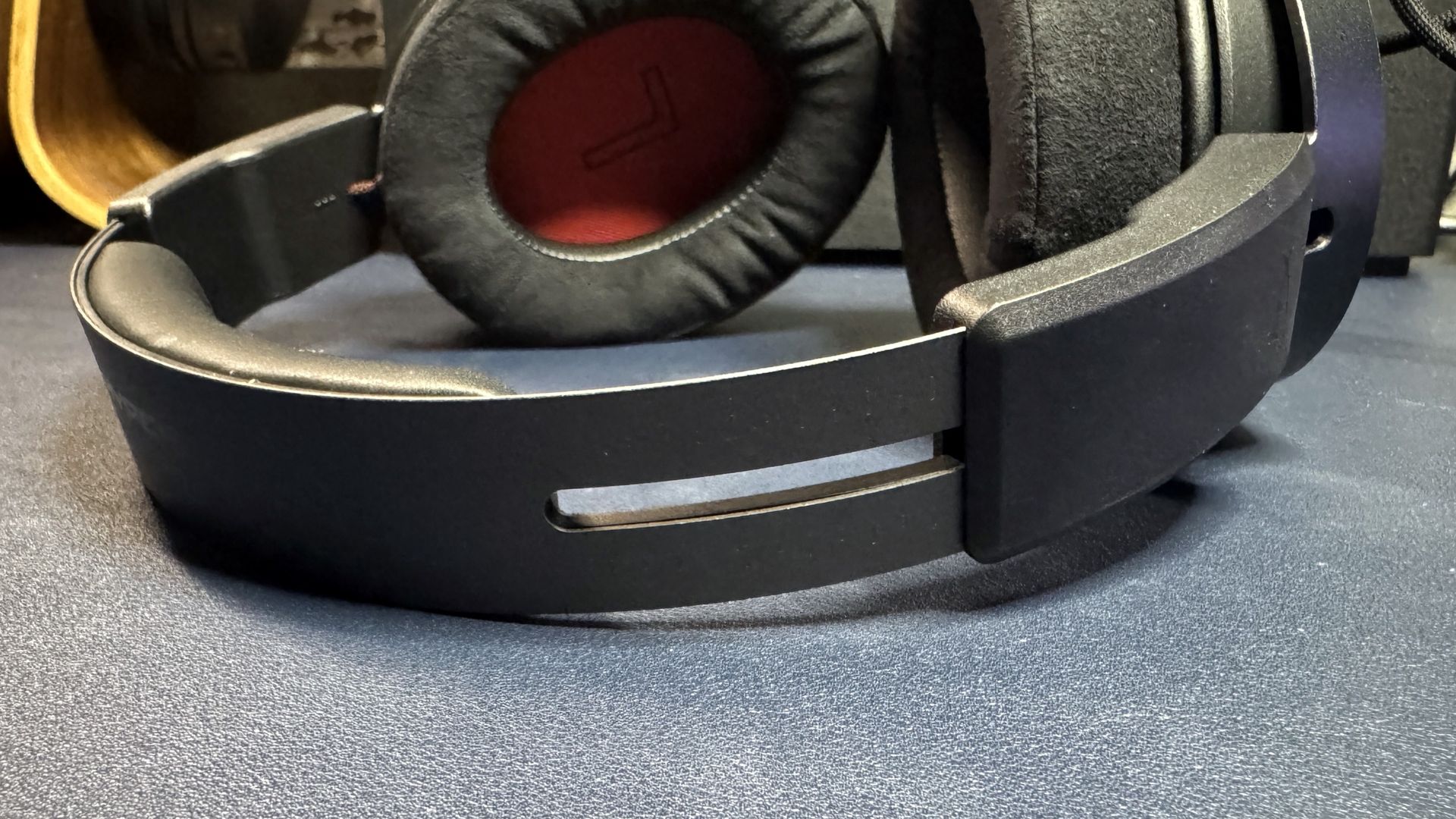
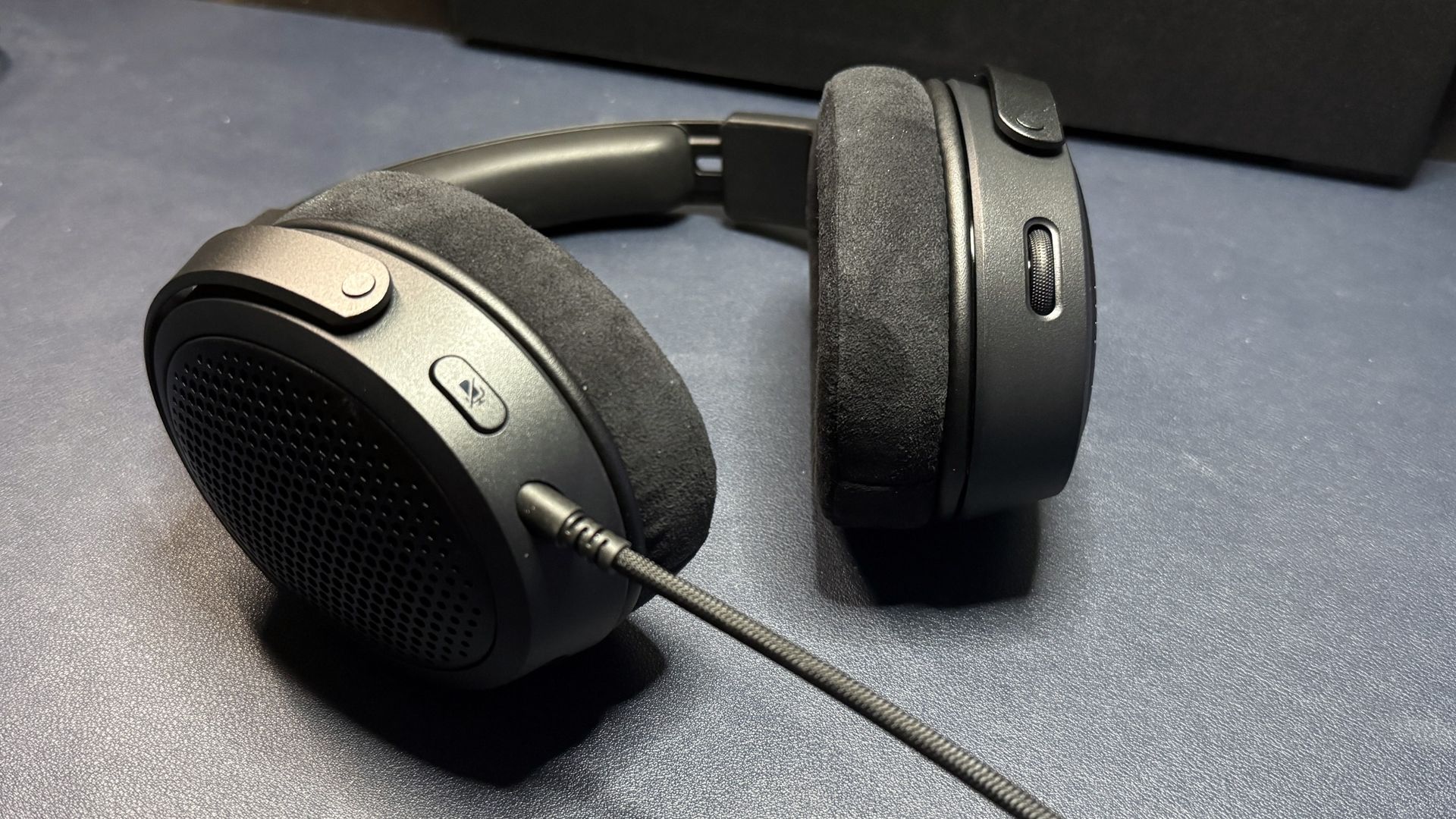
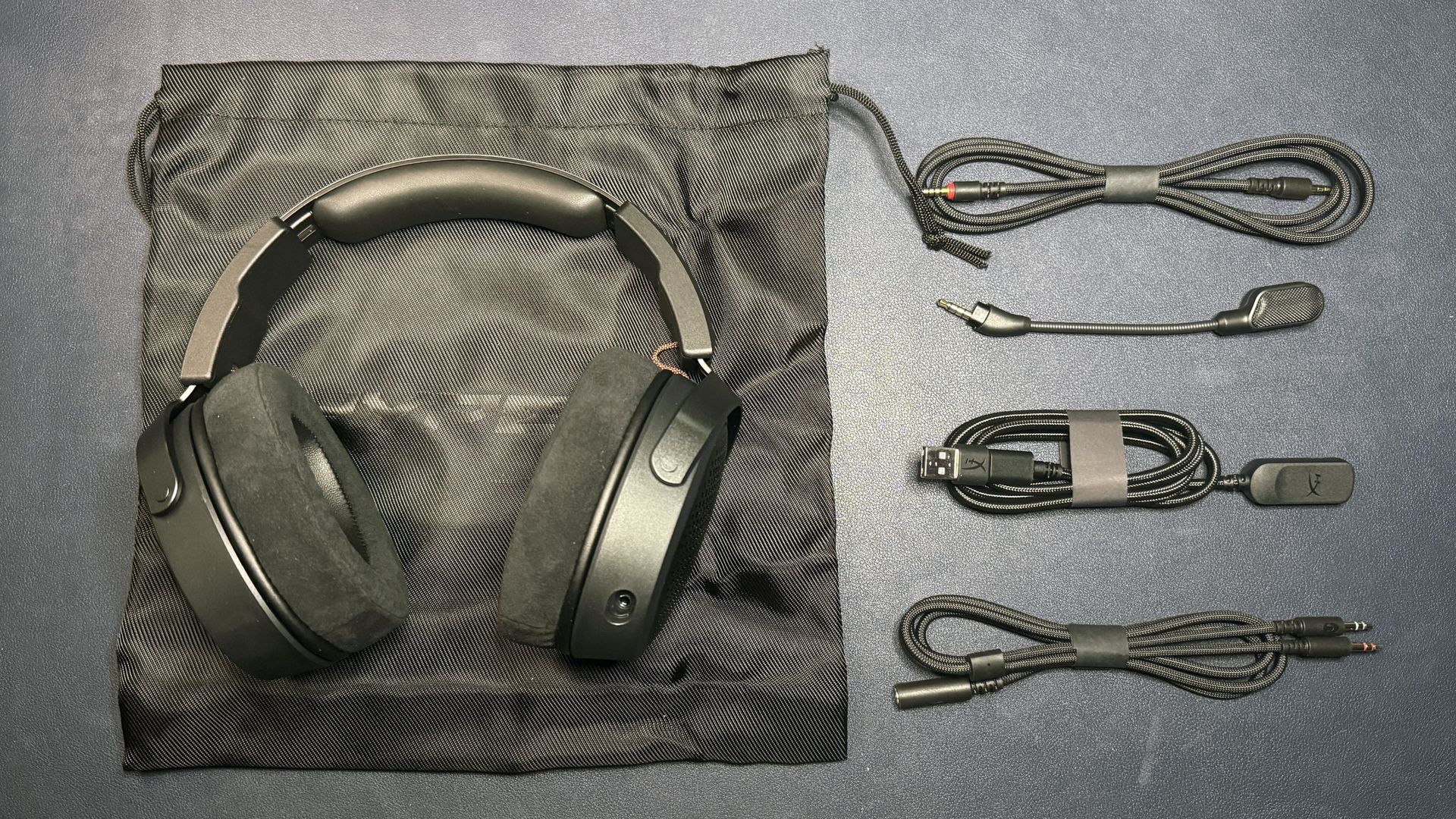
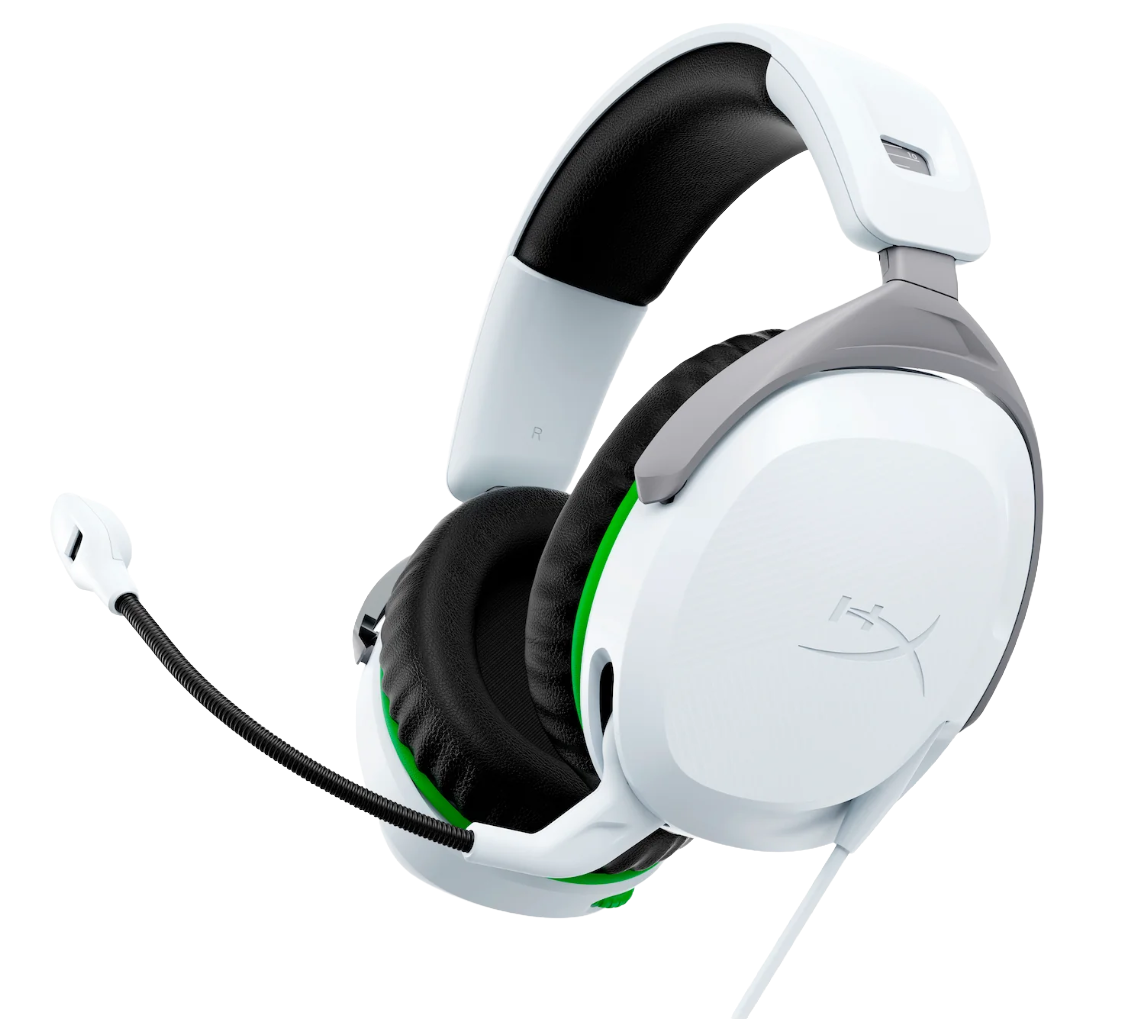
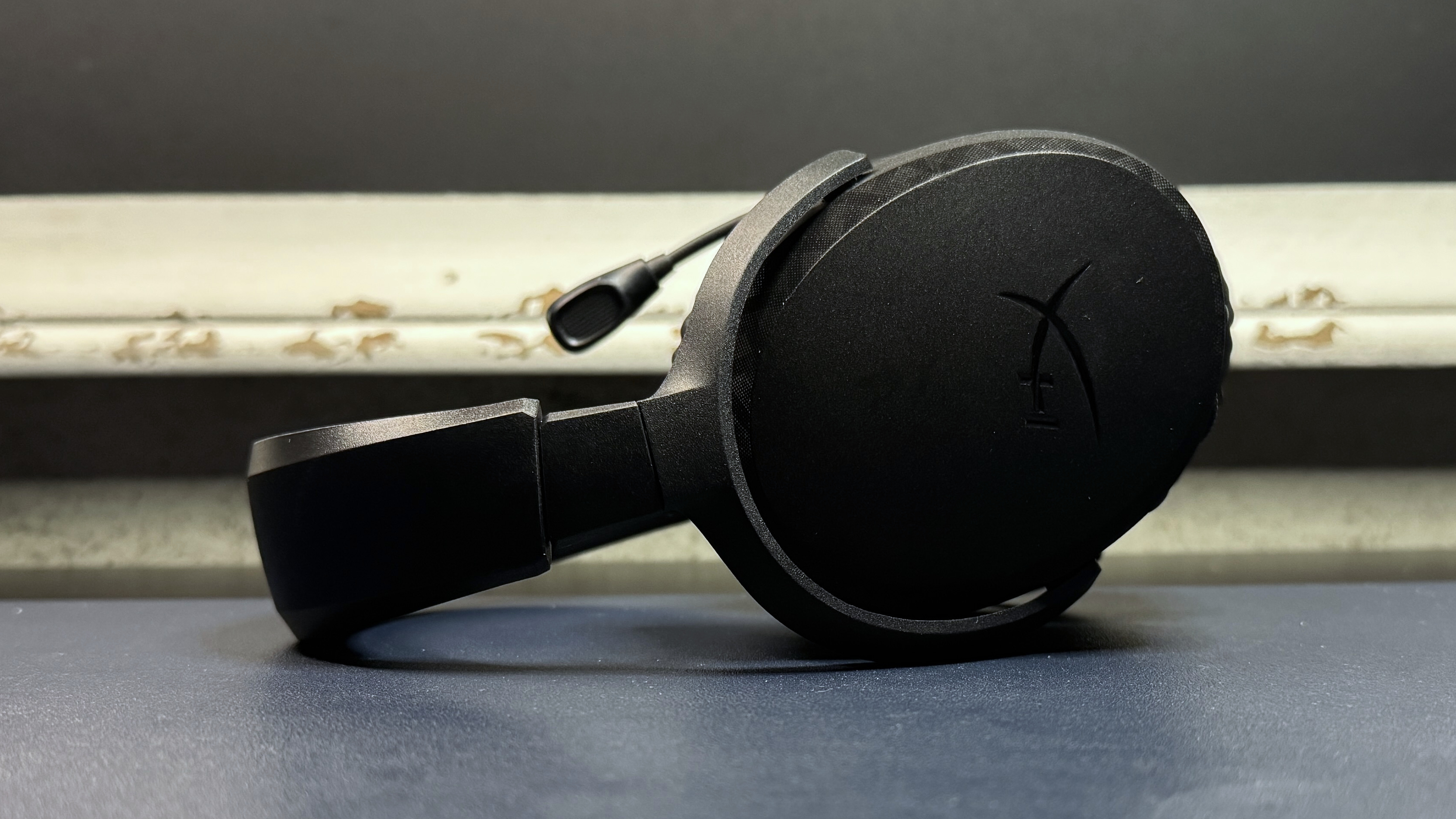
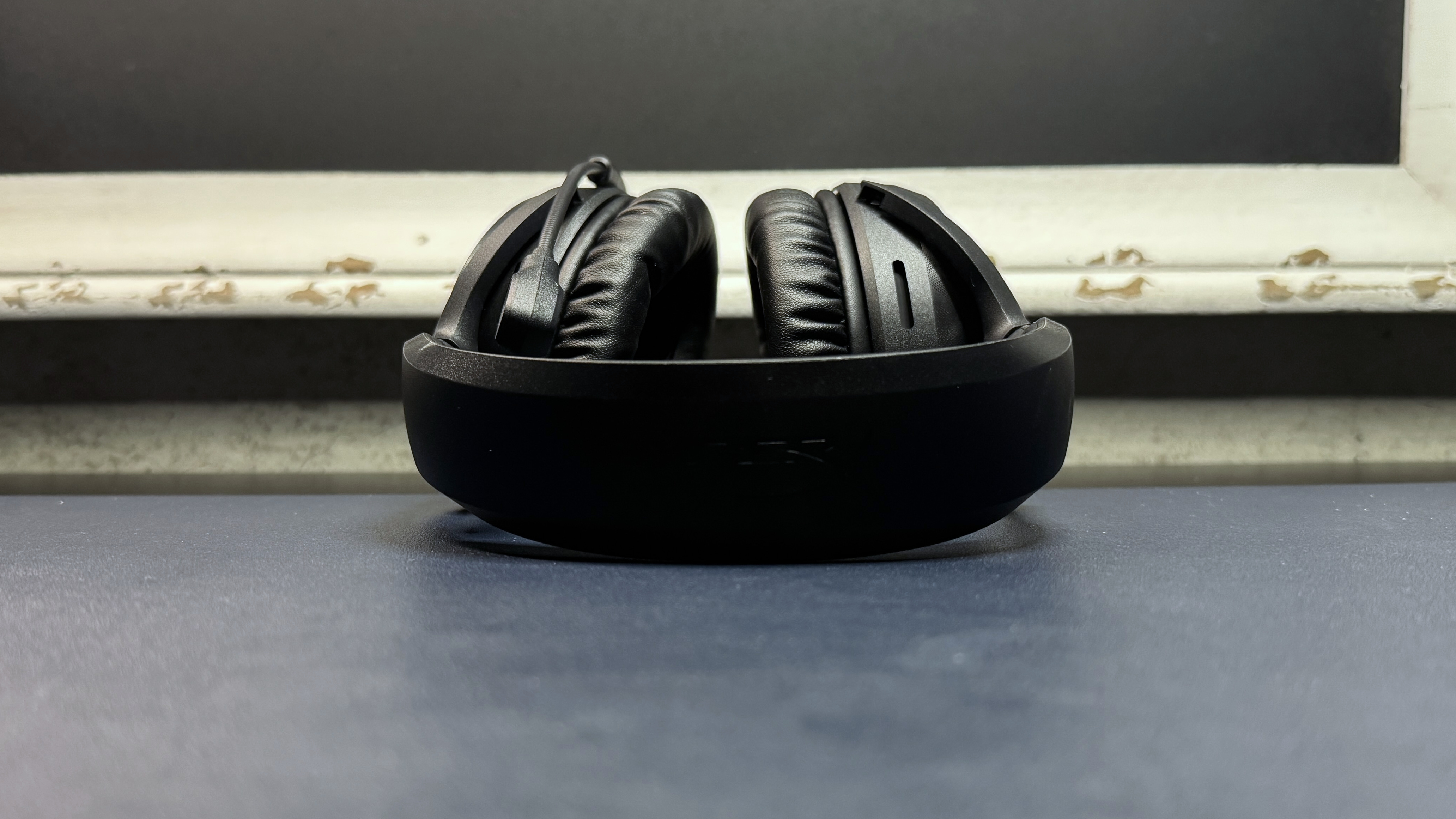
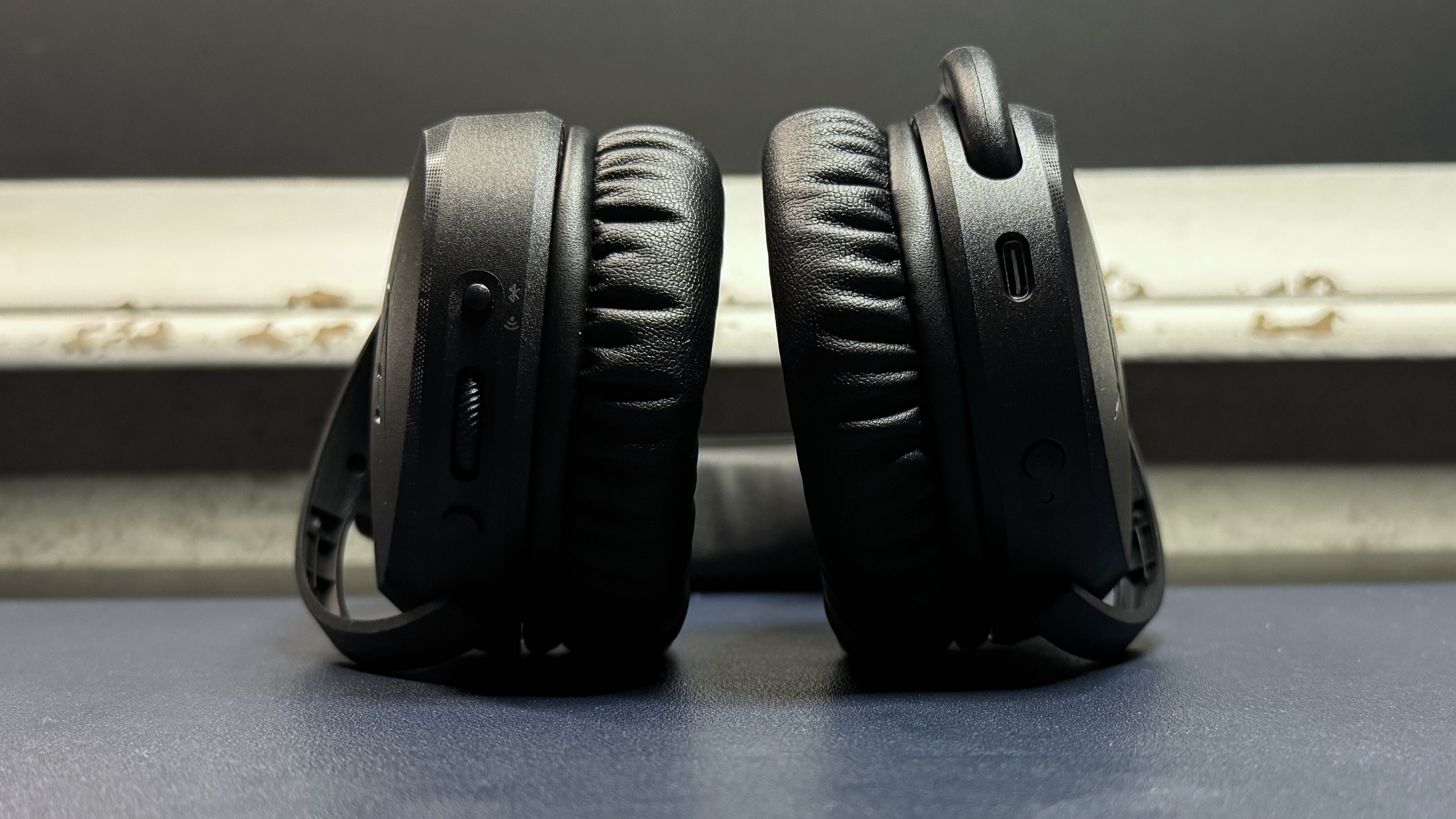
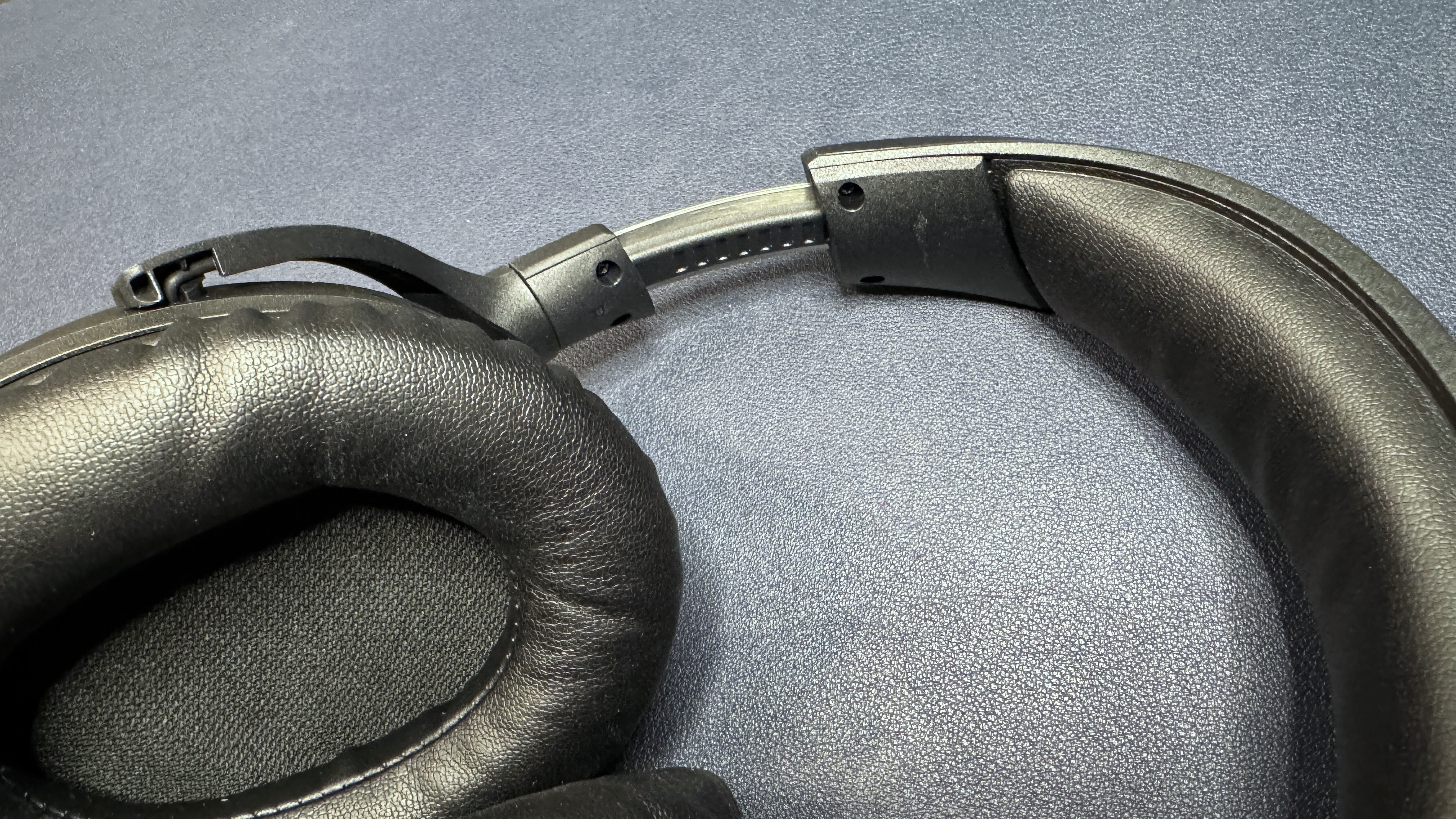
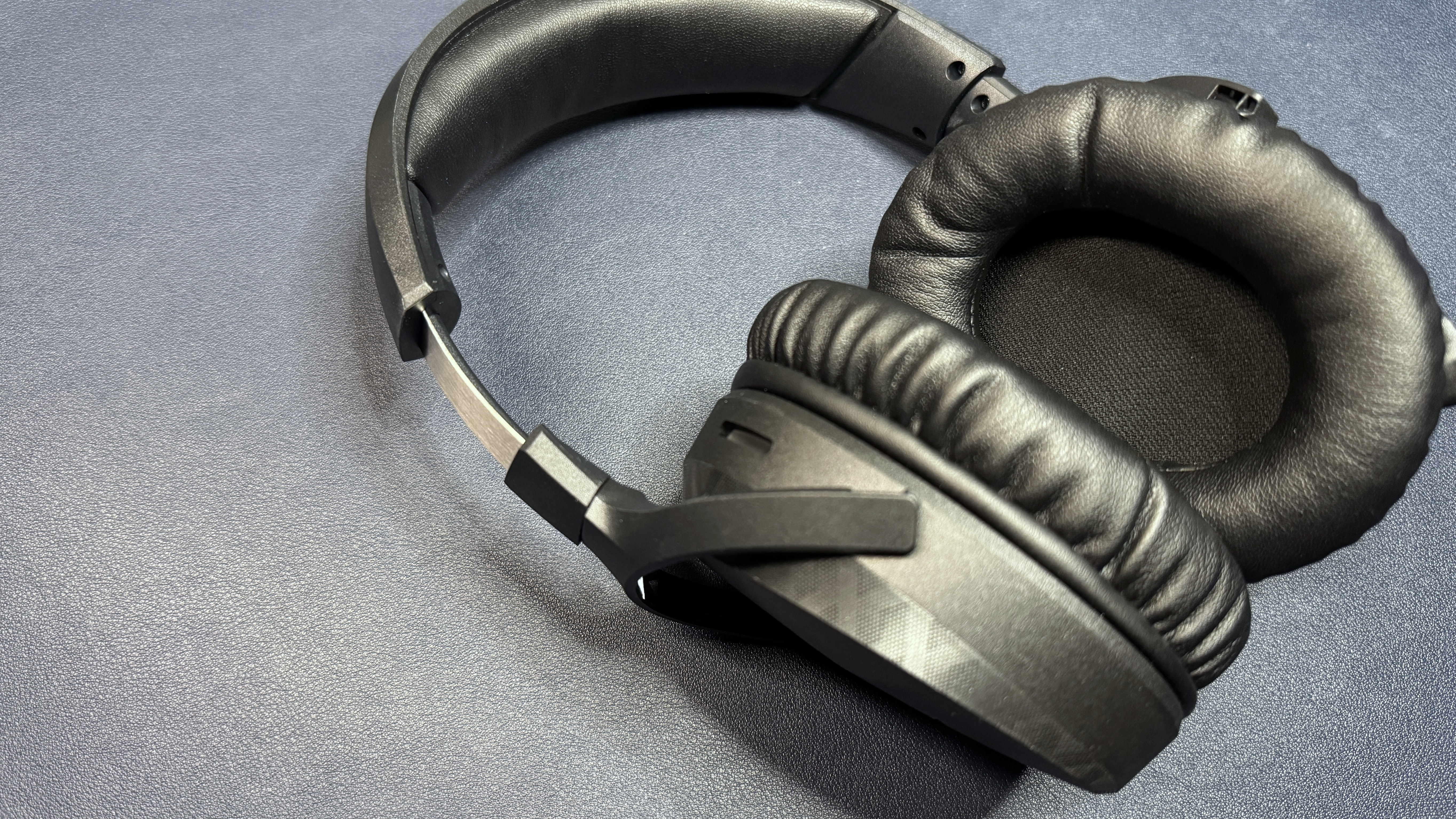
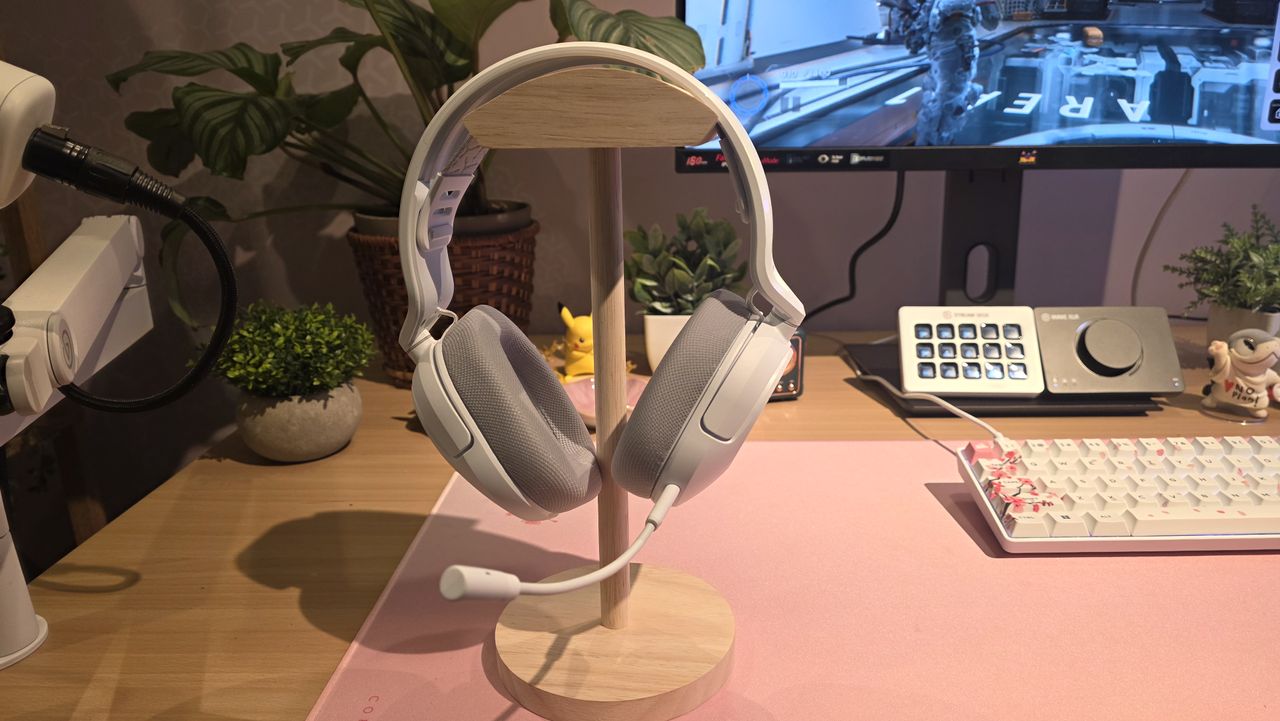
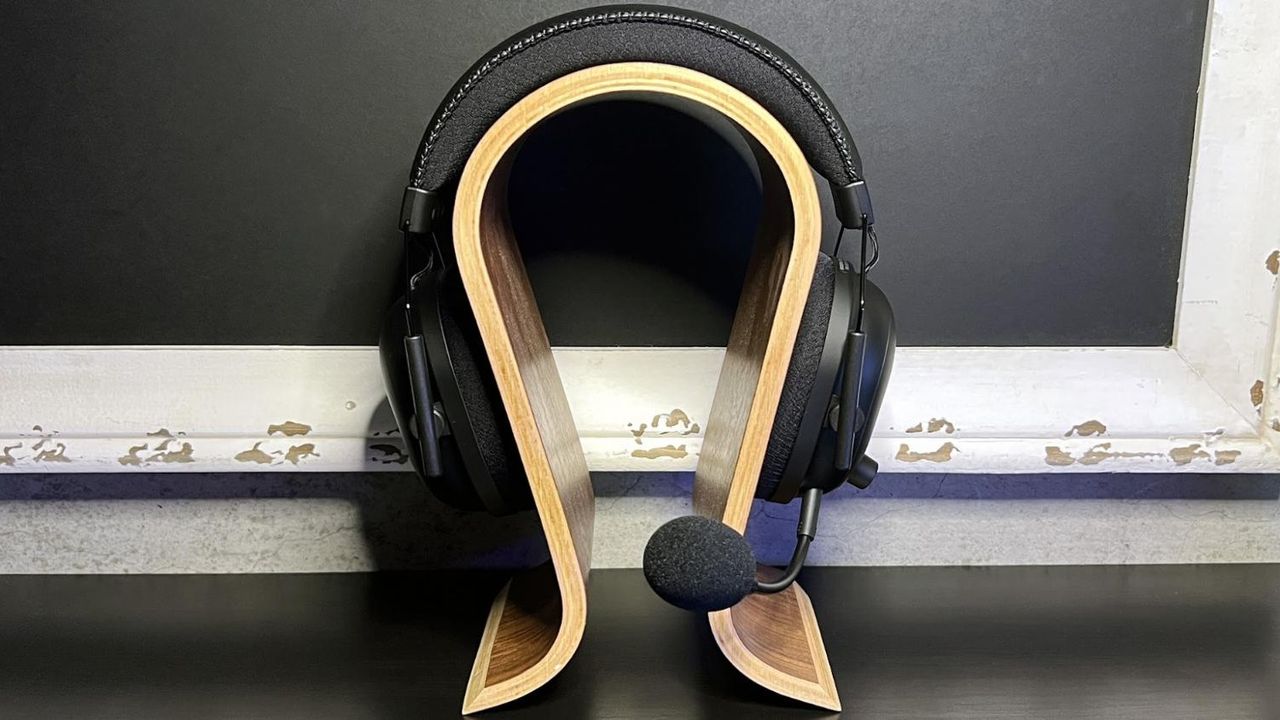
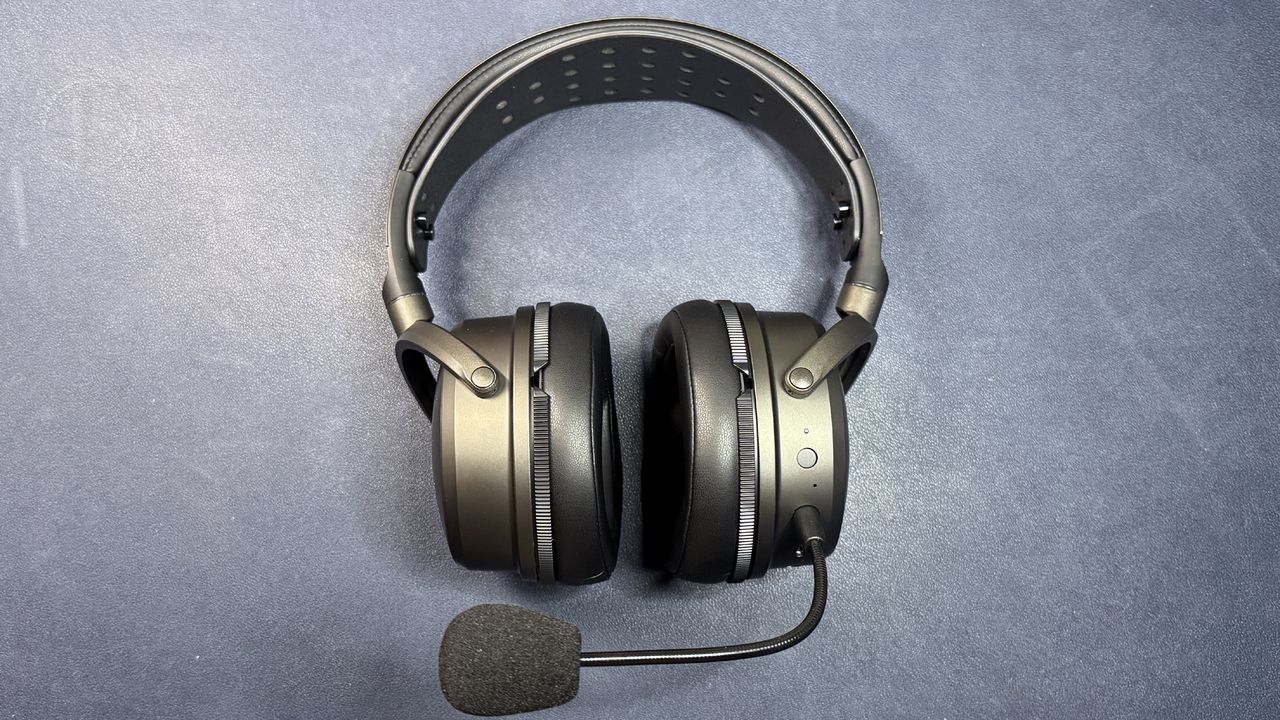
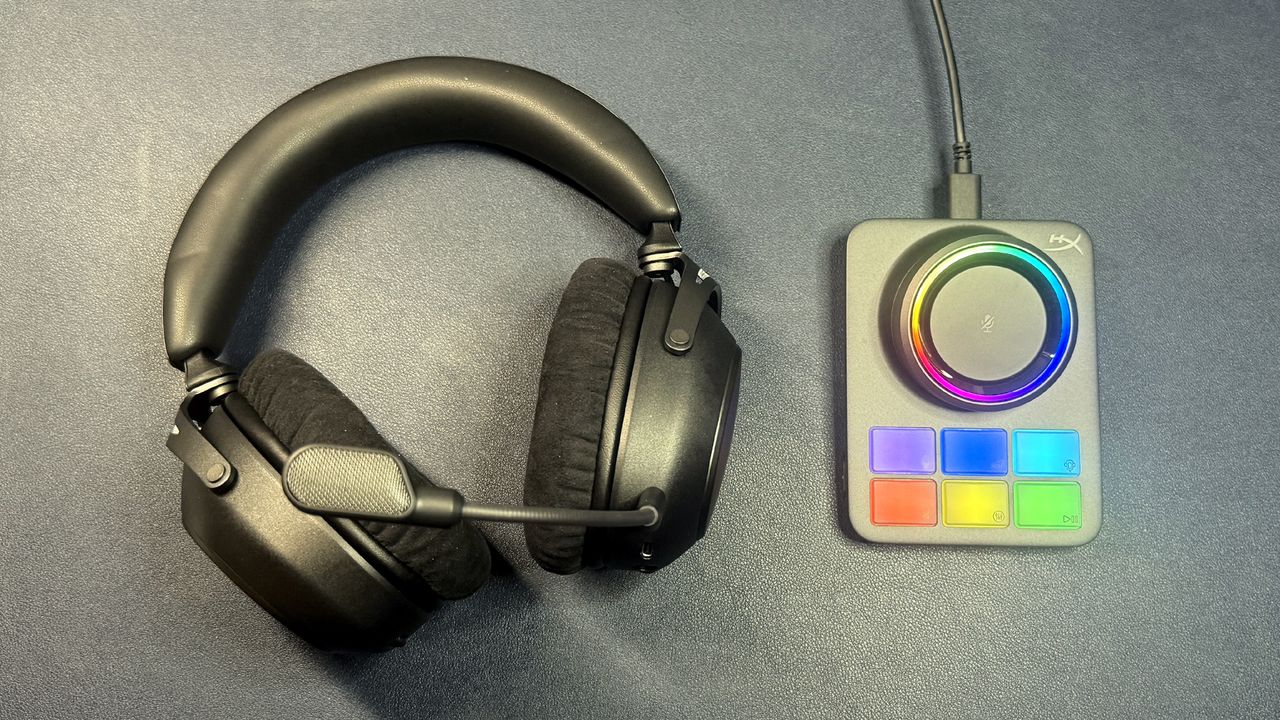
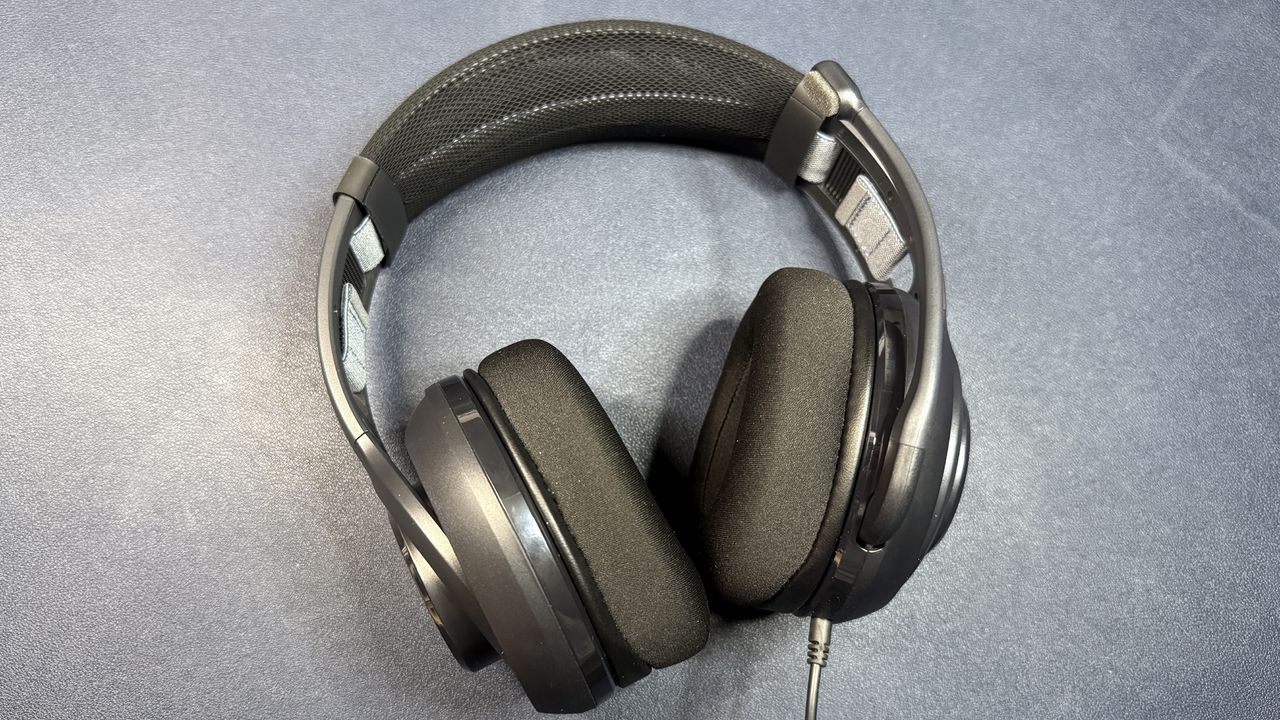
Fighting all the doom and gloom around the ever-increasing prices for our favorite gaming tech, it's nice to come across the occasional cheap deal that makes for a fantastic impulse purchase. If you want a gaming headset for the kids, or something you can chuck in a bag for travelling and not worry too much if it gets damaged, then we have a winner today! With a massive 40% knocked off the list price, the HyperX CloudX Stinger 2 is only $29.99 on the HyperX store. That's a very nice saving of $20 on the $49.99 list price shown. This is a wired gaming headset that is marketed for the Xbox, but has a standard 3.5mm combo jack, so it is compatible with any 4-pole TRRS combo-jack audio connector.
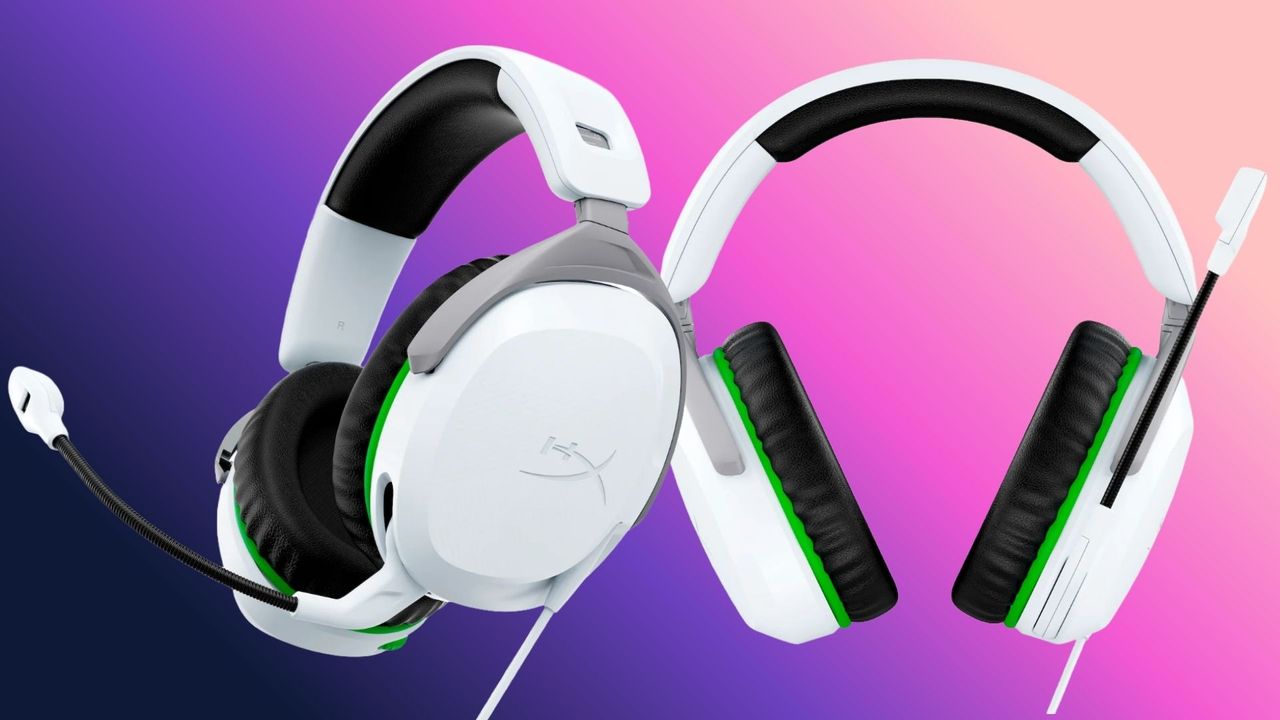
The HyperX CloudX Stinger 2 is a wired gaming headset that connects to your audio source via a 3.5mm audio connection. The headset comes in the Xbox livery, with a mainly white color scheme and green and black accents, matching the infamous Xbox green used on their consoles and peripherals. Inside the over-ear earcups are large 50mm drivers with comfortable memory-foam earpads. This is a one-size-fits-all headset and has an adjustable headband to customize the fit. You can chat to friends and quickly cut comms with the flip-to-mute microphone, making it easy to have a conversation without everyone else in the chat hearing.
CloudX Stinger 2 (wired): was $49.99 now $29.99 The HyperX Cloud Stinger 2 is a wired headset with a 3.5mm audio connection, large 50mm drivers in the earcups, an adjustable headband, flip-to-mute microphone, and comfortable memory-foam earpads. View Deal
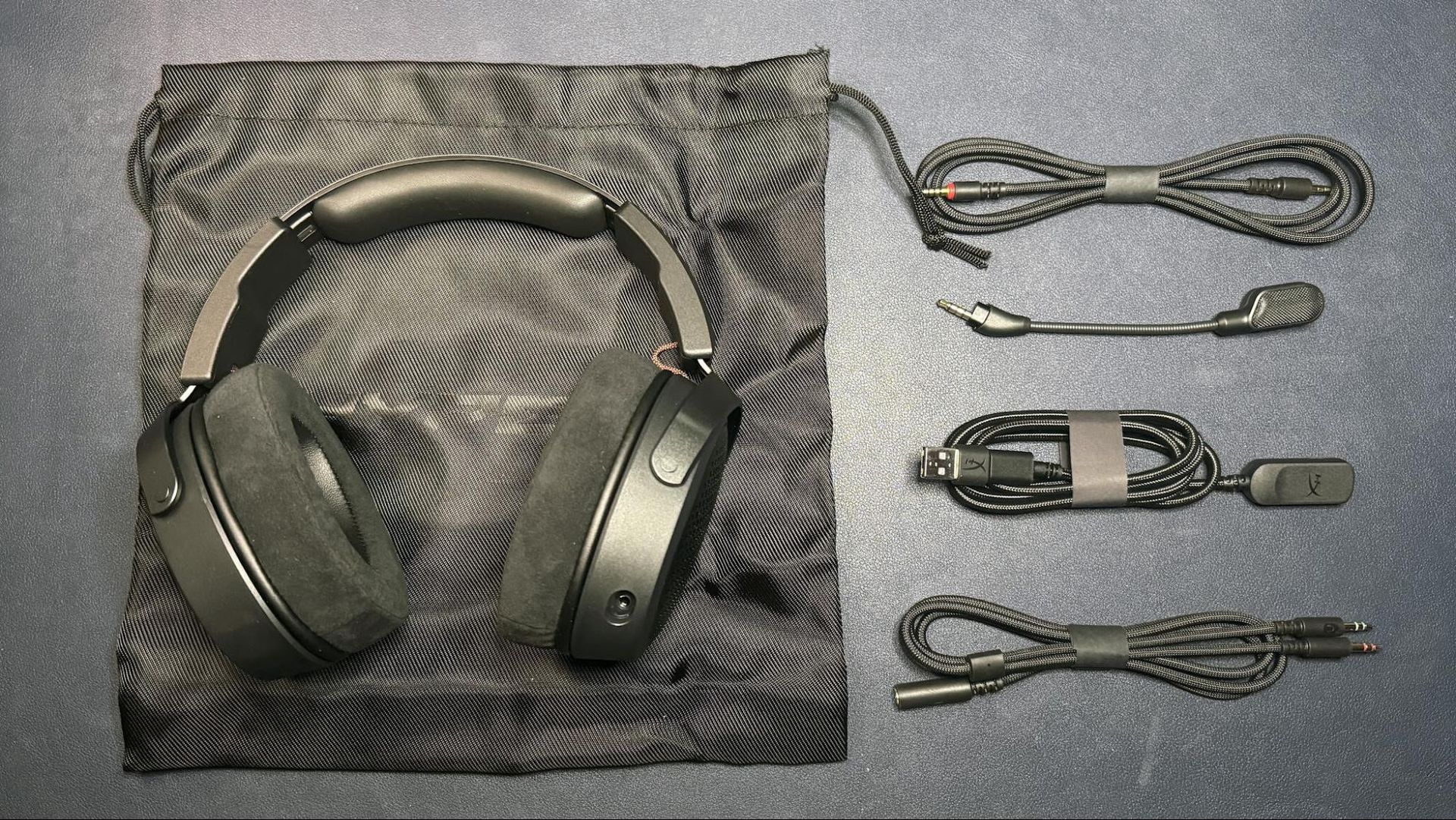
Just $29.99 is a fantastic price for a budget gaming headset from a reputable brand. You can connect these cans to any audio source with a 3.5mm audio port, but if you want to connect to your desktop and your PC doesn't have a combo jack (headset/mic combined) input and has separate headphone and Mic inputs, then you will need an extra TRRS-to-dual-TRS Y-splitter cable; these can be picked up for a few bucks from Amazon.
These days, the best gaming headsets tend to share a lot of qualities. They all sound great, have decent microphones, and are comfortable enough for full day gaming sessions. And, once you pass a certain price point, almost all of them are wireless. For years, that meant keeping track of battery statuses and remembering to charge or be faced with plugging in or logging out to recharge.
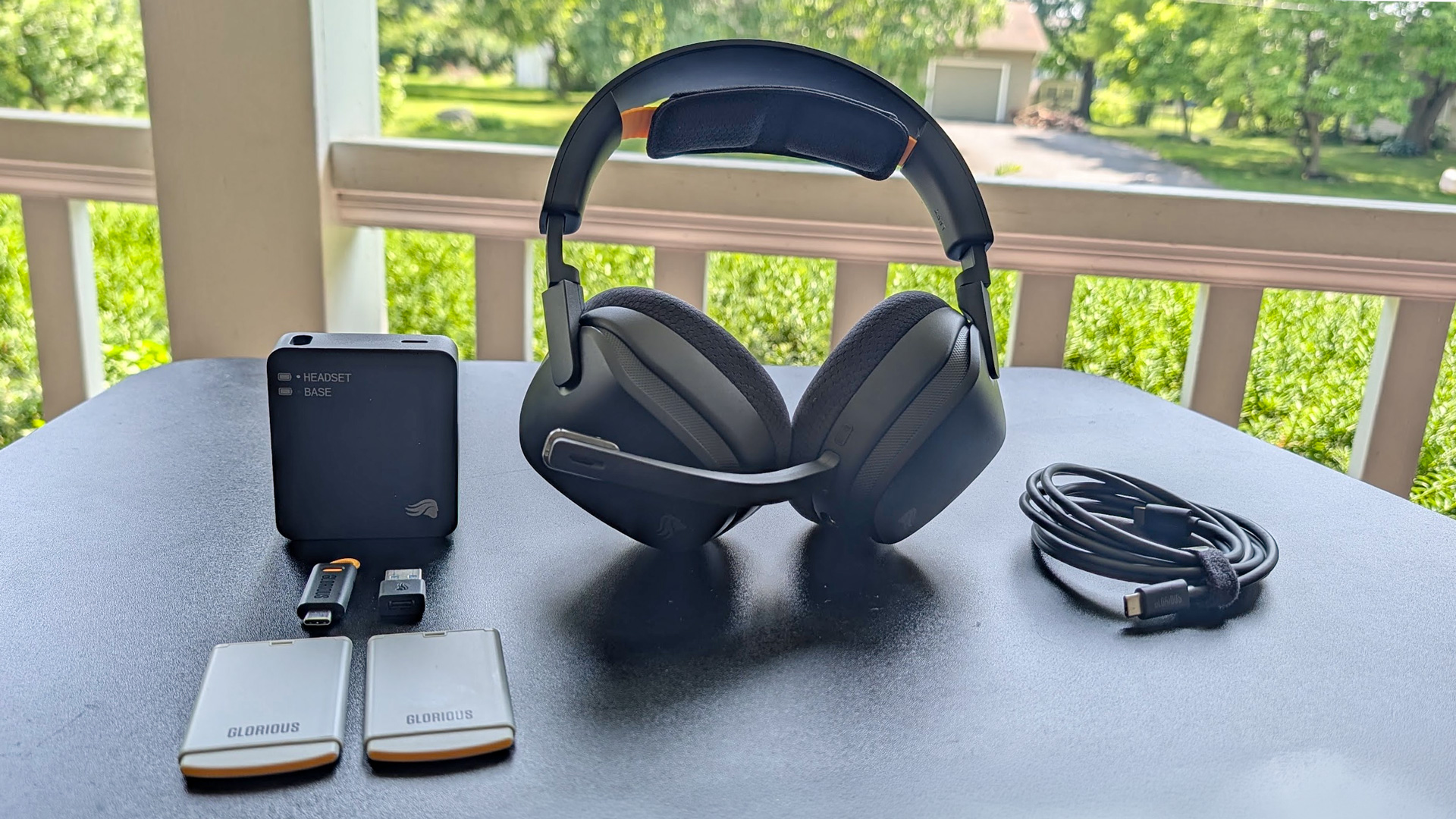
The Glorious GHS Wireless InfinitePlay changes all that with its hot-swappable battery system. Unlike other headsets with hot-swappable batteries, like the Steelseries Arctis Nova Pro Wireless and the Turtle Beach Stealth Pro II, the Wireless InfinitePlay also has a built-in battery to keep the sound pumping and comms connected while swapping batteries. It sounds great and is plenty comfortable, but does it earn its $230 asking price? I think it does — and, compared to its competition, it almost feels like a bargain.
Glorious GHS Wireless InfinitePlay Specs
Driver Type
40mm angled dynamic drivers
Frequency Response
20 Hz - 20 kHz
Design Style
Over-ear, closed back
Microphone Type
Omni-directional, detachable
Connectivity
Bluetooth 5.3, 2.4GHz, USB Type-C
Weight
12.8 oz / 361 g (with mic and battery), 11.3 oz / 319 g (headset only)
Cord Length
6.5 ft
Battery Life
Up to 85 hours per battery (x2), three hour internal backup for battery swaps
Lighting
None
Software
Glorious Core
MSRP/Price at Time of Review
$229.99 (Glorious)
Release Date
July 21, 2026
Design and Comfort of the Glorious GHS Wireless InfinitePlay
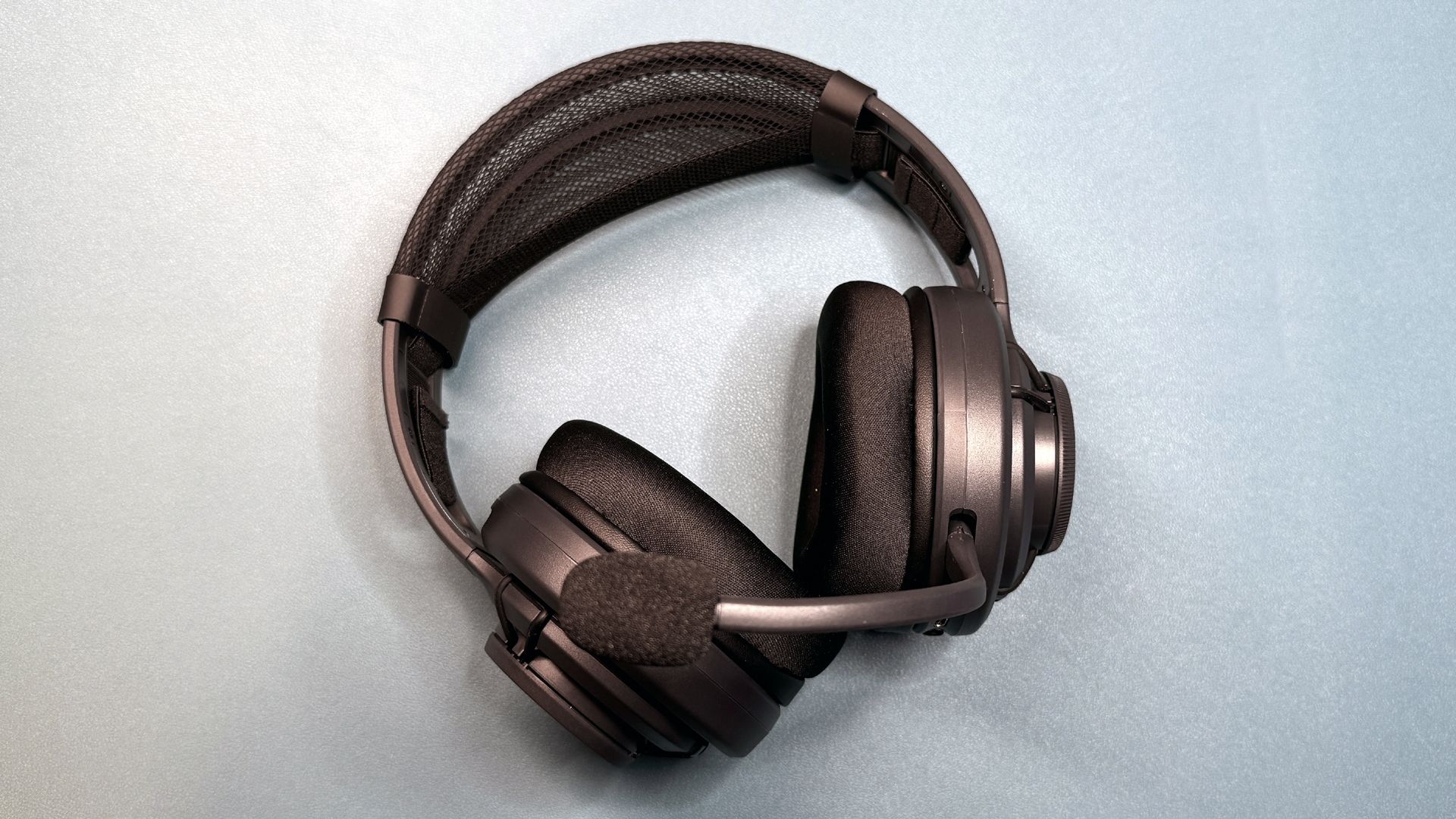
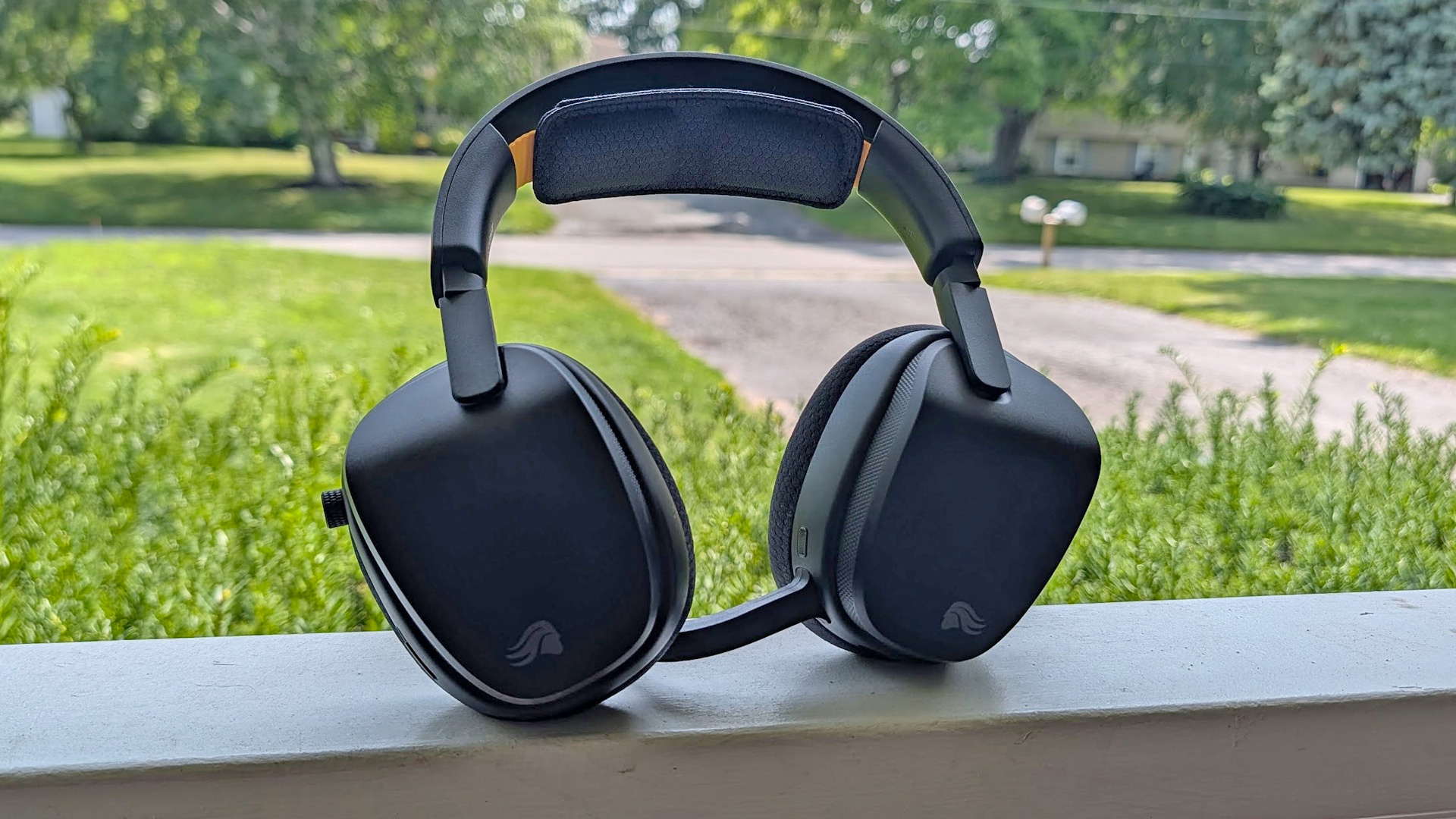
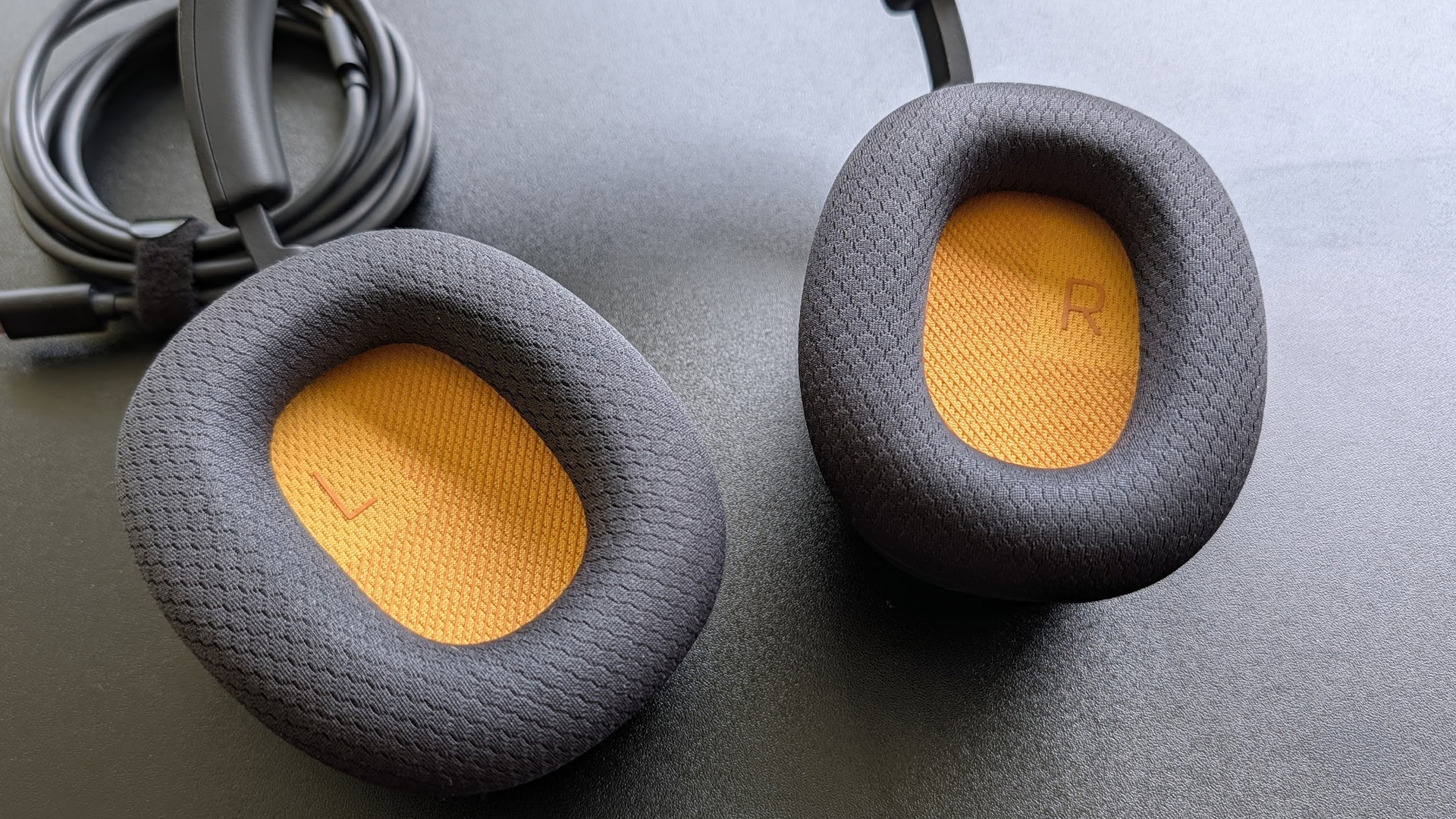
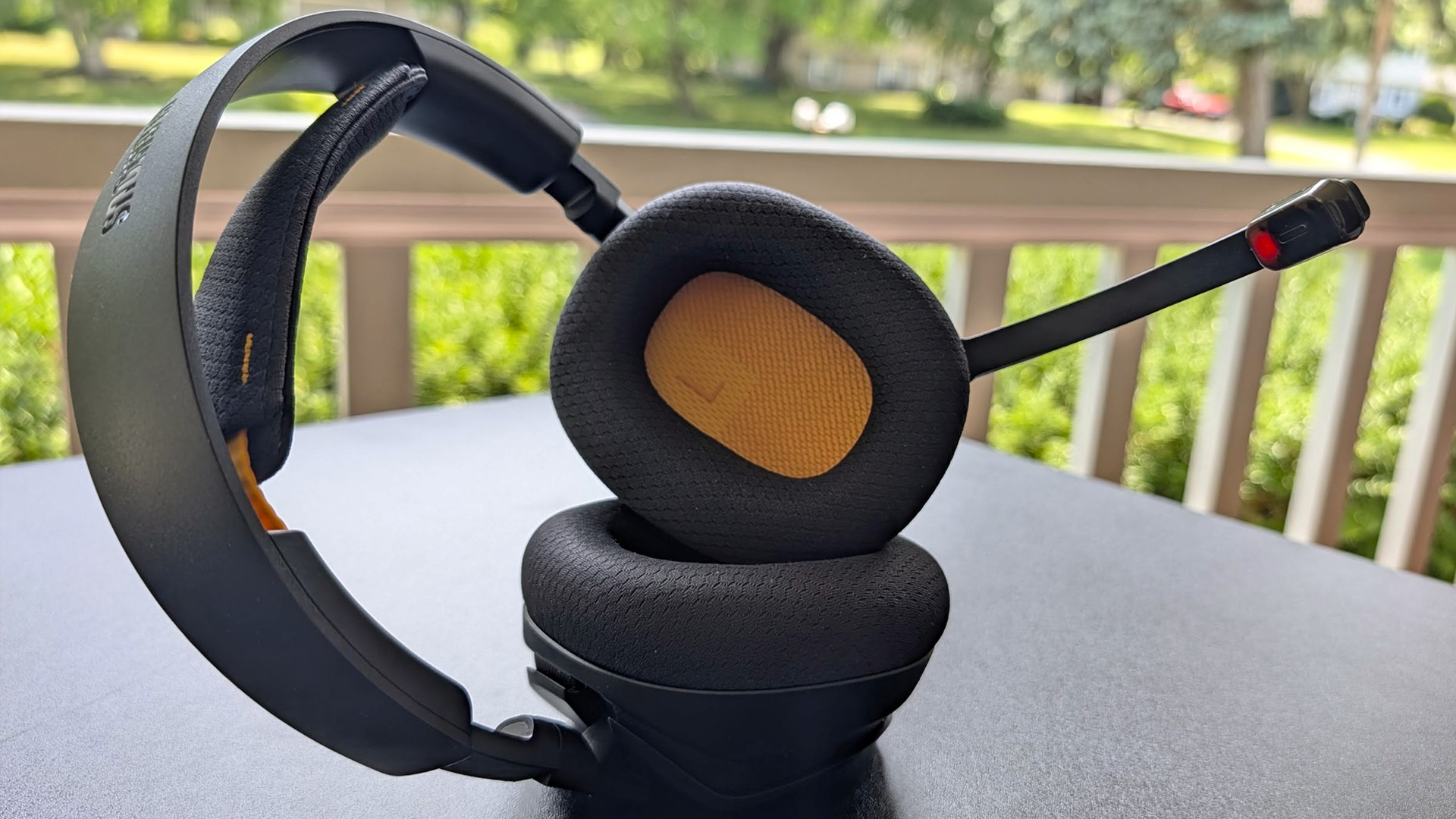
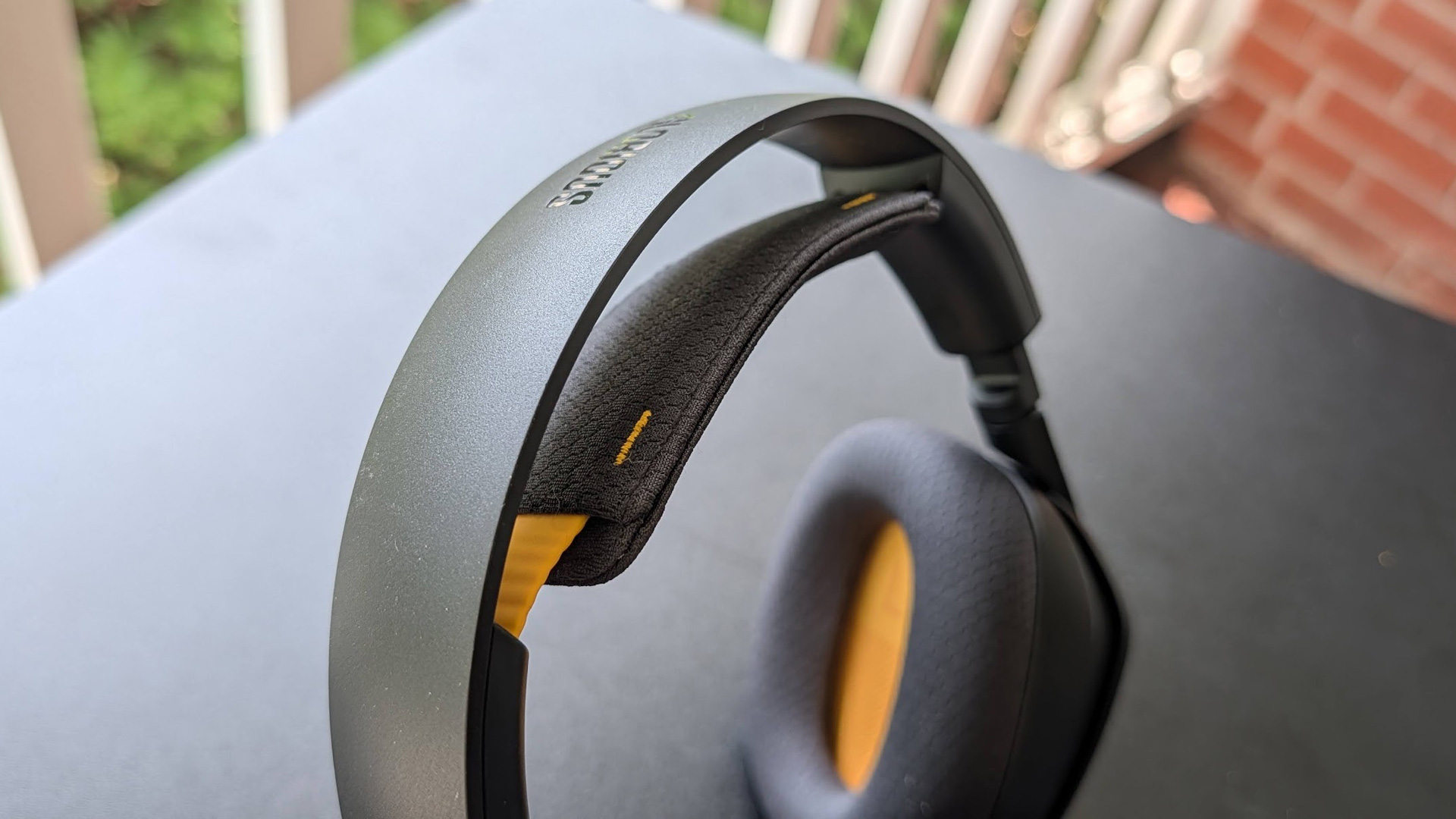
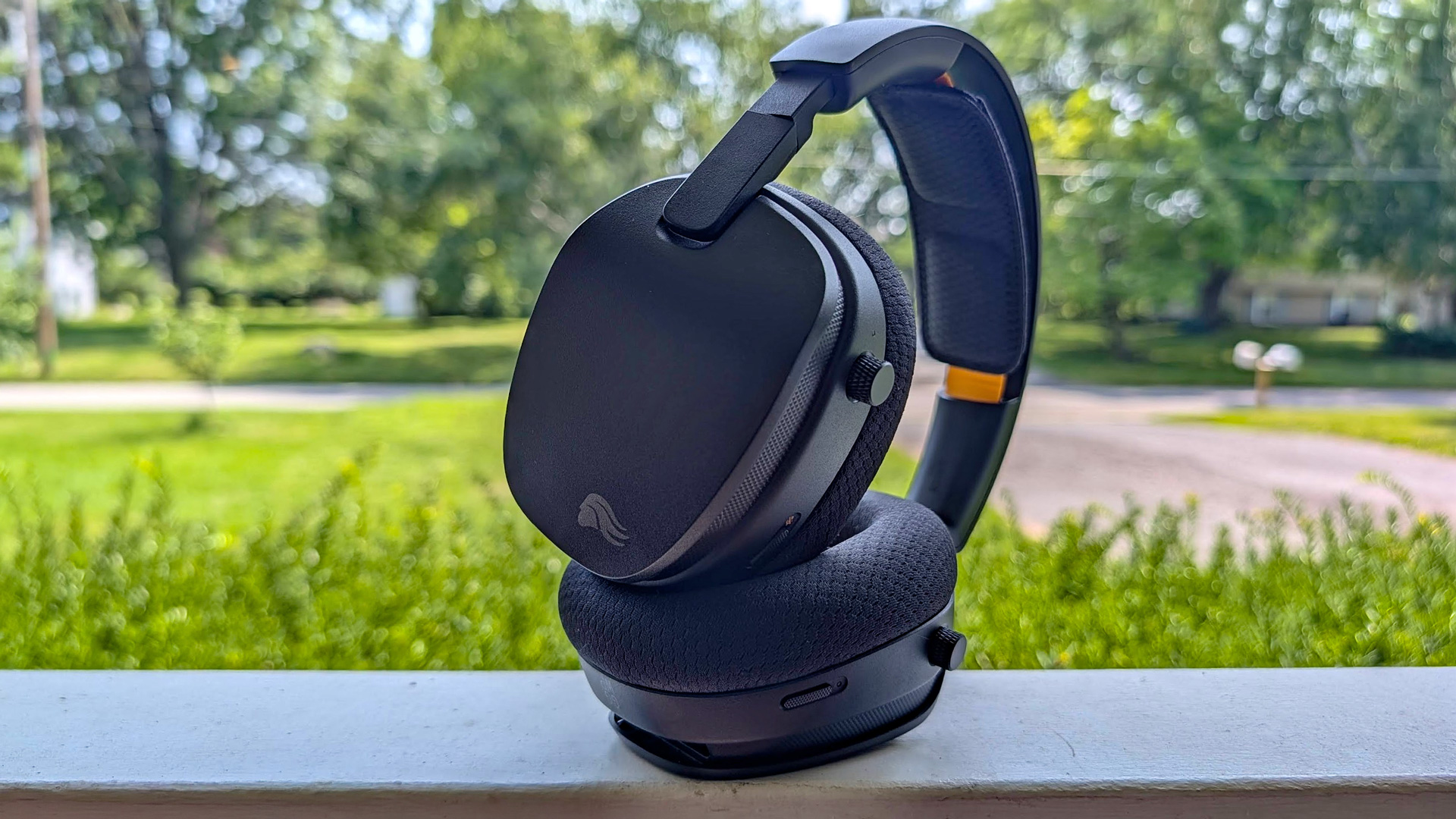
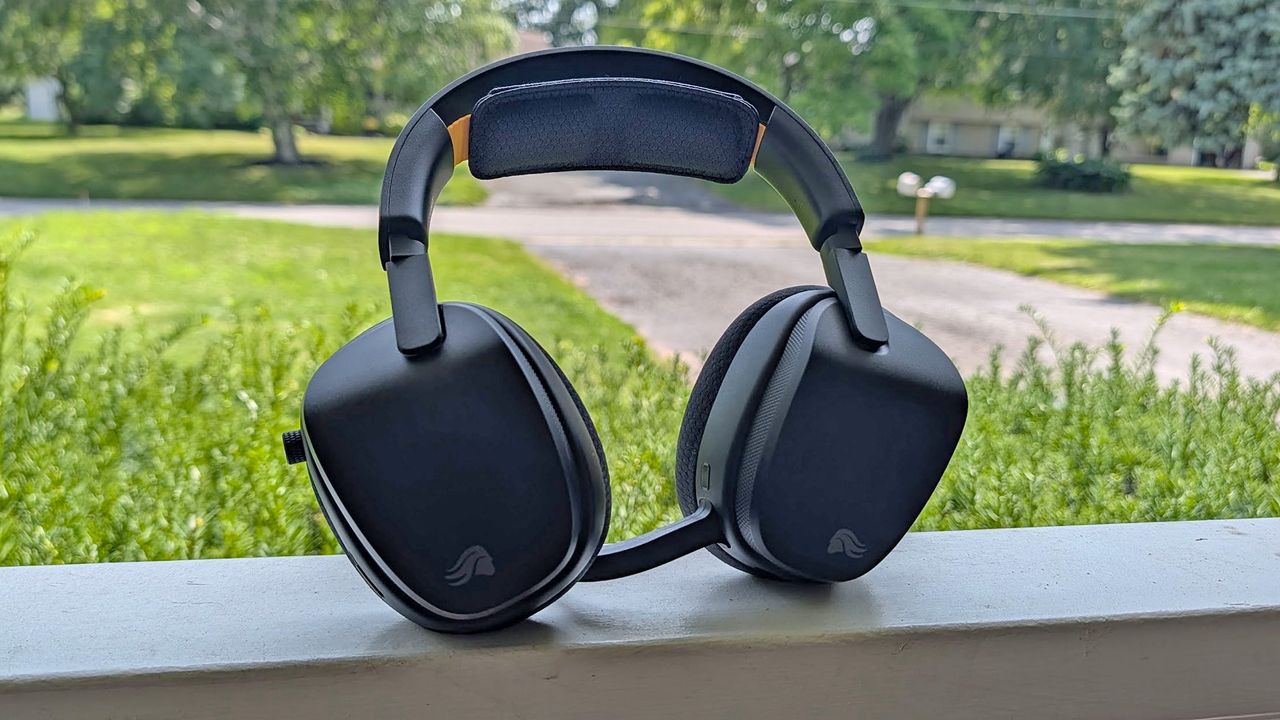
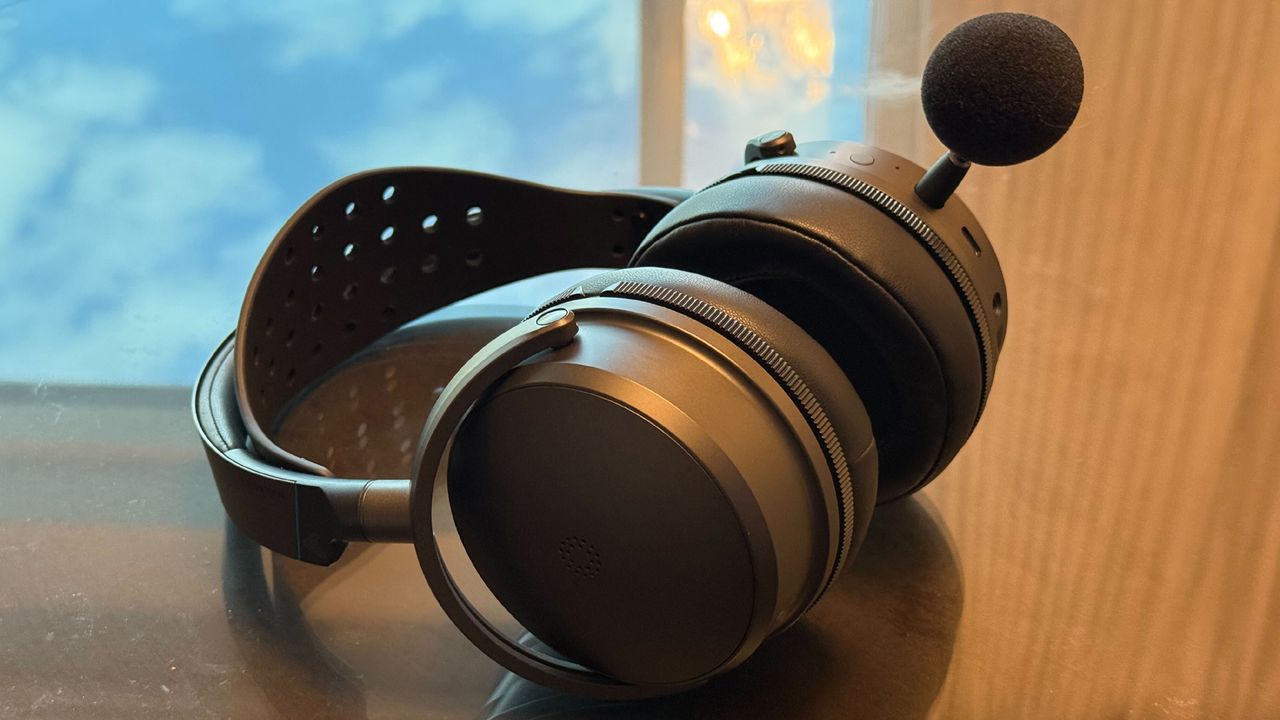
The Glorious Wireless InfinitePlay is the epitome of stealth. There's no RGB and the only-colored accent is at the edges of its elastic headband. It's only when you look closely that you'll see the Glorious logo in subtle gray on the right ear cup or the headband accents or the flashes of the brand’s iconic orange inside each ear cup.
Apart from those subtle accents, the headset's blacked out appearance makes it a good fit for use on the go. I wouldn’t give a second thought to wearing these out of the house if the need arose. And you may want to, because even though its asking price ($230) is lower than some of the competition, these are still pricey enough that you may want to wear them for more than just gaming — and they live up to that.
(Image credit: Tom's Hardware)
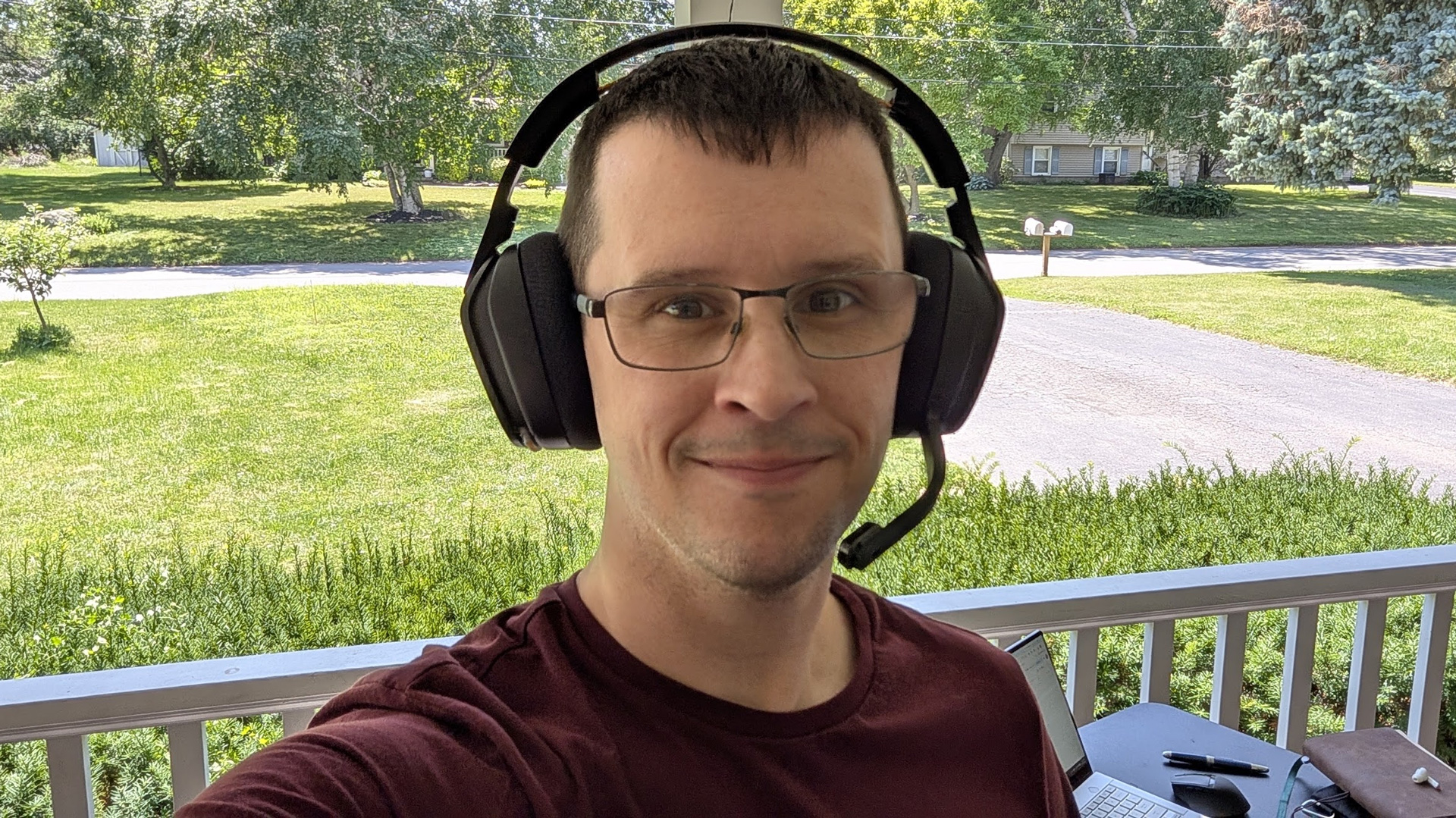
Glorious has put a lot of effort into ensuring that the Wireless InfinitePlay is exceptionally comfortable. The headset uses an elastic headstrap that runs beneath its plastic headband. Using plastic allows for a relatively lightweight design, and the elastic helps distribute what weight there is. In the two weeks I had the headset in for testing, I didn’t experience any head pain, which is something I’m particularly susceptible to.
The ear cushions are made of a soft, pliable foam that’s accommodating to glasses while still offering a good seal around each ear. They’re trimmed in fabric and are very breathable, but be warned: plenty of sound makes its way in and out of these headphones, so don’t listen to anything at high volume you wouldn’t want your roommate to hear. There’s also no ANC, which could be a deal-breaker when other flagship headsets include it.
(Image credit: Tom's Hardware)
The grip force is strong enough to create a seal, but the headset has a bad case of floppy earcups that work against that. Each earcup rotates to lay flat around your neck — usually a plus — but the yokes (hinges) holding them just aren’t strong enough to keep them from turning on their own. This doesn’t make a big difference for normal listening, but between the floppy cups, reliance on plastic, and the light weight, this doesn't feel like a $230 headset when you’re picking it up and putting it down.
The headset sports dual-mode connectivity with support for 2.4 GHz wireless and Bluetooth 5.X and can swap between them on the fly with a press behind the right earcup. Changing sources is fast and reliable, but I still wish they were simultaneous and could play at the same time.
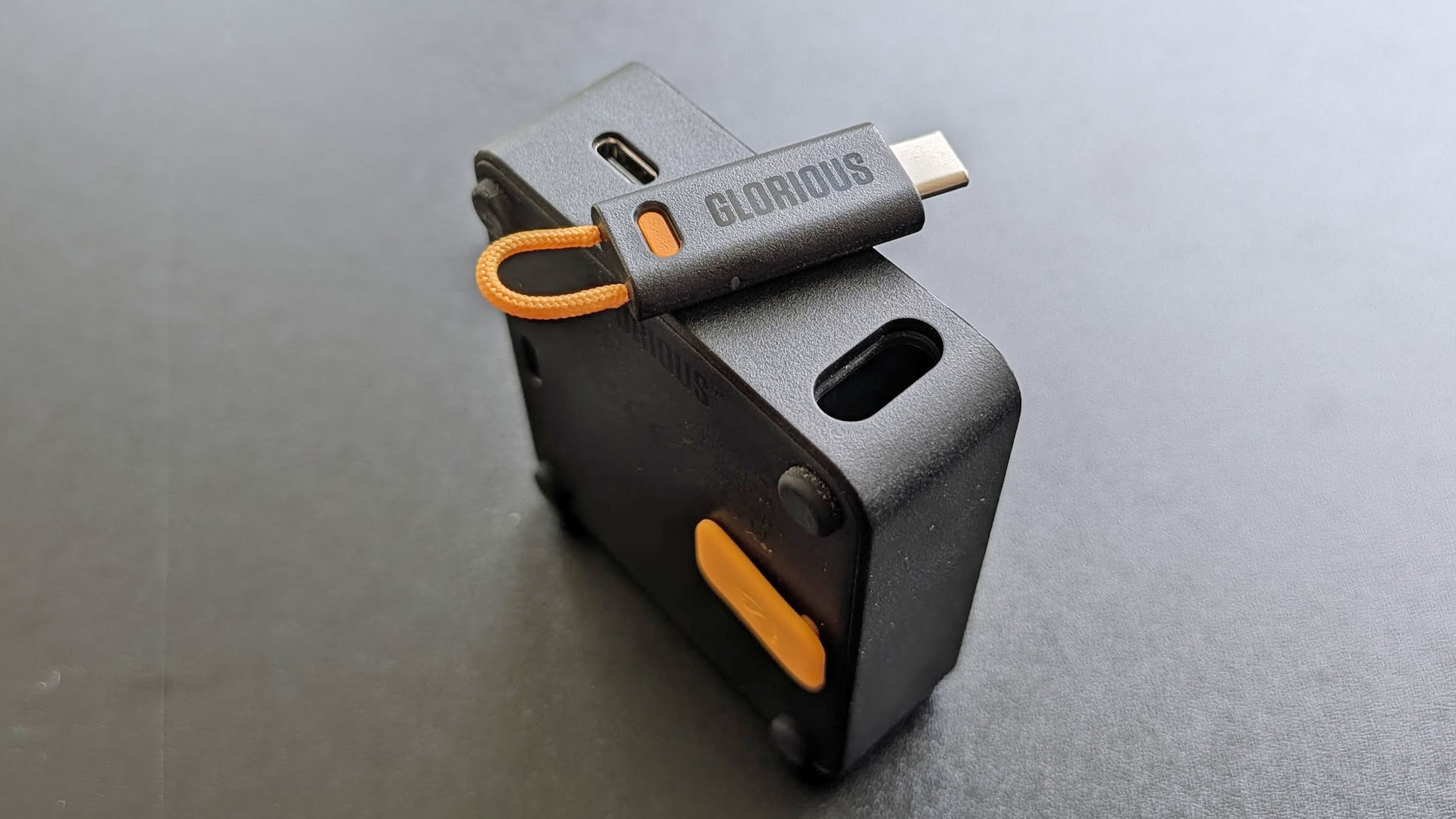
The headset’s hallmark feature, however, is its hot-swappable battery system. Like the Turtle Beach Stealth Pro II and the Steelseries Arctis Nova Pro Wireless, the InfinitePlay comes with two batteries and a base station that connects to your source and recharges your second battery. When it’s time to switch, you simply eject the battery from its spring-loaded slot on the bottom of the right cup and slide the new one into place. If you don’t need the battery system, or don’t want the base station connected to your PC all the time, you can unplug a USB Type-C dongle from the back of the dock and use it standalone for a lower profile experience.
(Image credit: Tom's Hardware)
Where the Glorious Wireless InfinitePlay truly becomes unique, however, is that it supplements its two removable batteries with a three-hour built-in back-up that can’t be removed. While every other headset as of this writing (correct me in the comments if I’m missing anything) disconnects briefly when changing batteries, the second you remove swappable battery from the earcup, the standby kicks in so you never lose connection. It’s surprisingly high capacity, too, lasting around three hours before finally requiring you to put the second battery in.
This is a genuinely useful feature and one that I expect will become standard among the “swappable battery” headsets. It’s just so convenient in comparison and truly makes this headset feel “infinite” in a way its competitors don’t.
(Image credit: Tom's Hardware)
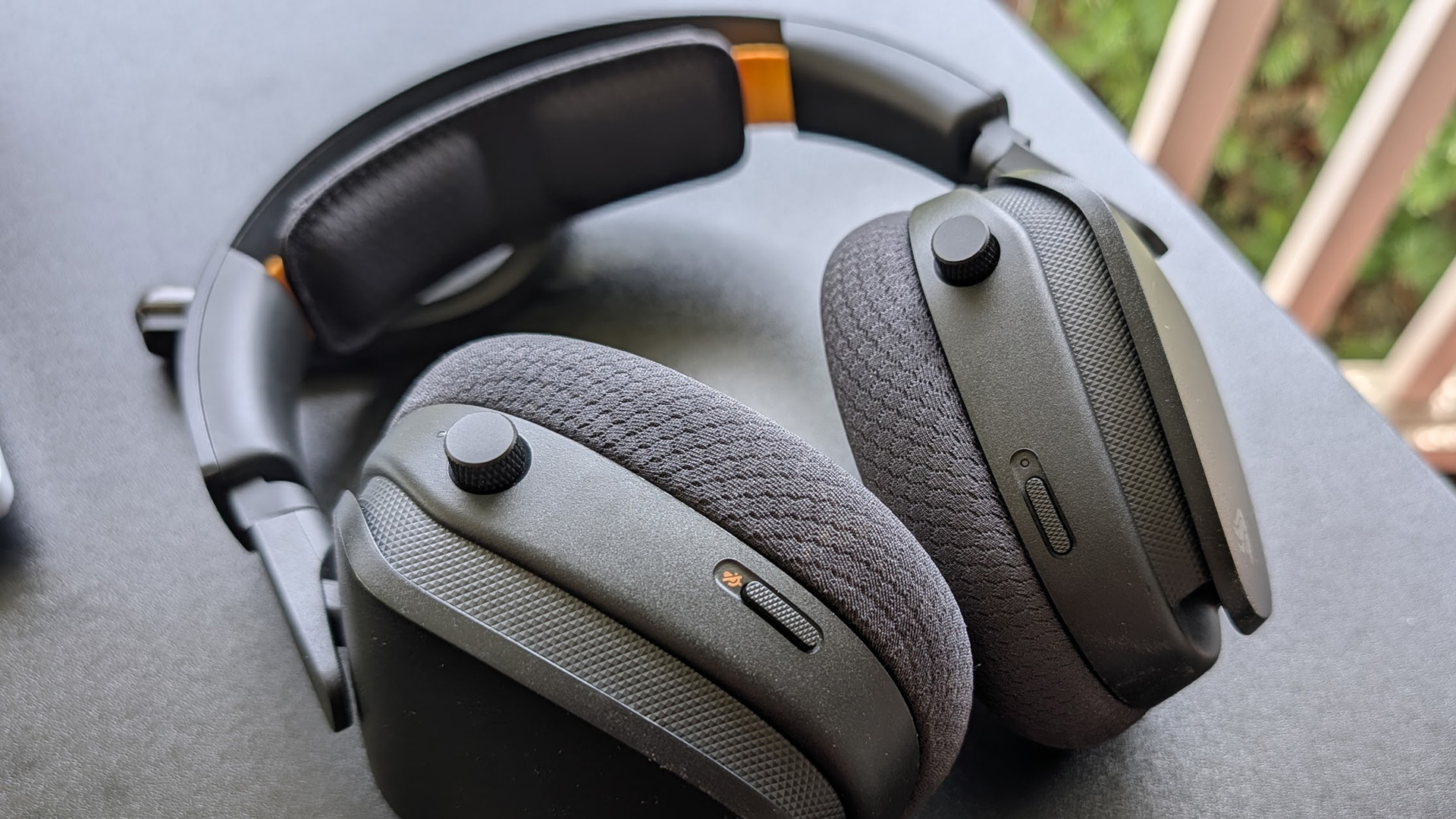
That isn’t to say the Wireless InfinitePlay should instantly be your go-to pick in this category. Its knobs are functional when worn and annoying when not. Each ear cup features a tall knob. The left controls Game/Chat balance and the right controls volume. Neither is labeled, so there’s a good chance you’ll accidentally turn the wrong knob and then wonder why your volume is so low (because the knob is tilted more toward Chat). There’s also a microphone mute switch just below on the left and a power button on the right.
The problem is that in the pursuit of making these knobs easy to manipulate by making them tall, Glorious also made them super easy to hit by mistake when it’s hanging around your neck. Earcups up? You’ll hit them with your shoulder. Earcups down? You’ll need to watch your head and chin. Neither of these are deal breakers, but it’s a strange problem to have when it’s so apparent in actual use.
(Image credit: Tom's Hardware)
Audio Performance of the Glorious GHS Wireless InfinitePlay
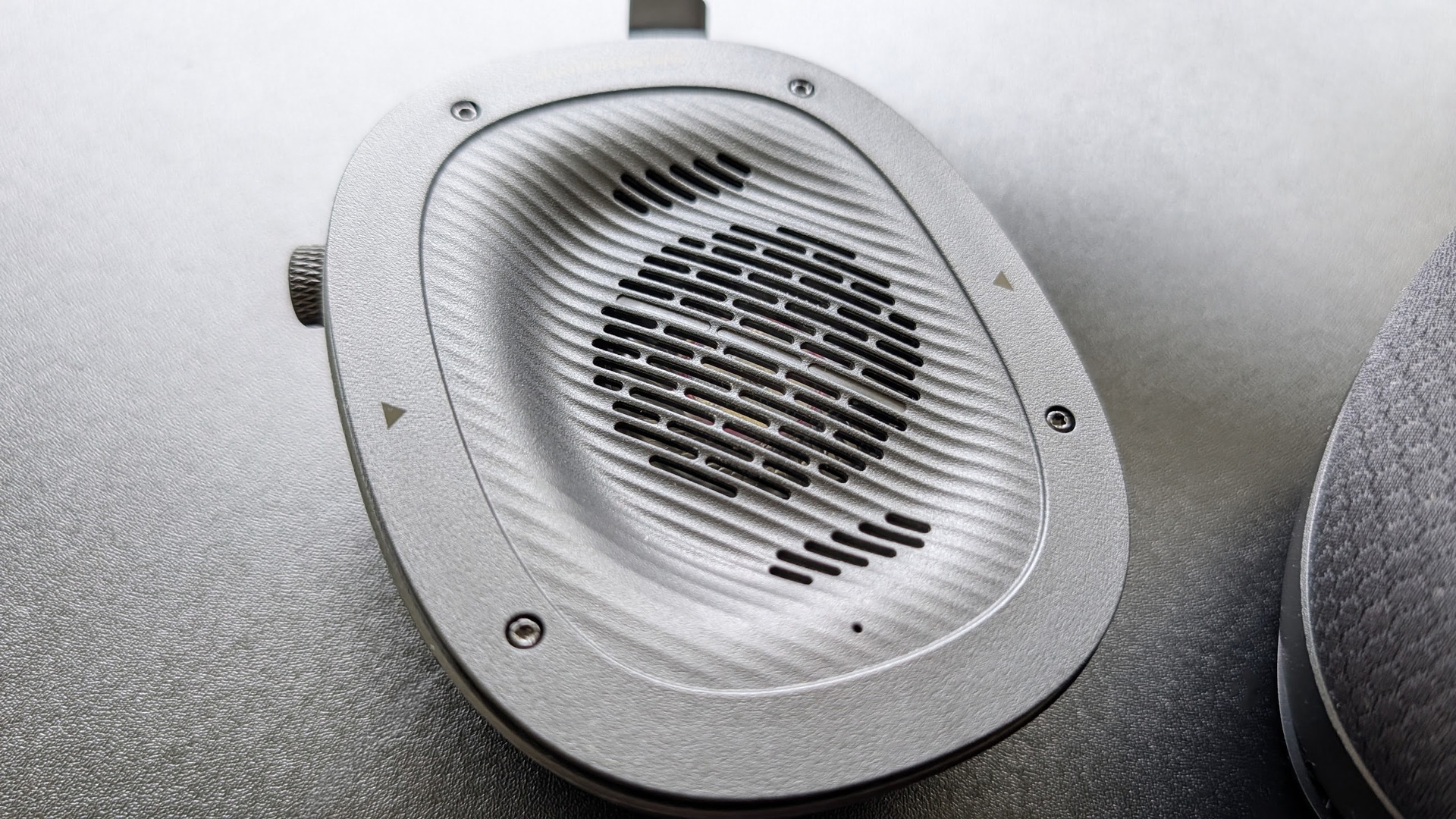
To drive with sonics, the InfinitePlay uses a pair of custom-tuned 40mm dynamic drivers. In the gaming headset space, this is a common configuration, but Glorious sets it apart in several ways. The first is that the drivers are angled within each ear cup. This is a technique found on many high-end audiophile headphones with the aim of increasing the realism and spatial details of what you’re listening to. The angle is intended to mimic how sounds enter your ear in real life: typically off-axis and guided by the Pinna. The impact is real but not profound, though it translates to some pretty great competitive acoustics when paired with Windows Sonic and Dolby Atmos.
Before getting to the second way that the InfinitePlay differentiates itself, it's important to remember that gaming headsets have a reputation for being boomy and overemphasizing bass while the mids and highs get muddy and overwhelmed. The wireless InfinitePlay is much more well-rounded out of the box. The bass is emphasized, but the tuning Glorious settled on raises the mids and highs to keep key details intact. To my ear, it strikes just about the perfect balance between engaging, fun bass and high-resolution, realistic, and positionally detailed sound.
(Image credit: Tom's Hardware)
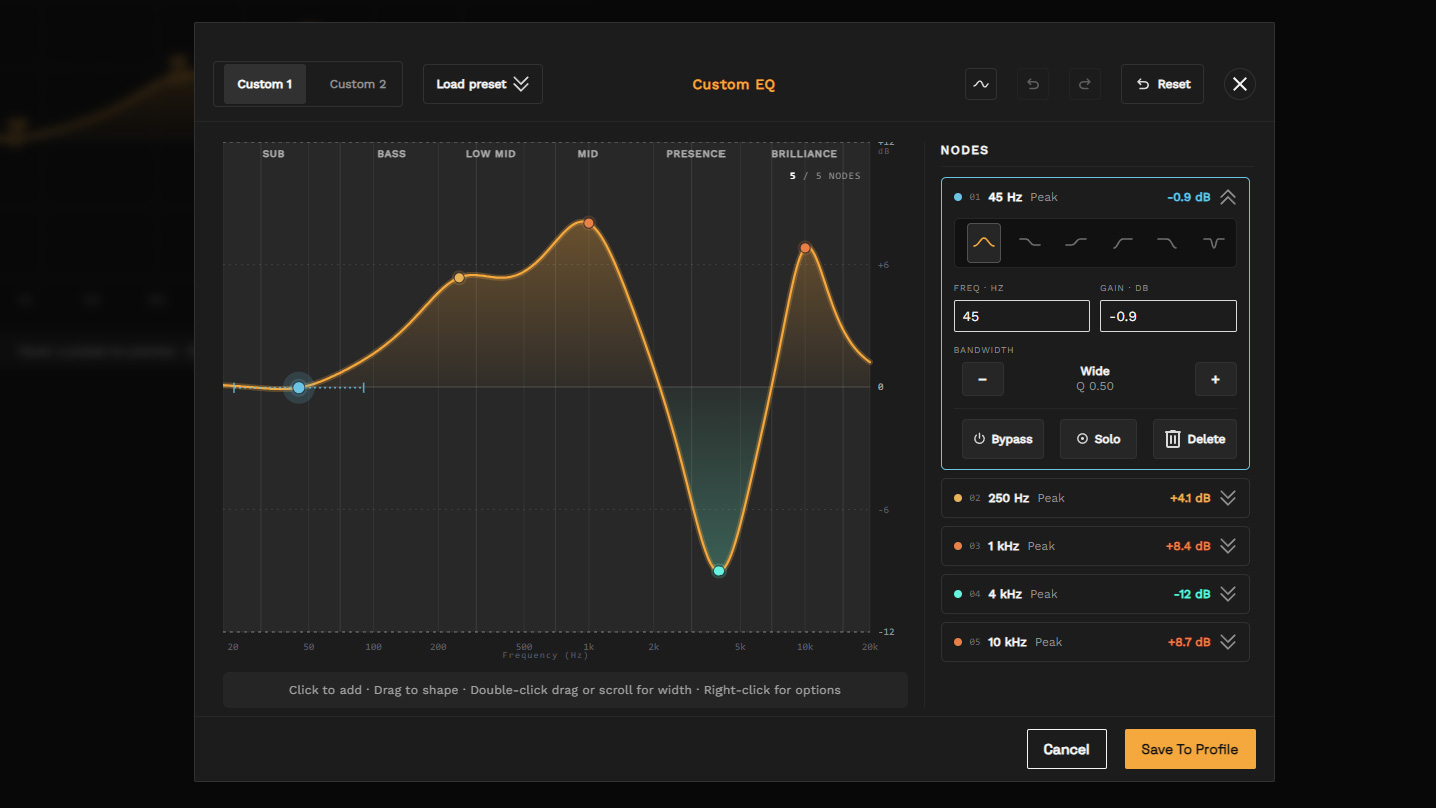
But sound preference is almost as varied as gamers themselves. Within the Glorious Core software, you're able to choose from several different preset EQs or customize your own using an accessible 5-band equalizer. During my review phase, Glorious also debuted, albeit in beta, its new parametric equalizer system. If you're comfortable with its relatively steep learning curve, it allows you to change the sound to match your exact preference.
The parametric equalizer is such an important feature that it fundamentally changes how you should consider this headset and any reviews of it. Think of a standard equalizer as a hairbrush: You can make some changes and change your look — but the changes are surface level. A parametric EQ is like going to a barber and being able to completely reinvent your look from scratch. Any claims about the headset's sound that aren’t related to its resolution or technicalities, need a big ol’ asterisk: *unless your change it*
With that in mind, the technicalities of the headset are certainly above average and fit its premium price point. The headset features a 20 Hz to 20 kHz frequency response range, which makes it capable of reproducing the full range of human hearing. Within this range, Glorious has also built in protections so that as you play with different EQ settings, you'll never need to worry about accidentally pushing the headset beyond its limits. This is a major pitfall within the audiophile space, as it's easy to introduce distortion if you're not careful. Here, that's simply not possible, as it handles all of your gain adjustments automatically.
Layer separation isn't amazing, but it is what I would consider above average. I didn't have any trouble picking out audio cues like footsteps of enemies in the next room in Battlefield 6 or little bits of occluded dialogue working through crowds in 007: First Light. Audio cues don't have the same expansive sense of space that you'll find with large-format planar magnetic drivers, but it sounds good and is up to the challenge of competitive gaming and deep listening.
(Image credit: Tom's Hardware)
The angled drivers provide a subtle improvement, but as I mentioned above, the bigger upgrade will come from turning on Dolby Atmos. If you’re not a fan of algorithmic surround, the native soundstage is mid-sized with more horizontal space than depth. It plays nice with built-in surround sound effects within games, so you have several options to choose from if you want to push a decent soundstage to good or great territory. For music and movies, the default tuning works very well. Everything from Coheed and Cambria to Zach Bryan had a fullness that was free of any of the haze or muddiness from the registers stepping on each other.
In comparison to its biggest competitors, the Steelseries Arctis Nova Pro Wireless and the Turtle Beach Stealth Pro II, the InfinitePlay has more bass than the Arctis Nova Pro though isn’t quite as detailed across the board. Compared against the Stealth Pro II, the sound quality is much more apples to apples, but the parametric EQ puts it over the top for customization potential.
Taken as a whole, I think most people would be very pleased with the sound of the Glorious GHS InfinitePlay without touching a thing. But the room to play is a big asset if you are also an audio enthusiast that likes to dial in their gear.
Microphone of the Glorious GHS Wireless InfinitePlay
(Image credit: Tom's Hardware)
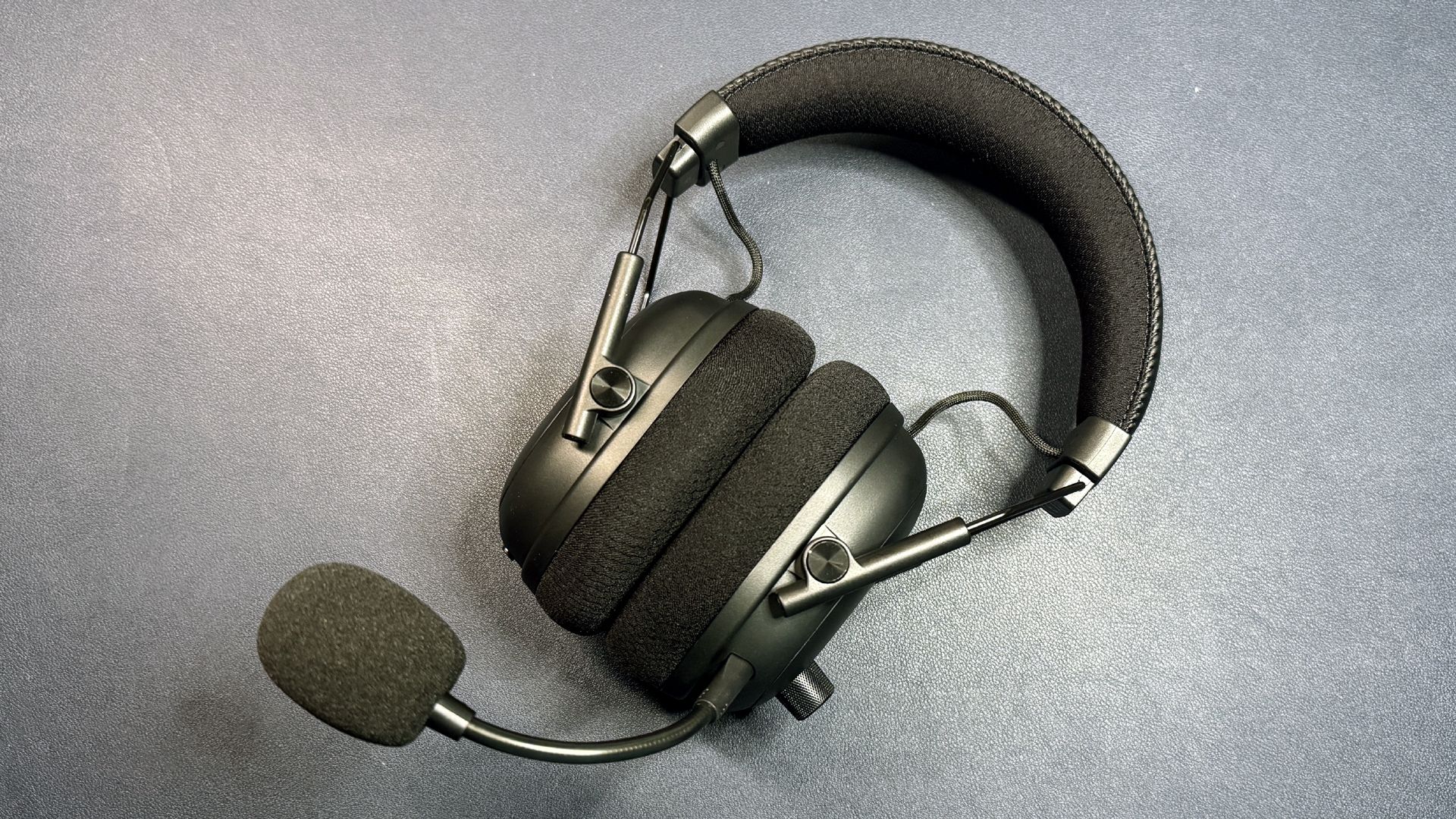
The Glorious GHS Wireless InfinitePlay comes with two microphones: a detachable boom mic, which plugs into the left ear cup and an embedded mic for taking calls on the go or whenever you don’t want the better mic plugged in.
While functional, the embedded microphone is worth avoiding if at all possible. It works for taking calls, but like most embedded mics, it’s muffled from being built into the earcup and too far from your mouth to sound truly clear.
The detachable boom microphone is much higher quality. Since it’s built on a gooseneck, you can adjust it and reposition it in front of your mouth. There was no pop filter included with my sample, but I didn't find the mic to need one when positioned correctly. I don’t think I would use it anyway, though, because there’s alright a slight muffled quality to vocals. It’s not bad and doesn’t have the same nasally, compressed sound that headsets like the Steelseries Arctis 7/9/etc., but it’s noticeable and prevents the headset from truly replacing desktop mic solutions you might already be using.
There aren’t many options for customizing the microphone, but there are a couple. You can adjust its gain from low to high, enable and adjust sidetone, and turn environmental noise canceling on or off. While ENC does make a difference for removing ambient background noise, disabling it didn't improve the actual quality of the audio that was captured, so I'd recommend leaving it on.
In comparison to the rest of the headset, the microphone is fine but not exceptional. For talking with friends and non-broadcast use, however, it works well.
Software and Features of the Glorious GHS Wireless InfinitePlay
I’ve been following Glorious since its founding, and while its products have usually landed in Good to Great territory, it’s a small company and its size is reflected in its Glorious Core software. Glorious has done a decent job of developing its capabilities and polish over time. It could still be made simpler for ease of use.
With that in mind, the version of Glorious Core accompanying this headset checks most boxes in features and capabilities, though it lacks competing features, like microphone EQ adjustment and vocal FX. You can adjust the EQ, sidetone, mic gain, and noise cancellation. It also lets you check battery status, Bluetooth state, and adjust how fast the headset falls asleep to save battery.
(Image credit: Tom's Hardware)
The biggest issue currently is that accessing and using the equalization features isn't as straightforward as it could be. For example, there is simply no option to access the parametric EQ. Instead, you first have to go to Custom EQ and click the Edit button, and then click to add a node. It's just not straightforward, and a handful of tools explaining its different functions would make a big difference for EQ newcomers.
Overall, Glorious Core continues its path of iterative development. If you're not a fan of software, though, Glorious still has you. You can change your settings directly to the headset across its five onboard profiles so you can take your settings with you between PCs and platforms.
(Image credit: Tom's Hardware)
Battery Life of the Glorious GHS Wireless InfinitePlay
Glorious GHS Wireless InfinitePlay is true to its name. With this headset, you don't ever have to worry about running out of battery life again. You can literally run the battery dry and then spend another few hours gaming before needing to do anything about it. With the pun fully intended, it's glorious.
Glorious rates each battery for up to 85 hours of listening time. It took a few cycles for the batteries to reach their full capacity, but I found this to be relatively accurate depending on what I was listening to, how consistently,and how long. With the battery system, it is very much a non-issue however. By swapping the battery once a week, I didn’t have to worry about battery life at all. It didn’t even get low enough to warn me about replacing it — I just changed them when the thought occurred to me and it worked perfectly.
(Image credit: Tom's Hardware)
Bottom Line
At $230, the Glorious GHS Wireless InfinitePlay finds itself rubbing shoulders with some of the best gaming headsets available today. It offers great sound and a fantastic hot-swappable battery system that eradicates low-battery anxiety, and its lower price point definitely lends it a lot of appeal in savings alone.
But the layout of its knobs and lack of ANC are shortcomings that you'll want to consider. If you're a streamer, the Turtle Beach Stealth Pro 2 is a killer pick to achieve stream-worthy vocals while still enjoying a high resolution sound. If money is no object and you demand ANC and mic options in a comfy, long-wearing design, check out the Steelseries Arctis Nova Pro Wireless.
Taken on its own, the GHS Wireless InfinitePlay is easily the best headset Glorious has released yet. It is outstanding with its infinite battery life system. It also comes in a bit cheaper than its competitors, which makes some of its trade-offs easier to accept. If you want great sound quality in a wireless headset with as close to wireless freedom as is possible today, it's definitely worth a look.
Everyone wants the freedom of a great wireless gaming headset, but it's hard to find one that's budget-friendly without compromising on... well, a lot. HyperX's new Cloud Stinger 3 Wireless is a budget-friendly (ish) wireless headset that doesn't compromise on much — it's got large, 50mm dynamic drivers with a frequency response range of 10 - 50,000 Hz, an ultra lightweight, comfortable frame with reinforced metal yokes for durability, and it gets up to 80 hours of battery life on a single charge, which is a number we usually only see in much pricier products. The Cloud Stinger 3 Wireless comes in at just under $100, which isn't nothing, but is significantly cheaper than the $200 - $300 price range of headsets with similar specs.
Design and Comfort of the Cloud Stinger 3 Wireless
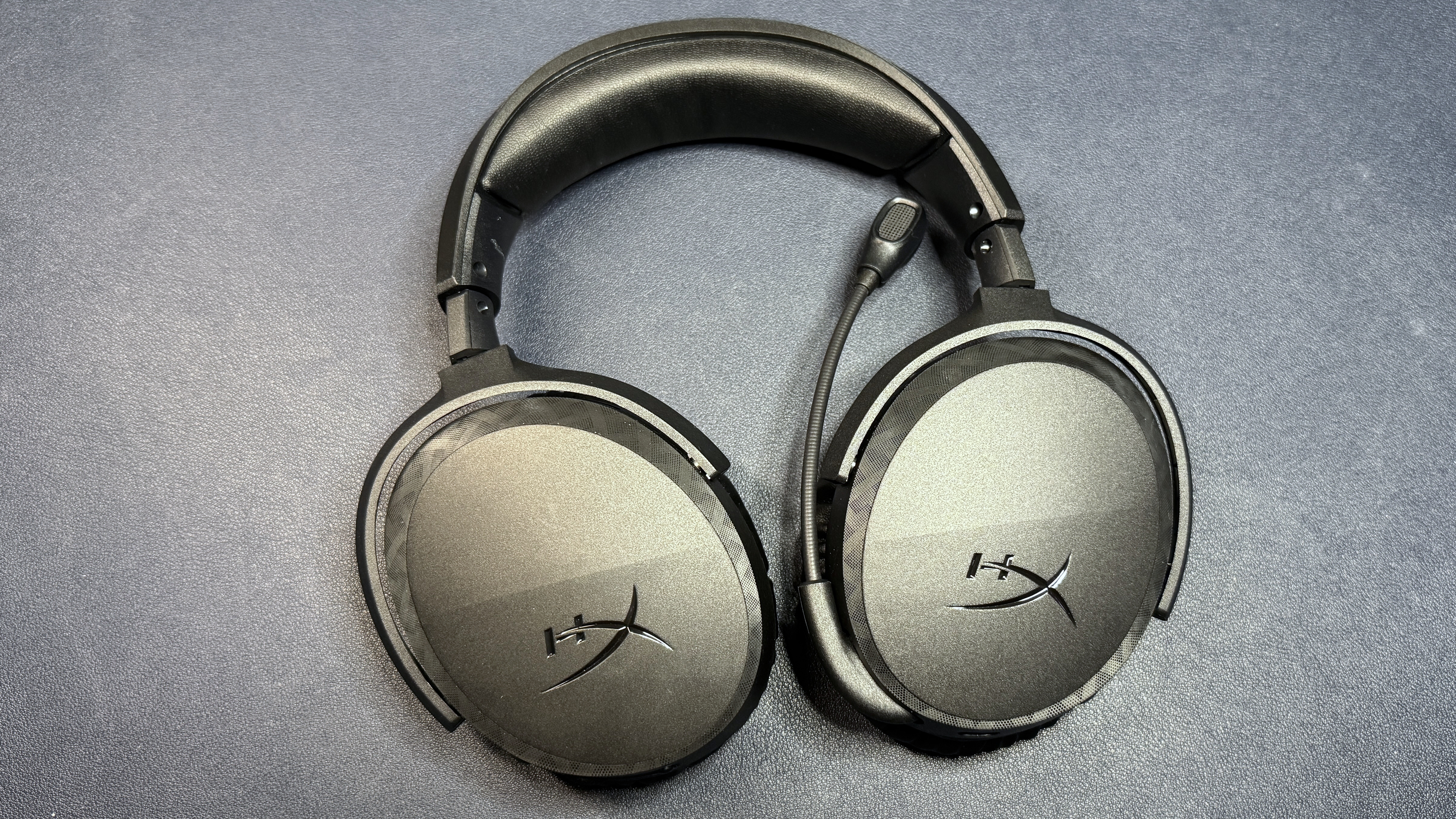
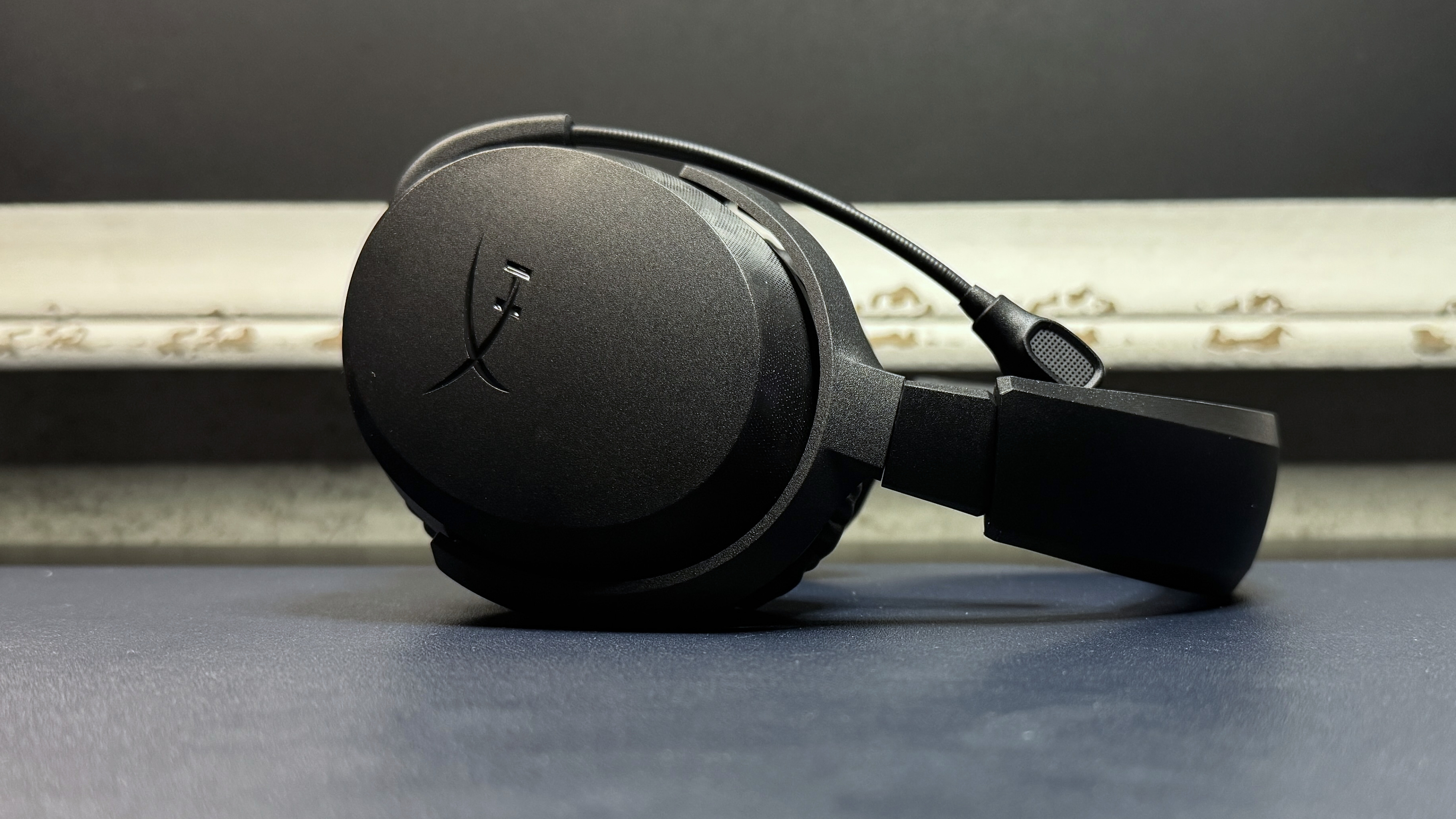
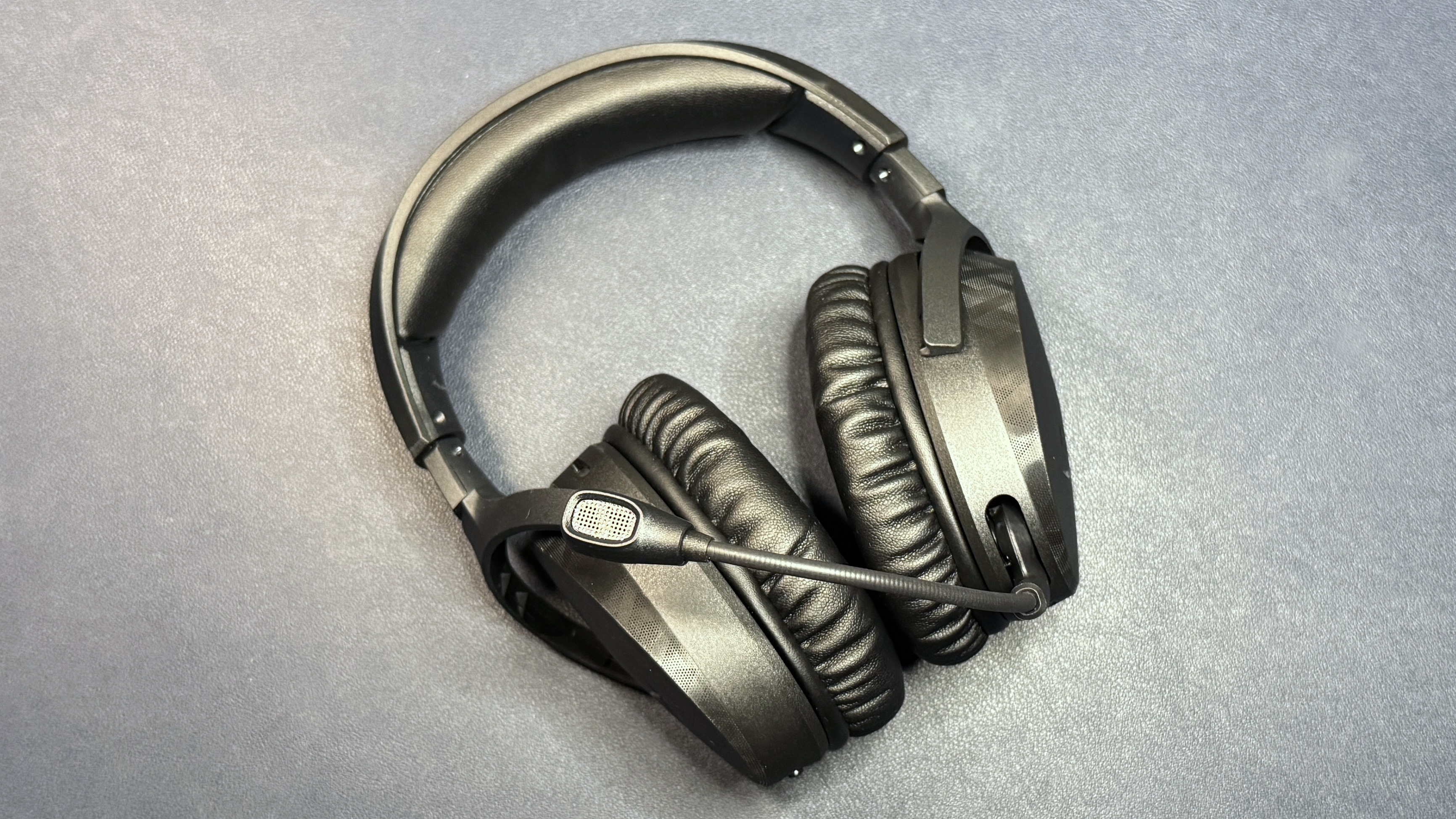
The Cloud Stinger 3 Wireless is an over-ear (circumaural) wireless gaming headset with a lightweight plastic frame and a non-detachable flip-to-mute boom mic. It's mostly made of plastic, with a matte black finish and some machined texturing around the outer edges of the large, oval earcups, but it does have stainless steel sliders in the headband for durability. The earcups are independently height-adjustable, and they also tilt and swivel 90 degrees for flat storage (though the headset doesn't come with a travel bag or case). The earpads and the underside of the headband are padded with soft, leatherette-covered memory foam, which does an excellent job of passive noise cancellation.
(Image credit: Tom's Hardware)
It looks like a gaming headset, mostly because it has a non-detachable boom mic. HyperX's HX logo is glossily debossed on both earcups, while the HyperX text logo adorns the top of the headband. It's not unattractive, but it does look a little cheap — I blame the matte black plastic; it's hard to have this particular finish without looking like you're cutting corners at least somewhat. It feels relatively sturdy for its weight, and the flexible frame makes me think it would hold up decently well if you take care of it. The leatherette-covered memory foam padding feels more premium than the rest of the headset, so that's a nice touch.
The Cloud Stinger 3 Wireless is expectedly lightweight, weighing in at just 10.1 ounces (286.5g). It's almost two ounces lighter than the extremely comfortable HyperX Cloud III S Wireless (12.05oz / 341.5g), and it's half an ounce lighter than the Turtle Beach Atlas Air (10.61oz / 301g), which is one of the lightest wireless headsets we've tested. It's still heavier than wired lightweight headsets, however, such as the SteelSeries Arctis Nova 1 (8.3oz / 235g).
Tom's HardwareTom's Hardware
Weight isn't the only factor when it comes to comfort, but it certainly helps — and the Cloud Stinger 3 Wireless is a very comfortable and adjustable headset. The headband measures around nine inches (228.6mm) with the earcups fully retracted, and each earcup can be extended around 1.5 inches (38mm) for a total headband length of just under 12 inches (304.8mm). While it wasn't so comfortable that I forgot I was wearing it, I had no problems wearing the Cloud Stinger 3 Wireless for hours at a time.
Tom's HardwareTom's HardwareTom's Hardware
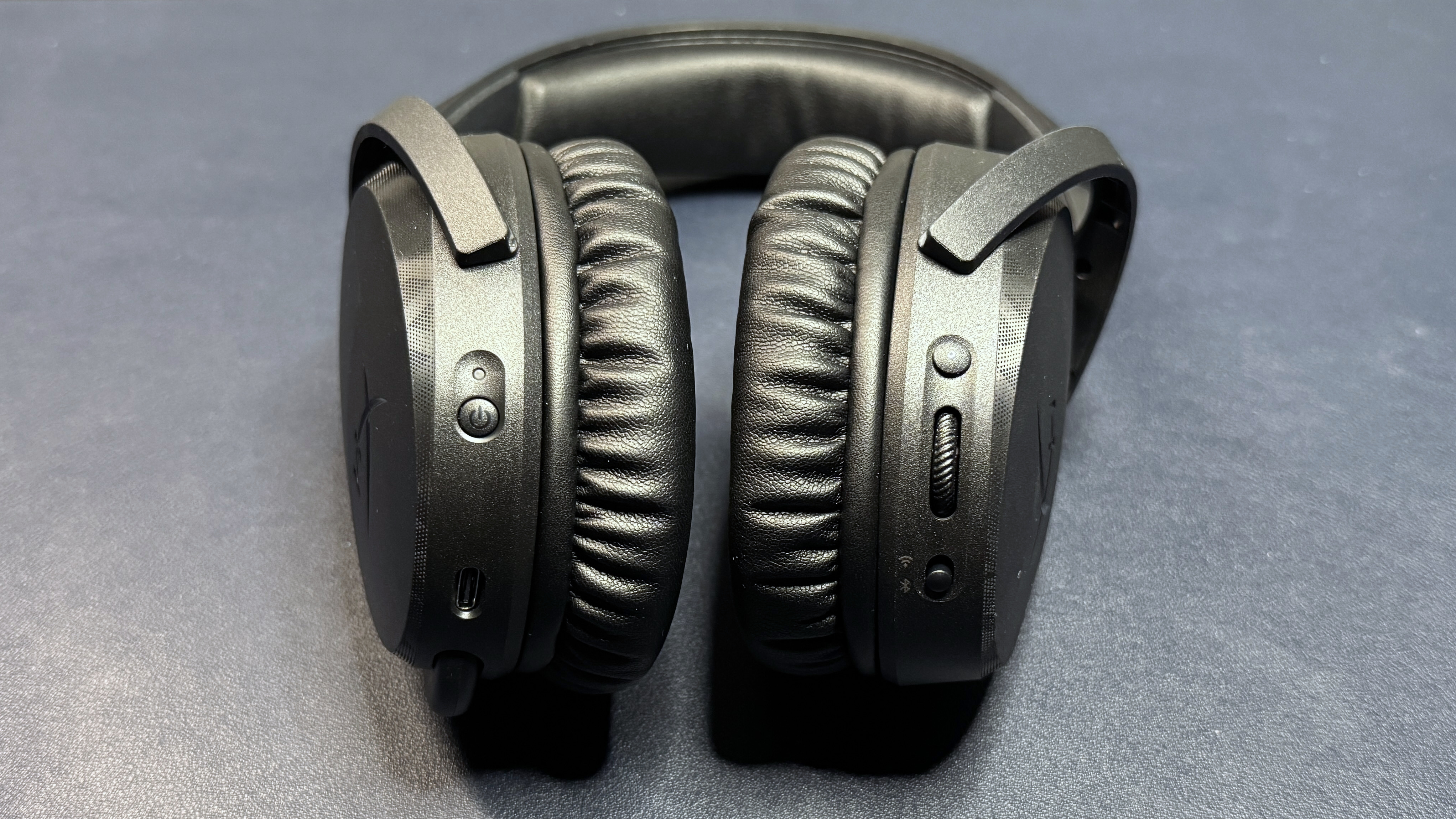
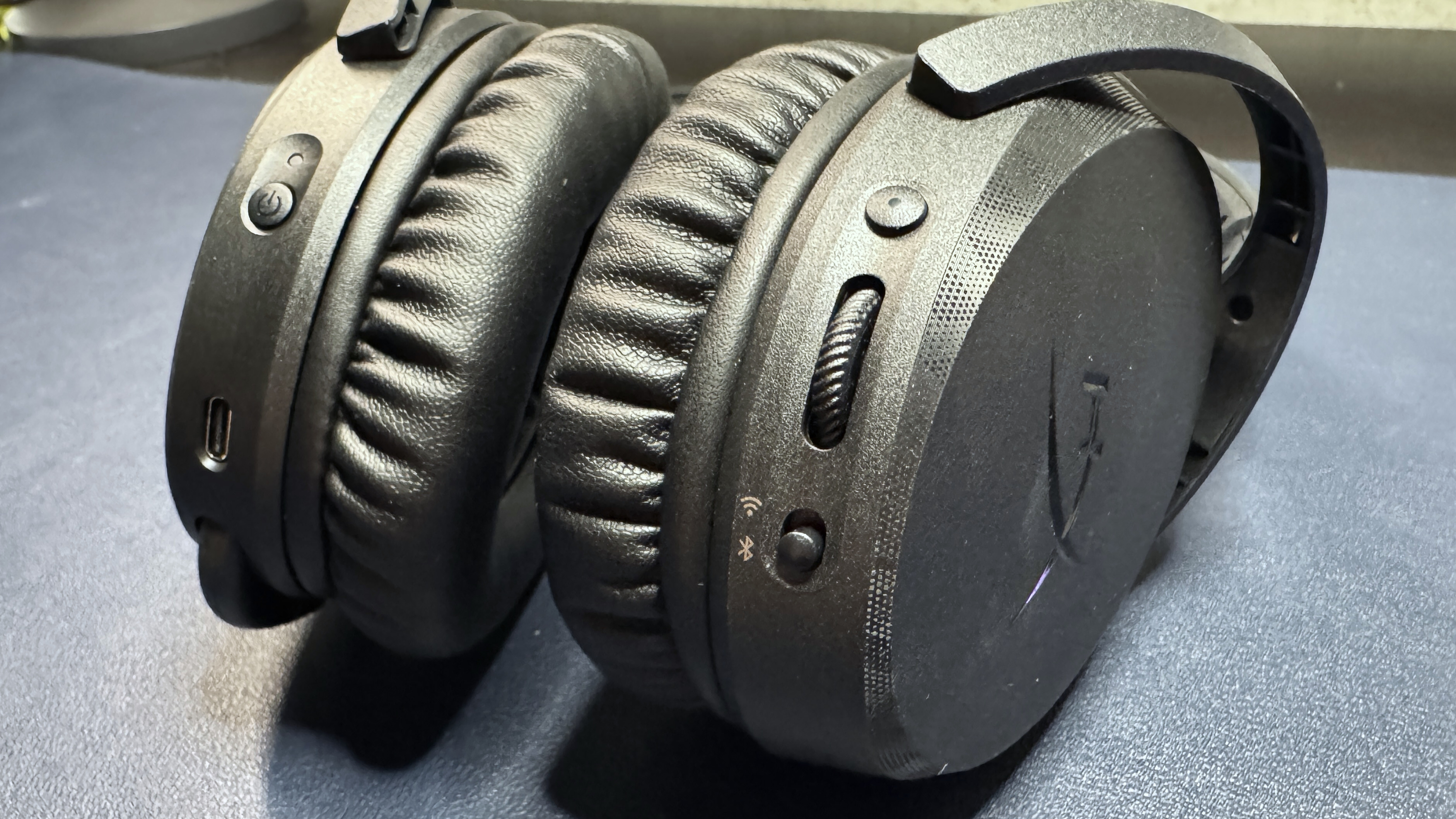
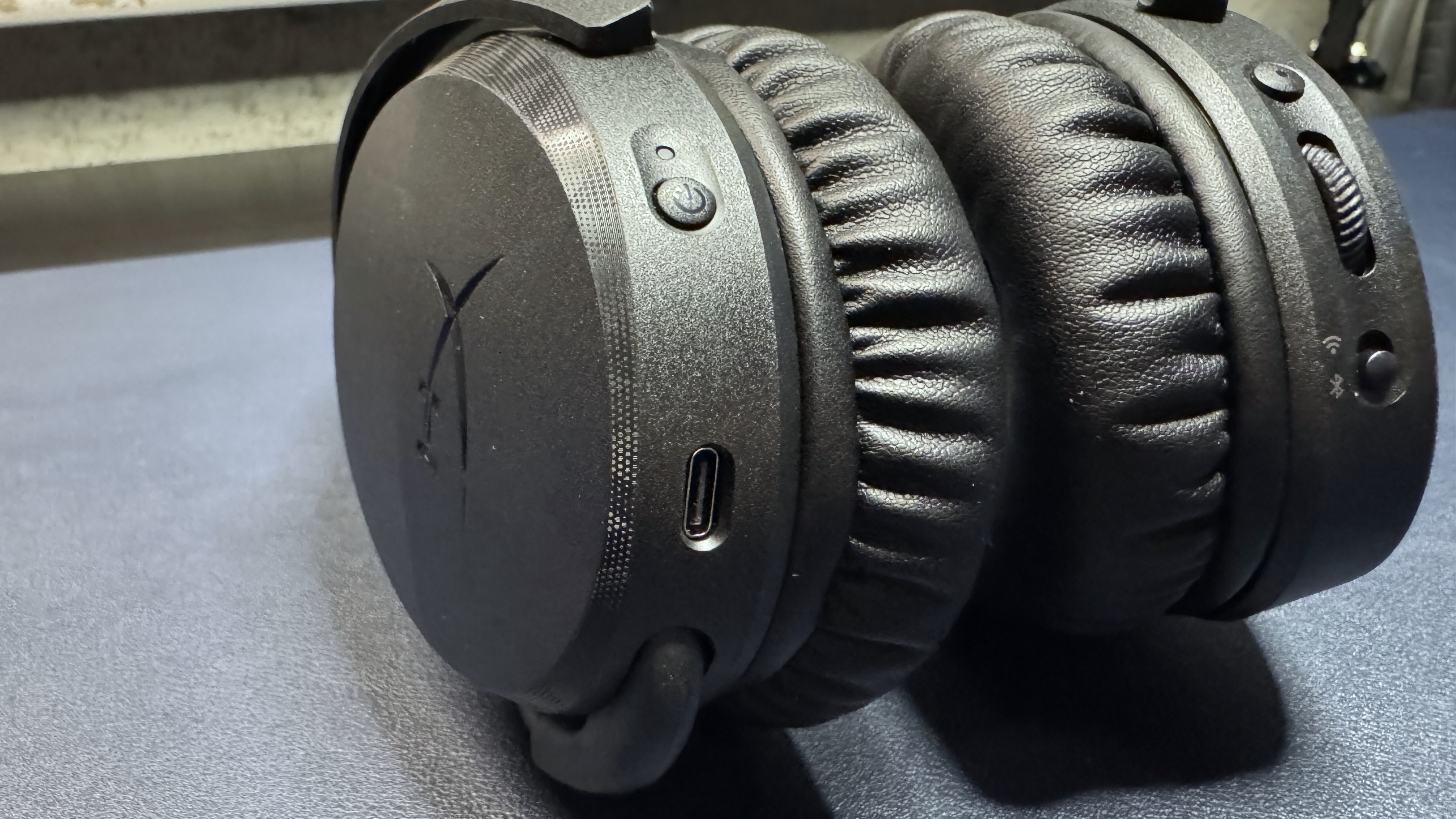
It's a wireless headset, so it's got several on-ear controls. On the left earcup, from back to front, there's a power button and a USB-C charging port. On the right earcup, from back to front, there's a multi-function button, a volume wheel, and a mode switch for switching between 2.4GHz wireless and Bluetooth.
(Image credit: Tom's Hardware)
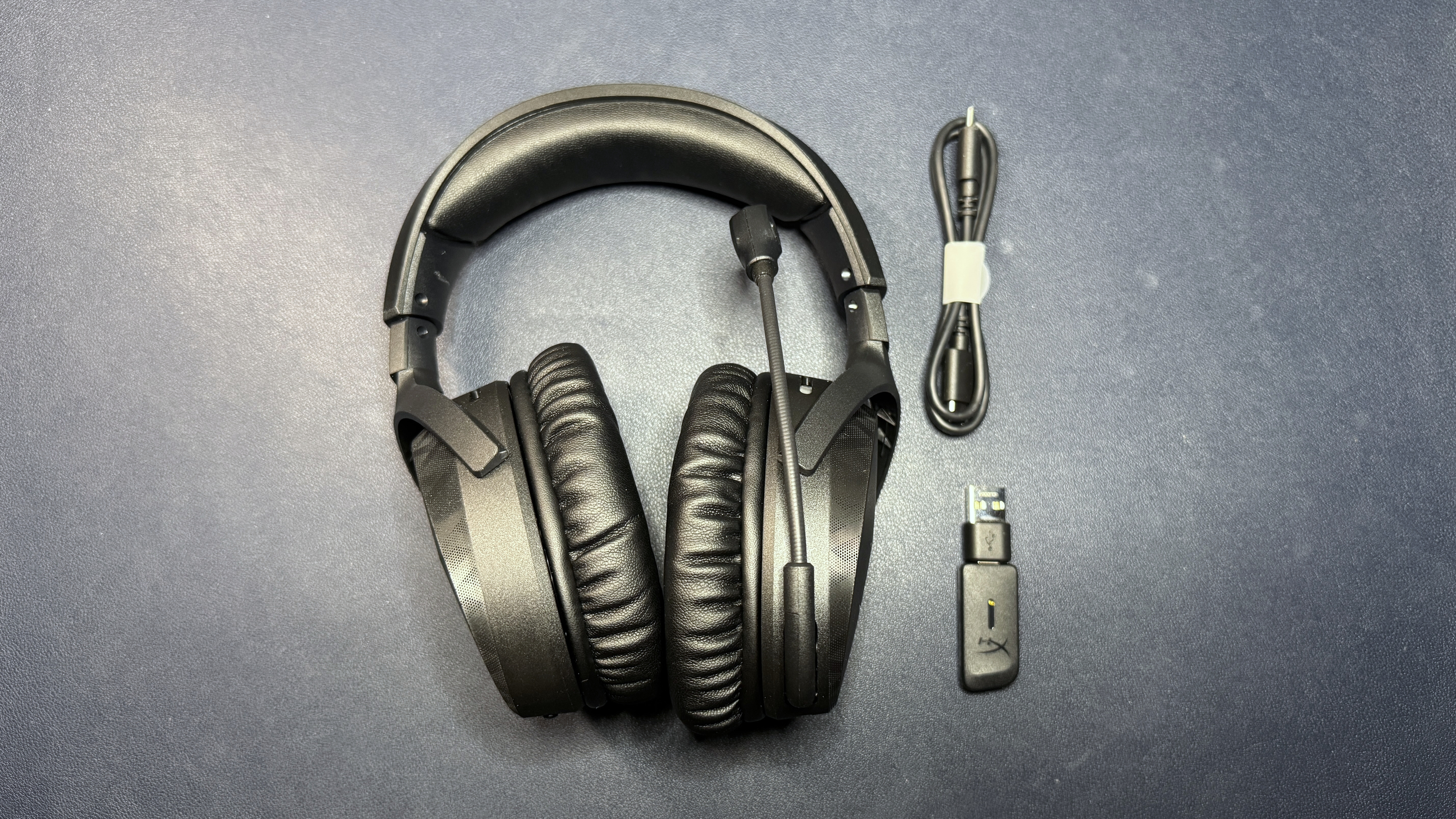
In the box, the Cloud Stinger 3 Wireless comes with a short, 1.6-foot (0.5m) USB-C to USB-C charging cable, a 2.4GHz wireless USB-C dongle, and a USB-C to USB-A adapter.
Audio Performance of the Cloud Stinger 3 Wireless
The Cloud Stinger 3 Wireless has large 50mm dynamic drivers with a listed frequency response range of 10 - 50,000 Hz, which is pretty far outside the normal range of 20 - 20,000 Hz (though we often see headsets outside this range these days).
Music on the Cloud Stinger 3 Wireless sounded good — a fairly neutral profile with no immediately noticeable distortion at either end of the spectrum. The bass in songs such as Kaskade's POW POW POW was powerful-feeling without being muddy, and I could hear the full reign of the kick drum at the beginning of Lorde's Royals. It wasn't the absolute clearest bass I've heard, but I was impressed with the balance between power and restraint. The mid- and high-range also sounded good, though perhaps a little too neutral for my taste. The high strings in Britney Spears' Toxic were well-curbed, but the dynamics in songs such as Farruko's Pepas and David Guetta's Titanium (ft. Sia) felt a little... lacking in excitement.
(Image credit: Tom's Hardware)
Games also sounded good on the Cloud Stinger 3 Wireless. While it doesn't have a particularly wide soundstage, the headset did a good job of picking up detail in dense, layered audio environments such as the cities of Baldur's Gate 3 and Where Winds Meet, or the jungle of Uncharted 4. In noisy environments these details did tend to blend together in a way that was more cacophonous than artistically rendered (but I suppose that's pretty realistic to how audio works in the real world, too). Directional sound was accurate, if not as finely-tuned as it is in premium, performance-oriented headsets such as the Razer BlackShark V3 Pro.
The headset features dual-wireless connectivity, though not simultaneous — a switch on the right earcup lets you quickly switch between the headset's 2.4GHz wireless and Bluetooth 2 connections. Audio sounded a little compressed over the headset's Bluetooth connection, but it was fine for taking calls or scrolling through TikTok.
Specs
Driver Type
50mm dynamic
Frequency Response
20 - 20,000 Hz
Design Style
Overear (circumaural)
Microphone Type
6mm, unidirectional
Connectivity
2.4GHz wireless, Bluetooth
Weight
10.1oz / 286.5g
Cord Length
N/A
Battery Life
80 hours
Lighting
N/A
Software
Ngenuity
MSRP / Price at Time of Review
$99.99
Release Date
April 30, 2036
Microphone of the Cloud Stinger 3 Wireless
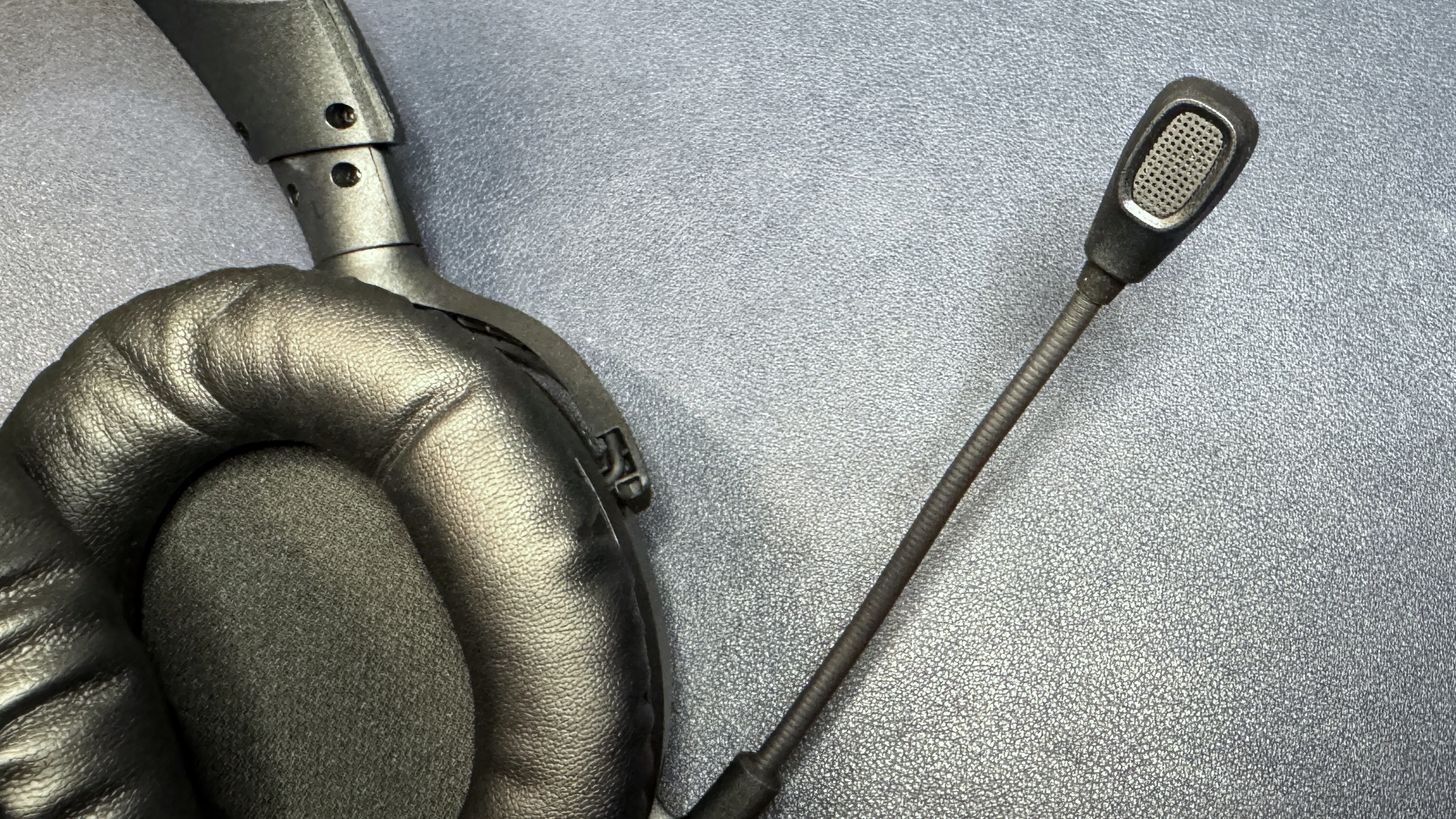
The Cloud Stinger 3 Wireless has a non-detachable flip-to-mute boom microphone that sits on the end of a 3.5-inch (89mm) flexible gooseneck arm. The mic is a 6mm back electret condenser microphone with a unidirectional polar pattern, and it does a decent job of keeping background noise at bay, even without any software-based noise cancellation active.
(Image credit: Tom's Hardware)
As for quality, the mic isn't anything to write home about — it's a pretty typical headset mic that picks up vocals loud and clear, but won't make you sound like you're a professional podcaster (or anywhere near that level). My voice sounded decently full over both voice chat and in recordings, but it still had the thin, slightly fuzzy quality that easily gave away the fact that this was a headset mic and not a standalone USB gaming mic. But as long as you're not creating content, this mic is perfectly capable for communicating with coworkers, friends, and teammates.
Features and Software of the Cloud Stinger 3 Wireless
The Cloud Stinger 3 Wireless is supposed to be configurable via HyperX's Ngenuity software, but I downloaded both the new Ngenuity (Ngenuity 3?) and the legacy version of Ngenuity, and neither was able to recognize the headset when it was connected to my PC (wired or wireless).
Luckily, the Cloud Stinger 3 works pretty flawlessly out of the box, so you shouldn't need the software (HyperX's Ngenuity software generally tends to be lacking on features, anyway) to use the headset. The headset comes configured by default with voice prompts that tell you when you're switching between connections and when your mic is muted/unmuted (though this is fairly obvious given that it's a flip-to-mute mic), and tapping the power button once gives you the headset's current remaining battery life. There aren't any settings I desperately wanted to change, though I did want to see if tweaking the EQ could pull out footstep details, and HyperX does boast about its software-based spatial audio on the Cloud Stinger 3 Wireless' product page.
Battery Life of the Cloud Stinger 3 Wireless
HyperX rates the Cloud Stinger 3 Wireless' battery life at "up to 80 hours" over 2.4GHz wireless, which is pretty impressive given how light the headset is. The BlackShark V3 Pro, which weighs 12.96 ounces (367g), gets up to 70 hours of battery life, while the 1.23-pound (560g) Audeze Maxwell 2 gets over 80 hours. Of course, HyperX's other headsets also have battery life that far outclasses their peers — the HyperX Cloud III S Wireless, which weighs 12.05 ounces (341.5g) and retails for $180 gets up to 120 hours over its 2.4GHz wireless connection.
Bottom Line
The Cloud Stinger 3 Wireless is a lightweight, comfortable wireless gaming headset that offers impressive performance and battery life for its $99.99 retail price. It has large dynamic drivers with a wide frequency response range and a fairly neutral (if a little boring) sound profile and up to 80 hours of battery life. It's extremely lightweight and comfortable, though it does look and feel a little cheap overall, and its flip-to-mute boom mic is perfectly adequate for most typical gaming situations. At $100, it's not quite what I'd call budget-friendly (more like the low end of mid-range), but it's definitely worth the price. My only real complaint is that it's a little boring (in both sound profile and looks) — for something a little more fun, I'd still recommend the $120 Corsair Void Wireless v2.
Turtle Beach's second-generation Stealth Pro II headset is the first headset that lets you connect to multiple devices over 2.4GHz wireless with USB-A dongles instead of wires. If you want a headset that can connect to everything, no matter where it is, this is the most versatile headset we've seen.
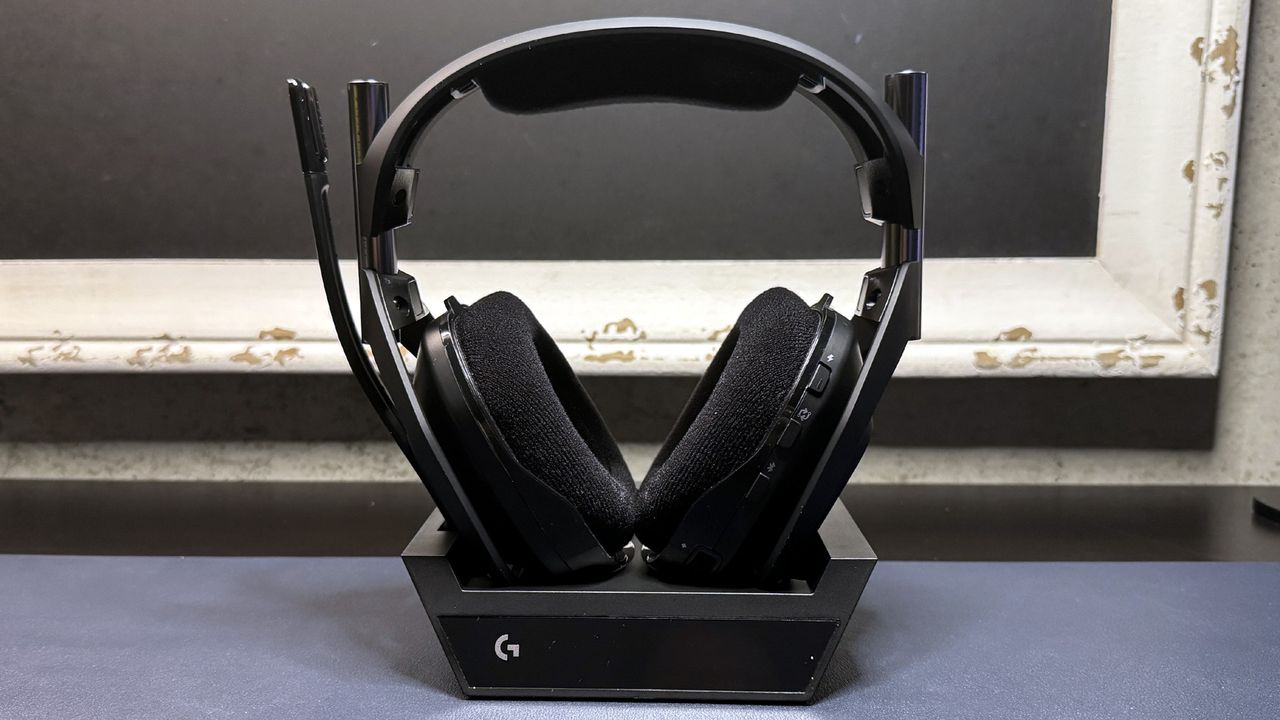
The Astro A20 X is a wireless gaming headset designed to connect to two devices, such as a PC and a console, with a small, slim base station. It's nearly identical to the Logitech G522, with a lightweight plastic frame and bright, customizable RGB lighting.
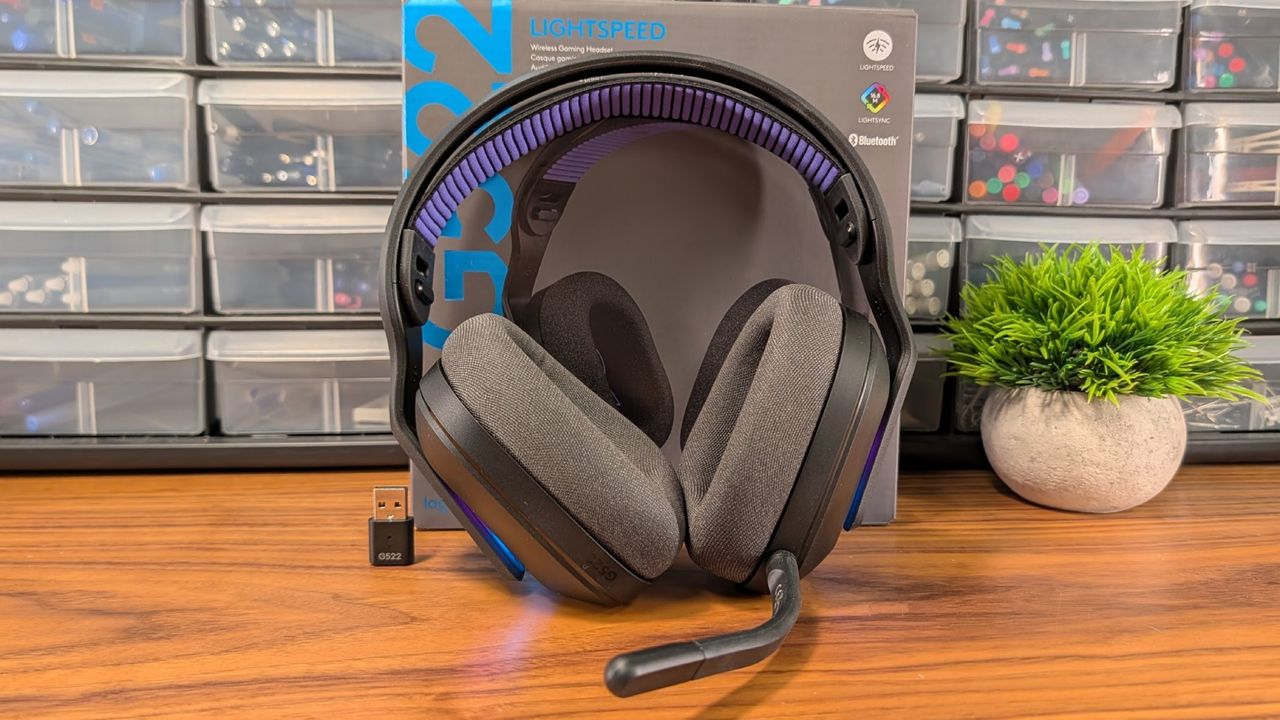
The Logitech G522 Lightspeed Wireless is a mid-range flagship that’s worth its price for comfort as much as sound. I wish it felt a little sturdier, but it’s a pick you won’t be disappointed in.
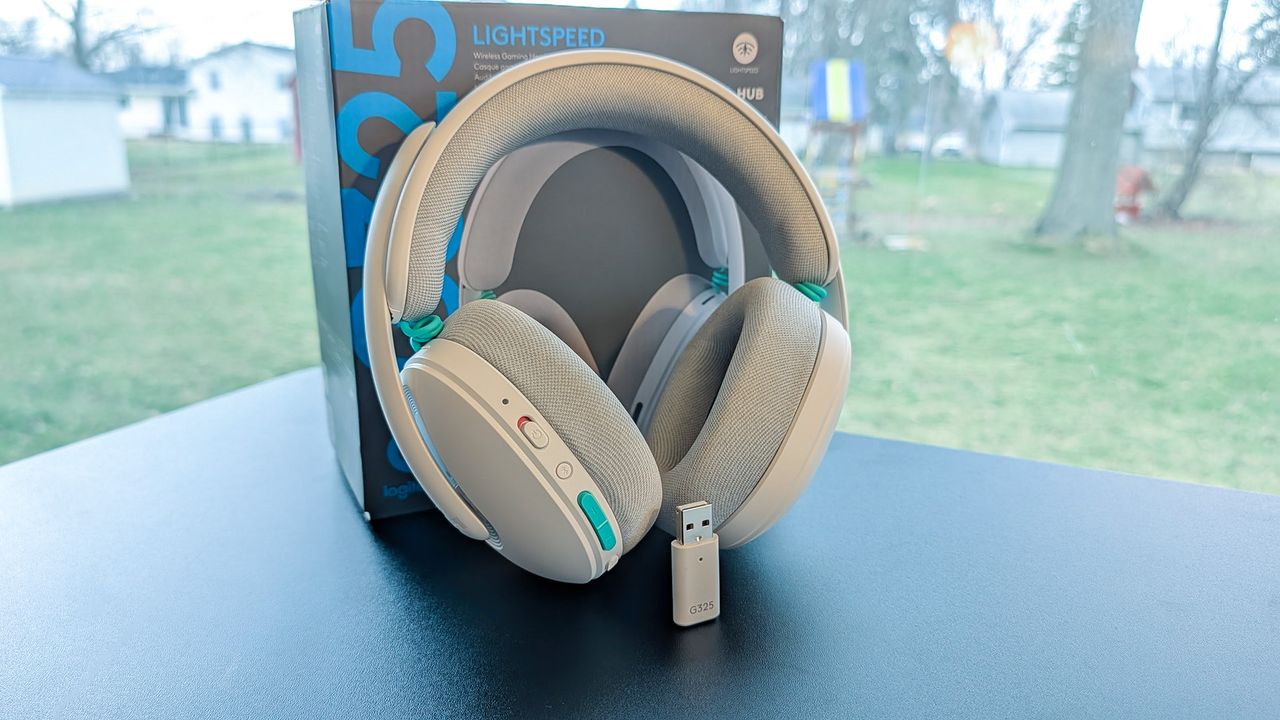
The Logitech G325 Lightspeed Wireless pairs exceptional comfort with impressive sound quality for a mid-tier price. The microphone leaves something to be desired, but overall, it’s a solid all-day wear, even when you’re not gaming.
HyperX's Cloud Alpha 2 is a wireless over-ear headset with several impressive features: up to 250 hours of battery life, simultaneous dual-wireless connectivity, and a customizable desktop base station.
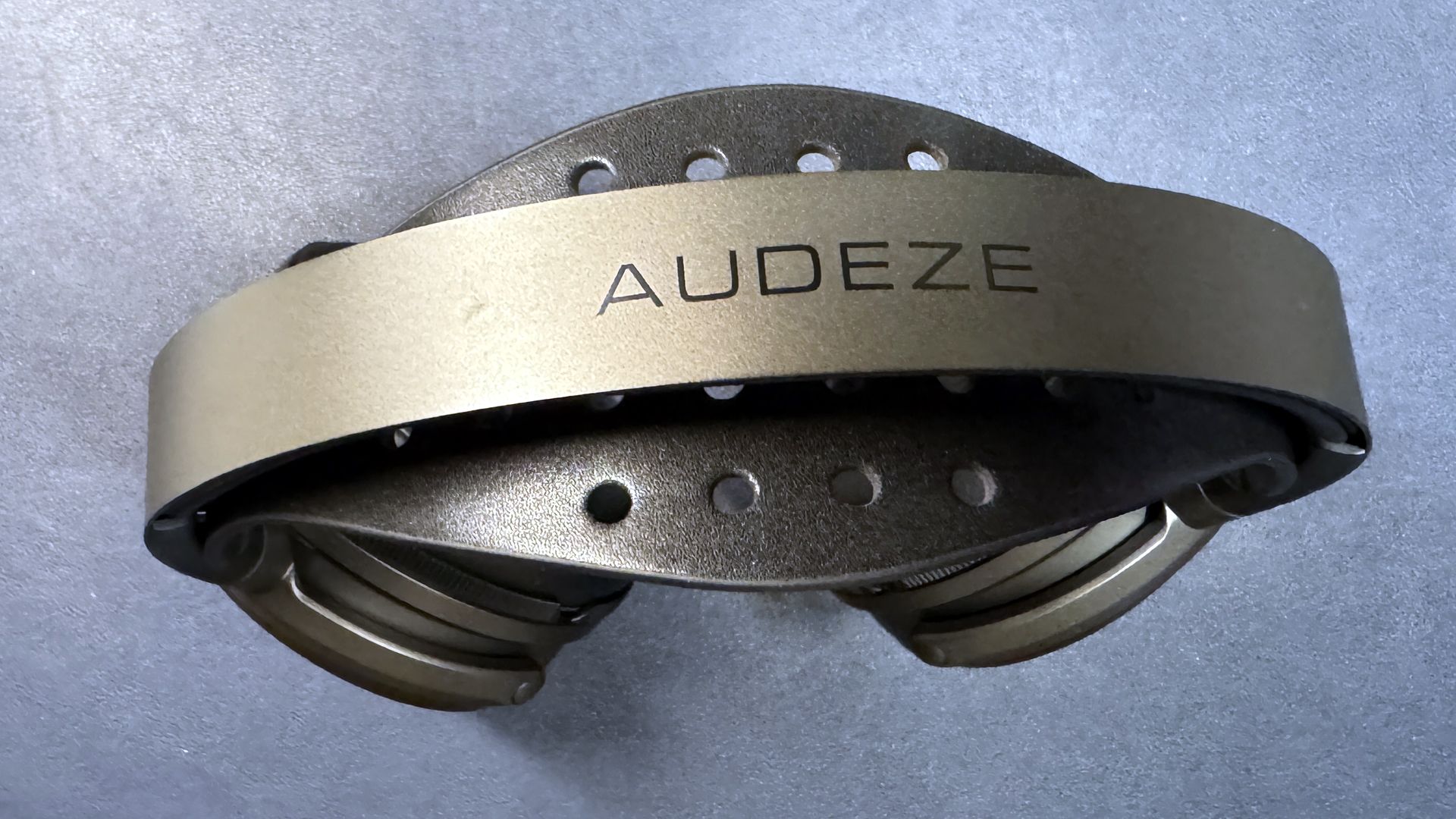
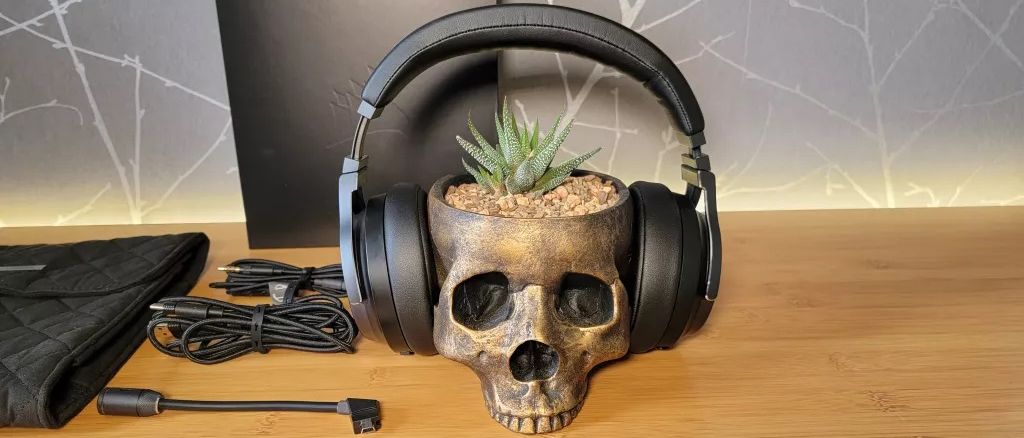
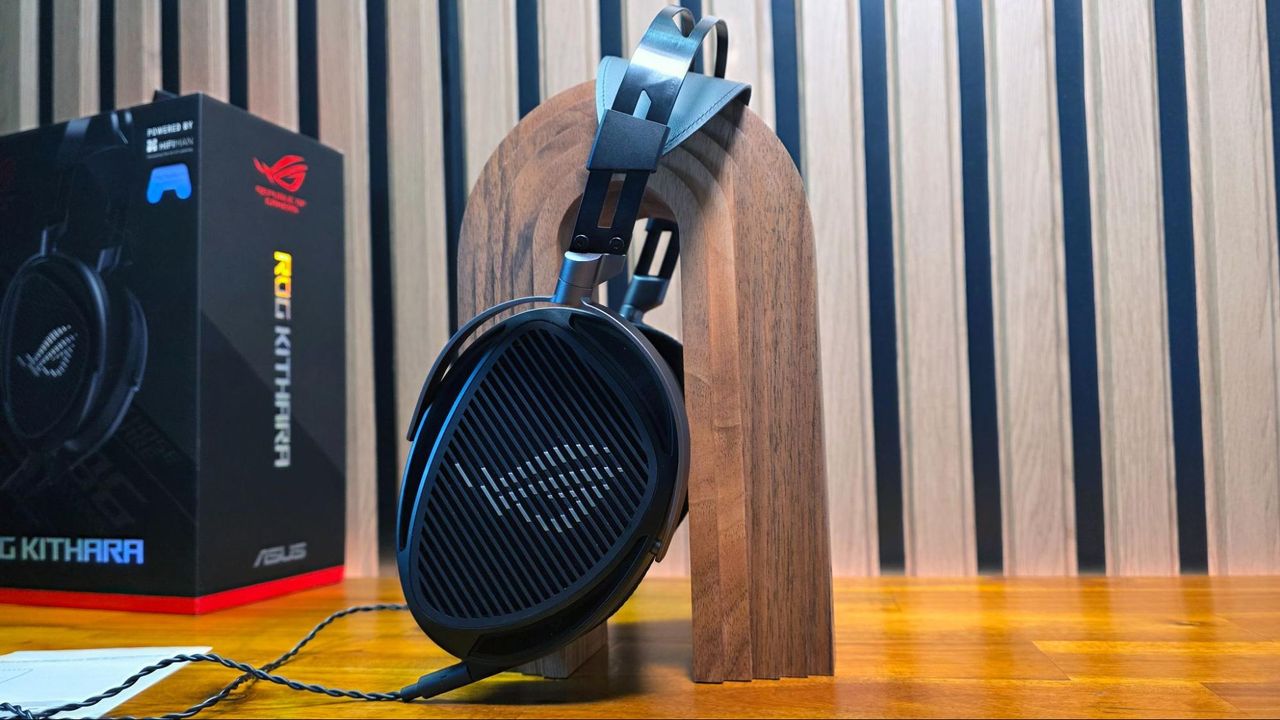
Asus’ latest ROG Kithara wired headset sports customized, open-back HiFiMan planar magnetic drivers, a removable MEMS boom mic, and a balanced cable with swappable plugs.
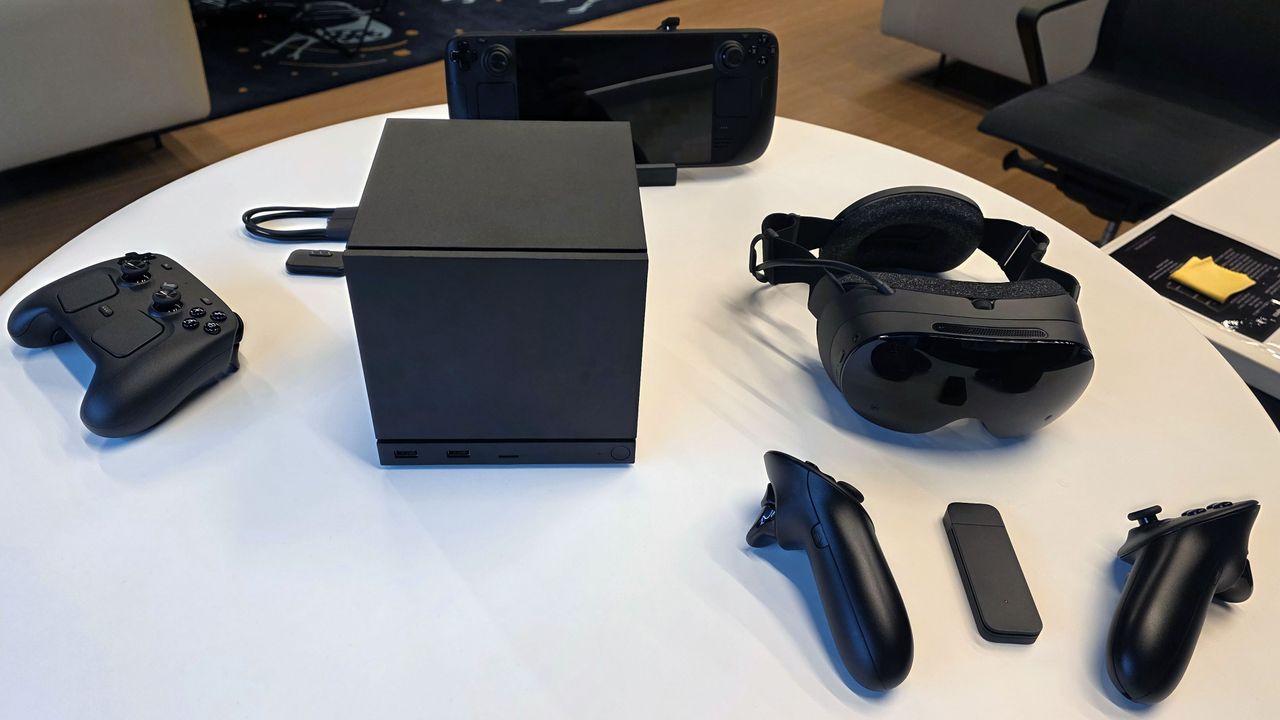
New Steam Frame headset is a “streaming-first” device designed to run VR games from your PC, but it can also play traditional PC games via its Arm chip, thanks to the Fex translation layer.
Razer's new BlackShark V3 Pro gaming headset features simultaneous dual wireless audio mixing, active noise cancellation, and a new microphone. But it's struggling to compete with its predecessor.